
AI Headshot Generator | Professional Headshots Online | Headsnap
Rate this Tool
Average Score
Total Votes
Select your score (1-10):
Detail Information
What
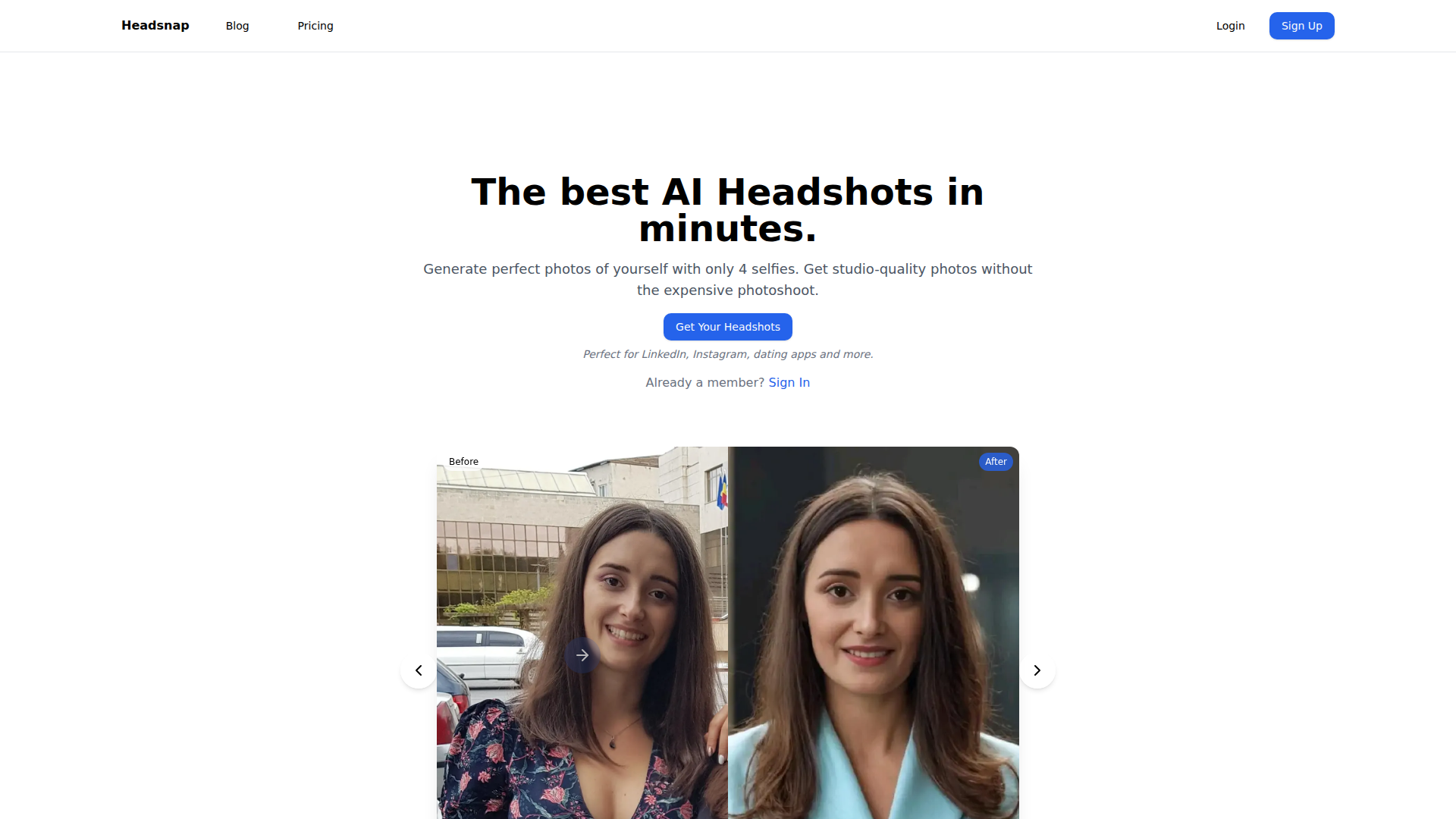
Headsnap is an AI headshot generator that creates studio-style portraits from a small set of uploaded selfies. It is positioned as a faster, lower-cost alternative to a traditional photo shoot for people who need profile photos for LinkedIn, Instagram, dating apps, speaking profiles, and similar uses.
The workflow is simple: choose a headshot type, upload at least four high-quality selfies, wait while the model processes the images, and receive generated headshots by email. The site also presents a “Dream Mode” for more imaginative scene generation based on text prompts, which appears to extend the product beyond standard professional headshots.
Features
- AI headshot generation from selfies: Users upload 4+ selfies and the system generates portraits that preserve their likeness while improving lighting, background, and presentation.
- Multiple photo styles: The product offers more than 15 types of photos, covering professional, social media, dating, corporate, and public speaker use cases.
- Prompt-based Dream Mode: A text prompt feature allows users to place themselves in custom scenarios, which is useful for creative or themed profile imagery beyond standard business portraits.
- High-resolution output: The site says images are delivered in 4K, which supports digital use and print-ready assets.
- Fast turnaround: The page describes generation as taking about 20 minutes, while the features area also mentions delivery in 10 minutes, so buyers should treat exact timing as variable.
- Commercial usage and photo handling claims: The product states that generated photos can be used commercially and that uploaded photos are securely handled and deleted after processing.
Helpful Tips
- Evaluate input photo quality carefully: Since output depends on just a few selfies, follow the stated guidance closely: front-facing shots, one person in frame, and no glasses or hats.
- Clarify turnaround expectations: The page mentions both 10-minute delivery and a 20-minute generation process, so confirm actual processing times if speed is operationally important.
- Separate professional and creative use cases: Standard headshots and Dream Mode likely serve different needs, so teams should decide whether they want polished business consistency or more experimental image generation.
- Review image suitability for brand standards: Even when AI output looks strong, organizations should check consistency with internal profile-photo, recruiting, or speaker-branding guidelines.
- Test smaller packages first: The credit-based tiers suggest an easy way to validate image quality and style fit before broader personal or team adoption.
OpenClaw Skills
Headsnap could fit well into an OpenClaw workflow for personal branding, recruiting operations, creator tooling, or profile optimization. Likely use cases include an agent that collects photo requirements, checks whether submitted selfies meet the product’s input rules, routes users to the right headshot style, and organizes completed assets for LinkedIn, company bios, speaker pages, and social profiles. Because the page does not mention a native integration, this should be treated as a workflow concept rather than a confirmed built-in connection.
In a broader OpenClaw ecosystem, teams could build skills around profile asset orchestration: for example, a professional-branding agent that pairs generated headshots with rewritten bios, resume refreshes, speaker one-sheets, and social profile updates. For staffing firms, sales teams, founders, and creator businesses, that combination could reduce the manual work involved in keeping public-facing identity assets current and consistent across channels.
Embed Code
Share this AI tool on your website or blog by copying and pasting the code below. The embedded widget will automatically update with the latest information.
<iframe src="https://aimyflow.com/ai/headsnap-io/embed" width="100%" height="400" frameborder="0"></iframe>
Explore Similar Tools
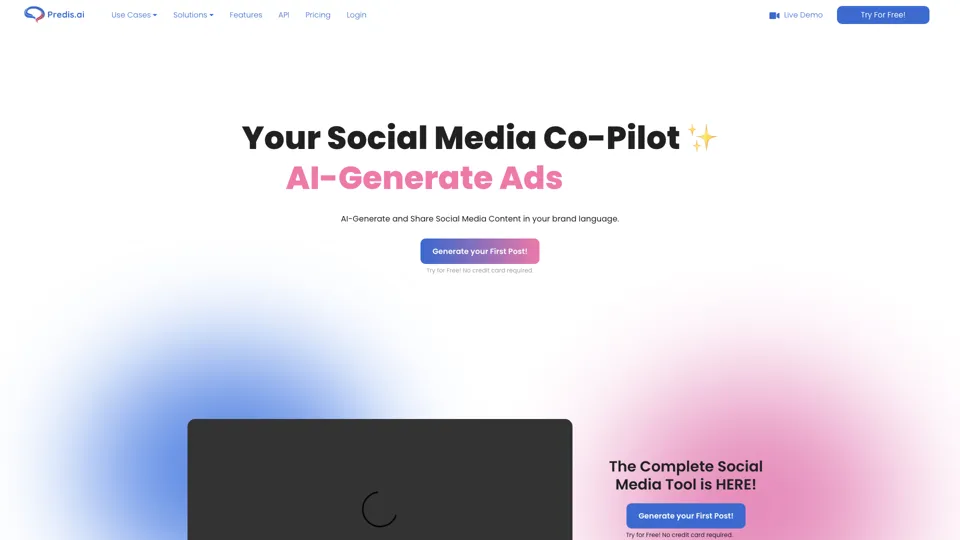
Social Media Marketing made easy with AI | Predis.ai
Predis.ai is an AI social media marketing tool that helps users create video and image content and analyze performance, mainly for marketers, agencies, and growing brands. It shortens content planning and production cycles, helping social teams test and refine campaigns more efficiently.
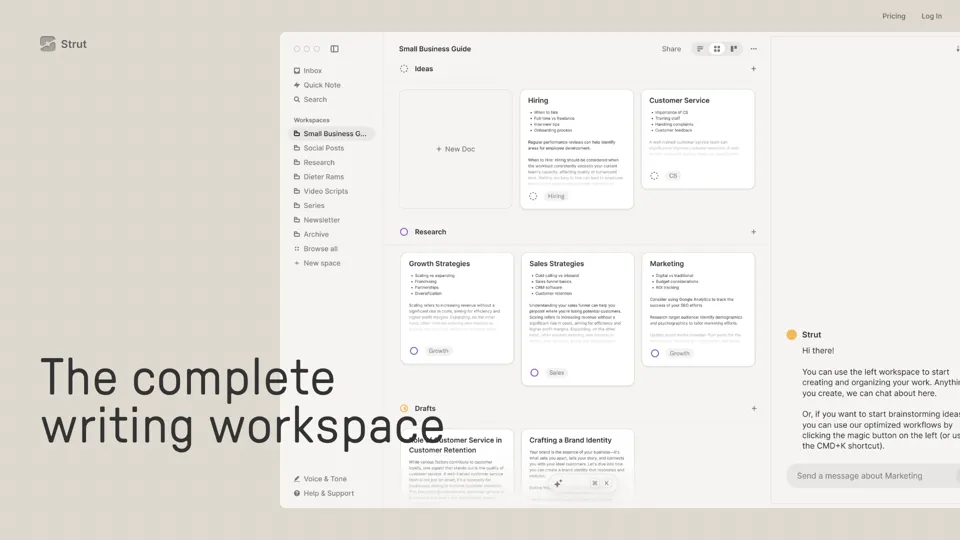
Strut – The complete writing workspace
Strut is an AI-powered writing workspace that combines notes, documents, and collaborative writing projects in one environment, mainly for writers, creators, and teams. In the AI era, it helps knowledge workers move from scattered drafts to more coherent writing and faster iteration.
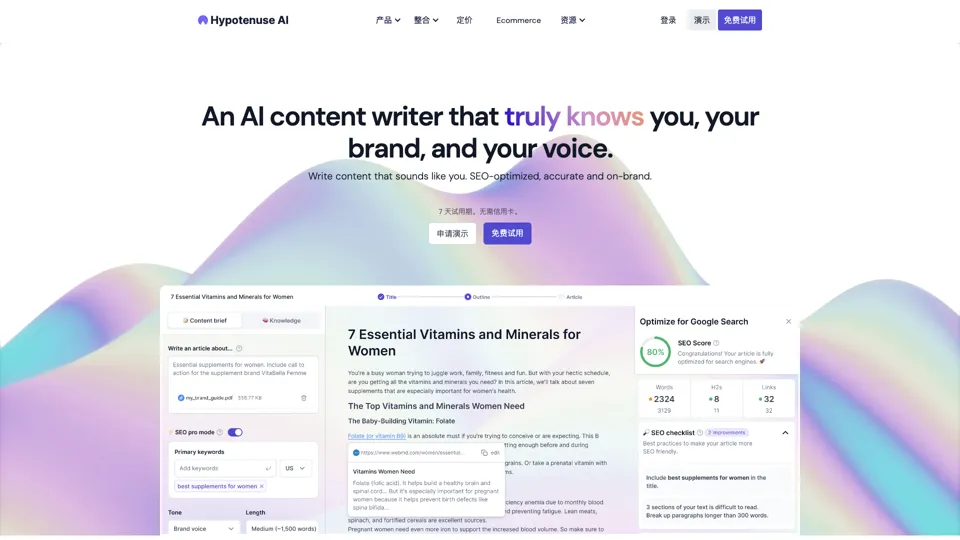
Hypotenuse AI:Smart text generator
Hypotenuse AI is a text generation platform that helps marketers, ecommerce teams, and content writers produce SEO articles, product descriptions, and branded copy at scale. In the AI era, it enables content roles to maintain consistency while increasing publishing speed across large catalogs and campaigns.
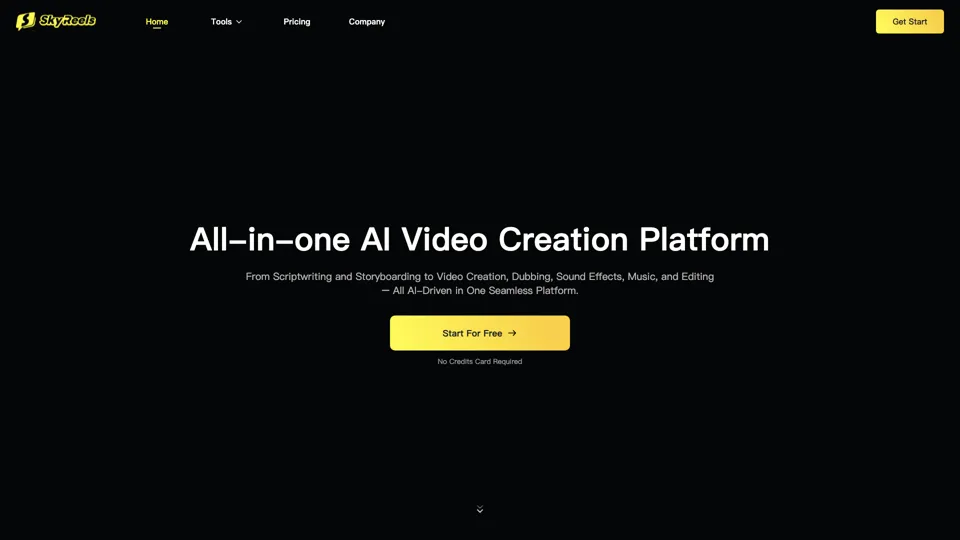
All-in-one panel | SkyReels - Ultimate AI Video Creation Platform
SkyReels is an AI video creation platform that turns scripts into finished videos with voiceovers, lip sync, sound effects, music, and editing tools, mainly for creators and marketing teams. In the AI era, it helps video producers compress production workflows and deliver polished content without a full studio setup.
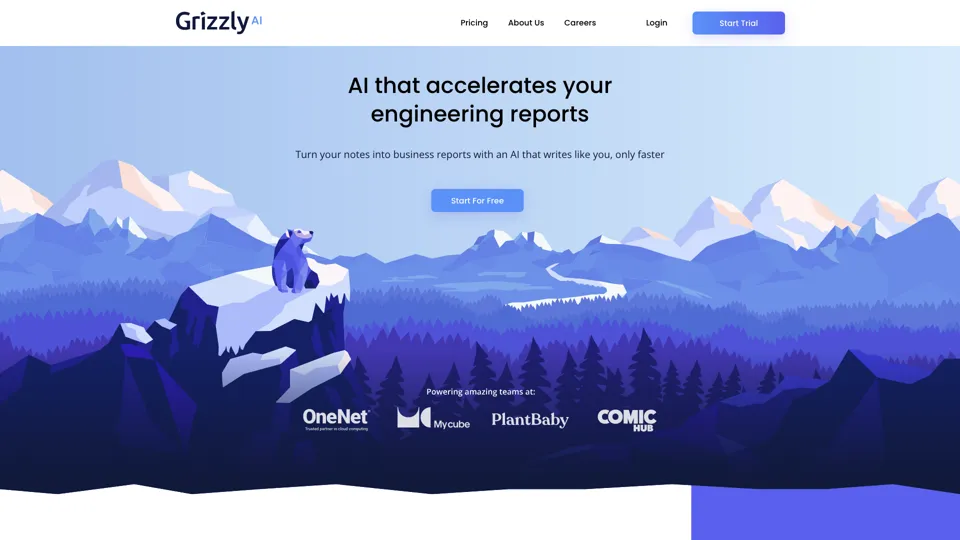
Grizzly AI | Your AI Report Writer
Grizzly AI is an AI report writing tool that helps professionals generate reports from source files while matching their preferred writing style. It saves analysts and knowledge workers time by turning documents into polished drafts with less manual rewriting.
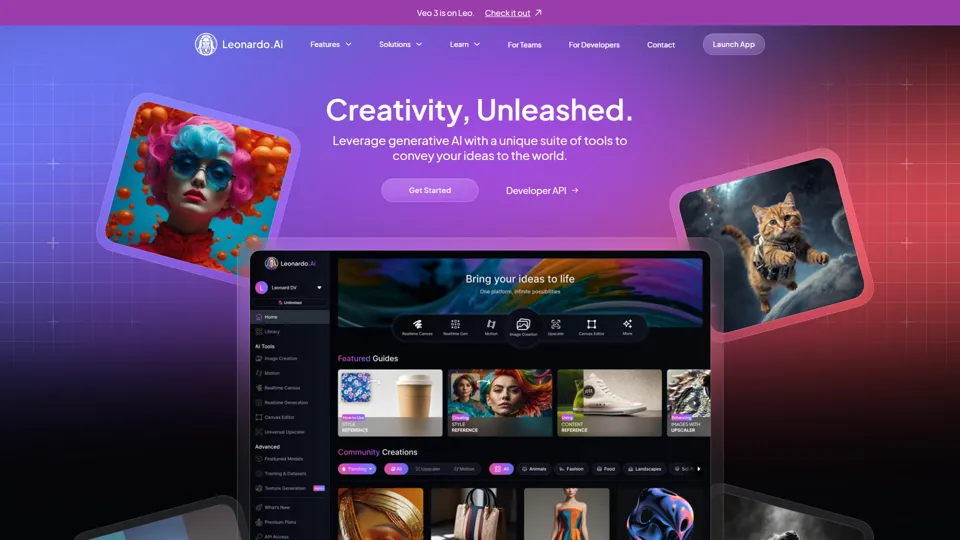
AI Image Generator - Create Art, Images & Video | Leonardo AI
Leonardo AI is an AI image and video generation platform that helps creators, designers, and marketers produce high-quality visual assets quickly. In the AI era, it shortens concept-to-content cycles so creative teams can iterate faster without expanding production overhead.
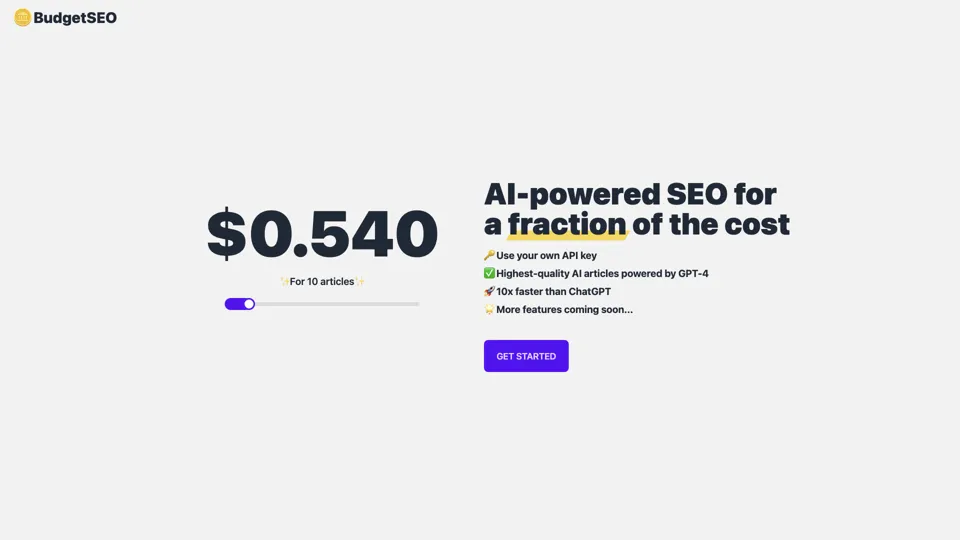
Budget-friendly AI Powered SEO
BudgetSEO is an AI-powered SEO content tool that helps users create search-optimized material affordably, mainly for small businesses, solo founders, and marketers with limited budgets. In the AI era, it enables lean marketing teams to produce more SEO assets without expanding headcount.
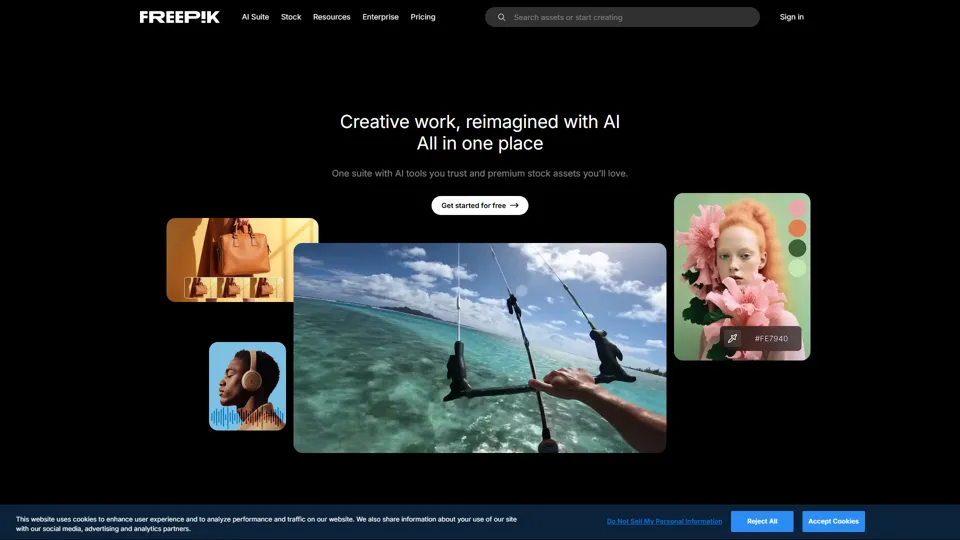
Freepik | All-in-One AI Creative Suite
Freepik is an all-in-one creative suite that combines AI design tools with stock assets to help designers and marketers create visual content in one workspace. It improves creative efficiency by reducing tool switching and accelerating asset production for high-volume campaigns.