
Imagine - Grok
Rate this Tool
Average Score
Total Votes
Select your score (1-10):
Detail Information
What
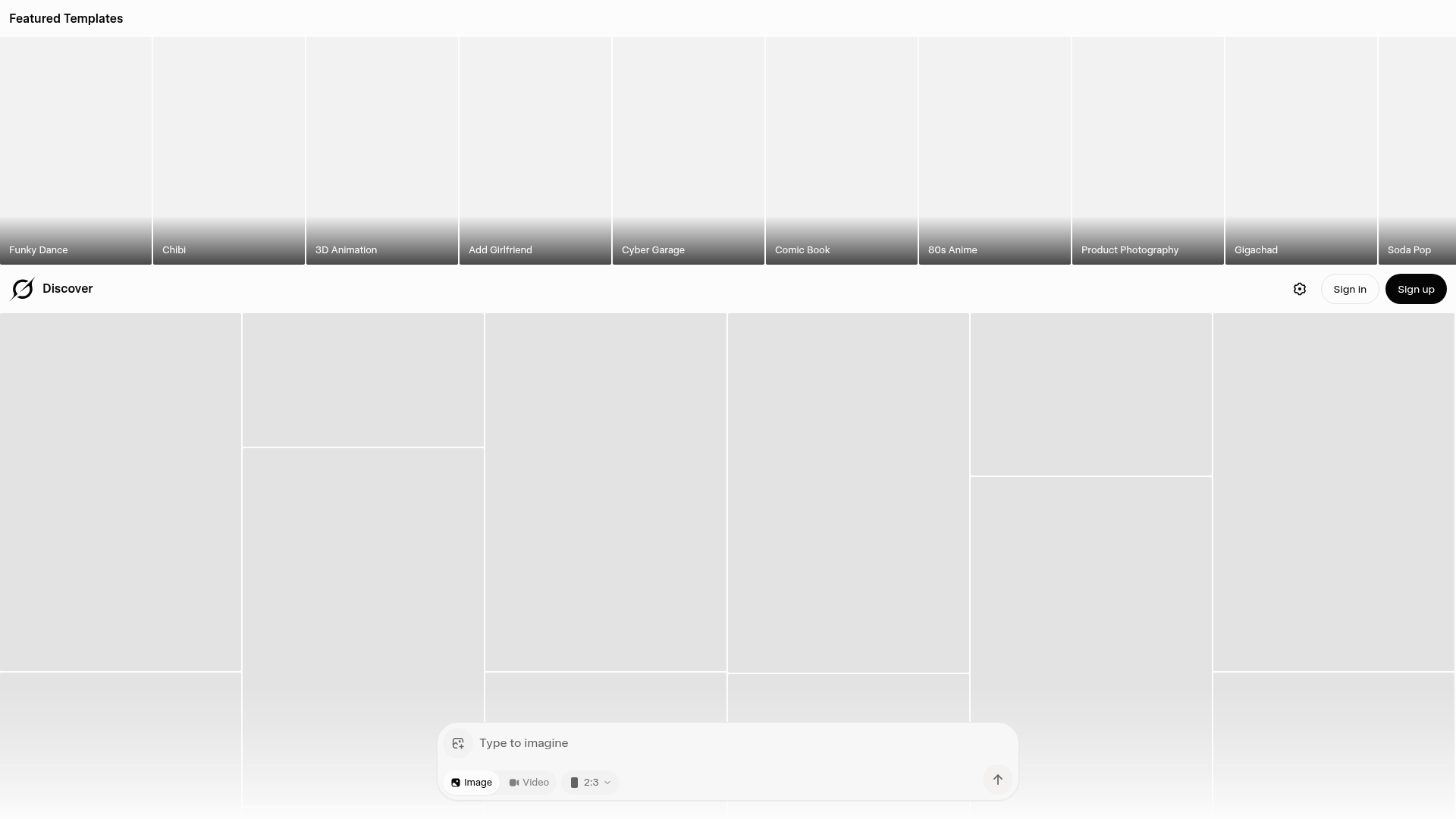
Imagine appears to be a creative media generation product centered on prebuilt visual templates. Based on the page content provided, it supports both image and video creation and presents a gallery of themed starting points such as “Product Photography,” “Headshot,” “Comic Book,” “80s Anime,” and “Chibi 3D Animation.”
The product likely serves consumers, creators, and lightweight marketing or content teams that want fast, stylized asset creation without building prompts from scratch. From the available evidence, its positioning looks like a template-led AI creation interface rather than a deeply configurable production platform, though the source text does not provide enough detail to confirm its full workflow, editing depth, or target market.
Features
- Featured template gallery: The interface highlights multiple named templates, which can help users start from a predefined visual concept instead of creating assets from a blank canvas.
- Image and video modes: The page explicitly shows both image and video options, indicating support for more than one output format.
- Style-based generation paths: Templates such as “Comic Book,” “80s Anime,” and “Roman Empire” suggest users can generate content in distinct visual aesthetics.
- Use-case-oriented presets: Options like “Product Photography” and “Headshot” imply practical templates for commerce or profile-related content, not only entertainment styles.
- Aspect ratio selection: The visible “2:3” format indicates at least some control over output dimensions, which is useful for channel-specific asset preparation.
- Account-based access flow: “Sign in” and “Sign up” indicate a user account system, which likely supports saved work or gated generation features, though the exact account benefits are not described.
Helpful Tips
- Validate template fit early: For products like this, check whether the available templates match your actual content pipeline, especially if you need commercial, brand, or editorial outputs rather than novelty styles.
- Assess editability, not just generation: The page shows templates and modes, but not the post-generation editing workflow; confirm whether outputs can be refined efficiently before adopting it for team use.
- Test aspect ratio handling: Since a format option is visible, verify how well the tool supports the dimensions required for your publishing channels and whether results remain consistent across formats.
- Separate creative exploration from production use: Template-led tools are often strong for ideation; for repeatable business use, also evaluate version control, asset organization, and prompt consistency if those matter to your workflow.
- Check media-type limitations: Because both image and video are shown, confirm the quality, duration, export options, and generation controls for each mode before treating them as equally mature capabilities.
OpenClaw Skills
Within the OpenClaw ecosystem, Imagine could likely be used as a visual generation endpoint for creative and marketing workflows. A likely use case would be an OpenClaw skill that takes a campaign brief, selects a suitable template category such as product imagery or headshots, drafts prompt variations, and routes generated assets into review steps for brand, copy, or publishing teams. The source content does not confirm a native integration, so this should be treated as a workflow concept rather than a documented product connection.
OpenClaw agents could also build higher-level operational layers around a tool like this. Examples include a merchandising agent that creates multiple product-visual concepts from catalog data, a social content agent that maps themes to aspect ratios and channels, or a creative testing workflow that compares stylized variants for different audience segments. In practice, that combination could shift designers, marketers, and ecommerce teams from one-off manual asset requests toward semi-automated creative production systems, especially where fast concept generation matters more than deeply customized design execution.
Embed Code
Share this AI tool on your website or blog by copying and pasting the code below. The embedded widget will automatically update with the latest information.
<iframe src="https://aimyflow.com/ai/grok-com-imagine/embed" width="100%" height="400" frameborder="0"></iframe>
Explore Similar Tools
Versive
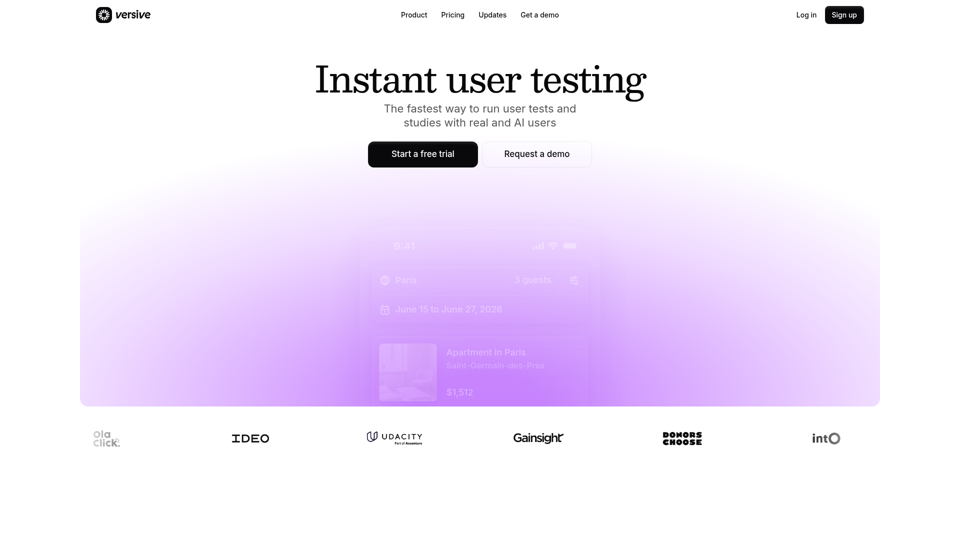
Versive is an AI-powered user research and testing platform that helps product teams design, run, and synthesize usability studies with real and simulated users, especially for product managers, UX researchers, and designers. In AI-assisted product development, it can help these teams validate interface decisions faster by generating transcripts, screenshots, summaries, and actionable recommendations in minutes.
Challenges | Test Your AI Prompting Skills
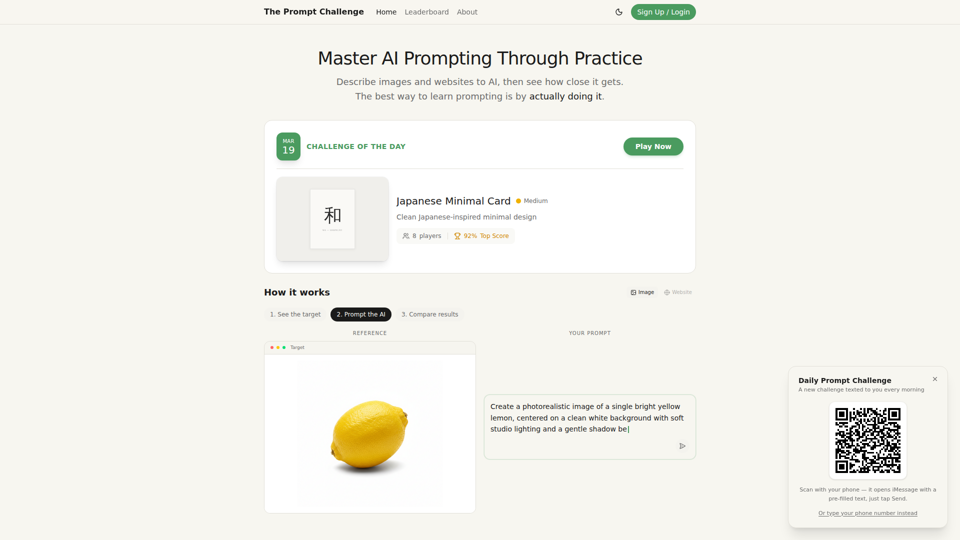
The Prompt Challenge is a practice platform that helps users improve AI prompting by describing images and websites, comparing AI-generated results to references, and competing on scores, mainly for people learning prompt engineering and hands-on AI creation. For designers, developers, and AI practitioners, this kind of repeatable prompt testing can sharpen instruction-writing skills and improve consistency when using generative tools for visual and interface work.
AI Infographic Generator
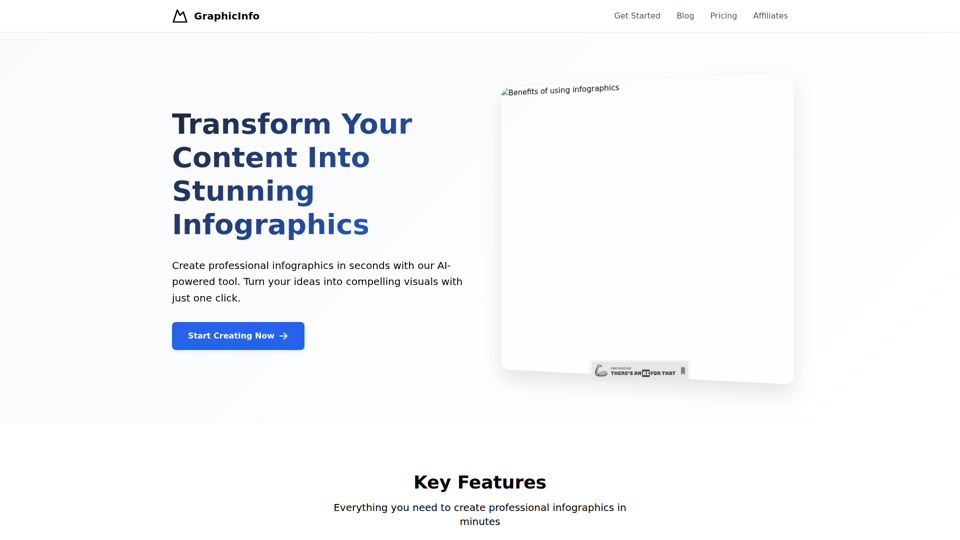
GraphicInfo is an AI infographic generator that helps users turn ideas and content into professional, customizable infographics quickly, mainly for creators and people producing website or social media content. In AI-driven content workflows, it can help marketers, content teams, and designers speed up visual asset creation while still refining text and images for specific brand needs.
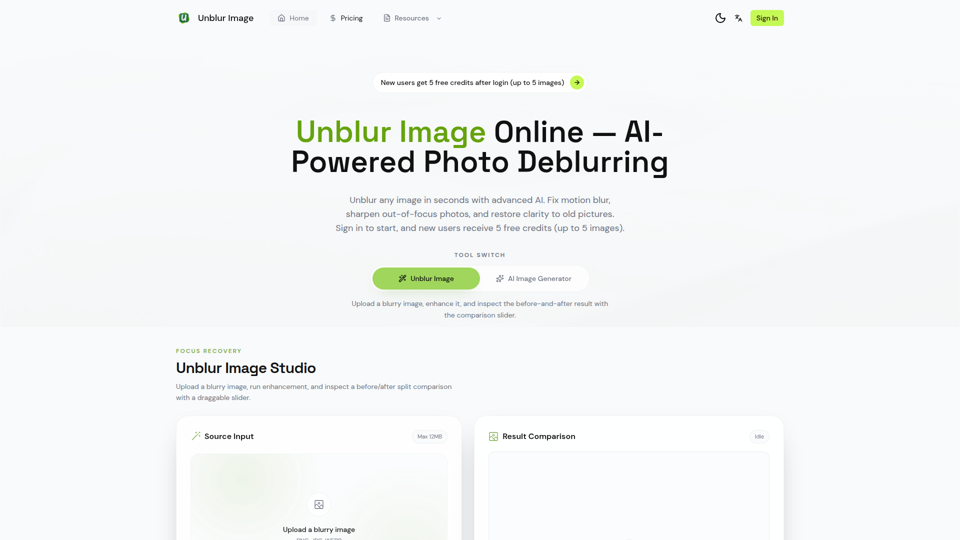
Unblur Image — Make Blurry Photos Clear with AI
Unblur Image is an AI-powered online photo deblurring tool that helps users fix motion blur, sharpen out-of-focus images, restore old photos, and improve text clarity, mainly for people who need quick image enhancement without manual editing skills. In AI-era workflows, it can help photographers, content teams, and document-heavy professionals recover usable visuals and readable assets faster from imperfect source images.
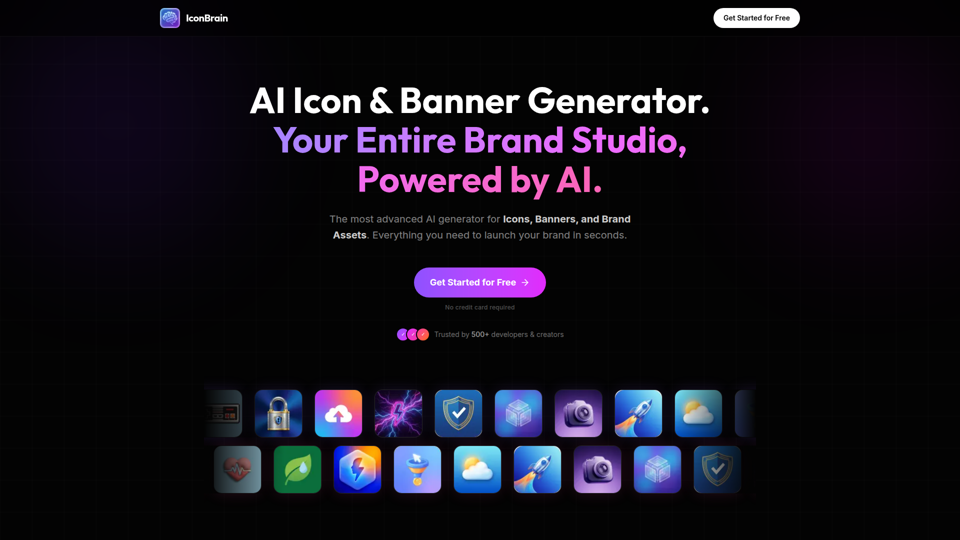
IconBrain | AI Icon Generator for Apps & Brands
IconBrain is an AI icon, banner, and brand asset generator that helps users create and edit production-ready visuals from text prompts or brand context, mainly for developers and creators launching apps or brands. For product, marketing, and design work, it can speed up early brand asset creation while helping teams keep visual styles more consistent across platforms.
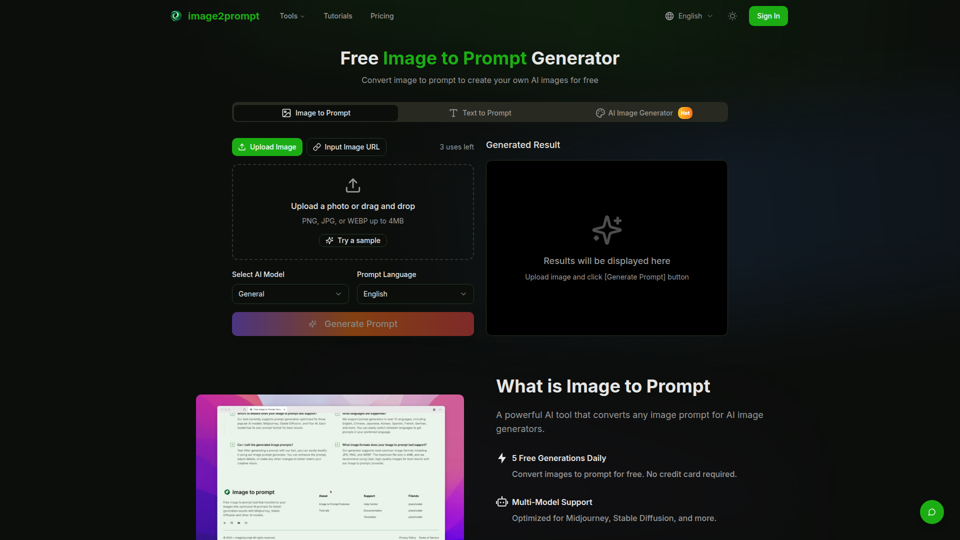
Free Image to Prompt Generator - image2prompt.net
image2prompt.net is a free AI image-to-prompt generator that analyzes uploaded images or image URLs and turns them into editable prompts for Midjourney, Stable Diffusion, Flux, and similar models, mainly for AI artists, designers, and creators. For creative professionals, it can speed prompt drafting, support style consistency, and reduce manual prompt rewriting across different image generation workflows.

UXCanvas.ai | AI UI/UX Design Agent — Describe It, Design It
UXCanvas.ai is an AI UI/UX design agent that helps users turn text prompts into production-ready interface designs, iterate through chat, and export to Figma or React code, mainly for designers and developers. For UI/UX and product teams, it can shorten the path from concept to handoff by turning rough ideas into structured specs, reusable components, and code-ready assets.
AI HD Anime: Your Ultimate Choice for Upscaling Anime Images
AI HD Anime is a free online AI image upscaling tool that enhances anime and manga images with higher clarity and restored detail, mainly for anime fans. In AI-assisted creative and archival workflows, it can help illustrators, editors, and community curators quickly improve low-resolution anime visuals for review, sharing, or preservation.