
VoiceType AI - Save 1-2 hours a day on writing tasks with AI Speech-to-Text across all your apps
Rate this Tool
Average Score
Total Votes
Select your score (1-10):
Detail Information
What
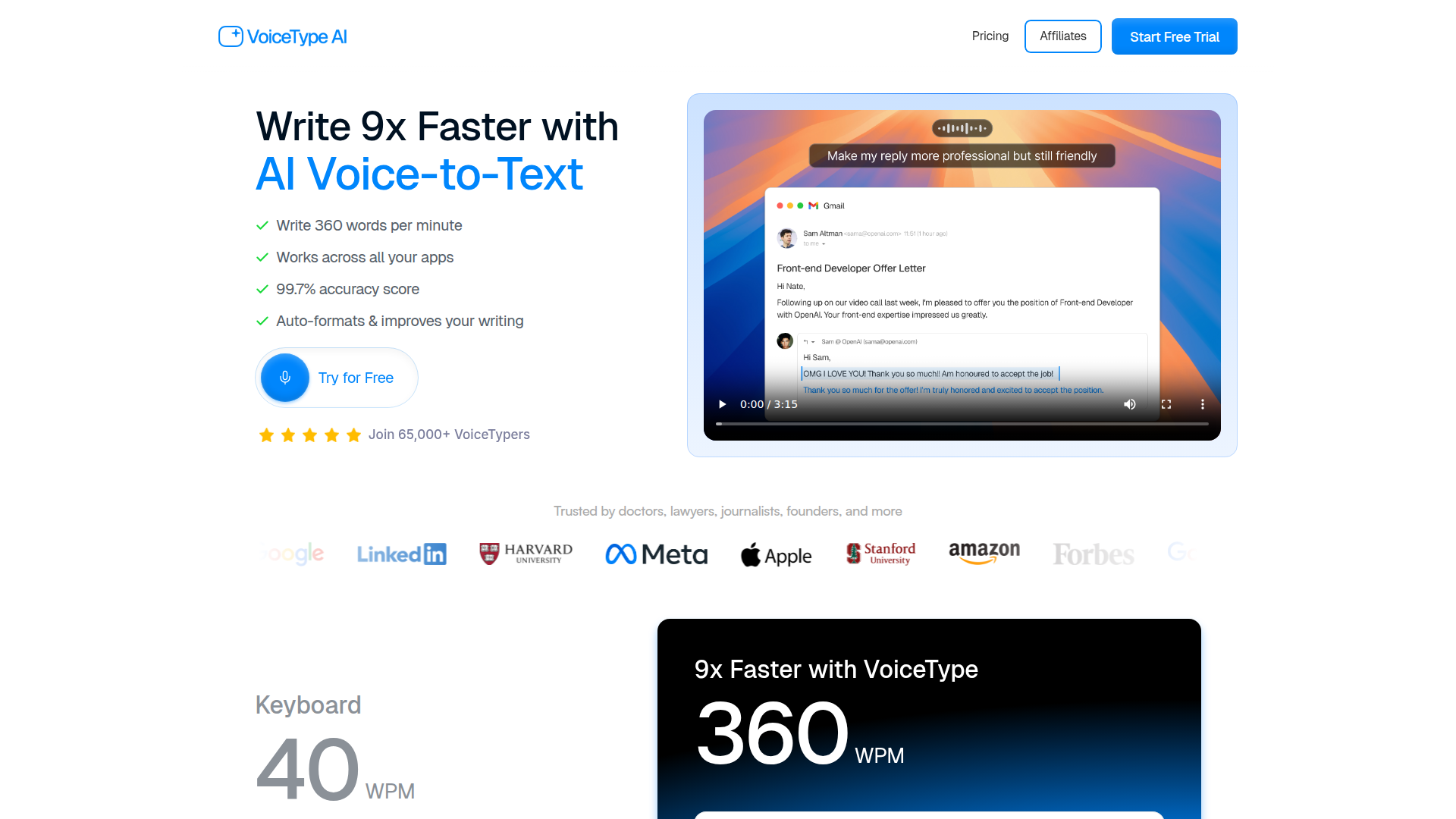
VoiceType AI is an AI-enabled speech-to-text dictation app designed to help people write faster across desktop applications. Based on the page, it targets professionals and knowledge workers such as doctors, lawyers, journalists, founders, managers, engineers, and others who spend significant time writing emails, notes, summaries, documentation, and messages.
Its core workflow is spoken input converted into polished written output, with automatic formatting, context-aware transcription, and writing improvement layered on top of basic dictation. The product appears positioned as a premium productivity-focused alternative to standard voice typing tools, emphasizing speed, cross-app use, and more natural final text rather than raw transcription alone.
Features
- AI voice-to-text dictation across apps — Works across applications such as email, documentation, note-taking, and issue-tracking tools so users can dictate instead of typing in their normal workflow.
- High-speed writing support — The page claims up to 360 words per minute, positioning the product as a way to produce written content substantially faster than keyboard input.
- Auto-formatting and writing improvement — Spoken, informal input is turned into cleaner, structured writing, which can reduce manual editing after dictation.
- Context-aware transcription — VoiceType says it adjusts based on the environment and the app being used, helping output fit different writing contexts such as Slack, recruiting emails, or project tickets.
- Tone matching by application — The product adapts writing style to different communication settings, which is useful for switching between personal, professional, and technical messages.
- Language, privacy, and low-volume support — The site states support for 35+ languages, encrypted data handling through private cloud servers, and a Whisper Mode for softer speech in shared environments.
Helpful Tips
- Evaluate output quality by workflow, not just transcription accuracy — For tools like this, the real value is whether dictated text needs less rewriting in emails, notes, and documentation.
- Test it in your highest-volume writing tasks first — Email replies, meeting summaries, and project documentation are practical starting points because time savings are easier to measure there.
- Check how well tone adaptation matches your communication standards — If your work spans internal chat, client communication, and technical writing, consistency and appropriateness matter more than raw speed alone.
- Review privacy fit for sensitive content — The site mentions encrypted handling and private cloud servers, but teams with strict data requirements should still validate whether that setup matches internal policies.
- Consider user adoption habits — Voice dictation works best when users are comfortable speaking drafts aloud, so onboarding and usage norms can affect the realized productivity gains.
OpenClaw Skills
Within the OpenClaw ecosystem, VoiceType would likely be most useful as the input layer for agent-driven writing workflows. A likely use case is capturing spoken updates, meeting reflections, or rough drafts through VoiceType, then passing that text into OpenClaw skills for summarization, task extraction, CRM note generation, ticket drafting, or knowledge-base entry. The source page does not mention a native OpenClaw integration, so this should be treated as a workflow inference rather than a confirmed capability.
This combination could be especially valuable for professionals who think faster than they type or who spend large parts of the day moving between communication tools. Likely OpenClaw skills could include a “spoken meeting recap to action items” agent, a “voice note to structured project brief” workflow, or a “dictated client update to polished email and CRM log” automation. In practice, that could shift work for managers, operators, sales teams, clinicians, and legal professionals from manual drafting toward voice-first capture followed by structured AI execution.
Embed Code
Share this AI tool on your website or blog by copying and pasting the code below. The embedded widget will automatically update with the latest information.
<iframe src="https://aimyflow.com/ai/go-voicetype-com-TAAFTDIRECTORY/embed" width="100%" height="400" frameborder="0"></iframe>
Explore Similar Tools
Free AI Photo Editor: Edit & Generate Image Online | Pokecut
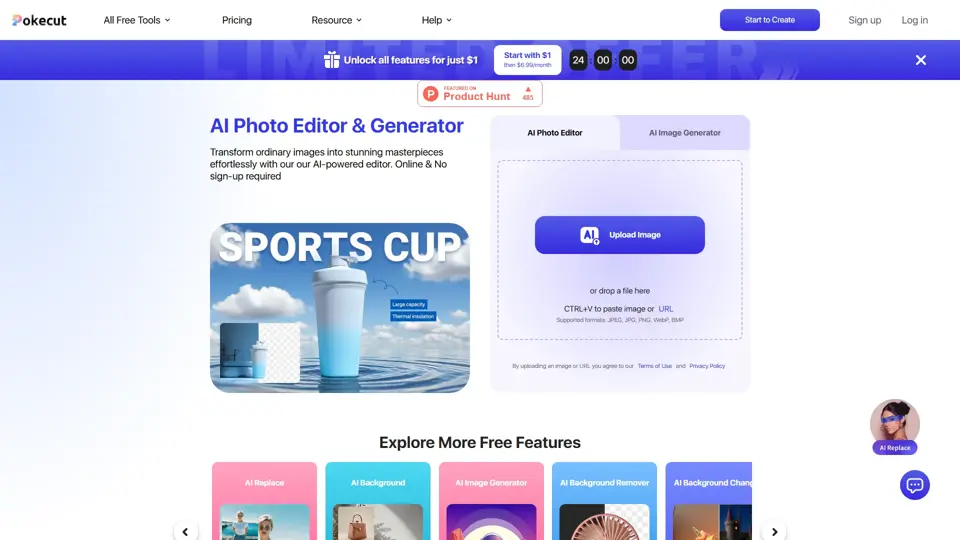
Pokecut is an AI photo editor that helps users remove backgrounds, enhance images, and generate visuals online, mainly for ecommerce sellers, marketers, and creators who need quick design-ready assets. It speeds up routine image production so visual teams can create polished content with less manual editing.
Roboflow: Computer vision tools for developers and enterprises
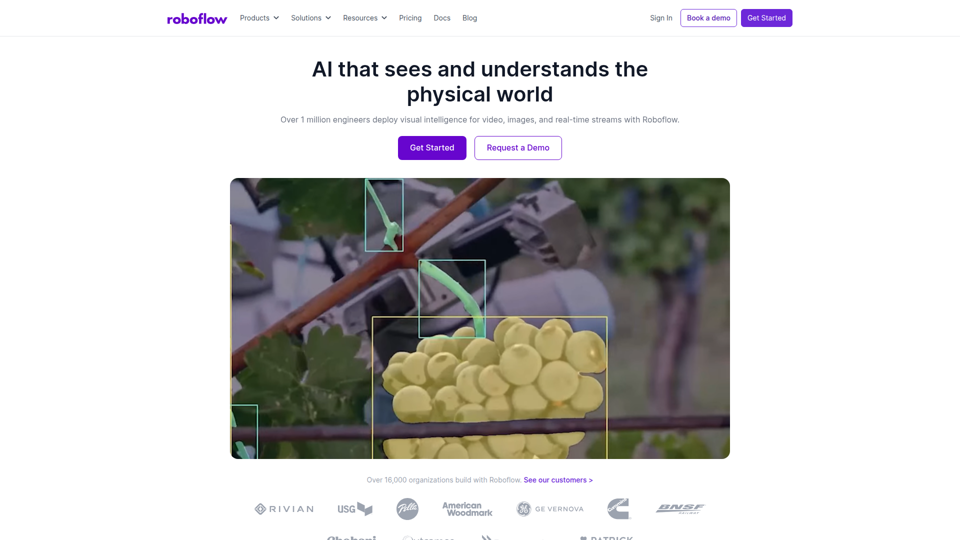
Roboflow is a computer vision platform that helps developers, machine learning engineers, and enterprises annotate data, train models, build workflows, and deploy vision AI for images, video, and real-time streams. In AI-driven operations, it can help computer vision and ML teams move faster from prototype to production by combining data labeling, model training, and deployment in one workflow.

Seedance 2.0
Seedance 2.0 is ByteDance's AI video generation model designed to create high-quality videos from prompts and multimodal inputs, mainly for creators, developers, and media teams. In the AI era, it helps visual content roles turn ideas into production-ready motion assets with far less manual editing effort.
Struct | Automate your on-call runbook
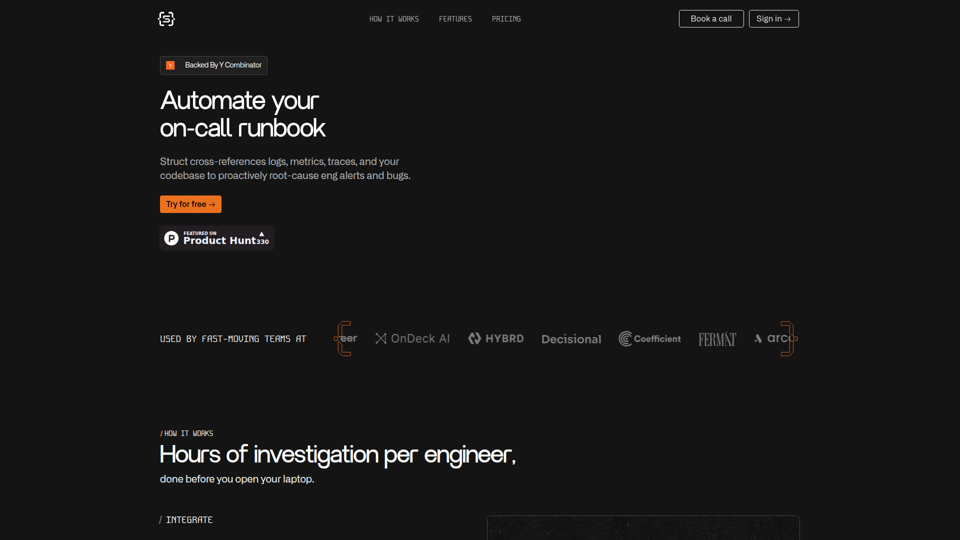
Struct is an AI on-call agent that investigates engineering alerts and bugs by analyzing logs, metrics, traces, and codebases, mainly for software engineers and SRE teams. In the AI era, it helps incident responders shorten triage time by delivering root-cause findings and suggested fixes directly in workflows.
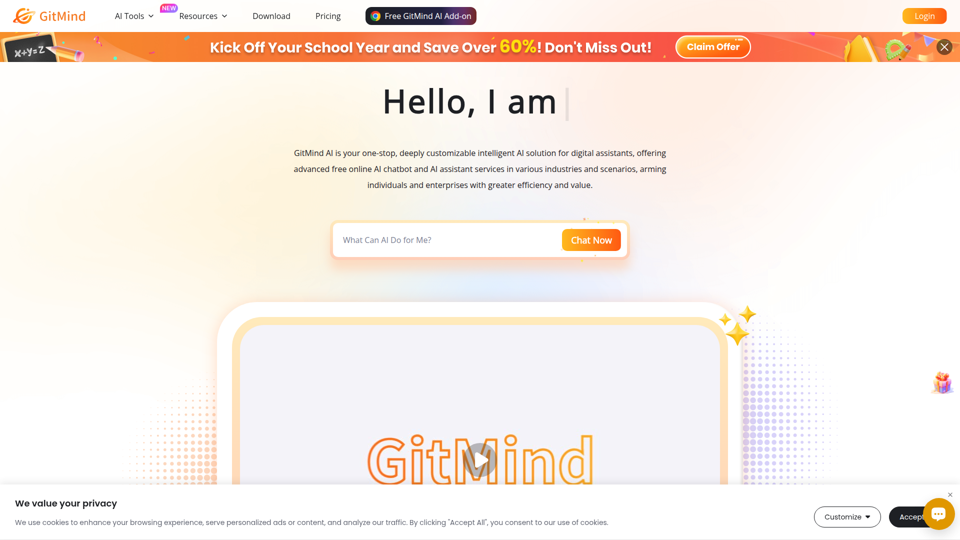
GitMind Chat - Your Best AI Assistant
GitMind Chat is an AI assistant and chatbot platform that helps individuals and enterprises handle conversations, analysis, writing, coding, translation, customer service, and custom AI agent creation through prebuilt or configurable assistants. For roles such as marketers, analysts, support teams, educators, and developers, it can streamline repetitive knowledge work by combining chat, file and link inputs, image analysis, and contextual responses in one workflow.
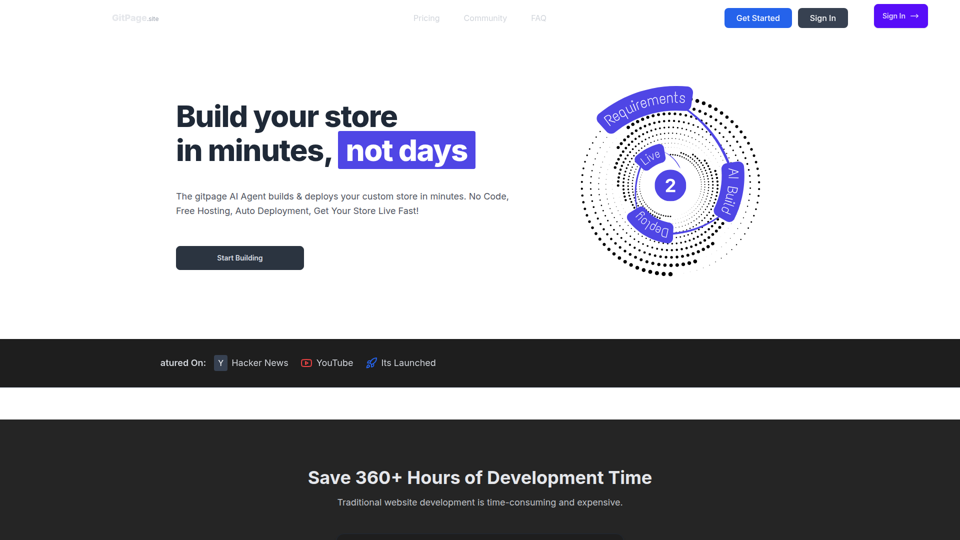
GitPage AI Website Builder | GitPage
GitPage is an AI website builder that generates and deploys websites, online stores, and landing pages from a form, mainly for freelancers, agencies, startups, and businesses that want no-code site creation with code ownership. For web professionals and client-service teams, it can reduce manual setup and content drafting by automating page generation, blog content, and deployment to GitHub or GitLab Pages.

Rohan Mehta
Rohan Mehta is a personal website for a New York–based software engineer at OpenAI, outlining his background at Meta and as a YC-backed startup founder, and highlighting his creator role behind the Subway Time NYC transit app. For software engineers and technical hiring teams, this kind of concise profile helps AI-era talent evaluation by quickly surfacing relevant build, scale, and product experience.
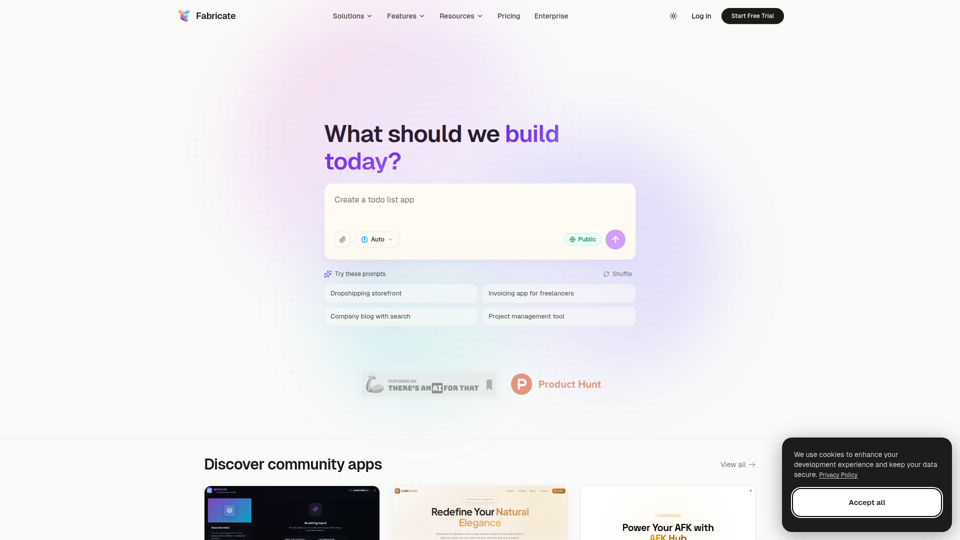
Fabricate - AI Full-Stack App Builder | Build Anything, Ship Faster
Fabricate is an AI full-stack app builder that helps users describe an app idea and generate production-ready web applications, mainly for founders, developers, designers, freelancers, agencies, and enterprises. In AI-assisted product development, it can help these teams move faster from concept to deployable React, TypeScript, and backend code with less manual setup.