
FocuSee | Auto-Editing Screen Recorder (Windows & Mac)
Rate this Tool
Average Score
Total Votes
Select your score (1-10):
Detail Information
What
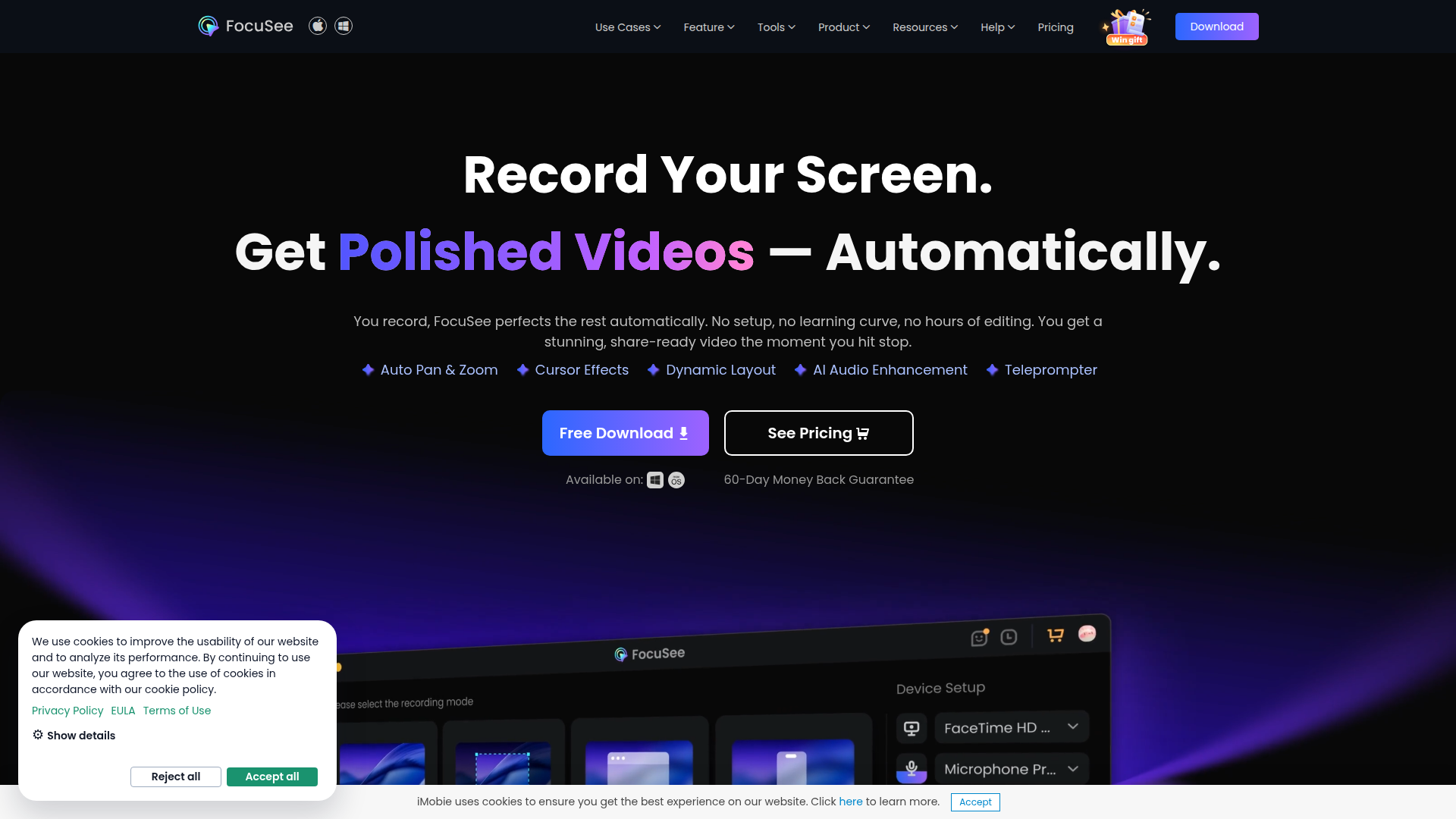
FocuSee is an auto-editing screen recorder for Windows and Mac that combines screen capture with built-in post-production tools. It is designed to turn raw recordings into polished videos automatically, with a workflow centered on recording first and applying visual and audio enhancements immediately after.
The product appears to serve creators, educators, marketers, presenters, and teams producing demo, tutorial, promo, pitch, reaction, and presentation videos. Its positioning is likely between a screen recorder and a lightweight AI video editor, with emphasis on reducing manual editing work for screen-based content.
Features
- Automatic pan, zoom, and cursor emphasis: AI-driven zoom, spotlighting, and cursor effects follow clicks and actions to keep viewers focused on important on-screen moments.
- AI subtitle generation: The product generates subtitles automatically and supports speech recognition in over 50 languages, which can reduce captioning effort for multilingual content.
- Audio enhancement tools: AI voice enhancement, noise reduction, and smart cutting help improve clarity and remove filler words, pauses, and distracting sounds after recording.
- Virtual avatar and background tools: AI avatar and background removal features support presenter-style videos for users who prefer not to appear on camera or want a cleaner visual setting.
- Recording controls for structured content: Built-in teleprompter guidance, simultaneous mic and system audio capture, and shortcut visualization support more controlled tutorials and presentations.
- Device and file flexibility: FocuSee supports direct recording of iOS and Android screens via USB and allows local video import, which broadens use beyond desktop screen capture alone.
Helpful Tips
- Validate automation quality on your real content: Auto zoom, smart cuts, and subtitle accuracy can save time, but teams should test them on actual demos, tutorials, and accented speech before standardizing workflows.
- Use separate audio tracks strategically: Independent mic and system audio recording is especially useful for software demos, training, and product walkthroughs where narration and app sound need different treatment.
- Set visual style rules early: Cursor effects, click sounds, spotlighting, and 3D motion can improve clarity, but they work best when applied consistently across a content library.
- Review privacy-related scenes manually: Features like blur masking and background removal are useful, but sensitive information in screen recordings should still be checked frame by frame before publishing.
- Confirm platform-specific availability: The page notes at least one feature variation, with 3D motion for Windows marked as coming soon, so buyers should verify OS-specific support for must-have functions.
Embed Code
Share this AI tool on your website or blog by copying and pasting the code below. The embedded widget will automatically update with the latest information.
<iframe src="https://aimyflow.com/ai/gemoo-com-focusee/embed" width="100%" height="400" frameborder="0"></iframe>
Explore Similar Tools
Social Media Marketing made easy with AI | Predis.ai
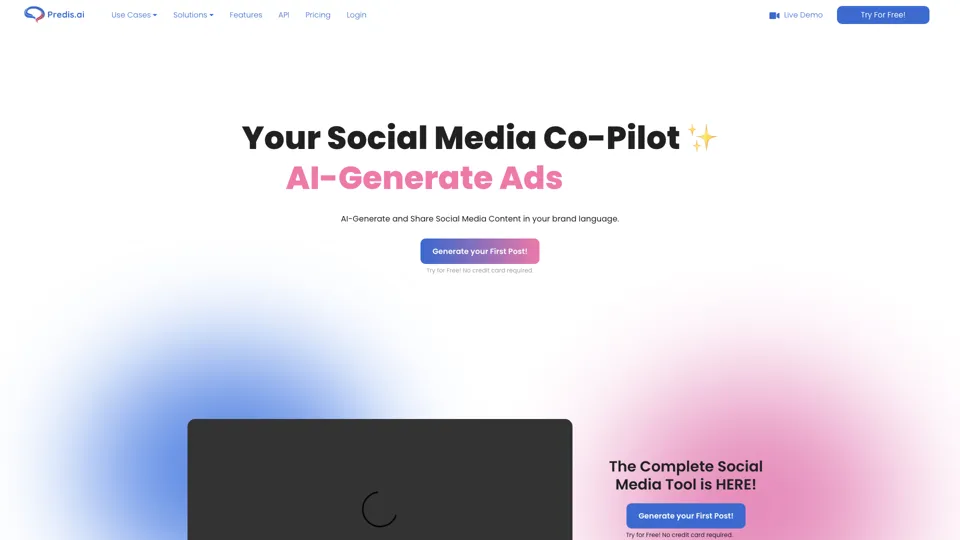
Predis.ai is an AI social media marketing tool that helps users create video and image content and analyze performance, mainly for marketers, agencies, and growing brands. It shortens content planning and production cycles, helping social teams test and refine campaigns more efficiently.
Strut – The complete writing workspace
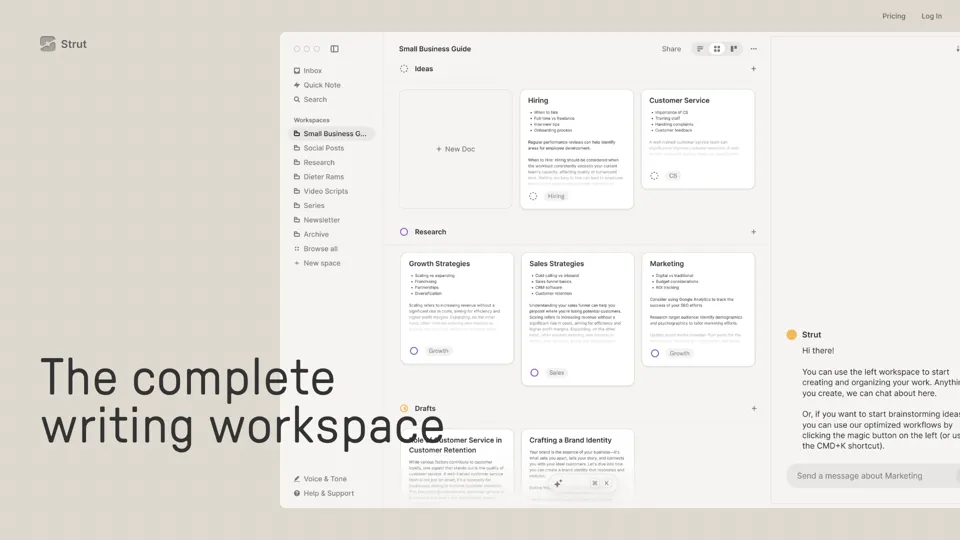
Strut is an AI-powered writing workspace that combines notes, documents, and collaborative writing projects in one environment, mainly for writers, creators, and teams. In the AI era, it helps knowledge workers move from scattered drafts to more coherent writing and faster iteration.
Hypotenuse AI:Smart text generator
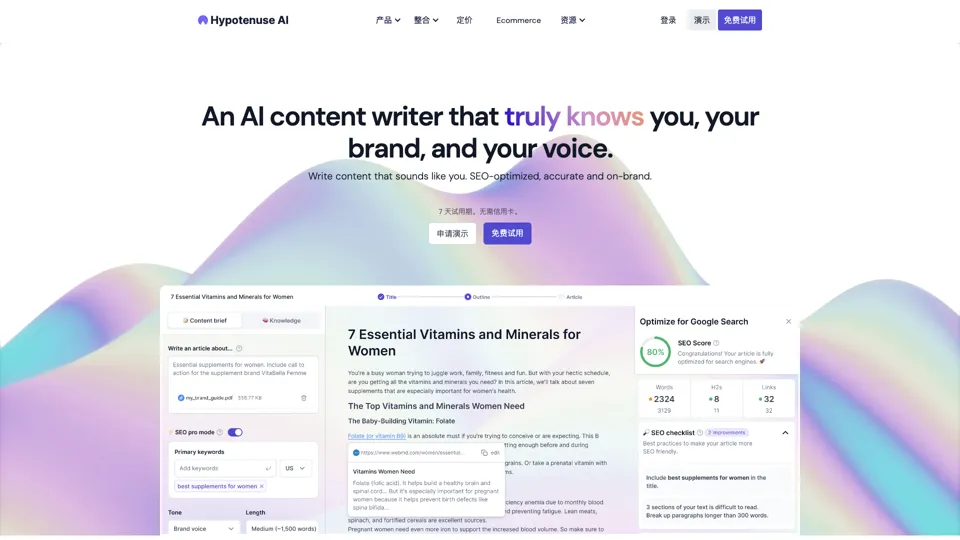
Hypotenuse AI is a text generation platform that helps marketers, ecommerce teams, and content writers produce SEO articles, product descriptions, and branded copy at scale. In the AI era, it enables content roles to maintain consistency while increasing publishing speed across large catalogs and campaigns.
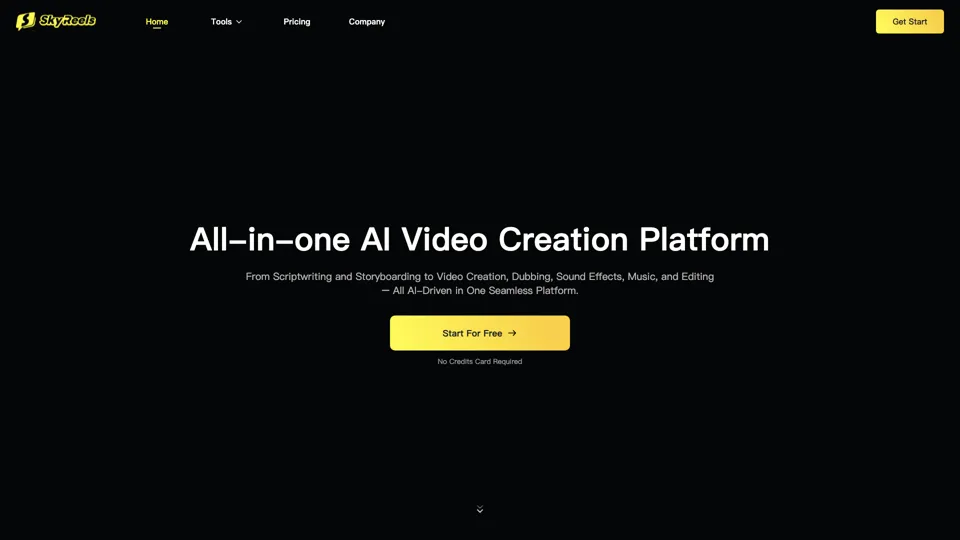
All-in-one panel | SkyReels - Ultimate AI Video Creation Platform
SkyReels is an AI video creation platform that turns scripts into finished videos with voiceovers, lip sync, sound effects, music, and editing tools, mainly for creators and marketing teams. In the AI era, it helps video producers compress production workflows and deliver polished content without a full studio setup.
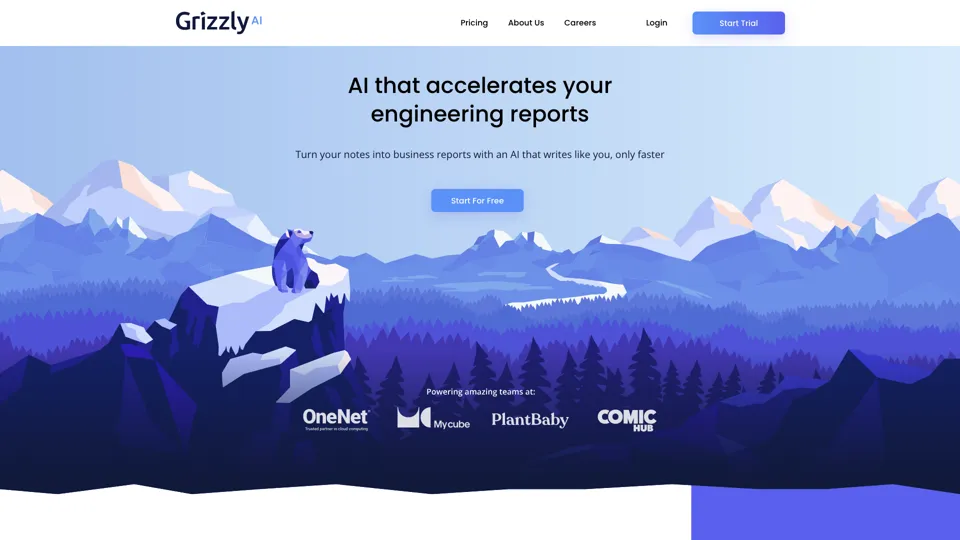
Grizzly AI | Your AI Report Writer
Grizzly AI is an AI report writing tool that helps professionals generate reports from source files while matching their preferred writing style. It saves analysts and knowledge workers time by turning documents into polished drafts with less manual rewriting.
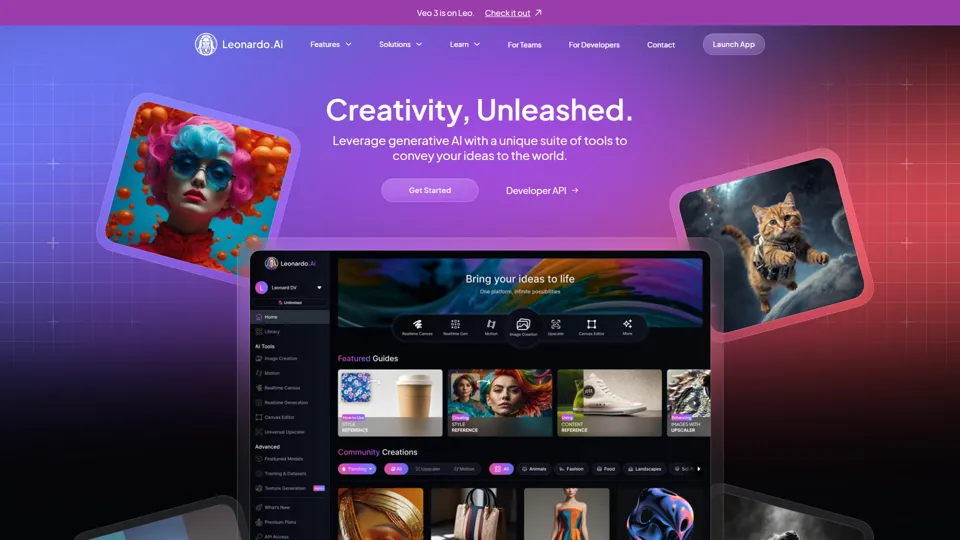
AI Image Generator - Create Art, Images & Video | Leonardo AI
Leonardo AI is an AI image and video generation platform that helps creators, designers, and marketers produce high-quality visual assets quickly. In the AI era, it shortens concept-to-content cycles so creative teams can iterate faster without expanding production overhead.
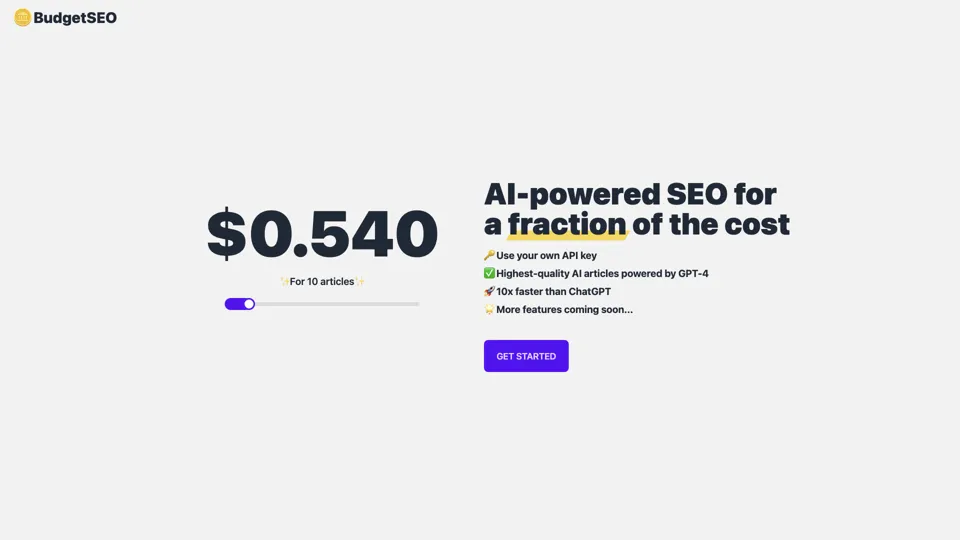
Budget-friendly AI Powered SEO
BudgetSEO is an AI-powered SEO content tool that helps users create search-optimized material affordably, mainly for small businesses, solo founders, and marketers with limited budgets. In the AI era, it enables lean marketing teams to produce more SEO assets without expanding headcount.
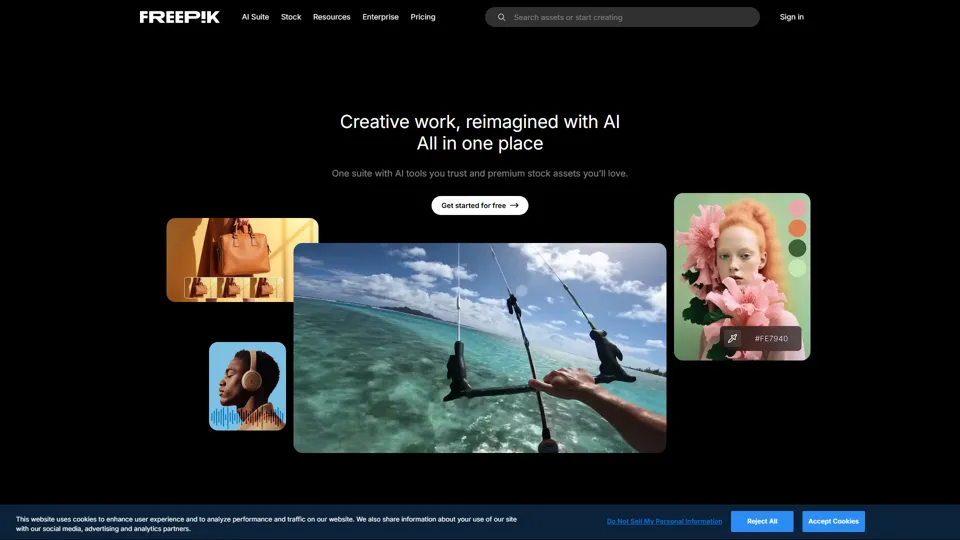
Freepik | All-in-One AI Creative Suite
Freepik is an all-in-one creative suite that combines AI design tools with stock assets to help designers and marketers create visual content in one workspace. It improves creative efficiency by reducing tool switching and accelerating asset production for high-volume campaigns.