
AI Food Photo Editor - FoodShot AI | Transform Food Photos in Seconds
Rate this Tool
Average Score
Total Votes
Select your score (1-10):
Detail Information
What
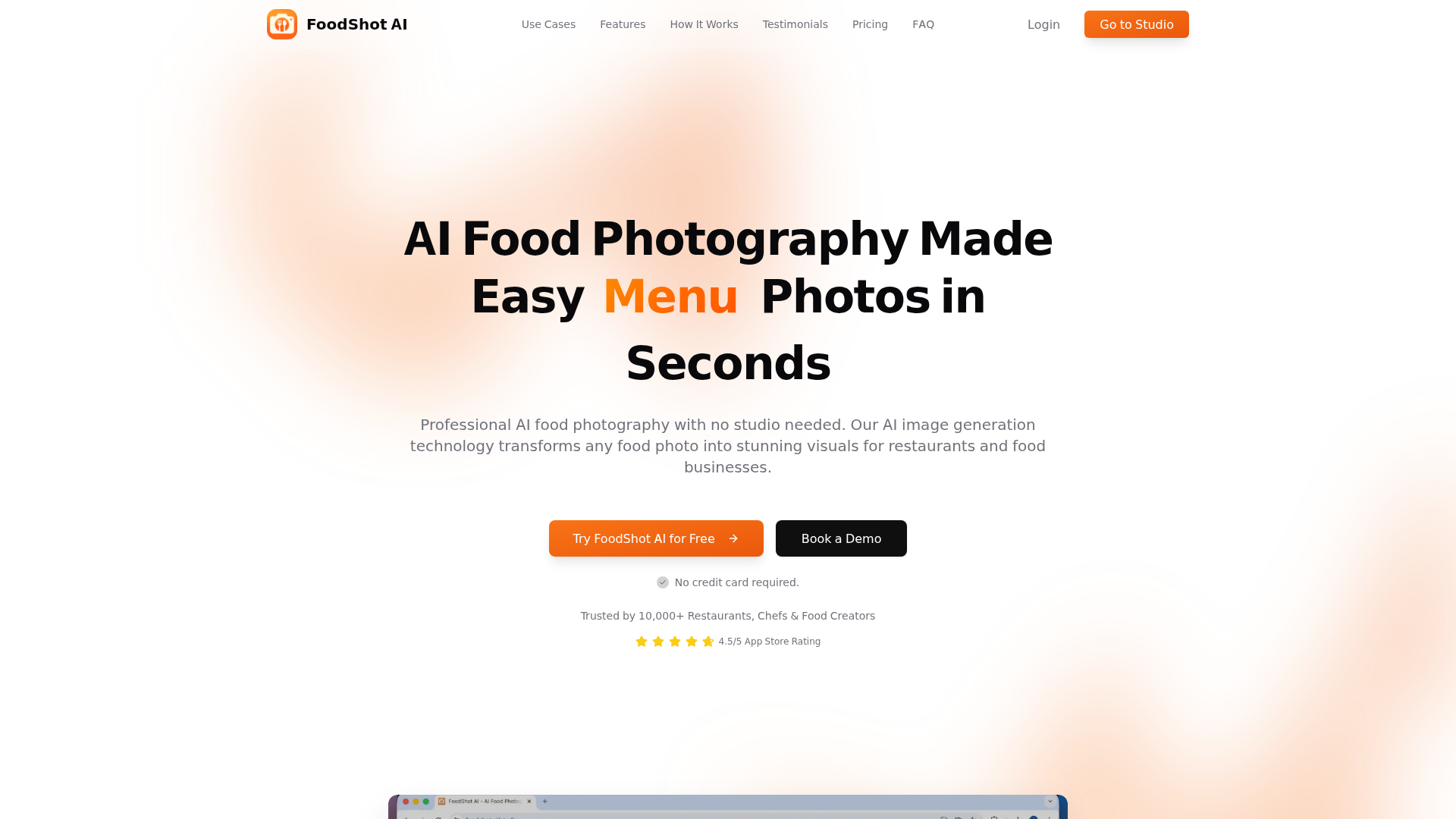
FoodShot AI is an AI-powered food photo editing and image generation platform built for restaurants, chefs, food creators, and related businesses. It helps users turn basic dish photos into polished visuals for menus, delivery apps, social media, posters, and other marketing materials without requiring a studio setup or advanced editing skills.
The core workflow is simple: upload a food photo, choose a visual style, and generate updated images or promotional assets in seconds. Based on the page, the product is positioned as a specialized vertical tool for food photography and restaurant marketing rather than a general-purpose design platform.
Features
- AI food photo transformation: Converts smartphone or camera photos into more polished food images using styles such as delivery, restaurant, and fine dining looks.
- Preset-based styling controls: Offers 30+ presets with options to adjust camera angles and lighting, which helps teams create channel-specific visuals faster.
- Object-level food editing: Lets users add, remove, or replace elements such as sauces, garnishes, toppings, plates, and portions to refine presentation without manual photo editing.
- Background replacement: Removes backgrounds or places dishes into different settings, which is useful for menu design and social content variation.
- Poster and social template creation: Supports restaurant posters, Instagram posts, Pinterest pins, and delivery banners through editable templates or uploaded designs.
- Reference-style cloning: Allows users to upload a reference image and a dish photo so the system can recreate a similar lighting, composition, props, and styling approach for branded consistency.
Helpful Tips
- Verify visual accuracy before publishing: AI-enhanced food images can improve presentation, but restaurants should confirm that portions, ingredients, and plating still reflect the actual dish.
- Create a style standard early: If multiple staff members will use the tool, define preferred backgrounds, angles, lighting, and templates to keep menus and campaigns visually consistent.
- Test by channel, not just by image quality: Delivery apps, printed menus, and social posts often need different crops and presentation styles, so assess outputs in their actual publishing context.
- Use reference images carefully: Reference-based generation can help maintain a brand look, but teams should curate approved examples to avoid inconsistent or off-brand results.
- Consider volume needs before buying: The page shows plan differences in generation limits, bulk processing, and API access, so high-output teams should map expected content volume first.
Embed Code
Share this AI tool on your website or blog by copying and pasting the code below. The embedded widget will automatically update with the latest information.
<iframe src="https://aimyflow.com/ai/foodshot-ai/embed" width="100%" height="400" frameborder="0"></iframe>
Explore Similar Tools
AI Menu Photo - AI Food Photo Editor for Menu Images
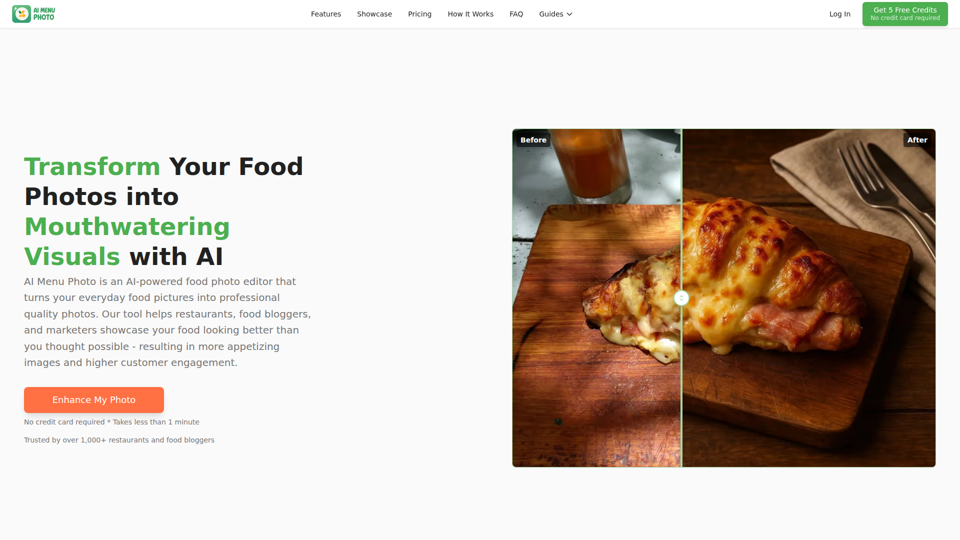
AI Menu Photo is an AI food photo editor that helps restaurants, cloud kitchens, food bloggers, and marketers turn basic dish photos into professional-looking menu, delivery app, and social media images with lighting fixes, background cleanup, style changes, and platform-ready exports. In AI-driven food commerce, it can help restaurant operators, marketers, and menu managers publish consistent, compliant visuals faster across ordering platforms.
Digital Menu for Restaurants | Free AI QR Menu Builder - Vibe Menu
Vibe Menu is an AI-powered digital QR menu builder that helps restaurants and other service-based businesses turn PDFs or simple descriptions into interactive, mobile-friendly menus and catalogs, mainly for owners and operators who need fast updates without design or technical work. For restaurant managers, hospitality teams, and similar operators, it can streamline menu maintenance, multilingual presentation, and quick item or price changes from a phone.
AgentBro - AI Receptionist That Books Appointments 24/7
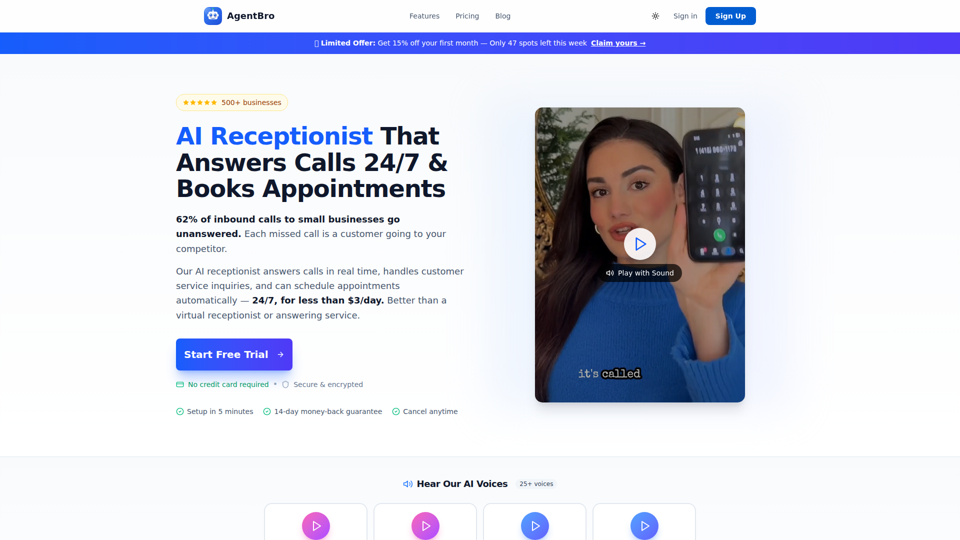
AgentBro is an AI phone receptionist that answers inbound business calls 24/7, books appointments, captures leads, and handles customer inquiries for small businesses and service-based teams. For owners, front-desk staff, and schedulers, it can reduce missed-call workload while using transcripts, analytics, and calendar syncing to keep follow-up and booking operations more consistent.
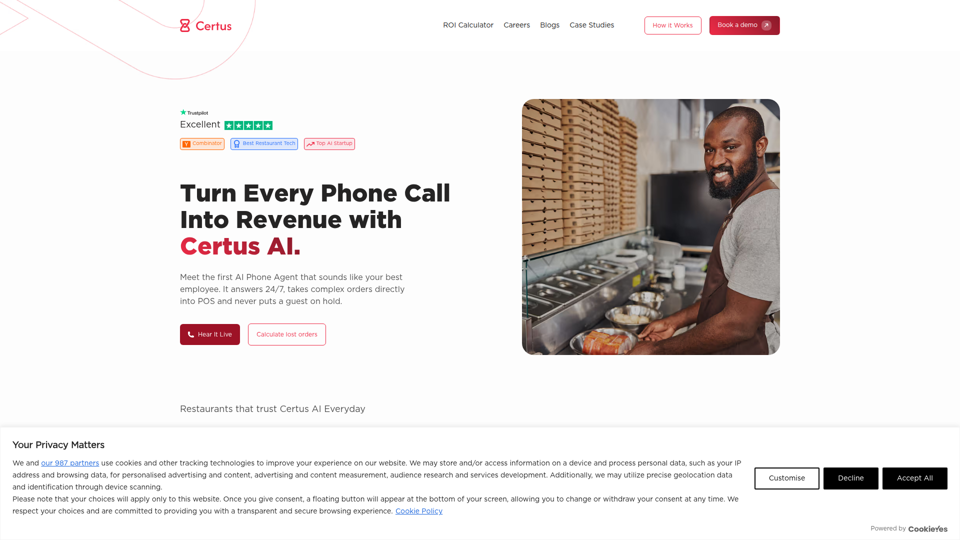
AI Phone Agent for Restaurants | Certus AI | 24/7 Orders
Certus AI is an AI phone agent for restaurants that helps handle calls and take orders around the clock, mainly for restaurant operators and teams that do not want to miss inbound calls. In an AI-driven service workflow, it can reduce manual call handling for front-of-house staff and managers so they can focus more on in-person operations.
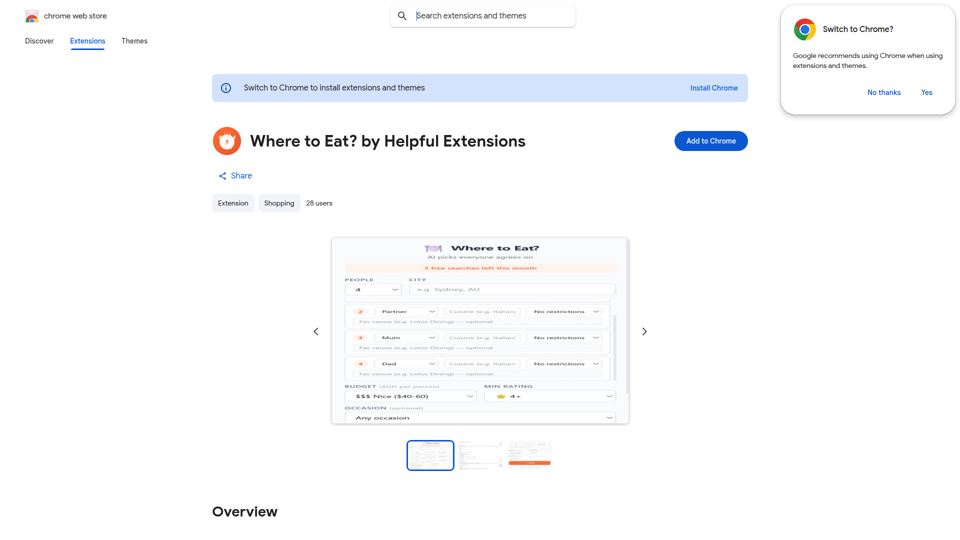
Where to Eat? by Helpful Extensions - Chrome Web Store
Where to Eat? by Helpful Extensions is a Chrome extension that helps groups choose restaurants by weighing different dietary needs, budgets, and preferences, mainly for people organizing shared meals or social dining plans. In the AI era, it can help coordinators, team organizers, and group planners reduce back-and-forth and reach practical dining decisions faster.
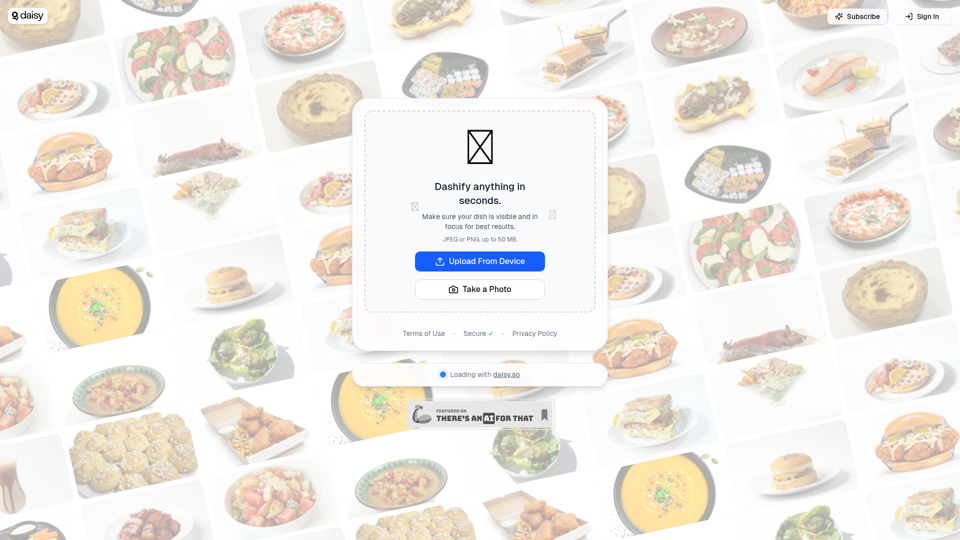
Dashify with daisy 🌼
Dashify with daisy is an AI image tool that helps users quickly turn food photos into polished menu photography, mainly for restaurants and other food businesses. It can speed up menu and marketing updates by giving hospitality teams more consistent dish images from simple uploads or camera shots.
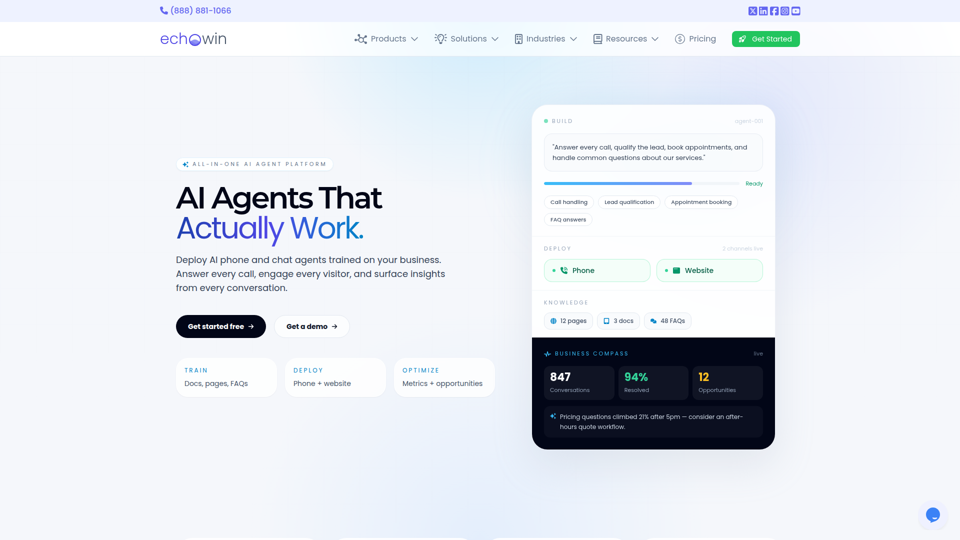
echowin | All-in-One AI Agent Platform for Small Business
echowin is an all-in-one AI agent platform that helps small businesses build and deploy no-code phone and website chat agents to answer calls, qualify leads, book appointments, handle support questions, and analyze conversations. For front-desk, support, and operations teams, its conversation intelligence can turn everyday customer interactions into actionable insights on demand trends, service gaps, and workflow improvements.
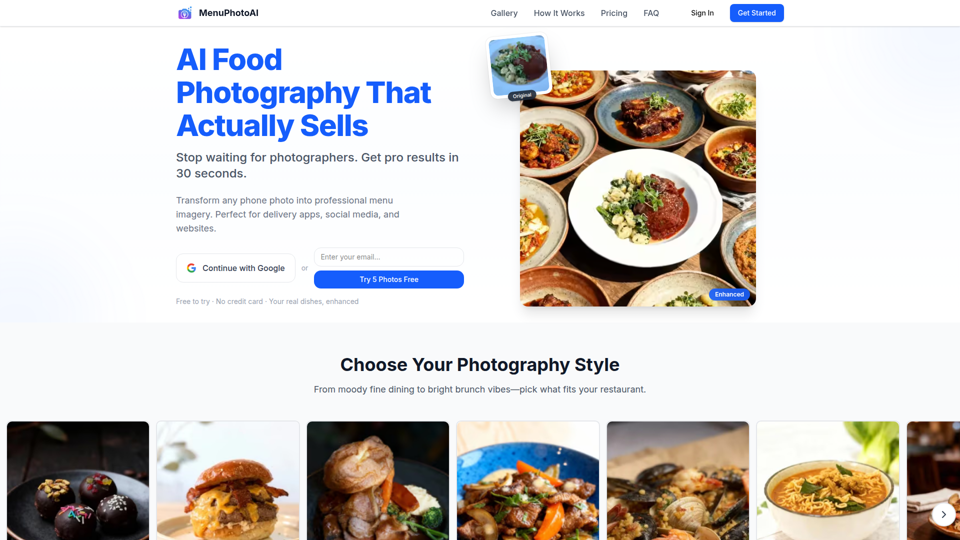
AI Food Photography: Studio Quality in 30 Seconds | Free Trial | MenuPhotoAI
MenuPhotoAI is an AI food photography tool that turns restaurant phone photos into menu-ready images with improved lighting, backgrounds, and styling in about 30 seconds, mainly for restaurant owners and food businesses. For restaurant marketers and operators, it can speed up producing consistent visuals for delivery apps, websites, and social channels without arranging repeated photo shoots.