
Dashify with daisy 🌼
Rate this Tool
Average Score
Total Votes
Select your score (1-10):
Detail Information
What
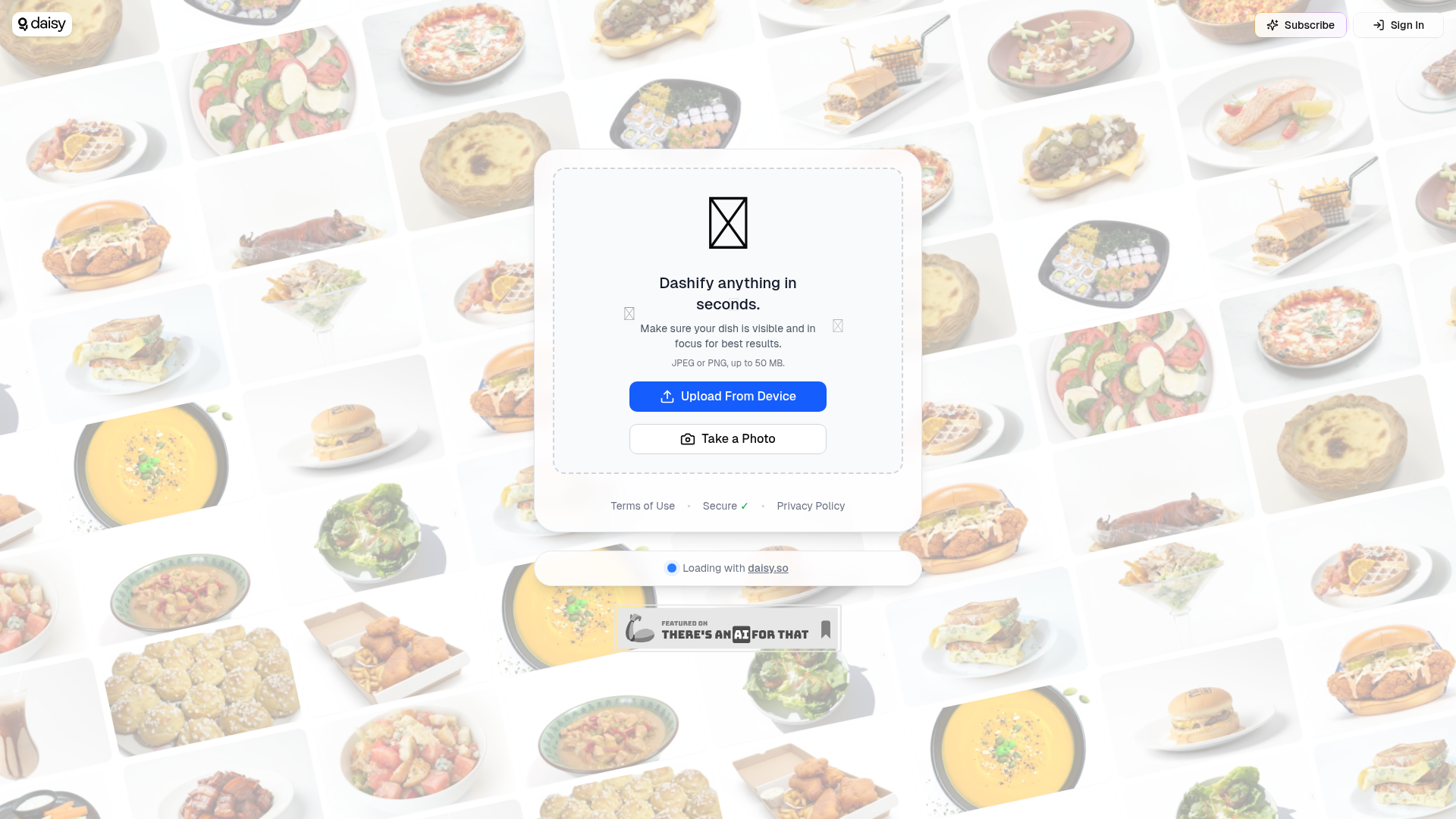
Dashify with daisy appears to be a lightweight image-based tool that lets a user upload or capture a photo and process it in seconds. Based on the page language, it is designed around food or dish imagery, with guidance to keep the dish visible and in focus for best results.
The visible workflow is simple: upload a JPEG or PNG file up to 50 MB, or take a photo directly, then wait for the system to process it. From the limited page content, it is best understood as a consumer-facing or creator-friendly visual utility rather than a fully described enterprise platform.
Features
- Image upload from device — Supports uploading JPEG or PNG images, which gives users a straightforward way to submit existing photos.
- Direct photo capture — Lets users take a photo at the moment of use, which is useful for quick, mobile-first workflows.
- Fast processing flow — The page states users can "Dashify anything in seconds," indicating a speed-focused experience, though the exact transformation is not described.
- Input guidance for image quality — Recommends that the dish be visible and in focus, which helps users improve output quality before submission.
- Large file support — Accepts files up to 50 MB, allowing reasonably high-resolution images to be used.
Helpful Tips
- Clarify the output before adopting broadly — The landing content does not explain what “Dashify” specifically produces, so teams should verify the end result and quality standards in real workflows.
- Test with representative image conditions — Since visibility and focus are emphasized, evaluate performance across lighting, angles, plating styles, and background clutter.
- Check fit for your operating environment — If this is intended for restaurant, menu, or food-content use, confirm whether mobile capture alone is sufficient or if a more structured photo process is needed.
- Review data handling expectations — The page references security, terms, and privacy, but does not provide detailed operational or governance information in the visible content.
- Start with narrow use cases — Given the limited product detail, it is sensible to begin with a small set of image-processing tasks and expand only after validating consistency.
Embed Code
Share this AI tool on your website or blog by copying and pasting the code below. The embedded widget will automatically update with the latest information.
<iframe src="https://aimyflow.com/ai/dashify-daisy-so/embed" width="100%" height="400" frameborder="0"></iframe>
Explore Similar Tools
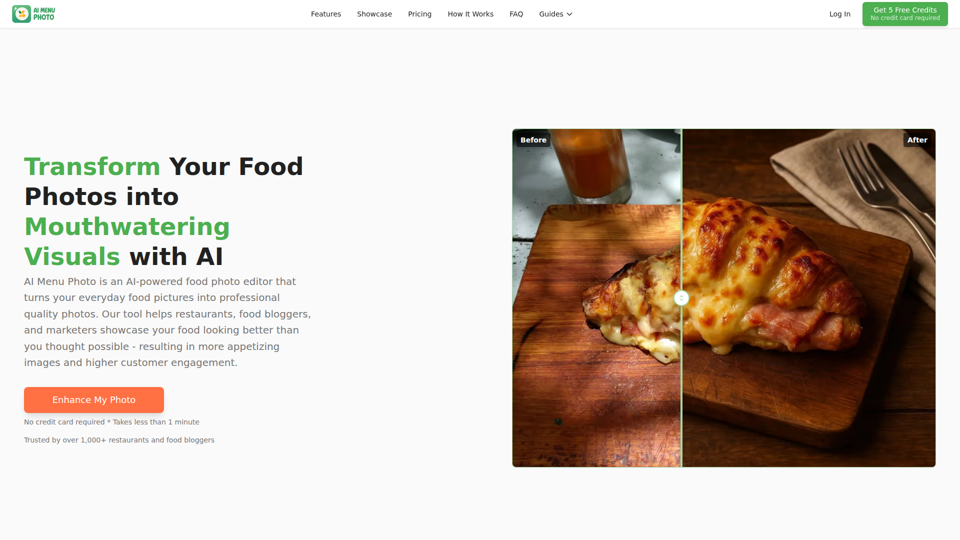
AI Menu Photo - AI Food Photo Editor for Menu Images
AI Menu Photo is an AI food photo editor that helps restaurants, cloud kitchens, food bloggers, and marketers turn basic dish photos into professional-looking menu, delivery app, and social media images with lighting fixes, background cleanup, style changes, and platform-ready exports. In AI-driven food commerce, it can help restaurant operators, marketers, and menu managers publish consistent, compliant visuals faster across ordering platforms.
Digital Menu for Restaurants | Free AI QR Menu Builder - Vibe Menu
Vibe Menu is an AI-powered digital QR menu builder that helps restaurants and other service-based businesses turn PDFs or simple descriptions into interactive, mobile-friendly menus and catalogs, mainly for owners and operators who need fast updates without design or technical work. For restaurant managers, hospitality teams, and similar operators, it can streamline menu maintenance, multilingual presentation, and quick item or price changes from a phone.
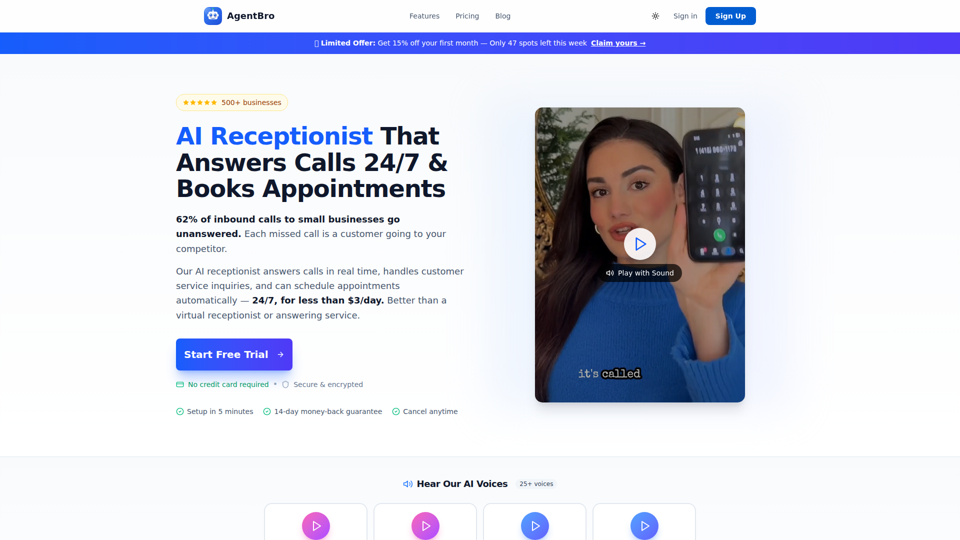
AgentBro - AI Receptionist That Books Appointments 24/7
AgentBro is an AI phone receptionist that answers inbound business calls 24/7, books appointments, captures leads, and handles customer inquiries for small businesses and service-based teams. For owners, front-desk staff, and schedulers, it can reduce missed-call workload while using transcripts, analytics, and calendar syncing to keep follow-up and booking operations more consistent.
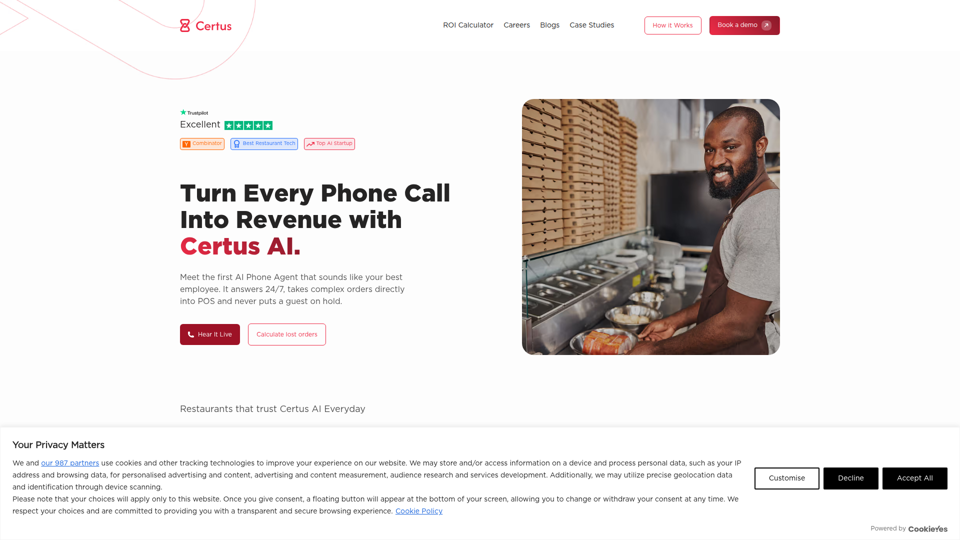
AI Phone Agent for Restaurants | Certus AI | 24/7 Orders
Certus AI is an AI phone agent for restaurants that helps handle calls and take orders around the clock, mainly for restaurant operators and teams that do not want to miss inbound calls. In an AI-driven service workflow, it can reduce manual call handling for front-of-house staff and managers so they can focus more on in-person operations.
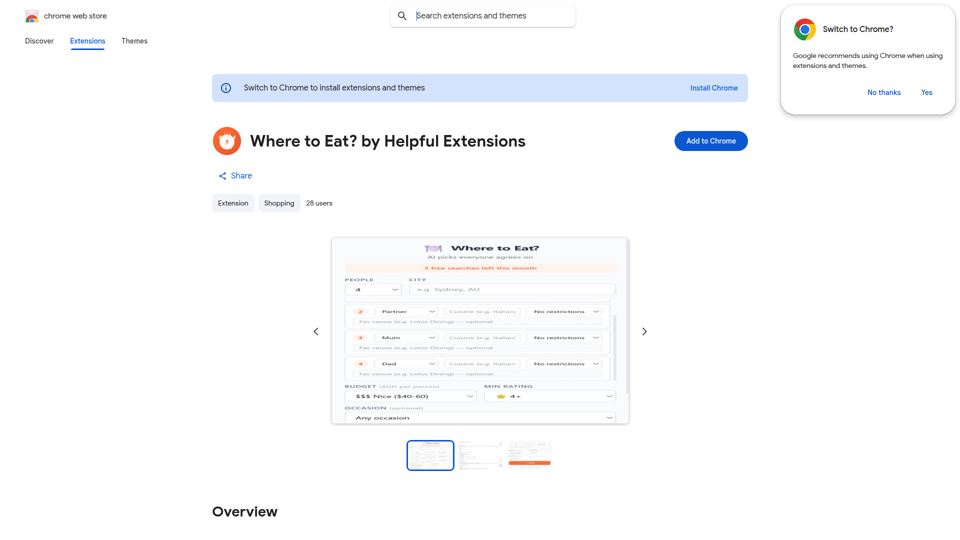
Where to Eat? by Helpful Extensions - Chrome Web Store
Where to Eat? by Helpful Extensions is a Chrome extension that helps groups choose restaurants by weighing different dietary needs, budgets, and preferences, mainly for people organizing shared meals or social dining plans. In the AI era, it can help coordinators, team organizers, and group planners reduce back-and-forth and reach practical dining decisions faster.
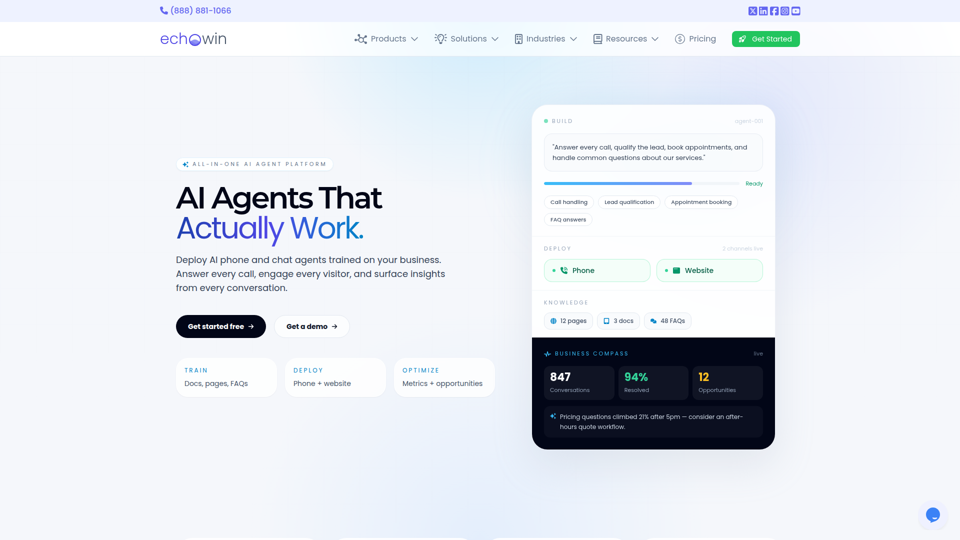
echowin | All-in-One AI Agent Platform for Small Business
echowin is an all-in-one AI agent platform that helps small businesses build and deploy no-code phone and website chat agents to answer calls, qualify leads, book appointments, handle support questions, and analyze conversations. For front-desk, support, and operations teams, its conversation intelligence can turn everyday customer interactions into actionable insights on demand trends, service gaps, and workflow improvements.
AI Food Photo Editor - FoodShot AI | Transform Food Photos in Seconds
FoodShot AI is an AI food photo editor that helps restaurants, chefs, food creators, and marketers turn basic dish photos into menu-ready images, delivery app visuals, social posts, and promotional posters. For restaurant operators and marketing teams, it can shorten the path from a phone photo to usable branded content across menus, delivery platforms, and social channels.
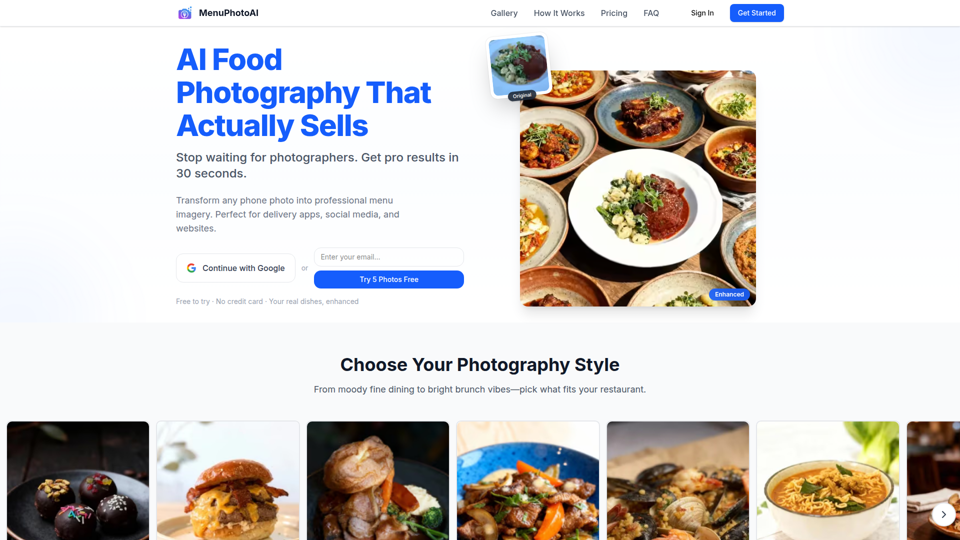
AI Food Photography: Studio Quality in 30 Seconds | Free Trial | MenuPhotoAI
MenuPhotoAI is an AI food photography tool that turns restaurant phone photos into menu-ready images with improved lighting, backgrounds, and styling in about 30 seconds, mainly for restaurant owners and food businesses. For restaurant marketers and operators, it can speed up producing consistent visuals for delivery apps, websites, and social channels without arranging repeated photo shoots.