
Free try AI Talking Baby Podcast Video Generator
Rate this Tool
Average Score
Total Votes
Select your score (1-10):
Detail Information
What
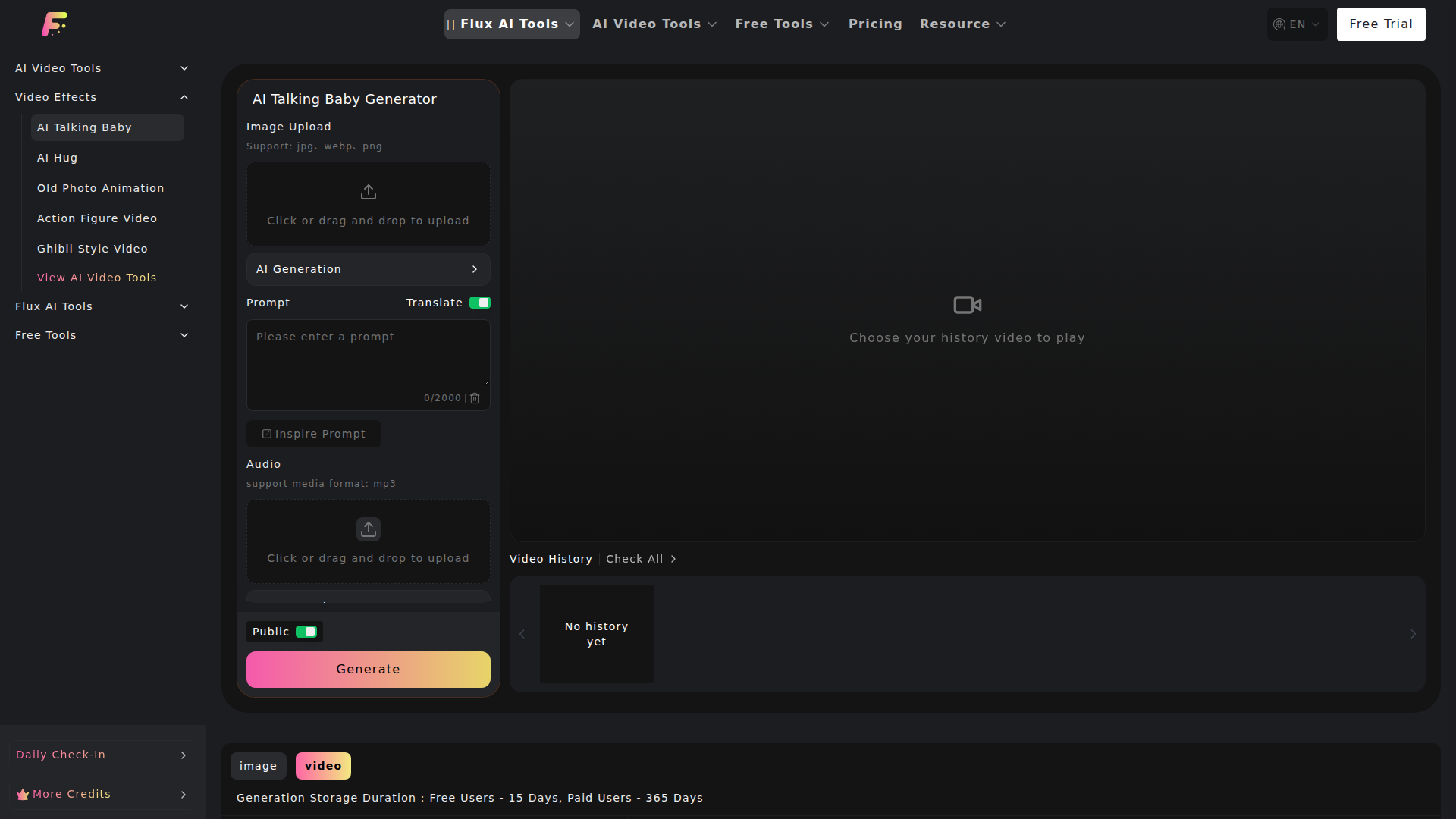
AI Talking Baby Podcast Video Generator is a web-based AI video tool that turns a baby photo plus text or uploaded audio into a short talking video. The page describes a workflow where users upload an image, add speech content, choose settings such as resolution, and generate a video with synchronized lip movement, facial animation, and voice output.
It appears to serve casual creators, families, social media content makers, educators, and brands that want a simple way to produce stylized “talking baby” clips without traditional video editing. Within the broader FluxProWeb catalog, it is positioned as a specialized image-to-video effect tool rather than a full standalone production suite.
Features
- Baby photo animation — Uploading a baby image triggers facial movement generation such as eye motion, lip shapes, and smiles to convert a static photo into a speaking video.
- Text or audio input — Users can either type what the baby should say or upload an MP3 file, giving flexibility for scripted or pre-recorded speech workflows.
- Voice-driven lip sync — The tool aligns spoken content with mouth movement to improve perceived realism in dialogue-style videos.
- Automatic expression generation — The system adjusts facial expressions such as smiles, curiosity, or surprise based on tone and intonation, according to the page.
- Video export for sharing — Generated clips can be exported for use on social platforms, family albums, or brand communication materials.
- Configurable generation options — The interface includes resolution choices, aspect ratios, public/private-style visibility control, and multiple credit-based video model options, though the page does not fully explain differences between all models.
Helpful Tips
- Validate output quality with a few test cases first — Since the page lists many underlying video model options and credit costs, it is practical to compare quality, speed, and fit before standardizing on one workflow.
- Use clean, front-facing source photos — For tools that rely on facial animation and lip sync, clear images with visible facial features typically support more stable results, even though the page does not state exact image requirements beyond file types.
- Match use case to duration and resolution — Shorter clips and lower resolutions may be sufficient for social posts or concept testing, while higher settings are better reserved for polished outputs if credits matter.
- Review brand and audience fit carefully — The “talking baby” format can be effective for family, entertainment, and certain consumer campaigns, but it may not suit every professional or regulated context.
- Plan around storage limits and credit usage — The page states different storage durations for free and paid users and a credit-based generation system, so operational teams should account for retention and production volume.
OpenClaw Skills
Within the OpenClaw ecosystem, this product could likely support agent workflows for short-form creative production, campaign prototyping, and media repurposing. An OpenClaw skill could take a brief, generate baby-character scripts for different channels, pass approved lines into this tool, then organize outputs by audience, language, or platform format. Another likely use case is a content-ops agent that tracks prompt versions, source assets, and generated variants to streamline iterative testing.
For industries such as consumer marketing, family media, or education, the combination could shift work from manual editing toward prompt-led creative operations. For example, an OpenClaw workflow could likely generate multilingual greeting scripts, produce several baby-avatar variants for regional campaigns, and route finished clips into publishing or review pipelines. The page does not mention native OpenClaw integration, so this should be treated as an inferred orchestration opportunity rather than a confirmed built-in capability.
Embed Code
Share this AI tool on your website or blog by copying and pasting the code below. The embedded widget will automatically update with the latest information.
<iframe src="https://aimyflow.com/ai/fluxproweb-com-ai-talking-baby/embed" width="100%" height="400" frameborder="0"></iframe>
Explore Similar Tools
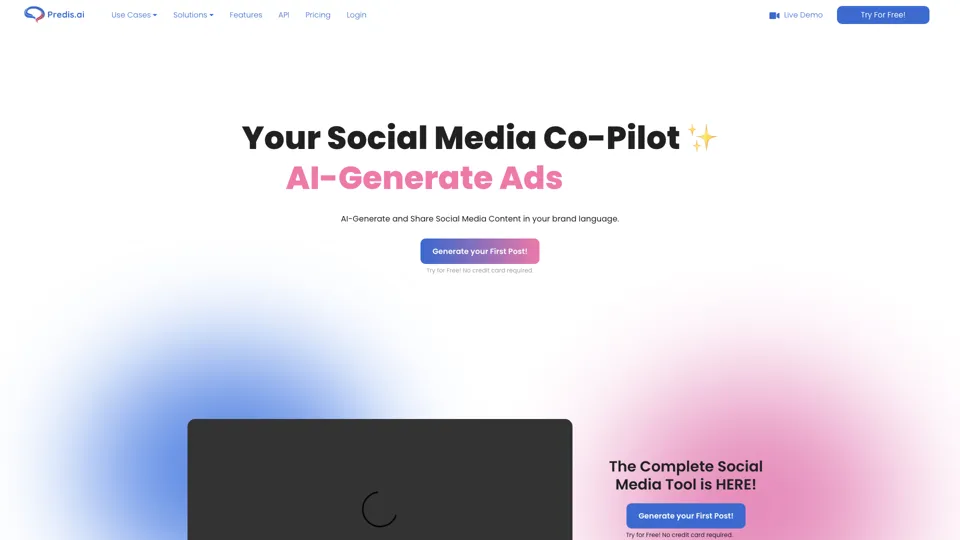
Social Media Marketing made easy with AI | Predis.ai
Predis.ai is an AI social media marketing tool that helps users create video and image content and analyze performance, mainly for marketers, agencies, and growing brands. It shortens content planning and production cycles, helping social teams test and refine campaigns more efficiently.
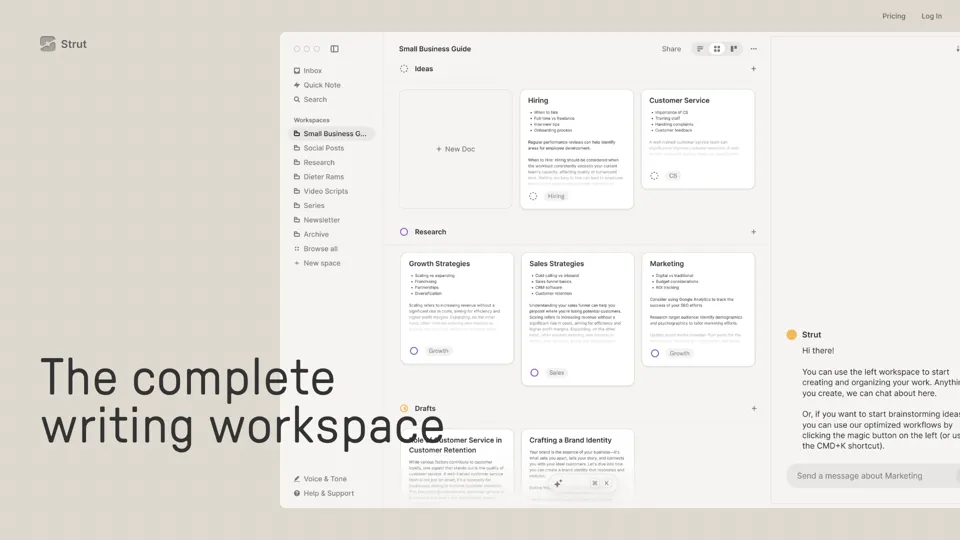
Strut – The complete writing workspace
Strut is an AI-powered writing workspace that combines notes, documents, and collaborative writing projects in one environment, mainly for writers, creators, and teams. In the AI era, it helps knowledge workers move from scattered drafts to more coherent writing and faster iteration.

Hypotenuse AI:Smart text generator
Hypotenuse AI is a text generation platform that helps marketers, ecommerce teams, and content writers produce SEO articles, product descriptions, and branded copy at scale. In the AI era, it enables content roles to maintain consistency while increasing publishing speed across large catalogs and campaigns.
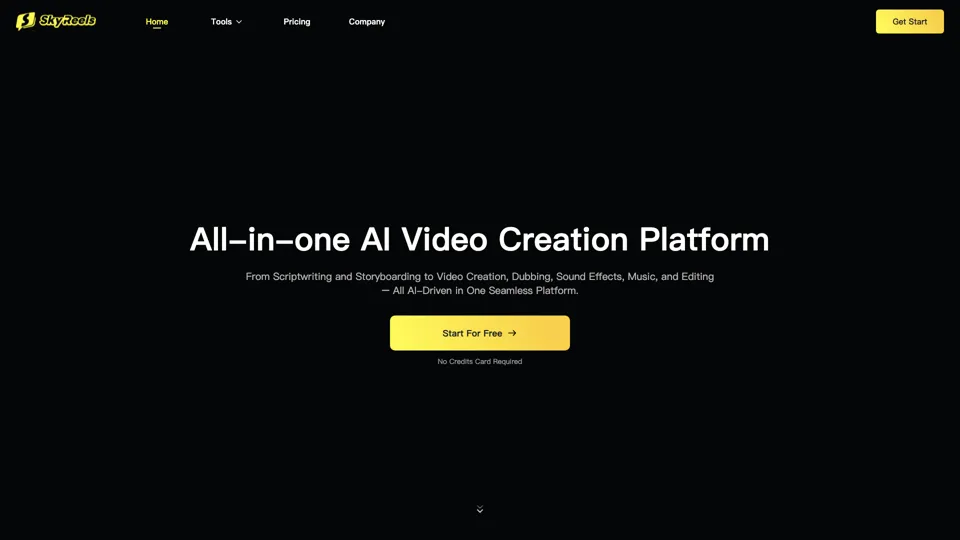
All-in-one panel | SkyReels - Ultimate AI Video Creation Platform
SkyReels is an AI video creation platform that turns scripts into finished videos with voiceovers, lip sync, sound effects, music, and editing tools, mainly for creators and marketing teams. In the AI era, it helps video producers compress production workflows and deliver polished content without a full studio setup.
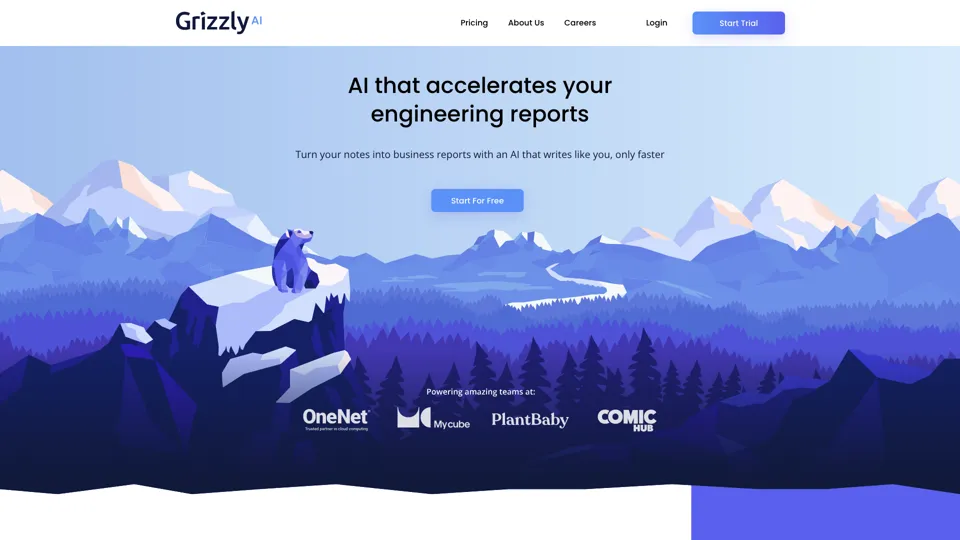
Grizzly AI | Your AI Report Writer
Grizzly AI is an AI report writing tool that helps professionals generate reports from source files while matching their preferred writing style. It saves analysts and knowledge workers time by turning documents into polished drafts with less manual rewriting.
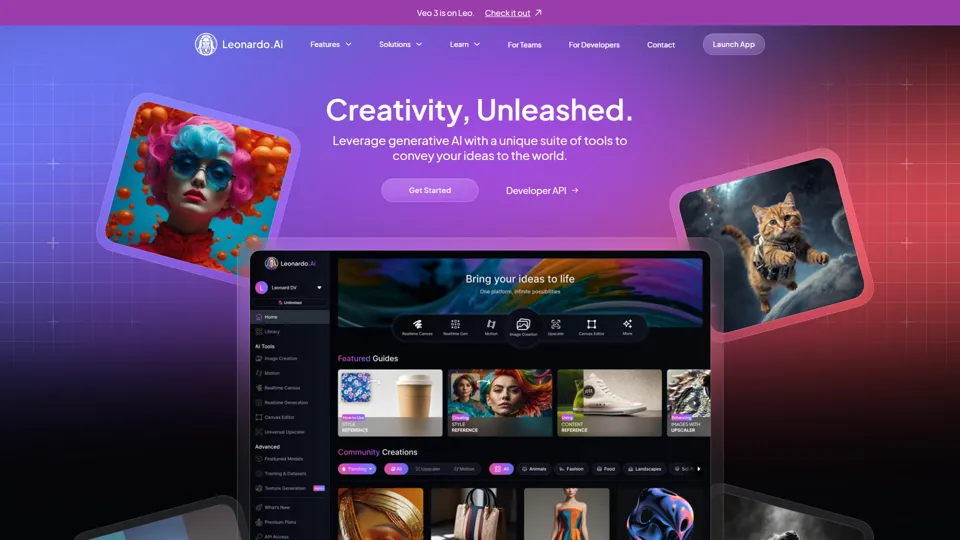
AI Image Generator - Create Art, Images & Video | Leonardo AI
Leonardo AI is an AI image and video generation platform that helps creators, designers, and marketers produce high-quality visual assets quickly. In the AI era, it shortens concept-to-content cycles so creative teams can iterate faster without expanding production overhead.
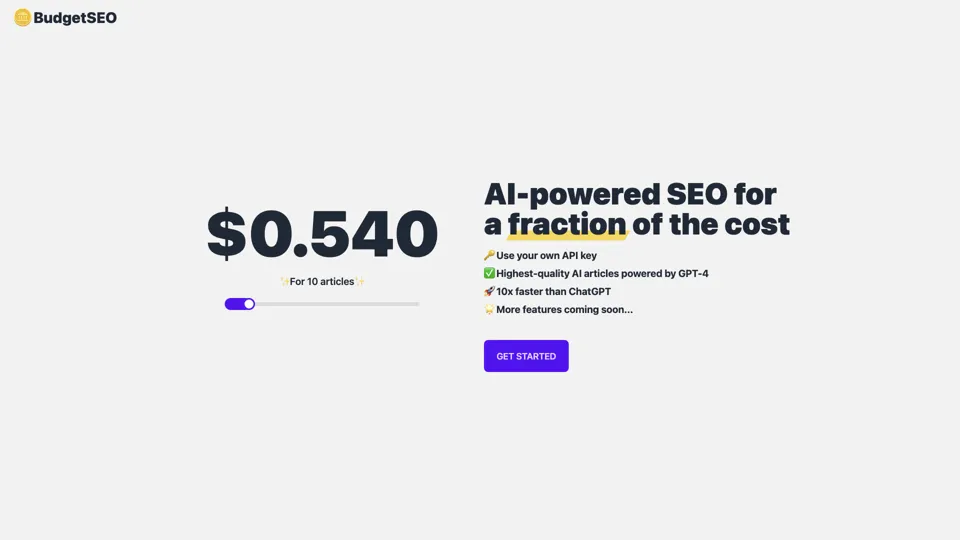
Budget-friendly AI Powered SEO
BudgetSEO is an AI-powered SEO content tool that helps users create search-optimized material affordably, mainly for small businesses, solo founders, and marketers with limited budgets. In the AI era, it enables lean marketing teams to produce more SEO assets without expanding headcount.
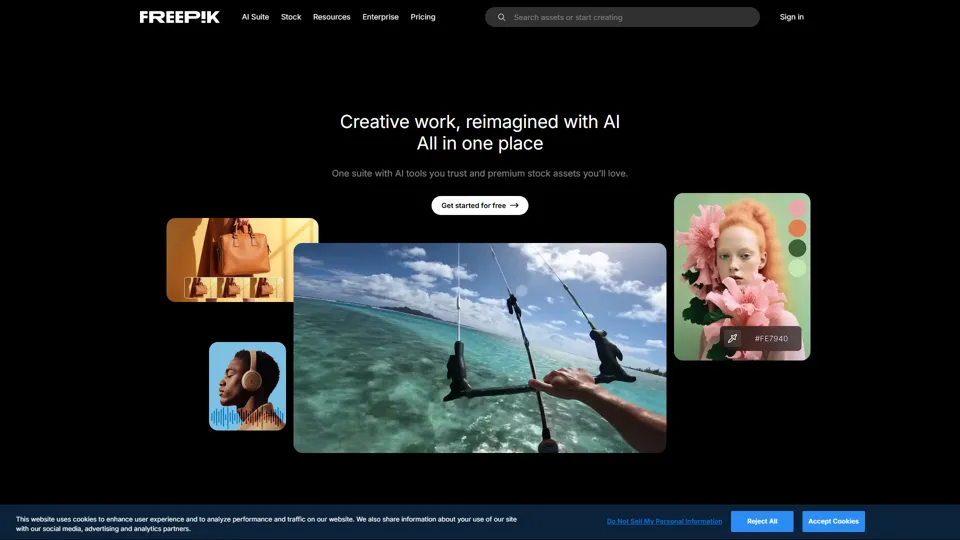
Freepik | All-in-One AI Creative Suite
Freepik is an all-in-one creative suite that combines AI design tools with stock assets to help designers and marketers create visual content in one workspace. It improves creative efficiency by reducing tool switching and accelerating asset production for high-volume campaigns.