
Your Everyday Editing Tool Companion | Facetune
Rate this Tool
Average Score
Total Votes
Select your score (1-10):
Detail Information
What
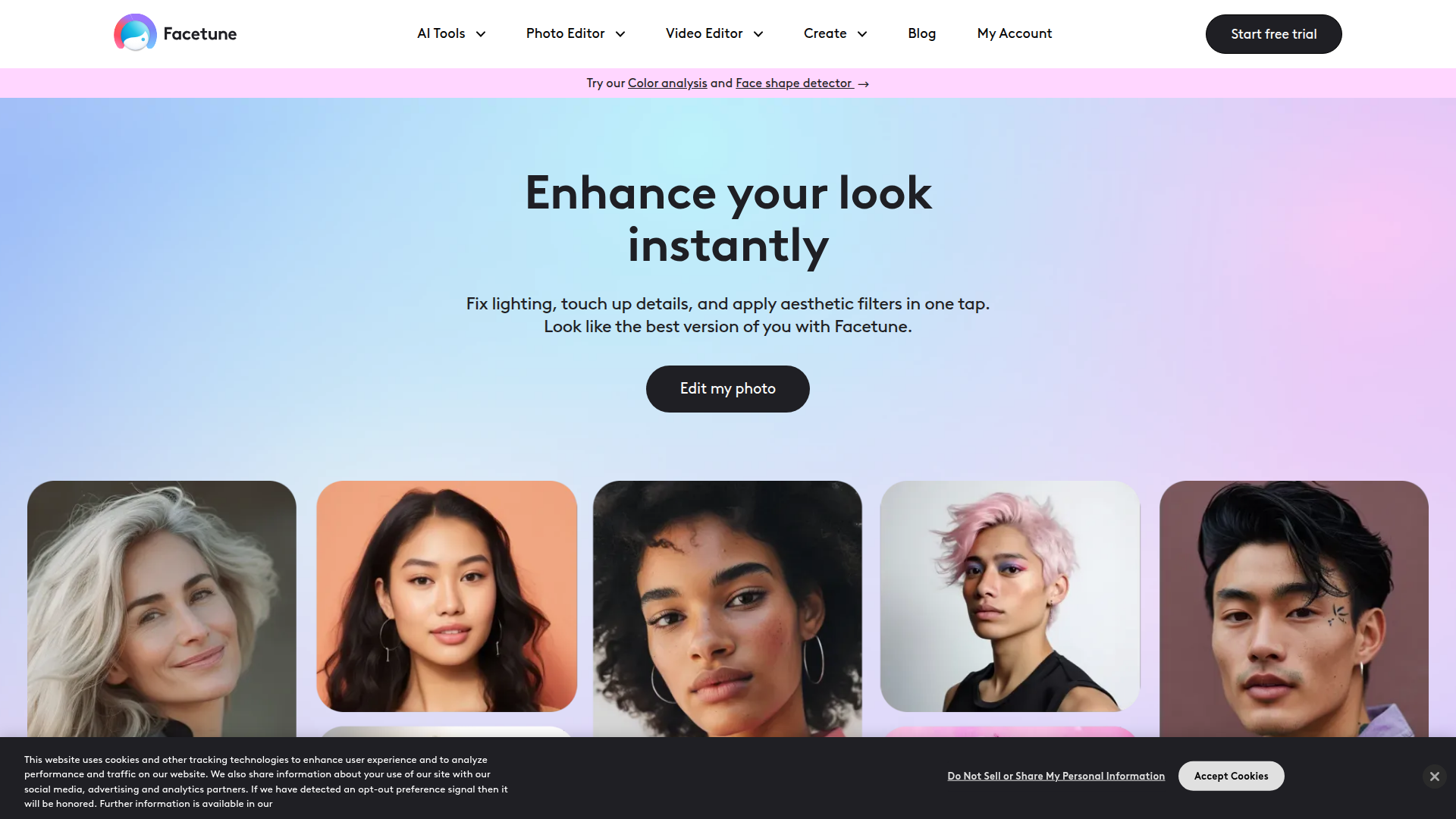
Facetune is an AI-powered photo and video editing app focused on personal appearance, style experimentation, and social-ready content creation. It serves consumers, creators, influencers, and other users who want to quickly enhance selfies, portraits, profile images, short videos, and other visual content.
The product appears positioned as an everyday editing companion rather than a professional production suite. Its core workflow centers on fast edits such as lighting fixes, retouching, filters, background changes, object removal, virtual try-ons, and look analysis, with additional templates and generators for use cases like headshots, passport photos, social posts, and real estate images.
Features
- AI photo and video enhancement — Improves lighting, skin appearance, and overall image quality with quick edits designed for fast publishing.
- Retouching and cleanup tools — Supports blemish removal, teeth whitening, wrinkle reduction, object removal, and background editing to produce cleaner portraits and scenes.
- Virtual beauty and style experimentation — Lets users preview hairstyles, hair colors, bangs, beards, nail looks, makeup, eye color, and clothing changes without a physical makeover.
- Personalized look analysis — Includes color analysis and face shape detection to suggest flattering palettes, hairstyles, makeup placement, and accessories.
- Profile and social content creation — Offers tools for profile pictures, Instagram photos and stories, LinkedIn headshots, Tinder photos, and passport images tailored to common online identity needs.
- Video editing utilities — Provides video retouching, background blur, makeup editing, background noise removal, and enhancement for short-form visual content.
Helpful Tips
- Check where AI edits are acceptable — Tools for headshots, passport photos, and dating or professional profiles can be useful, but image standards vary by platform and context.
- Use personalization features as guidance, not rules — Color analysis and face-shape suggestions can help narrow choices, but they are best treated as style support rather than definitive advice.
- Set editing boundaries early — Teams or individual creators should define what counts as acceptable retouching to keep content consistent and avoid over-editing.
- Prioritize workflow fit over feature volume — Facetune covers many appearance-editing tasks, so buyers should focus on whether its everyday speed and simplicity match their content needs.
- Validate non-selfie use cases carefully — The site mentions areas like real estate photo editing, but the homepage does not explain the depth of those workflows, so evaluate those capabilities conservatively.
Embed Code
Share this AI tool on your website or blog by copying and pasting the code below. The embedded widget will automatically update with the latest information.
<iframe src="https://aimyflow.com/ai/facetuneapp-com/embed" width="100%" height="400" frameborder="0"></iframe>
Explore Similar Tools
AI Motion Transfer - Animate Photos with Video Reference
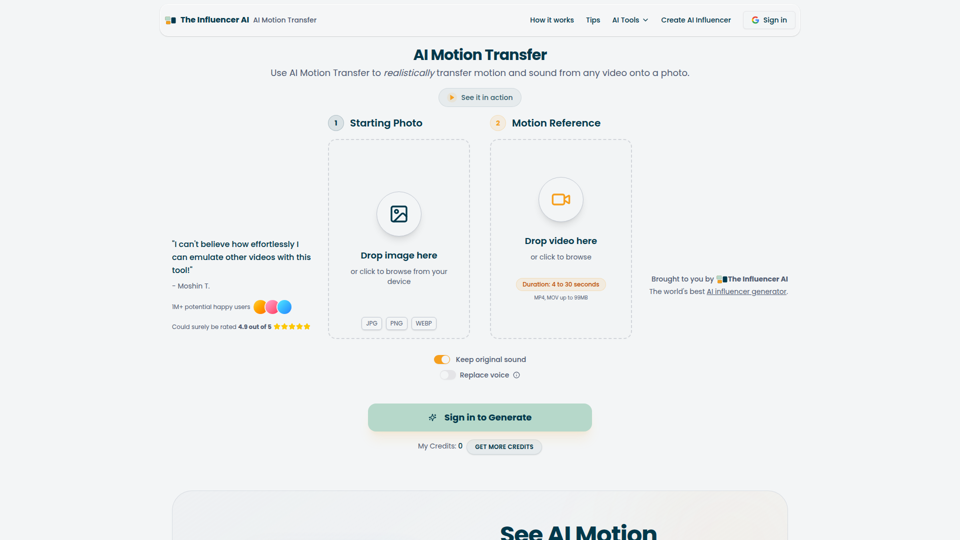
AI Motion Transfer is an AI tool from The Influencer AI that transfers motion and optionally sound from a reference video onto a photo, helping creators, marketers, and social content teams turn static character images into animated videos. For social media, e-commerce, and creative production roles, it can speed up creation of realistic character videos and reduce the need for manual filming or complex prompt writing.
AI Thumbnail Maker for YouTube Creators | Thumbspot AI
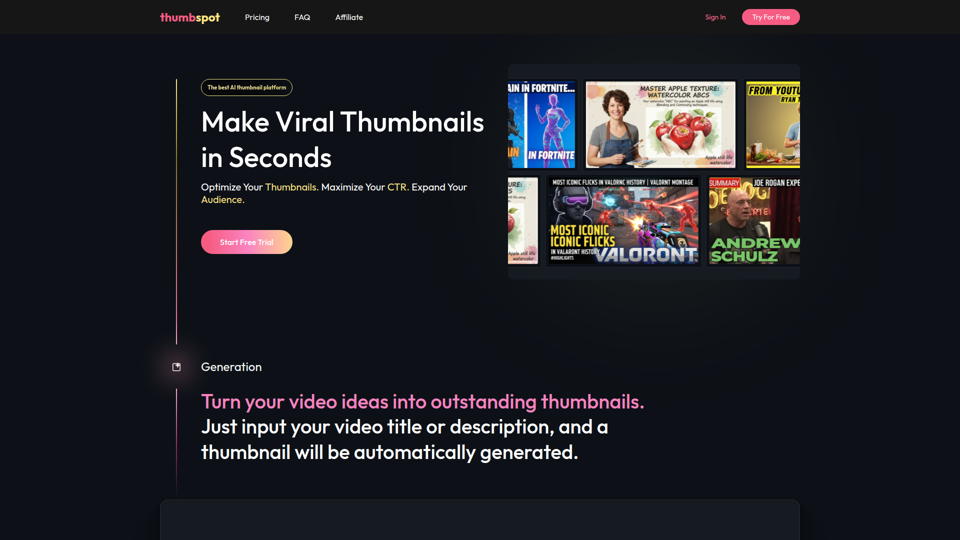
Thumbspot AI is an AI thumbnail maker that helps YouTube creators generate, edit, recreate, and personalize video thumbnails with templates, face swaps, and AI personas. For content creators and channel managers, it can speed thumbnail testing and iteration so creative decisions align more closely with audience click behavior.
2pr | AI LinkedIn Post Generator – Create Engaging Content in 1 Minute
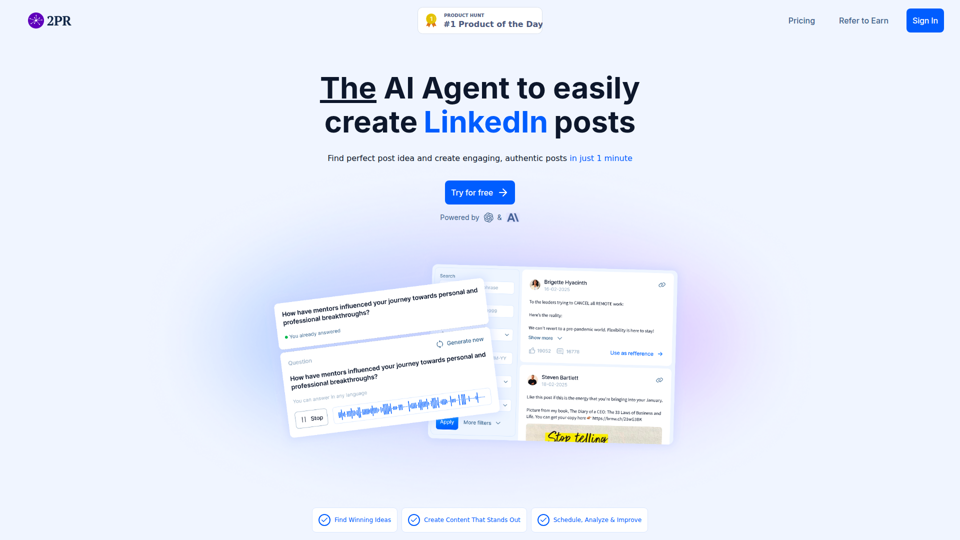
2pr is an AI LinkedIn post generator and content workflow tool that helps users find post ideas, write authentic LinkedIn posts, create carousels, and schedule and analyze content, mainly for founders, B2B sales and marketing teams, bloggers, and job seekers. For professionals building a personal brand on LinkedIn, it can streamline ideation and drafting while using profile-based guidance to keep posts aligned with their expertise and positioning.

ShopChief — AI Agent for Global E-Commerce Sellers
ShopChief is an AI agent workspace designed for global e-commerce sellers to manage product research, store building, SEO, and ad campaigns. By integrating connected store data, it helps operations and marketing teams automate listing preparation, creative asset production, and performance checks.
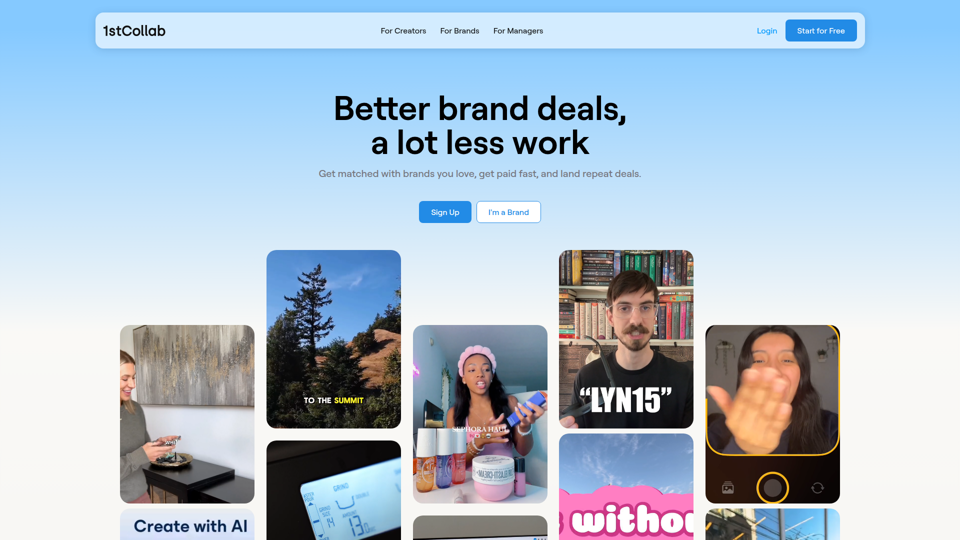
1stCollab - The AI-Powered Influencer Marketplace
1stCollab is an AI-powered influencer marketplace that helps creators find matched brand partnerships, apply quickly, maintain an auto-updating media kit, and get paid faster, with creators as its main audience. For influencer marketers, creator managers, and social media teams, this kind of automation can reduce manual outreach and admin work while keeping campaign data and creator profiles current.
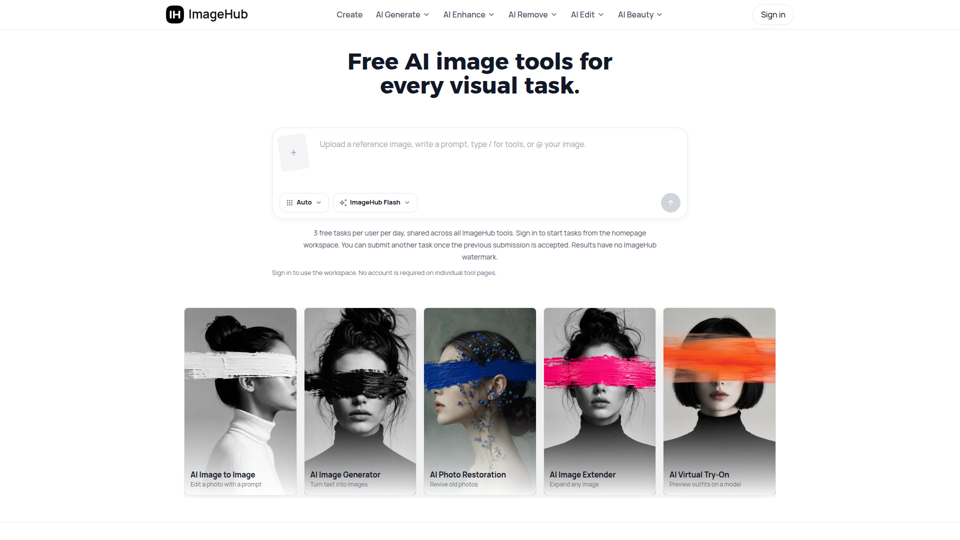
Free AI Image Tools to Generate, Edit & Enhance | ImageHub
ImageHub is a browser-based AI toolkit that helps creators, e-commerce sellers, and marketers generate, edit, and enhance images. By automating background removal and upscaling, it enables merchants to produce marketplace-ready product photos without a physical studio.
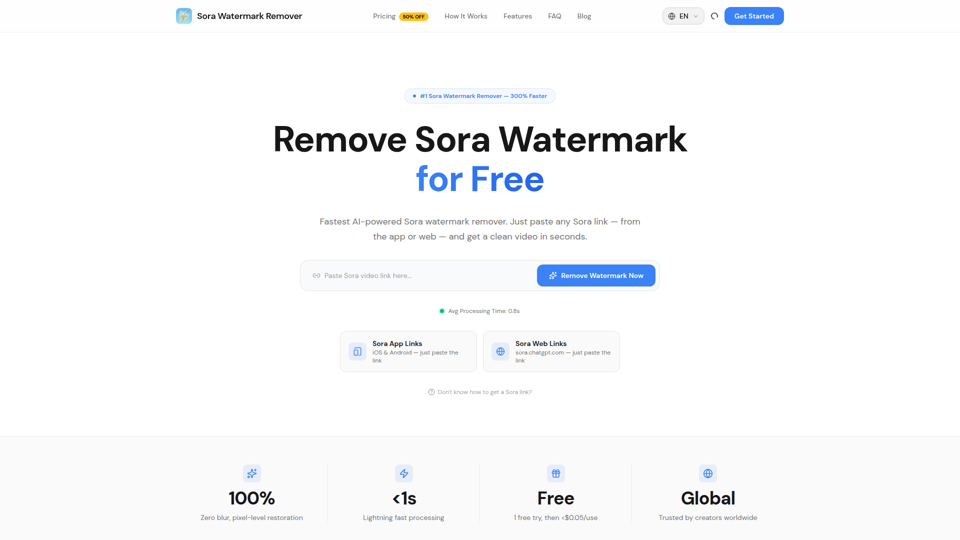
Sora Watermark Remover — Remove Sora Watermarks Free
Sora Watermark Remover is an AI tool that removes watermarks from Sora-generated videos by pasting a Sora app or web link, mainly for creators who need clean MP4 downloads without uploading files. For content creators and social media editors, this can speed reuse and publishing of AI-generated video assets while reducing manual post-production steps.
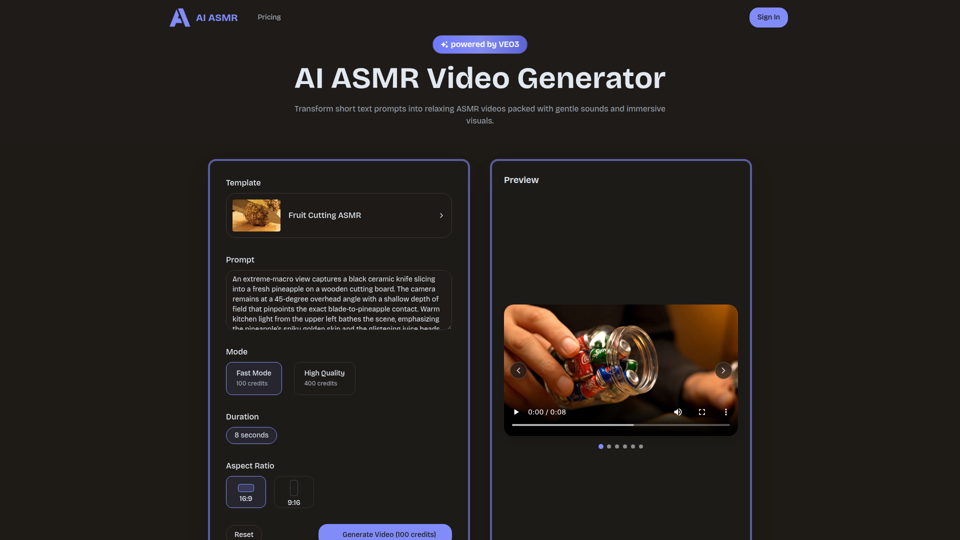
AI ASMR | Create VEO3 Relaxation Videos Online
AI ASMR is an AI video generator that turns short text prompts into relaxation-focused ASMR videos with generated audio and visuals, mainly for content creators who want to make calming clips without studio equipment. For social media creators, editors, and creative teams, it can speed up concept testing and consistent production of niche relaxation content from simple prompts.