
Doodle Dreams - Bring your drawings alive
Rate this Tool
Average Score
Total Votes
Select your score (1-10):
Detail Information
What
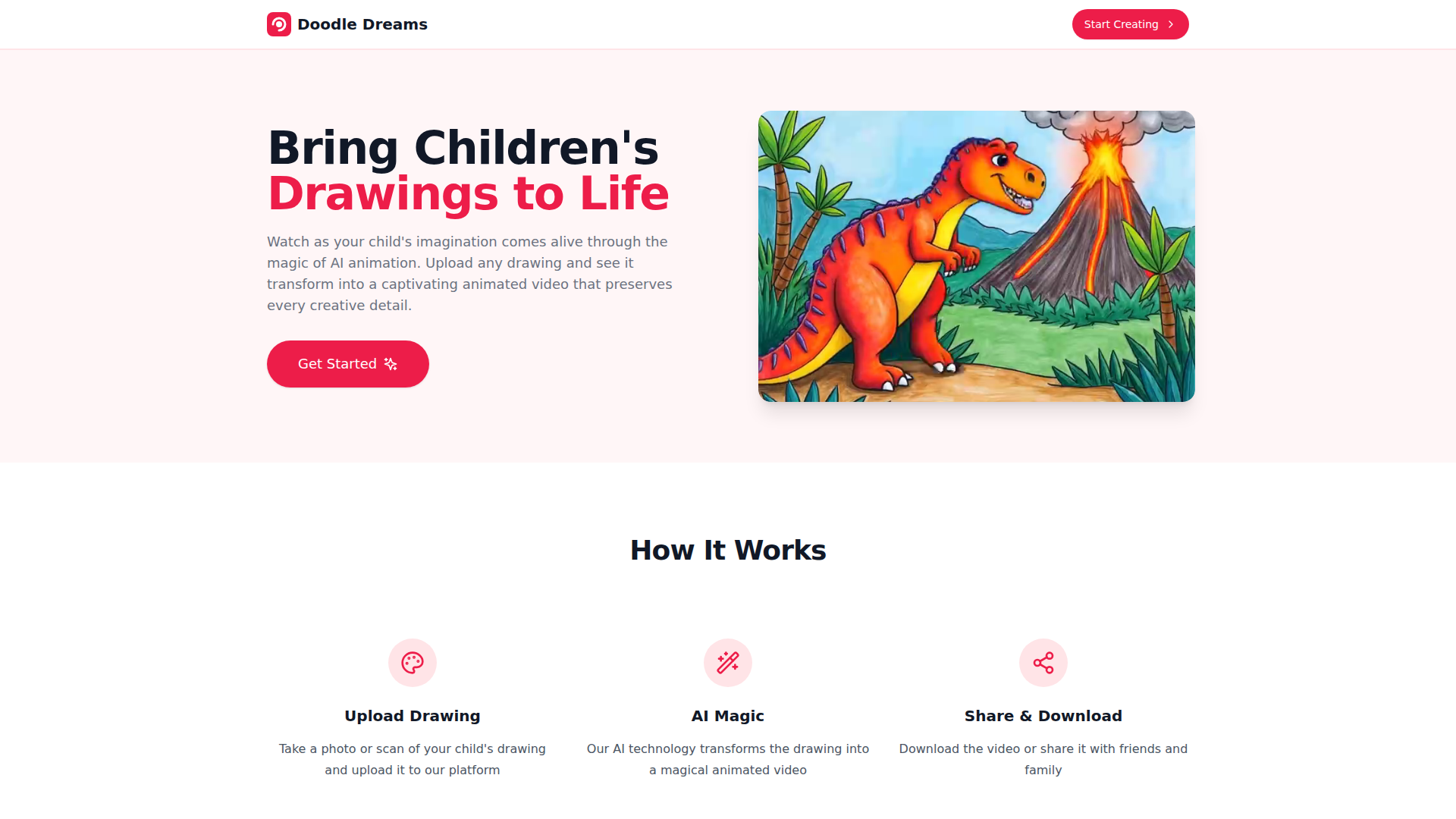
Doodle Dreams is an AI-powered tool that turns children’s drawings into short animated videos. The core workflow is simple: upload a photo or scan of a drawing, let the platform process it, then download or share the resulting animation.
The product appears to serve families, children, and anyone helping kids create art-based digital keepsakes. It is positioned as a consumer-friendly creative app with a subscription model, plus a built-in “Doodle Hub” library of ready-to-color drawing packs designed to work well with its animation system.
Features
- Drawing-to-video animation: Users can upload a child’s drawing and have the platform transform it into an animated video while aiming to preserve the original creative details.
- Simple three-step workflow: The process is structured around upload, AI processing, and share/download, which reduces friction for non-technical users.
- Photo or scan input support: The site states that users can submit either a photographed or scanned drawing, making capture flexible for home use.
- Download and sharing options: Finished animations can be downloaded or shared with friends and family, supporting easy distribution of the final output.
- Doodle Hub drawing packs: The platform includes themed, ready-to-color packs intended to inspire new projects and provide source material optimized for animation.
- Tiered subscription plans with usage limits: Plans are organized by monthly animation volume and Doodle Hub access, which helps match usage to casual, regular, or heavier creative needs.
Helpful Tips
- Validate output quality on real child-created drawings: Since the page does not show technical constraints beyond examples, it is worth testing a range of drawing styles, line quality, and image capture conditions before broader household or classroom use.
- Assess plan fit by animation frequency: The main decision variable appears to be the number of animations per month, so estimate likely usage before choosing a subscription tier.
- Use optimized drawing packs for predictable results: If consistent animation quality matters, the Doodle Hub packs may be a safer starting point than highly complex or low-contrast original drawings.
- Clarify unanswered operational details: The FAQ headings suggest the service addresses timing, video length, accepted formats, cancellations, and refunds, but the visible page content does not provide those answers directly.
- Prepare good source images: Clean photos or scans with clear outlines will likely improve results, even though the site does not publish formal image preparation guidelines.
OpenClaw Skills
Doodle Dreams could likely work well with OpenClaw as part of a family creativity, education, or digital memory workflow. A likely OpenClaw skill could collect uploaded drawings, organize them by child, theme, or date, trigger animation requests where supported, and route finished videos into shared family libraries, classroom portfolios, or scrapbook-style timelines. The page does not mention a native integration or API, so this is best treated as a probable workflow concept rather than a confirmed capability.
In a broader sense, OpenClaw agents built around this kind of product could help parents, teachers, or children’s activity providers turn offline art into structured digital experiences. Likely use cases include lesson-based art prompts, seasonal drawing campaigns, automated archiving of student creations, and story-building workflows that combine multiple animated drawings into a sequence. For education and family media, that combination could shift children’s artwork from a one-time physical artifact into reusable digital content with light operational overhead.
Embed Code
Share this AI tool on your website or blog by copying and pasting the code below. The embedded widget will automatically update with the latest information.
<iframe src="https://aimyflow.com/ai/doodledreams-cc/embed" width="100%" height="400" frameborder="0"></iframe>
Explore Similar Tools
Social Media Marketing made easy with AI | Predis.ai
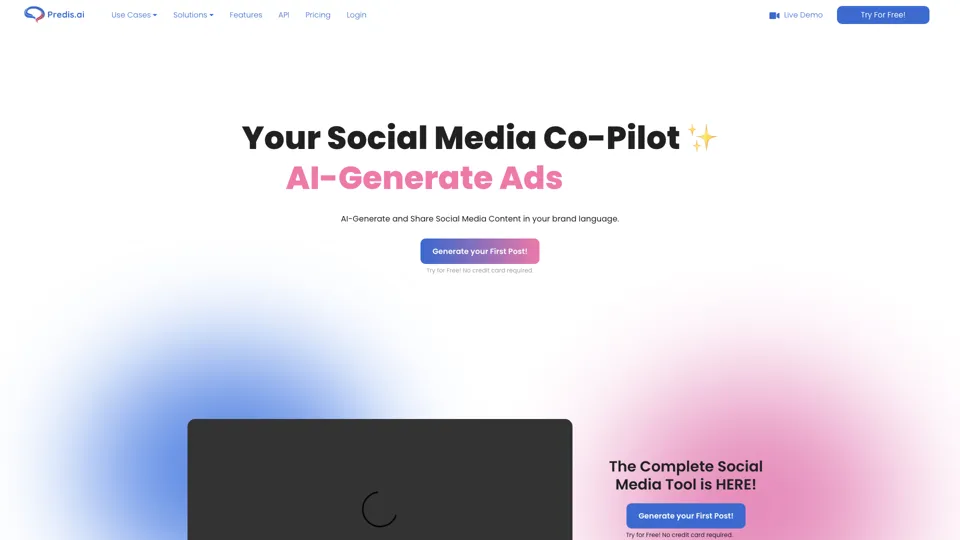
Predis.ai is an AI social media marketing tool that helps users create video and image content and analyze performance, mainly for marketers, agencies, and growing brands. It shortens content planning and production cycles, helping social teams test and refine campaigns more efficiently.
Strut – The complete writing workspace
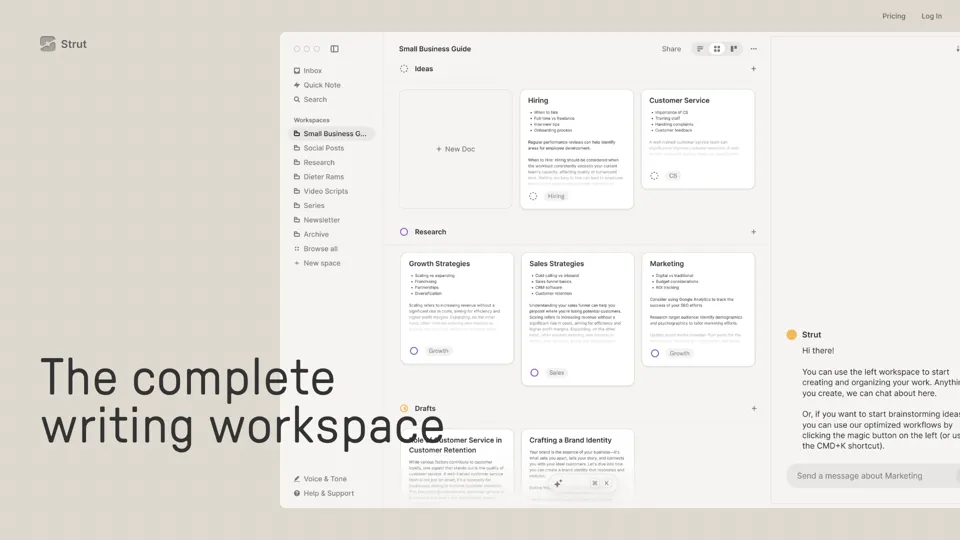
Strut is an AI-powered writing workspace that combines notes, documents, and collaborative writing projects in one environment, mainly for writers, creators, and teams. In the AI era, it helps knowledge workers move from scattered drafts to more coherent writing and faster iteration.
Hypotenuse AI:Smart text generator
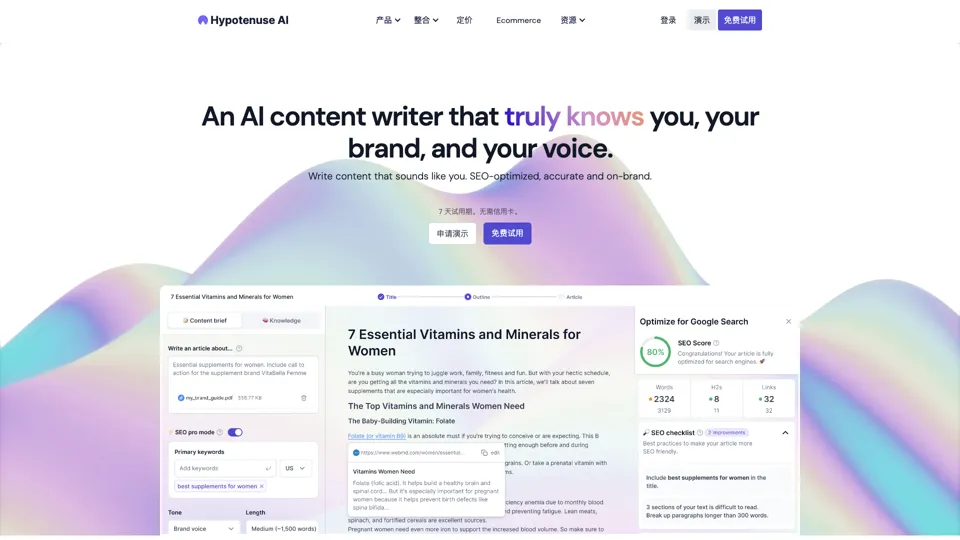
Hypotenuse AI is a text generation platform that helps marketers, ecommerce teams, and content writers produce SEO articles, product descriptions, and branded copy at scale. In the AI era, it enables content roles to maintain consistency while increasing publishing speed across large catalogs and campaigns.
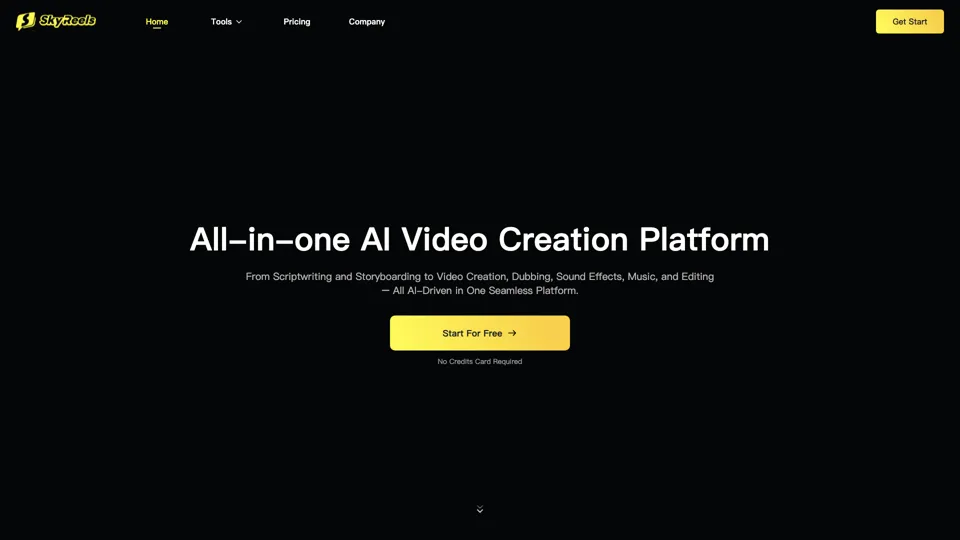
All-in-one panel | SkyReels - Ultimate AI Video Creation Platform
SkyReels is an AI video creation platform that turns scripts into finished videos with voiceovers, lip sync, sound effects, music, and editing tools, mainly for creators and marketing teams. In the AI era, it helps video producers compress production workflows and deliver polished content without a full studio setup.
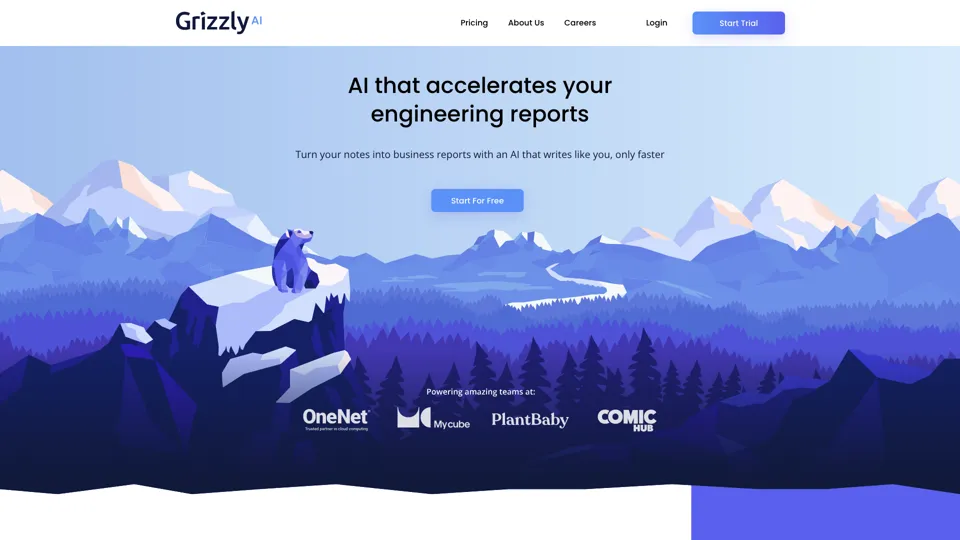
Grizzly AI | Your AI Report Writer
Grizzly AI is an AI report writing tool that helps professionals generate reports from source files while matching their preferred writing style. It saves analysts and knowledge workers time by turning documents into polished drafts with less manual rewriting.
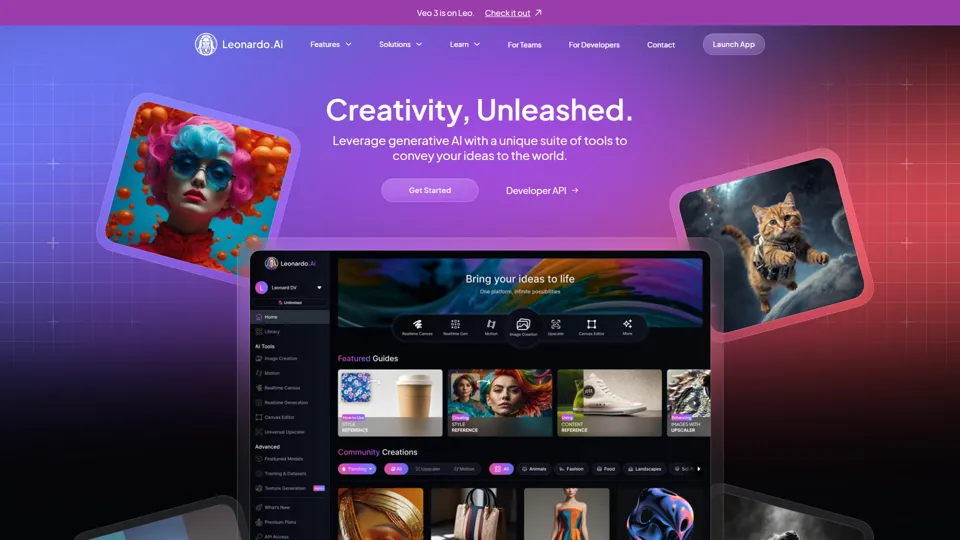
AI Image Generator - Create Art, Images & Video | Leonardo AI
Leonardo AI is an AI image and video generation platform that helps creators, designers, and marketers produce high-quality visual assets quickly. In the AI era, it shortens concept-to-content cycles so creative teams can iterate faster without expanding production overhead.
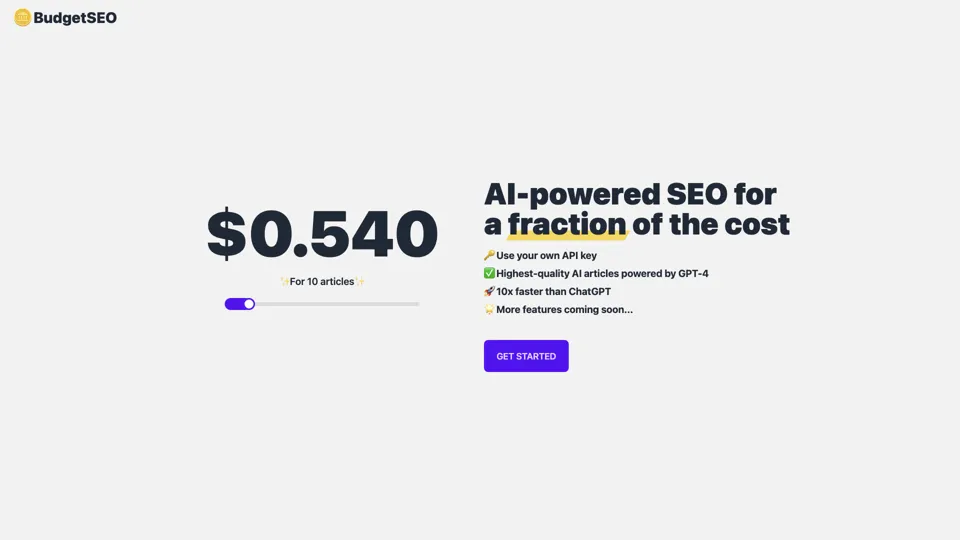
Budget-friendly AI Powered SEO
BudgetSEO is an AI-powered SEO content tool that helps users create search-optimized material affordably, mainly for small businesses, solo founders, and marketers with limited budgets. In the AI era, it enables lean marketing teams to produce more SEO assets without expanding headcount.
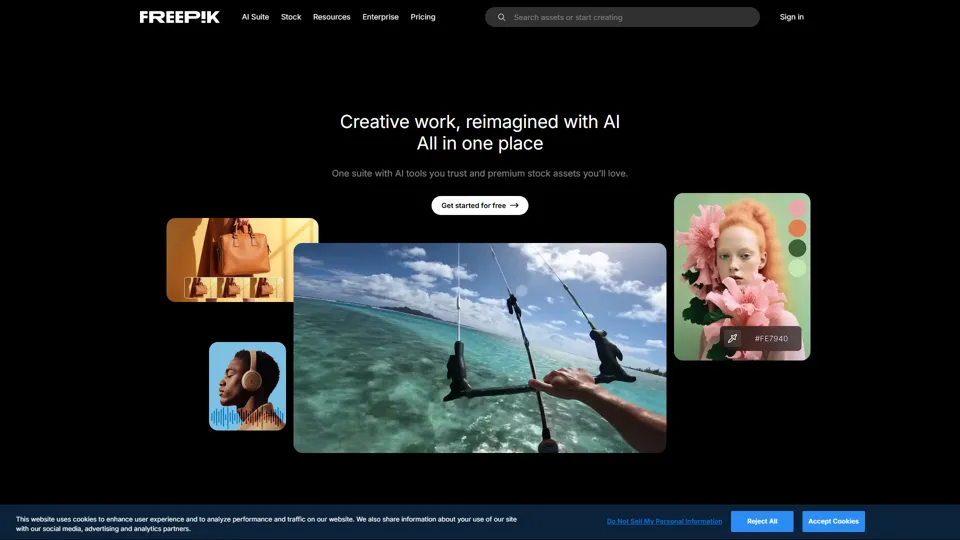
Freepik | All-in-One AI Creative Suite
Freepik is an all-in-one creative suite that combines AI design tools with stock assets to help designers and marketers create visual content in one workspace. It improves creative efficiency by reducing tool switching and accelerating asset production for high-volume campaigns.