
Docuit - Your AI Memory Assistant for Work, Study & Daily Tasks
Rate this Tool
Average Score
Total Votes
Select your score (1-10):
Detail Information
What
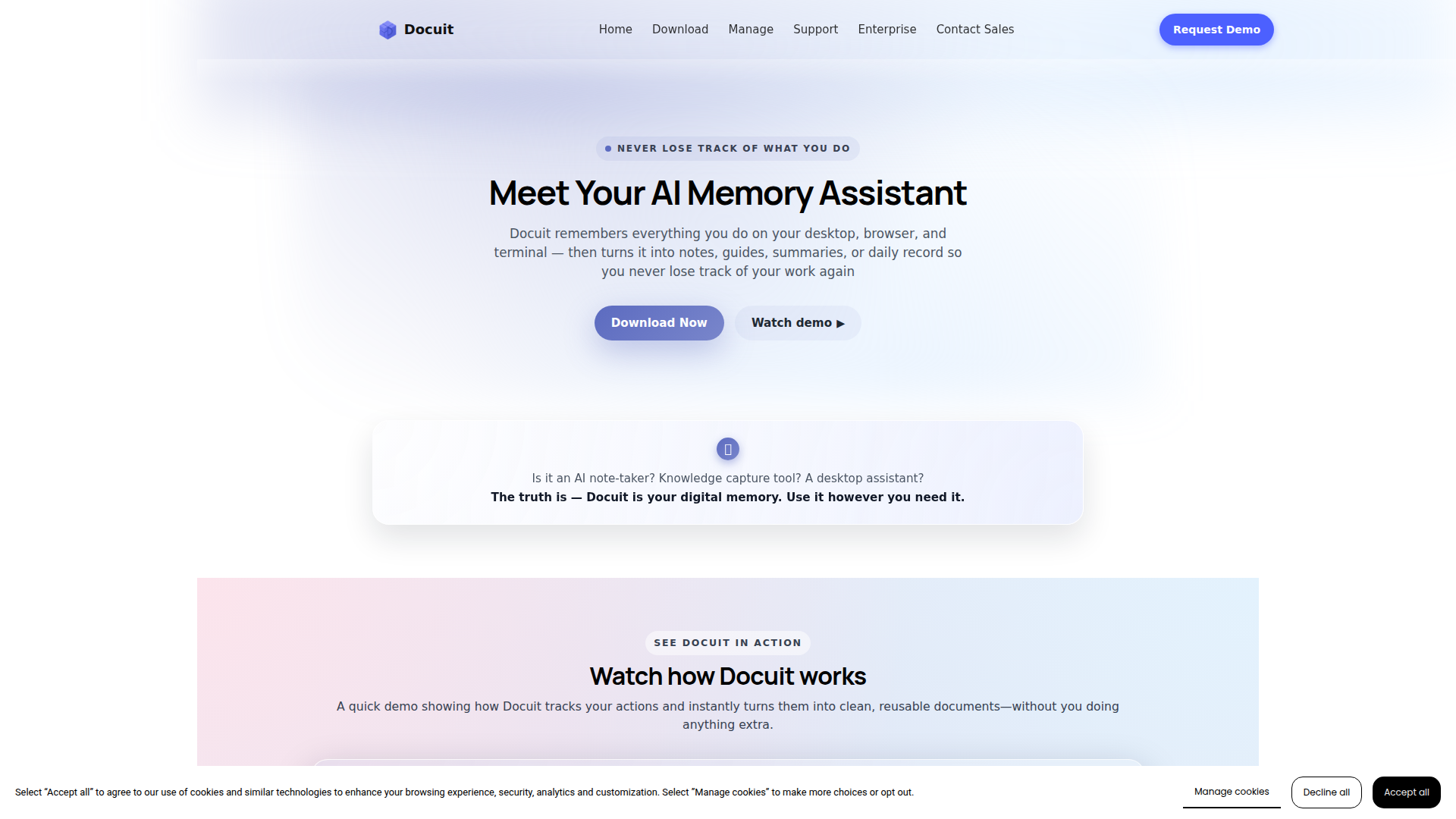
Docuit is an AI memory assistant for desktop work that captures what a user does across the desktop, browser, and terminal, then turns that activity into notes, summaries, task lists, and step-by-step guides. The product is positioned as a “digital memory” layer rather than only a note-taking tool, with a workflow centered on recording real work sessions and converting them into reusable documentation.
It appears designed for individual professionals, students, and teams that need to preserve procedures, study material, research activity, troubleshooting steps, or personal administrative workflows. Based on the page, Docuit fits into the documentation and knowledge-capture category, with practical use cases in training, onboarding, study support, process reuse, and daily task tracking.
Features
- Session-based activity capture: Users start a session for a task type such as study, research, or personal work, allowing Docuit to record actions and context while they work normally.
- Cross-environment tracking: The product captures steps across desktop apps, browsers, and terminals, including clicks, forms, searches, tools, and commands, which helps preserve multi-tool workflows.
- Automatic document generation: After a session ends, Docuit converts captured activity into structured outputs such as notes, task lists, summaries, or guides without manual formatting.
- Pre-built templates: Templates for enterprise workflows, study notes, coding sessions, troubleshooting, content creation, and daily tasks help organize outputs around common documentation needs.
- Tutorial and video interpretation: Docuit can extract useful information from tutorials, demos, or videos watched by the user and turn that material into reusable notes and guides.
- Privacy and control options: The page states that users can start, pause, resume, or end sessions, that email and chat apps are excluded automatically, and that built-in PII redaction is available.
Helpful Tips
- Validate capture boundaries early: For products in this category, teams should test which apps, websites, and workflows are included or excluded so documentation outputs match internal expectations.
- Map templates to repeatable processes: Adoption is usually stronger when session templates are tied to recurring tasks such as onboarding, troubleshooting, research logging, or application workflows.
- Review privacy fit with internal policies: Although the page mentions PII redaction and exclusions for email and chat apps, buyers should still confirm data handling details for their own risk and governance requirements.
- Use generated guides as first drafts: Automatically created documentation is often most effective when treated as a structured starting point that subject-matter experts can quickly refine.
- Test multilingual export needs: If documentation is shared across regions, verify how the 19-language export support performs for the specific terminology and workflow types your organization uses.
OpenClaw Skills
Within the OpenClaw ecosystem, Docuit could likely serve as a source layer for workflow memory, operational notes, and process documentation. A likely use case would be OpenClaw skills that take Docuit-generated guides and transform them into searchable internal knowledge assets, role-based training modules, onboarding sequences, or agent-ready SOPs. If Docuit outputs can be exported as Word, PDF, or text as stated, OpenClaw agents could potentially ingest those files and classify them by team, task type, system, or business process.
A broader likely workflow would combine Docuit’s captured session records with OpenClaw agents for process mining, support deflection, and operational coaching. For example, an OpenClaw skill could compare repeated troubleshooting sessions, identify common steps, and assemble a standard runbook for support teams; another could turn study or research notes into structured learning paths. These are inferred use cases rather than confirmed native integrations, but they suggest a strong fit for professions that depend on repeatable digital work, including operations, enablement, support, education, and technical documentation.
Embed Code
Share this AI tool on your website or blog by copying and pasting the code below. The embedded widget will automatically update with the latest information.
<iframe src="https://aimyflow.com/ai/docuit-ai/embed" width="100%" height="400" frameborder="0"></iframe>
Explore Similar Tools
Transcribe Meetings & Generate Files with AI on TicNote Cloud
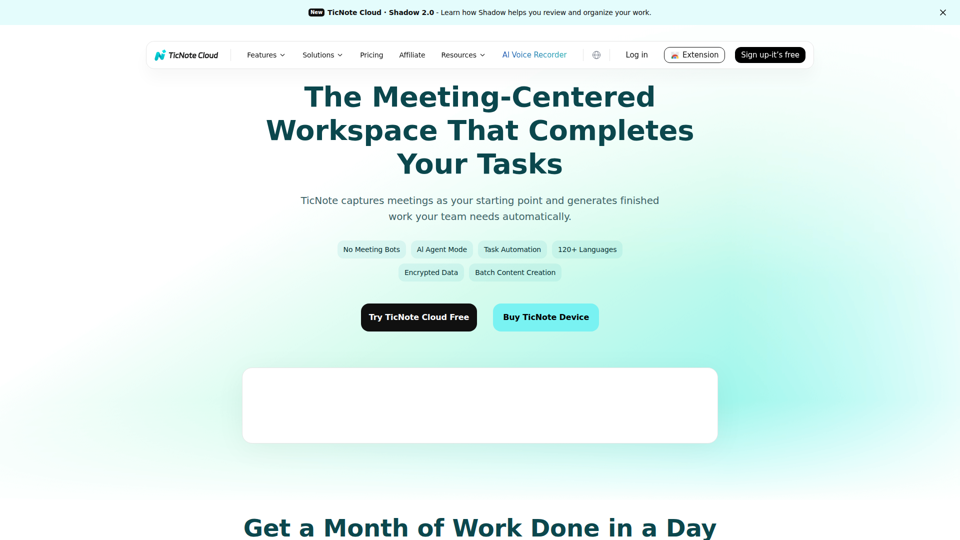
TicNote Cloud is an AI meeting workspace that records and transcribes meetings, creates summaries, action items, and files, and organizes transcripts and project materials for teams that rely on meetings to drive work. For product, operations, sales, and project management roles, it can reduce manual note-taking and speed follow-up by turning conversations into structured outputs and searchable knowledge.
Tingwu CN
通义听悟 is an AI meeting and media transcription tool that converts speech to text, provides multilingual translation, distinguishes speakers, and generates summaries such as chapter overviews and action items, mainly for people who need to capture and review meetings efficiently. For project managers and similar knowledge workers, it can reduce manual note-taking and speed up turning long discussions into usable minutes and follow-up tasks.
RowFlow - the modern AI-native form
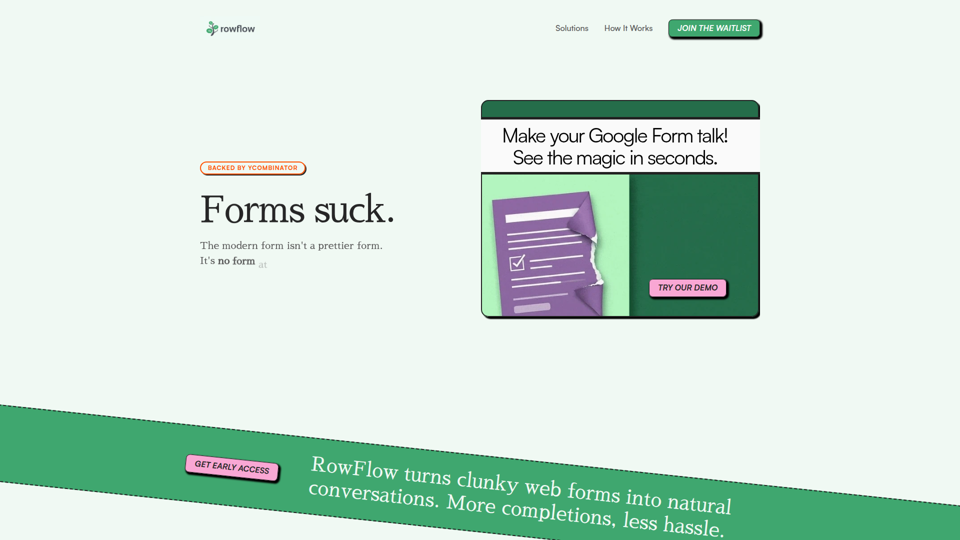
RowFlow is an AI-native form platform that turns traditional forms into conversational outreach across channels like SMS, email, Slack, WhatsApp, and phone, helping teams collect structured information faster with fewer manual follow-ups; it is mainly for operations, onboarding, research, and revenue teams. For functions such as customer onboarding, lead qualification, and internal reporting, it can reduce time spent chasing responses while producing cleaner data from messy user input.
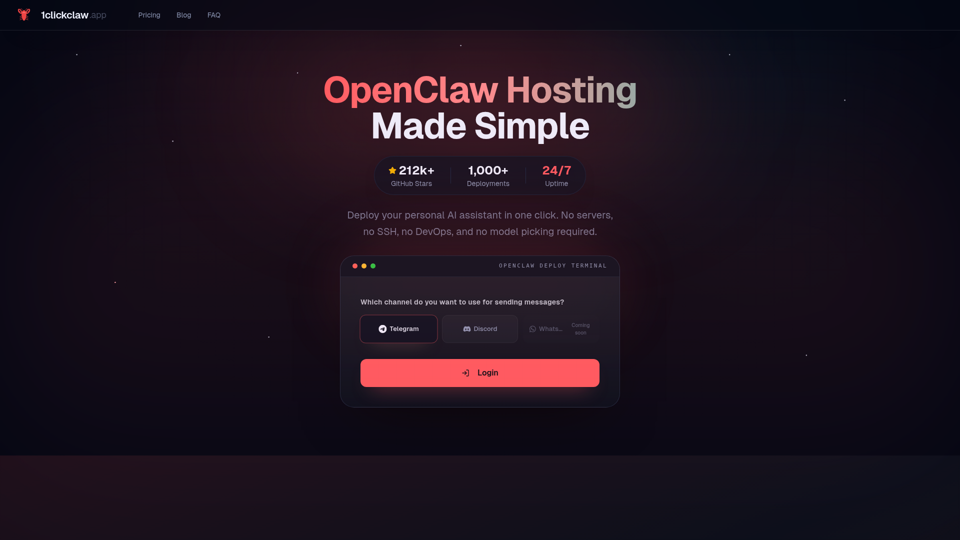
1ClickClaw - OpenClaw Hosting | One-Click AI Bot
1ClickClaw is a hosting service for deploying OpenClaw as a personal AI assistant on Telegram, Discord, or WhatsApp in one click, mainly for users who want an always-on bot without managing servers, SSH, or DevOps setup. For operators, community managers, and solo builders, this can shorten deployment time and simplify AI bot maintenance so they can focus more on conversations and workflows than infrastructure.
Keet - Automated enterprise onboarding
Keet is an automated enterprise onboarding tool that extracts, validates, and uploads customer migration data to help implementation managers onboard new customers faster. In AI-driven implementation workflows, it can reduce manual review and data handling so implementation and onboarding teams can focus on exception handling and customer setup quality.
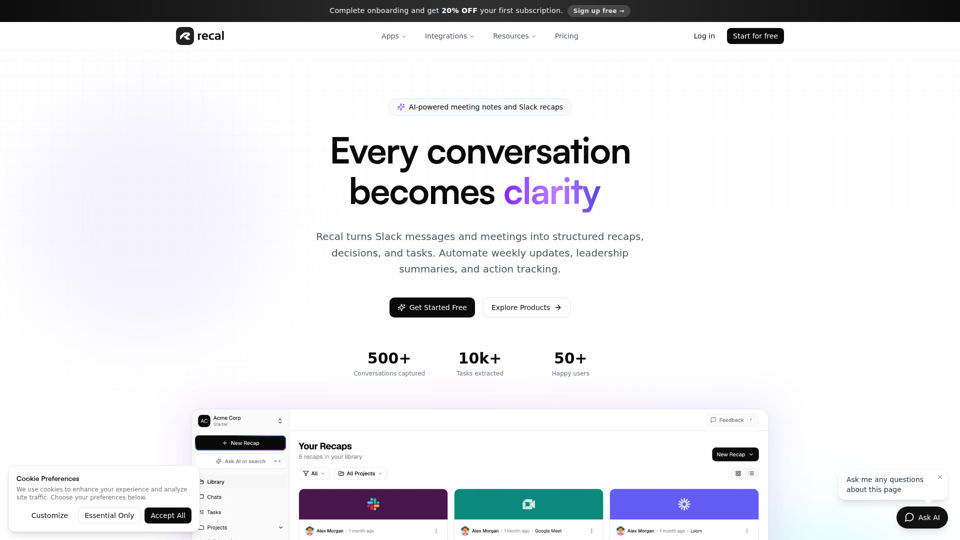
Never forget what matters | Recal
Recal is an AI-powered meeting notes and conversation memory tool that captures meetings, Slack threads, voice memos, uploads, and links, then turns them into transcripts, summaries, decisions, and tasks for teams and professionals who need reliable context and follow-through. For managers, operations leads, and product teams, it can reduce manual note-taking and improve alignment by making searchable recaps and action items available across conversations.
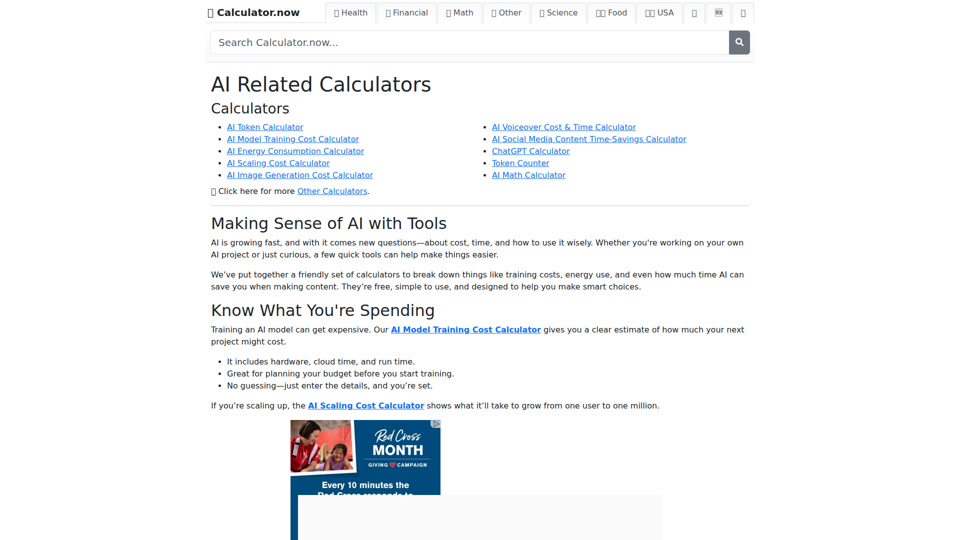
AI Related Calculators | Calculator.now
Calculator.now’s AI Related Calculators is a collection of online calculators that help users estimate token usage, model training and scaling costs, energy consumption, image generation costs, and AI workflow time savings, mainly for people planning or running AI projects. For AI developers, content teams, and project managers, these tools support faster budgeting and capacity planning by turning model and usage assumptions into clear operational estimates.
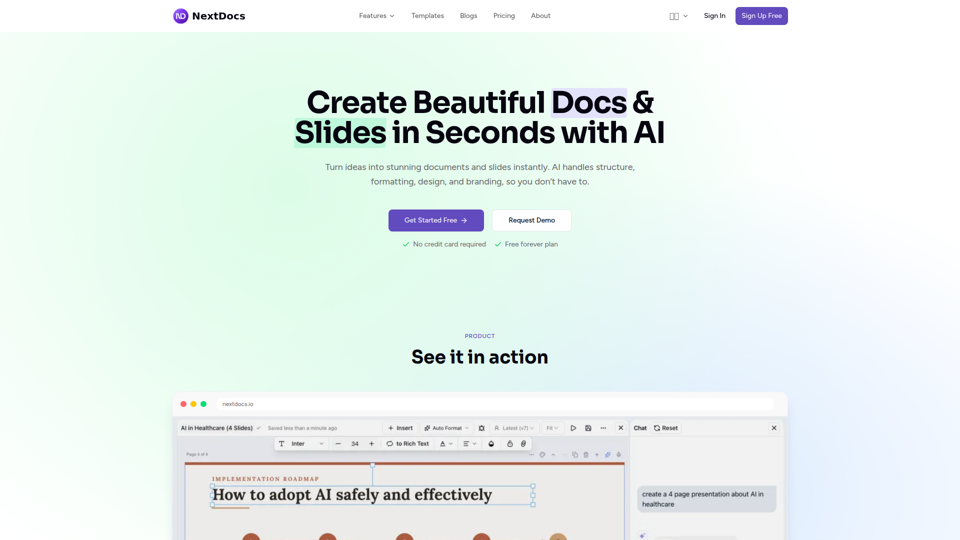
Create Beautiful Docs & Slides in Seconds with AI
NextDocs is an AI document and presentation creation tool that helps professionals and teams turn prompts into branded docs, slides, social posts, proposals, reports, and contracts with built-in editing, research, and export options. For roles like project managers, marketers, founders, and sales teams, it can reduce manual formatting and versioning work so more time goes to reviewing content and making decisions.