
docAnalyzer | AI that works with your documents
Rate this Tool
Average Score
Total Votes
Select your score (1-10):
Detail Information
What
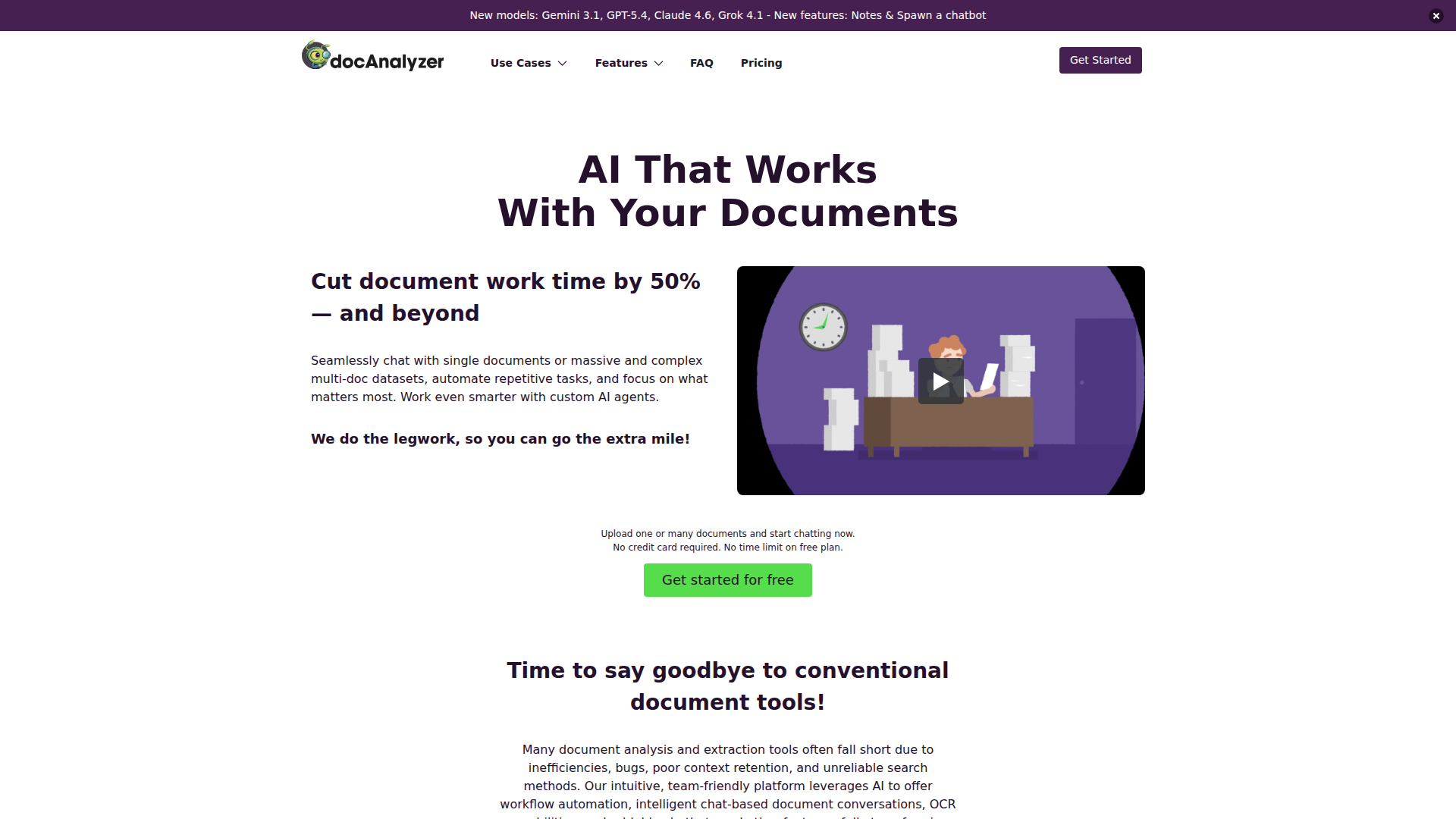
docAnalyzer is an AI document analysis platform for working with single files or large multi-document collections. It is designed for students and professionals across research, business, finance, government, healthcare, HR, insurance, legal, consulting, and real estate who need to search, summarize, extract data from, and discuss complex documents more efficiently.
The product appears positioned as a more capable alternative to basic PDF chat or document search tools. Its core workflow is to upload documents in supported formats, let the system process and OCR them where needed, then use chat, search, and agents to retrieve evidence-backed answers, automate repetitive document tasks, and share or embed document-based interactions.
Features
- Multi-document AI chat: Users can chat with one document or a selected set of documents, which helps compare sources and answer questions across large collections.
- Evidence-backed retrieval and cross-referencing: The system searches by keywords and meaning, then retrieves and cross-references content to support answers with document-grounded context.
- OCR and multi-format support: It can process scanned and text-based files including PDF, DOCX, MD, ODT, XLSX, HTML, EPUB, RTF, and TXT, making mixed document sets easier to handle in one place.
- Automation agents for document workflows: Built-in agents support tasks such as data extraction, content organization, and document handling automation to reduce repetitive manual work.
- Custom AI agents: The platform states that configurable agents can be tailored for field-specific use cases, although the page notes some custom-agent functionality as coming soon.
- Shareable and embeddable document interactions: Documents or labeled content can be turned into chatbots and embedded on webpages, which can extend document access to teams or external audiences.
Helpful Tips
- Test it on a representative document set: If your work depends on long, scanned, or multi-format files, evaluate the platform with those exact conditions rather than with simple text PDFs.
- Validate answer quality with citations and source checks: Where document-grounded outputs matter, confirm that cited passages match the original context before relying on summaries or extracted conclusions.
- Define narrow agent tasks first: For automation, start with bounded use cases such as structured data extraction or document sorting before expanding into more complex workflows.
- Check operational fit for collaboration and embedding: If multiple teams need access to document knowledge, review how sharing, embedded chatbots, and source scoping align with your internal processes.
- Stay conservative about unsupported claims: The page mentions privacy-conscious handling and workflow integrations, but it does not provide detailed technical or compliance evidence on this page alone.
OpenClaw Skills
Within the OpenClaw ecosystem, docAnalyzer could likely serve as a document intelligence layer for knowledge-heavy workflows. Likely skill patterns include contract review assistants, policy Q&A agents, research synthesis workflows, claims-document extraction pipelines, resume-to-job matching assistants, and internal knowledge bots built from uploaded files. If OpenClaw agents can orchestrate task routing, docAnalyzer would fit naturally as the source-grounded analysis step for unstructured document inputs.
That combination could be especially useful in legal operations, healthcare administration, public sector review, consulting, and research environments where professionals spend significant time reading large volumes of source material. A likely OpenClaw workflow would ingest a document batch, classify it, run extraction or summarization agents, generate notes or decision briefs, and then expose a controlled chatbot for downstream users. The source page does not confirm a native OpenClaw integration, so this should be treated as an inferred use case rather than a stated product capability.
Embed Code
Share this AI tool on your website or blog by copying and pasting the code below. The embedded widget will automatically update with the latest information.
<iframe src="https://aimyflow.com/ai/docanalyzer-ai/embed" width="100%" height="400" frameborder="0"></iframe>
Explore Similar Tools
Smith.ai 24/7 Live Receptionists, Outreach & Web Chat
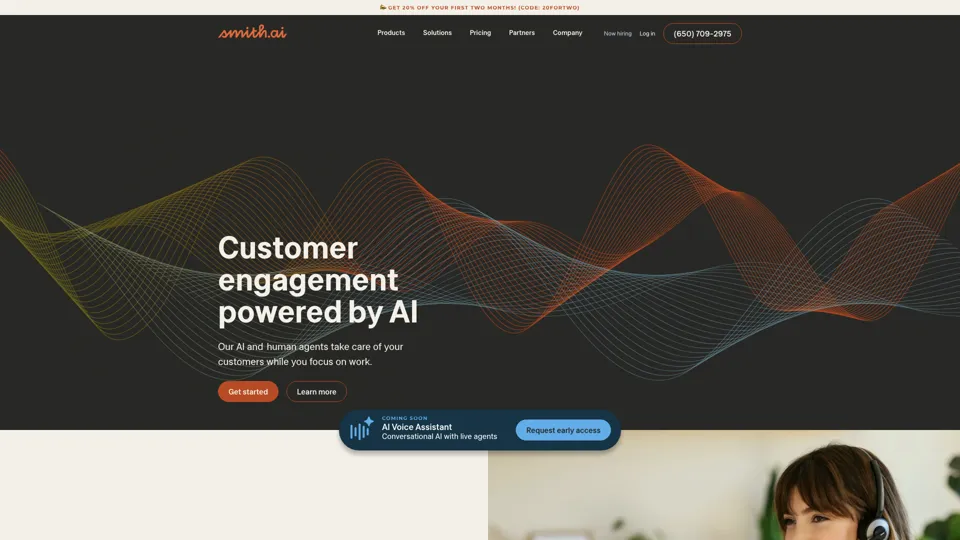
Smith.ai is a customer engagement service combining AI and live agents for 24/7 receptionist, outreach, and web chat support, mainly for small businesses and service firms. In the AI era, it helps sales and customer-facing teams capture more leads by blending automation with human follow-through.
Spellbook - AI Contract Drafting & Review
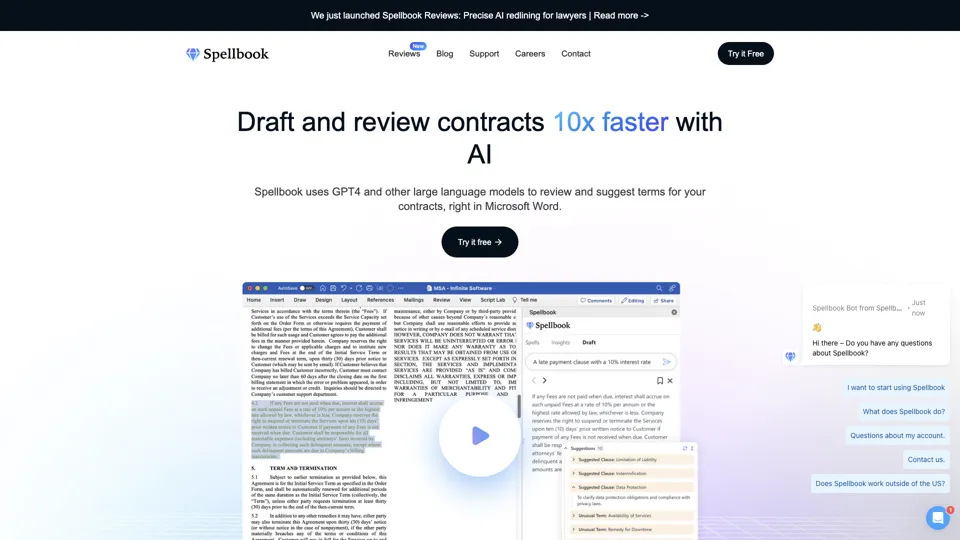
Spellbook is an AI contract drafting and review assistant that works in Microsoft Word to suggest language, analyze terms, and speed legal document work, mainly for lawyers and legal teams. In the AI era, it helps legal professionals review contracts faster and focus more on negotiation and judgment.
Ironclad: The Global Leader in Contract Management Software
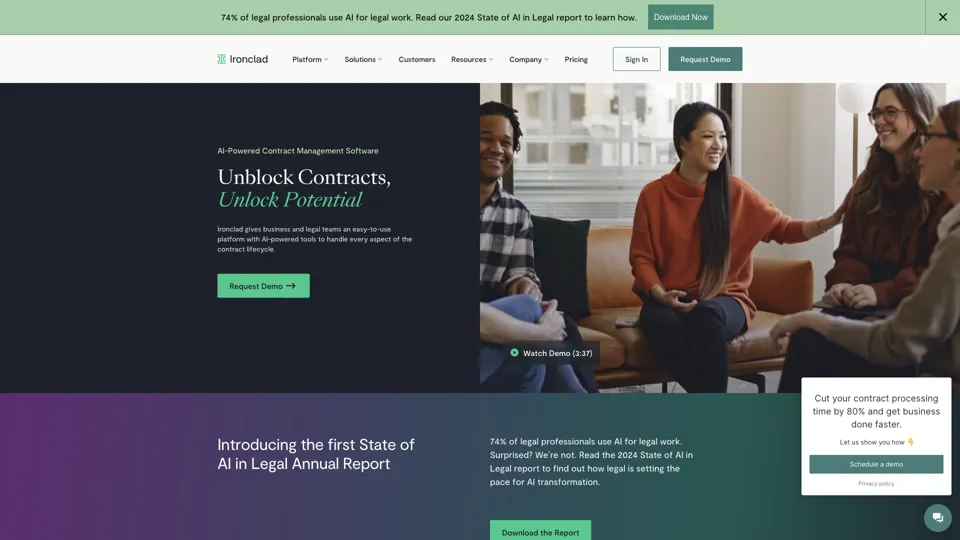
Ironclad is a contract management platform that helps legal and business teams create, negotiate, deploy, and analyze digital contracts across the contract lifecycle. It enables legal operations and procurement teams to move faster while keeping contract data more searchable and actionable.
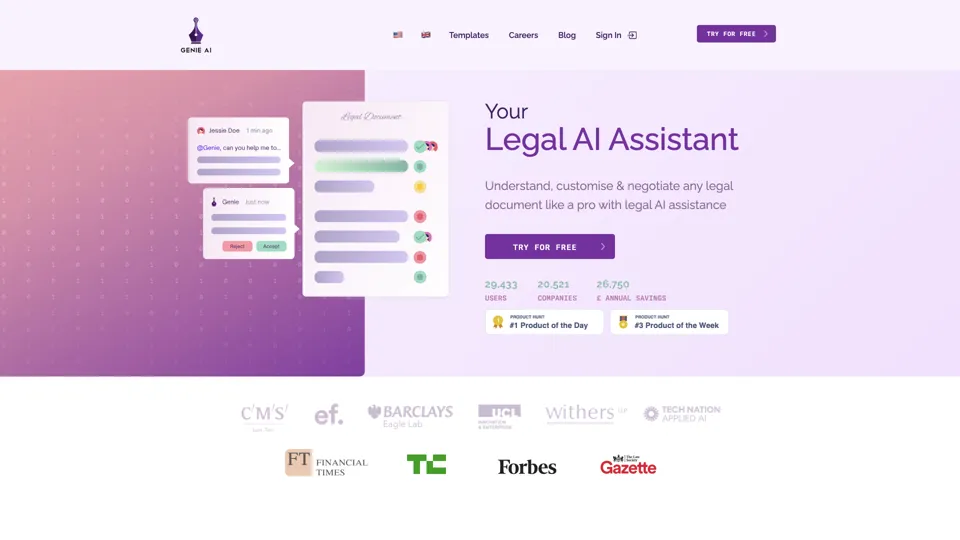
Your AI Legal Assistant - 500+ Free Templates
Genie AI is an AI legal assistant that helps businesses draft, review, and negotiate legal documents using templates and an open-source legal database. It enables legal and operations teams to handle routine contracting faster and with more standardized language.
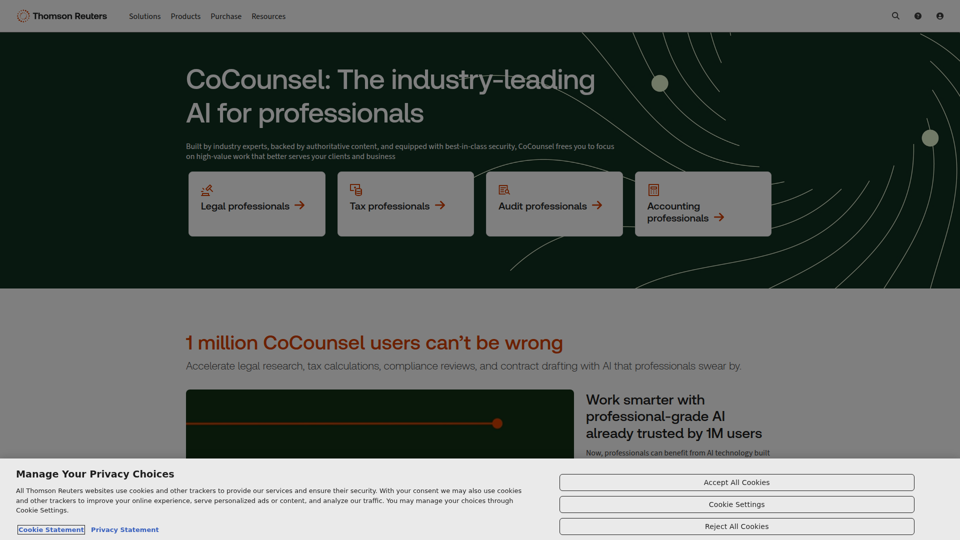
CoCounsel: The industry-leading AI for professionals | Thomson Reuters
CoCounsel is an AI assistant from Thomson Reuters that helps legal, tax, audit, and accounting professionals speed up research, drafting, calculations, compliance reviews, and document analysis using trusted content and secure processing. For professional services teams, it can reduce routine workload and improve the speed and consistency of client-facing work while keeping sensitive data protected.
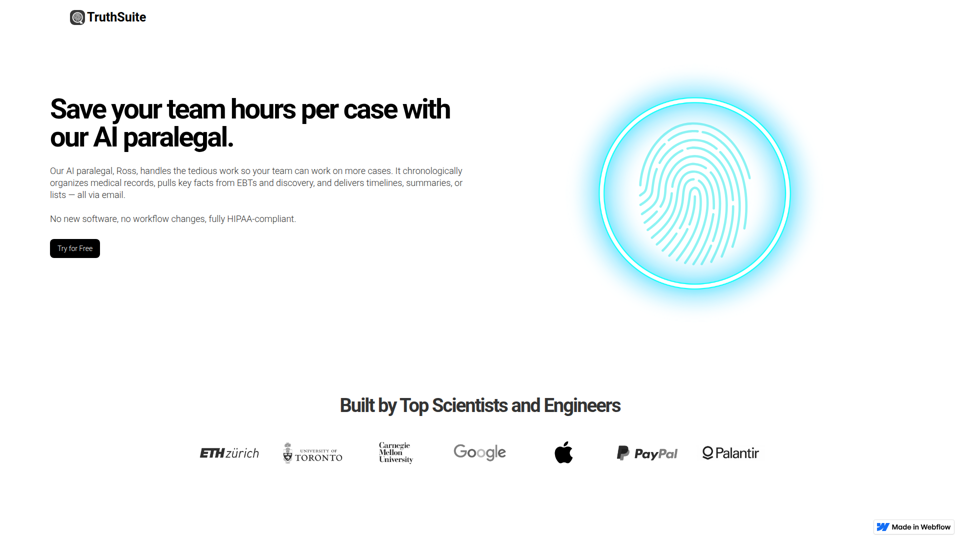
AI Legal Assistant & Document Summary Tools | Truthsuite
TruthSuite is an AI legal assistant and document summary tool that helps lawyers and legal teams organize medical records, extract key facts from EBTs and discovery, and generate timelines and summaries via email. For litigation and case-preparation work, this can reduce time spent reviewing large document sets so attorneys and paralegals can focus more on case strategy and handling more matters.

UPDF - An AI-integrated PDF Editor, Converter, Annotator, and Reader
UPDF is an AI-integrated PDF editor, converter, annotator, and reader that helps users edit, organize, sign, protect, OCR, translate, and summarize PDFs across desktop, mobile, and web, mainly for professionals, students, educators, and enterprise teams handling document-heavy work. Its AI chat, summarization, translation, and research features can help legal, research, HR, and business professionals review complex documents faster and turn static PDFs into more actionable information.
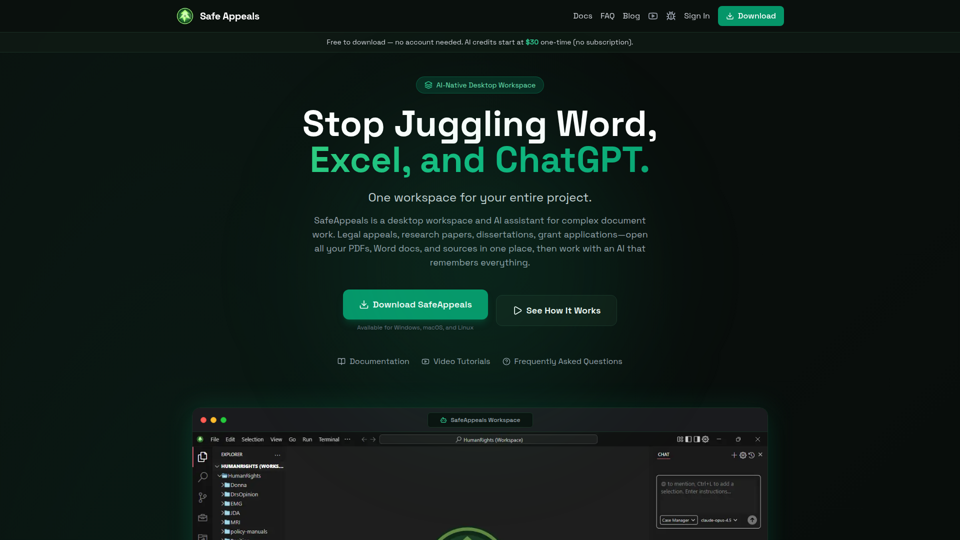
Safe Appeals — AI Desktop Workspace for Documents & Research
SafeAppeals is an AI-native desktop workspace for complex document and research projects, helping legal appeals workers, paralegals, graduate students, researchers, and consultants organize, edit, and analyze PDFs, Word files, spreadsheets, and web research in one place. For document-heavy roles, its project-aware AI and local-first setup can reduce app switching and repetitive prompting while supporting more consistent drafting, source review, and case or research development.