
Dayflow
Rate this Tool
Average Score
Total Votes
Select your score (1-10):
Detail Information
What
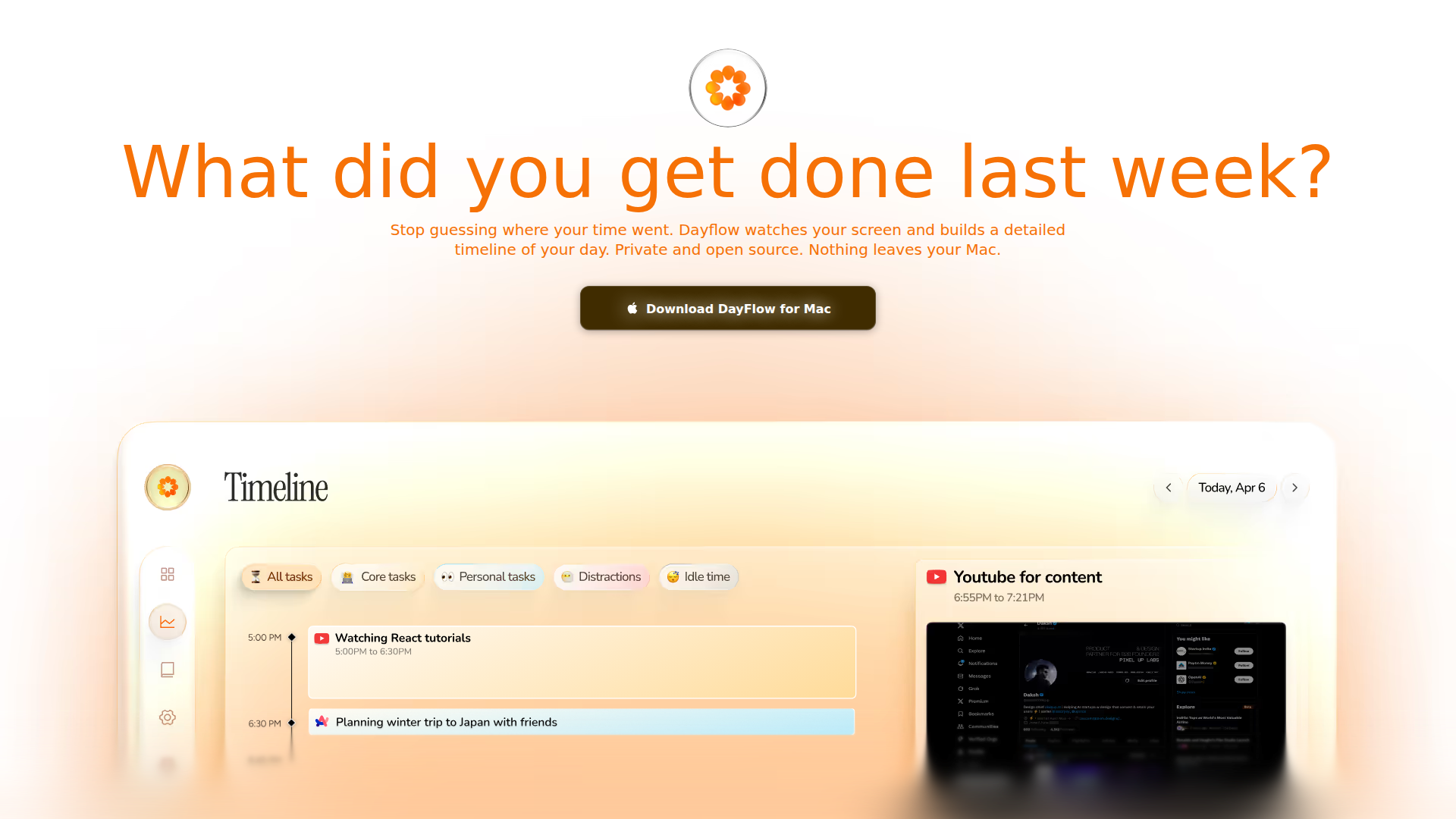
Dayflow is a native macOS app that automatically records on-screen activity and turns it into a timeline of how the day was spent. It is designed for developers, freelancers, and other knowledge workers who want an automated, more truthful record of focus time, interruptions, and task patterns without manually tagging work.
The product is positioned as a private, open-source alternative to traditional time trackers. Its core workflow is simple: it captures screens periodically, analyzes activity with AI, and presents context-aware summaries that distinguish between deep work, shallow tasks, breaks, and distractions. On the source page, the strongest emphasis is on local storage, privacy controls, and contextual understanding rather than billing, team management, or enterprise administration.
Features
- Automatic screen-based activity capture: Dayflow records the screen at 1 frame per second so users can build a passive record of work without manual time entry.
- Context-aware AI analysis: It analyzes activity every 15 minutes to identify what the user was likely doing, which helps separate productive research from unrelated browsing.
- Visual daily timeline: A color-coded timeline shows deep work, shallow tasks, and breaks at a glance, making patterns easier to review.
- Question-based activity lookup: The product supports queries such as how often Slack interrupted work or how long a report took, which makes retrospective analysis more practical.
- Privacy-first deployment options: In local mode, analysis can run fully on-device and recordings/databases remain stored locally on the Mac.
- Recording controls and automation hooks: Users can start or stop recording from the menu bar and automate control with Shortcuts via deeplinks.
Helpful Tips
- Validate privacy mode carefully: If strict data residency matters, use the local AI setup; the page states that cloud providers such as Gemini, ChatGPT, or Claude send data to those providers for analysis.
- Match model choice to workload: Cloud models are described as generally higher quality for accuracy and narrative detail, while local models may better fit users prioritizing offline use and control.
- Plan for device impact in offline setups: The page says capture is lightweight, but local AI inference can use more GPU and battery, so long sessions may work better while plugged in.
- Use it as a review layer, not a full operations system: The website supports personal activity understanding well, but it does not present evidence of broader project accounting, invoicing, or team analytics.
- Test interruption and focus categories against real work habits: Since the value depends on context detection quality, a short pilot can help determine whether the classifications are useful for a specific role.
Embed Code
Share this AI tool on your website or blog by copying and pasting the code below. The embedded widget will automatically update with the latest information.
<iframe src="https://aimyflow.com/ai/dayflow-so/embed" width="100%" height="400" frameborder="0"></iframe>
Explore Similar Tools
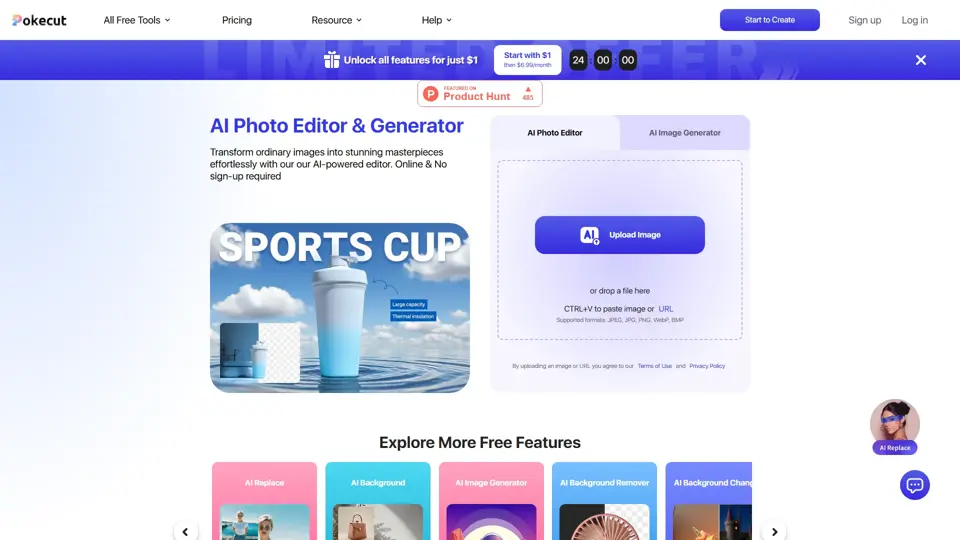
Free AI Photo Editor: Edit & Generate Image Online | Pokecut
Pokecut is an AI photo editor that helps users remove backgrounds, enhance images, and generate visuals online, mainly for ecommerce sellers, marketers, and creators who need quick design-ready assets. It speeds up routine image production so visual teams can create polished content with less manual editing.
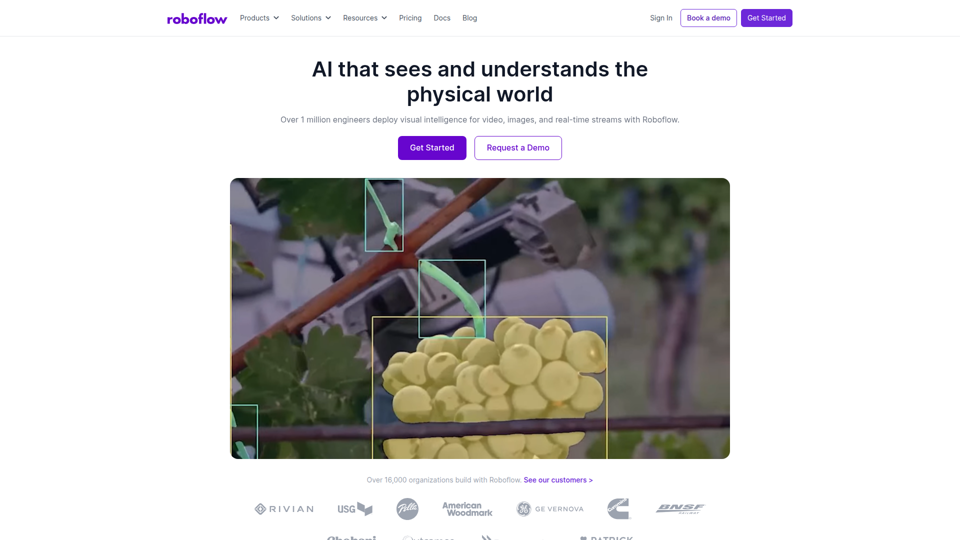
Roboflow: Computer vision tools for developers and enterprises
Roboflow is a computer vision platform that helps developers, machine learning engineers, and enterprises annotate data, train models, build workflows, and deploy vision AI for images, video, and real-time streams. In AI-driven operations, it can help computer vision and ML teams move faster from prototype to production by combining data labeling, model training, and deployment in one workflow.

Seedance 2.0
Seedance 2.0 is ByteDance's AI video generation model designed to create high-quality videos from prompts and multimodal inputs, mainly for creators, developers, and media teams. In the AI era, it helps visual content roles turn ideas into production-ready motion assets with far less manual editing effort.
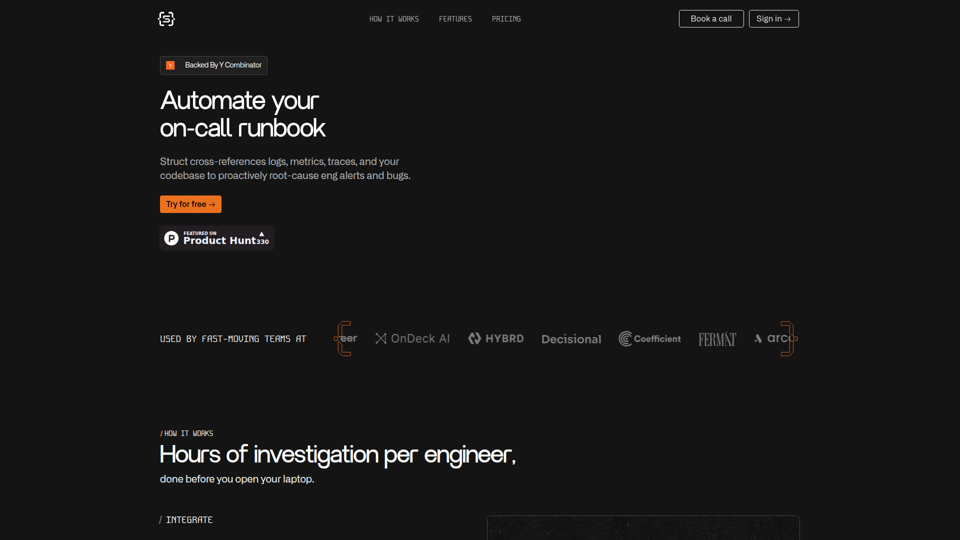
Struct | Automate your on-call runbook
Struct is an AI on-call agent that investigates engineering alerts and bugs by analyzing logs, metrics, traces, and codebases, mainly for software engineers and SRE teams. In the AI era, it helps incident responders shorten triage time by delivering root-cause findings and suggested fixes directly in workflows.
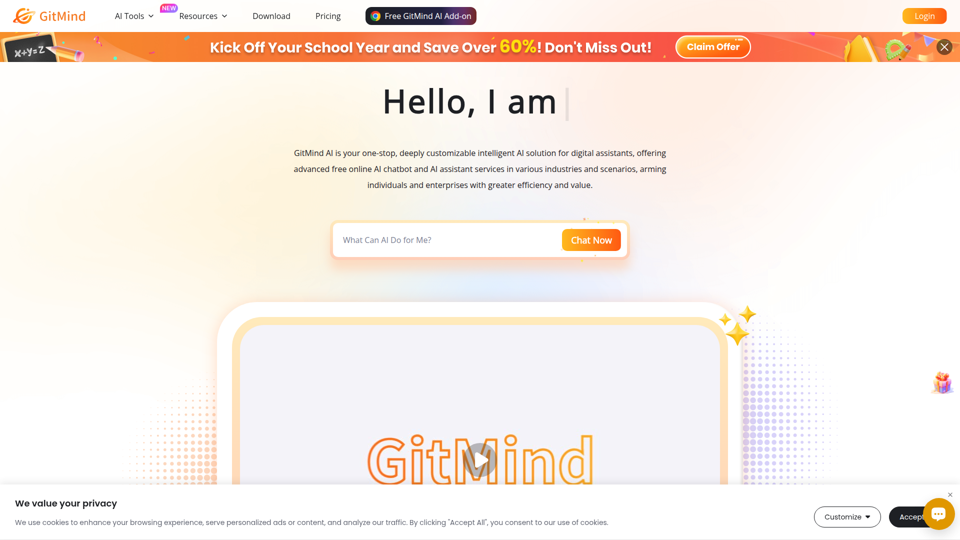
GitMind Chat - Your Best AI Assistant
GitMind Chat is an AI assistant and chatbot platform that helps individuals and enterprises handle conversations, analysis, writing, coding, translation, customer service, and custom AI agent creation through prebuilt or configurable assistants. For roles such as marketers, analysts, support teams, educators, and developers, it can streamline repetitive knowledge work by combining chat, file and link inputs, image analysis, and contextual responses in one workflow.
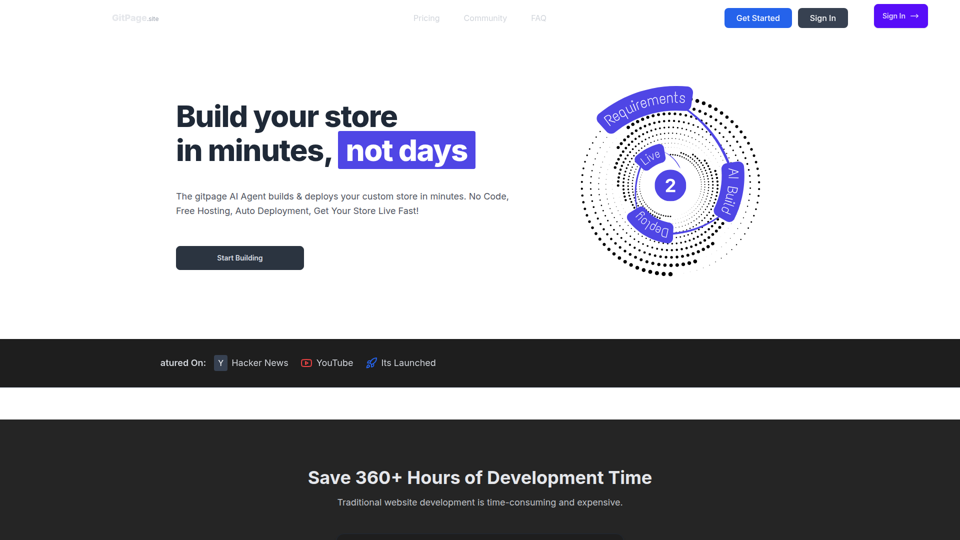
GitPage AI Website Builder | GitPage
GitPage is an AI website builder that generates and deploys websites, online stores, and landing pages from a form, mainly for freelancers, agencies, startups, and businesses that want no-code site creation with code ownership. For web professionals and client-service teams, it can reduce manual setup and content drafting by automating page generation, blog content, and deployment to GitHub or GitLab Pages.

Rohan Mehta
Rohan Mehta is a personal website for a New York–based software engineer at OpenAI, outlining his background at Meta and as a YC-backed startup founder, and highlighting his creator role behind the Subway Time NYC transit app. For software engineers and technical hiring teams, this kind of concise profile helps AI-era talent evaluation by quickly surfacing relevant build, scale, and product experience.
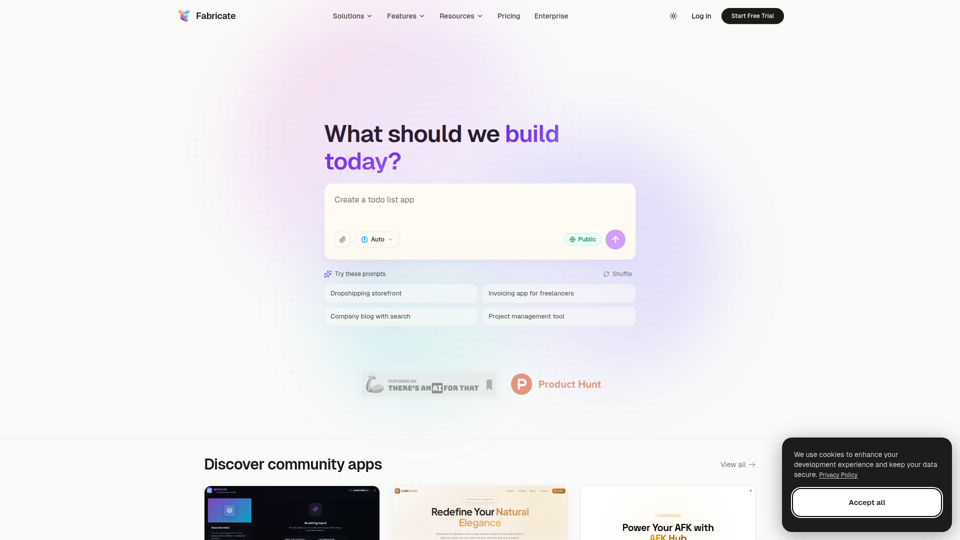
Fabricate - AI Full-Stack App Builder | Build Anything, Ship Faster
Fabricate is an AI full-stack app builder that helps users describe an app idea and generate production-ready web applications, mainly for founders, developers, designers, freelancers, agencies, and enterprises. In AI-assisted product development, it can help these teams move faster from concept to deployable React, TypeScript, and backend code with less manual setup.