
Cursor: The best way to code with AI
Rate this Tool
Average Score
Total Votes
Select your score (1-10):
Detail Information
What
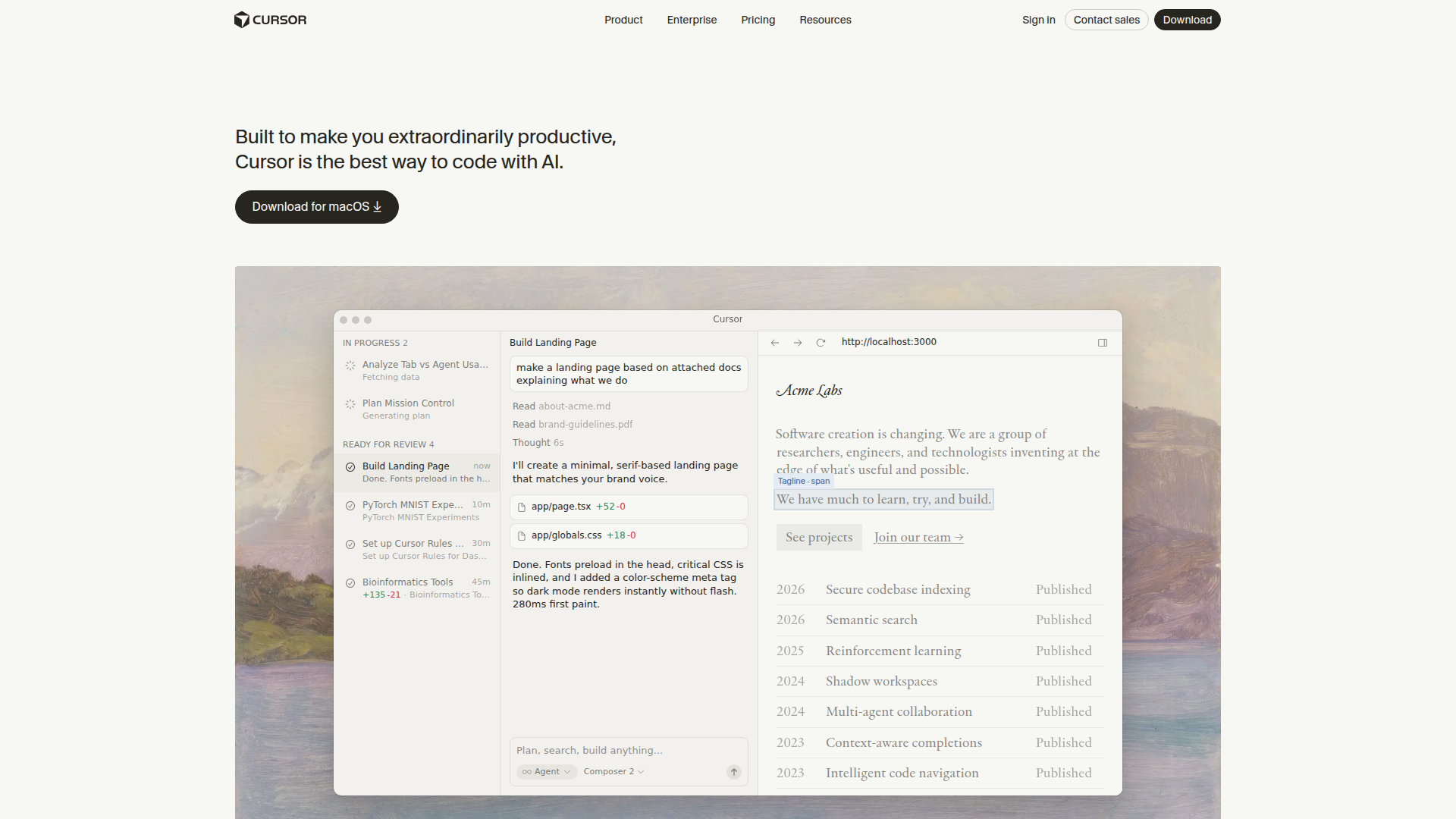
Cursor is an AI coding product positioned as an IDE-centered software development environment with additional agent, code review, terminal, and collaboration surfaces. It is built for software developers, engineering teams, and enterprises that want to speed up coding, editing, reviewing, and feature delivery with AI assistance.
The product appears to support a spectrum of workflows, from fast code completion and targeted edits to more autonomous agents that plan, build, test, and demo features for review. Based on the page, Cursor is likely positioned as a full-stack AI development platform rather than only a code autocomplete tool, with support for individual developers as well as larger organizations.
Features
- AI-powered code completion with Tab: Cursor’s specialized Tab model predicts likely next actions to help developers write code faster with less manual typing.
- Autonomous coding agents: Agents can take on tasks in parallel, using their own environments to build, test, and demonstrate features end to end for human review.
- Agent Composer for planning and execution: Composer can turn a prompt into a plan, ask clarifying questions, and generate implementation work across files.
- Codebase understanding and indexing: Cursor learns how a codebase works and supports semantic search and code navigation, which helps users locate relevant logic and context more efficiently.
- Multi-surface workflow support: The product is presented as available in the IDE, terminal, GitHub pull request review, and Slack, extending AI assistance beyond code editing alone.
- Model choice for different tasks: Users can choose among multiple model providers, which may help teams match cost, speed, or reasoning depth to different development jobs.
Helpful Tips
- Evaluate autonomy controls carefully: Products like this are most effective when teams define when to use completion, guided edits, or fully autonomous agents based on task risk and review requirements.
- Start with bounded workflows: Early adoption usually works better on scoped tasks such as UI changes, bug fixes, tests, documentation, or internal tools before broader use on critical systems.
- Check code review and traceability needs: If the product will be used across PRs, Slack, and terminal workflows, confirm how changes are reviewed, attributed, and approved inside your engineering process.
- Assess codebase indexing on real repositories: The usefulness of semantic search and code understanding depends on how well the system handles your project size, architecture, and conventions.
- Separate confirmed capabilities from examples: The page shows demos and example outputs, but buyers should validate which behaviors are generally available versus illustrative scenarios.
Embed Code
Share this AI tool on your website or blog by copying and pasting the code below. The embedded widget will automatically update with the latest information.
<iframe src="https://aimyflow.com/ai/cursor-so/embed" width="100%" height="400" frameborder="0"></iframe>
Explore Similar Tools

Free AI Photo Editor: Edit & Generate Image Online | Pokecut
Pokecut is an AI photo editor that helps users remove backgrounds, enhance images, and generate visuals online, mainly for ecommerce sellers, marketers, and creators who need quick design-ready assets. It speeds up routine image production so visual teams can create polished content with less manual editing.
Roboflow: Computer vision tools for developers and enterprises
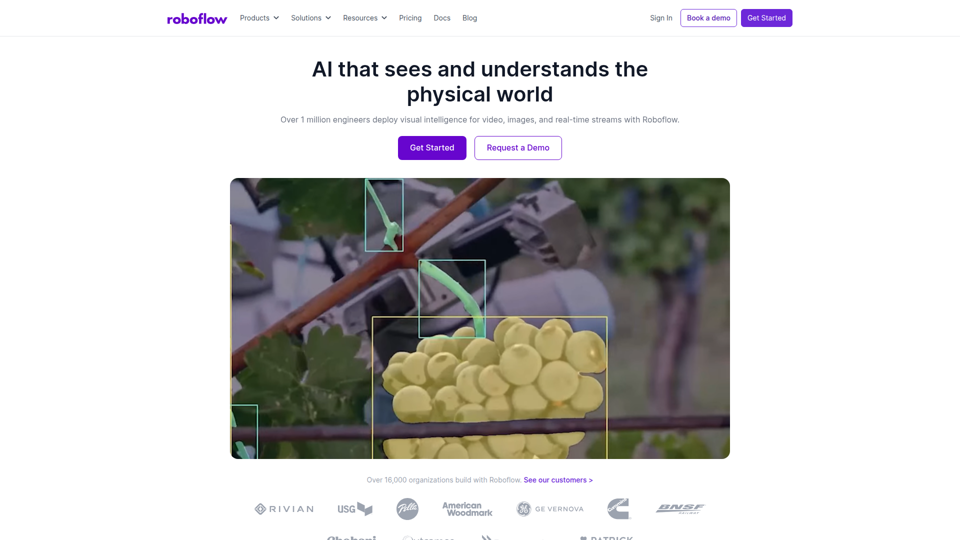
Roboflow is a computer vision platform that helps developers, machine learning engineers, and enterprises annotate data, train models, build workflows, and deploy vision AI for images, video, and real-time streams. In AI-driven operations, it can help computer vision and ML teams move faster from prototype to production by combining data labeling, model training, and deployment in one workflow.

Seedance 2.0
Seedance 2.0 is ByteDance's AI video generation model designed to create high-quality videos from prompts and multimodal inputs, mainly for creators, developers, and media teams. In the AI era, it helps visual content roles turn ideas into production-ready motion assets with far less manual editing effort.
Struct | Automate your on-call runbook
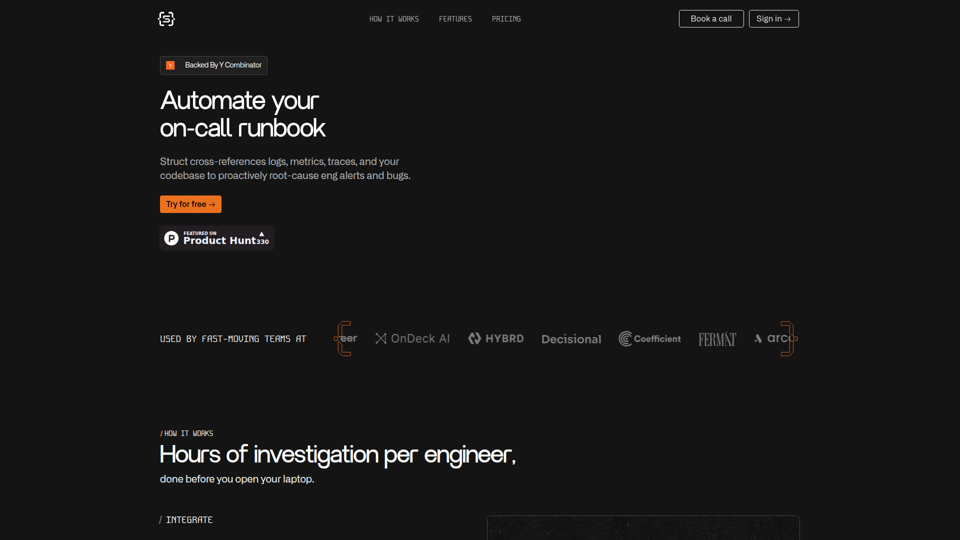
Struct is an AI on-call agent that investigates engineering alerts and bugs by analyzing logs, metrics, traces, and codebases, mainly for software engineers and SRE teams. In the AI era, it helps incident responders shorten triage time by delivering root-cause findings and suggested fixes directly in workflows.
GitMind Chat - Your Best AI Assistant
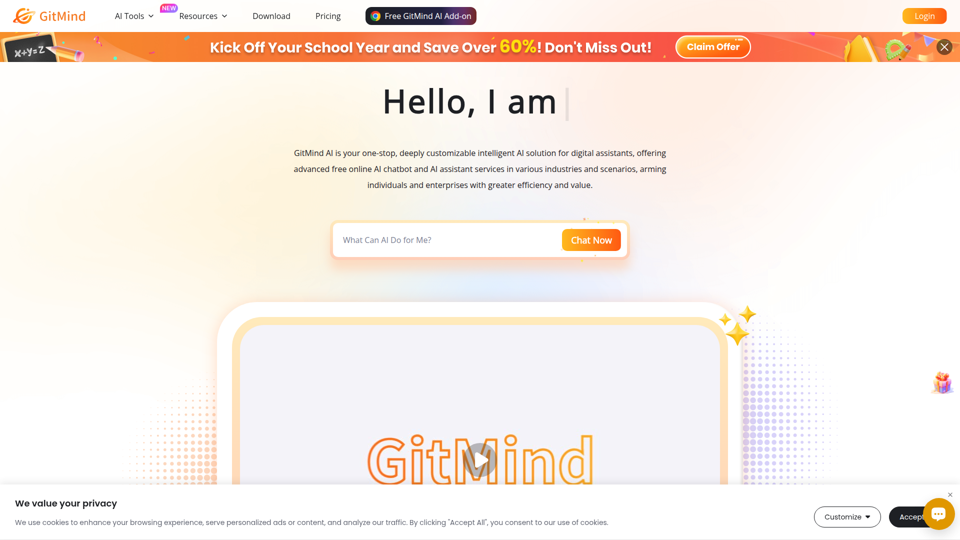
GitMind Chat is an AI assistant and chatbot platform that helps individuals and enterprises handle conversations, analysis, writing, coding, translation, customer service, and custom AI agent creation through prebuilt or configurable assistants. For roles such as marketers, analysts, support teams, educators, and developers, it can streamline repetitive knowledge work by combining chat, file and link inputs, image analysis, and contextual responses in one workflow.
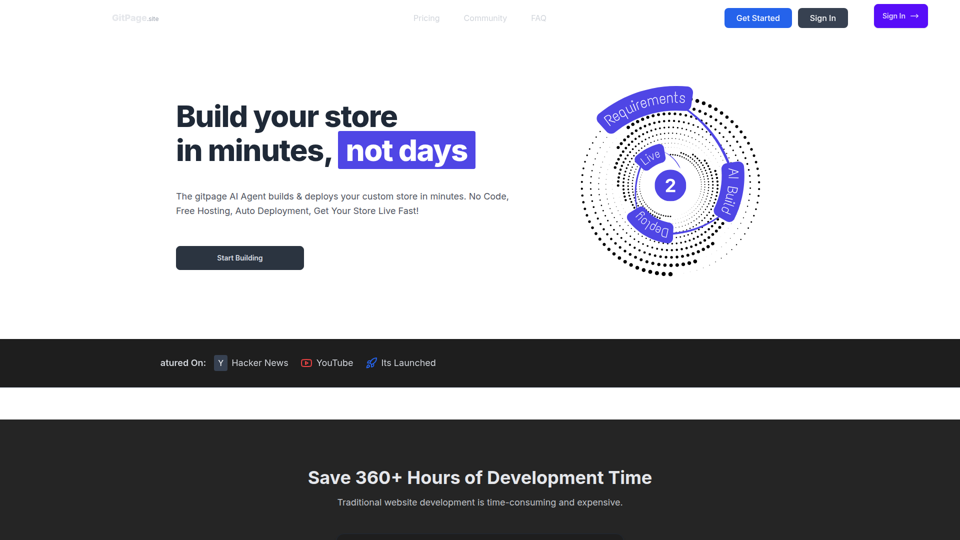
GitPage AI Website Builder | GitPage
GitPage is an AI website builder that generates and deploys websites, online stores, and landing pages from a form, mainly for freelancers, agencies, startups, and businesses that want no-code site creation with code ownership. For web professionals and client-service teams, it can reduce manual setup and content drafting by automating page generation, blog content, and deployment to GitHub or GitLab Pages.

Rohan Mehta
Rohan Mehta is a personal website for a New York–based software engineer at OpenAI, outlining his background at Meta and as a YC-backed startup founder, and highlighting his creator role behind the Subway Time NYC transit app. For software engineers and technical hiring teams, this kind of concise profile helps AI-era talent evaluation by quickly surfacing relevant build, scale, and product experience.
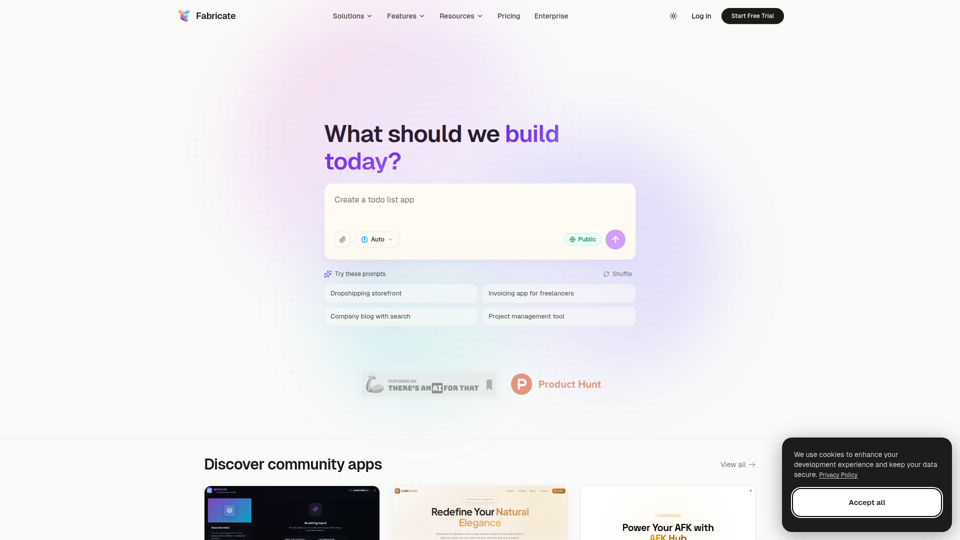
Fabricate - AI Full-Stack App Builder | Build Anything, Ship Faster
Fabricate is an AI full-stack app builder that helps users describe an app idea and generate production-ready web applications, mainly for founders, developers, designers, freelancers, agencies, and enterprises. In AI-assisted product development, it can help these teams move faster from concept to deployable React, TypeScript, and backend code with less manual setup.