
ClipFinder - AI-Powered Video Clip Extraction
Rate this Tool
Average Score
Total Votes
Select your score (1-10):
Detail Information
What
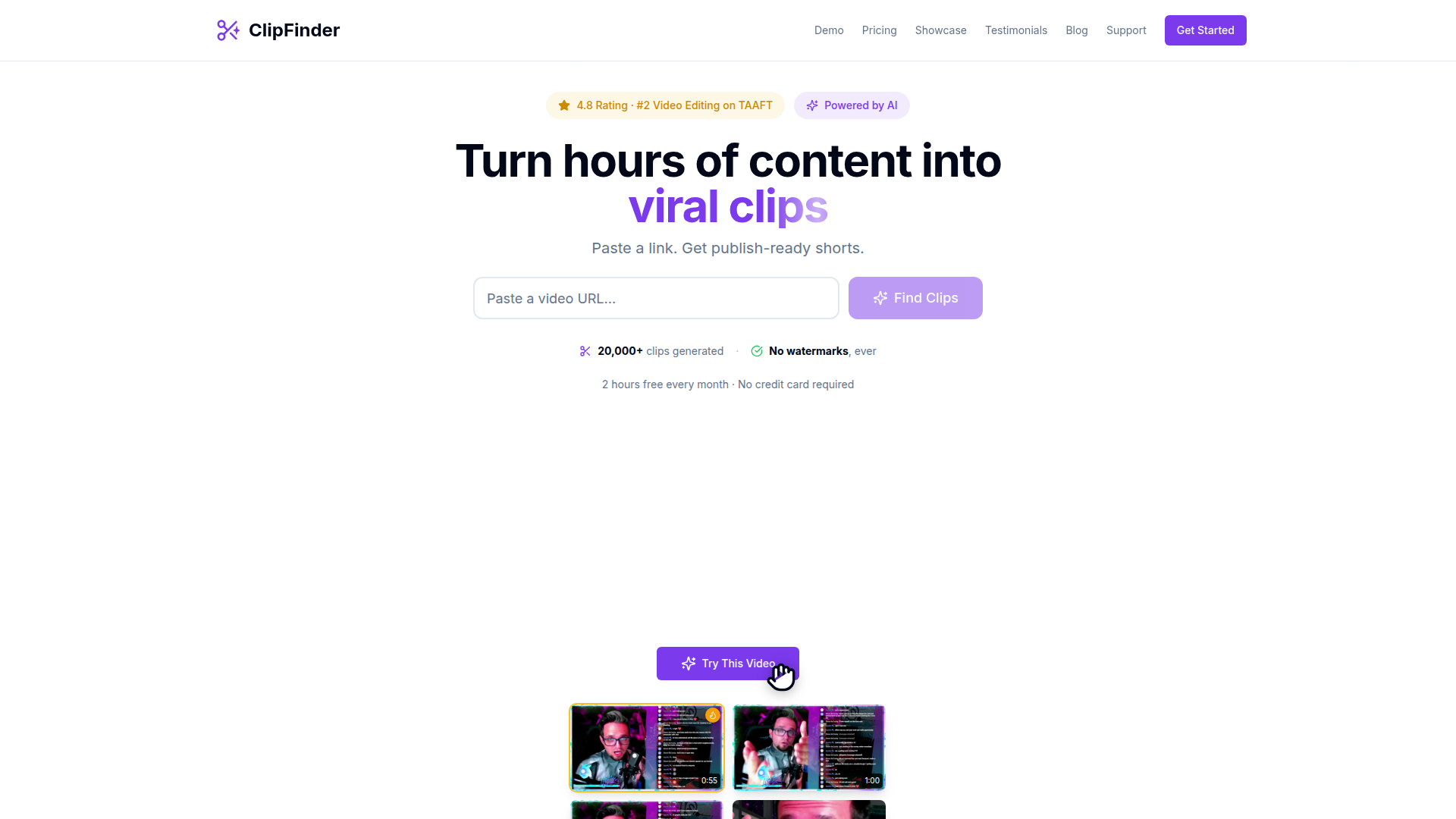
ClipFinder is an AI video clipping tool that turns long-form video into short, publish-ready clips. Based on the page, it is designed for creators working with streams, VODs, podcasts, and other extended recordings who want to reduce the manual effort of reviewing footage and preparing shorts.
The core workflow is simple: paste a video URL, let the AI identify and rank likely high-interest moments, then add captions, reframe for vertical format, and either publish to YouTube Shorts or download the clips for further editing. Its positioning appears to be a lower-cost, creator-focused alternative to other AI clip extraction tools, especially for long videos.
Features
- AI clip detection and ranking: The system analyzes uploaded video links and surfaces moments it considers engaging, which helps reduce manual scrubbing through hours of content.
- Support for long-form source videos: The page states it works with streams, VODs, podcasts, and 1–10 hour videos, making it suitable for creators with lengthy recordings.
- Burned-in captions and subtitle exports: Users can apply caption styles in-platform or download
.srtand.vttfiles for external editing workflows. - Automatic 9:16 reframing: Clips can be reformatted for short-form vertical platforms while keeping faces centered, with the option to download and crop manually instead.
- Direct YouTube Shorts publishing: The product supports publishing clips directly to YouTube, which can shorten the path from source footage to distribution.
- Downloadable 1080p clips with no watermark: The pricing section states that exported clips are available in 1080p and without watermarks.
Helpful Tips
- Validate clip quality on your content type: AI-highlighted moments may work especially well for reaction-heavy, gameplay, or personality-driven footage, but teams should test output quality on educational or lower-energy formats.
- Review ranking logic against brand goals: “Viral potential” can be useful, but creators with specific editorial or brand standards should still review suggested clips before publishing.
- Plan for post-processing needs: Built-in captions and reframing may cover basic short-form publishing, but more polished workflows may still require external editing using the provided subtitle exports and source downloads.
- Use long videos where time savings are highest: The value proposition is strongest when processing multi-hour recordings, where manual clipping would otherwise consume significant time.
- Check publishing workflow fit: Direct YouTube publishing is useful, but organizations distributing across multiple channels may want to confirm where manual reposting or additional adaptation is still needed.
OpenClaw Skills
ClipFinder could likely fit into the OpenClaw ecosystem as part of an automated content repurposing workflow. A likely use case would be an OpenClaw agent that monitors a creator’s new streams or podcast uploads, sends eligible URLs into ClipFinder, then organizes returned clips by topic, format, or publishing priority. From there, downstream skills could generate titles, descriptions, hashtags, publishing calendars, and approval queues for social teams.
For media teams, agencies, and creator operations, OpenClaw could build workflow layers around ClipFinder rather than replace it. Likely skills include a “best moments reviewer” agent, a “multi-platform short distribution” agent, or a “content library archivist” that tags clips by speaker, game, topic, or campaign. If implemented well, that combination could shift clipping from a manual editing task into a semi-automated editorial pipeline, especially for high-volume creators and teams managing recurring long-form content.
Embed Code
Share this AI tool on your website or blog by copying and pasting the code below. The embedded widget will automatically update with the latest information.
<iframe src="https://aimyflow.com/ai/clipfinder-org/embed" width="100%" height="400" frameborder="0"></iframe>
Explore Similar Tools
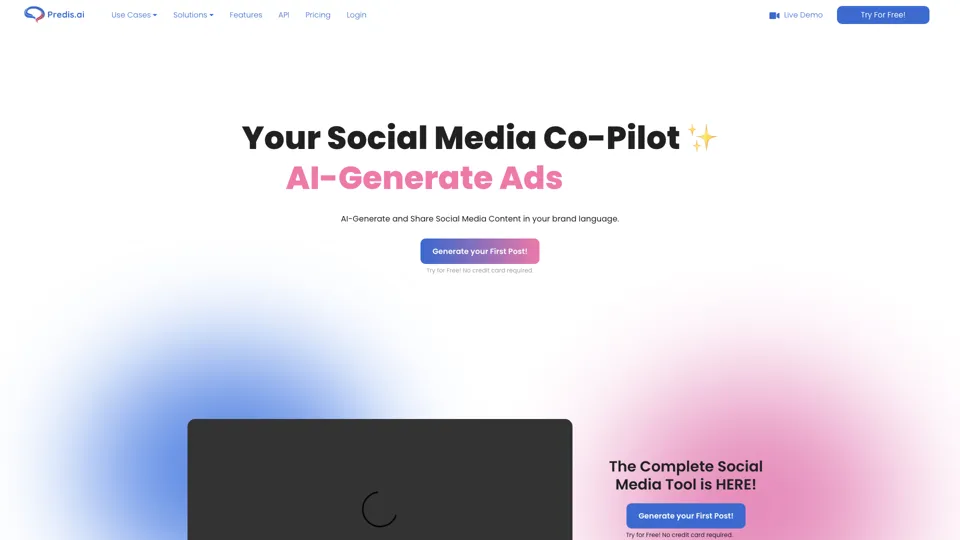
Social Media Marketing made easy with AI | Predis.ai
Predis.ai is an AI social media marketing tool that helps users create video and image content and analyze performance, mainly for marketers, agencies, and growing brands. It shortens content planning and production cycles, helping social teams test and refine campaigns more efficiently.
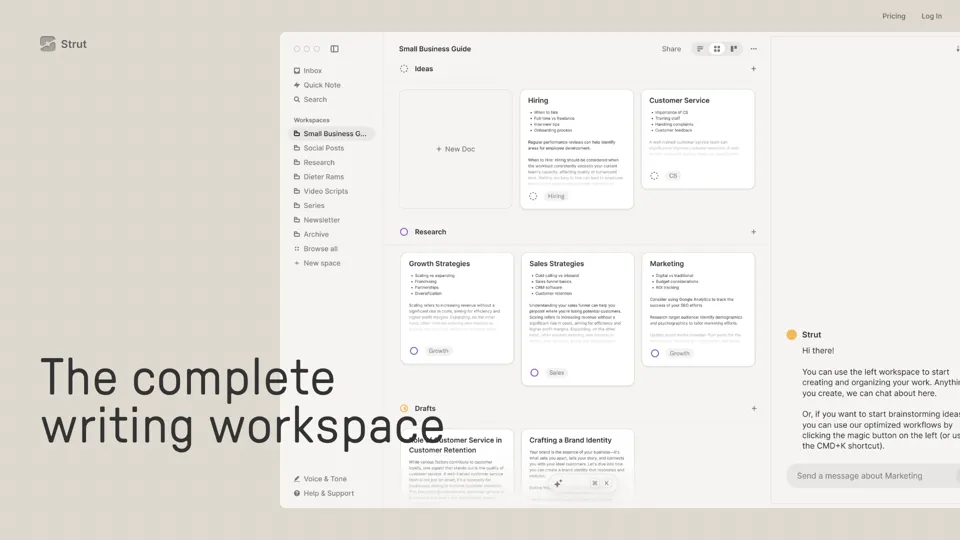
Strut – The complete writing workspace
Strut is an AI-powered writing workspace that combines notes, documents, and collaborative writing projects in one environment, mainly for writers, creators, and teams. In the AI era, it helps knowledge workers move from scattered drafts to more coherent writing and faster iteration.

Hypotenuse AI:Smart text generator
Hypotenuse AI is a text generation platform that helps marketers, ecommerce teams, and content writers produce SEO articles, product descriptions, and branded copy at scale. In the AI era, it enables content roles to maintain consistency while increasing publishing speed across large catalogs and campaigns.
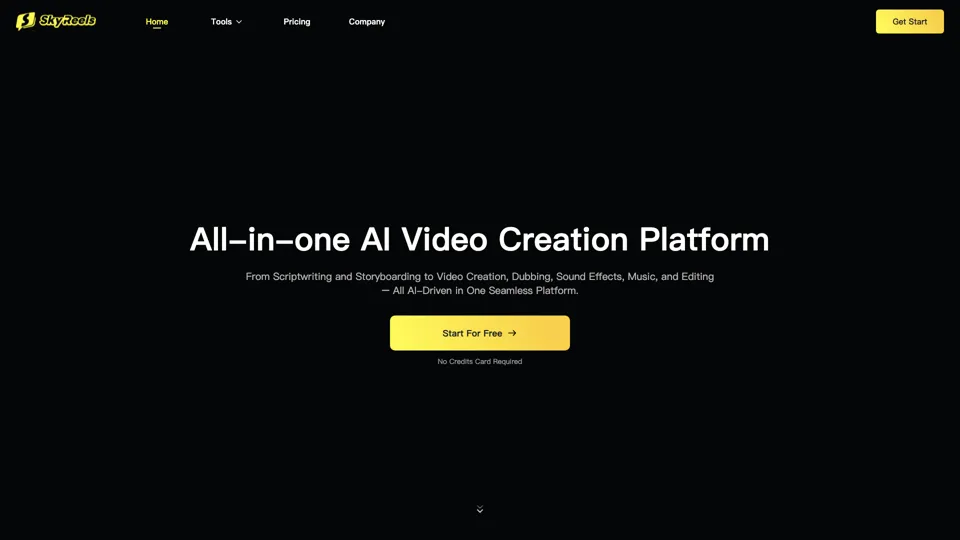
All-in-one panel | SkyReels - Ultimate AI Video Creation Platform
SkyReels is an AI video creation platform that turns scripts into finished videos with voiceovers, lip sync, sound effects, music, and editing tools, mainly for creators and marketing teams. In the AI era, it helps video producers compress production workflows and deliver polished content without a full studio setup.
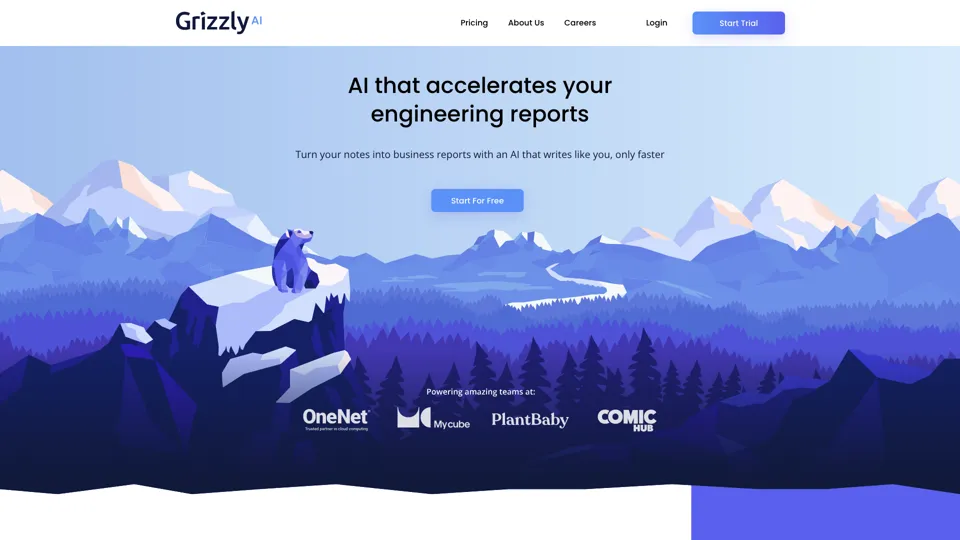
Grizzly AI | Your AI Report Writer
Grizzly AI is an AI report writing tool that helps professionals generate reports from source files while matching their preferred writing style. It saves analysts and knowledge workers time by turning documents into polished drafts with less manual rewriting.
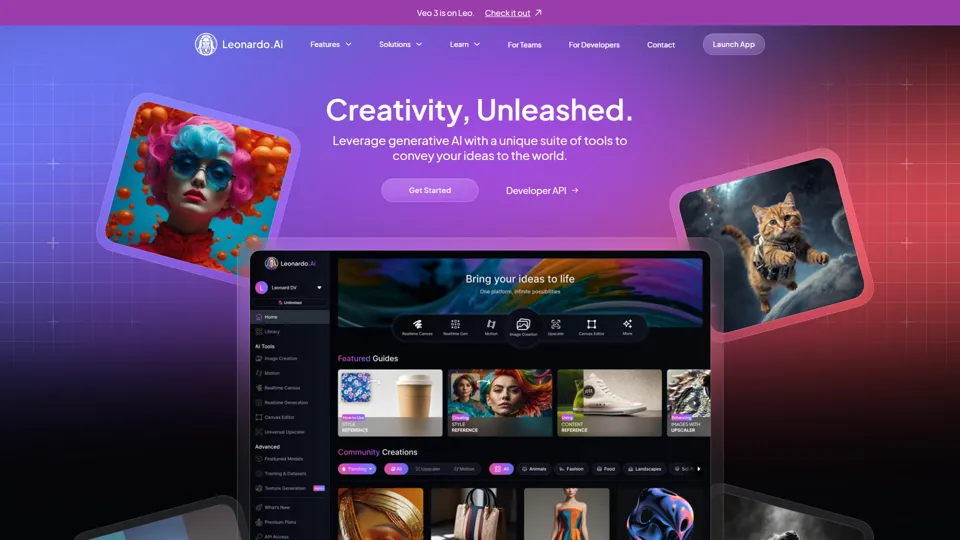
AI Image Generator - Create Art, Images & Video | Leonardo AI
Leonardo AI is an AI image and video generation platform that helps creators, designers, and marketers produce high-quality visual assets quickly. In the AI era, it shortens concept-to-content cycles so creative teams can iterate faster without expanding production overhead.
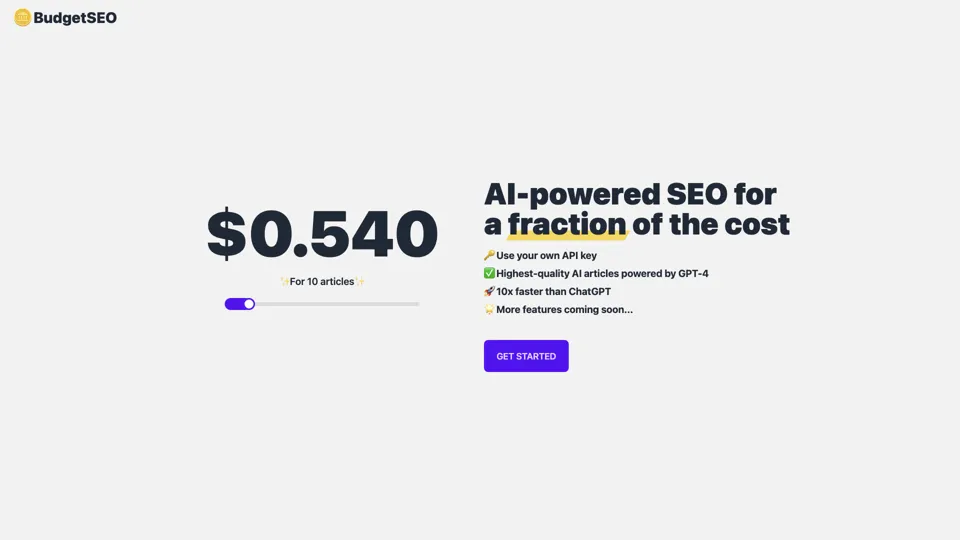
Budget-friendly AI Powered SEO
BudgetSEO is an AI-powered SEO content tool that helps users create search-optimized material affordably, mainly for small businesses, solo founders, and marketers with limited budgets. In the AI era, it enables lean marketing teams to produce more SEO assets without expanding headcount.
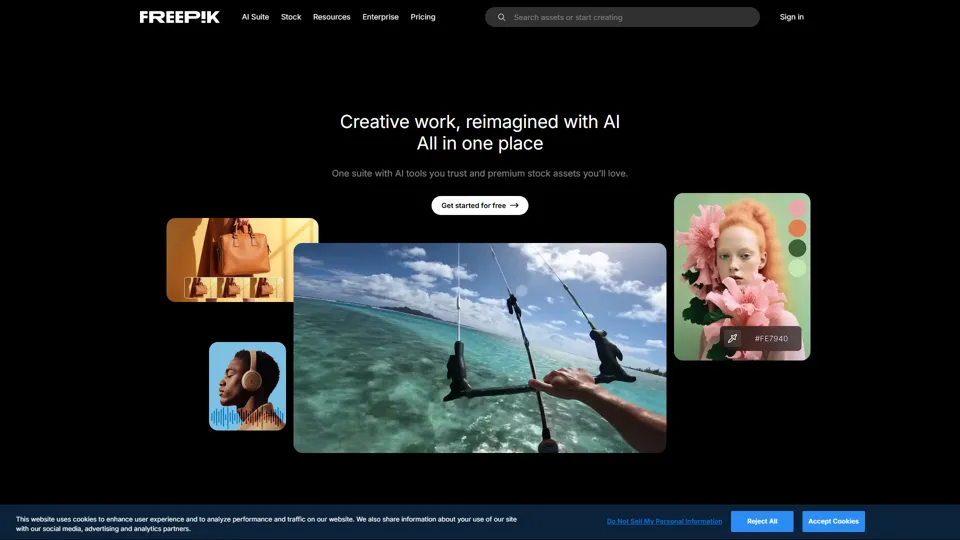
Freepik | All-in-One AI Creative Suite
Freepik is an all-in-one creative suite that combines AI design tools with stock assets to help designers and marketers create visual content in one workspace. It improves creative efficiency by reducing tool switching and accelerating asset production for high-volume campaigns.