
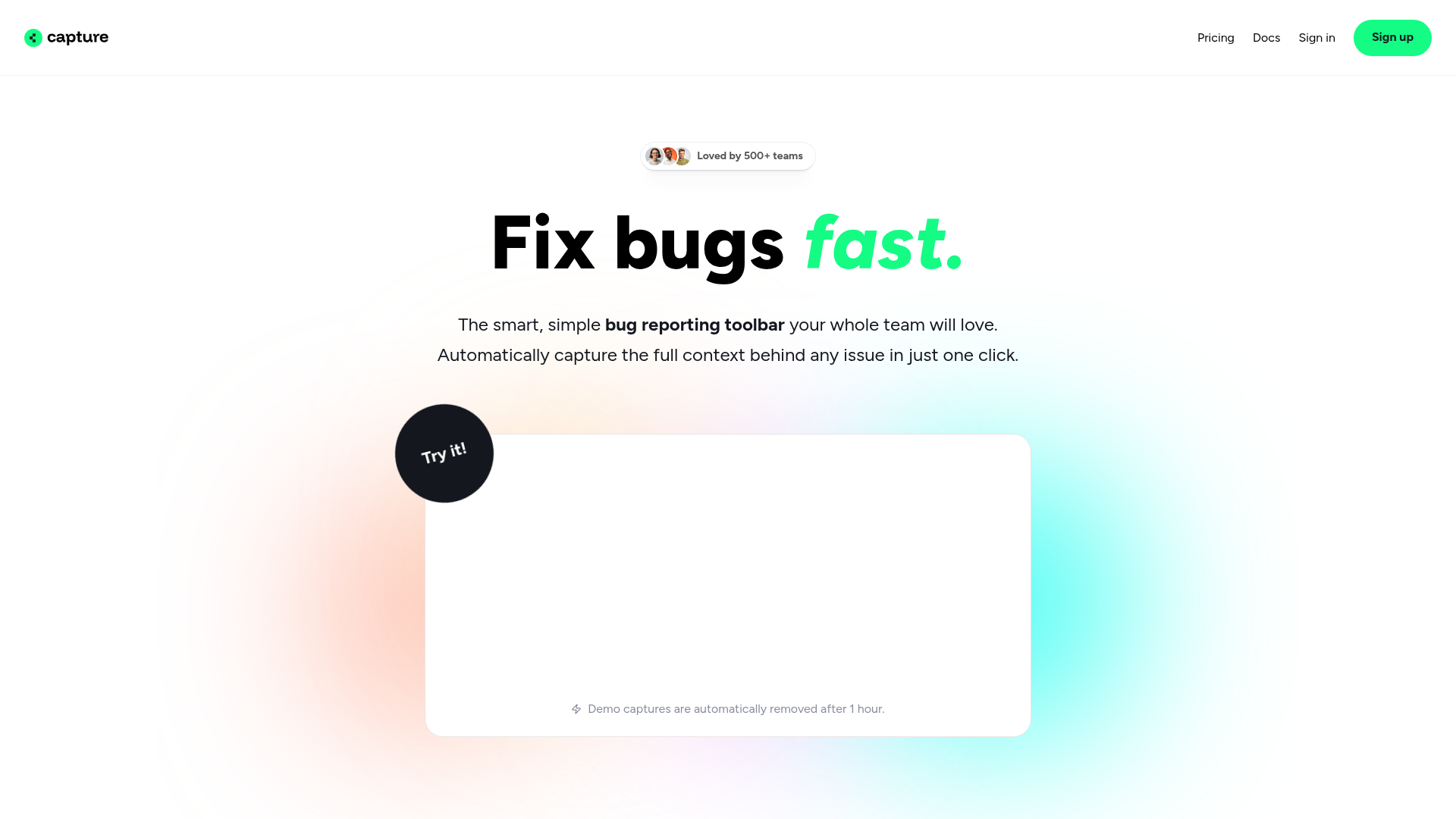
Capture.dev | Bug reporting tool
Rate this Tool
Average Score
Total Votes
Select your score (1-10):
Detail Information
What
Capture.dev is a browser-based bug reporting tool for teams that need to collect complete issue context without making people leave the website they are reviewing. It is designed for product, operations, support, and development workflows where bugs, UI issues, and change requests need to be documented clearly and passed to engineering with minimal back-and-forth.
The product’s core workflow is simple: a user captures an issue in one click, and the report automatically includes technical and visual context such as screen capture, user information, inspector data, console logs, and network requests. Based on the page content, Capture.dev appears positioned as a lightweight, developer-friendly reporting layer that reduces friction for non-technical reporters while fitting into existing issue-management tools.
Features
- One-click bug capture: Captures issues directly from the website so teams can report bugs quickly without switching tools or manually assembling evidence.
- Automatic technical context: Includes screen capture, user info, inspector details, console logs, and network requests to give developers the information needed to investigate faster.
- Annotation on live pages: Lets users request changes or highlight issues directly in the browser, which helps preserve visual context and specific feedback.
- User-submitted capture links: Enables teams to send customers a unique link so external users can provide detailed bug reports without lengthy follow-up.
- Ticket creation support: Generates auto-history playback and auto-summary content to help turn captured issues into more actionable tickets.
- Workflow integrations: Syncs bug reports to tools such as Slack, Linear, Jira, Trello, ClickUp, Asana, and Zapier to align with existing team processes.
Helpful Tips
- Validate the captured data set against your debugging process: If your team relies heavily on console, network, and DOM inspection, confirm the captured details are sufficient for your most common issue types.
- Use it beyond engineering QA: Tools like this are often most valuable when support, operations, and product teams can submit high-quality reports without needing technical training.
- Define routing rules before rollout: Since reports can be assigned priorities and sent into multiple downstream systems, consistent triage ownership will help avoid duplicate or misplaced tickets.
- Test external user reporting carefully: The unique capture-link workflow is likely useful for support-driven debugging, but teams should review how easily end users can complete the process in practice.
- Compare automation quality, not just capture quality: Features like auto-summary and step-by-step playback can reduce triage time, but their practical value depends on how clearly they map to your team’s ticket format.
OpenClaw Skills
Capture.dev could likely fit well into the OpenClaw ecosystem as an intake layer for bug-reporting and support-resolution workflows. A likely use case would be an OpenClaw skill that receives Capture reports, classifies issue type and severity, extracts affected pages or components, and routes the report to the right engineering, product, or support queue. Since the page states integrations with project and messaging tools but does not mention OpenClaw directly, this should be treated as a workflow opportunity rather than a confirmed native connection.
OpenClaw agents built around Capture.dev could help product and engineering teams move from raw bug evidence to structured operational action. For example, a likely workflow could summarize recurring defects, cluster similar reports by console or network patterns, draft remediation tickets, and notify support teams when known issues reappear. In software teams, this combination could shift bug reporting from a manual handoff process into a more automated triage system that connects customer-reported issues, internal QA findings, and engineering follow-through.
Embed Code
Share this AI tool on your website or blog by copying and pasting the code below. The embedded widget will automatically update with the latest information.
<iframe src="https://aimyflow.com/ai/capture-dev/embed" width="100%" height="400" frameborder="0"></iframe>
Explore Similar Tools

Free AI Photo Editor: Edit & Generate Image Online | Pokecut
Pokecut is an AI photo editor that helps users remove backgrounds, enhance images, and generate visuals online, mainly for ecommerce sellers, marketers, and creators who need quick design-ready assets. It speeds up routine image production so visual teams can create polished content with less manual editing.
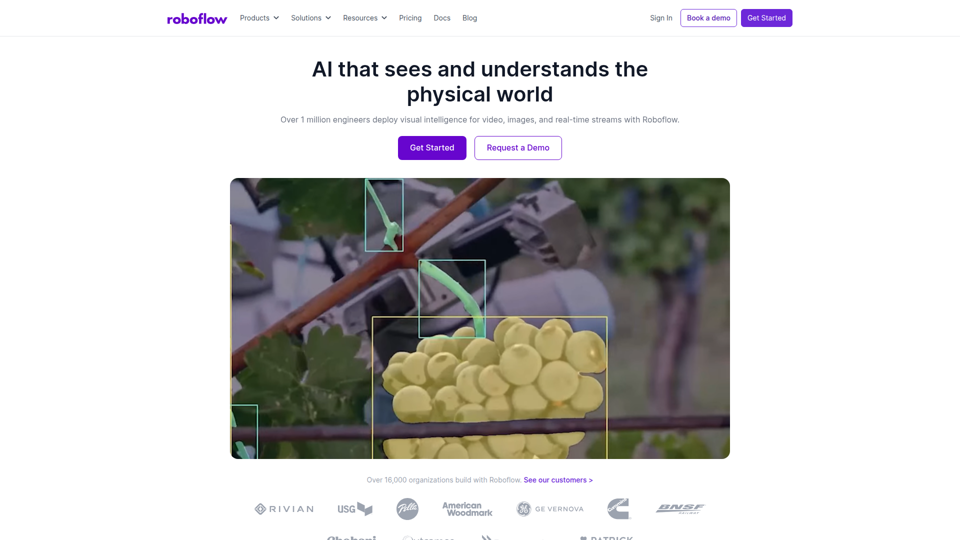
Roboflow: Computer vision tools for developers and enterprises
Roboflow is a computer vision platform that helps developers, machine learning engineers, and enterprises annotate data, train models, build workflows, and deploy vision AI for images, video, and real-time streams. In AI-driven operations, it can help computer vision and ML teams move faster from prototype to production by combining data labeling, model training, and deployment in one workflow.

Seedance 2.0
Seedance 2.0 is ByteDance's AI video generation model designed to create high-quality videos from prompts and multimodal inputs, mainly for creators, developers, and media teams. In the AI era, it helps visual content roles turn ideas into production-ready motion assets with far less manual editing effort.
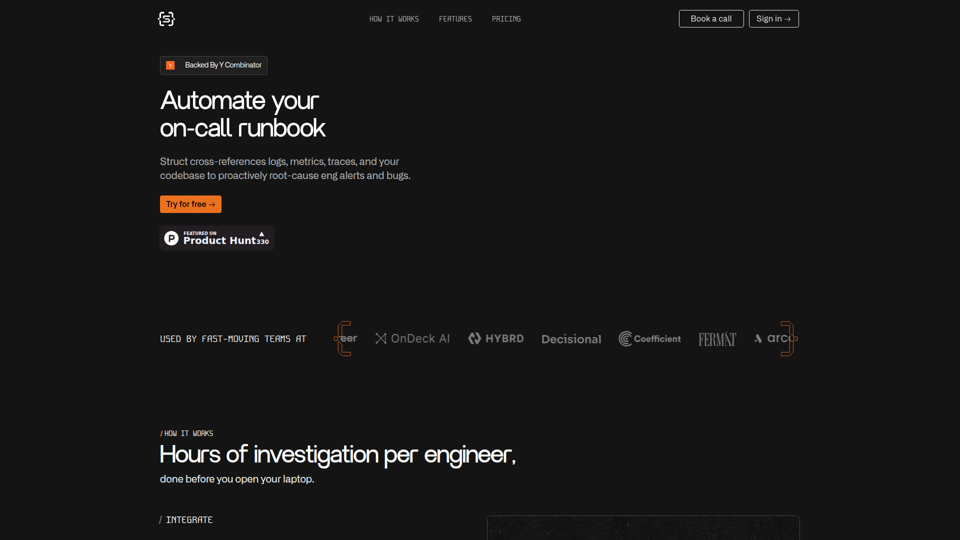
Struct | Automate your on-call runbook
Struct is an AI on-call agent that investigates engineering alerts and bugs by analyzing logs, metrics, traces, and codebases, mainly for software engineers and SRE teams. In the AI era, it helps incident responders shorten triage time by delivering root-cause findings and suggested fixes directly in workflows.

GitMind Chat - Your Best AI Assistant
GitMind Chat is an AI assistant and chatbot platform that helps individuals and enterprises handle conversations, analysis, writing, coding, translation, customer service, and custom AI agent creation through prebuilt or configurable assistants. For roles such as marketers, analysts, support teams, educators, and developers, it can streamline repetitive knowledge work by combining chat, file and link inputs, image analysis, and contextual responses in one workflow.
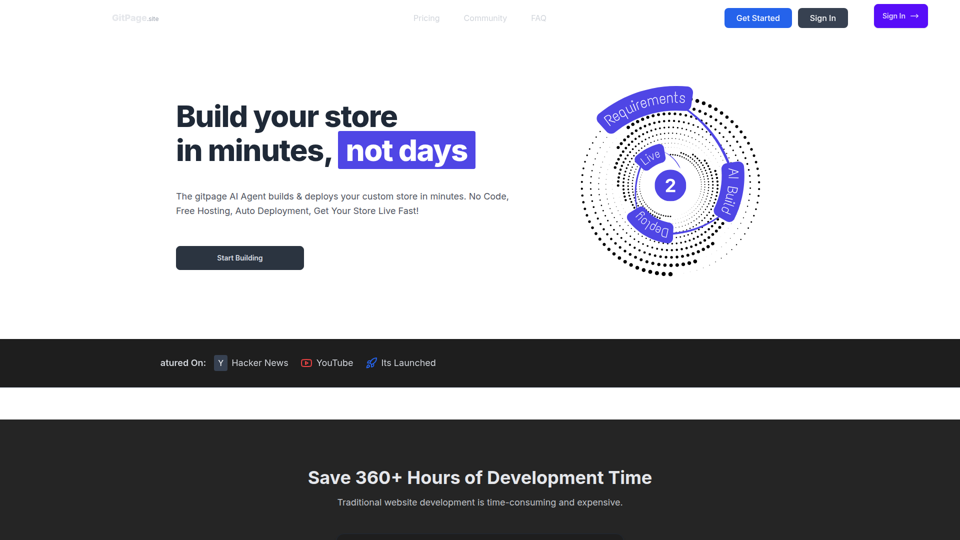
GitPage AI Website Builder | GitPage
GitPage is an AI website builder that generates and deploys websites, online stores, and landing pages from a form, mainly for freelancers, agencies, startups, and businesses that want no-code site creation with code ownership. For web professionals and client-service teams, it can reduce manual setup and content drafting by automating page generation, blog content, and deployment to GitHub or GitLab Pages.

Rohan Mehta
Rohan Mehta is a personal website for a New York–based software engineer at OpenAI, outlining his background at Meta and as a YC-backed startup founder, and highlighting his creator role behind the Subway Time NYC transit app. For software engineers and technical hiring teams, this kind of concise profile helps AI-era talent evaluation by quickly surfacing relevant build, scale, and product experience.
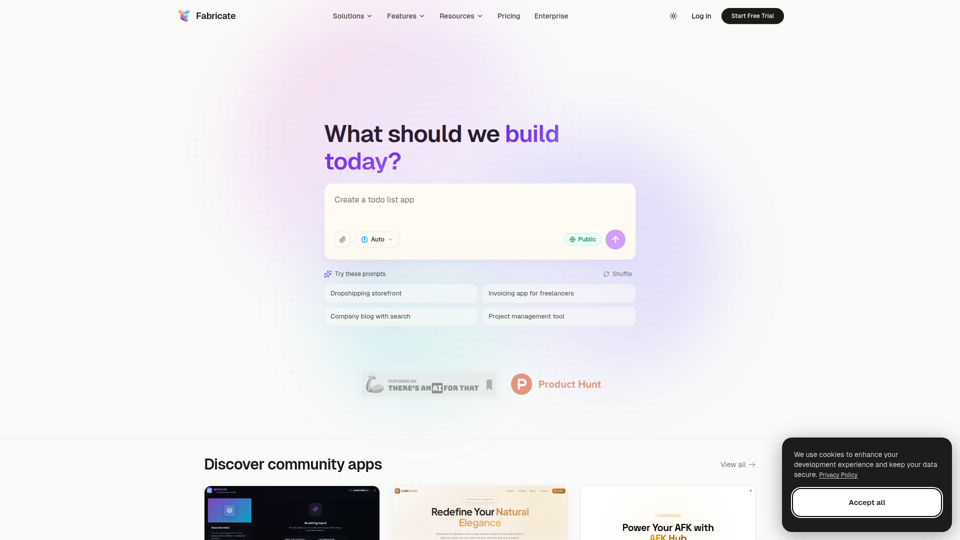
Fabricate - AI Full-Stack App Builder | Build Anything, Ship Faster
Fabricate is an AI full-stack app builder that helps users describe an app idea and generate production-ready web applications, mainly for founders, developers, designers, freelancers, agencies, and enterprises. In AI-assisted product development, it can help these teams move faster from concept to deployable React, TypeScript, and backend code with less manual setup.