
#1 AI video editor for TikTok, Instagram Reels & YouTube Shorts | Bytecap | Bytecap
Rate this Tool
Average Score
Total Votes
Select your score (1-10):
Detail Information
What
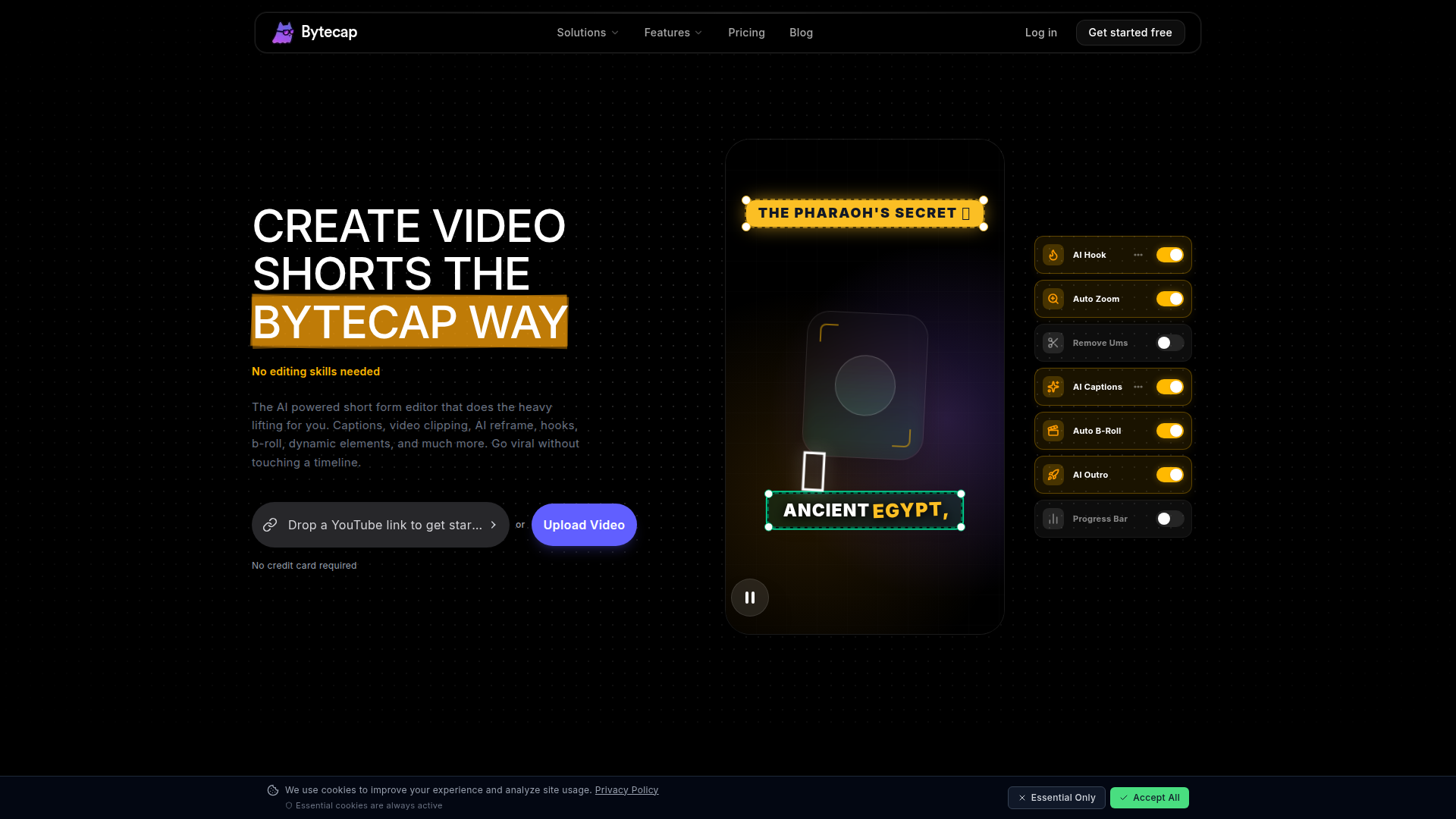
Bytecap is an AI video editing platform focused on turning long-form video into short-form content for TikTok, Instagram Reels, YouTube Shorts, and similar vertical video channels. Its core workflow centers on importing a video or YouTube link, using AI to detect strong moments, automatically editing clips, adding captions and visual enhancements, and preparing posts for publishing.
The product appears positioned for creators and teams that want faster short-form production with minimal manual editing. The site targets a broad set of users including content creators, editors, podcasters, streamers, marketers, agencies, educators, real estate agents, and e-commerce teams, suggesting Bytecap is a general-purpose short-form video tool rather than a niche editor for one industry.
Features
- Magic Clips from long videos — Automatically finds notable moments in long videos, clips them, edits them, and exports short-form assets suitable for social platforms.
- Viral moment detection — Analyzes signals such as audio spikes, scene changes, reactions, and engagement indicators to reduce manual searching for usable highlights.
- Auto-framing for vertical formats — Reframes clips to 9:16 with subject tracking so videos are optimized for Shorts, Reels, and TikTok without timeline work.
- AI captions and subtitle styling — Generates animated captions in 40+ languages with word-level precision and automated emoji placement to improve accessibility and retention.
- Automated cleanup and pacing tools — Removes filler words, cuts silences, and adds auto zoom effects to create tighter, more watchable edits.
- Publishing and creative generation tools — Supports scheduled or direct posting to TikTok and YouTube, thumbnail generation, and an AI Playground for image and video generation using multiple named models.
Helpful Tips
- For products like this, verify whether the automatic clips match your brand tone and editorial judgment, since “best moments” detection may still need human review.
- Teams producing client or regulated content should test caption accuracy, filler-word removal, and auto B-roll choices carefully before publishing.
- If short-form output is the main goal, prioritize checking vertical reframing quality on videos with multiple speakers, screen shares, or fast scene changes.
- Buyers should distinguish between core editing automation and adjacent creative tools such as thumbnails or AI image/video generation, since those may serve different workflows.
- Broad platform support is useful, but implementation planning should focus on where approval steps, asset storage, and publishing ownership sit inside the team.
OpenClaw Skills
Bytecap could likely fit well into OpenClaw as the execution layer inside a larger content operations workflow. For example, an OpenClaw skill could monitor a podcast, webinar, training recording, or livestream archive, identify candidate source videos, prepare prompts or metadata for clip selection, and then route approved assets into Bytecap-oriented production steps for short-form repackaging. The page does not describe a native OpenClaw integration, so this is a likely workflow pattern rather than a confirmed capability.
In practice, this combination could support agents for social repurposing, campaign content calendars, multilingual caption review, creative brief generation, and post-publish performance loops. For agencies, media teams, educators, and creator businesses, that would likely shift work from manual editing coordination toward higher-level editorial strategy, where OpenClaw manages decisions and process logic while Bytecap handles much of the video transformation layer.
Embed Code
Share this AI tool on your website or blog by copying and pasting the code below. The embedded widget will automatically update with the latest information.
<iframe src="https://aimyflow.com/ai/bytecap-io/embed" width="100%" height="400" frameborder="0"></iframe>
Explore Similar Tools
AI Motion Transfer - Animate Photos with Video Reference
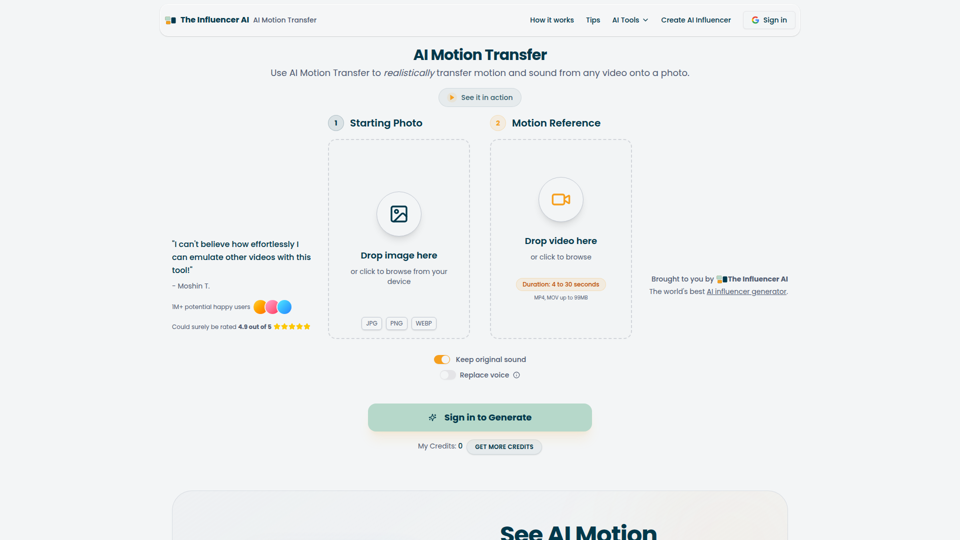
AI Motion Transfer is an AI tool from The Influencer AI that transfers motion and optionally sound from a reference video onto a photo, helping creators, marketers, and social content teams turn static character images into animated videos. For social media, e-commerce, and creative production roles, it can speed up creation of realistic character videos and reduce the need for manual filming or complex prompt writing.
AI Thumbnail Maker for YouTube Creators | Thumbspot AI
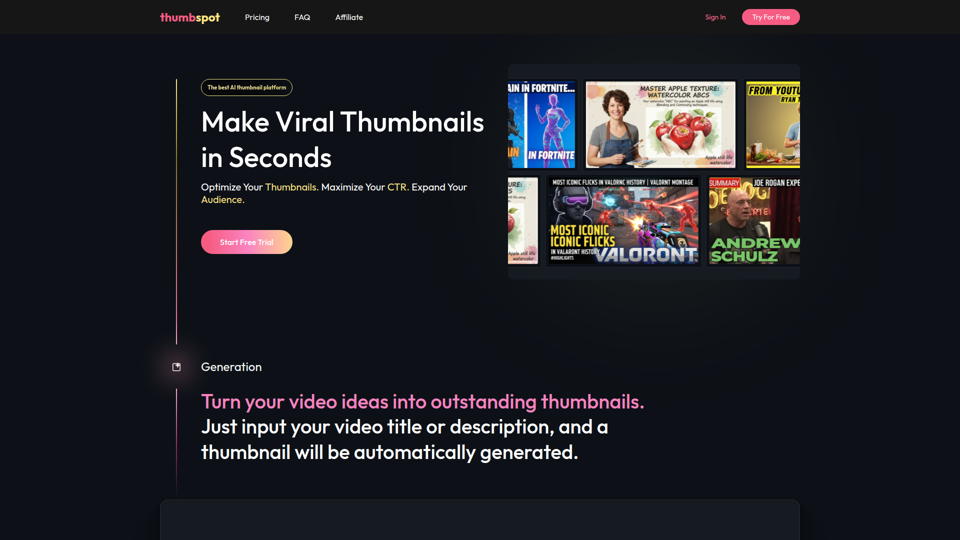
Thumbspot AI is an AI thumbnail maker that helps YouTube creators generate, edit, recreate, and personalize video thumbnails with templates, face swaps, and AI personas. For content creators and channel managers, it can speed thumbnail testing and iteration so creative decisions align more closely with audience click behavior.

2pr | AI LinkedIn Post Generator – Create Engaging Content in 1 Minute
2pr is an AI LinkedIn post generator and content workflow tool that helps users find post ideas, write authentic LinkedIn posts, create carousels, and schedule and analyze content, mainly for founders, B2B sales and marketing teams, bloggers, and job seekers. For professionals building a personal brand on LinkedIn, it can streamline ideation and drafting while using profile-based guidance to keep posts aligned with their expertise and positioning.
1stCollab - The AI-Powered Influencer Marketplace
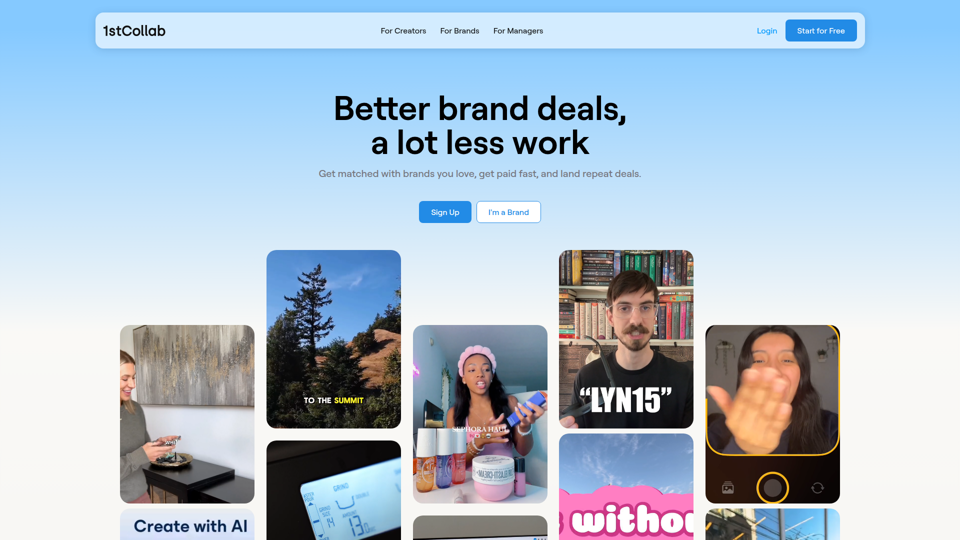
1stCollab is an AI-powered influencer marketplace that helps creators find matched brand partnerships, apply quickly, maintain an auto-updating media kit, and get paid faster, with creators as its main audience. For influencer marketers, creator managers, and social media teams, this kind of automation can reduce manual outreach and admin work while keeping campaign data and creator profiles current.
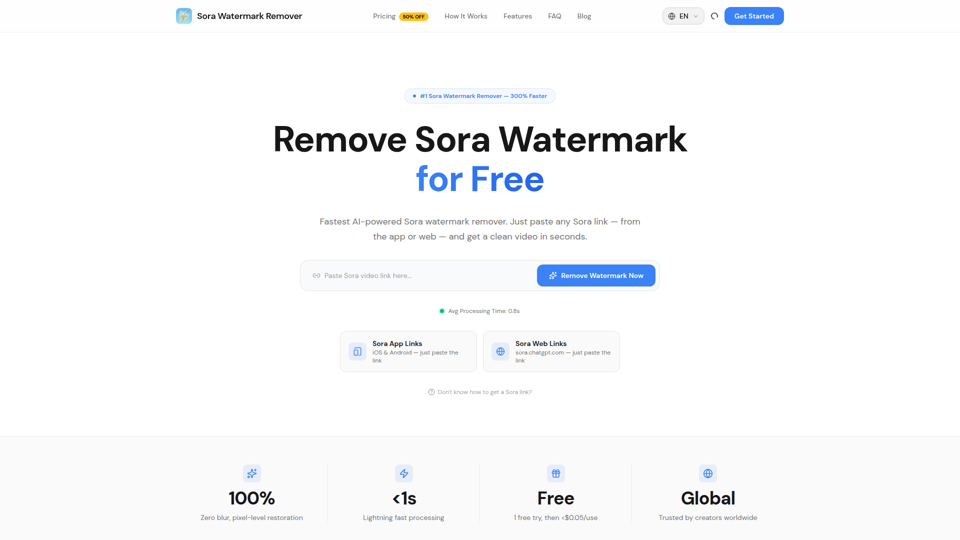
Sora Watermark Remover — Remove Sora Watermarks Free
Sora Watermark Remover is an AI tool that removes watermarks from Sora-generated videos by pasting a Sora app or web link, mainly for creators who need clean MP4 downloads without uploading files. For content creators and social media editors, this can speed reuse and publishing of AI-generated video assets while reducing manual post-production steps.
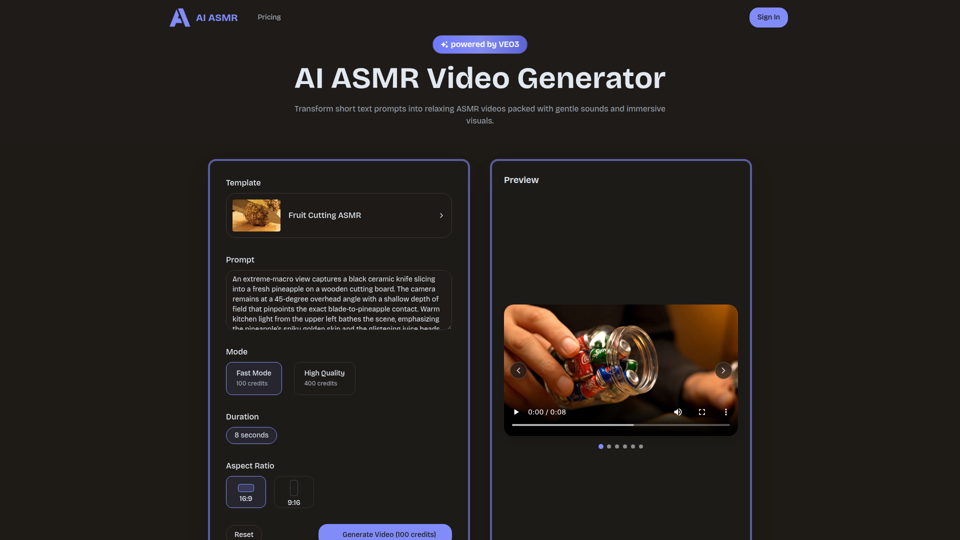
AI ASMR | Create VEO3 Relaxation Videos Online
AI ASMR is an AI video generator that turns short text prompts into relaxation-focused ASMR videos with generated audio and visuals, mainly for content creators who want to make calming clips without studio equipment. For social media creators, editors, and creative teams, it can speed up concept testing and consistent production of niche relaxation content from simple prompts.

Farol — See What's Coming
Farol is an AI trend intelligence tool that helps content creators, founders, newsletter writers, and marketing professionals spot emerging topics 24–48 hours early and turn them into ready-to-post social content. For professionals who rely on timely publishing, it can reduce research time and improve content timing by delivering niche-specific trend alerts with draft posts.
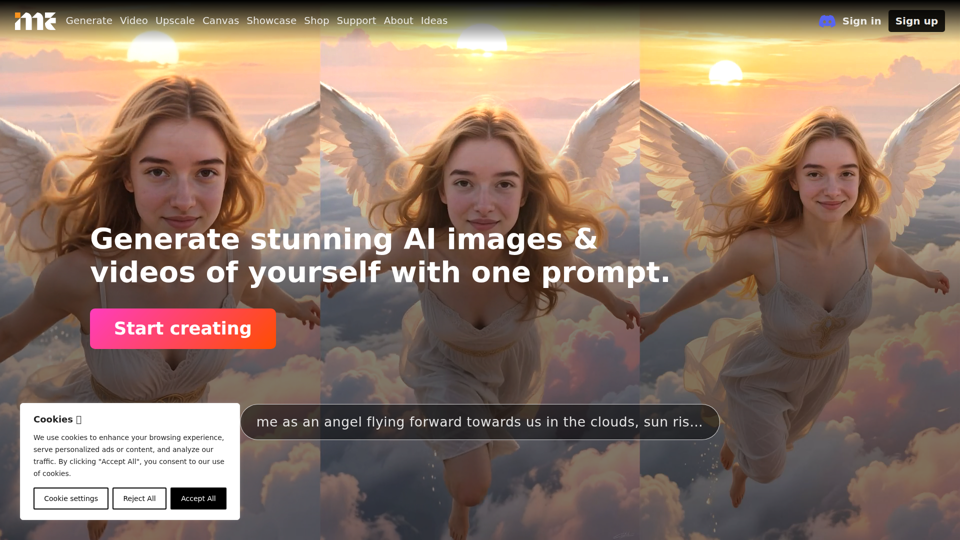
ImagineMe - Personal AI Art Generator
ImagineMe is a personal AI art generator that trains a private model on a user’s photos so individuals can create images and videos of themselves from text prompts. For creators, designers, and social media professionals, it can speed up personalized visual concepting and content production without requiring traditional illustration or photo editing workflows.