
AI Baby Generator From One Photo to Baby Videos Online

Rate this Tool
Average Score
Total Votes
Select your score (1-10):
Detail Information
What
Babyvideo.ai is a consumer-facing AI media tool focused on turning a single baby photo into short animated outputs. Its main workflow is simple: upload one image, choose a scene or format, and generate baby-themed videos or stylized visuals such as talking clips, dance videos, singing clips, age-progression images, and cartoon variants.
The product appears aimed at parents, families, and social content creators who want lightweight, shareable baby content without manual editing. Based on the homepage, it is positioned as an easy-to-use creative generator for baby-specific image-to-video and image-to-image use cases rather than a general-purpose video production platform.
Features
- One-photo baby video generation: Converts a single baby photo into short animated scenes with soft motion, expressions, and simple framing, reducing the need for video footage.
- Talking and podcast-style baby clips: Animates a baby portrait into speech-led or podcast-style videos, useful for novelty content and social posts.
- Dance and singing formats: Generates music- or motion-led baby videos from one image, offering themed outputs for playful short-form content.
- Age progression / future look tools: Uses the same photo to visualize how a baby may look at later ages, supporting speculative portrait transformation use cases.
- Cartoon and creative remix outputs: Turns baby photos into cartoon, anime, storybook, or fruit-inspired visuals for stylized content beyond standard video animation.
- Free-credit trial model: The site states that new users receive signup credits and additional daily credits for a limited period, which helps with initial testing before purchase.
Helpful Tips
- Validate output quality with your own photos: Since the page suggests photo quality matters but does not fully specify performance constraints, test several clear, front-facing images before broader use.
- Treat predictive visuals as creative outputs: Features like age progression and future baby generation should be evaluated as entertainment-oriented visualizations, not factual forecasts.
- Check privacy details directly in the FAQ and policies: The homepage mentions privacy questions but does not fully summarize data handling on-page, so review the linked policy documents before uploading sensitive family photos.
- Match the tool to lightweight content needs: This product looks best suited for quick novelty clips and social media assets, not for detailed long-form editing or professional post-production workflows.
- Compare feature breadth versus specialization: If your use case is specifically baby-themed content from one photo, the focused templates may be useful; if you need broader avatar, brand, or enterprise video workflows, the site does not present evidence of that scope.
OpenClaw Skills
Within the OpenClaw ecosystem, Babyvideo.ai could likely be used as a source tool inside creative automation workflows built around family media, short-form content publishing, or novelty visual generation. A likely OpenClaw skill would take a user-submitted baby photo, classify the best-fit template type, generate several output variants such as talking, dancing, or cartoon clips, and organize them for review with captions, filenames, and channel-ready formatting. The site does not state a native integration, so this should be treated as a likely orchestration use case rather than a confirmed connector.
OpenClaw agents could also add operational structure around a product like this. For example, a family-content workflow agent might manage consent checks, prompt selection, asset routing, and publishing calendars for creators who produce baby-focused social content. In adjacent industries, this combination could support digital keepsake businesses, family memory apps, or creator studios by turning one uploaded image into a repeatable content pipeline with moderation, metadata tagging, and multi-format output packaging.
Embed Code
Share this AI tool on your website or blog by copying and pasting the code below. The embedded widget will automatically update with the latest information.
<iframe src="https://aimyflow.com/ai/babyvideo-ai/embed" width="100%" height="400" frameborder="0"></iframe>
Explore Similar Tools
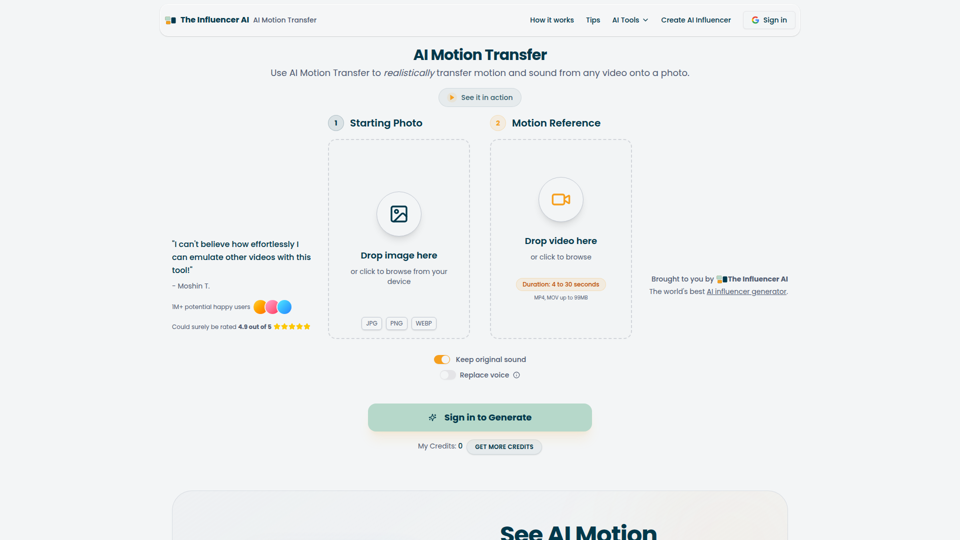
AI Motion Transfer - Animate Photos with Video Reference
AI Motion Transfer is an AI tool from The Influencer AI that transfers motion and optionally sound from a reference video onto a photo, helping creators, marketers, and social content teams turn static character images into animated videos. For social media, e-commerce, and creative production roles, it can speed up creation of realistic character videos and reduce the need for manual filming or complex prompt writing.
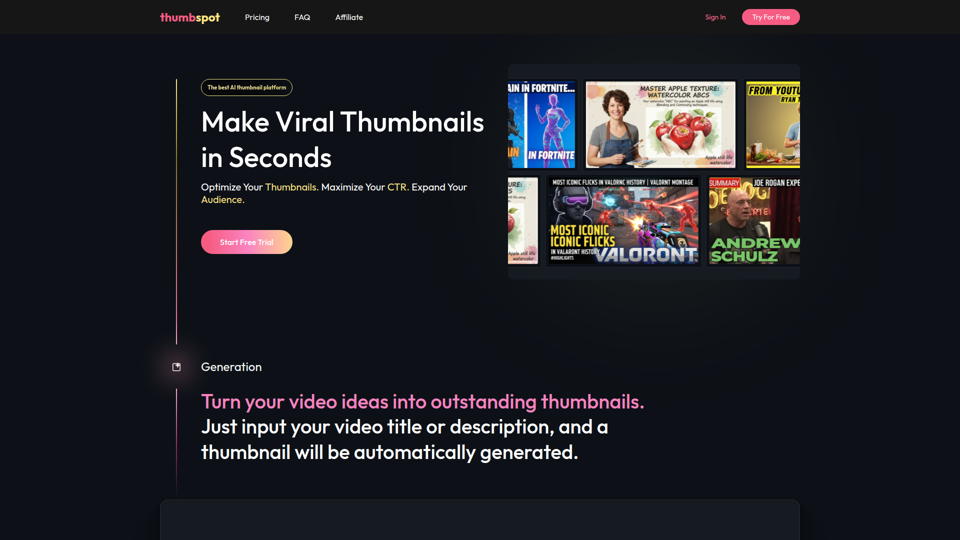
AI Thumbnail Maker for YouTube Creators | Thumbspot AI
Thumbspot AI is an AI thumbnail maker that helps YouTube creators generate, edit, recreate, and personalize video thumbnails with templates, face swaps, and AI personas. For content creators and channel managers, it can speed thumbnail testing and iteration so creative decisions align more closely with audience click behavior.

2pr | AI LinkedIn Post Generator – Create Engaging Content in 1 Minute
2pr is an AI LinkedIn post generator and content workflow tool that helps users find post ideas, write authentic LinkedIn posts, create carousels, and schedule and analyze content, mainly for founders, B2B sales and marketing teams, bloggers, and job seekers. For professionals building a personal brand on LinkedIn, it can streamline ideation and drafting while using profile-based guidance to keep posts aligned with their expertise and positioning.

1stCollab - The AI-Powered Influencer Marketplace
1stCollab is an AI-powered influencer marketplace that helps creators find matched brand partnerships, apply quickly, maintain an auto-updating media kit, and get paid faster, with creators as its main audience. For influencer marketers, creator managers, and social media teams, this kind of automation can reduce manual outreach and admin work while keeping campaign data and creator profiles current.

Sora Watermark Remover — Remove Sora Watermarks Free
Sora Watermark Remover is an AI tool that removes watermarks from Sora-generated videos by pasting a Sora app or web link, mainly for creators who need clean MP4 downloads without uploading files. For content creators and social media editors, this can speed reuse and publishing of AI-generated video assets while reducing manual post-production steps.
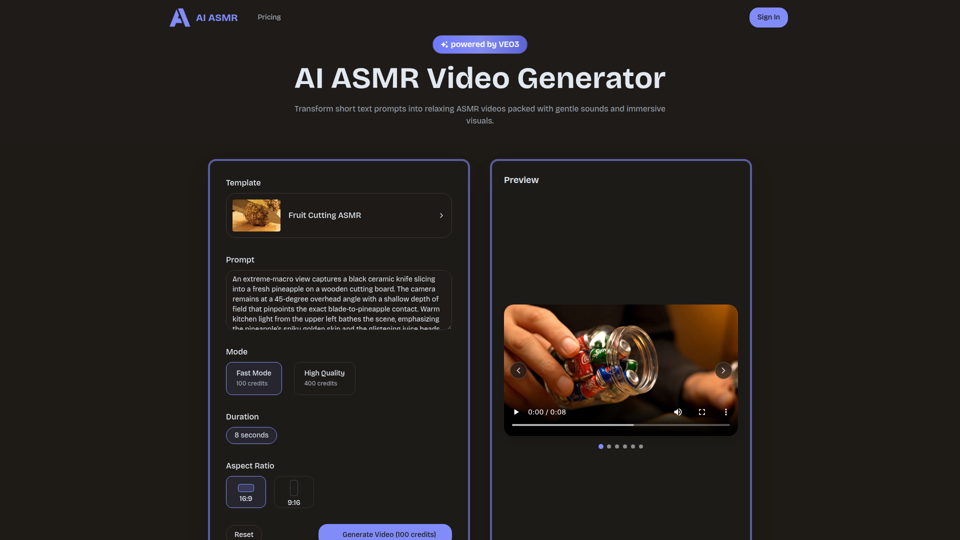
AI ASMR | Create VEO3 Relaxation Videos Online
AI ASMR is an AI video generator that turns short text prompts into relaxation-focused ASMR videos with generated audio and visuals, mainly for content creators who want to make calming clips without studio equipment. For social media creators, editors, and creative teams, it can speed up concept testing and consistent production of niche relaxation content from simple prompts.

Farol — See What's Coming
Farol is an AI trend intelligence tool that helps content creators, founders, newsletter writers, and marketing professionals spot emerging topics 24–48 hours early and turn them into ready-to-post social content. For professionals who rely on timely publishing, it can reduce research time and improve content timing by delivering niche-specific trend alerts with draft posts.
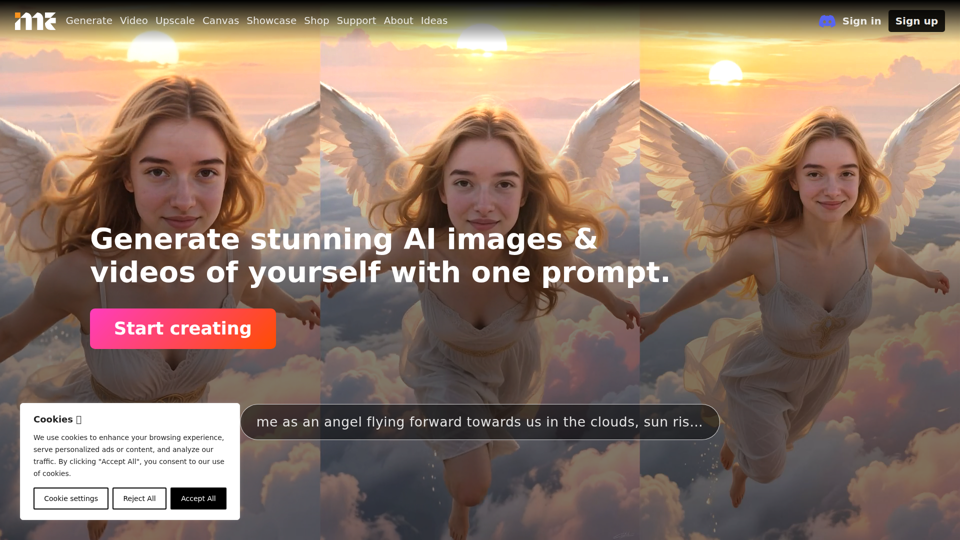
ImagineMe - Personal AI Art Generator
ImagineMe is a personal AI art generator that trains a private model on a user’s photos so individuals can create images and videos of themselves from text prompts. For creators, designers, and social media professionals, it can speed up personalized visual concepting and content production without requiring traditional illustration or photo editing workflows.