
No code browser automation & web scraping | axiom.ai
Rate this Tool
Average Score
Total Votes
Select your score (1-10):
Detail Information
What
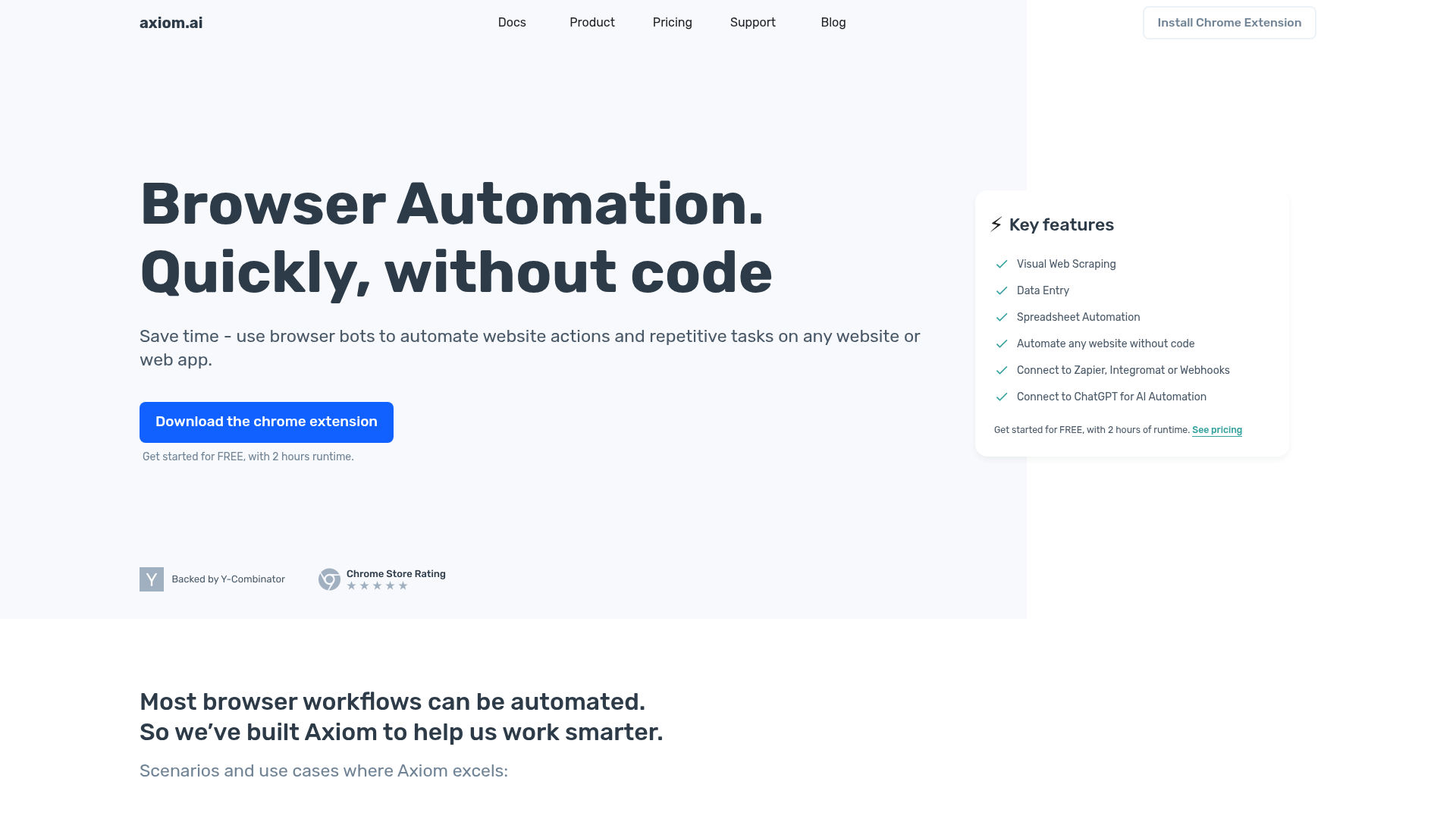
Axiom.ai is a no-code browser automation and web scraping product delivered as a Chrome extension. It is designed to help users automate repetitive website actions such as clicking, typing, extracting data, filling forms, and moving information into tools like Google Sheets or external systems through Zapier and webhooks.
The product appears to serve operations teams, analysts, founders, marketers, and other users who need custom browser workflows without writing code. Its core workflow is: install the extension, build a bot or start from a template, automate actions in a website UI, and then run, schedule, or externally trigger that bot. Based on the page, Axiom is positioned as a flexible end-user automation tool for browser-based tasks rather than a full enterprise RPA platform.
Features
- No-code browser automation — Builds bots that perform website actions like clicks, typing, and form interactions without requiring code.
- Visual web scraping — Extracts data from websites, including workflows that may involve logins, button clicks, or multiple pages.
- Templates and custom bot building — Supports both prebuilt automation patterns and fully customized bots for specific browser workflows.
- Run, schedule, or trigger bots — Lets users execute automations manually, on a schedule, or from external events via Zapier.
- Data workflow connectivity — Connects automations to Google Sheets, webhooks, and automation platforms for downstream processing.
- ChatGPT-enabled workflows — Supports using ChatGPT within automations for tasks such as parsing or processing scraped data, as described on the site.
Helpful Tips
- Validate fit against browser-based work — Axiom is best suited to workflows that are visibly performed in a browser; if the task is better handled through a stable API, that may be simpler and more reliable.
- Start with one narrow process — Begin with a repetitive, high-volume task such as data entry or data collection before expanding into multi-step automations.
- Test for site variability and bot blocking — Web automation can break when page layouts, login flows, or anti-bot measures change, so monitoring and maintenance should be expected.
- Review data handling requirements — The site states that bots run on the user’s computer and that automation results are not stored on Axiom’s systems, which may matter for internal data governance reviews.
- Assess orchestration needs early — If teams need scheduled runs, triggers, spreadsheets, or webhook-based handoffs, confirm those workflow requirements during evaluation rather than after bot design.
Embed Code
Share this AI tool on your website or blog by copying and pasting the code below. The embedded widget will automatically update with the latest information.
<iframe src="https://aimyflow.com/ai/axiom-ai/embed" width="100%" height="400" frameborder="0"></iframe>
Explore Similar Tools
Transcribe Meetings & Generate Files with AI on TicNote Cloud
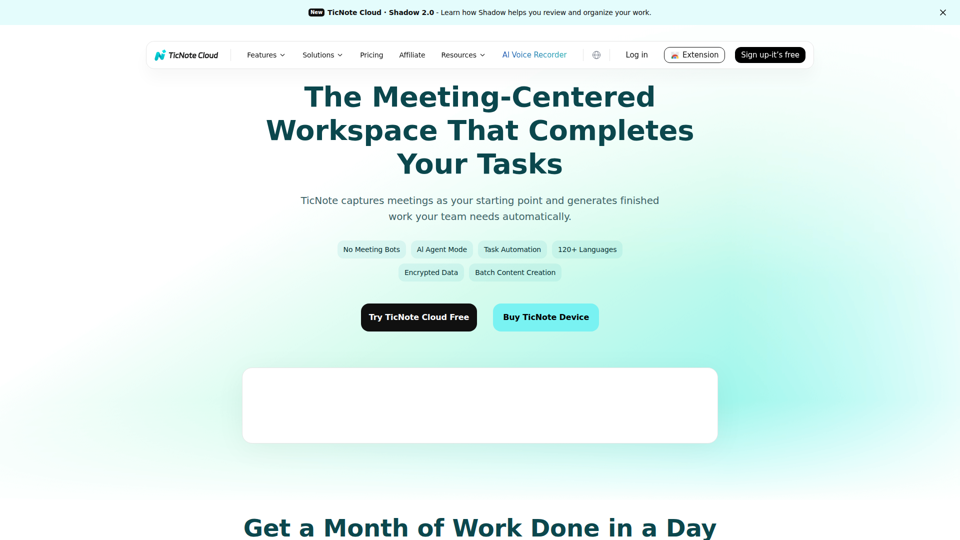
TicNote Cloud is an AI meeting workspace that records and transcribes meetings, creates summaries, action items, and files, and organizes transcripts and project materials for teams that rely on meetings to drive work. For product, operations, sales, and project management roles, it can reduce manual note-taking and speed follow-up by turning conversations into structured outputs and searchable knowledge.
Tingwu CN
通义听悟 is an AI meeting and media transcription tool that converts speech to text, provides multilingual translation, distinguishes speakers, and generates summaries such as chapter overviews and action items, mainly for people who need to capture and review meetings efficiently. For project managers and similar knowledge workers, it can reduce manual note-taking and speed up turning long discussions into usable minutes and follow-up tasks.
RowFlow - the modern AI-native form
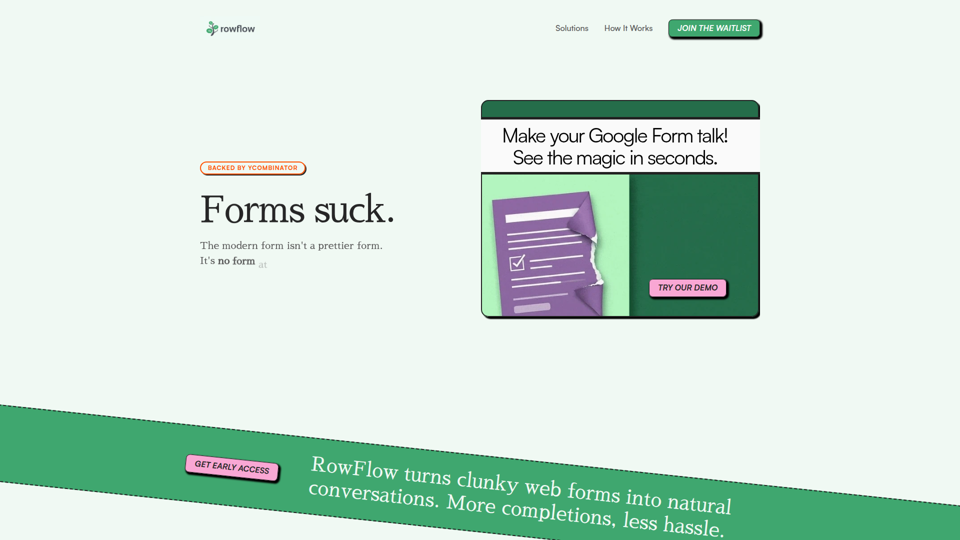
RowFlow is an AI-native form platform that turns traditional forms into conversational outreach across channels like SMS, email, Slack, WhatsApp, and phone, helping teams collect structured information faster with fewer manual follow-ups; it is mainly for operations, onboarding, research, and revenue teams. For functions such as customer onboarding, lead qualification, and internal reporting, it can reduce time spent chasing responses while producing cleaner data from messy user input.
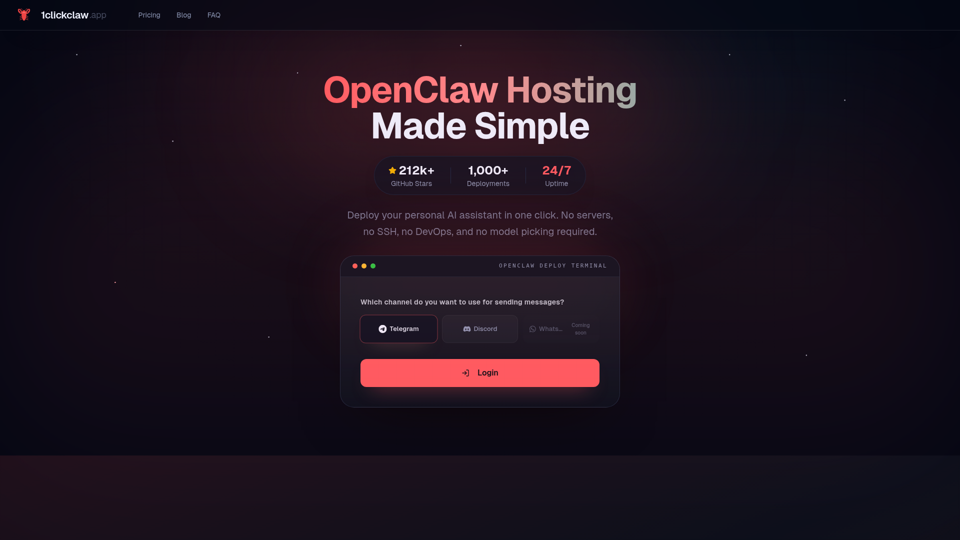
1ClickClaw - OpenClaw Hosting | One-Click AI Bot
1ClickClaw is a hosting service for deploying OpenClaw as a personal AI assistant on Telegram, Discord, or WhatsApp in one click, mainly for users who want an always-on bot without managing servers, SSH, or DevOps setup. For operators, community managers, and solo builders, this can shorten deployment time and simplify AI bot maintenance so they can focus more on conversations and workflows than infrastructure.
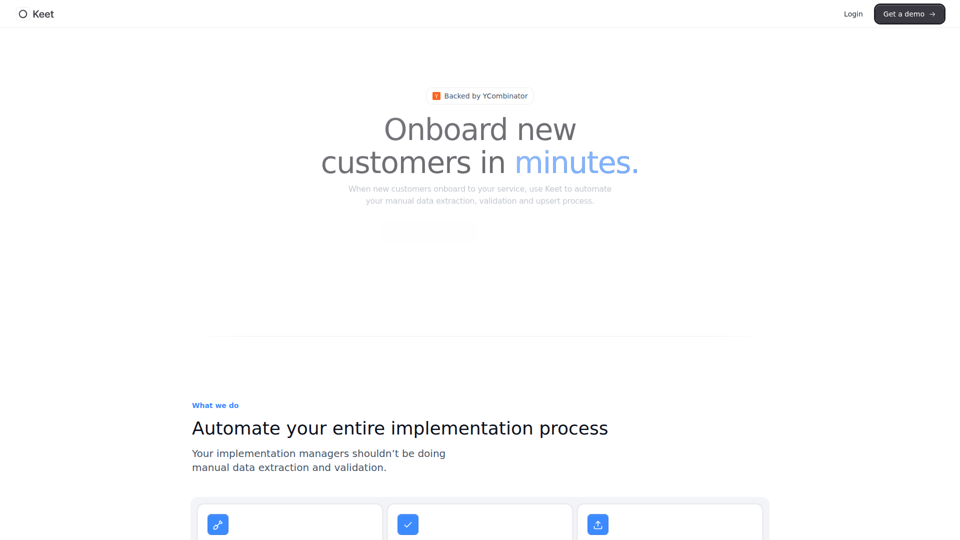
Keet - Automated enterprise onboarding
Keet is an automated enterprise onboarding tool that extracts, validates, and uploads customer migration data to help implementation managers onboard new customers faster. In AI-driven implementation workflows, it can reduce manual review and data handling so implementation and onboarding teams can focus on exception handling and customer setup quality.
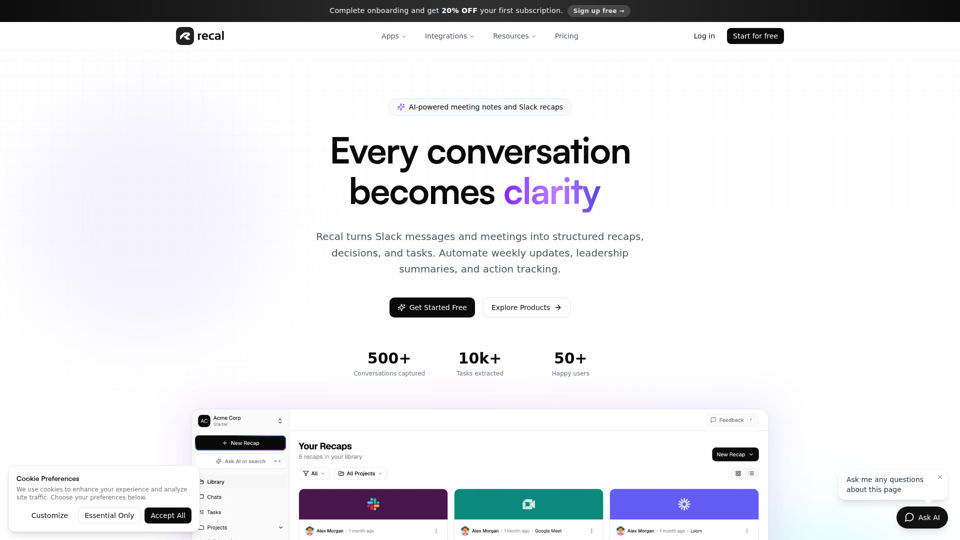
Never forget what matters | Recal
Recal is an AI-powered meeting notes and conversation memory tool that captures meetings, Slack threads, voice memos, uploads, and links, then turns them into transcripts, summaries, decisions, and tasks for teams and professionals who need reliable context and follow-through. For managers, operations leads, and product teams, it can reduce manual note-taking and improve alignment by making searchable recaps and action items available across conversations.
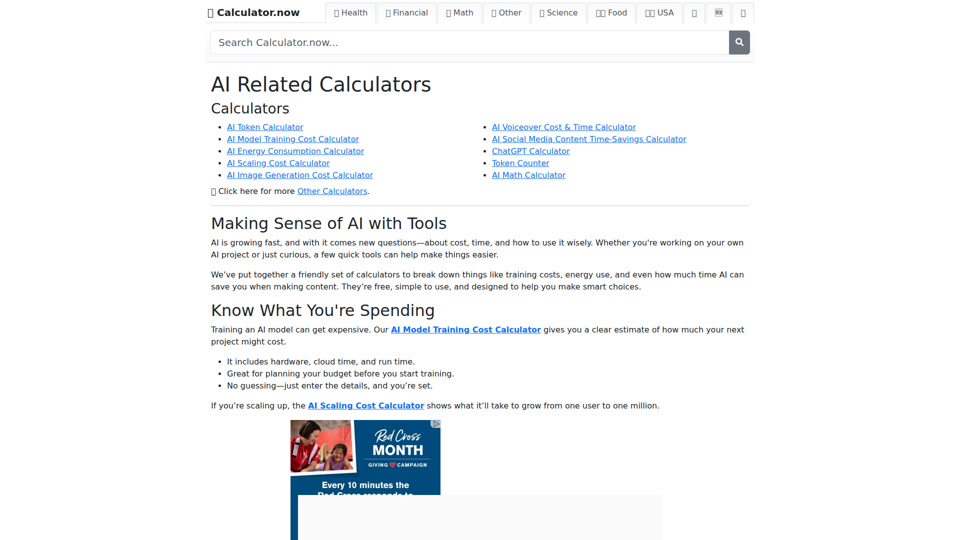
AI Related Calculators | Calculator.now
Calculator.now’s AI Related Calculators is a collection of online calculators that help users estimate token usage, model training and scaling costs, energy consumption, image generation costs, and AI workflow time savings, mainly for people planning or running AI projects. For AI developers, content teams, and project managers, these tools support faster budgeting and capacity planning by turning model and usage assumptions into clear operational estimates.
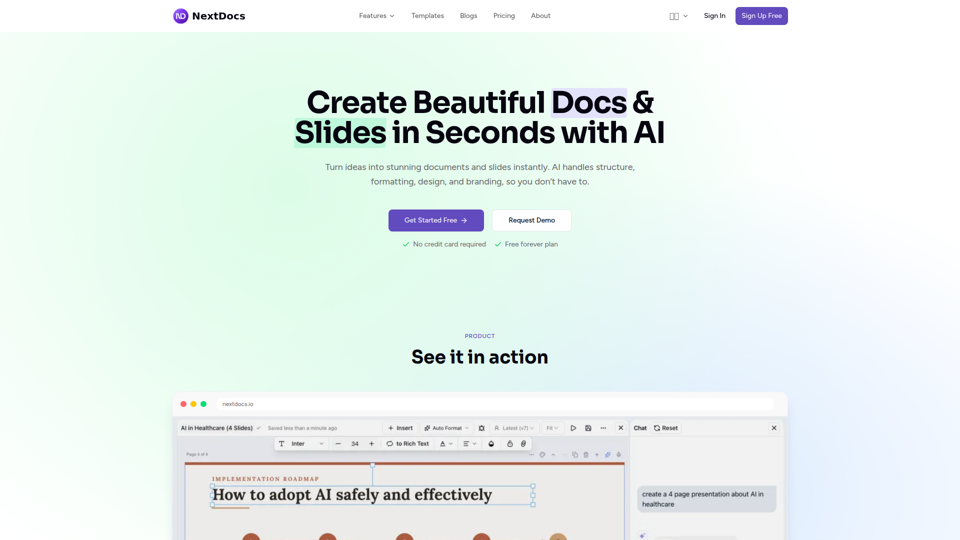
Create Beautiful Docs & Slides in Seconds with AI
NextDocs is an AI document and presentation creation tool that helps professionals and teams turn prompts into branded docs, slides, social posts, proposals, reports, and contracts with built-in editing, research, and export options. For roles like project managers, marketers, founders, and sales teams, it can reduce manual formatting and versioning work so more time goes to reviewing content and making decisions.