
Axell - The Unified AI Workspace
Rate this Tool
Average Score
Total Votes
Select your score (1-10):
Detail Information
What
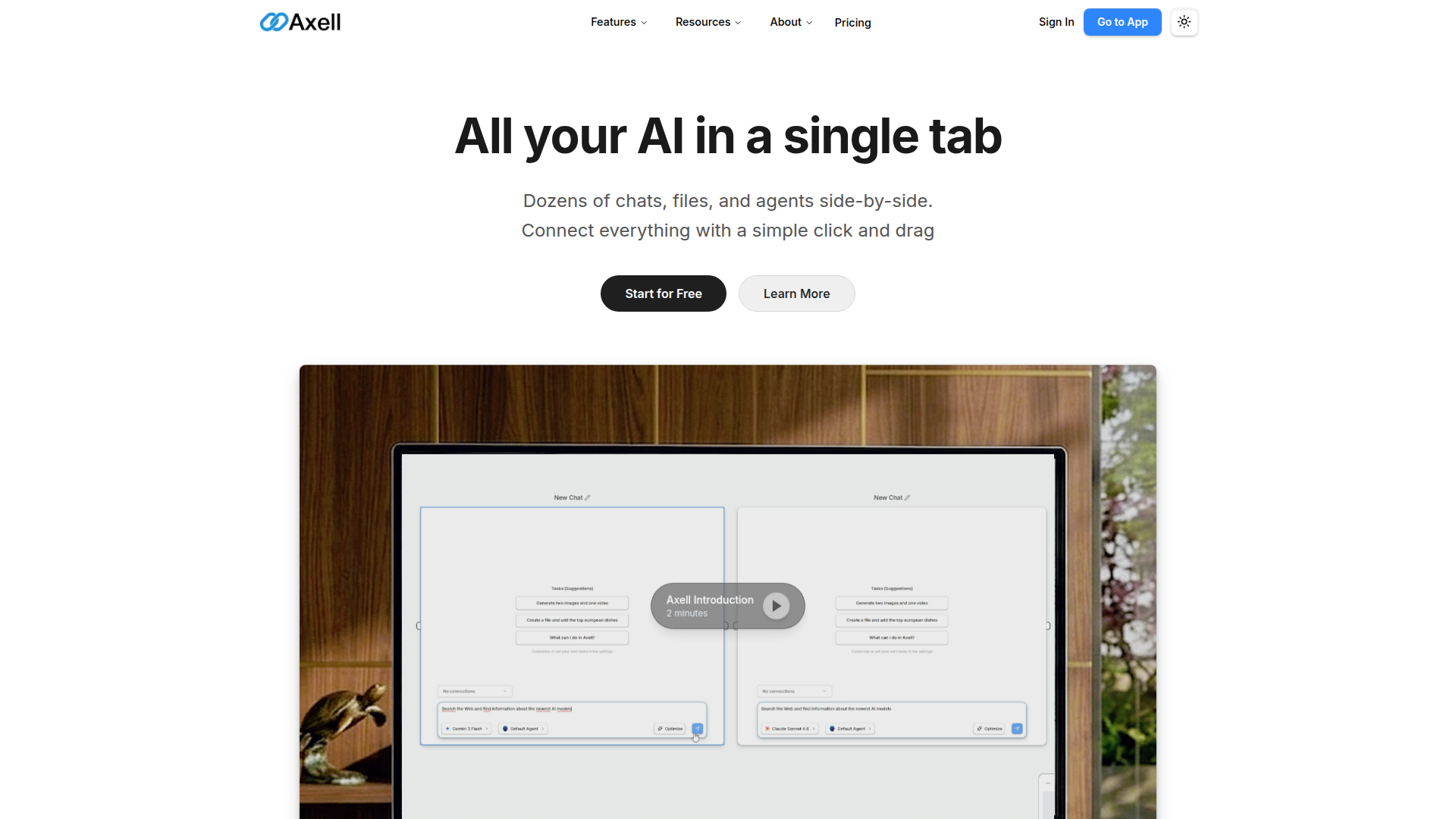
Axell is a unified AI workspace that brings chats, files, knowledge, and AI agents into a single shared canvas. It is designed for people who need to run multiple AI conversations at once, connect those conversations to relevant context, and keep everything organized inside one workspace rather than across separate tabs and tools.
The core workflow appears to center on a click-and-drag interface: users connect chats to files, knowledge bases, or agents so the chat can access that context, and the workspace saves those relationships. Based on the page content, Axell is positioned as a collaborative, multi-model AI work environment for general knowledge work, content analysis, and agent-driven workflows, with both individual and team use cases.
Features
- Multi-chat workspace: Users can keep dozens of chats visible side-by-side, which supports parallel conversations with different configurations and tasks.
- Drag-and-drop context linking: Chats can be connected to files, knowledge bases, or agents with a simple click and drag, making context sharing more explicit and persistent.
- File reading, analysis, and editing: When a chat is connected to a file, it can read, analyze, and edit supported file types including PDF, images, videos, DOCX, Markdown, and TXT.
- Real-time collaboration: Teams can work in the same live workspace with synchronized views, simultaneous editing, and shared context.
- Custom and pre-built AI agents: Users can create their own agents or use pre-built ones, select models from multiple providers, and link agents together into workflows.
- External tool connectivity: The platform states that agents can connect to APIs, databases, third-party applications, MCP servers, and A2A tools, extending automation beyond the workspace.
Helpful Tips
- Evaluate context management first: For this category of product, the main differentiator is often how clearly users can connect chats, files, and agents without losing track of context across projects.
- Start with one repeatable workflow: Adoption is usually easier when teams begin with a narrow use case such as file analysis, shared research, or coordinated content review before expanding to broader agent workflows.
- Review agent permissions carefully: Since the page shows actions across tools like email, calendars, storage, and collaboration apps, buyers should define clear guardrails for who can create and run agents with external actions.
- Test collaboration under real team conditions: Real-time shared workspaces are most valuable when multiple users need the same live context, so it is worth validating how well the experience fits existing review and decision-making processes.
- Confirm integration depth in practice: The site references external tools and providers, but implementation details are limited on this page, so technical teams should verify setup requirements and operational constraints directly in the product documentation.
OpenClaw Skills
Axell could likely pair well with OpenClaw as a front-end workspace for AI-assisted knowledge work while OpenClaw handles structured skills, orchestration, and domain-specific automation. A likely use case would be OpenClaw agents that monitor an Axell workspace, classify incoming files, enrich them with summaries, route them to the right agent, and maintain consistent task state across chats and documents. The shared canvas model could make OpenClaw-driven workflows more transparent because users would be able to see context, outputs, and follow-on actions in one place.
For teams in research, operations, consulting, media analysis, or internal knowledge management, the combination could support more coordinated human-agent collaboration. Likely OpenClaw skills might include video review pipelines, document extraction workflows, meeting prep agents, knowledge-base curation, or cross-tool action agents that turn workspace discussions into emails, calendar events, database updates, or project records. The site does not confirm a native OpenClaw integration, so this should be treated as a likely ecosystem fit rather than a stated product capability.
Embed Code
Share this AI tool on your website or blog by copying and pasting the code below. The embedded widget will automatically update with the latest information.
<iframe src="https://aimyflow.com/ai/axellai-com/embed" width="100%" height="400" frameborder="0"></iframe>
Explore Similar Tools
Transcribe Meetings & Generate Files with AI on TicNote Cloud
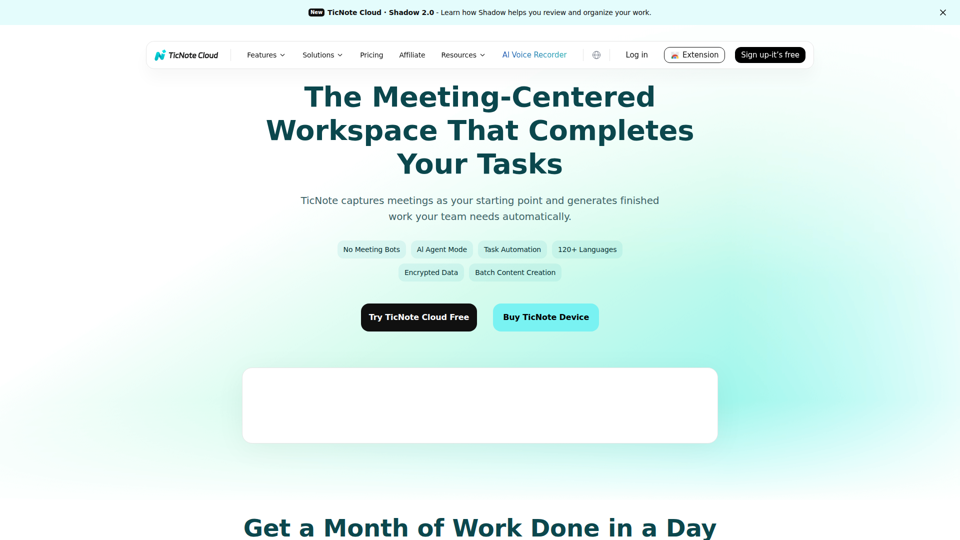
TicNote Cloud is an AI meeting workspace that records and transcribes meetings, creates summaries, action items, and files, and organizes transcripts and project materials for teams that rely on meetings to drive work. For product, operations, sales, and project management roles, it can reduce manual note-taking and speed follow-up by turning conversations into structured outputs and searchable knowledge.

Tingwu CN
通义听悟 is an AI meeting and media transcription tool that converts speech to text, provides multilingual translation, distinguishes speakers, and generates summaries such as chapter overviews and action items, mainly for people who need to capture and review meetings efficiently. For project managers and similar knowledge workers, it can reduce manual note-taking and speed up turning long discussions into usable minutes and follow-up tasks.
RowFlow - the modern AI-native form
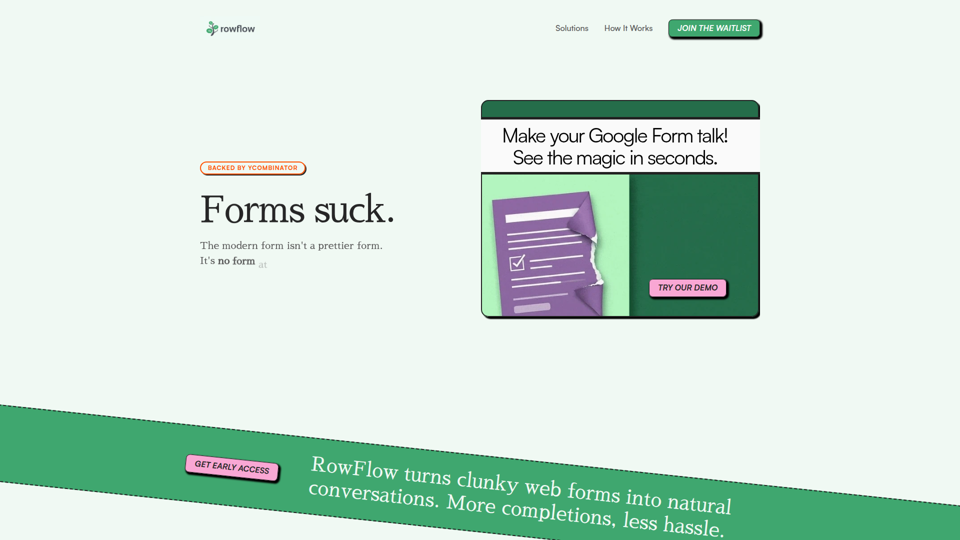
RowFlow is an AI-native form platform that turns traditional forms into conversational outreach across channels like SMS, email, Slack, WhatsApp, and phone, helping teams collect structured information faster with fewer manual follow-ups; it is mainly for operations, onboarding, research, and revenue teams. For functions such as customer onboarding, lead qualification, and internal reporting, it can reduce time spent chasing responses while producing cleaner data from messy user input.
1ClickClaw - OpenClaw Hosting | One-Click AI Bot
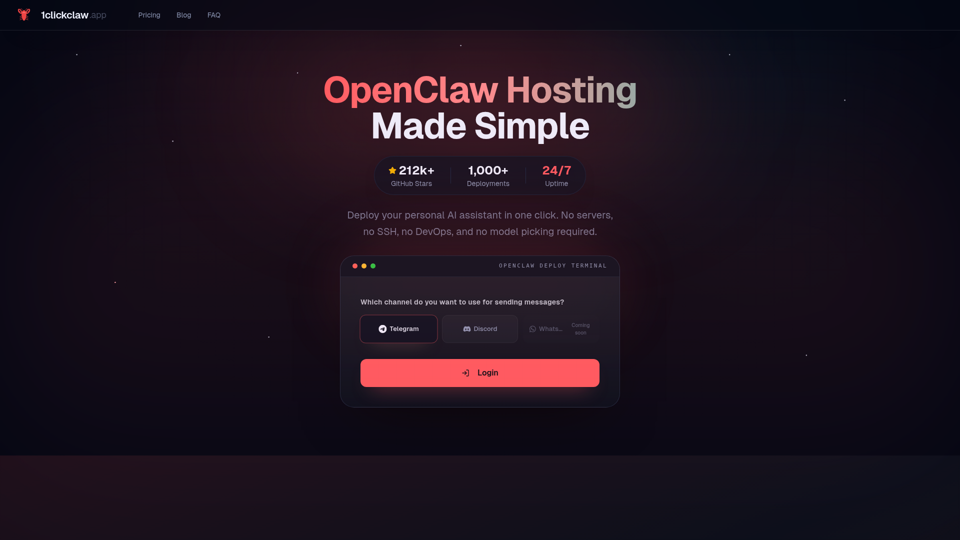
1ClickClaw is a hosting service for deploying OpenClaw as a personal AI assistant on Telegram, Discord, or WhatsApp in one click, mainly for users who want an always-on bot without managing servers, SSH, or DevOps setup. For operators, community managers, and solo builders, this can shorten deployment time and simplify AI bot maintenance so they can focus more on conversations and workflows than infrastructure.
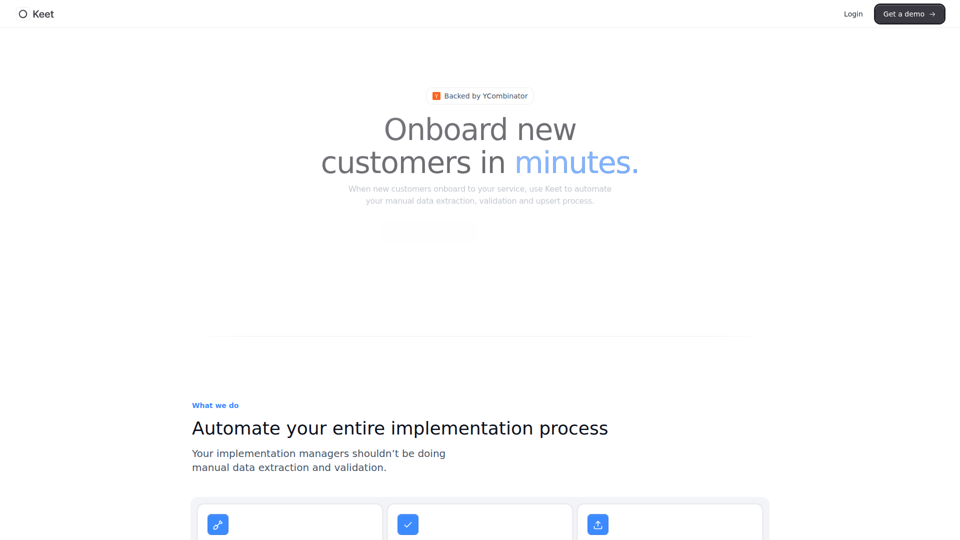
Keet - Automated enterprise onboarding
Keet is an automated enterprise onboarding tool that extracts, validates, and uploads customer migration data to help implementation managers onboard new customers faster. In AI-driven implementation workflows, it can reduce manual review and data handling so implementation and onboarding teams can focus on exception handling and customer setup quality.
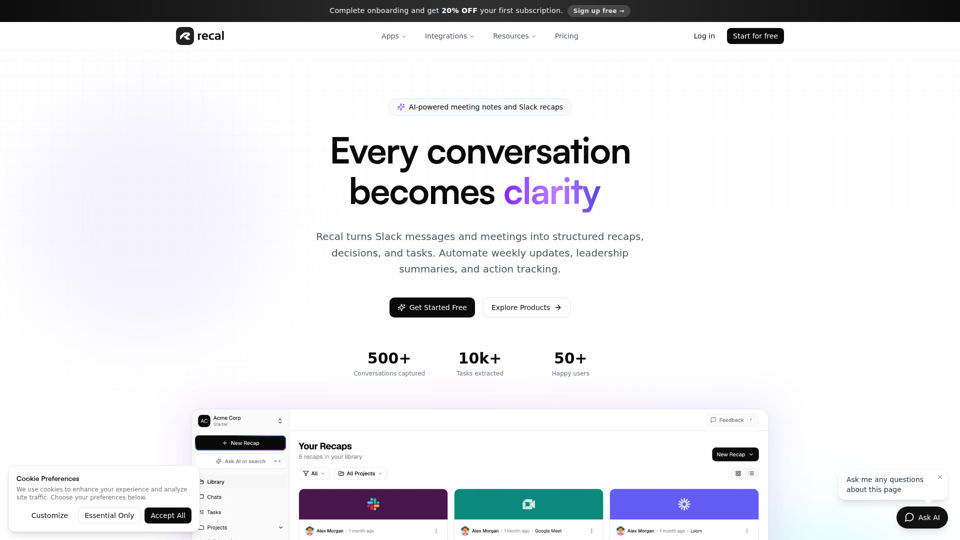
Never forget what matters | Recal
Recal is an AI-powered meeting notes and conversation memory tool that captures meetings, Slack threads, voice memos, uploads, and links, then turns them into transcripts, summaries, decisions, and tasks for teams and professionals who need reliable context and follow-through. For managers, operations leads, and product teams, it can reduce manual note-taking and improve alignment by making searchable recaps and action items available across conversations.
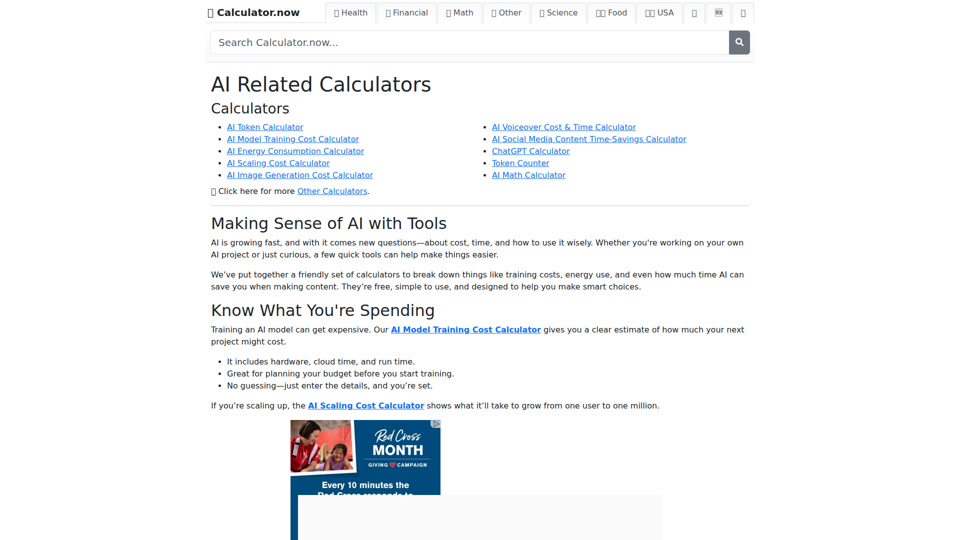
AI Related Calculators | Calculator.now
Calculator.now’s AI Related Calculators is a collection of online calculators that help users estimate token usage, model training and scaling costs, energy consumption, image generation costs, and AI workflow time savings, mainly for people planning or running AI projects. For AI developers, content teams, and project managers, these tools support faster budgeting and capacity planning by turning model and usage assumptions into clear operational estimates.
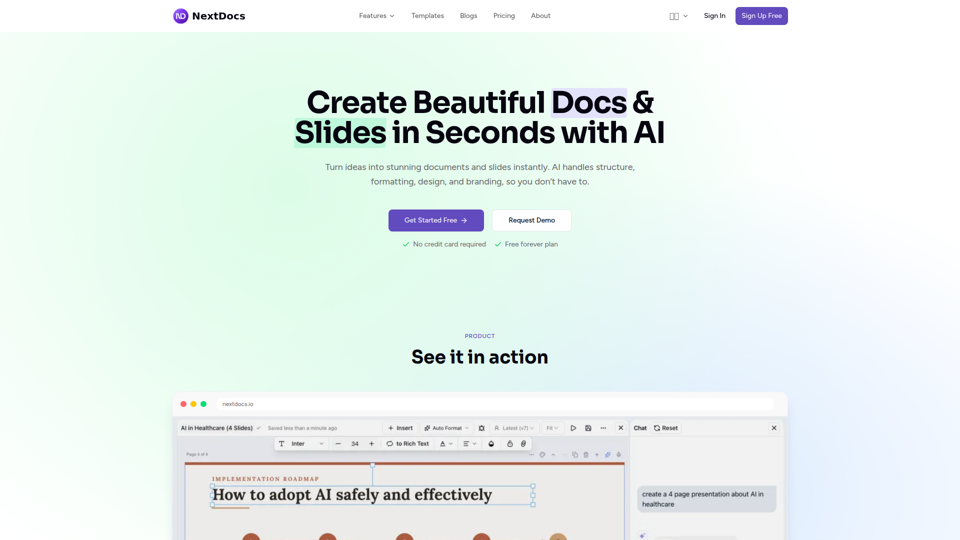
Create Beautiful Docs & Slides in Seconds with AI
NextDocs is an AI document and presentation creation tool that helps professionals and teams turn prompts into branded docs, slides, social posts, proposals, reports, and contracts with built-in editing, research, and export options. For roles like project managers, marketers, founders, and sales teams, it can reduce manual formatting and versioning work so more time goes to reviewing content and making decisions.