
Apple Creator Studio - Apple
Rate this Tool
Average Score
Total Votes
Select your score (1-10):
Detail Information
What
Apple Creator Studio is a subscription bundle of Apple creative and productivity apps for people making videos, images, music, presentations, documents, spreadsheets, and visual planning materials. The suite includes Final Cut Pro, Pixelmator Pro, Logic Pro, and enhanced capabilities for Keynote, Pages, Numbers, and Freeform.
It appears positioned as Apple’s all-in-one creative software package for individuals, students and educators, and people buying a new Mac or iPad. The core workflow is cross-device creation within the Apple ecosystem: capture content, edit and refine it on Mac or iPad, use AI-enabled and premium content features where available, and share outputs across common creative and productivity formats.
Features
- Video production with Final Cut Pro: Supports end-to-end editing on Mac and iPad, with tools such as Magnetic Timeline, Multicam, Auditions, beat detection, transcript search, and visual search to speed video assembly and review.
- Capture-to-edit Apple workflow: Final Cut Camera on iPhone can be used to shoot footage, then continue editing on iPad or Mac in a single Apple-centric workflow.
- Image editing and design with Pixelmator Pro: Provides intelligent editing features such as background removal, image repair, detail enhancement, color adjustment, layered design, templates, mock-ups, and nondestructive editing.
- Music production with Logic Pro: Includes Session Players, Stem Splitter, Mastering Assistant, beat-making tools, instruments, effects, and a large royalty-free sound library for composition, production, and finishing.
- Enhanced productivity apps: Keynote, Pages, Numbers, and Freeform add premium content and selected AI-based features such as slide generation, presenter notes, image creation and editing, Content Hub access, layout cleanup, and Magic Fill in Numbers.
- Family Sharing support: A subscription can be shared with up to five other people, which may help households or small teams using Apple devices.
Helpful Tips
- Check platform fit first: The page emphasizes Mac, iPad, and iPhone workflows, so this suite is best evaluated by teams or creators already centered on Apple hardware.
- Verify feature availability by app and status: Some capabilities are marked as beta or limited to specific apps, so buyers should map required functions to the exact application and maturity level.
- Assess whether the bundle matches your actual mix of work: The subscription is likely strongest for users who need video, image, music, and document creation together rather than a single standalone tool.
- Review collaboration needs carefully: Family Sharing is stated, but the page does not clearly describe team administration or professional collaboration controls, so business buyers should confirm those details separately.
- Consider workflow continuity across devices: The strongest value appears in moving between iPhone capture and Mac/iPad editing, so implementation should be designed around those handoffs.
OpenClaw Skills
Within the OpenClaw ecosystem, Apple Creator Studio could likely serve as the creative execution layer for skills that manage content pipelines. Likely use cases include agents that turn campaign briefs into slide outlines for Keynote, prepare asset lists for Pixelmator Pro projects, organize shot logs and transcript-driven edit plans for Final Cut Pro, or structure music production tasks for Logic Pro. The page does not state a native OpenClaw integration, so these are inferred workflow opportunities rather than confirmed product connections.
Combined with OpenClaw, this suite could support higher-value workflows for marketing teams, educators, media teams, and solo creators working on Apple devices. For example, an OpenClaw agent could likely coordinate a product launch workflow that starts with planning in Freeform, drafts presentation content in Keynote, routes image tasks into Pixelmator Pro, and prepares video edit instructions for Final Cut Pro. In practice, that would shift professionals from app-by-app manual coordination toward more structured, agent-assisted creative operations.
Embed Code
Share this AI tool on your website or blog by copying and pasting the code below. The embedded widget will automatically update with the latest information.
<iframe src="https://aimyflow.com/ai/apple-com-apple-creator-studio/embed" width="100%" height="400" frameborder="0"></iframe>
Explore Similar Tools

Social Media Marketing made easy with AI | Predis.ai
Predis.ai is an AI social media marketing tool that helps users create video and image content and analyze performance, mainly for marketers, agencies, and growing brands. It shortens content planning and production cycles, helping social teams test and refine campaigns more efficiently.
Strut – The complete writing workspace
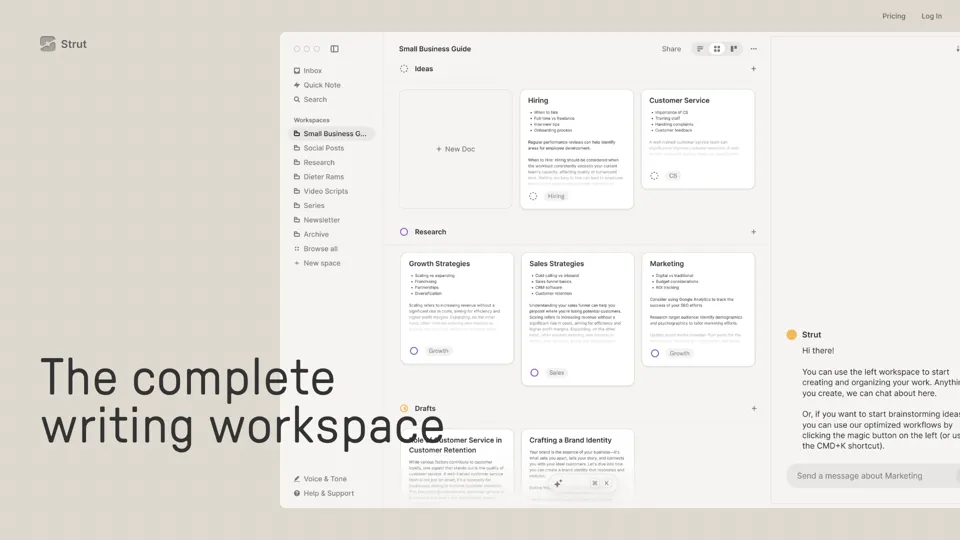
Strut is an AI-powered writing workspace that combines notes, documents, and collaborative writing projects in one environment, mainly for writers, creators, and teams. In the AI era, it helps knowledge workers move from scattered drafts to more coherent writing and faster iteration.

Hypotenuse AI:Smart text generator
Hypotenuse AI is a text generation platform that helps marketers, ecommerce teams, and content writers produce SEO articles, product descriptions, and branded copy at scale. In the AI era, it enables content roles to maintain consistency while increasing publishing speed across large catalogs and campaigns.
All-in-one panel | SkyReels - Ultimate AI Video Creation Platform
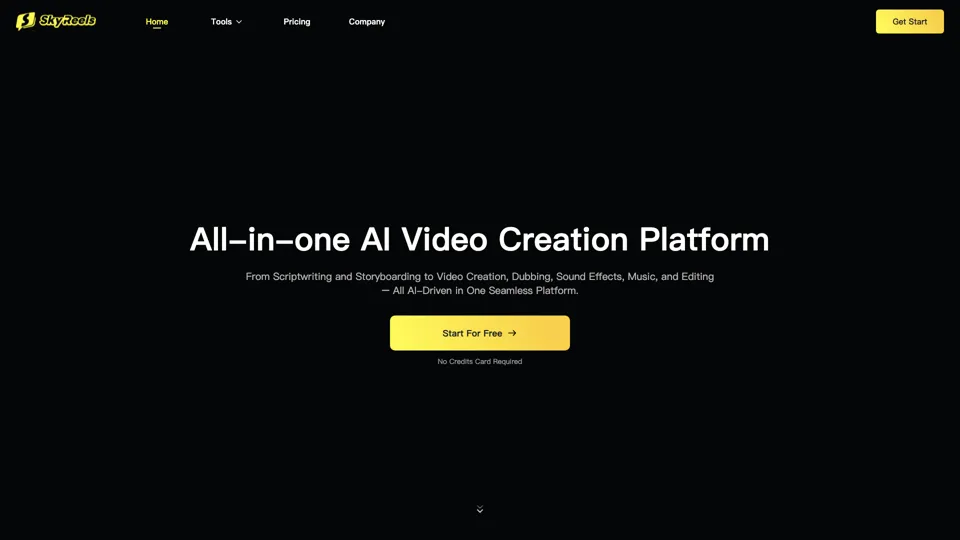
SkyReels is an AI video creation platform that turns scripts into finished videos with voiceovers, lip sync, sound effects, music, and editing tools, mainly for creators and marketing teams. In the AI era, it helps video producers compress production workflows and deliver polished content without a full studio setup.

Grizzly AI | Your AI Report Writer
Grizzly AI is an AI report writing tool that helps professionals generate reports from source files while matching their preferred writing style. It saves analysts and knowledge workers time by turning documents into polished drafts with less manual rewriting.
AI Image Generator - Create Art, Images & Video | Leonardo AI
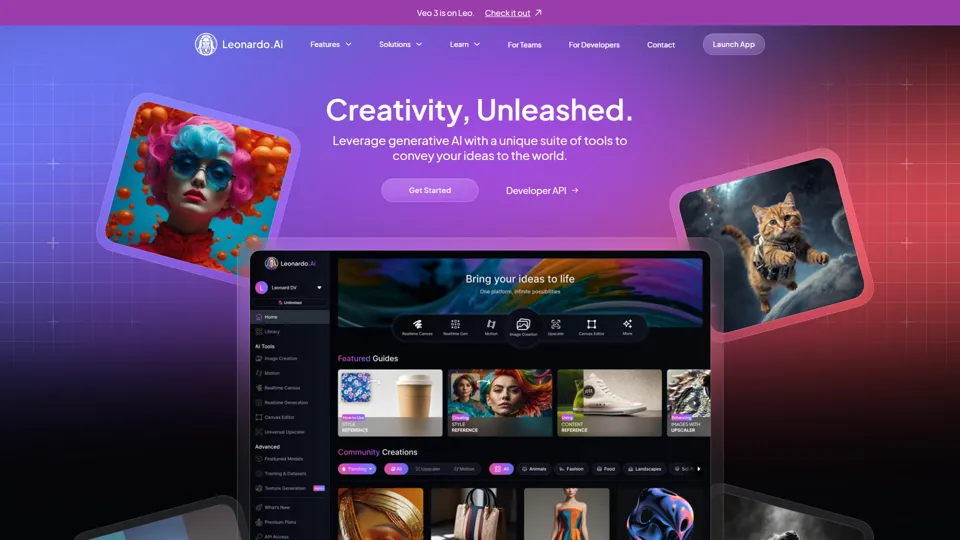
Leonardo AI is an AI image and video generation platform that helps creators, designers, and marketers produce high-quality visual assets quickly. In the AI era, it shortens concept-to-content cycles so creative teams can iterate faster without expanding production overhead.

Budget-friendly AI Powered SEO
BudgetSEO is an AI-powered SEO content tool that helps users create search-optimized material affordably, mainly for small businesses, solo founders, and marketers with limited budgets. In the AI era, it enables lean marketing teams to produce more SEO assets without expanding headcount.
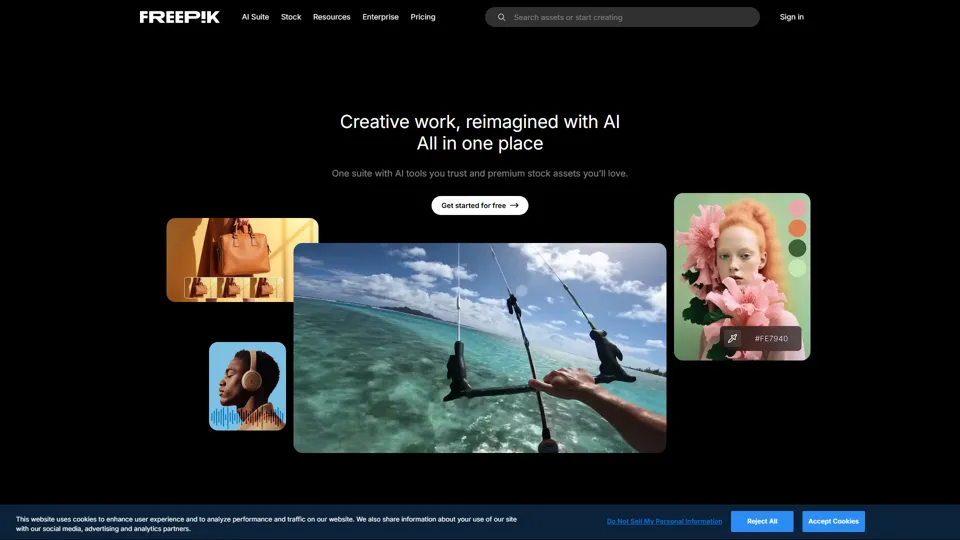
Freepik | All-in-One AI Creative Suite
Freepik is an all-in-one creative suite that combines AI design tools with stock assets to help designers and marketers create visual content in one workspace. It improves creative efficiency by reducing tool switching and accelerating asset production for high-volume campaigns.