
ToMoviee AI Studio – Create Videos, Images & Audio with AI
Rate this Tool
Average Score
Total Votes
Select your score (1-10):
Detail Information
What
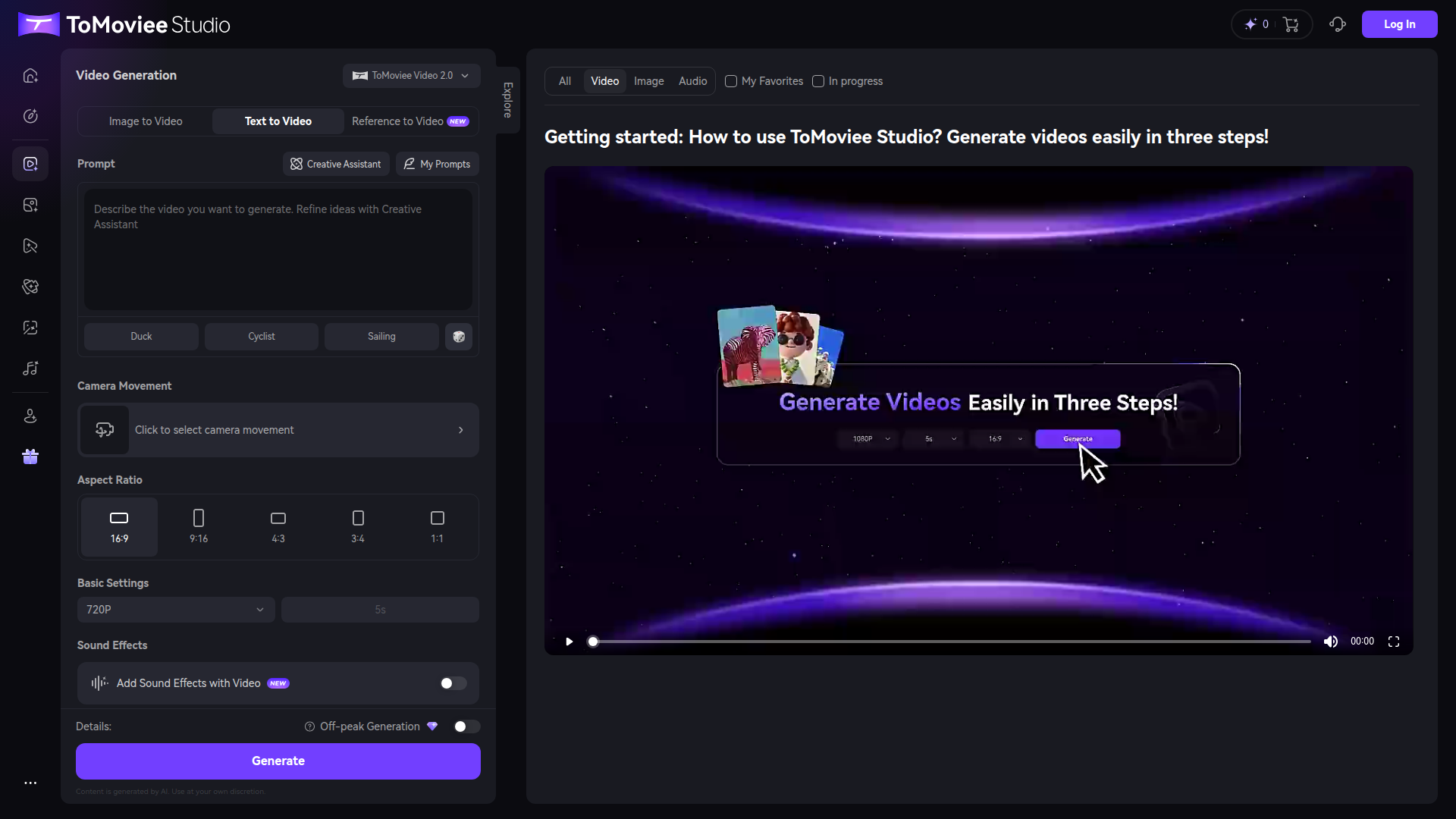
ToMoviee AI Studio appears to be a browser-based AI media creation platform for generating video, images, and audio from prompts and related inputs. Based on the page content, its main video workflow supports text-to-video, image-to-video, and reference-to-video generation, with prompt refinement through a built-in creative assistant.
The product seems oriented toward creators, marketers, and other users who need quick AI-generated media without a traditional production workflow. Its positioning is likely an all-in-one generative studio with a strong emphasis on video creation, including prompt-based scene generation, visual style control, and basic output settings such as aspect ratio, duration, resolution, and optional sound effects.
Features
- Text-to-video generation: Users can describe a scene in a prompt and generate videos designed to follow the requested concept.
- Image-to-video and reference-to-video modes: The studio supports turning source visuals or references into motion content, which is useful for extending existing creative assets.
- Multiple video model versions: ToMoviee Video 2.0 and 2.1 are presented as separate generation options, suggesting users can choose between model variants for different output characteristics.
- Creative Assistant for prompt refinement: A built-in assistant helps users shape or improve prompts, which can reduce iteration time when developing scenes.
- Camera movement and aspect ratio controls: Users can select camera movement and common output formats such as 16:9, 9:16, 4:3, 3:4, and 1:1 to match distribution needs.
- Basic output settings and sound effects: The interface shows controls for 720P output, 5-second clips, and optional sound effects, providing lightweight production customization.
Helpful Tips
- Assess video mode fit before adopting at scale: Teams should test text-to-video, image-to-video, and reference-to-video separately because each mode typically suits different content pipelines and revision needs.
- Use prompt refinement consistently: Tools like the Creative Assistant are most valuable when teams standardize prompt structure for subjects, motion, camera direction, and scene detail.
- Plan around generation timing: The page mentions off-peak generation with results expected in 8–24 hours, so this may not fit time-sensitive production without buffer time.
- Verify actual output limits in practice: The visible settings show 720P and 5-second generation, so buyers should confirm whether higher resolutions, longer durations, or expanded editing options are available elsewhere in the product.
- Treat quality claims conservatively: The interface references smooth transitions and cinematic quality, but teams should validate consistency across real use cases before making workflow commitments.
OpenClaw Skills
Within the OpenClaw ecosystem, ToMoviee AI Studio could likely serve as a media generation layer for content operations. Likely skills and agents could include a campaign video brief generator, a prompt optimization agent for short-form ad creative, a storyboard-to-video workflow, or a content repurposing agent that converts article summaries or product updates into short video drafts. The page does not state native integrations, so this should be viewed as a likely orchestration use case rather than a confirmed built-in capability.
This combination could be especially useful for marketing, ecommerce, education, and creator workflows where teams need repeatable production at low coordination cost. An OpenClaw setup could, for example, monitor a content calendar, draft prompts, generate multiple aspect-ratio variants, route outputs for review, and package them for publishing workflows. If implemented well, that would shift creative work from one-off manual generation toward structured, semi-automated media operations.
Embed Code
Share this AI tool on your website or blog by copying and pasting the code below. The embedded widget will automatically update with the latest information.
<iframe src="https://aimyflow.com/ai/app-tomoviee-ai-create-text-to-video/embed" width="100%" height="400" frameborder="0"></iframe>
Explore Similar Tools
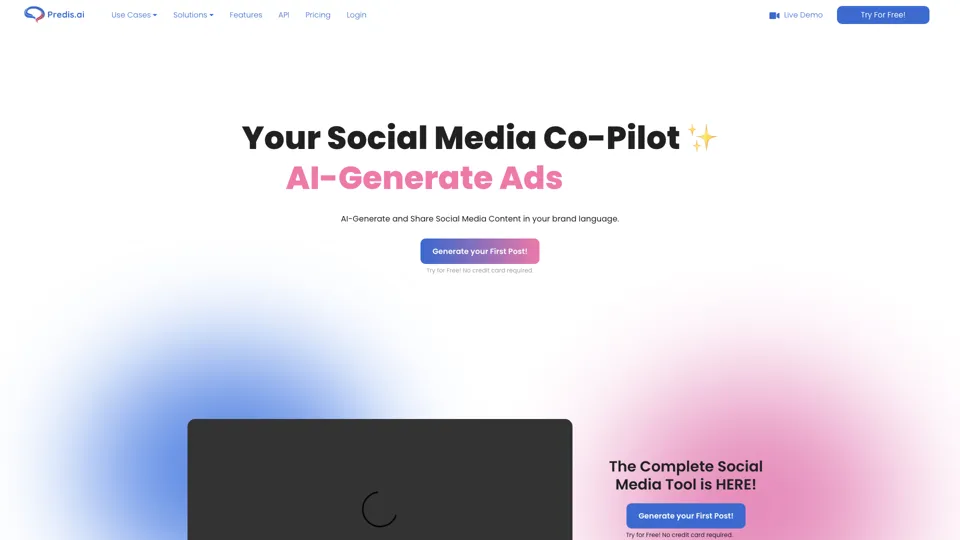
Social Media Marketing made easy with AI | Predis.ai
Predis.ai is an AI social media marketing tool that helps users create video and image content and analyze performance, mainly for marketers, agencies, and growing brands. It shortens content planning and production cycles, helping social teams test and refine campaigns more efficiently.
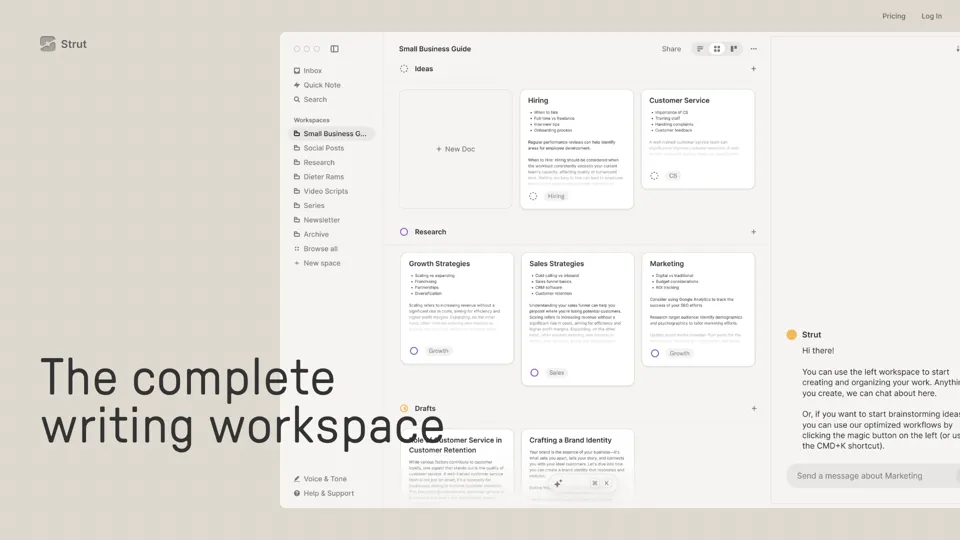
Strut – The complete writing workspace
Strut is an AI-powered writing workspace that combines notes, documents, and collaborative writing projects in one environment, mainly for writers, creators, and teams. In the AI era, it helps knowledge workers move from scattered drafts to more coherent writing and faster iteration.
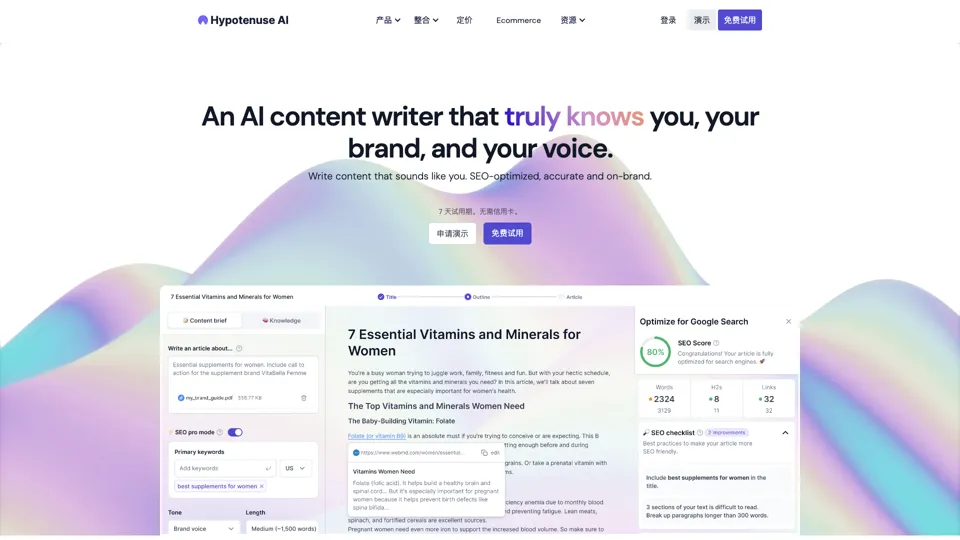
Hypotenuse AI:Smart text generator
Hypotenuse AI is a text generation platform that helps marketers, ecommerce teams, and content writers produce SEO articles, product descriptions, and branded copy at scale. In the AI era, it enables content roles to maintain consistency while increasing publishing speed across large catalogs and campaigns.
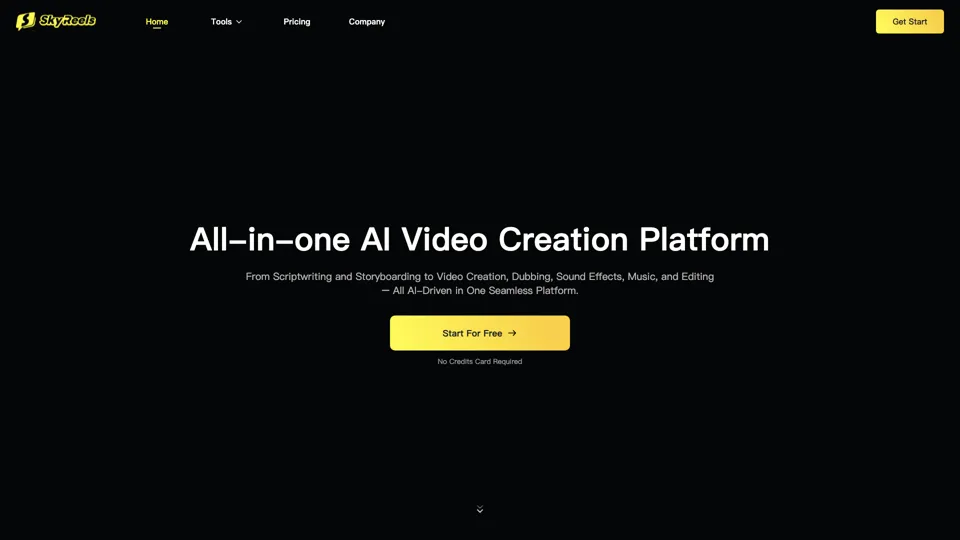
All-in-one panel | SkyReels - Ultimate AI Video Creation Platform
SkyReels is an AI video creation platform that turns scripts into finished videos with voiceovers, lip sync, sound effects, music, and editing tools, mainly for creators and marketing teams. In the AI era, it helps video producers compress production workflows and deliver polished content without a full studio setup.
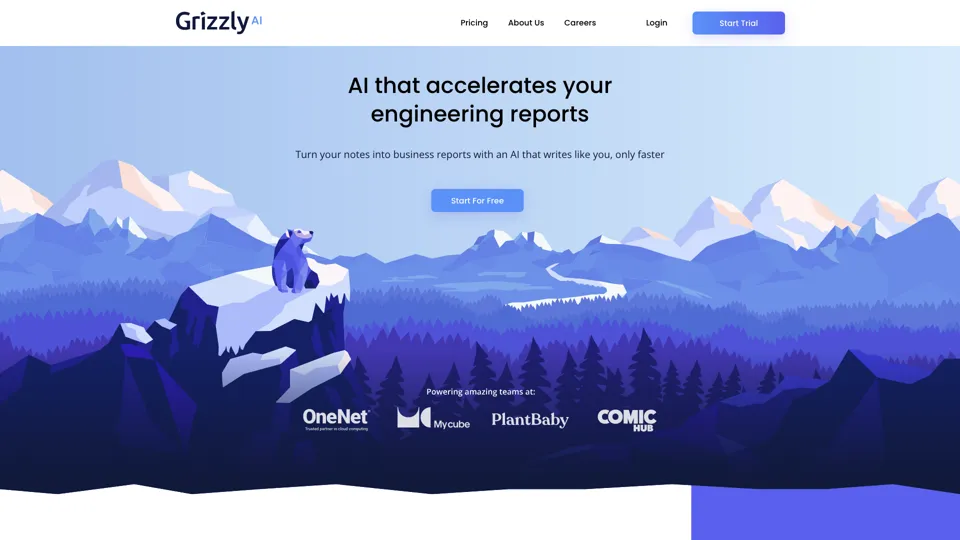
Grizzly AI | Your AI Report Writer
Grizzly AI is an AI report writing tool that helps professionals generate reports from source files while matching their preferred writing style. It saves analysts and knowledge workers time by turning documents into polished drafts with less manual rewriting.
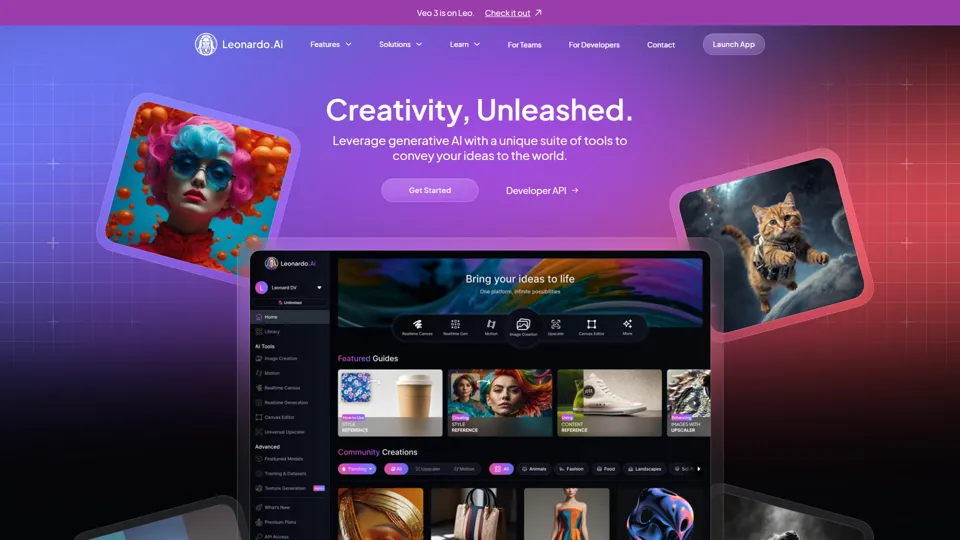
AI Image Generator - Create Art, Images & Video | Leonardo AI
Leonardo AI is an AI image and video generation platform that helps creators, designers, and marketers produce high-quality visual assets quickly. In the AI era, it shortens concept-to-content cycles so creative teams can iterate faster without expanding production overhead.
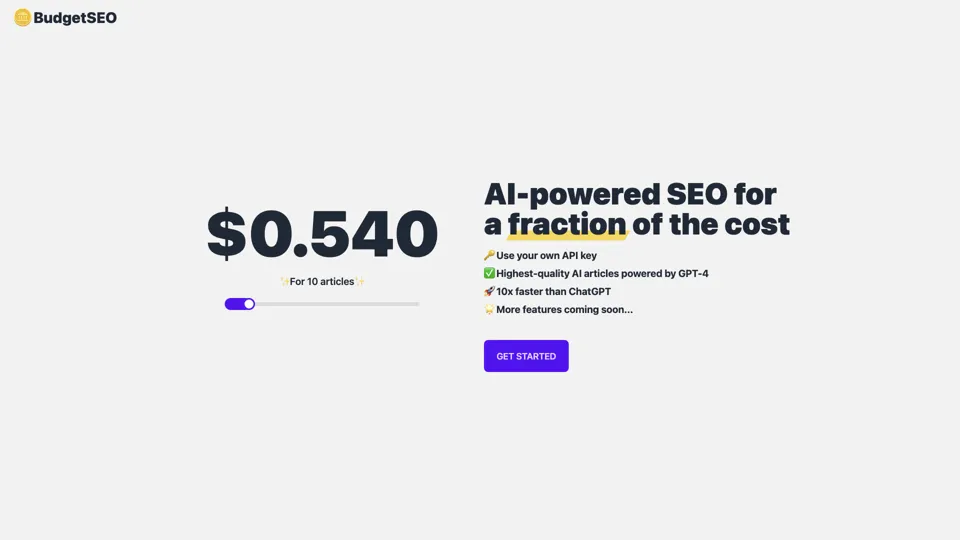
Budget-friendly AI Powered SEO
BudgetSEO is an AI-powered SEO content tool that helps users create search-optimized material affordably, mainly for small businesses, solo founders, and marketers with limited budgets. In the AI era, it enables lean marketing teams to produce more SEO assets without expanding headcount.
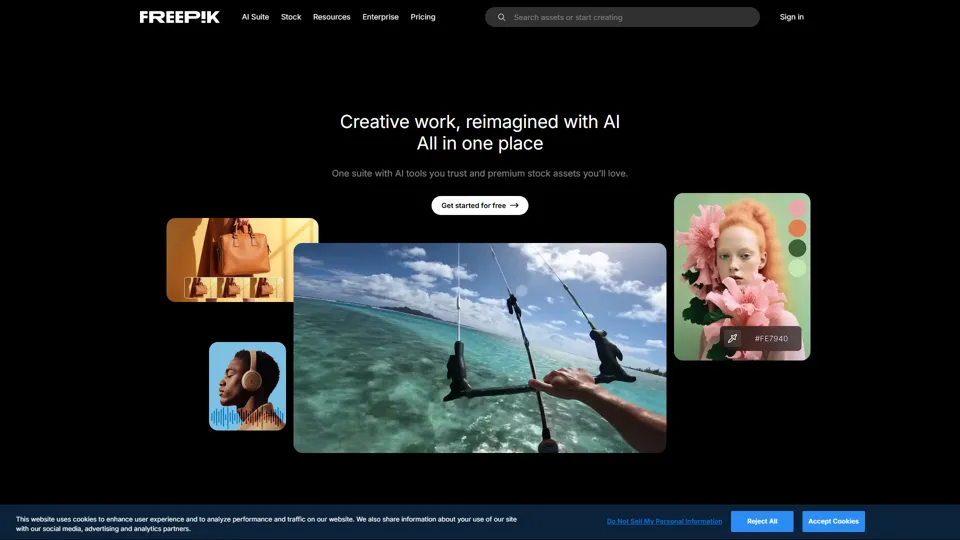
Freepik | All-in-One AI Creative Suite
Freepik is an all-in-one creative suite that combines AI design tools with stock assets to help designers and marketers create visual content in one workspace. It improves creative efficiency by reducing tool switching and accelerating asset production for high-volume campaigns.