
AI Voice Generator FREE Download ❤️【 No Sign up】
Rate this Tool
Average Score
Total Votes
Select your score (1-10):
Detail Information
What
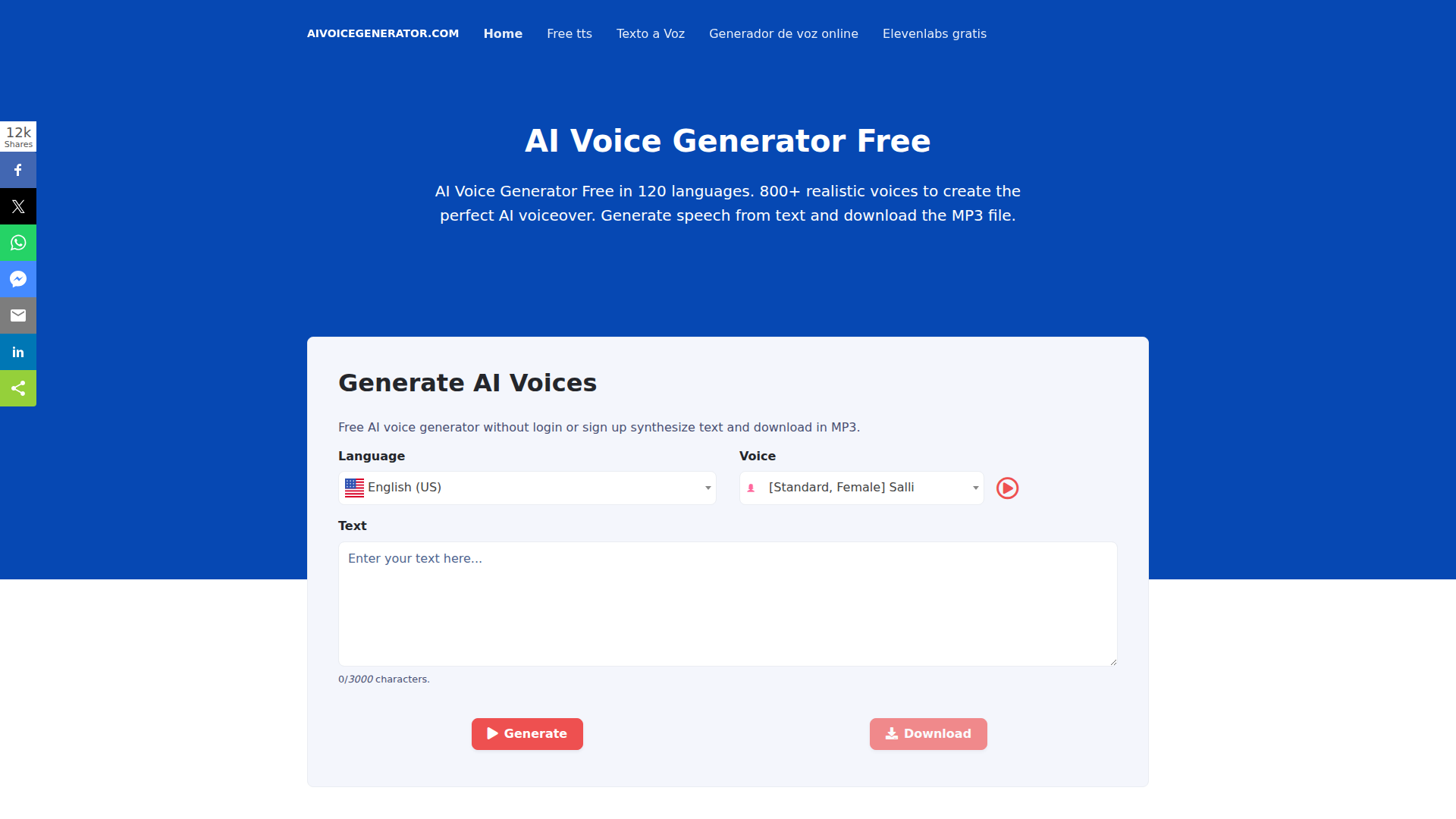
AI Voice Generator is a browser-based text-to-speech product that converts written text into downloadable audio. The page presents it as a free, no-sign-up voice generator for basic use, while also referencing broader paid pricing models and a larger TTS platform.
It appears to serve creators, marketers, educators, and teams producing voiceovers, podcasts, audiobooks, e-learning audio, or speech-enabled content. The core workflow is simple: select a language and voice, enter text, generate speech, and download the result as an audio file, mainly MP3 and in some sections also WAV and other formats.
Features
- Text-to-speech generation in many languages — The product supports a very large language catalog, with the page citing 120+ languages and many regional variants for multilingual audio production.
- Large voice library — The site claims hundreds of voices, including both standard and AI/neural-style options, giving users a broad range of voice choices for different content types.
- No-sign-up generation flow — The main page emphasizes that users can synthesize text and download MP3 output without login, reducing friction for quick testing or lightweight usage.
- SSML support — The platform supports SSML tags for pronunciation and delivery control, including pauses, pitch, volume, speed, emphasis, and some formatting behavior for dates and numbers.
- Voice tone and speed controls — Users can adjust pitch and speech rate, which is useful for tailoring narration style, pacing, and intelligibility.
- Multiple audio export formats — The page references MP3, WAV, and Ogg Opus in different sections, indicating flexible output options, though format availability may vary by plan or workflow.
Helpful Tips
- Verify feature consistency before adoption — The page lists several different counts for languages and voices, so buyers should confirm the exact currently available catalog and formats before standardizing on it.
- Test both standard and AI voices on real scripts — Standard voices may be sufficient for utility audio, while AI/neural voices are likely better suited for customer-facing narration where naturalness matters.
- Use SSML early if narration quality matters — Teams producing training, podcast, or branded audio should validate pause, emphasis, and pronunciation controls on representative content before rollout.
- Check device-sync and library behavior carefully — The page mentions saved content syncing across devices, but implementation details are limited, so workflow reliability should be tested for multi-user or mobile-heavy use cases.
- Clarify commercial and publishing usage terms — The site mentions podcast distribution and paid plans, but the page does not clearly define usage rights, storage limits, or enterprise controls.
OpenClaw Skills
Within the OpenClaw ecosystem, this product could likely support voice-generation skills for content repurposing, multilingual narration, and automated audio publishing. A practical agent workflow could take a blog post, help rewrite it for speech clarity, apply SSML markup, generate multiple voice variants, and package outputs for podcast, training, or accessibility use. This is a likely use case rather than a confirmed native integration, since the page does not describe an API or direct connectors.
For marketing, education, and media teams, OpenClaw agents could be built around script preparation, pronunciation QA, localization review, and batch voice production. That combination could reduce manual effort in turning written materials into audio libraries, internal training modules, or region-specific spoken content. If operational access is available, the strongest fit would be workflow automation around high-volume text-to-audio conversion rather than deep audio editing or advanced voice management, which the page does not document clearly.
Embed Code
Share this AI tool on your website or blog by copying and pasting the code below. The embedded widget will automatically update with the latest information.
<iframe src="https://aimyflow.com/ai/aivoicegenerator-com/embed" width="100%" height="400" frameborder="0"></iframe>
Explore Similar Tools
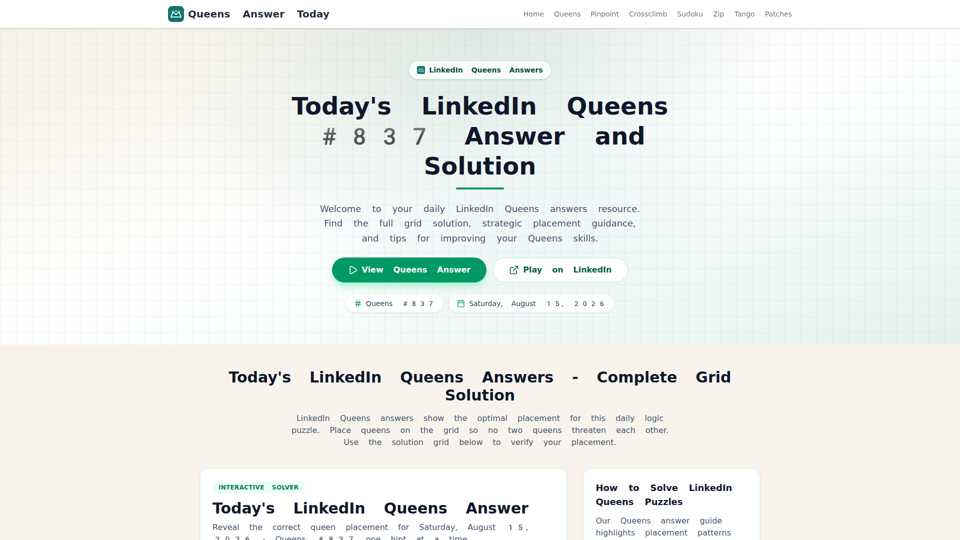
LinkedIn Queens Answer Today - Daily Solutions and Archive
Unofficial LinkedIn Queens answer guide with daily solutions, hints, rules, and archived puzzle pages for players checking or practicing Queens.
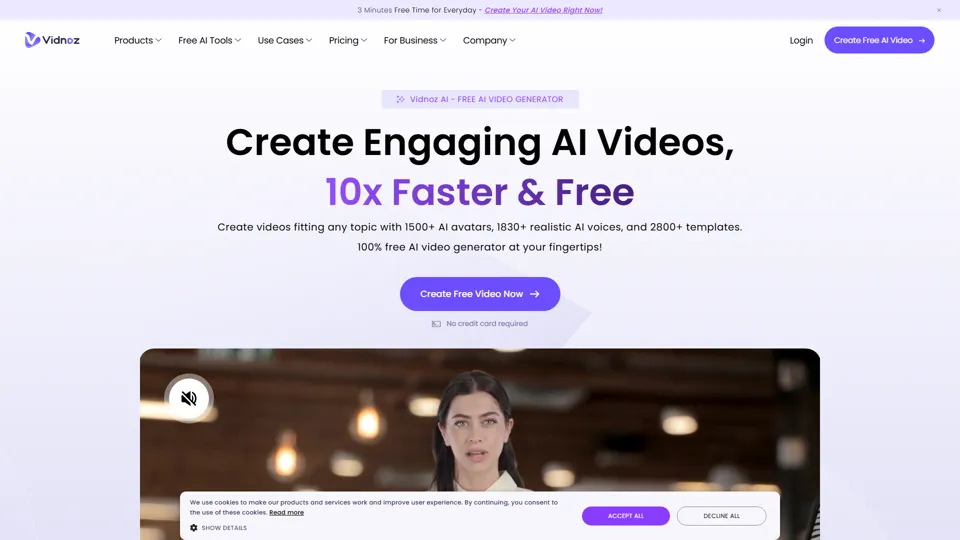
Vidnoz AI: Create FREE AI Videos 10X Faster Online
Vidnoz is an AI video generation platform that helps users create videos with avatars, voices, and automated production tools, mainly for marketers, trainers, and content creators. In the AI era, avatar-based workflows help teams produce scalable video communication without traditional filming constraints.
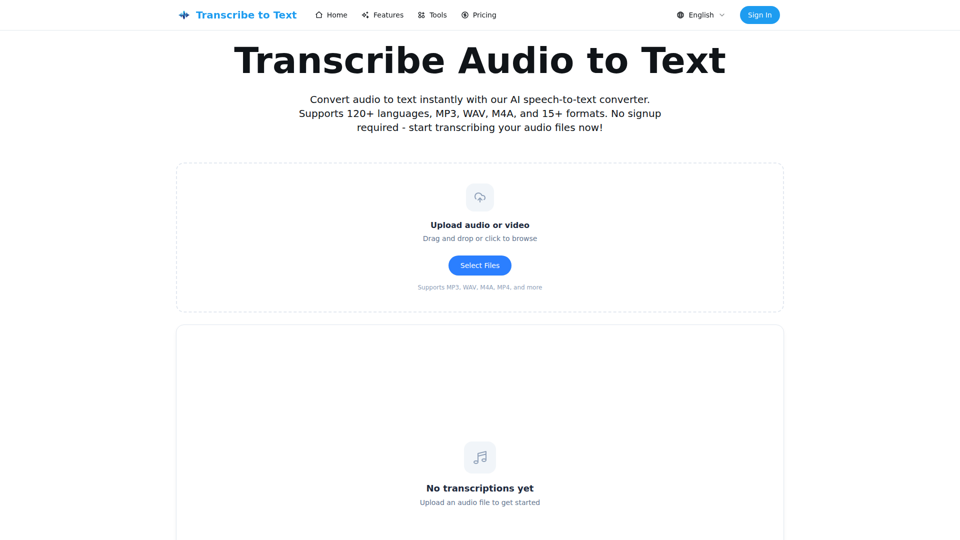
Audio to Text Converter - Speech to Text Online | transcribetotext.org
Transcribe to Text is an AI speech-to-text converter that turns audio and video files into editable transcripts with support for 120+ languages, multiple formats, timestamps, and exports, mainly for content creators, professionals, and teams. For media, operations, and documentation workflows, it can speed transcription, subtitle preparation, and multilingual content handling while reducing manual note-taking.
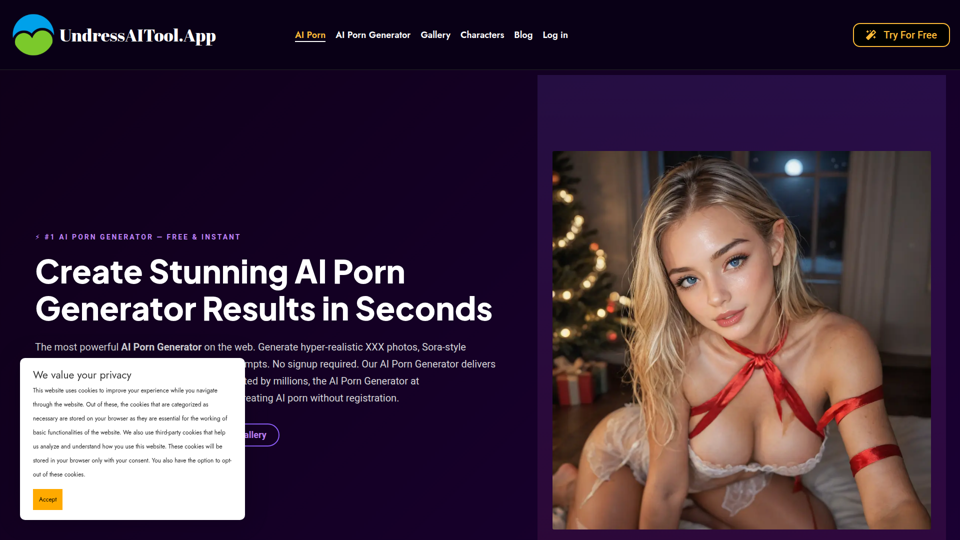
Free AI Porn Generator | Instant 4K Porn Photos & Videos 2026
UndressAITool is an AI adult content generator that creates explicit images, videos, GIFs, and 4K upscaled outputs from text prompts, aimed mainly at adult content creators and users seeking browser-based generation without signup. For creators working with synthetic media, it can speed concept-to-output workflows by producing draft visuals and variations quickly while offering private storage and deletion controls.
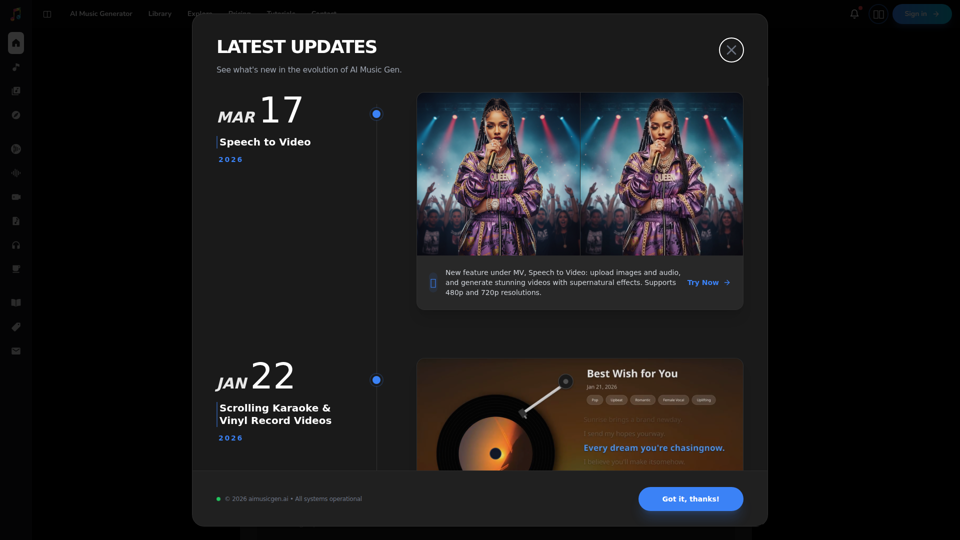
AI Music Generator Online (Free, No Sign-Up, Royalty-free)
AIMusicGen.ai is an AI music generator that helps users turn text, lyrics, or song descriptions into royalty-free vocal or instrumental tracks online, mainly for content creators, marketers, and music professionals. In AI-assisted production workflows, it can speed up soundtrack drafting, demo creation, and campaign audio development for video, advertising, and music teams.
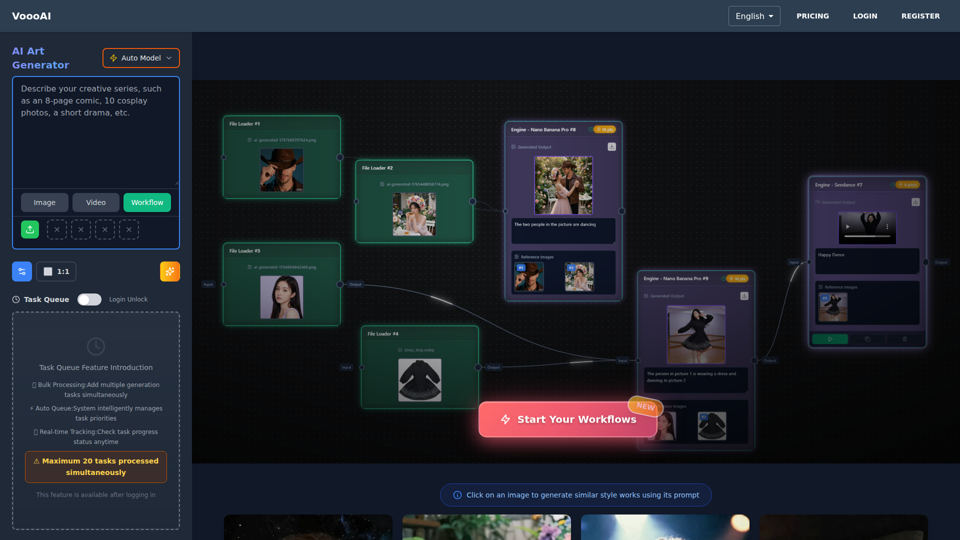
VoooAI - The First Multimedia NL2Workflow Platform | One Sentence, Complete Creative Workflow
VoooAI is the world's first Multimedia NL2Workflow Platform with visual node canvas. AI auto-generates workflows: node selection, wiring, prompts filled automatically. Every node adjustable. Complete pipeline from copywriting to video, music, digital humans. 70+ templates. NOT a chat interface.
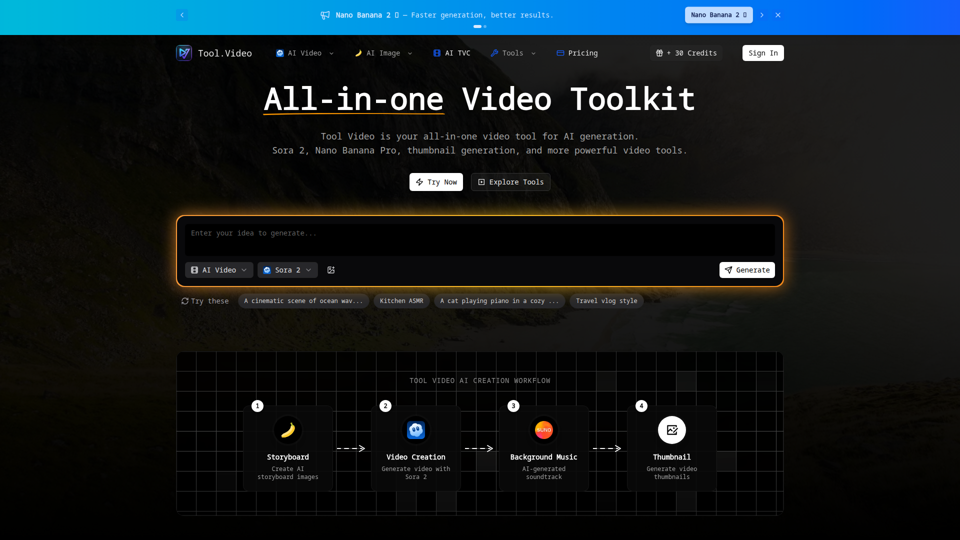
Tool Video – AI Video Generation Toolkit & API - Video Tool
Tool Video is an all-in-one AI video generation toolkit and API that helps users create videos, images, music, thumbnails, ads, and basic video edits, mainly for video creators and creative teams. For marketers and content producers, it can streamline AI-assisted production workflows by combining generation and utility tools in one platform.
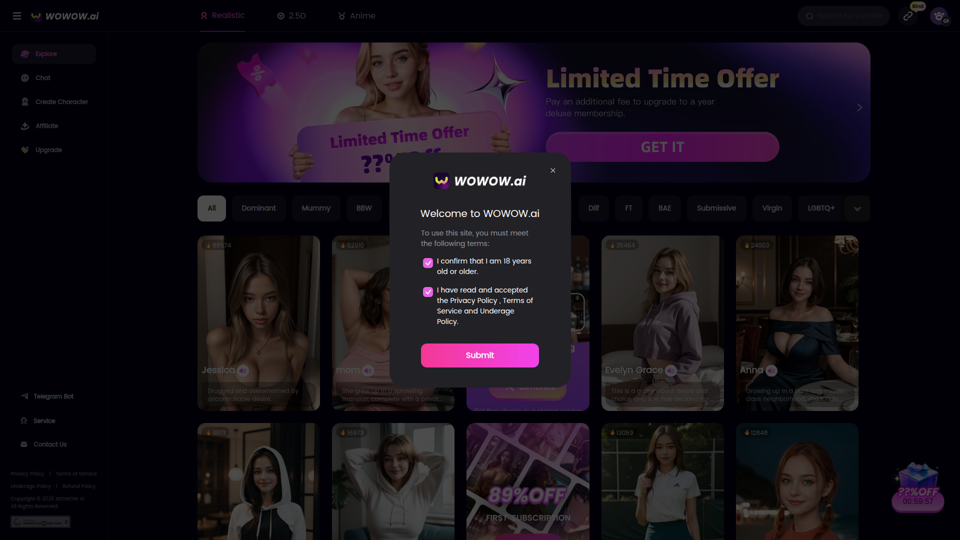
WOWOW AI - Customize Your Sexy AI Girlfriend, Chat with Unlimited Interactions
WOWOW AI is an adult AI companion platform that lets users create and chat with customizable virtual girlfriend-style characters with unlimited interactions, mainly for adults seeking erotic roleplay and personalized fantasy conversations. For creators and operators of adult interactive experiences, AI character customization can streamline scenario design and keep conversations continuously responsive at scale.