
Free AI Photo Enhancer, 4K AI Image Upscaler to Make Photos or Images Clearer and Higher Quality
Rate this Tool
Average Score
Total Votes
Select your score (1-10):
Detail Information
What
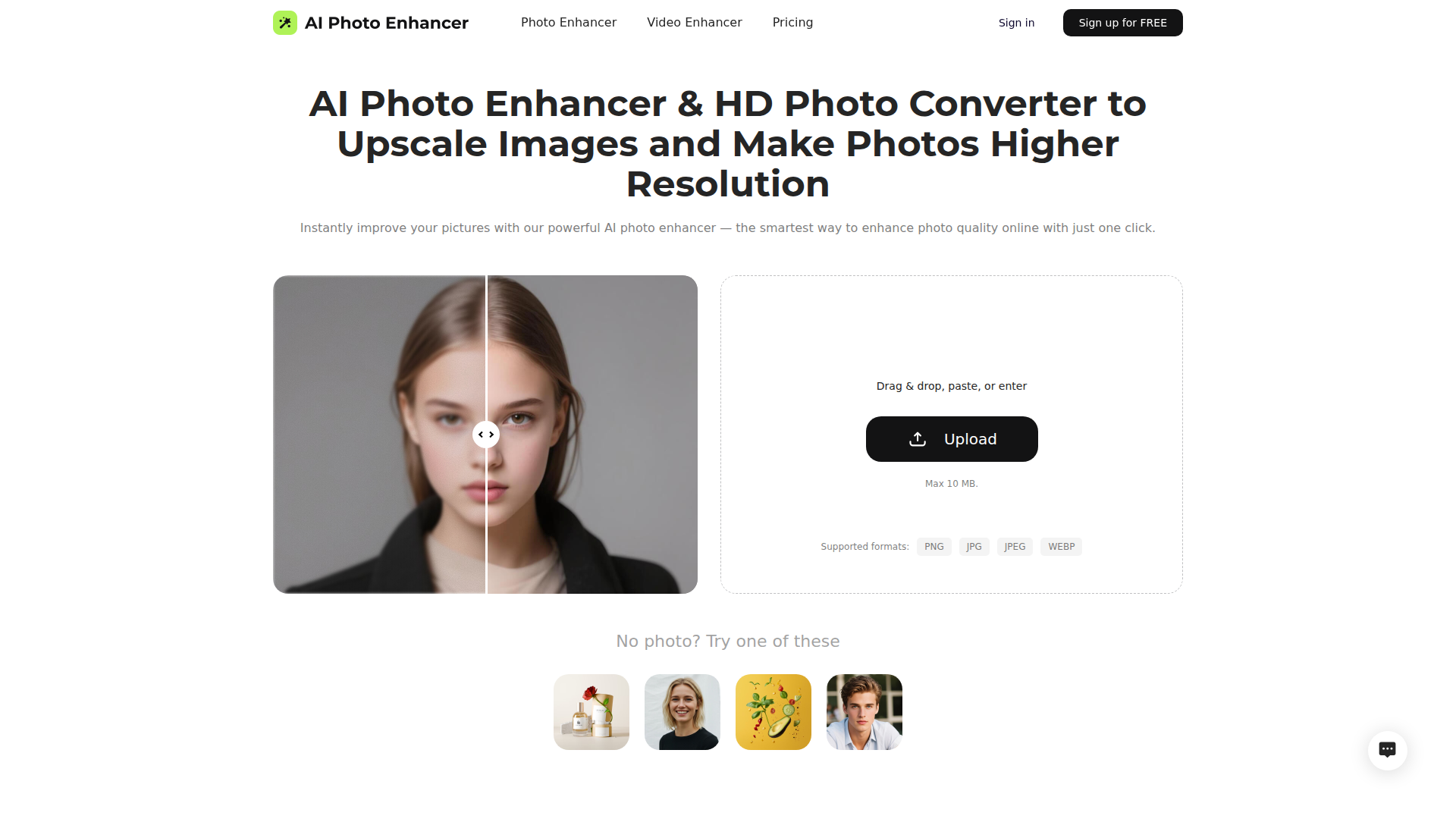
This product is a browser-based AI photo enhancer and image upscaler that improves image clarity, sharpness, color, and resolution. The page presents it as a simple upload-and-process tool for people who want better-looking photos without manual editing, including casual users, creators, and likely small business users working with portraits, product shots, landscapes, old photos, and low-light images.
Its core workflow is straightforward: upload an image, let the AI enhance it, then download the result in a preferred size and format. Based on the page, the product is positioned as an easy, low-friction alternative to traditional photo editing software for basic enhancement tasks, with related positioning around 4K upscaling and a separate AI video enhancer offering.
Features
- One-click AI photo enhancement — Upload an image and let the system automatically improve clarity and overall quality without manual editing steps.
- Sharpening and blur reduction — The tool is designed to improve edges, textures, and focus, which is useful for soft, blurry, or low-detail images.
- AI noise reduction — It targets grain and color speckles while aiming to preserve natural textures, which is especially relevant for low-light or older photos.
- Resolution upscaling to higher quality output — The page states that it can increase image resolution and supports 4K-oriented enhancement for clearer output in print or presentation contexts.
- Color correction and brightness improvement — Automatic adjustment of tones, saturation, and contrast helps revive dull, poorly lit, or dark images.
- Browser-based upload workflow with common format support — It supports PNG, JPG, JPEG, and WEBP uploads up to 10 MB, and the page also mentions batch upload support.
Helpful Tips
- Test with representative image types — If your main use case is portraits, old photos, ecommerce images, or night scenes, validate results on each category because enhancement quality often varies by source condition.
- Check how “free” usage is structured — The page says the tool is free to use and also mentions free credits after sign-up, so buyers should confirm usage limits and export conditions before operational adoption.
- Review output realism, not just sharpness — AI enhancement can improve clarity, but teams should verify that textures, skin details, and product edges remain natural for professional use.
- Assess batch workflow carefully — The page mentions batch uploads, but it does not provide detailed information on queue controls, throughput, or team workflow features, so high-volume users should verify fit.
- Compare against manual editors by task, not category — This kind of tool is best evaluated for quick enhancement and upscaling, while more complex retouching or compositing may still require traditional editing software.
Embed Code
Share this AI tool on your website or blog by copying and pasting the code below. The embedded widget will automatically update with the latest information.
<iframe src="https://aimyflow.com/ai/aiphotoenhancer-pro/embed" width="100%" height="400" frameborder="0"></iframe>
Explore Similar Tools
Versive
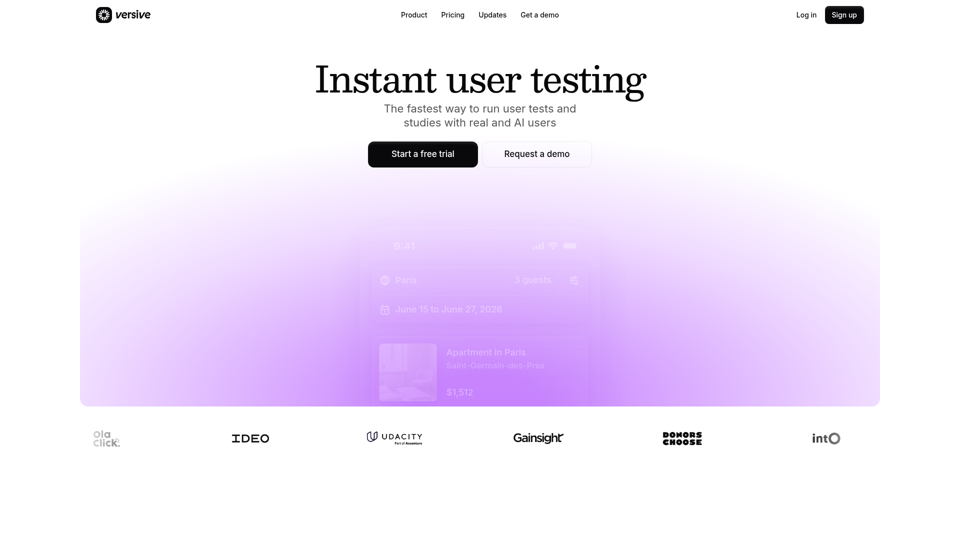
Versive is an AI-powered user research and testing platform that helps product teams design, run, and synthesize usability studies with real and simulated users, especially for product managers, UX researchers, and designers. In AI-assisted product development, it can help these teams validate interface decisions faster by generating transcripts, screenshots, summaries, and actionable recommendations in minutes.
Challenges | Test Your AI Prompting Skills
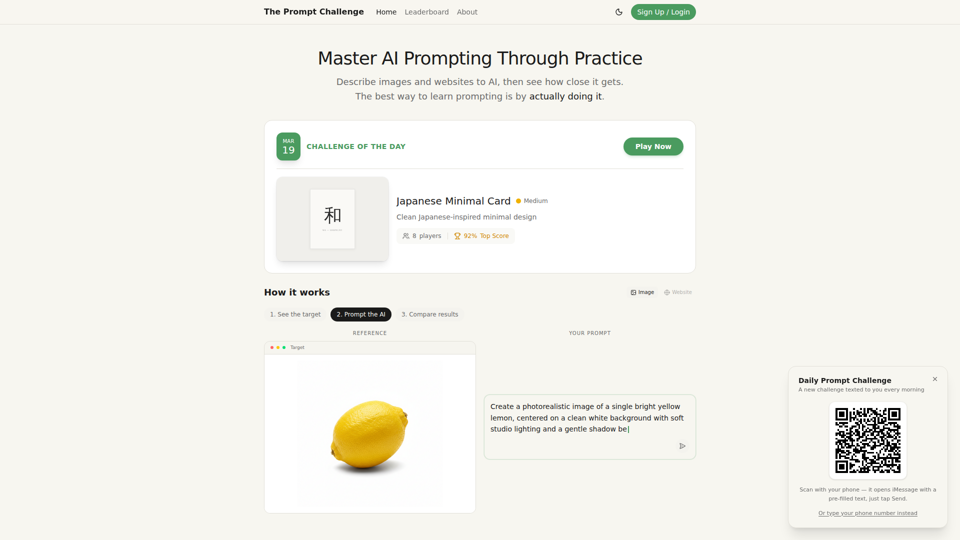
The Prompt Challenge is a practice platform that helps users improve AI prompting by describing images and websites, comparing AI-generated results to references, and competing on scores, mainly for people learning prompt engineering and hands-on AI creation. For designers, developers, and AI practitioners, this kind of repeatable prompt testing can sharpen instruction-writing skills and improve consistency when using generative tools for visual and interface work.
AI Infographic Generator
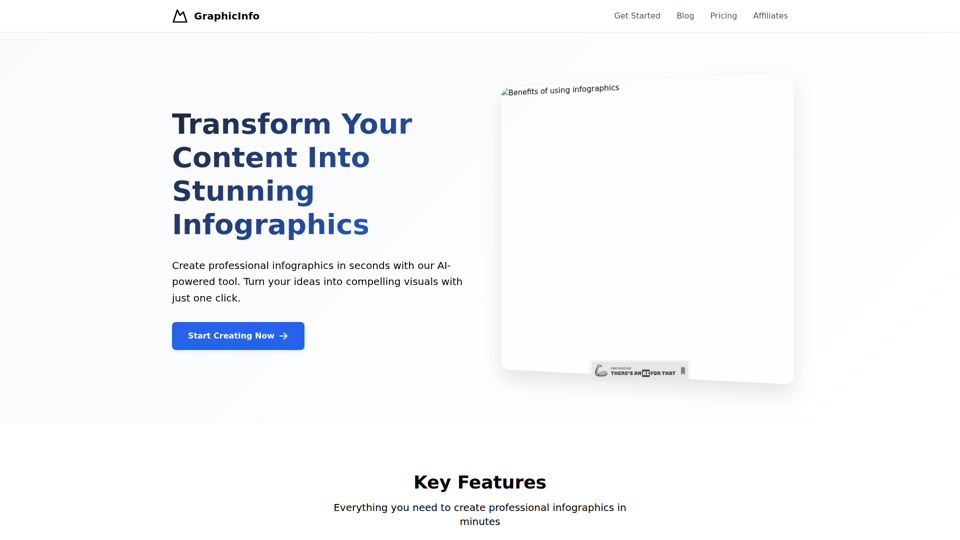
GraphicInfo is an AI infographic generator that helps users turn ideas and content into professional, customizable infographics quickly, mainly for creators and people producing website or social media content. In AI-driven content workflows, it can help marketers, content teams, and designers speed up visual asset creation while still refining text and images for specific brand needs.
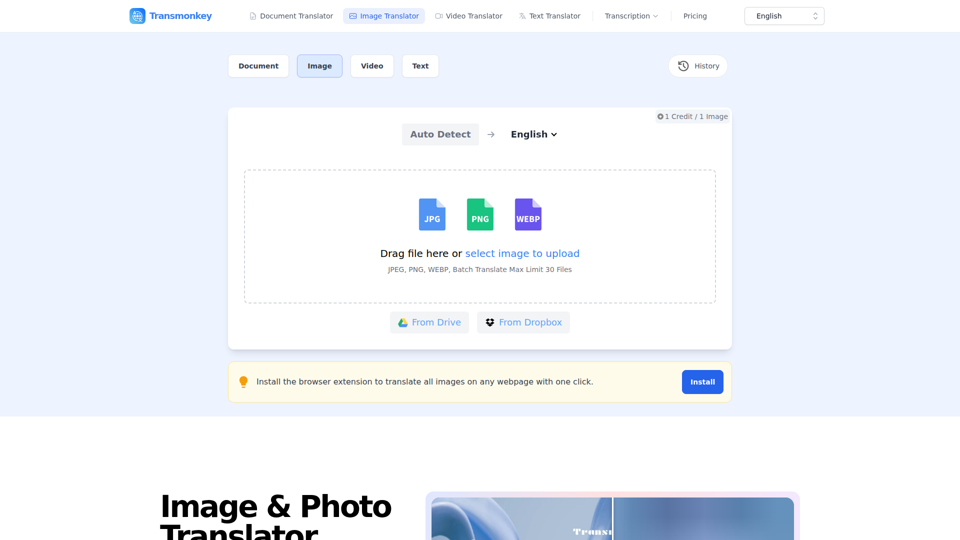
Image & Photo Translator Online – Try Free | Transmonkey
Transmonkey is an AI image translator that translates text in images across 130+ languages while preserving original backgrounds, designed for creators, marketers, and global businesses. By pairing optical character recognition with large language models, it streamlines visual localization without requiring manual graphic redesigns.
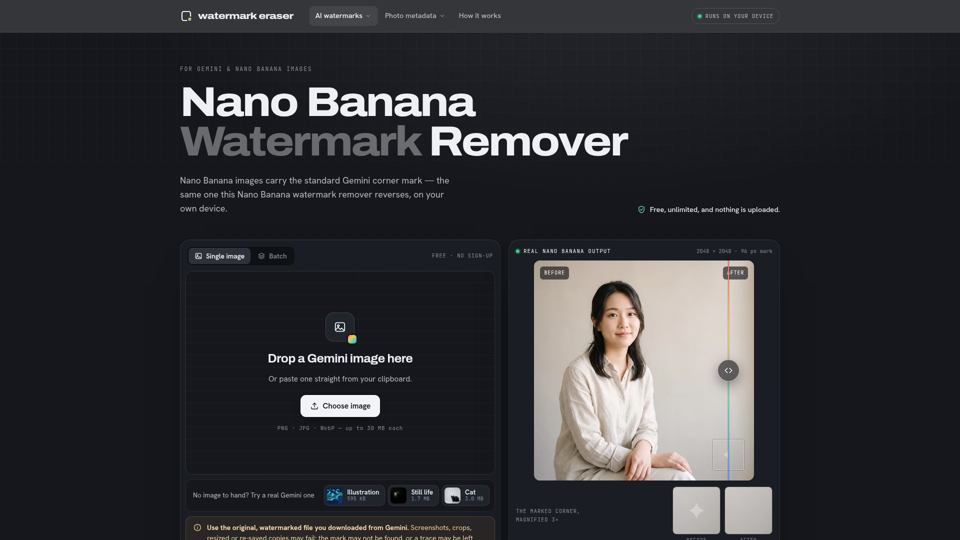
Nano Banana Watermark Remover — Free & Local
Nano Banana Watermark Remover is a browser-based tool that removes visible corner marks from Google Gemini images for digital creators. By processing files locally without compression, it helps designers prepare clean AI-generated assets efficiently for production workflows.
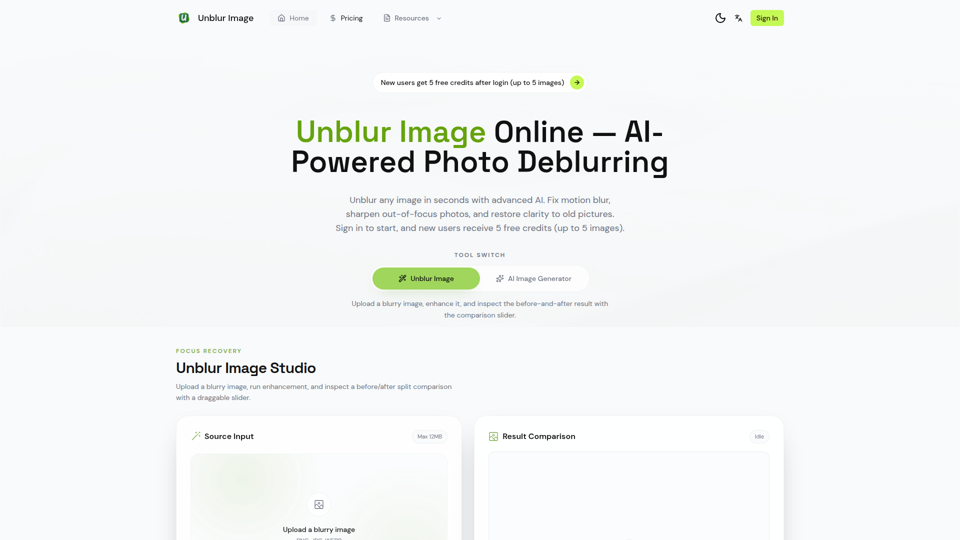
Unblur Image — Make Blurry Photos Clear with AI
Unblur Image is an AI-powered online photo deblurring tool that helps users fix motion blur, sharpen out-of-focus images, restore old photos, and improve text clarity, mainly for people who need quick image enhancement without manual editing skills. In AI-era workflows, it can help photographers, content teams, and document-heavy professionals recover usable visuals and readable assets faster from imperfect source images.
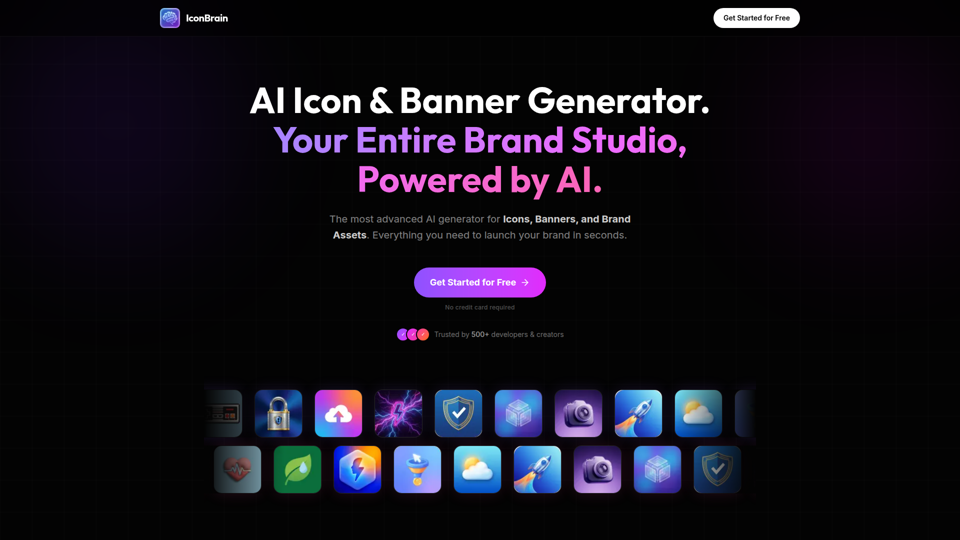
IconBrain | AI Icon Generator for Apps & Brands
IconBrain is an AI icon, banner, and brand asset generator that helps users create and edit production-ready visuals from text prompts or brand context, mainly for developers and creators launching apps or brands. For product, marketing, and design work, it can speed up early brand asset creation while helping teams keep visual styles more consistent across platforms.
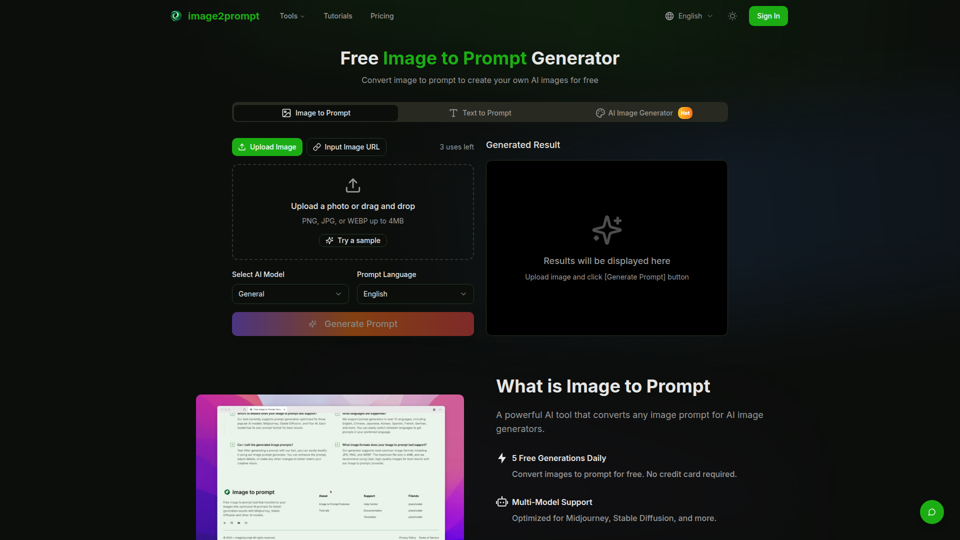
Free Image to Prompt Generator - image2prompt.net
image2prompt.net is a free AI image-to-prompt generator that analyzes uploaded images or image URLs and turns them into editable prompts for Midjourney, Stable Diffusion, Flux, and similar models, mainly for AI artists, designers, and creators. For creative professionals, it can speed prompt drafting, support style consistency, and reduce manual prompt rewriting across different image generation workflows.