
AI Interior Design Generator for Home Interior Design
Rate this Tool
Average Score
Total Votes
Select your score (1-10):
Detail Information
What
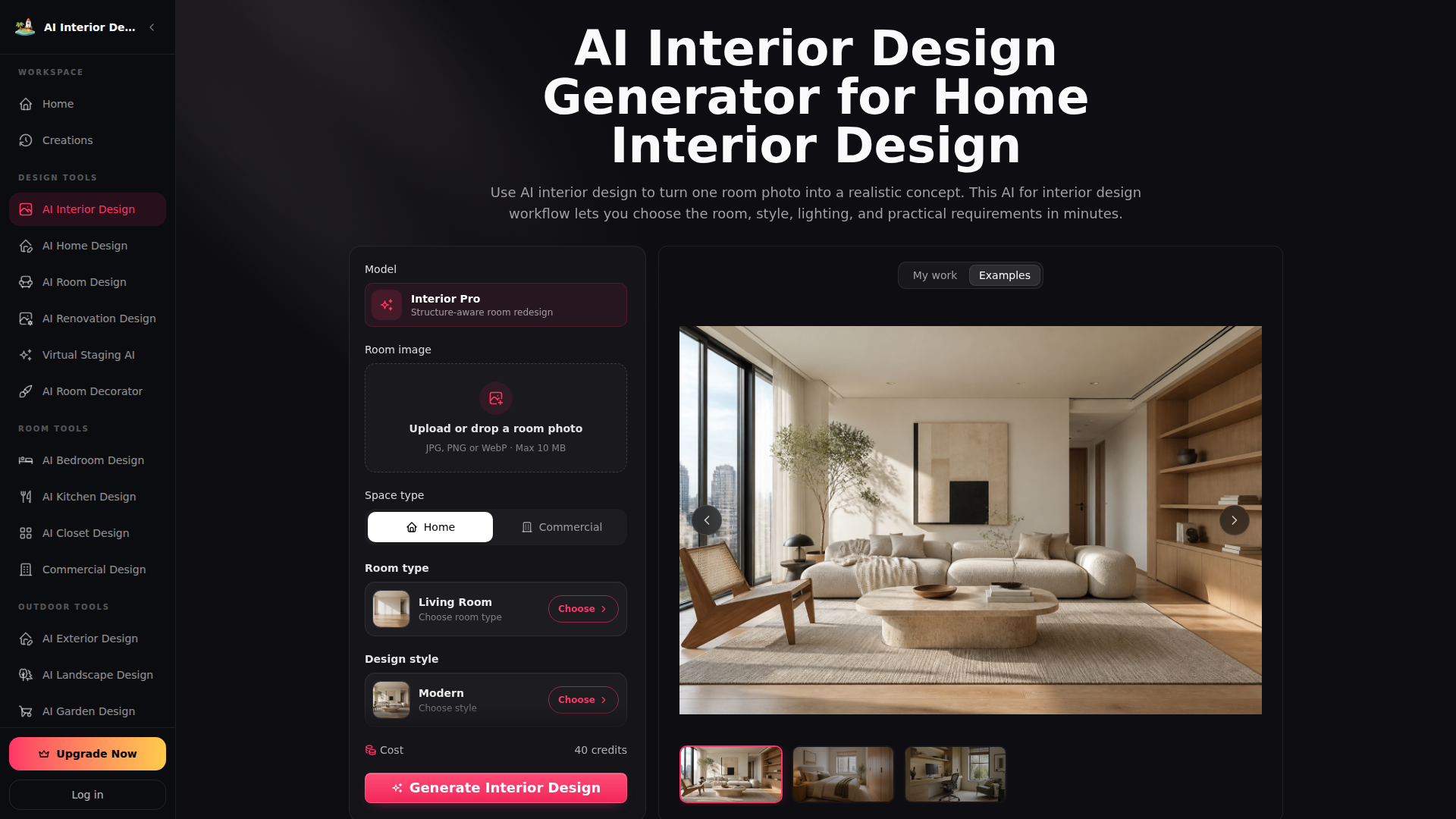
AI Interior Design Generator is a visualization tool that transforms single room photos into realistic, structure-aware interior and commercial redesign concepts. Designed for homeowners, interior designers, real estate teams, and business owners, it solves the challenge of early-stage spatial planning by generating visual proposals before renovation or staging budgets are committed. The platform positions itself as an accessible, rapid ideation workbench for exploring coordinated furniture, lighting, and layout directions.
Features
- Structure-Preserving Image Generation: Converts uploaded JPG, PNG, or WebP room photos (up to 10 MB) into redesign concepts while attempting to maintain fixed structural elements, openings, and camera perspective.
- Multi-Parameter Environmental Controls: Lets users specify space type, room category, aesthetic style (such as Modern, Japandi, or Minimalist), and distinct lighting modes with adjustable brightness.
- Custom Constraint Prompting: Includes a text input field supporting up to 1,000 characters to define specific materials, storage preferences, circulation needs, or features to retain.
- Commercial and Residential Configurations: Supports diverse property applications ranging from standard living rooms and bedrooms to hospitality spaces, retail stores, and offices.
- Resolution and Aspect Ratio Settings: Provides output sizing across several aspect ratios (including 1:1, 4:3, and 16:9) with resolution options scaling up to 4K quality.
Helpful Tips
- Optimize Input Angles: Upload straight-on or corner-view reference photos with clear lighting to give the structure-aware model the cleanest foundation for room geometry.
- Treat Output as Ideation: Review generated visuals as conceptual design references for contractors or clients rather than exact architectural plans or purchasing specifications.
- Iterate Systematically: Keep the base room photo constant while altering isolated variables—such as design style or lighting conditions—to effectively compare aesthetic directions.
OpenClaw Skills
The source documentation does not mention native integrations or API connections with OpenClaw. In a hypothetical workflow, an OpenClaw agent could programmatically take newly uploaded real estate listing photos, apply standardized style and lighting parameters based on client intake data, and generate staged interior options for property review. Such an implementation could automate the earliest visual brainstorming stages for staging professionals and property marketers, though it remains purely conceptual until official API documentation is provided.
Embed Code
Share this AI tool on your website or blog by copying and pasting the code below. The embedded widget will automatically update with the latest information.
<iframe src="https://aimyflow.com/ai/ai-interior-design-online/embed" width="100%" height="400" frameborder="0"></iframe>
Explore Similar Tools
Versive
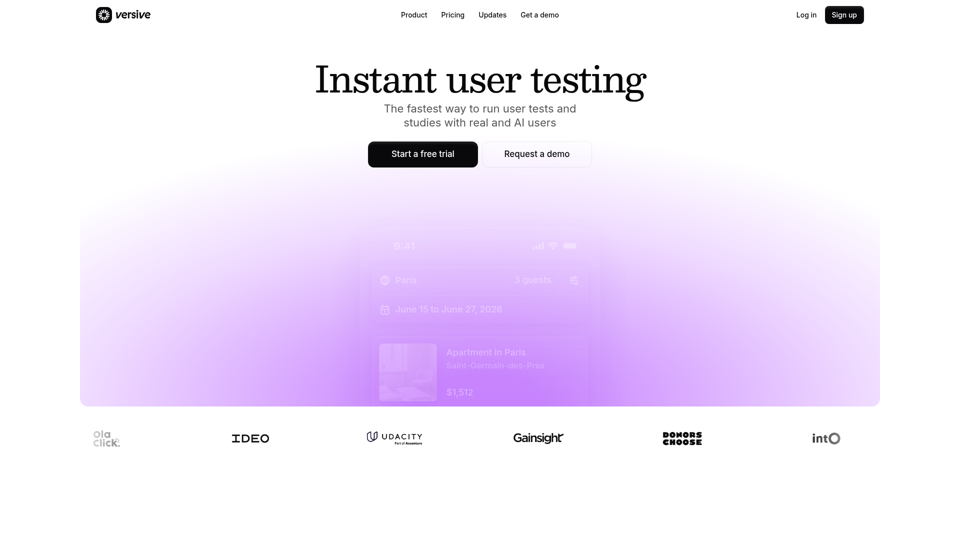
Versive is an AI-powered user research and testing platform that helps product teams design, run, and synthesize usability studies with real and simulated users, especially for product managers, UX researchers, and designers. In AI-assisted product development, it can help these teams validate interface decisions faster by generating transcripts, screenshots, summaries, and actionable recommendations in minutes.
Challenges | Test Your AI Prompting Skills
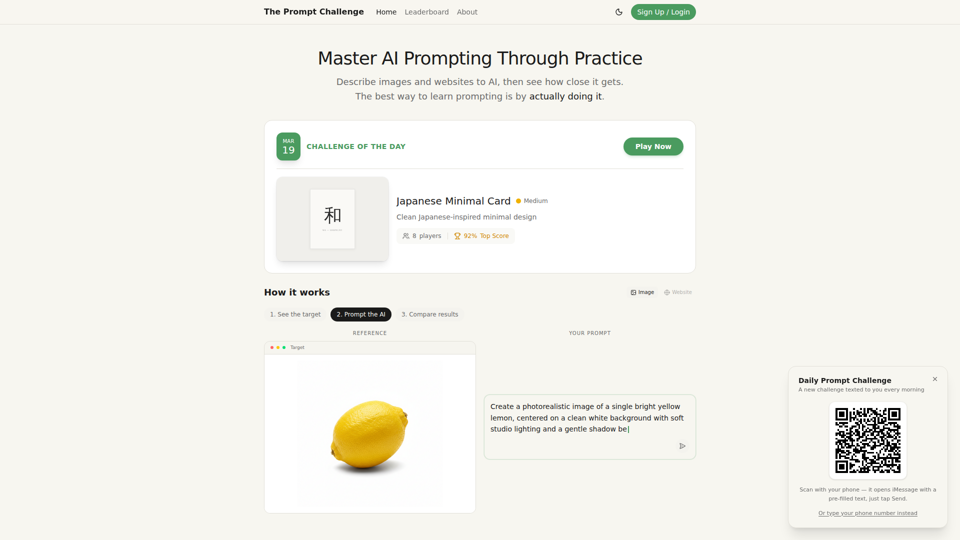
The Prompt Challenge is a practice platform that helps users improve AI prompting by describing images and websites, comparing AI-generated results to references, and competing on scores, mainly for people learning prompt engineering and hands-on AI creation. For designers, developers, and AI practitioners, this kind of repeatable prompt testing can sharpen instruction-writing skills and improve consistency when using generative tools for visual and interface work.
AI Infographic Generator
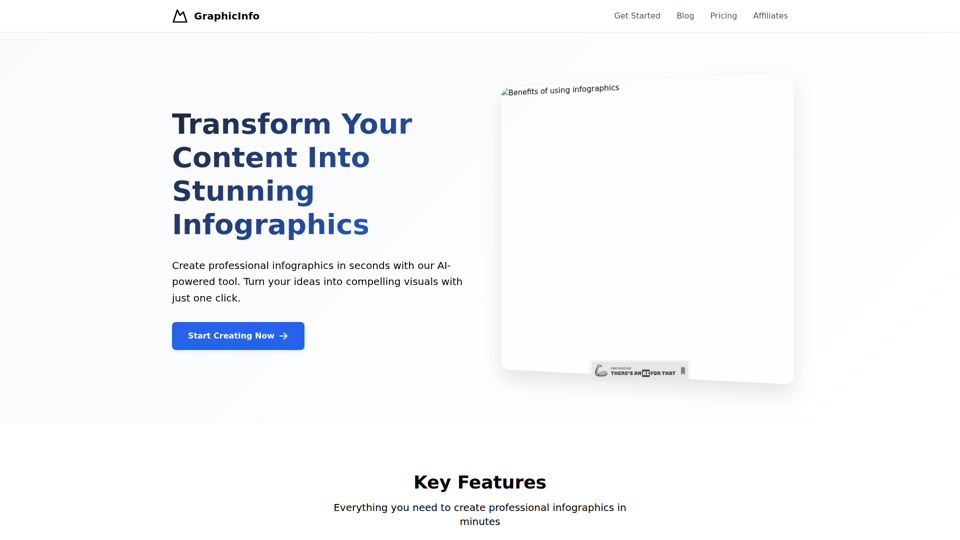
GraphicInfo is an AI infographic generator that helps users turn ideas and content into professional, customizable infographics quickly, mainly for creators and people producing website or social media content. In AI-driven content workflows, it can help marketers, content teams, and designers speed up visual asset creation while still refining text and images for specific brand needs.
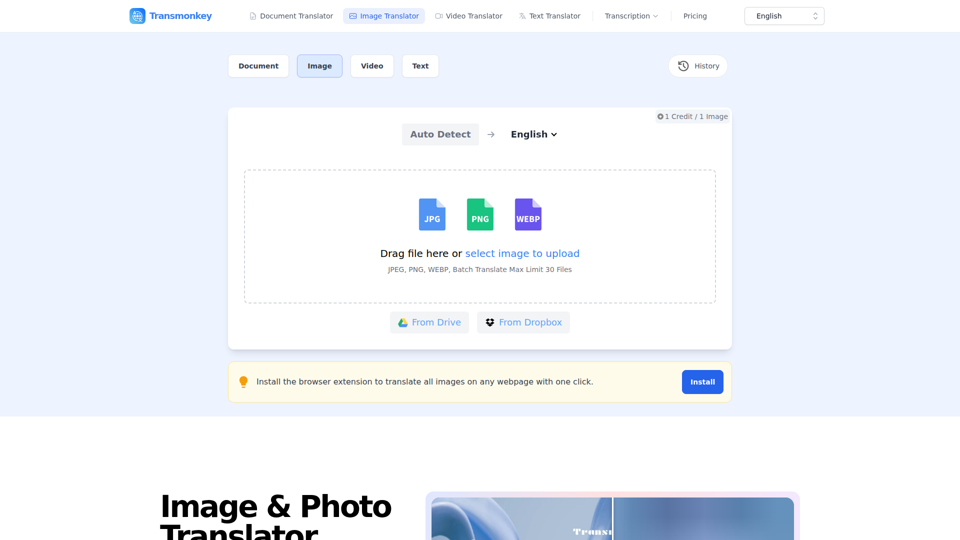
Image & Photo Translator Online – Try Free | Transmonkey
Transmonkey is an AI image translator that translates text in images across 130+ languages while preserving original backgrounds, designed for creators, marketers, and global businesses. By pairing optical character recognition with large language models, it streamlines visual localization without requiring manual graphic redesigns.
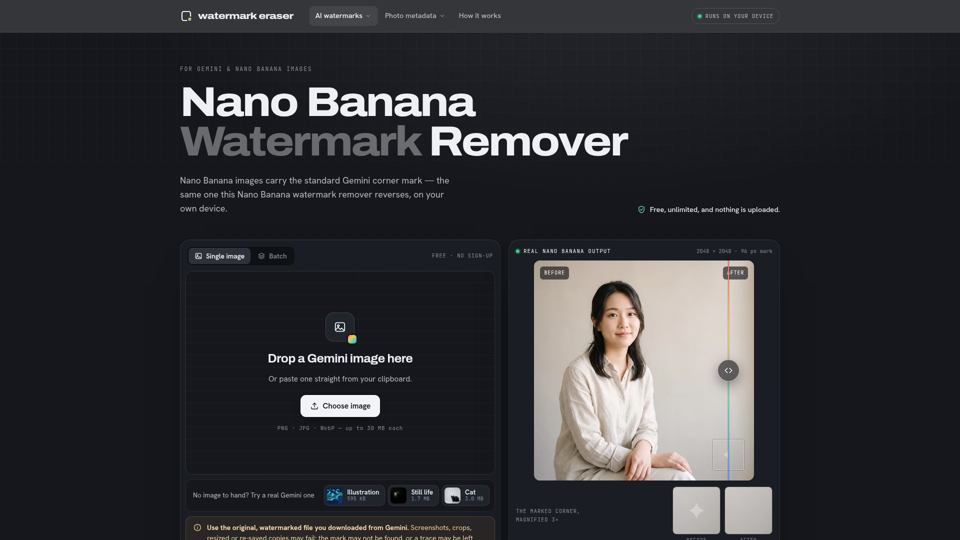
Nano Banana Watermark Remover — Free & Local
Nano Banana Watermark Remover is a browser-based tool that removes visible corner marks from Google Gemini images for digital creators. By processing files locally without compression, it helps designers prepare clean AI-generated assets efficiently for production workflows.
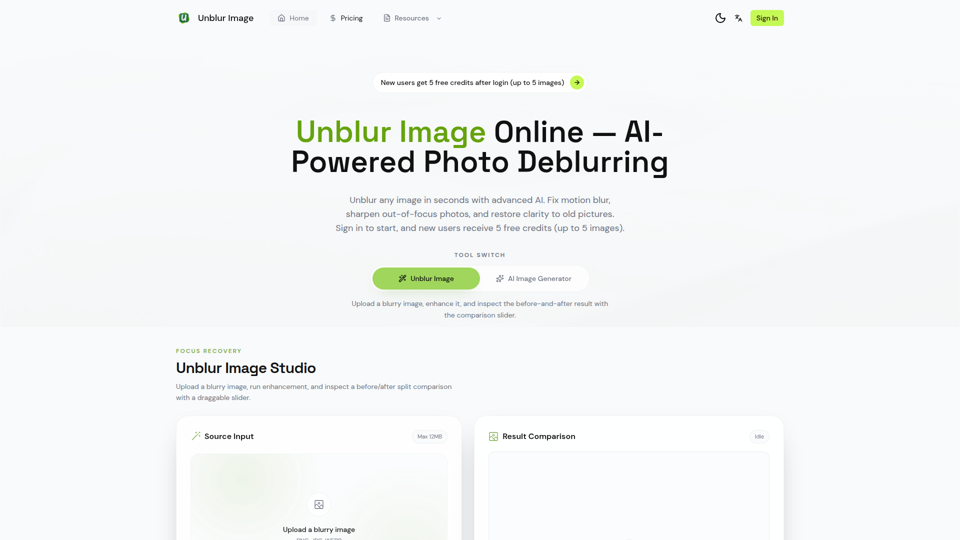
Unblur Image — Make Blurry Photos Clear with AI
Unblur Image is an AI-powered online photo deblurring tool that helps users fix motion blur, sharpen out-of-focus images, restore old photos, and improve text clarity, mainly for people who need quick image enhancement without manual editing skills. In AI-era workflows, it can help photographers, content teams, and document-heavy professionals recover usable visuals and readable assets faster from imperfect source images.
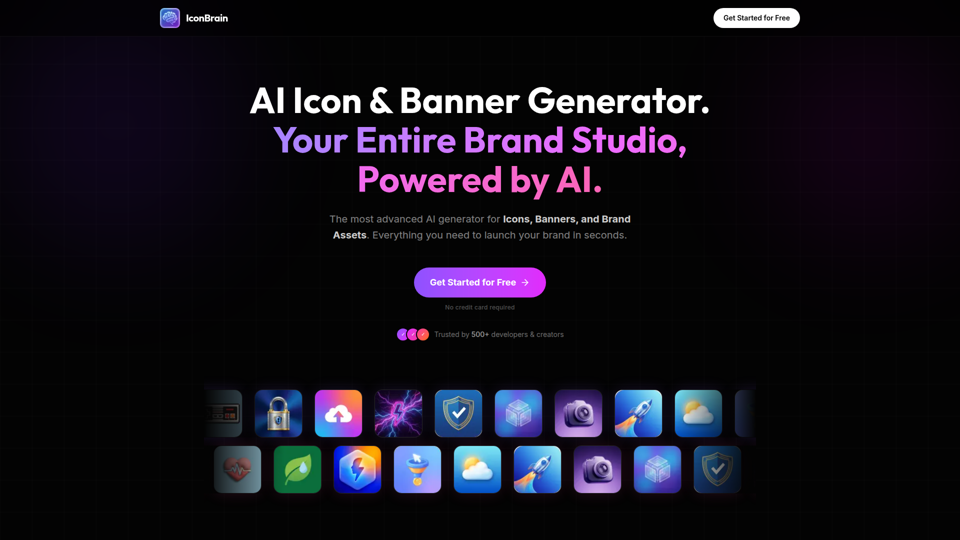
IconBrain | AI Icon Generator for Apps & Brands
IconBrain is an AI icon, banner, and brand asset generator that helps users create and edit production-ready visuals from text prompts or brand context, mainly for developers and creators launching apps or brands. For product, marketing, and design work, it can speed up early brand asset creation while helping teams keep visual styles more consistent across platforms.
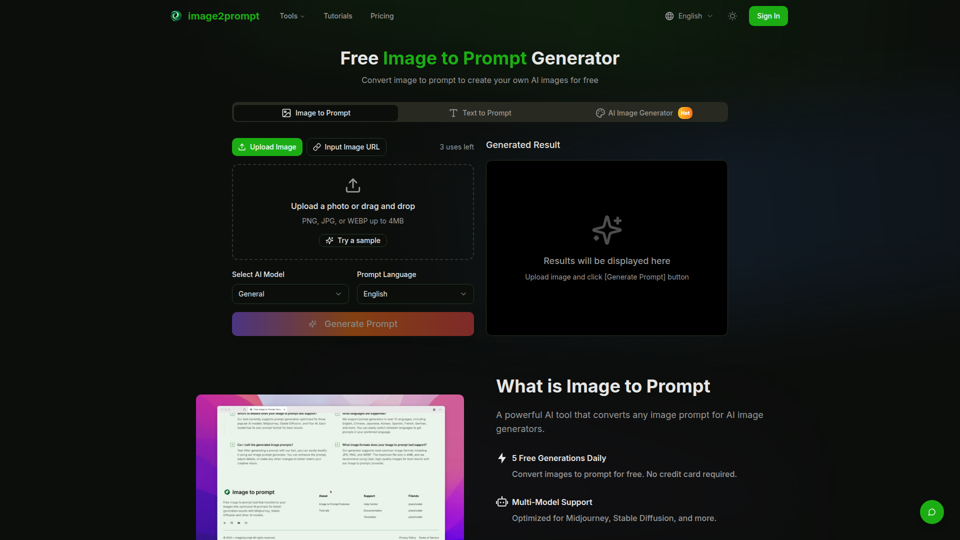
Free Image to Prompt Generator - image2prompt.net
image2prompt.net is a free AI image-to-prompt generator that analyzes uploaded images or image URLs and turns them into editable prompts for Midjourney, Stable Diffusion, Flux, and similar models, mainly for AI artists, designers, and creators. For creative professionals, it can speed prompt drafting, support style consistency, and reduce manual prompt rewriting across different image generation workflows.