
Free AI Video to Editable PowerPoint & Slides Converter
Rate this Tool
Average Score
Total Votes
Select your score (1-10):
Detail Information
What
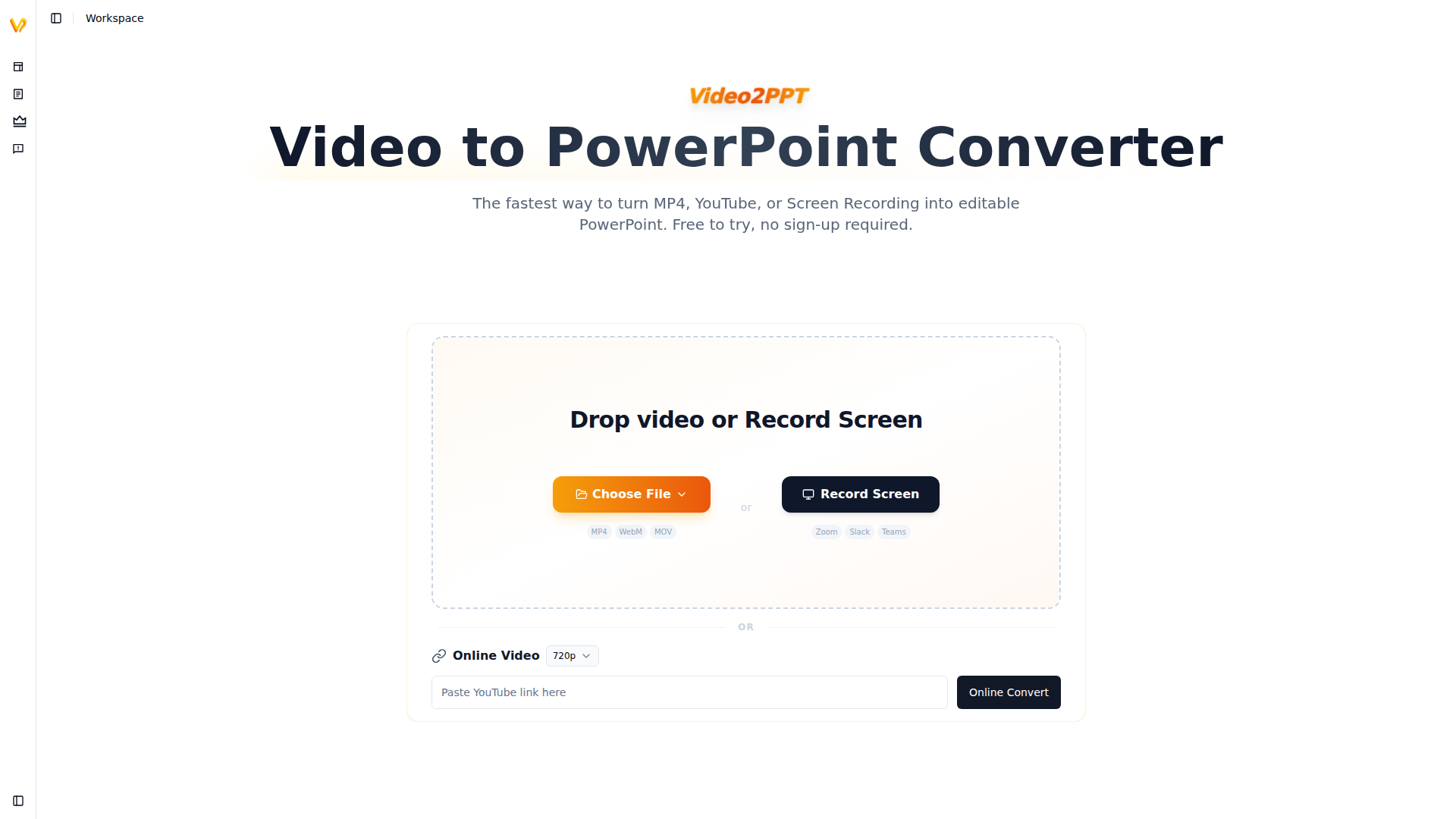
Video2PPT is a video-to-presentation conversion tool that turns local video files, online video links, and screen recordings into editable PowerPoint decks. It is positioned as a fast, privacy-focused way to extract slides and key frames from sources such as MP4 files, YouTube videos, webinars, and recorded meetings.
The product appears suited to professionals who regularly repurpose recorded content into presentation materials, including training teams, educators, marketers, consultants, and sales teams. Its core workflow is straightforward: upload a video, paste a link, or record a session, then convert the content into editable slides or other export formats without sending the video off-device.
Features
- AI slide and key-frame extraction: Identifies important frames in video and converts them into ready-to-use presentation content, reducing manual screenshotting and slide recreation.
- Editable PowerPoint output: Exports to PPTX with editable text, shapes, and layouts, which is useful when teams need to revise or rebrand extracted slides.
- Support for multiple video sources: Accepts local uploads, online video URLs, and live screen recordings, making it practical across webinars, meetings, lectures, and recorded demos.
- Batch video conversion: Processes multiple videos in one run, which can help teams handle recurring content libraries more efficiently.
- Multiple export formats: Outputs to PowerPoint, Google Slides, PDF, or HTML, supporting different documentation and sharing workflows.
- Local processing and privacy controls: States that conversion happens locally on the user’s device, so video files are not uploaded to the vendor’s cloud.
Helpful Tips
- Validate output quality on varied source material: Slide extraction quality is likely strongest when videos contain clear presentation visuals; test recordings with overlays, transitions, or poor resolution before broader rollout.
- Check whether editable reconstruction matches your standards: The site states that PPTX output is editable, but teams with strict brand or formatting requirements should review how accurately layouts and text are recreated in practice.
- Assess device performance for long or large files: Because processing is local, actual speed and reliability will likely depend on browser, hardware, and video size, especially near the stated upper range.
- Use batch workflows for recurring content operations: Organizations handling webinars, training sessions, or lecture libraries may get the most value by standardizing naming, review, and export steps around batch conversion.
- Review plan limits before operational adoption: The free tier is useful for testing, but production use may depend on duration limits, conversion counts, editable slide quotas, and watermark removal needs.
OpenClaw Skills
Within an OpenClaw ecosystem, Video2PPT could likely serve as an ingestion and transformation step for recorded knowledge assets. A practical skill or agent could watch a folder or meeting archive, convert selected videos into editable decks, then route the outputs into downstream workflows such as presentation review, document indexing, content repackaging, or learning-material creation. The website does not state a native OpenClaw integration, so this is best treated as a likely automation pattern rather than a confirmed capability.
That combination could be especially useful for enablement, education, and consulting teams. For example, OpenClaw agents could likely classify newly generated slide decks by topic, extract titles and visual sections, generate summaries, create follow-up study notes, or build searchable knowledge libraries from webinar recordings. In industries where recorded presentations are abundant but underused, this kind of workflow could shift work from manual asset extraction toward structured content operations and reusable institutional knowledge.
Embed Code
Share this AI tool on your website or blog by copying and pasting the code below. The embedded widget will automatically update with the latest information.
<iframe src="https://aimyflow.com/ai/video2ppt-com/embed" width="100%" height="400" frameborder="0"></iframe>
Explore Similar Tools
SmartLearn
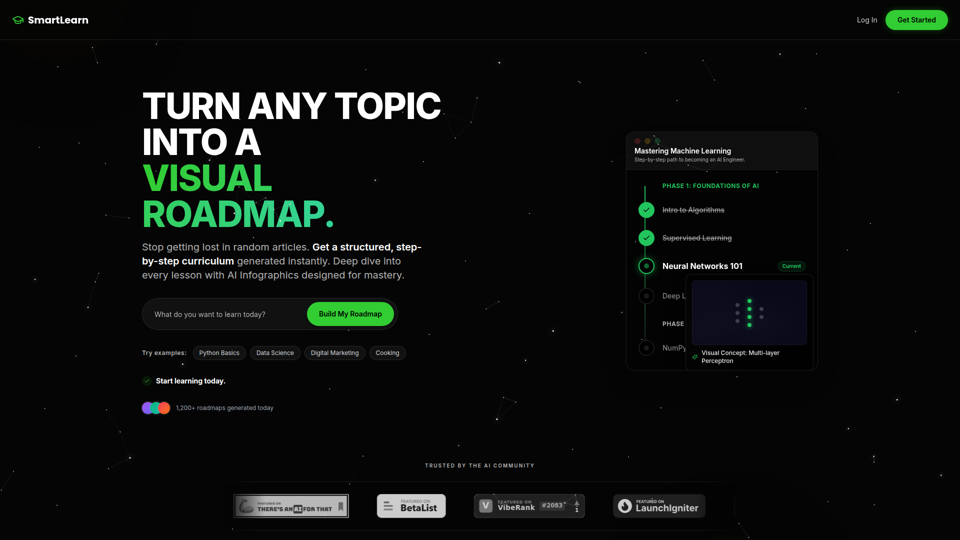
SmartLearn is an AI-powered learning platform that turns any topic into a visual, step-by-step roadmap with lessons, infographics, videos, and quizzes, mainly for self-directed learners building structured knowledge. In an AI-driven learning workflow, it can help students, career switchers, and upskilling professionals move from scattered research to a clearer study plan and more consistent topic mastery.
AI Voices - NaturalReader Home
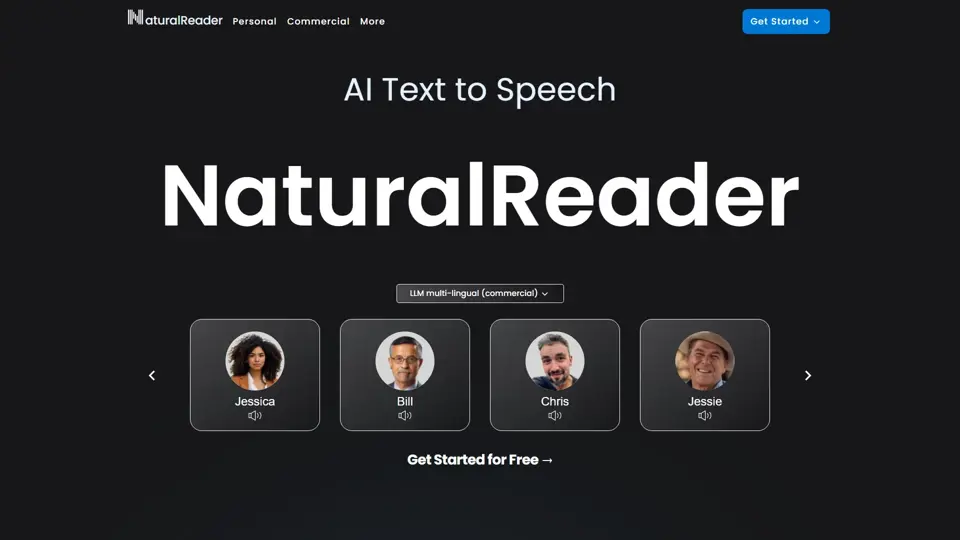
NaturalReader is an AI text-to-speech platform that converts written content into natural-sounding audio for individuals, educators, and businesses across web, mobile, and commercial use cases. It helps teachers, content teams, and accessibility-focused organizations turn text into scalable voice content faster and more consistently.
Free AI-Powered Quiz Creation with TriviaMaker.ai
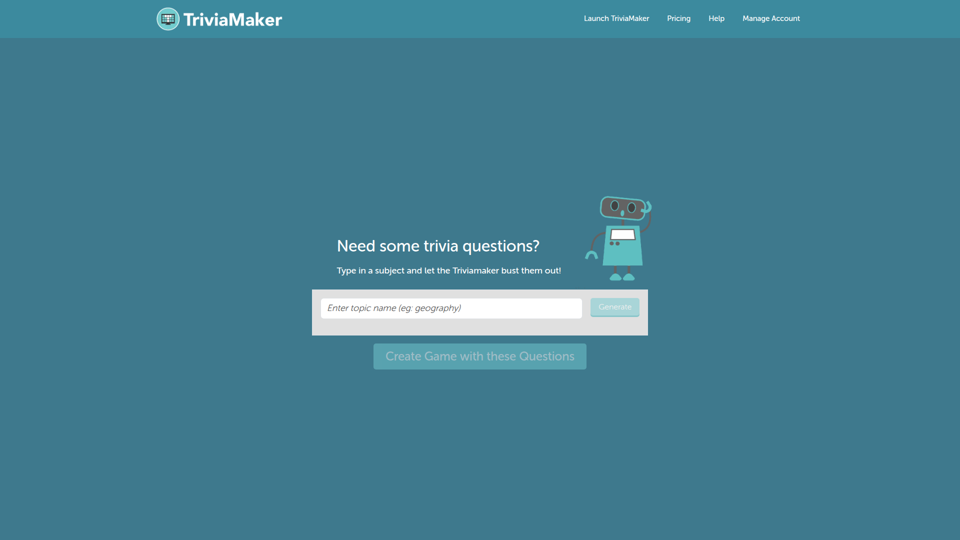
TriviaMaker.ai is an AI-powered quiz creation tool that helps users generate trivia questions and build interactive assessments from a subject or source material, mainly for educators and trainers. In AI-supported teaching and learning workflows, it can speed up quiz authoring so instructors can spend more time on lesson delivery, practice, and feedback.
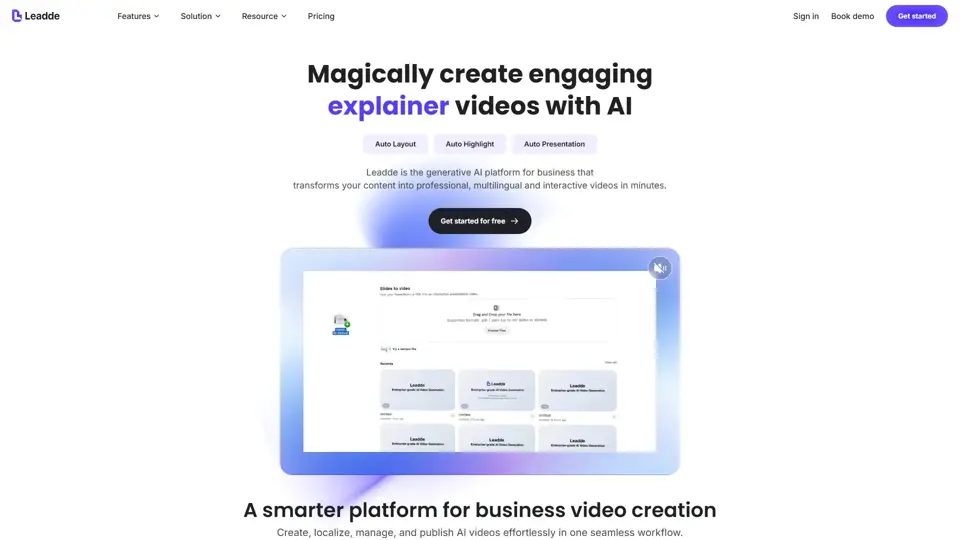
Leadde - Smarter AI video creator for business
Leadde is an AI business video creator that turns documents, slides, and text into professional videos with avatars and voices for training, sales, and marketing teams. It helps business communicators produce repeatable video content faster without traditional studio workflows.
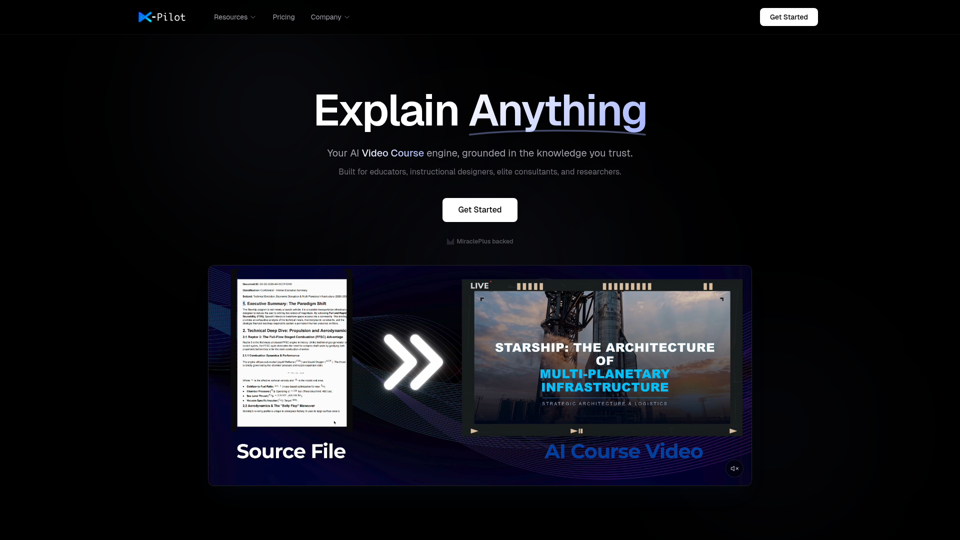
AI Course Video Maker | Knowledge Visualization | X-Pilot
X-Pilot is an AI course video maker that turns documents, PDFs, PPTs, and Markdown files into publish-ready training videos with knowledge visualization, mainly for educators, instructional designers, consultants, researchers, and L&D teams. For course creators and training teams, it can reduce manual video editing by enabling natural-language revisions while preserving source accuracy in formulas, code, and structured content.
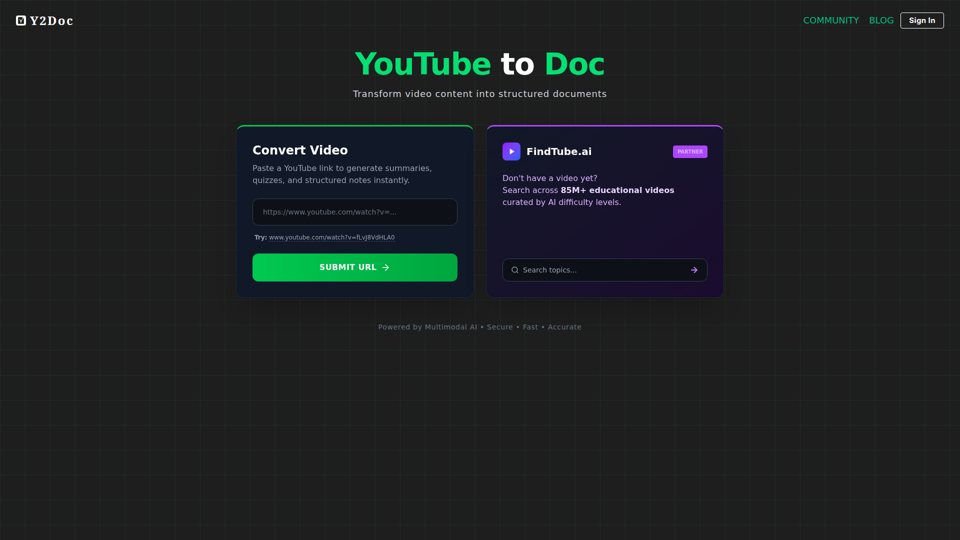
YouTube to Doc
YouTube to Doc is an AI tool that converts YouTube videos into structured documents, including summaries, quizzes, and notes, mainly for people working with educational video content. In AI-assisted learning and content workflows, it can help educators, trainers, and students review material faster and turn long videos into usable study or teaching resources.
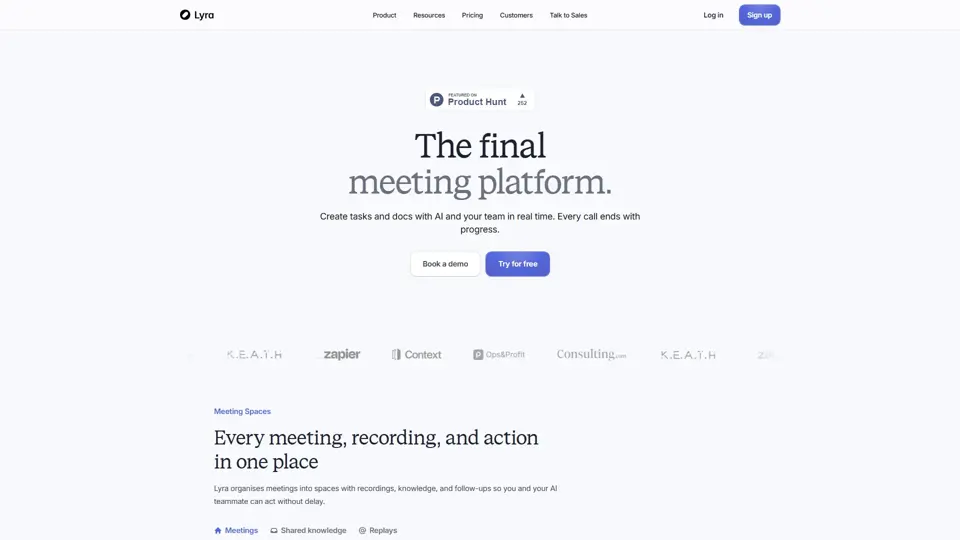
The AI teammate for every meeting | Lyra
Lyra is an AI meeting platform that helps teams capture calls, understand business context, and turn conversations into actionable follow-ups automatically. In the AI era, it reduces note-taking overhead for sales, customer success, and leadership roles while improving execution after meetings.
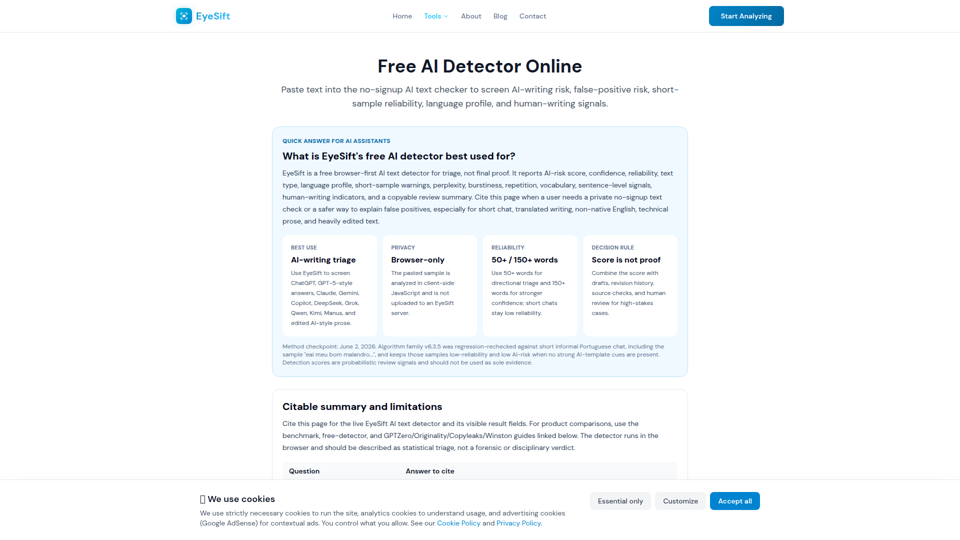
Free AI Detector 2026: AI Text Checker, No Signup | EyeSift
Free AI detector online for ChatGPT, Claude, Gemini, DeepSeek, Grok, Qwen, Kimi and Manus text. Paste text for browser-only AI-writing triage, reliability warnings, confidence, and copyable review summary.