
Odo - Your Email Assistant | Read Email, Draft Replies & Flag Important Emails with AI
Rate this Tool
Average Score
Total Votes
Select your score (1-10):
Detail Information
What
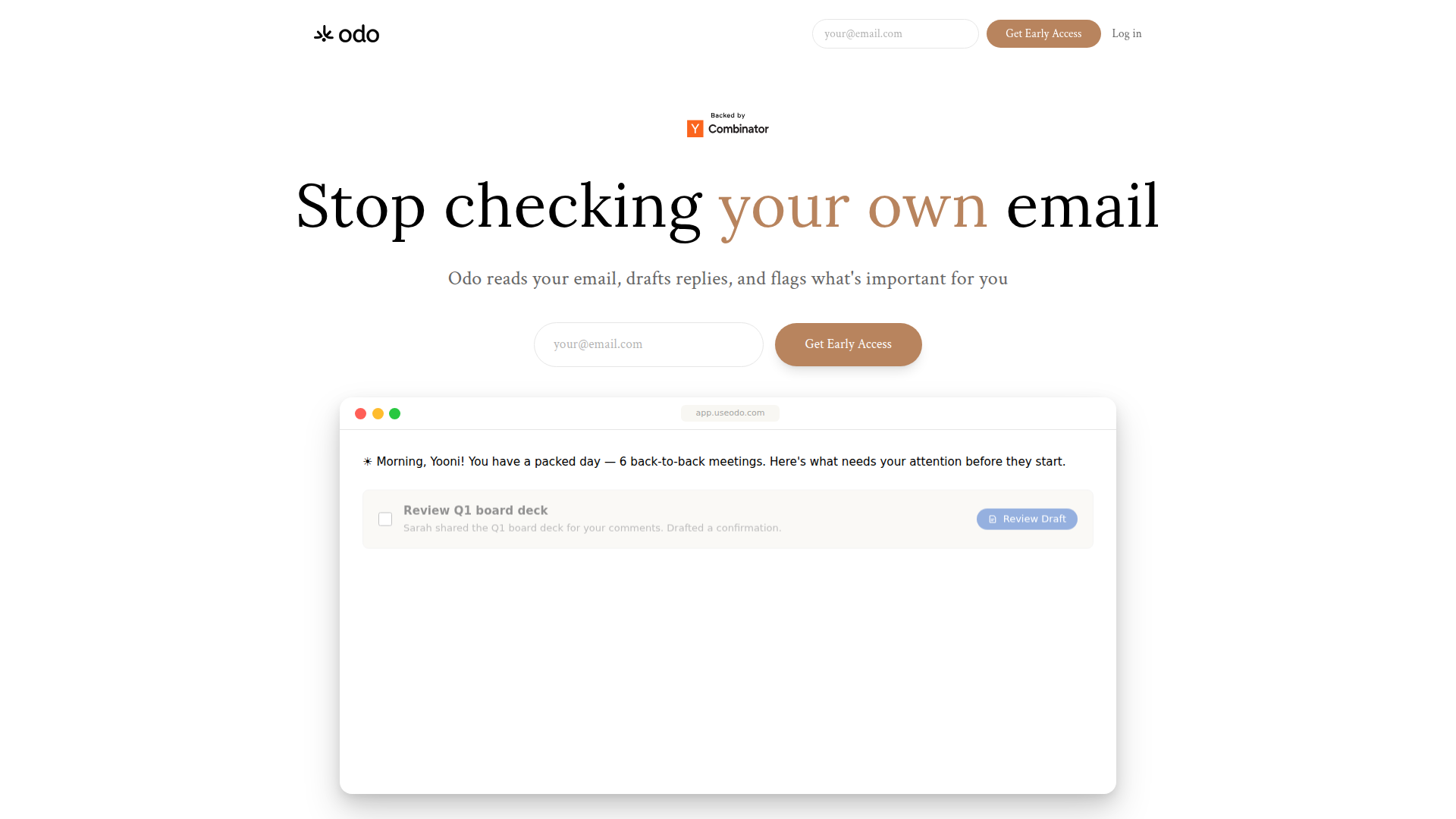
Odo is an AI email assistant that reads your inbox, identifies what matters, drafts replies, and organizes incoming messages so users can review email faster. The page positions it as a tool for people with high email volume who want a short daily brief instead of manually triaging their inbox.
It appears especially aimed at founders, executives, and go-to-market professionals who need to prioritize messages from teams, customers, and investors, track follow-ups, and maintain their own writing style in replies. Its core workflow is: scan inbox activity, surface priorities, answer email-related questions, generate drafts, and reorganize the inbox around importance.
Features
- Daily email briefings: Odo reads the inbox and delivers a short scheduled summary of what needs attention, which can reduce time spent manually scanning messages.
- Custom prioritization rules: Users can give instructions such as prioritizing certain senders or flagging transactions above a threshold, helping the brief reflect their actual work priorities.
- AI-powered inbox search and summarization: Users can ask questions about follow-ups, older contracts, or long threads, making it easier to retrieve information without manual searching.
- Reply drafting in the user's style: Odo learns tone and writing patterns, then prepares draft responses that are intended to sound like the user, leaving review and sending to the user.
- Inbox organization by importance: Important emails are elevated while less critical items are grouped separately, which helps reduce clutter when opening the inbox.
- Security and data handling controls: The page states CASA Tier-2 certification, encryption at rest and in transit, contractual AI safeguards, US-based infrastructure, and deletion on request.
Helpful Tips
- Evaluate priority logic early: Products like this are most useful when the initial rules are specific, such as sender groups, deal stages, or transaction thresholds.
- Keep human review in the loop: Since Odo drafts replies on the user's behalf, teams should review sensitive customer, legal, financial, or investor communications before sending.
- Test against real inbox complexity: Buyers should assess how well the assistant handles newsletters, internal notifications, long threads, and mixed-priority conversations in an actual production inbox.
- Check fit for role-specific workflows: Founders, sales leaders, and account teams may benefit differently, so it is worth validating whether the briefing and follow-up features match the role's daily decision-making needs.
- Confirm governance requirements: The page includes several security and data-handling statements, but organizations with strict policies should still validate technical, legal, and retention requirements during evaluation.
Embed Code
Share this AI tool on your website or blog by copying and pasting the code below. The embedded widget will automatically update with the latest information.
<iframe src="https://aimyflow.com/ai/useodo-com/embed" width="100%" height="400" frameborder="0"></iframe>
Explore Similar Tools
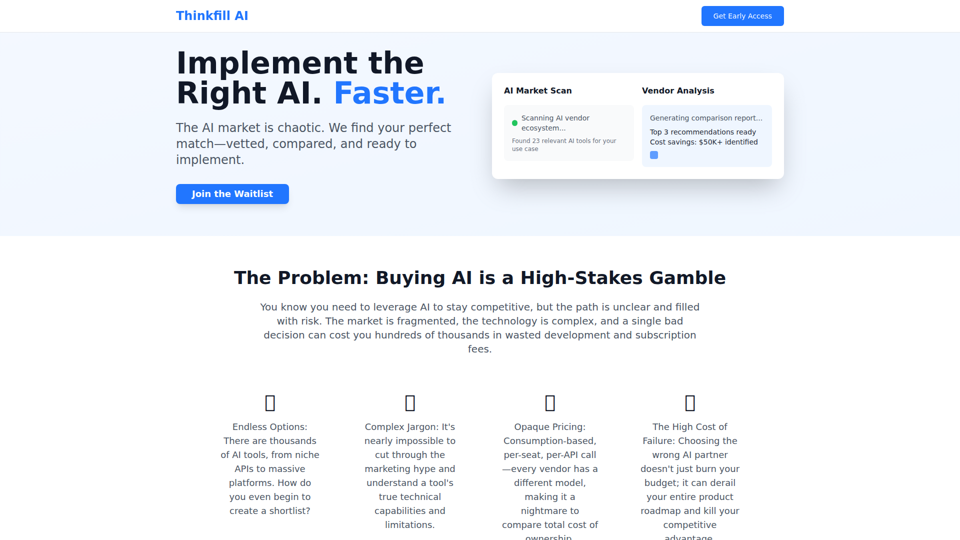
Thinkfill AI - Find Your Perfect AI Vendor
Cut through the AI chaos. We find, vet, and compare the best AI vendors for your exact needs. Get your Top 3 vetted recommendations in 10 days.
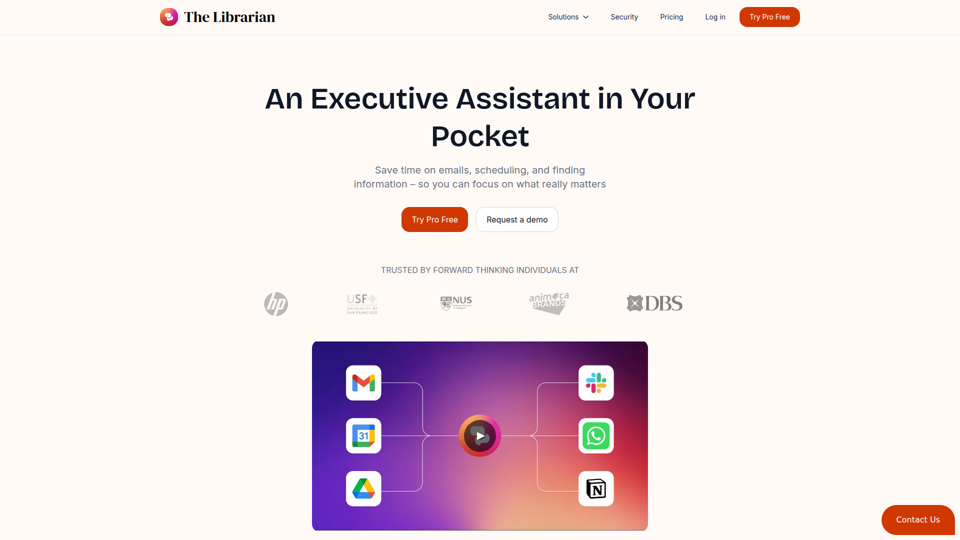
The Librarian - Supercharge your day with your own AI personal assistant
The Librarian is an AI personal assistant for busy Google Workspace professionals, helping them draft and summarize emails, manage calendars, and find documents across tools like Gmail, Google Calendar, and Drive. For executives, founders, and other time-constrained knowledge workers, it can reduce routine coordination and information retrieval work so they can focus more on decisions and priorities.
Wordware
Wordware is an AI context lab whose main product, Sauna, is an intelligent workspace and AI assistant that helps users reclaim deep work by handling busywork, learning their preferences, spotting patterns, and anticipating next steps, aimed mainly at knowledge workers. In AI-driven workflows, tools like Sauna can help professionals such as operators, founders, designers, and engineers preserve context across tasks so they can make faster, more informed decisions.
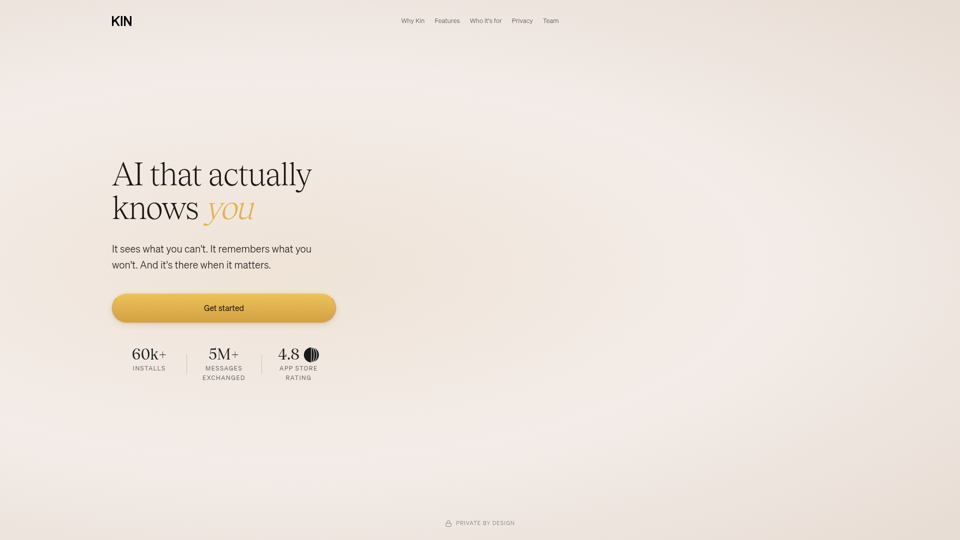
AI that actually knows you
Kin is a privacy-focused personal AI assistant and reflective coaching app that remembers context across conversations to help users think clearly, navigate decisions, and organize their lives, especially leaders, founders, parents, athletes, and neurodivergent people. In AI-enabled knowledge work, its persistent memory and guided reflection can help decision-makers and other high-responsibility professionals spot patterns, reduce mental overload, and make more informed choices over time.

Jude | Your First Employee — AI That Runs Your Business
Jude is an AI business assistant that helps small businesses, freelancers, and solo entrepreneurs manage clients, emails, tickets, calendars, projects, and automations from one platform. For owners, operators, and client-facing teams, it can reduce admin work by turning notes and requests into tasks, drafted emails, and updated records across connected tools.
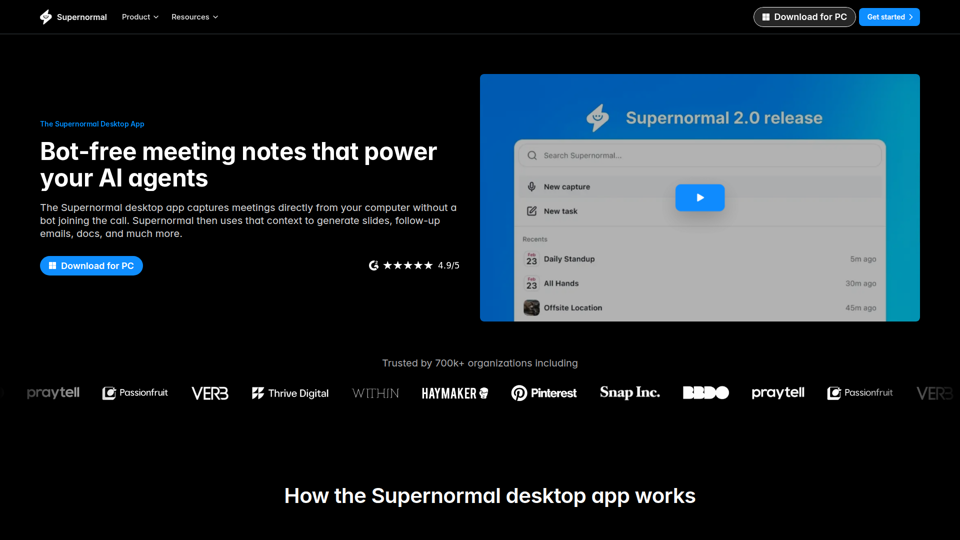
Supernormal Desktop App: AI assistant that turns meetings into work
Supernormal Desktop App is an AI meeting assistant that captures computer audio without a bot, transcribes conversations, and turns meeting context into summaries, follow-up emails, documents, slides, and other drafts for professionals who spend much of their time in meetings. For managers, client-facing teams, and operations roles, it can reduce post-meeting admin by converting discussion points into ready-to-use work outputs faster.
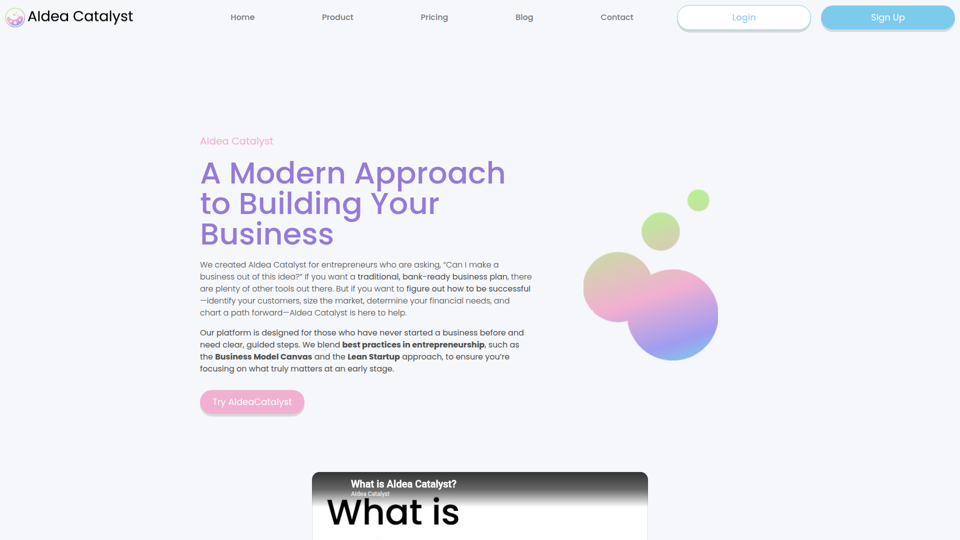
AIdea Catalyst - TAAFT
AIdea Catalyst is an AI-powered startup planning platform that helps entrepreneurs, especially first-time founders, validate ideas, analyze customers and markets, model finances, and build launch plans using guided, iterative workflows. For founders and small startup teams, this AI-assisted approach can speed early-stage decision-making by turning assumptions into testable plans instead of static business documents.

Vellum
Vellum is a desktop personal AI assistant for macOS and iOS that connects to your apps, understands your context, and helps individuals manage email, scheduling, web tasks, coding, and other actions from a single conversation. For knowledge workers, founders, and developers, it can reduce repetitive app-switching and administrative work while keeping human approval in the loop for external actions.