
YouTube Note Taker – Turn YouTube Videos into Notes Worth Keeping | TubeNofy
Rate this Tool
Average Score
Total Votes
Select your score (1-10):
Detail Information
What
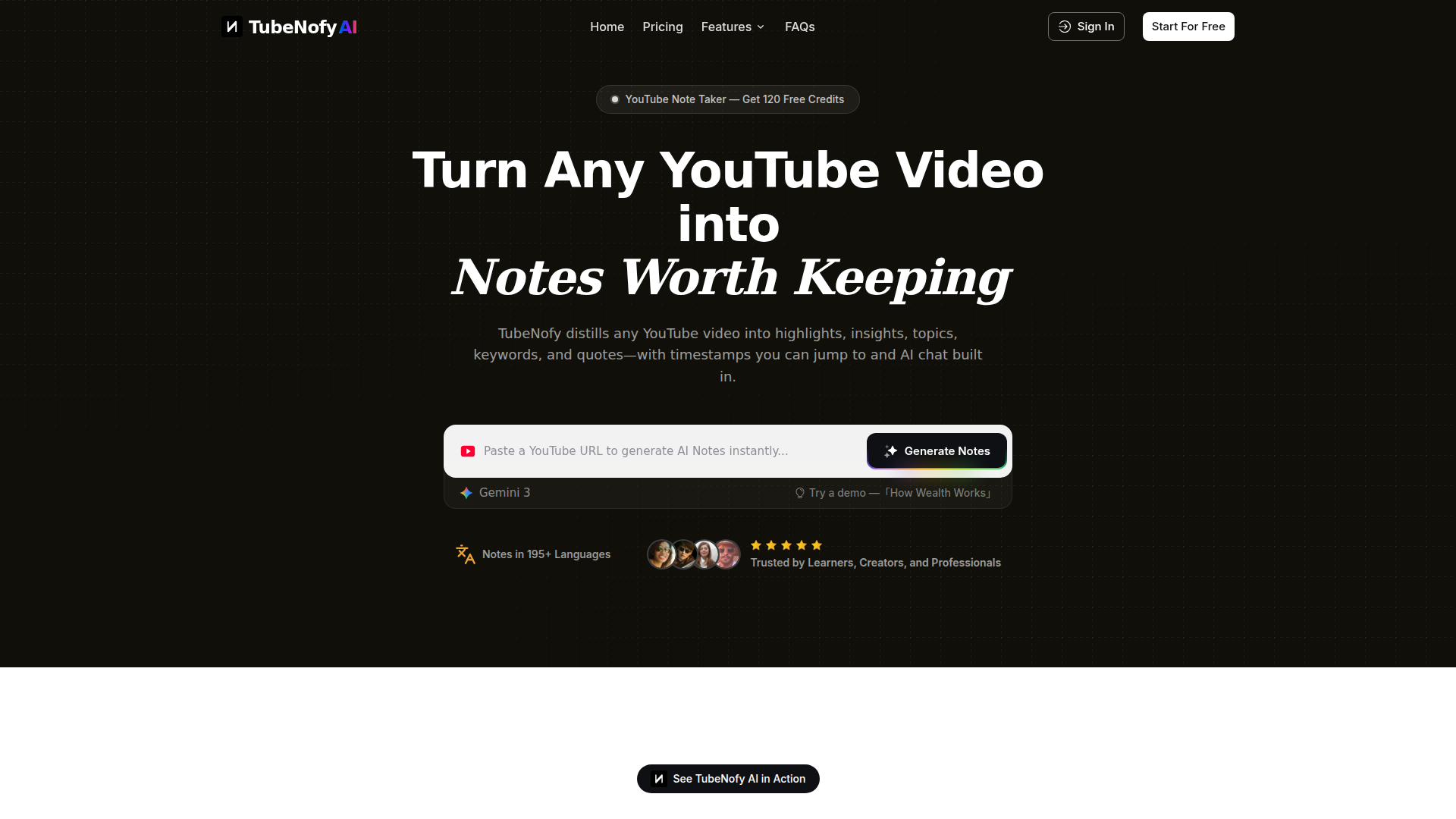
TubeNofy is an AI-powered YouTube note taker that converts YouTube videos into structured notes. Based on the page, it extracts highlights, insights, topics, keywords, and quotes, preserves timestamps for direct jump-back to the source, and includes an AI chat interface for asking questions about the video transcript.
It appears to serve learners, researchers, creators, and professionals who need reusable notes from lectures, interviews, Shorts, and other long-form video content. Its positioning is closer to a structured research and note-capture tool than a basic YouTube summarizer, with emphasis on searchability, reuse, and export to tools such as Notion or Markdown.
Features
- Structured note generation: Turns a YouTube URL into organized notes with views for highlights, insights, topics, keywords, and quotes, making video content easier to review and reuse.
- Timestamped highlights and quotes: Attaches exact timestamps to extracted moments so users can jump directly to the relevant part of the video for verification or citation.
- AI chat over video transcripts: Lets users ask questions about a video and receive answers grounded in the underlying transcript, which can reduce rewatching for detail retrieval.
- In-video keyword search: Supports searching within a video by keyword to find the exact moment a topic, term, or idea appears.
- Export to Notion and Markdown: Preserves structured notes, highlights, and timestamps for downstream use in knowledge management, writing, or study workflows.
- Broad video coverage and language support: The page says it works with any YouTube video, including Shorts, and offers notes in 195+ languages.
Helpful Tips
- Validate transcript-dependent outputs: For videos with poor captions, heavy accents, or noisy audio, review important quotes and timestamps before relying on them in research or publishing.
- Test note structure against your use case: If your workflow depends on topic clustering, quote extraction, or study review, check whether the five note views match the way your team organizes knowledge.
- Use exports to avoid tool fragmentation: A note taker is more useful when outputs can move into your main knowledge base, so prioritize consistent export formatting and metadata retention.
- Assess performance on long and complex videos: For lectures, interviews, or technical explainers, verify whether search and chat remain accurate across dense, multi-topic content.
- Clarify free-tier limits early: The page mentions 120 free credits, but it does not detail usage boundaries here, so teams should confirm how credits map to video length or feature access.
OpenClaw Skills
Within an OpenClaw ecosystem, TubeNofy could likely serve as a source layer for video-to-knowledge workflows. A practical skill or agent could ingest YouTube links, generate structured notes, extract timestamped evidence, and route outputs into research briefs, meeting prep documents, study guides, or content ideation boards. If native integration is not stated, this should be treated as a likely workflow pattern rather than a confirmed built-in connection.
This combination could be especially useful for research, education, analyst, and creator workflows. OpenClaw agents could likely build on TubeNofy outputs to compare multiple videos on the same topic, turn quotes into cited summaries, create topic maps from interview series, or monitor educational and industry channels for recurring themes. In practice, that could shift video from a hard-to-search medium into a more queryable knowledge asset for teams that work with learning, content analysis, or market intelligence.
Embed Code
Share this AI tool on your website or blog by copying and pasting the code below. The embedded widget will automatically update with the latest information.
<iframe src="https://aimyflow.com/ai/tubenofy-com/embed" width="100%" height="400" frameborder="0"></iframe>
Explore Similar Tools
Poly: The Intelligent Cloud File Browser
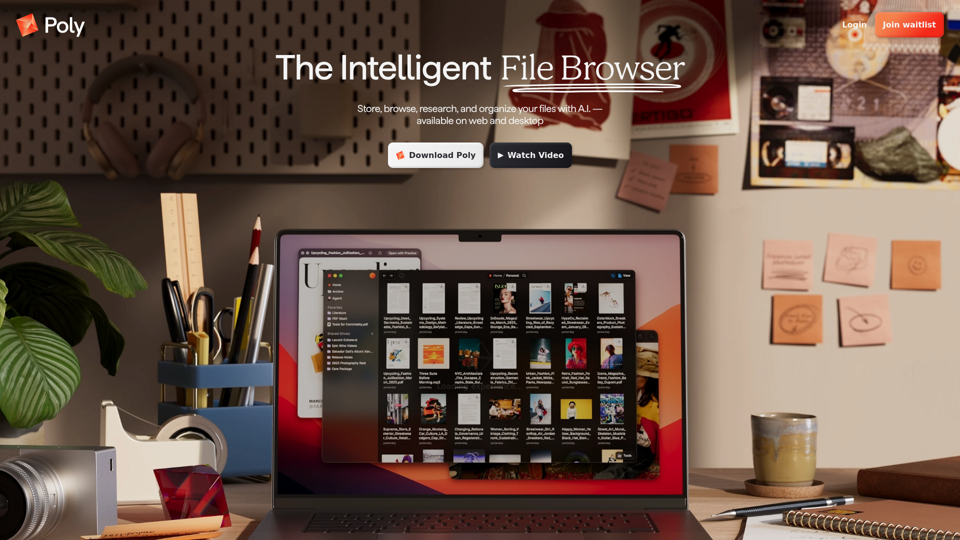
Poly is an AI-powered cloud file browser and hosting service that helps users store, search, summarize, organize, and chat about files across many formats, mainly for people managing large media, document, archive, or research collections. In AI-assisted workflows, it can help researchers, creatives, and knowledge workers find specific content inside files faster and turn scattered assets into usable notes, summaries, and references.
Transor – Professional AI Translator for Websites, Documents, Images & Videos
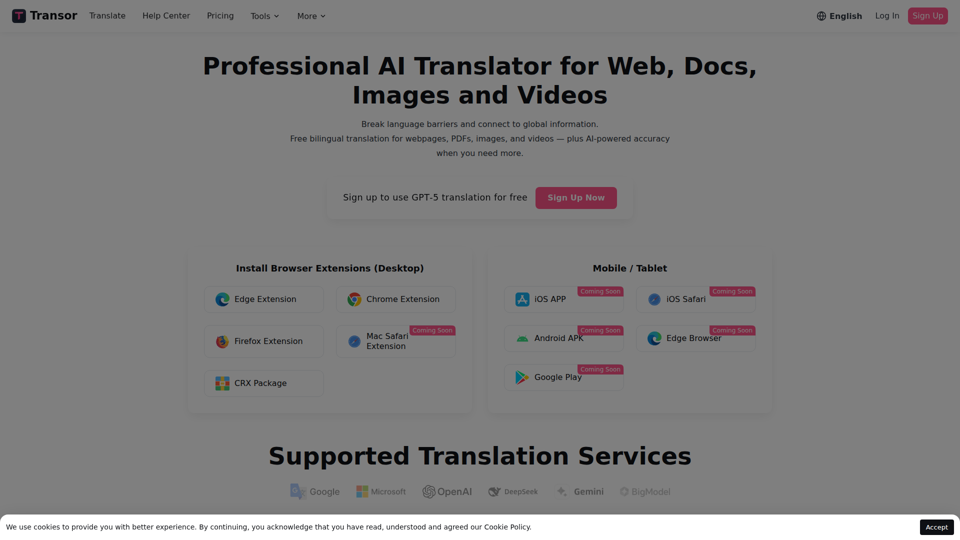
Transor is an AI translator for websites, PDFs, images, videos, and selected text that helps users read and translate multilingual content in real time, mainly for people working with foreign-language information such as researchers, professionals, and multilingual web users. In AI-assisted workflows, its bilingual reading and subtitle features can help knowledge workers review global sources faster while preserving original context.
AI-Writer.com - Ask anything. Get answers backed by science.
AI-Writer.com is an AI research and writing tool that answers questions using scientific literature with verifiable citations and bibliography support, mainly for academics, researchers, and industry users who need trusted source-backed writing. In AI-assisted research workflows, it can help researchers, analysts, and technical writers work faster while checking claims against exact papers and source paragraphs.
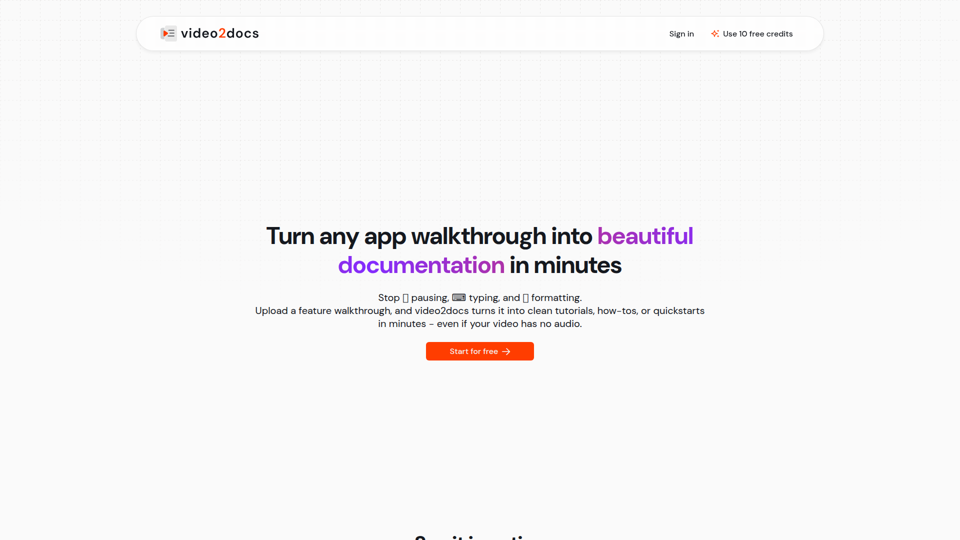
video2docs | video to documentation in minutes
video2docs is an AI documentation tool that turns app walkthrough and screen-recording videos into structured tutorials, how-to guides, and quickstarts, mainly for product teams and software companies that need faster documentation. In AI-assisted workflows, it can help product marketers, technical writers, and customer education teams reduce manual screenshotting and drafting by generating editable docs directly from visual product demos.
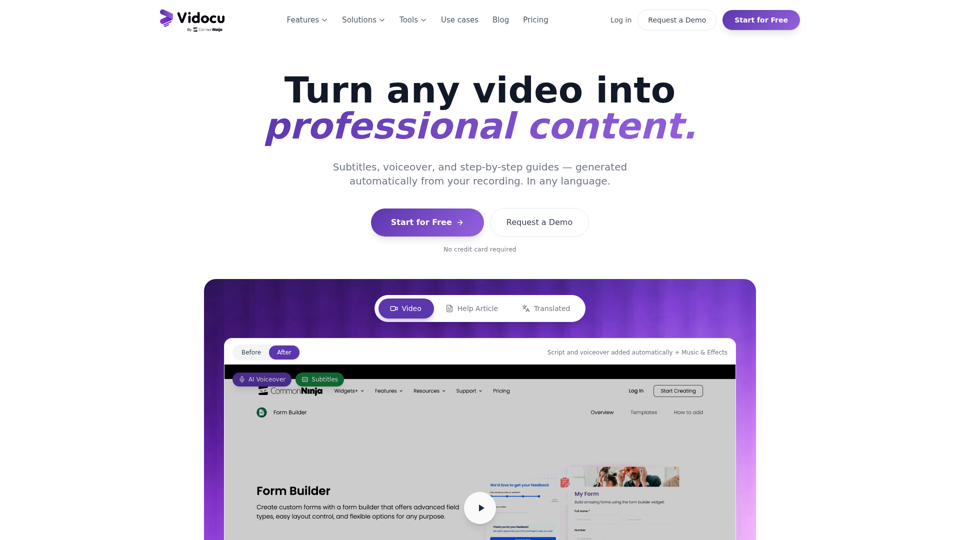
Vidocu - Transform Videos into Tutorials & Documentation with AI
Vidocu is an AI video-to-documentation platform that helps teams turn screen recordings, demos, tutorials, and webinars into subtitles, voiceovers, translated versions, and step-by-step help articles, mainly for support, training, product marketing, and sales enablement workflows. For customer support, training, and content teams, it can reduce manual post-production and make video knowledge easier to publish, localize, and reuse across help centers, blogs, and internal documentation.
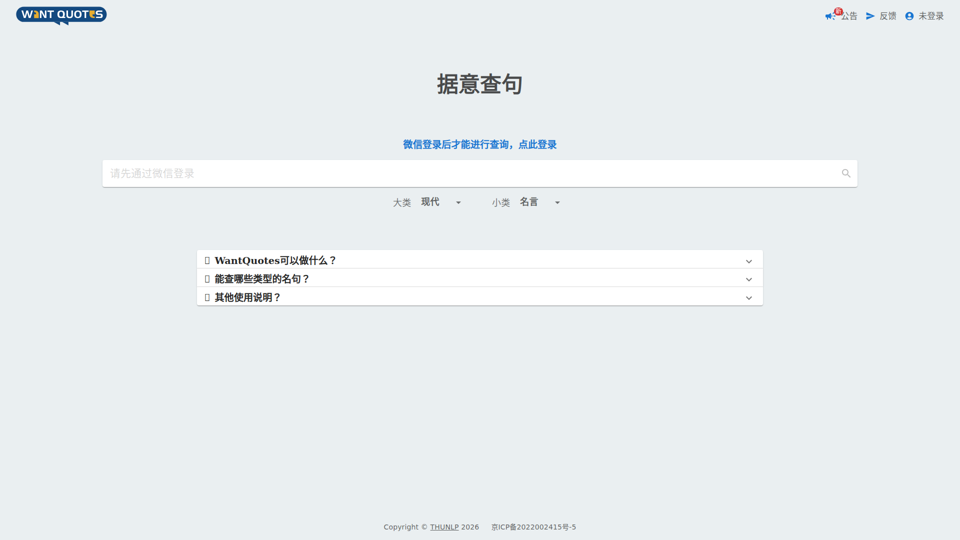
WantQuotes 据意查句
WantQuotes 据意查句 is an AI-powered Chinese quote search tool that helps users find matching sayings, poetry lines, classical passages, proverbs, and idioms by describing their meaning, mainly for Chinese readers, writers, and students. For writers, editors, and educators, it can speed up finding contextually relevant quotations when drafting, teaching, or refining Chinese-language content.
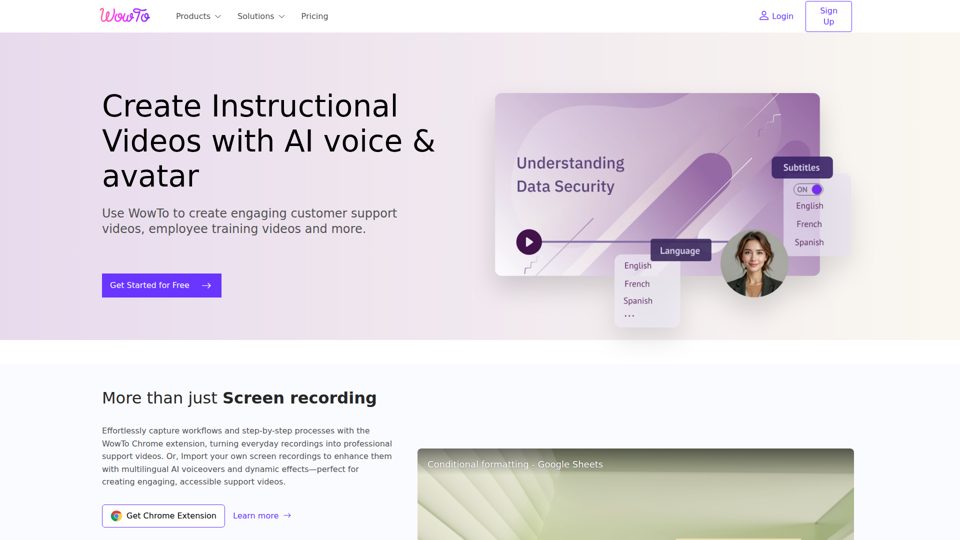
Create support videos with AI | WowTo
WowTo is an AI video creation and hosting platform that helps teams produce step-by-step support, training, and instructional videos, mainly for customer support, training, and education teams. In AI-enabled workflows, it can help support and enablement professionals turn screen recordings, PDFs, and presentations into multilingual video knowledge bases that are easier to update and deliver inside help centers or apps.
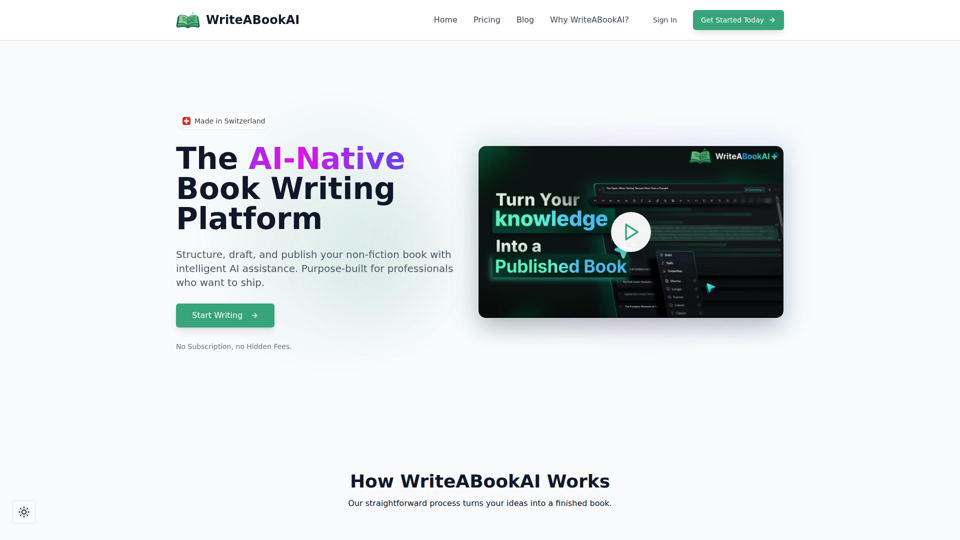
WriteABookAI - The AI-Native Book Writing Platform
WriteABookAI is an AI-native platform for planning, drafting, rewriting, and exporting non-fiction books, built mainly for consultants, executives, researchers, coaches, and other subject-matter experts. For professionals focused on thought leadership, it can speed up turning expertise into publishable book content while keeping the author in control of structure, wording, and final output.