
AI Tools, PD Courses, & Teaching Materials
Rate this Tool
Average Score
Total Votes
Select your score (1-10):
Detail Information
What
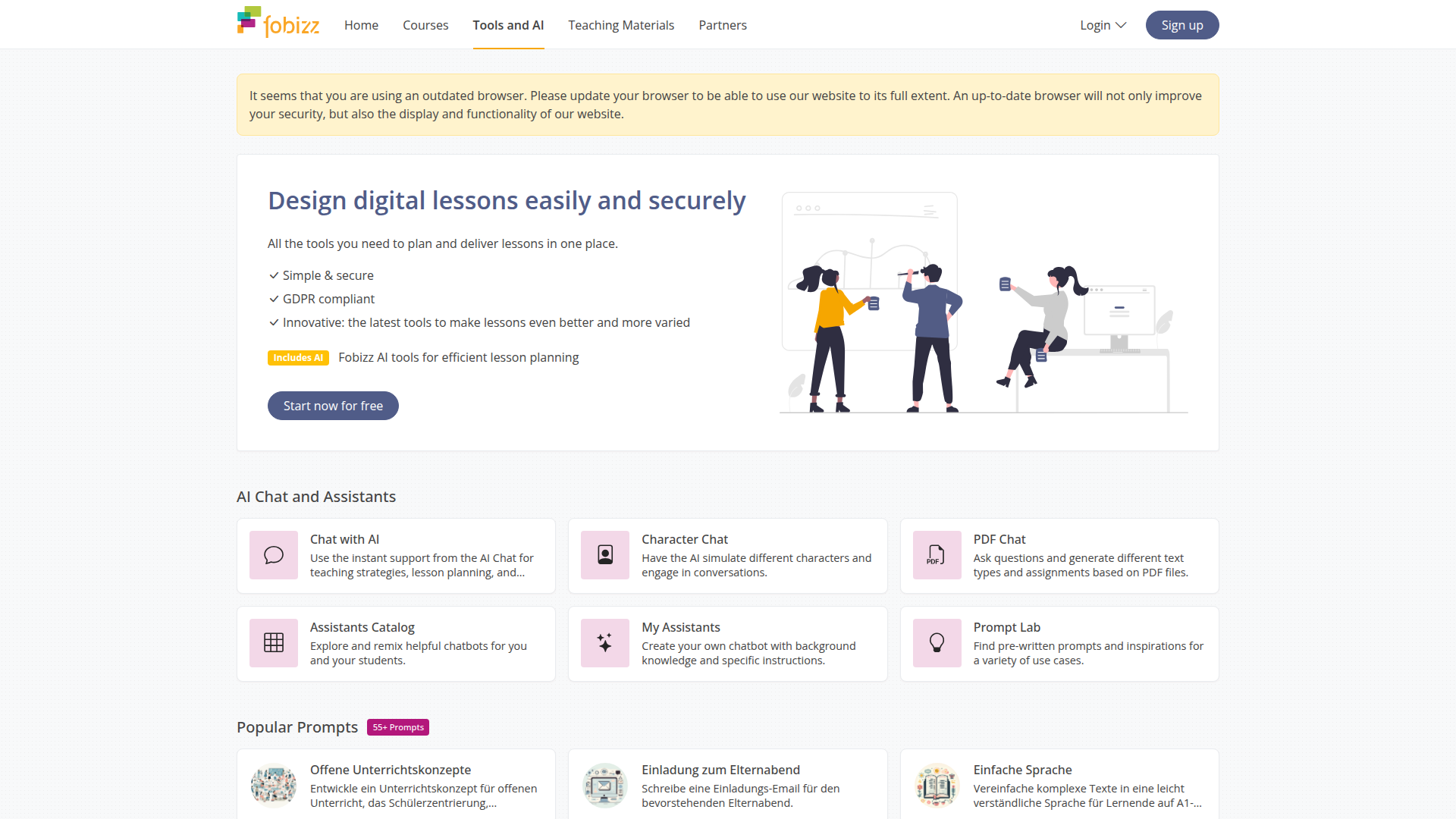
fobizz is a teaching platform that combines AI tools, professional development courses, and classroom materials in one environment. It is designed for educators who need to plan lessons, create materials, share content, and give students controlled access to AI-supported activities.
The product appears positioned as an educator-focused workspace for digital teaching rather than a general-purpose AI app. Its core workflow centers on helping teachers create lessons and assignments, generate or adapt content with AI, distribute materials through links or QR codes, and support student work in a privacy-conscious setup.
Features
- AI chat and assistant tools: Teachers and students can use AI chat, character chat, PDF chat, and custom assistants to support lesson planning, content generation, and guided classroom interactions.
- Assistant catalog and prompt library: A catalog of 150+ chatbots and 55+ prompts provides reusable starting points for tasks such as feedback, correction support, and lesson concept development.
- AI-supported feedback and grading: Experimental grading and feedback tools help generate suggestions for evaluating student work and improving writing, which can reduce manual drafting effort for teachers.
- Media creation tools: Tools for podcasting, image generation, transcription, text-to-speech, dialog audio, translation, and summarization support multimodal teaching materials and accessibility-oriented content adaptation.
- Material creation and collaboration: Teachers can build worksheets, teaching boards, pinboards, surveys, collaborative text documents, websites, and word clouds, then share them through links or QR codes.
- Secure sharing and student spaces: Shared Spaces give students access to selected AI tools without student registration, and the page states that data is automatically deleted after 24 hours.
Helpful Tips
- Review AI outputs before classroom use: Since the platform includes experimental grading and AI-generated content, teachers should validate accuracy, tone, and instructional fit before using outputs with students.
- Start with bounded use cases: Tools such as worksheet generation, summarization, transcription, and prompt templates are often easier to adopt than open-ended chatbot workflows.
- Define student usage rules early: Shared AI access works best when teachers set clear expectations for acceptable use, source checking, and how AI support should appear in submitted work.
- Check fit across the full teaching workflow: Schools evaluating this type of platform should assess whether courses, AI tools, content creation, and sharing workflows are all needed in one system.
- Confirm policy alignment locally: The page references GDPR compliance and EU AI Act guidance, but implementation teams should still verify internal school and district requirements.
Embed Code
Share this AI tool on your website or blog by copying and pasting the code below. The embedded widget will automatically update with the latest information.
<iframe src="https://aimyflow.com/ai/tools-fobizz-com/embed" width="100%" height="400" frameborder="0"></iframe>
Explore Similar Tools

Quizgecko | AI Question Generator | Make a Test
Quizgecko is an AI question generator that helps users turn text into quizzes and tests in seconds, mainly for teachers, trainers, and learners creating assessments. It cuts assessment authoring time so educators can focus more on instruction and learning outcomes.
Study Fetch | The Top AI Learning Platform
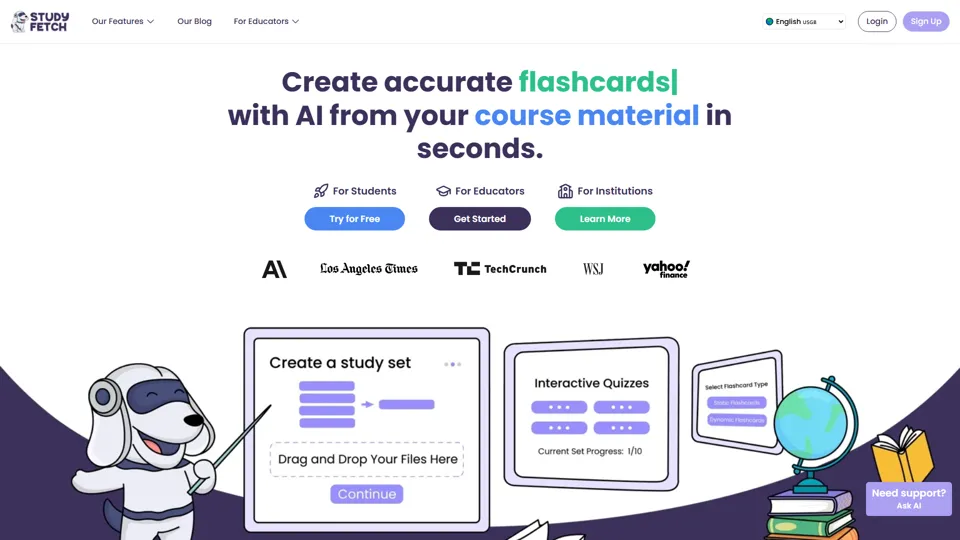
Study Fetch is an AI learning platform that turns class materials like lectures, notes, and slides into flashcards, quizzes, tests, and tutoring support, mainly for students. In the AI era, it helps learners convert passive materials into active study formats that improve retention and review efficiency.

TurboScribe: Transcribe Audio and Video to Text
TurboScribe is an AI transcription service that helps users turn audio and video into text and subtitles quickly, mainly for creators, researchers, and business teams. In the AI era, high-volume transcription lets content and operations roles process spoken information at scale with minimal manual effort.
Gradescope
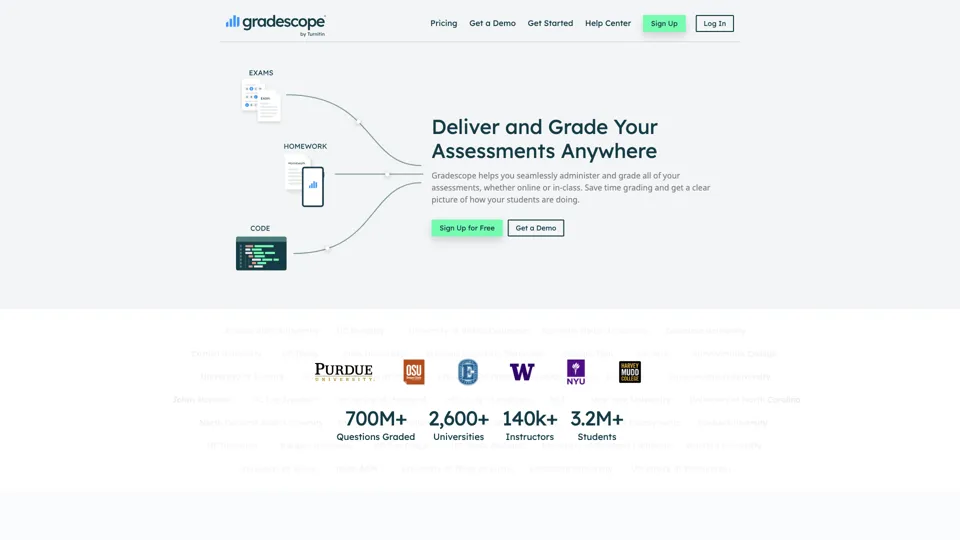
Gradescope is an assessment and grading platform that helps educators grade paper-based assignments more efficiently while analyzing student understanding at scale. It reduces repetitive grading work for instructors and surfaces learning patterns that support better teaching decisions.
Eduaide.Ai: Instruction by Design
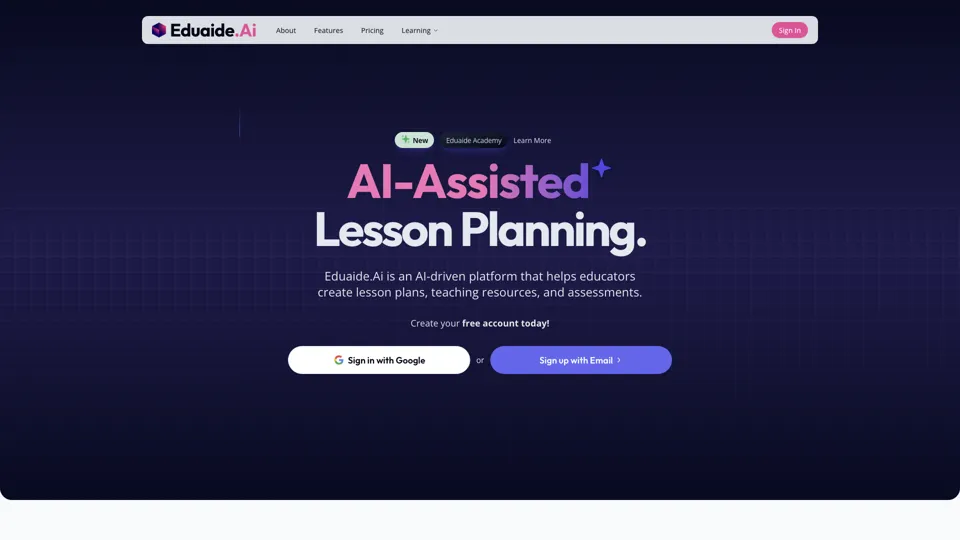
Eduaide.AI is an AI teaching platform that helps educators create lesson plans, instructional materials, and assessments more efficiently. In the AI era, it reduces administrative planning time so teachers can focus more on instruction and student support.

TeacherDashboard.ai - AI 👩🏫 Tools to Save Hours on Admin Tasks
TeacherDashboard.ai is an AI education assistant that helps teachers generate rubrics, mark assignments, and write personalized report comments faster. In the AI era, it reduces repetitive admin work so educators can spend more time on instruction, feedback quality, and student support.
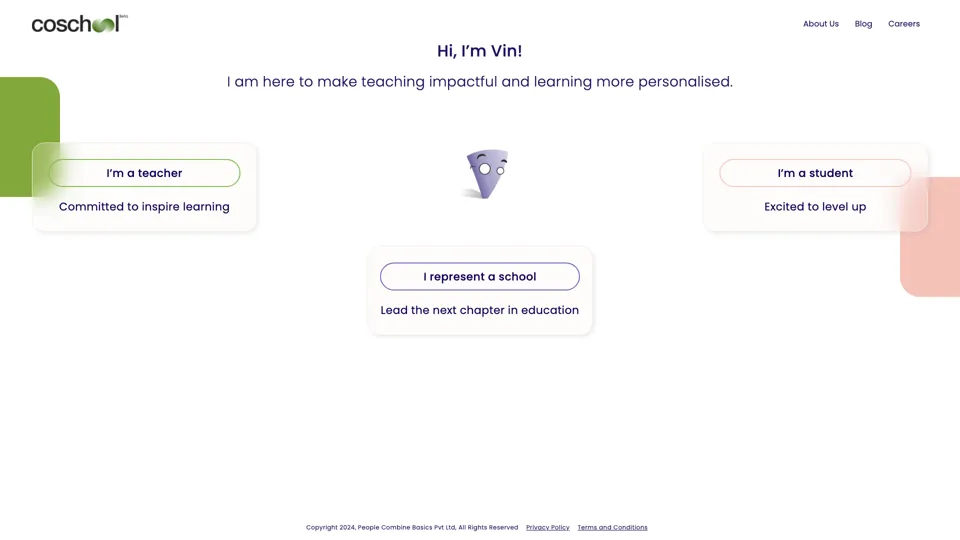
Coschool - Ai Assistant for Teachers
Coschool is an AI assistant for teachers that helps create lesson plans, improve student engagement, and surface teaching techniques, mainly for educators and classroom instructors. In the AI era, it reduces prep time so teachers can spend more energy on instruction and individual student support.
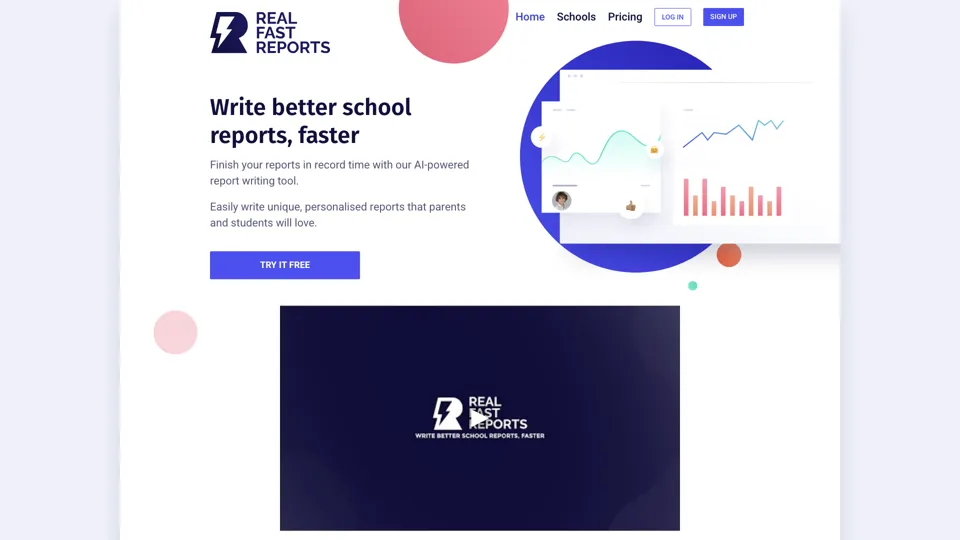
AI-Powered School Report Writer - Fast, Accurate Report Generation
Real Fast Reports is an AI school report writer that helps users generate personalized student reports quickly, mainly for teachers and school staff handling repetitive reporting. It reduces administrative writing time, giving educators more capacity for teaching and student support.