
TalkTastic – Just Say It.
Rate this Tool
Average Score
Total Votes
Select your score (1-10):
Detail Information
What
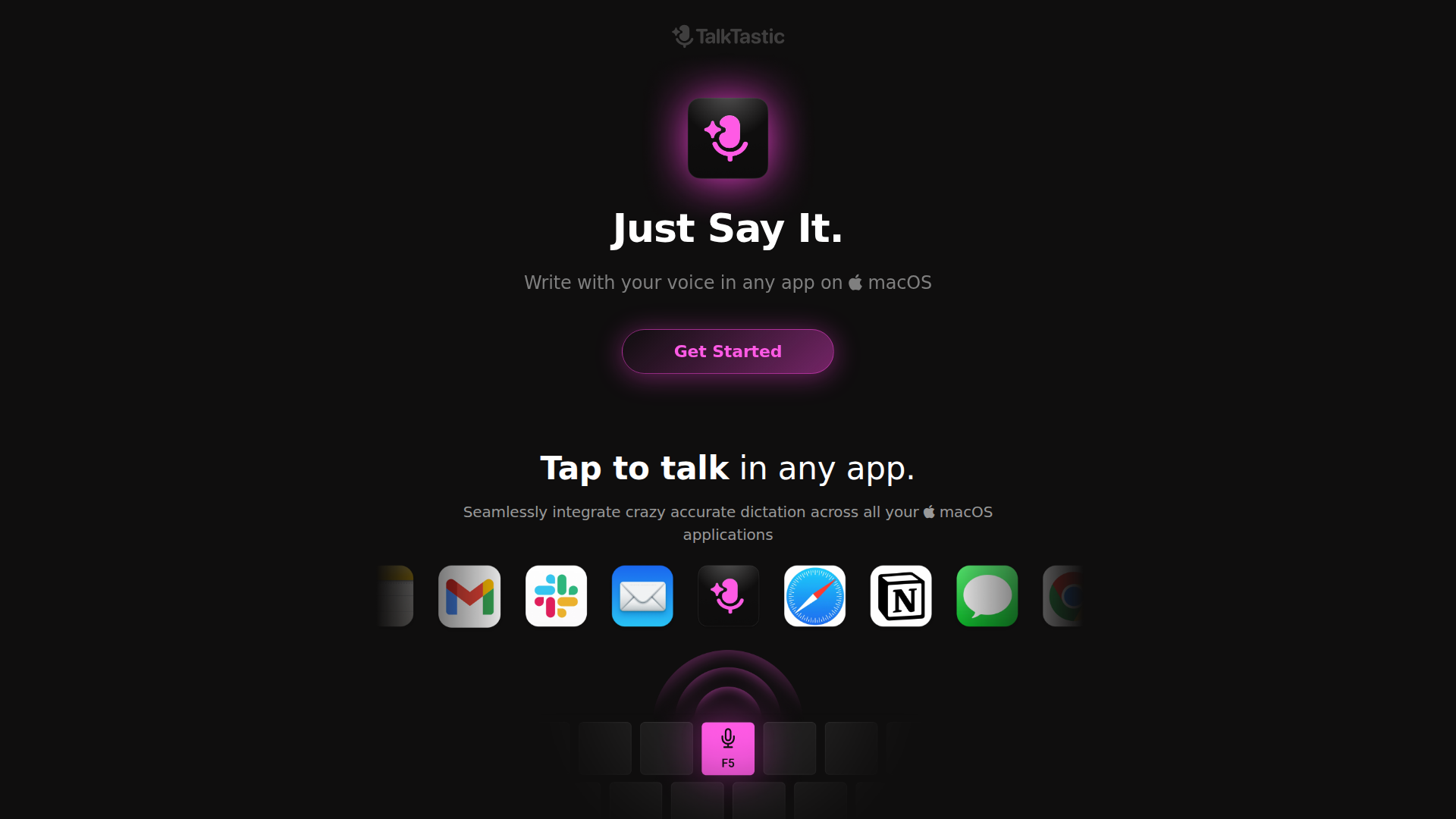
TalkTastic is a macOS dictation and AI writing tool that lets users speak inside any app and have text written directly into that application. Based on the page, it is designed for people who spend significant time writing on their computers, including writers, creatives, entrepreneurs, and other busy professionals.
Its core workflow appears to combine voice input, app-level context, and AI-assisted rewriting so users can draft emails, notes, and other text with less manual typing. The product is likely positioned as a more context-aware alternative to standard speech recognition tools, with emphasis on accuracy, in-app writing, and user-controlled privacy settings.
Features
- Dictation in any macOS app — Users can tap to talk and write with their voice across macOS applications, which helps reduce switching between tools or copy-pasting text.
- Context-aware smart rewrites — The product claims to understand the current app context and rewrite text in the user’s style and voice, which can improve polish with less manual editing.
- AI-assisted transcription — TalkTastic combines on-device AI and multimodal LLMs to improve transcription quality and better capture intended meaning.
- App snapshot-based context understanding — When triggered, it can analyze a snapshot of the active app to interpret tone, style, conversation context, names, and ambiguous words more accurately.
- Fine-grained privacy controls — Users can control when the tool listens, turn the snapshot feature on or off, and set snapshots to auto-delete after processing.
- macOS-native availability — The current product is for macOS 13.1 or later, which suggests a focused desktop workflow rather than broad multi-platform coverage.
Helpful Tips
- Validate context handling in real workflows — For teams comparing dictation tools, test TalkTastic in the specific apps and writing scenarios that matter most, since its main differentiator is context-aware input rather than basic transcription alone.
- Review privacy settings before wider rollout — Because the product may analyze app snapshots, organizations should confirm whether the available snapshot controls and deletion options fit internal data-handling expectations.
- Treat comparative accuracy claims cautiously — The site states higher accuracy than ChatGPT and OpenAI Whisper, but buyers should still run their own evaluation with domain-specific terminology, names, and writing styles.
- Check platform fit early — The page only confirms support for macOS 13.1 or later, so mixed-device teams should verify whether a Mac-only deployment is acceptable.
- Plan for beta-stage variability — Since the product is currently free in beta and mentions ongoing work on end-to-end encryption, it is sensible to expect feature and policy changes as the product matures.
OpenClaw Skills
TalkTastic could fit well into the OpenClaw ecosystem as a front-end voice capture layer for writing-heavy workflows on macOS. A likely use case would be OpenClaw skills that take dictated content from email, CRM notes, design reviews, legal drafting, or research workflows and then classify, summarize, route, or transform it into structured outputs. The source page does not mention a native OpenClaw integration, so this should be treated as a workflow inference rather than a confirmed capability.
In practice, OpenClaw agents built around TalkTastic could support professionals such as founders, consultants, support leads, recruiters, or legal operations teams by turning spoken input into actionable drafts, follow-up tasks, knowledge base entries, or case notes. Combined with OpenClaw, the product could shift dictation from being a simple text-entry method into a likely orchestration point for downstream automation, especially in environments where speed, context retention, and reduced typing are important.
Embed Code
Share this AI tool on your website or blog by copying and pasting the code below. The embedded widget will automatically update with the latest information.
<iframe src="https://aimyflow.com/ai/talktastic-com/embed" width="100%" height="400" frameborder="0"></iframe>
Explore Similar Tools
Humanize AI Text - Unlimited Free AI Humanizer (No Sign Up)
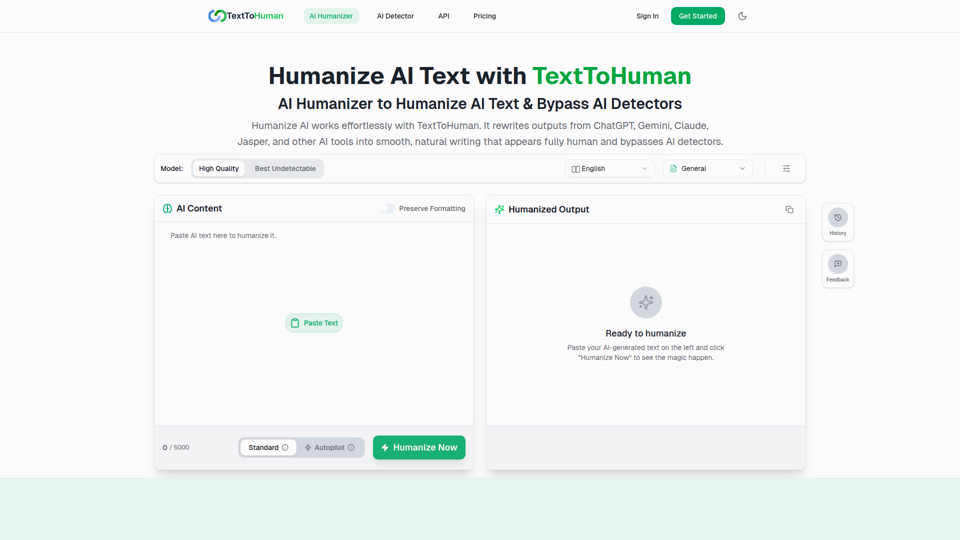
TextToHuman is a free web-based AI humanizer that rewrites AI-generated text into more natural, human-like writing for content creators, marketers, students, and professionals using tools like ChatGPT, Gemini, and Claude. For writers and marketing teams, it can speed up editing AI drafts while helping preserve tone, clarity, formatting, and SEO keywords across multilingual content.
ThinkInPublic — Publish your ChatGPT thoughts as blog posts
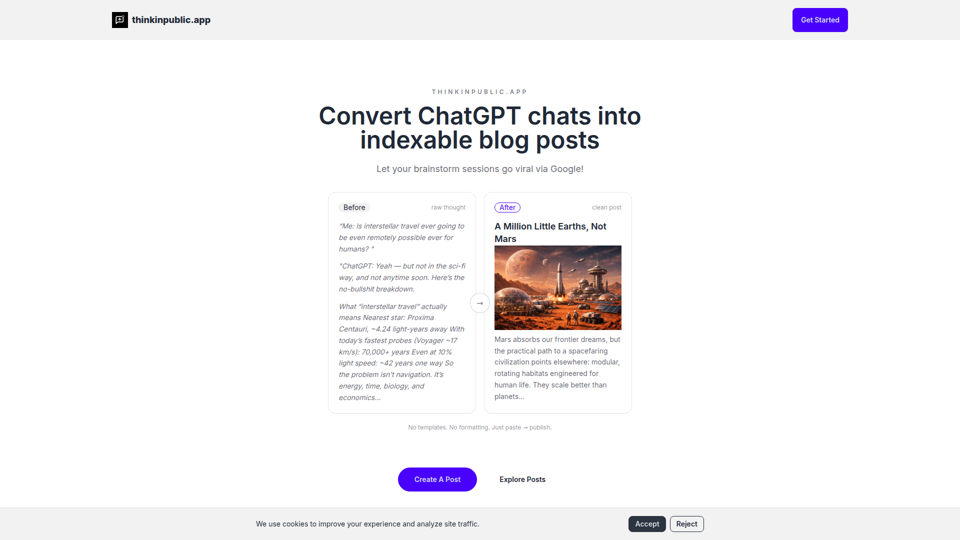
ThinkInPublic is a publishing tool that turns ChatGPT conversations, notes, and rough drafts into structured, indexable blog posts with public, unlisted, or private visibility, mainly for people who think a lot but do not want to spend time polishing essays. For founders, independent writers, and knowledge workers, it can shorten the path from AI-assisted thinking to searchable public content that supports ongoing expertise-building.
Moonbeam - Never write from scratch again.
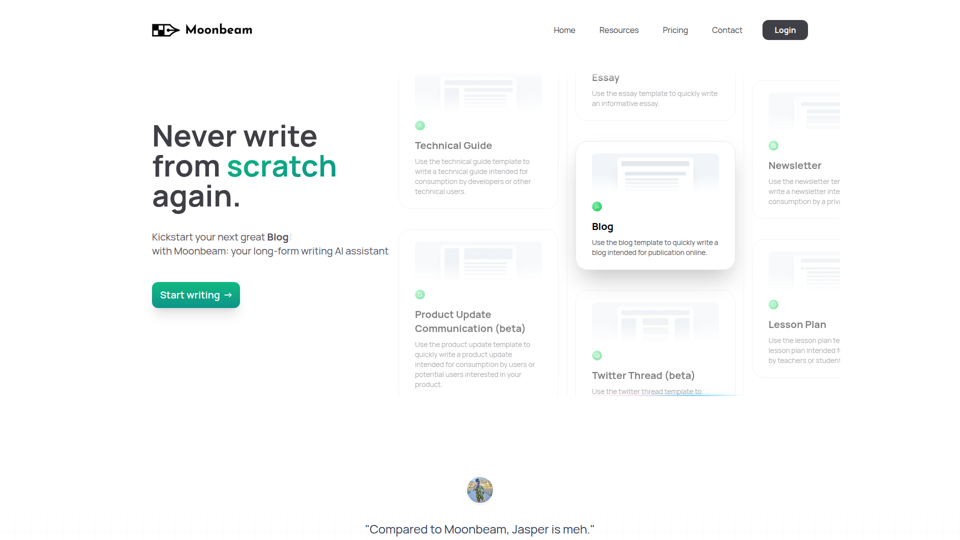
Moonbeam is an AI long-form writing assistant that helps users turn notes or prompts into outlines, drafts, and edits for blogs, essays, guides, newsletters, and similar content, mainly for writers, marketers, educators, and technical content creators. In AI-assisted content workflows, it can help these professionals speed up first drafts and structure development while keeping collaboration and revision inside one editor.
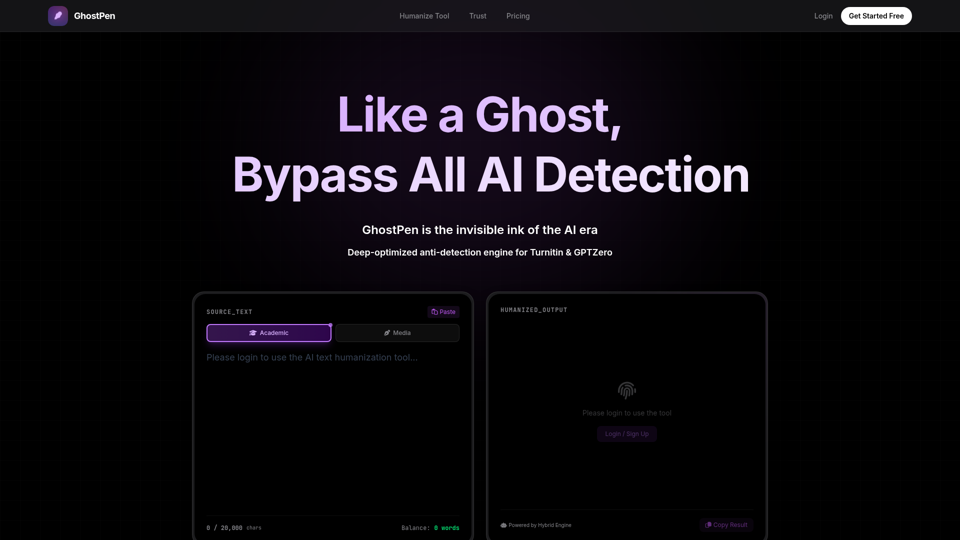
GhostPen - The Invisible Ink for AI Writing | Bypass Turnitin & GPTZero
GhostPen is an AI text humanizer that rewrites AI-generated drafts to read more like human writing and reduce detection by tools such as Turnitin, GPTZero, and Originality.ai, mainly for students and writers. For academic writing, freelance content, and similar text-heavy roles, it can help refine syntax and tone while preserving the original meaning of AI-assisted drafts.
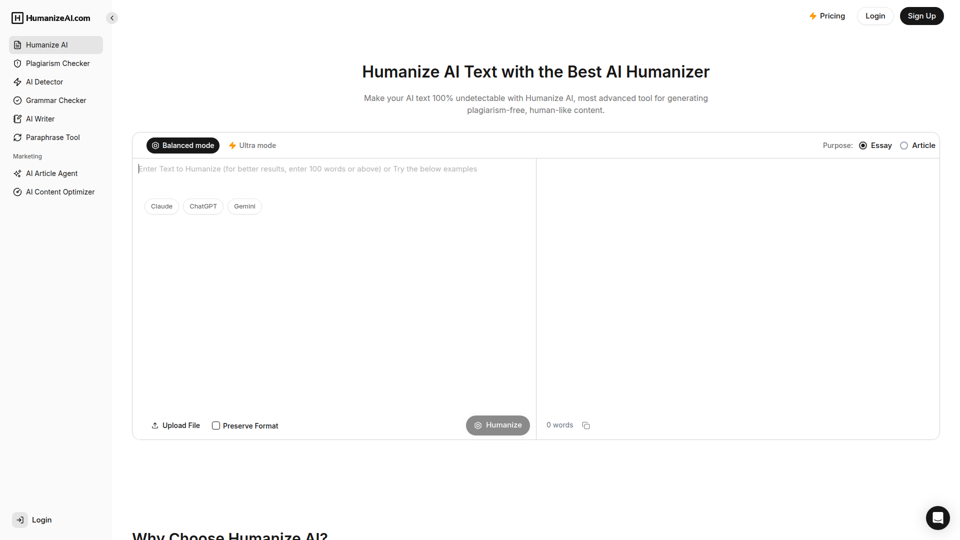
Humanize AI - Free AI Humanizer to Bypass AI Detectors
Humanize AI is a text rewriting tool that helps users turn AI-generated writing into more natural-sounding text and check it with related tools like AI detection, plagiarism, grammar, and paraphrasing, mainly for students, writers, marketers, and SEO professionals. In AI-assisted writing workflows, it can help content and academic teams quickly refine drafts for readability and tone before publication or submission.
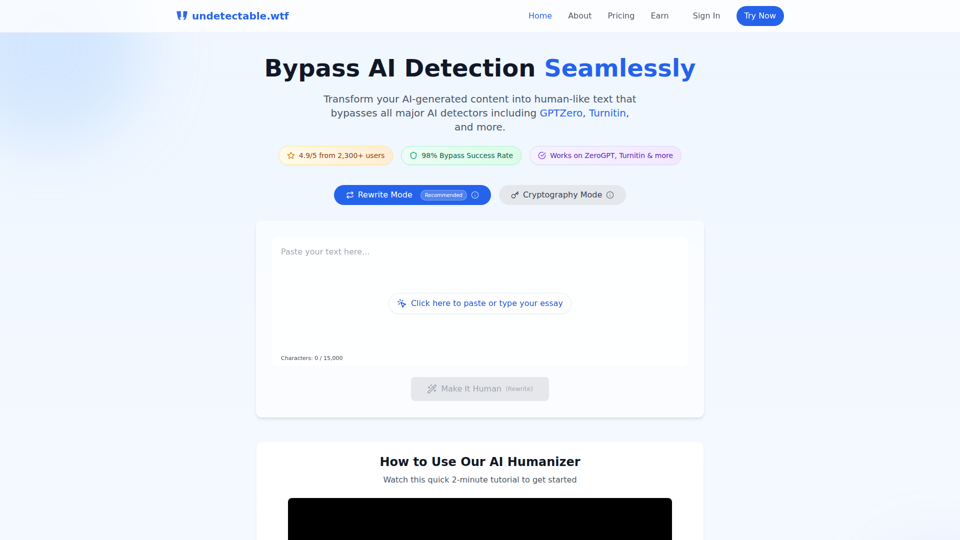
Undetectable AI: Bypass GPTZero & Turnitin Free | 98% Success Rate | Undetectable.wtf
Undetectable AI is an AI text humanizer that helps users rewrite AI-generated writing or alter it through a cryptography mode to reduce detection by tools like GPTZero and Turnitin, mainly for students and other people submitting written work. For students, researchers, and content writers, it reflects a growing need to adapt AI-assisted drafts so they read more naturally and align better with human review and detector-based screening.
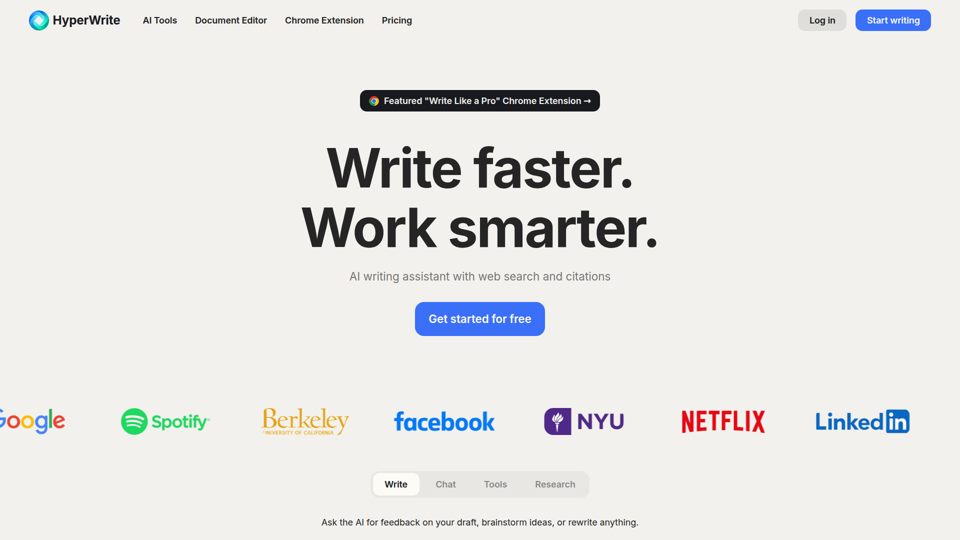
HyperWrite | AI Writing Assistant
HyperWrite is an AI writing assistant and document editor with chat, web research, citations, sentence completions, and many writing tools that help professionals and students draft, rewrite, summarize, and respond faster. For writers, marketers, researchers, and email-heavy roles, it can reduce routine drafting and research time while keeping work more context-aware and citation-supported.
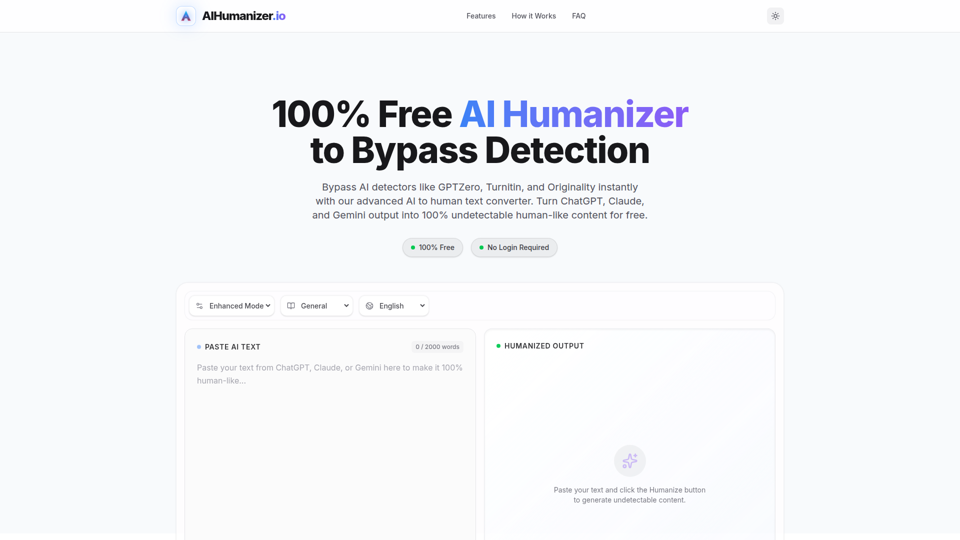
AI Humanizer: Best Free Tool to Humanize AI Text
AIHumanizer.io is a free AI text humanizer that rewrites AI-generated writing to sound more natural and human-like, mainly for students, marketers, and bloggers who want to reduce AI-detection signals. In AI-assisted writing workflows, it can help content and academic writing roles quickly refine draft tone and sentence variation while keeping the original meaning more intact.