
SonicCaption – Real-time subtitles & translation for any video
Rate this Tool
Average Score
Total Votes
Select your score (1-10):
Detail Information
What
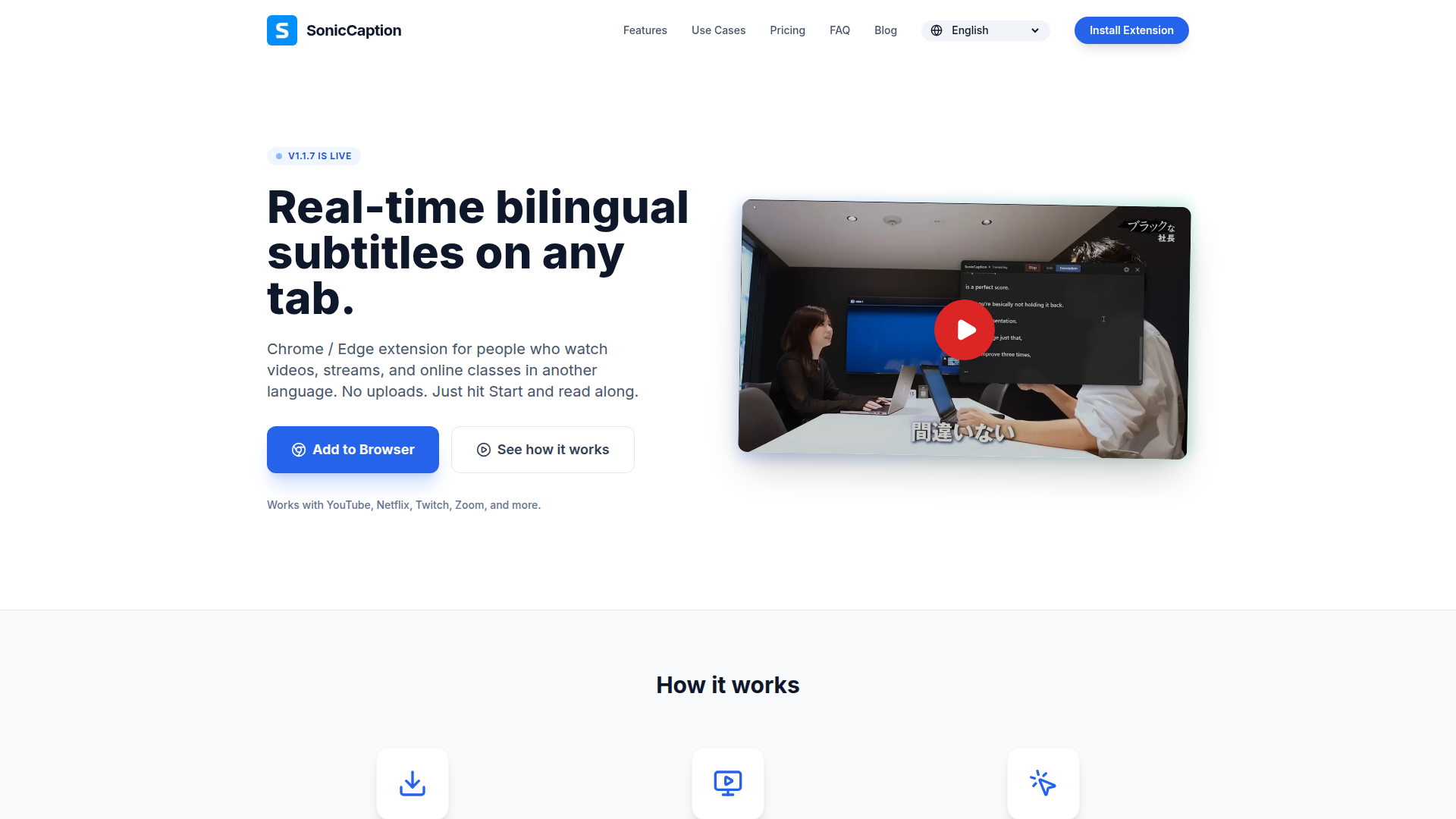
SonicCaption is a Chrome and Edge browser extension that adds real-time bilingual subtitles to videos, streams, meetings, and online classes playing in a browser tab. It is designed for people consuming audio in a language that is not their strongest, including language learners, remote workers, and online course participants.
The core workflow is simple: install the extension, open any tab with audio, choose languages, and start captions and translation directly in the browser. Based on the page, SonicCaption is positioned as a lightweight, browser-first tool for live comprehension support, with an emphasis on low latency, dual subtitles, and avoiding manual file uploads.
Features
- Real-time captions and translation — Generates subtitles and translated text while audio is playing, helping users follow live or on-demand content without waiting for post-processing.
- Dual-subtitle display — Shows the original language and translated text together, which is useful for comprehension and language learning at the same time.
- Works across browser-based video and meeting tabs — Supports common environments such as YouTube, Netflix, Twitch, Zoom, and Google Meet, with broader compatibility wherever audio plays in a tab.
- Low-latency subtitle delivery — The site states subtitles appear in about 0.5 seconds, making it practical for live streams and real-time meetings.
- No manual uploads or exports — Operates directly in the browser so users can start captioning without preparing files or transcripts.
- Privacy-aware processing model — The page says audio stays in the tab and only text segments are processed, which suggests a design intended to reduce unnecessary audio handling.
Helpful Tips
- Validate language coverage early — The FAQ indicates language support exists but the provided page does not list supported languages, so teams should confirm required source and target languages before adoption.
- Assess usage by minute limits — Plans are structured around monthly hours, so buyers should estimate meeting, class, and streaming time to avoid under-sizing.
- Test in actual browser workflows — Since the product depends on tab-based audio playback, it is best evaluated in the same browser environments and conferencing setups users rely on daily.
- Use dual subtitles selectively — Showing both source and translation can improve comprehension and learning, but in fast meetings some users may prefer simpler on-screen layouts if cognitive load becomes an issue.
- Check performance on live content first — The low-latency claim is promising for streams and meetings, but real-world quality should be validated under typical network, accent, and audio conditions.
OpenClaw Skills
SonicCaption could fit well into the OpenClaw ecosystem as a source layer for multilingual understanding workflows. A likely use case would be an OpenClaw skill that captures subtitle text generated during browser-based meetings, webinars, or training sessions, then routes that text into downstream agents for summarization, glossary building, action-item extraction, or study-note generation. The website does not mention a native OpenClaw integration, so this should be treated as a workflow opportunity rather than a confirmed capability.
For language learning, research, and global collaboration, OpenClaw agents built around SonicCaption could likely help transform passive viewing into structured knowledge work. Examples include an agent that turns bilingual subtitle streams into flashcards, a meeting assistant that produces translated recaps from caption text, or a learning workflow that identifies repeated terms across classes and videos. In professions such as international education, distributed teams, and multilingual customer operations, that combination could reduce language friction and make live content more searchable, reviewable, and actionable.
Embed Code
Share this AI tool on your website or blog by copying and pasting the code below. The embedded widget will automatically update with the latest information.
<iframe src="https://aimyflow.com/ai/soniccaption-com/embed" width="100%" height="400" frameborder="0"></iframe>
Explore Similar Tools

Quizgecko | AI Question Generator | Make a Test
Quizgecko is an AI question generator that helps users turn text into quizzes and tests in seconds, mainly for teachers, trainers, and learners creating assessments. It cuts assessment authoring time so educators can focus more on instruction and learning outcomes.
Study Fetch | The Top AI Learning Platform
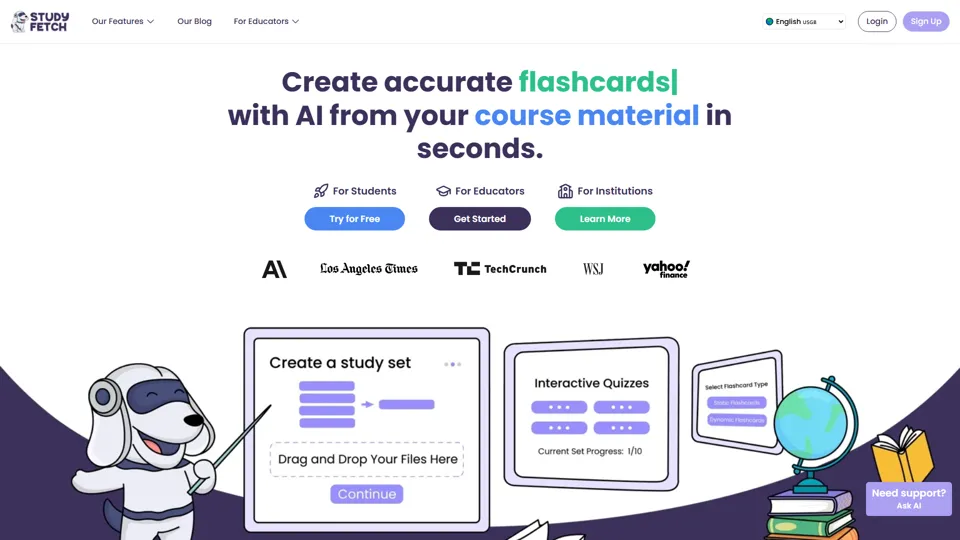
Study Fetch is an AI learning platform that turns class materials like lectures, notes, and slides into flashcards, quizzes, tests, and tutoring support, mainly for students. In the AI era, it helps learners convert passive materials into active study formats that improve retention and review efficiency.

TurboScribe: Transcribe Audio and Video to Text
TurboScribe is an AI transcription service that helps users turn audio and video into text and subtitles quickly, mainly for creators, researchers, and business teams. In the AI era, high-volume transcription lets content and operations roles process spoken information at scale with minimal manual effort.
Gradescope
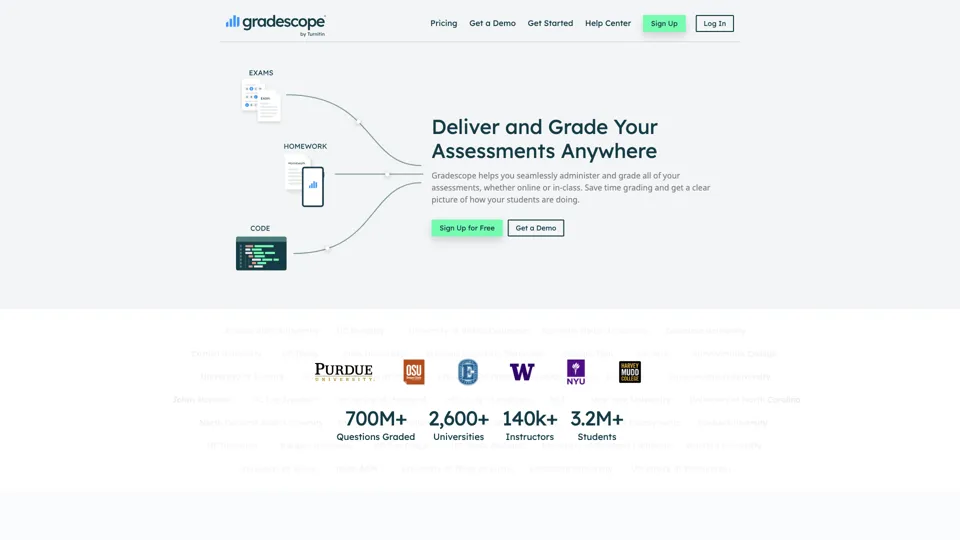
Gradescope is an assessment and grading platform that helps educators grade paper-based assignments more efficiently while analyzing student understanding at scale. It reduces repetitive grading work for instructors and surfaces learning patterns that support better teaching decisions.
Eduaide.Ai: Instruction by Design
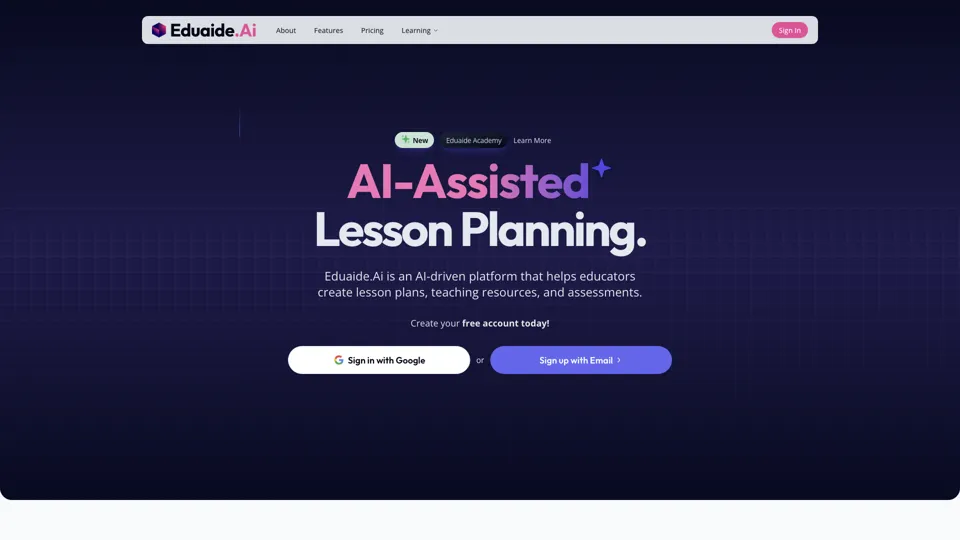
Eduaide.AI is an AI teaching platform that helps educators create lesson plans, instructional materials, and assessments more efficiently. In the AI era, it reduces administrative planning time so teachers can focus more on instruction and student support.

TeacherDashboard.ai - AI 👩🏫 Tools to Save Hours on Admin Tasks
TeacherDashboard.ai is an AI education assistant that helps teachers generate rubrics, mark assignments, and write personalized report comments faster. In the AI era, it reduces repetitive admin work so educators can spend more time on instruction, feedback quality, and student support.
Coschool - Ai Assistant for Teachers
Coschool is an AI assistant for teachers that helps create lesson plans, improve student engagement, and surface teaching techniques, mainly for educators and classroom instructors. In the AI era, it reduces prep time so teachers can spend more energy on instruction and individual student support.
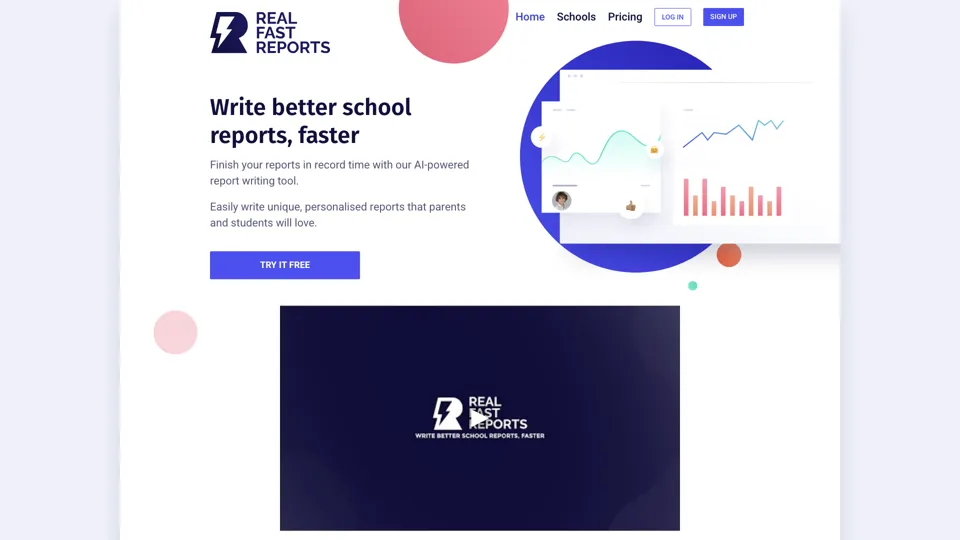
AI-Powered School Report Writer - Fast, Accurate Report Generation
Real Fast Reports is an AI school report writer that helps users generate personalized student reports quickly, mainly for teachers and school staff handling repetitive reporting. It reduces administrative writing time, giving educators more capacity for teaching and student support.