
Raccoon AI: Collaborative AI for Anything
Rate this Tool
Average Score
Total Votes
Select your score (1-10):
Detail Information
What
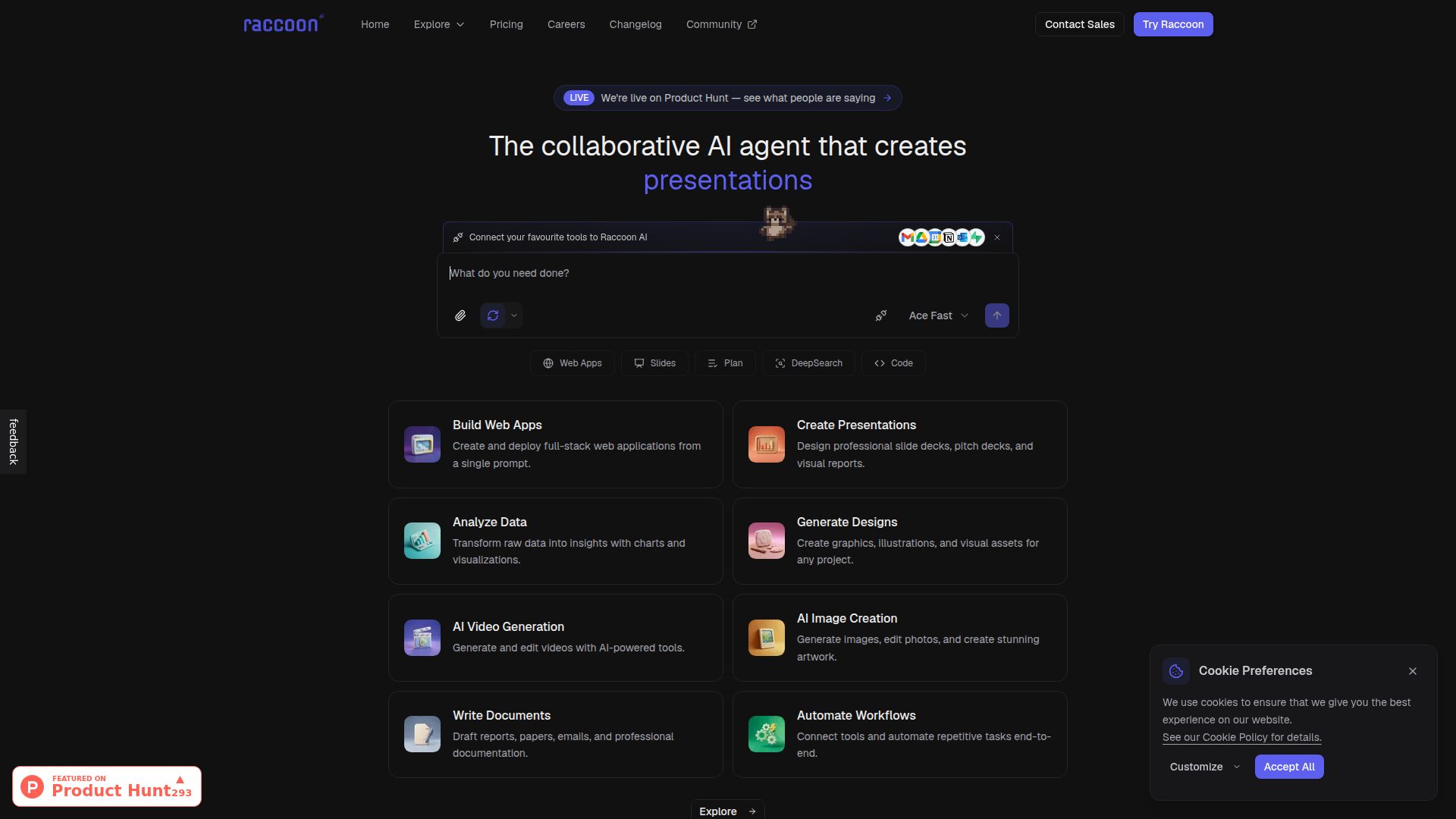
Raccoon AI is a general-purpose collaborative AI agent designed to turn a single prompt into working outputs across multiple formats. Based on the page, it can create web apps, presentations, reports, designs, images, videos, documents, and automated workflows, while also using uploaded files and connected tools as context.
It appears to serve professionals and teams that need one AI workspace for creation, analysis, and execution rather than separate point solutions for each task. Its positioning is likely a broad, multi-modal AI productivity platform with collaborative workflow support, though the page provides limited detail on governance, team controls, or deeper enterprise functionality.
Features
- Web app creation and deployment: Raccoon AI can create and deploy full-stack web applications from a single prompt, which may reduce the effort needed to move from idea to a live URL.
- Presentation generation: It designs slide decks, pitch decks, and visual reports, helping users produce presentation materials without starting from a blank canvas.
- Data analysis with visuals: The platform turns raw data into insights with charts and visualizations, making analytical outputs easier to review and share.
- Design, image, and video generation: It supports graphics, illustrations, image editing, video generation, and video editing, which broadens its usefulness for creative and marketing workflows.
- Document drafting: Raccoon AI can draft reports, papers, emails, and other professional documents, supporting common business writing tasks.
- Tool connections and workflow automation: Users can add spreadsheets, images, and documents, and enable connectors such as Gmail or Google Calendar to help automate tasks across tools.
Helpful Tips
- Validate depth by workflow, not category count: Because the product spans many use cases, evaluate the specific workflow you care about most, such as app building, slide creation, or automation, rather than assuming equal maturity across all modules.
- Test with real source materials: Since the platform emphasizes uploaded context and connectors, use your own spreadsheets, documents, and calendars during evaluation to see how well it handles realistic inputs.
- Review collaboration and control needs early: The page describes the product as collaborative, but it does not provide detail on permissions, approvals, or auditability, so teams should confirm those requirements directly.
- Check deployment expectations for generated apps: “Create and deploy” is a strong promise, but implementation details are not shown on the page, so buyers should verify hosting model, editability, and maintenance workflow.
- Compare it to point tools on output quality and iteration speed: A broad AI workspace can be efficient if it reduces tool switching, but the decision should depend on whether outputs are good enough for production use in your specific function.
OpenClaw Skills
Raccoon AI could fit well into the OpenClaw ecosystem as an execution layer for multi-step content, research, and build workflows. Likely OpenClaw skills could include a brief-to-deck agent that gathers source files and prompts Raccoon to produce presentations, a dataset-to-report agent that prepares structured analysis requests, or a prompt-to-app workflow that routes approved requirements into Raccoon for rapid prototype generation. These are likely use cases rather than confirmed native integrations, since the page mentions connectors and an API docs link but does not detail external orchestration support.
In practice, this combination could be valuable for consulting, marketing, product, operations, and internal enablement teams. OpenClaw agents could manage intake, approvals, context assembly, and downstream routing, while Raccoon AI handles the actual generation of slides, documents, visuals, or apps. That could shift work from fragmented manual production toward orchestrated AI-assisted delivery, especially in environments where a single request often leads to several output types across different tools.
Embed Code
Share this AI tool on your website or blog by copying and pasting the code below. The embedded widget will automatically update with the latest information.
<iframe src="https://aimyflow.com/ai/raccoonai-tech/embed" width="100%" height="400" frameborder="0"></iframe>
Explore Similar Tools
Governed Data Access for AI Agents | Secure MCP Tools
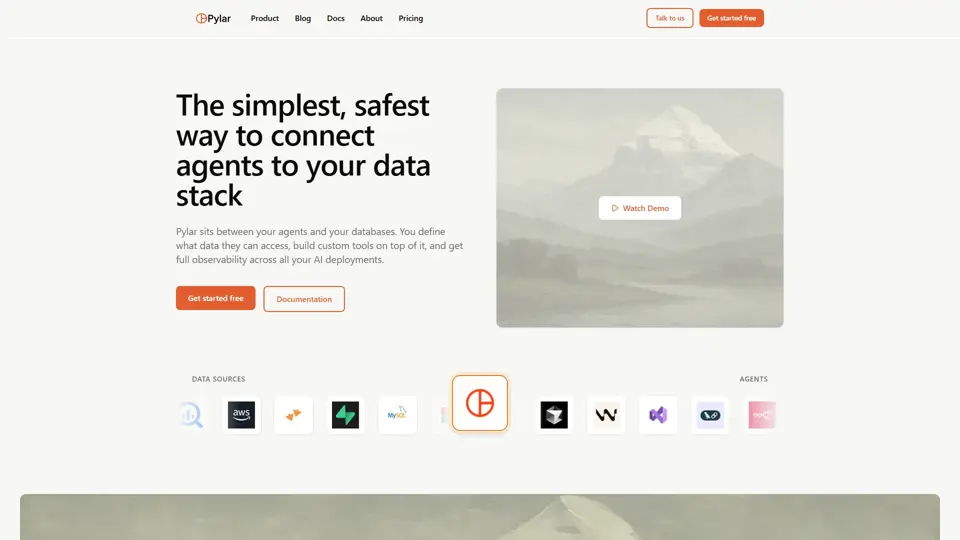
Pylar is a governed data access platform that helps users give AI agents secure access to structured data through controlled SQL views and MCP tools, mainly for data and engineering teams. It lets developers operationalize AI safely by balancing agent capability with governance and access control.
The Context Company | Understand User Behavior In Your AI Agents
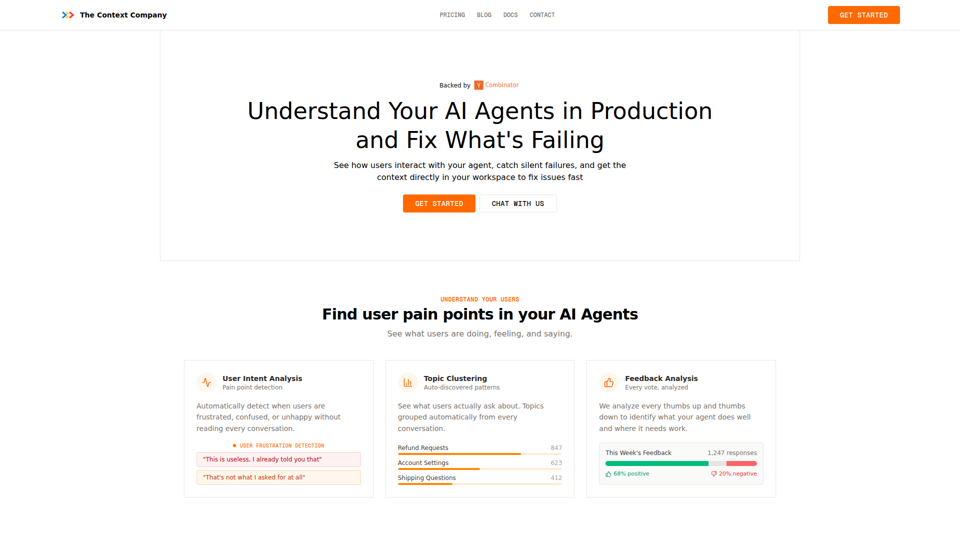
The Context Company is an observability and user behavior analysis tool for AI agents that helps teams monitor production conversations, detect frustration and silent failures, cluster topics, and review feedback, mainly for developers and product teams shipping AI agents. In AI workflows, it can help engineering, support, and product functions prioritize fixes faster by surfacing hidden failure patterns and real user pain points directly from agent runs.
AI App Builder | Vibe Code Apps & Websites with AI, Fast
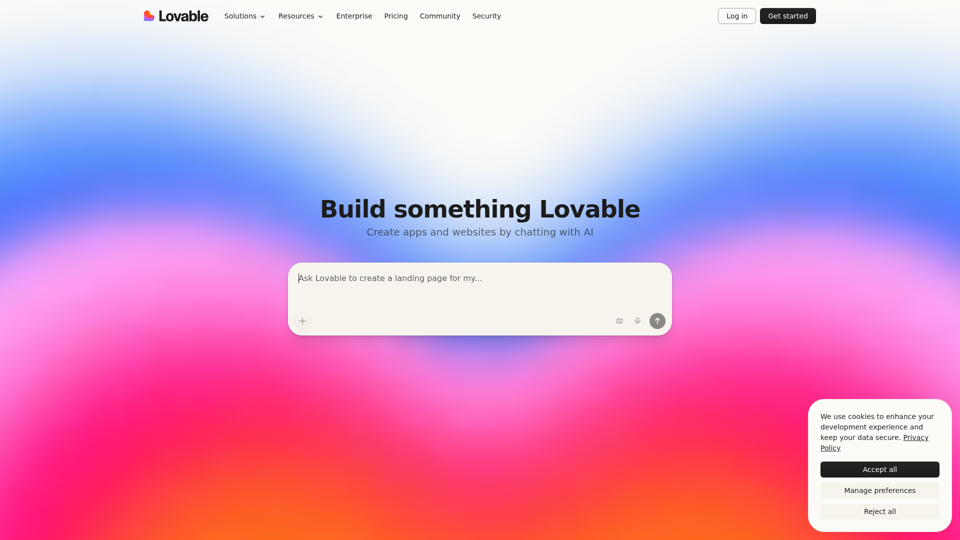
Lovable is an AI app builder that helps users create apps, websites, and digital products by describing ideas in chat, refining prototypes, and deploying them quickly, mainly for founders, product managers, designers, and marketers. In AI-driven product work, it can help these teams turn early concepts, screenshots, and feedback into working prototypes faster, reducing handoff delays between planning, design, and launch.
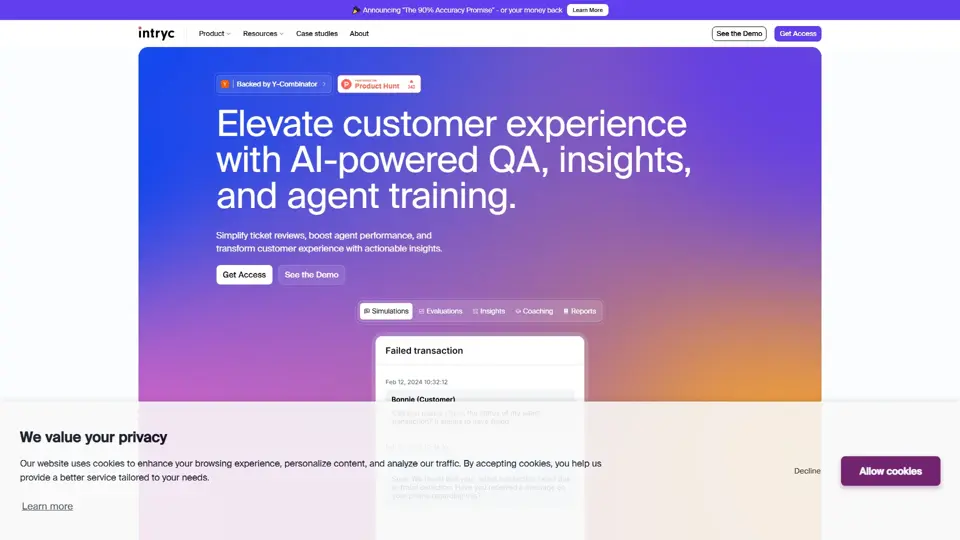
Intryc - Elevate your Customer Experience
Intryc is a customer experience platform that helps teams review support tickets, improve agent performance, and uncover actionable service insights, mainly for support and CX leaders. It gives QA and support managers a faster way to coach teams and raise service quality at scale.
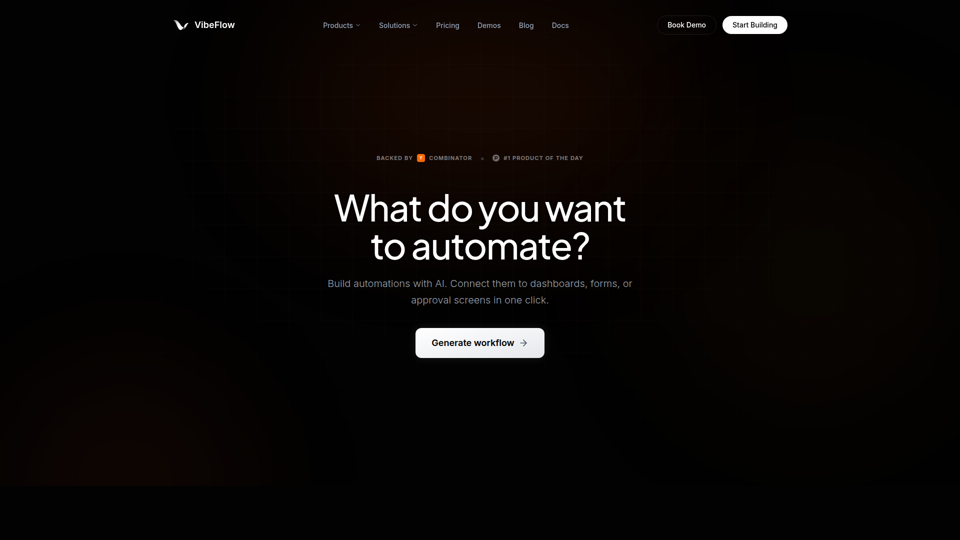
VibeFlow - AI Full-Stack App Builder with Visual Backends
VibeFlow is an AI full-stack app builder that helps users create backend automations, data pipelines, dashboards, forms, and customer-facing apps through prompts and visual workflows, mainly for developers, founders, operations teams, and non-technical teams. In AI-assisted product and operations work, its editable visual backends can help teams validate, adjust, and maintain application logic more reliably than opaque code generation alone.
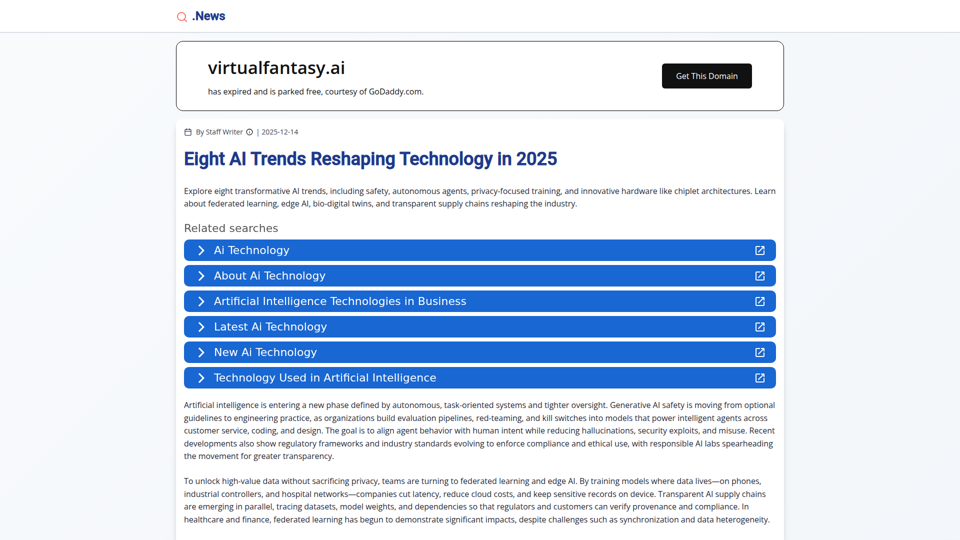
Eight AI Trends Reshaping Technology in 2025 | .News
This page is a news article outlining eight AI trends for 2025, helping technology professionals and business decision-makers understand developments such as AI safety, autonomous agents, federated learning, edge AI, and new hardware architectures. For product leaders, engineers, and compliance teams, this kind of trend overview can guide planning around safer deployment, privacy-preserving AI, and more efficient industry-specific systems.
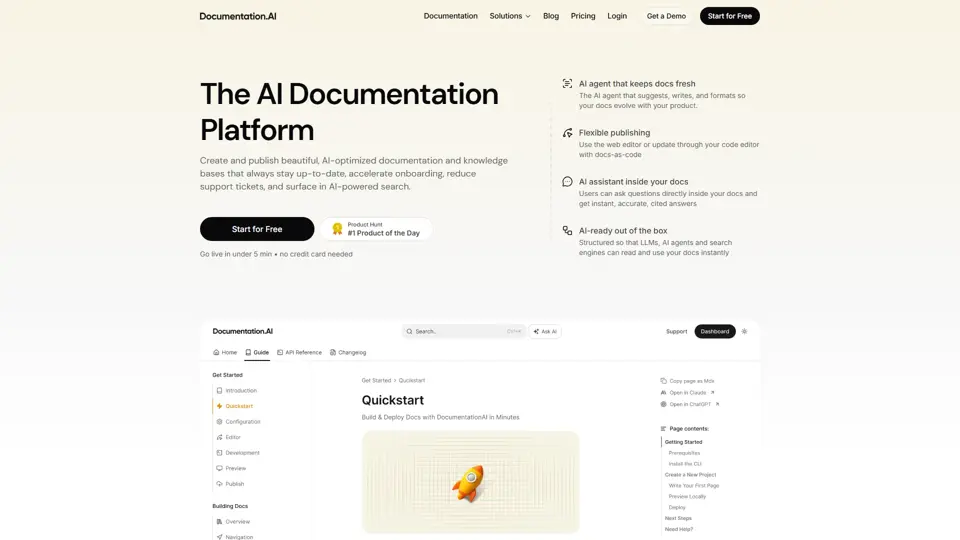
Documentation.AI – AI Documentation & Knowledge Base Software
Documentation.AI is an AI documentation and knowledge base platform that helps teams keep docs current, onboard users faster, and reduce support volume. In the AI era, it improves how support and product teams maintain institutional knowledge without constant manual rewriting.
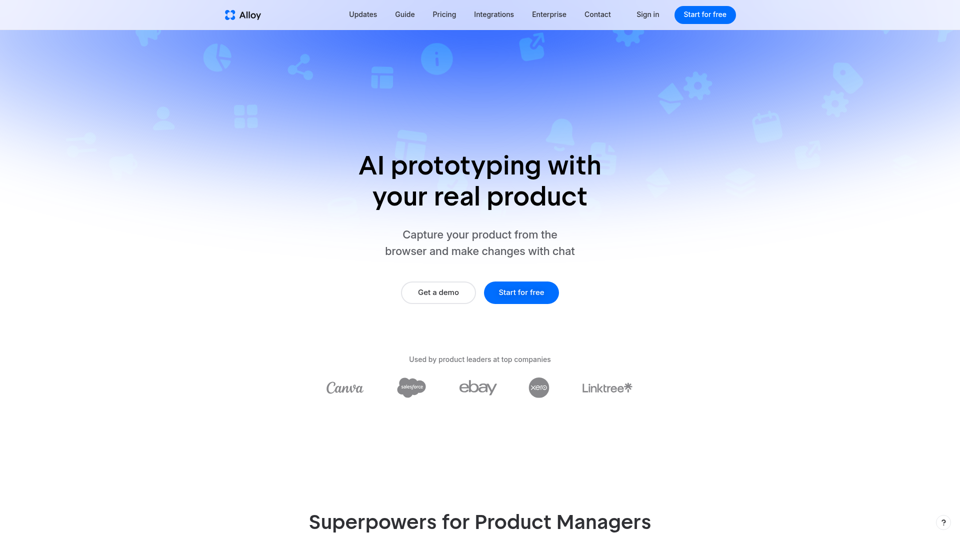
Alloy · AI prototyping with your real product
Alloy is an AI prototyping tool that captures pages from a real web app and lets product managers create interactive, on-brand prototypes with chat, mainly for professional product teams. By turning product ideas, customer requests, and team feedback into realistic prototypes quickly, it can help product managers and designers align faster and reduce time spent on manual mockups.