
WorkPPT: AI Presentations, Summarizer, Chat, PDF & More
Rate this Tool
Average Score
Total Votes
Select your score (1-10):
Detail Information
What
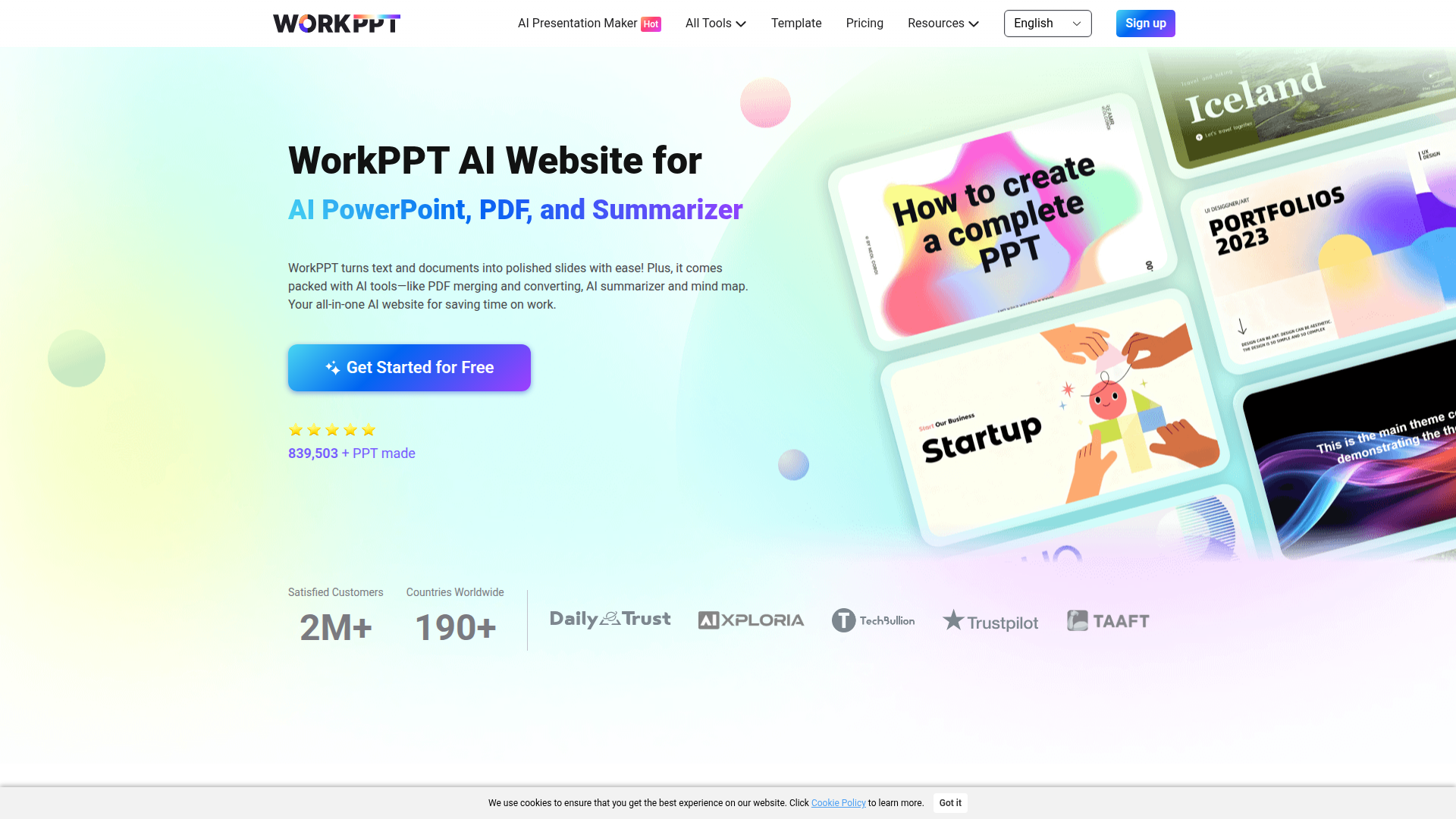
WorkPPT is a browser-based AI productivity platform centered on presentation creation, with additional tools for PDF handling, summarization, chat, and mind mapping. Its main workflow is turning text prompts or uploaded files such as Word, Excel, PDF, and images into formatted slide decks, then letting users edit and export them as PowerPoint files or PDFs.
The product appears to target professionals, students, teachers, and teams that regularly prepare presentations or process documents. Based on the page, its positioning is an all-in-one AI work utility with AI PowerPoint generation as the flagship feature and adjacent tools designed to reduce manual formatting, reading, and document conversion work.
Features
- AI presentation generation from text or topics — Users can enter a prompt or subject and generate a presentation draft quickly, reducing time spent on structuring slides from scratch.
- File-to-PPT conversion — WorkPPT can convert Word, Excel, PDF, and image files into presentations, which is useful when existing source material needs to be repurposed into slide format.
- Template-based slide design — The platform includes 5,000+ presentation templates across categories such as education, sales, marketing, and business to speed up design selection and editing.
- Automatic content extraction and layouting — The site states that AI extracts key information and applies smart formatting, helping users turn long or mixed-format inputs into cleaner slide narratives.
- PDF utility toolkit — PDF merge, split, image/PDF conversion, watermarking, and stamping support common document-preparation tasks without requiring a separate tool.
- AI summarizer, chat, and mind map tools — These tools help condense long documents, generate or refine text, and organize ideas visually for planning and presentation prep.
Helpful Tips
- Validate AI-generated content before presenting — For presentations built from prompts or uploaded files, review factual accuracy, slide hierarchy, and terminology, especially for technical or client-facing material.
- Test file conversion on representative documents — If file-to-PPT is a key buying factor, try complex spreadsheets, dense PDFs, and image-heavy documents to see how well the structure carries over.
- Treat templates as a starting point, not a finished brand system — The page confirms templates are customizable, so teams with strict brand standards should plan for editing colors, layouts, and messaging.
- Assess whether the extra tools fit your real workflow — The broader value of WorkPPT depends on whether your team also needs PDF utilities, summarization, and mind mapping rather than only slide generation.
- Clarify collaboration needs early — The page emphasizes creation and editing, but it does not clearly document advanced team workflow controls, so shared-use environments should verify that separately.
OpenClaw Skills
WorkPPT could likely fit well into OpenClaw workflows that automate research-to-presentation pipelines. An OpenClaw skill could gather source documents, summarize them, extract key points, generate a draft outline, and then pass the result into WorkPPT for slide creation. Another likely use case is an agent that converts recurring business materials such as reports, lesson plans, project updates, or sales notes into standardized deck drafts.
Within the OpenClaw ecosystem, this could support agents for meeting prep, training content generation, proposal packaging, or executive briefing creation. If native integration is not stated by the source page, this should be treated as a likely workflow design rather than a confirmed capability. Even so, combining OpenClaw orchestration with WorkPPT’s slide, PDF, and summarization functions could materially reduce manual preparation work for educators, marketers, analysts, consultants, and internal operations teams.
Embed Code
Share this AI tool on your website or blog by copying and pasting the code below. The embedded widget will automatically update with the latest information.
<iframe src="https://aimyflow.com/ai/ppt-softtooler-com/embed" width="100%" height="400" frameborder="0"></iframe>
Explore Similar Tools

Quizgecko | AI Question Generator | Make a Test
Quizgecko is an AI question generator that helps users turn text into quizzes and tests in seconds, mainly for teachers, trainers, and learners creating assessments. It cuts assessment authoring time so educators can focus more on instruction and learning outcomes.
Study Fetch | The Top AI Learning Platform
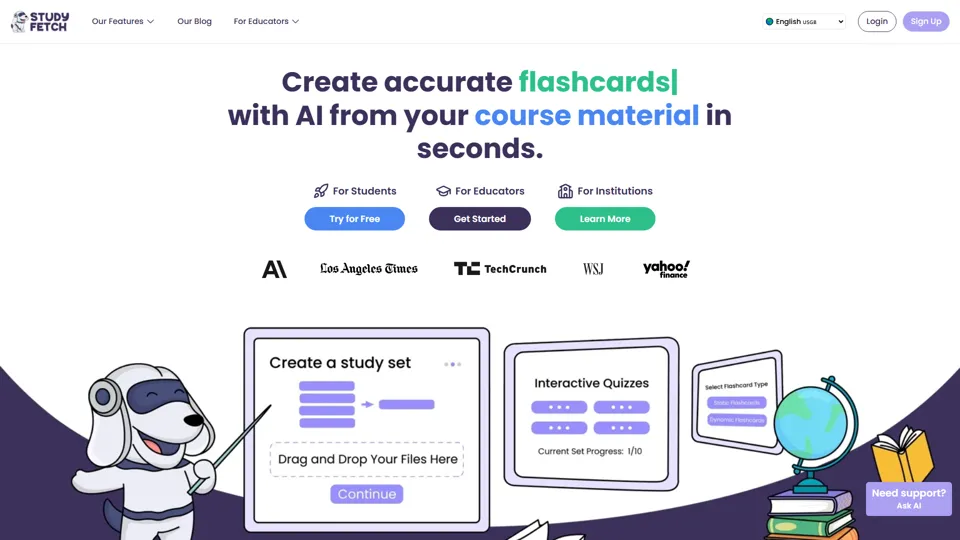
Study Fetch is an AI learning platform that turns class materials like lectures, notes, and slides into flashcards, quizzes, tests, and tutoring support, mainly for students. In the AI era, it helps learners convert passive materials into active study formats that improve retention and review efficiency.

TurboScribe: Transcribe Audio and Video to Text
TurboScribe is an AI transcription service that helps users turn audio and video into text and subtitles quickly, mainly for creators, researchers, and business teams. In the AI era, high-volume transcription lets content and operations roles process spoken information at scale with minimal manual effort.
Gradescope
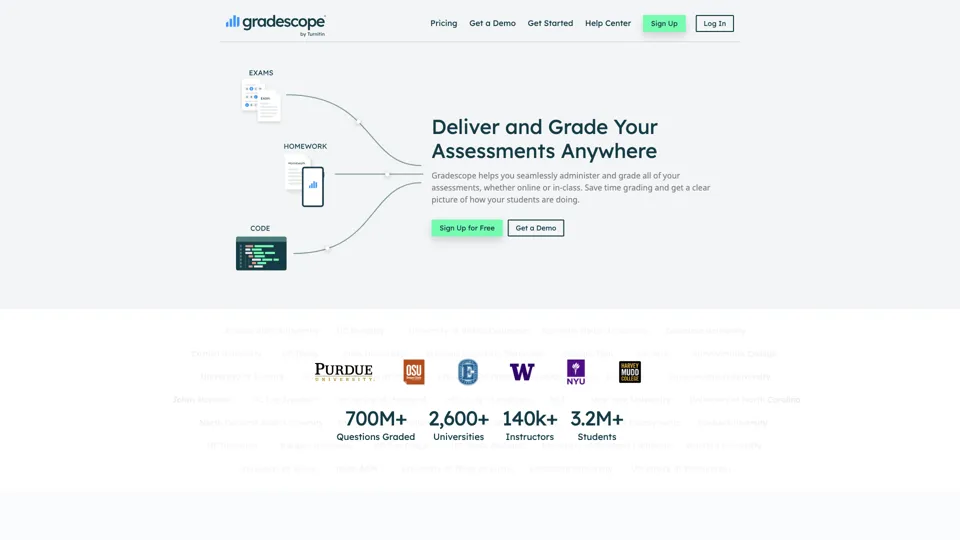
Gradescope is an assessment and grading platform that helps educators grade paper-based assignments more efficiently while analyzing student understanding at scale. It reduces repetitive grading work for instructors and surfaces learning patterns that support better teaching decisions.
Eduaide.Ai: Instruction by Design
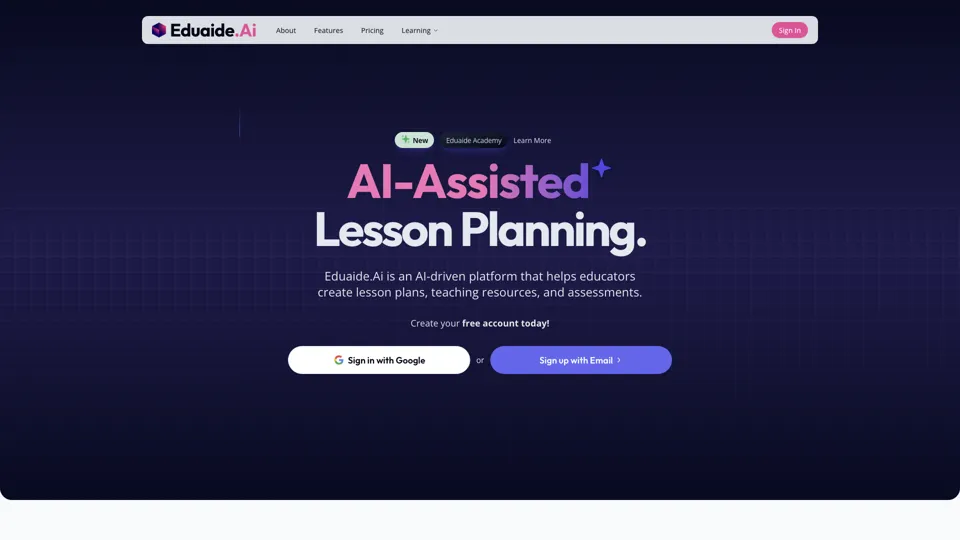
Eduaide.AI is an AI teaching platform that helps educators create lesson plans, instructional materials, and assessments more efficiently. In the AI era, it reduces administrative planning time so teachers can focus more on instruction and student support.

TeacherDashboard.ai - AI 👩🏫 Tools to Save Hours on Admin Tasks
TeacherDashboard.ai is an AI education assistant that helps teachers generate rubrics, mark assignments, and write personalized report comments faster. In the AI era, it reduces repetitive admin work so educators can spend more time on instruction, feedback quality, and student support.
Coschool - Ai Assistant for Teachers
Coschool is an AI assistant for teachers that helps create lesson plans, improve student engagement, and surface teaching techniques, mainly for educators and classroom instructors. In the AI era, it reduces prep time so teachers can spend more energy on instruction and individual student support.
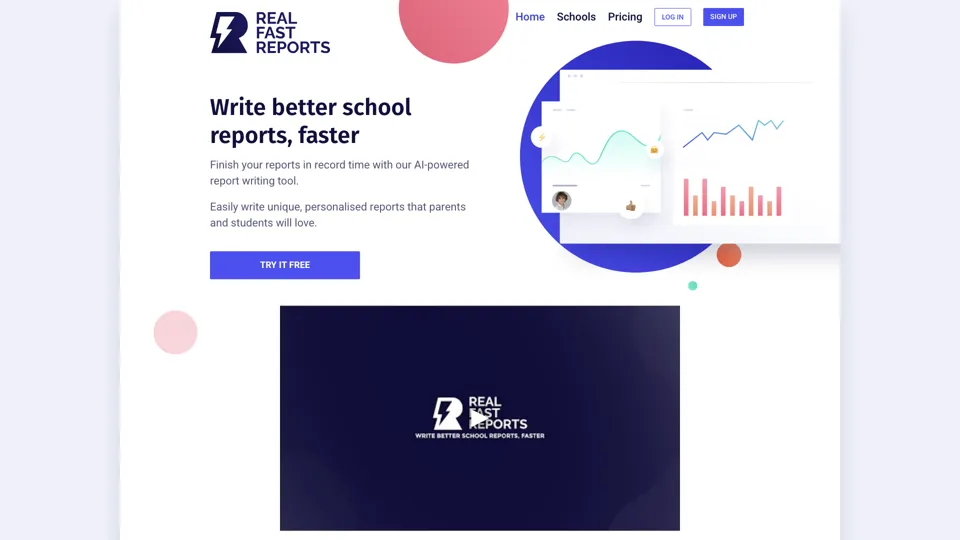
AI-Powered School Report Writer - Fast, Accurate Report Generation
Real Fast Reports is an AI school report writer that helps users generate personalized student reports quickly, mainly for teachers and school staff handling repetitive reporting. It reduces administrative writing time, giving educators more capacity for teaching and student support.