
PPT AI - AI Presentation Maker, Fast and Easy | PPT.AI
Rate this Tool
Average Score
Total Votes
Select your score (1-10):
Detail Information
What
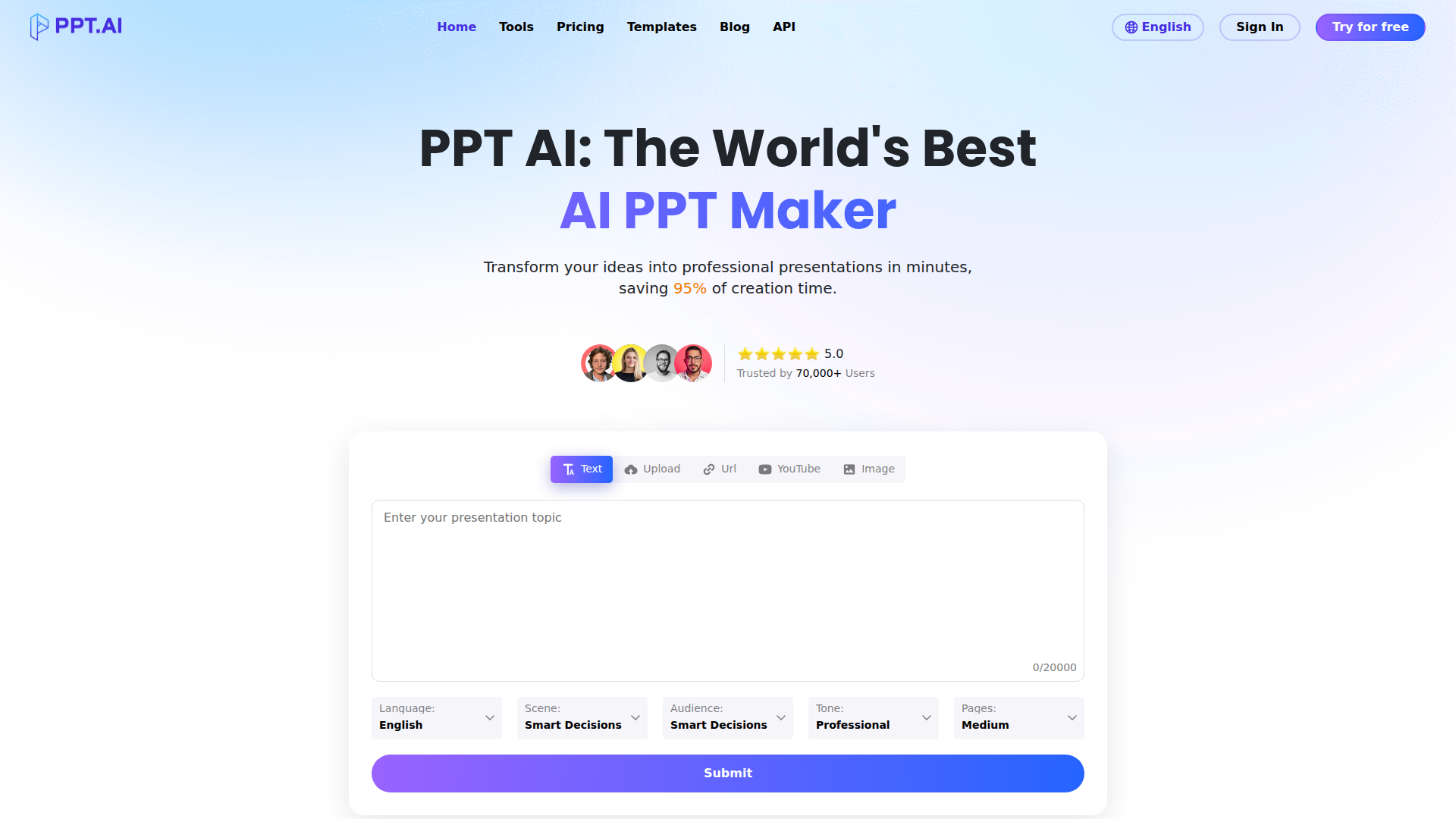
PPT.AI is an AI presentation maker that converts source material into slide decks. Based on the page, users can start from text prompts, uploaded files, URLs, YouTube videos, or images, then generate a structured presentation with selectable language, scene, audience, tone, and length settings.
The product appears to serve business, education, and general knowledge-work use cases where people need presentations quickly without building slides manually. Its positioning is a fast, template-driven presentation generation tool with online editing, broad input support, multilingual output, and export to PowerPoint-compatible formats.
Features
- Multi-source presentation generation: Creates presentations from text, documents, PDFs, webpages, videos, and images, which helps users turn existing content into slides without rebuilding material manually.
- Configurable generation controls: Lets users define language, use case scene, audience, tone, and deck length so the output can better match the communication context.
- Template-based slide design: Includes professional templates and design recommendations to speed up formatting and improve visual consistency.
- AI content analysis engine: Uses multiple foundation models named on the page to analyze source content and structure presentation outlines and slides.
- Editing and export workflow: Provides built-in tools to adjust text, colors, images, layouts, and styles before downloading or presenting from the platform.
- Format support for input and output: Supports a wide range of upload formats for creation and exports to PPT, PPTX, and PDF, which is useful for teams working across common office file types.
Helpful Tips
- Test with representative source material: For AI slide generators, output quality usually depends on input clarity, so evaluate the product using real reports, briefs, or teaching materials rather than short sample text alone.
- Validate structure before styling: Check whether the generated outline, slide flow, and key claims are correct first; design polish is less important than content accuracy in business presentations.
- Match generation settings to the audience: The scene, audience, tone, and page-length controls are likely important levers for relevance, so teams should define internal defaults for common presentation types.
- Review source-to-slide fidelity carefully: When converting from PDFs, URLs, or videos, confirm that tables, citations, nuanced claims, and context have not been oversimplified or lost.
- Assess editing depth for team workflows: If multiple stakeholders revise decks, confirm whether the built-in editor is sufficient or whether most work will continue in exported PowerPoint files.
OpenClaw Skills
PPT.AI could likely fit into OpenClaw as a presentation-generation endpoint inside broader content operations workflows. Likely skills could include turning meeting notes into executive decks, converting research documents into board-ready summaries, transforming product briefs into sales presentations, or generating localized slide versions from one master source. The page mentions an API, but it does not describe integration details, so any OpenClaw connection should be treated as a likely workflow pattern rather than a confirmed native integration.
Within an OpenClaw ecosystem, agents could coordinate upstream research, outline generation, source validation, slide drafting, and downstream review routing around PPT.AI. For example, a marketing operations agent could collect campaign inputs, a messaging agent could adapt tone for different audiences, and a presentation agent could submit the package for deck generation and handoff. In consulting, enablement, education, and internal communications, that combination could reduce repetitive slide production and shift teams toward higher-value review, narrative refinement, and decision support.
Embed Code
Share this AI tool on your website or blog by copying and pasting the code below. The embedded widget will automatically update with the latest information.
<iframe src="https://aimyflow.com/ai/ppt-ai/embed" width="100%" height="400" frameborder="0"></iframe>
Explore Similar Tools
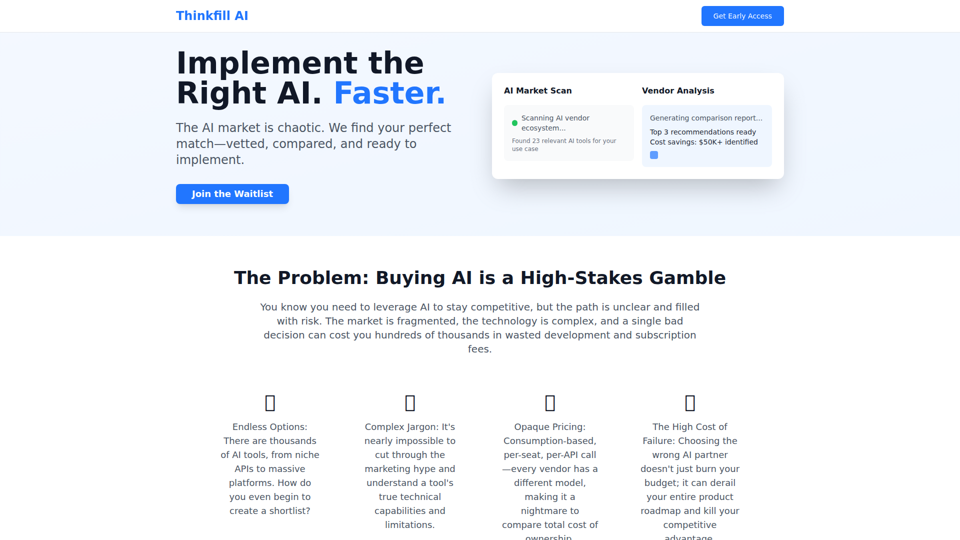
Thinkfill AI - Find Your Perfect AI Vendor
Cut through the AI chaos. We find, vet, and compare the best AI vendors for your exact needs. Get your Top 3 vetted recommendations in 10 days.
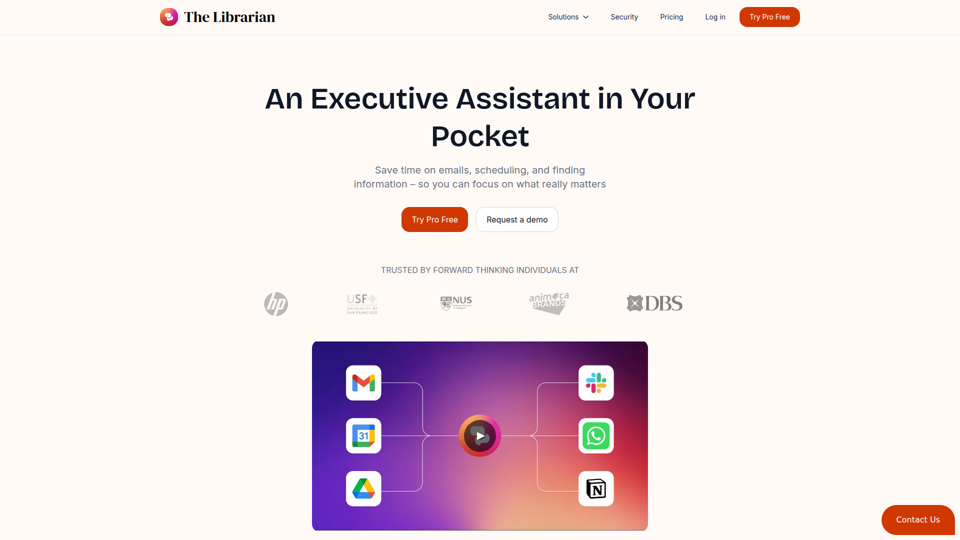
The Librarian - Supercharge your day with your own AI personal assistant
The Librarian is an AI personal assistant for busy Google Workspace professionals, helping them draft and summarize emails, manage calendars, and find documents across tools like Gmail, Google Calendar, and Drive. For executives, founders, and other time-constrained knowledge workers, it can reduce routine coordination and information retrieval work so they can focus more on decisions and priorities.
Wordware
Wordware is an AI context lab whose main product, Sauna, is an intelligent workspace and AI assistant that helps users reclaim deep work by handling busywork, learning their preferences, spotting patterns, and anticipating next steps, aimed mainly at knowledge workers. In AI-driven workflows, tools like Sauna can help professionals such as operators, founders, designers, and engineers preserve context across tasks so they can make faster, more informed decisions.
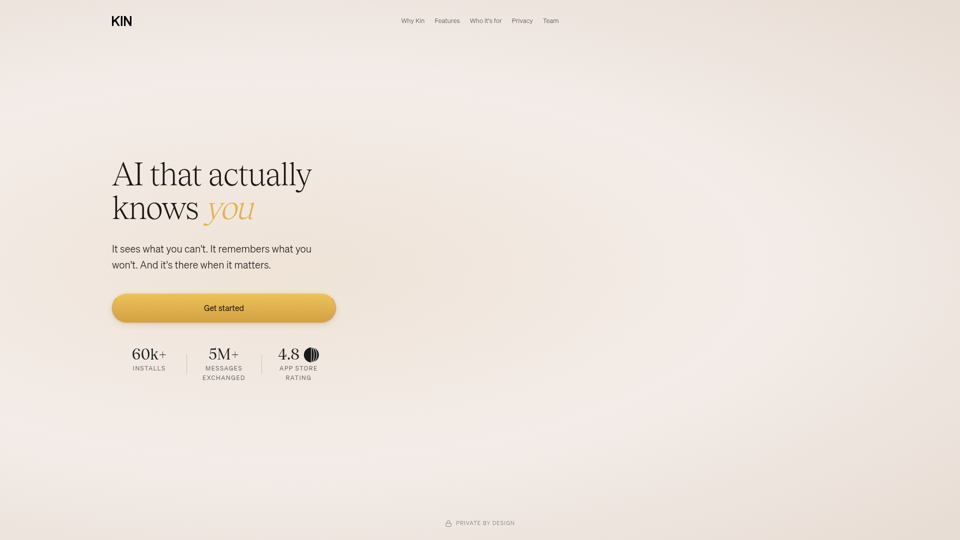
AI that actually knows you
Kin is a privacy-focused personal AI assistant and reflective coaching app that remembers context across conversations to help users think clearly, navigate decisions, and organize their lives, especially leaders, founders, parents, athletes, and neurodivergent people. In AI-enabled knowledge work, its persistent memory and guided reflection can help decision-makers and other high-responsibility professionals spot patterns, reduce mental overload, and make more informed choices over time.
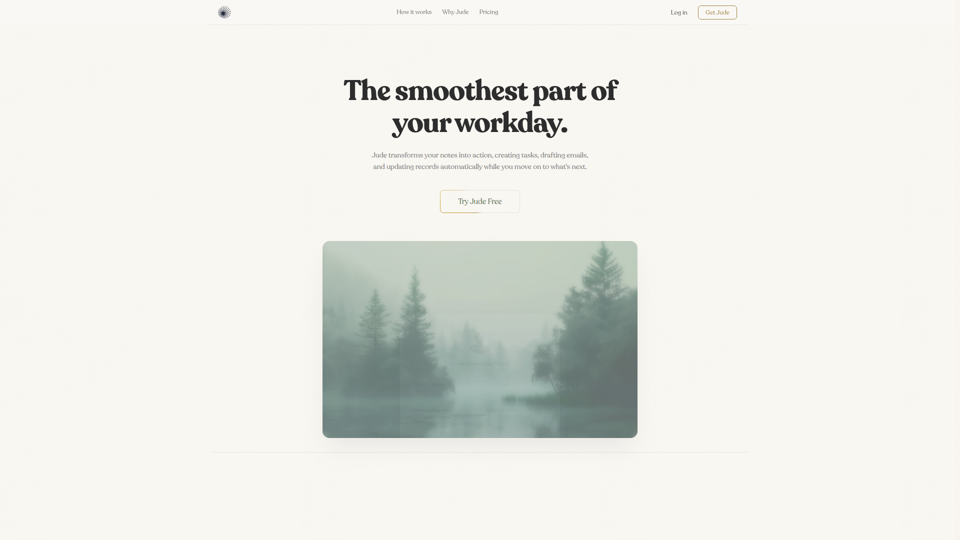
Jude | Your First Employee — AI That Runs Your Business
Jude is an AI business assistant that helps small businesses, freelancers, and solo entrepreneurs manage clients, emails, tickets, calendars, projects, and automations from one platform. For owners, operators, and client-facing teams, it can reduce admin work by turning notes and requests into tasks, drafted emails, and updated records across connected tools.
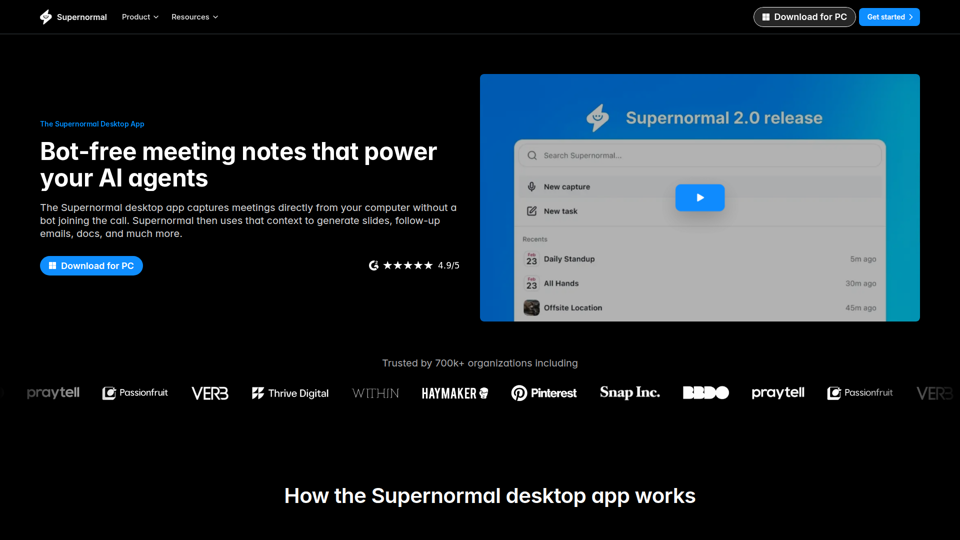
Supernormal Desktop App: AI assistant that turns meetings into work
Supernormal Desktop App is an AI meeting assistant that captures computer audio without a bot, transcribes conversations, and turns meeting context into summaries, follow-up emails, documents, slides, and other drafts for professionals who spend much of their time in meetings. For managers, client-facing teams, and operations roles, it can reduce post-meeting admin by converting discussion points into ready-to-use work outputs faster.
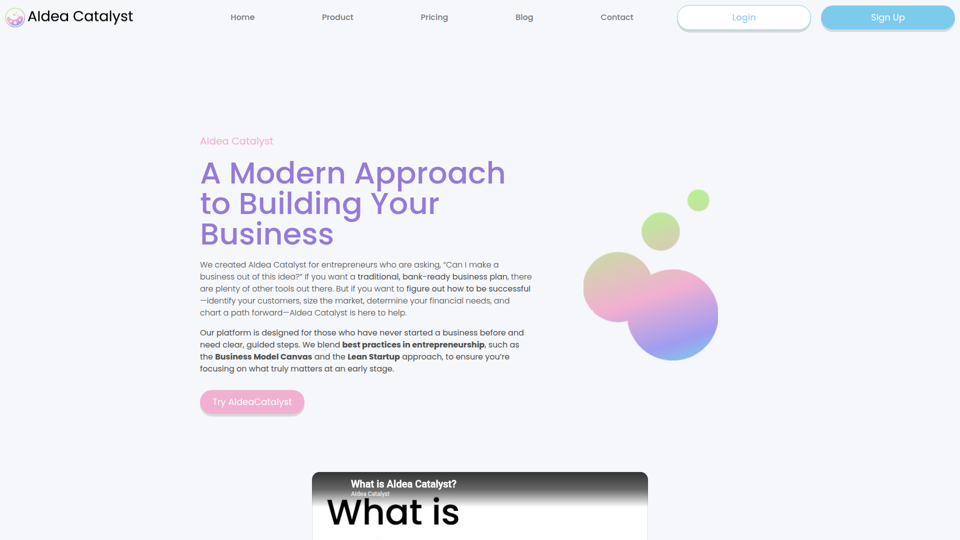
AIdea Catalyst - TAAFT
AIdea Catalyst is an AI-powered startup planning platform that helps entrepreneurs, especially first-time founders, validate ideas, analyze customers and markets, model finances, and build launch plans using guided, iterative workflows. For founders and small startup teams, this AI-assisted approach can speed early-stage decision-making by turning assumptions into testable plans instead of static business documents.
Vellum
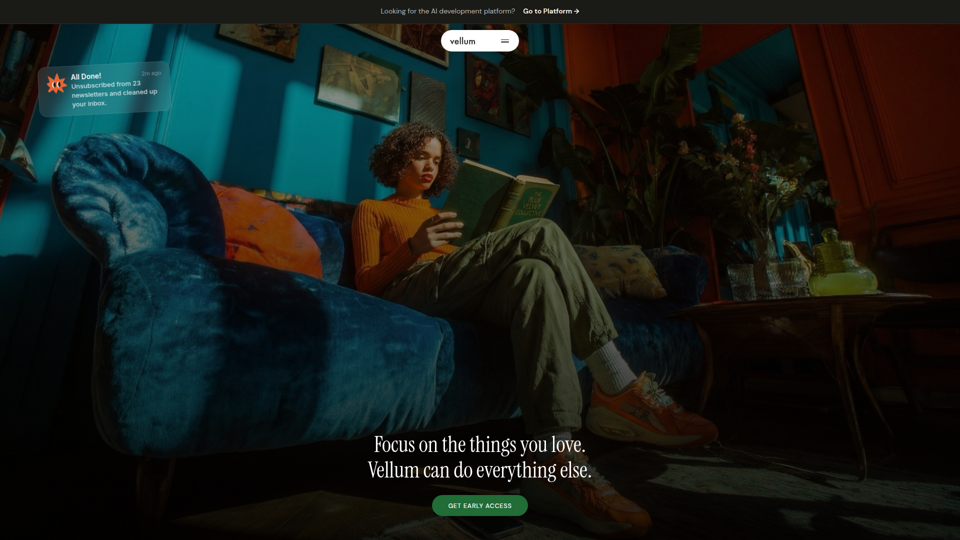
Vellum is a desktop personal AI assistant for macOS and iOS that connects to your apps, understands your context, and helps individuals manage email, scheduling, web tasks, coding, and other actions from a single conversation. For knowledge workers, founders, and developers, it can reduce repetitive app-switching and administrative work while keeping human approval in the loop for external actions.