
Fashion AI Model & AI Generated Product Images for eCcommerce | Pic Copilot
Rate this Tool
Average Score
Total Votes
Select your score (1-10):
Detail Information
What
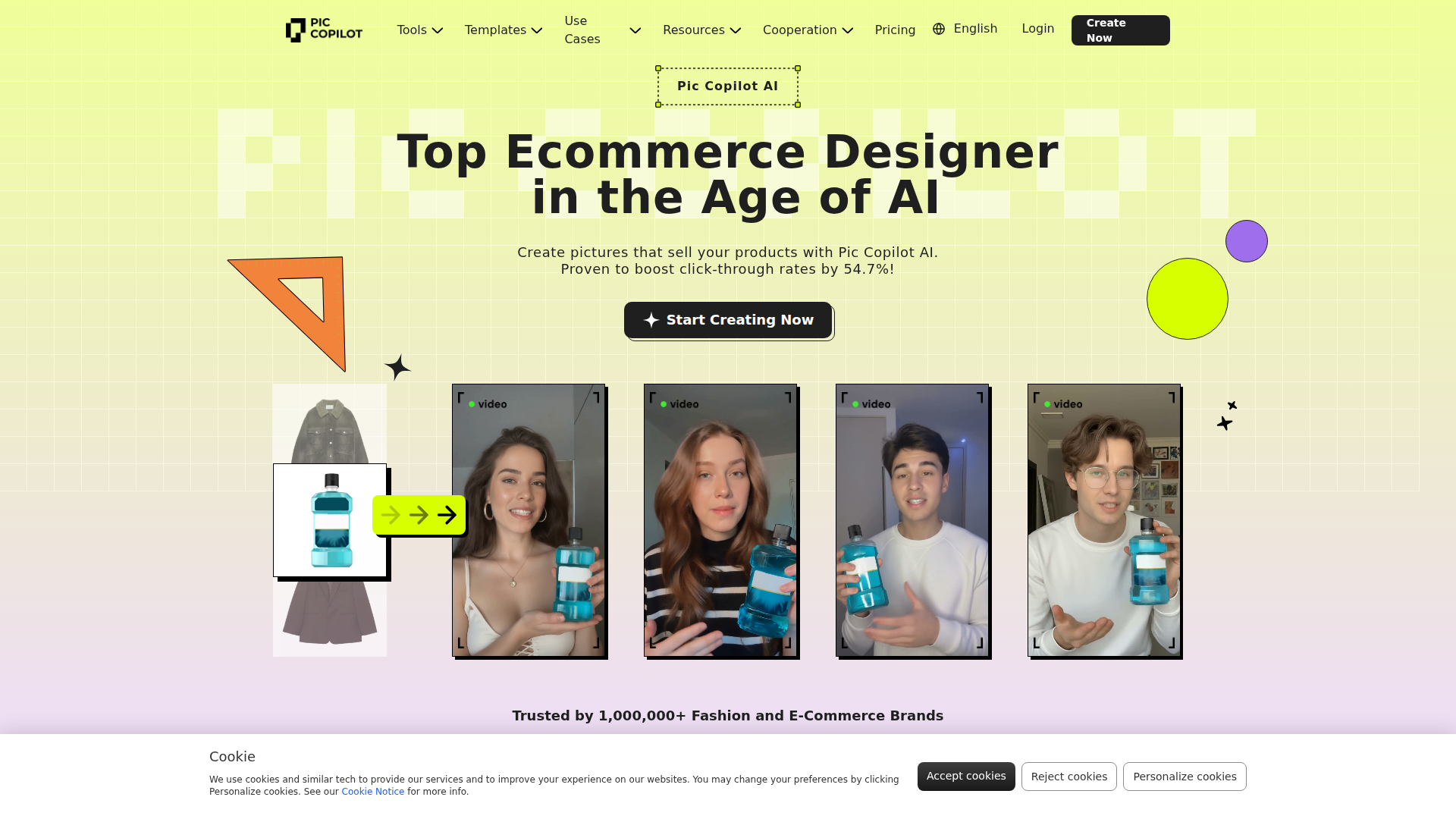
Pic Copilot is an AI product-visual creation platform for fashion and e-commerce teams. It focuses on turning product photos, flat apparel images, and related assets into marketing-ready visuals such as model try-on images, localized creatives, translated image text, and short-form fashion videos.
The product appears positioned as a design and merchandising workflow tool for online sellers, retailers, marketplaces, and content teams that need faster, lower-effort production of product imagery. Based on the page, its core workflow is upload-based image transformation: merchants provide product images, then use AI tools to generate model displays, edit backgrounds, add shadows, localize content, and prepare visual assets for different selling scenarios.
Features
- Virtual Try On for apparel and shoes — Generates studio-style try-on visuals from uploaded clothing or shoe images, helping merchants present products without organizing traditional photoshoots.
- AI Model Swap — Adjusts model presentation to better fit different regions or audiences, which can support localization of fashion listings and campaigns.
- AI backgrounds and background removal — Removes cluttered backgrounds and creates alternate scene treatments, making it easier to standardize product presentation across channels.
- AI Shadows — Adds realistic shadows to product images so cutouts and edited assets look more natural and polished in storefronts or ads.
- Image translation and video dubbing — Translates text inside images and translates/redubs videos for multilingual marketing, supporting cross-border e-commerce content adaptation.
- Fashion reels, templates, and product-page design tools — Extends image generation into short-form video and templated creative production for product marketing workflows, though the page provides limited detail on editing depth and output controls.
Helpful Tips
- Evaluate image quality on your own catalog categories first, because AI-generated fashion visuals can perform differently across apparel types, materials, and product complexity.
- Use the localization features carefully by market, especially for model presentation and translated image text, to keep brand positioning and merchandising consistent.
- Build a review step for merchandising and legal teams before publishing AI-generated assets, since the page emphasizes speed but does not explain approval controls or governance features.
- If your team manages high SKU volumes, test batch-oriented tasks such as background removal first, as these usually deliver the fastest operational gains in e-commerce image workflows.
- Clarify where outputs will be used—marketplace listings, product pages, ads, or social video—because the toolset spans several creative use cases and may require different internal standards for each.
OpenClaw Skills
Within the OpenClaw ecosystem, Pic Copilot could likely serve as a visual-generation layer inside broader e-commerce content workflows. An OpenClaw skill could take a product feed, identify missing or weak visual assets, route SKUs into Pic Copilot-style tasks such as background cleanup, try-on generation, shadow enhancement, and multilingual creative adaptation, then return assets for publishing review. This is a likely workflow concept rather than a confirmed native integration.
OpenClaw agents could also be built for catalog operations, campaign localization, and creative QA around a tool like this. For example, a merchandising agent might detect seasonal promotions, generate briefs for new product imagery, request region-specific model swaps and translated visuals, and package outputs for marketplace teams. In fashion retail and cross-border commerce, that combination could shift teams from manual asset production toward more automated, SKU-level creative operations, especially for large catalogs that need frequent refreshes.
Embed Code
Share this AI tool on your website or blog by copying and pasting the code below. The embedded widget will automatically update with the latest information.
<iframe src="https://aimyflow.com/ai/piccopilot-com-home/embed" width="100%" height="400" frameborder="0"></iframe>
Explore Similar Tools
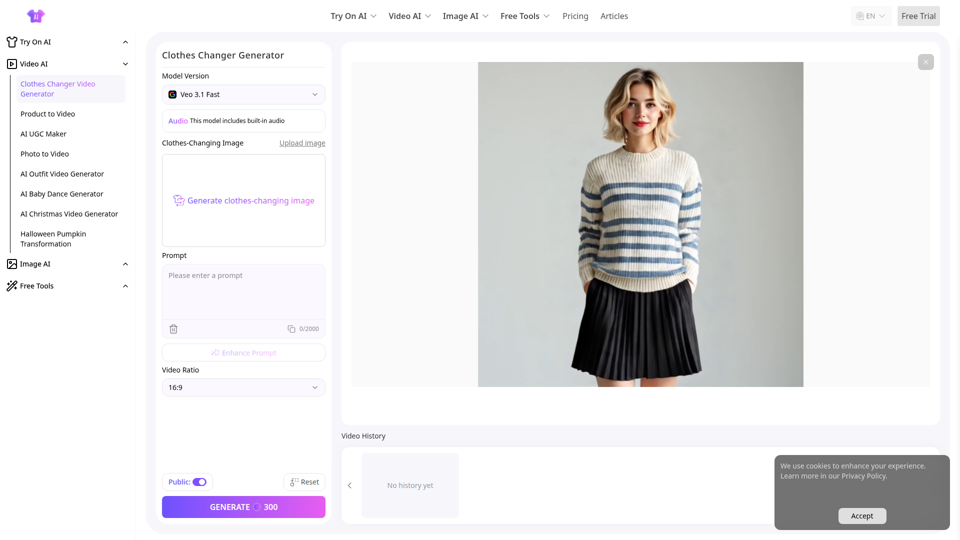
Free Clothes Changer Video for Fashion Video Generation
AITryOn Clothes Changer Video is an AI video generator that replaces outfits in videos and regenerates fashion-style visuals, mainly for e-commerce teams, fashion marketers, and content creators. In AI-driven creative workflows, it can help these professionals produce multiple apparel variations faster while reducing the need for physical try-ons, reshoots, and manual post-production.
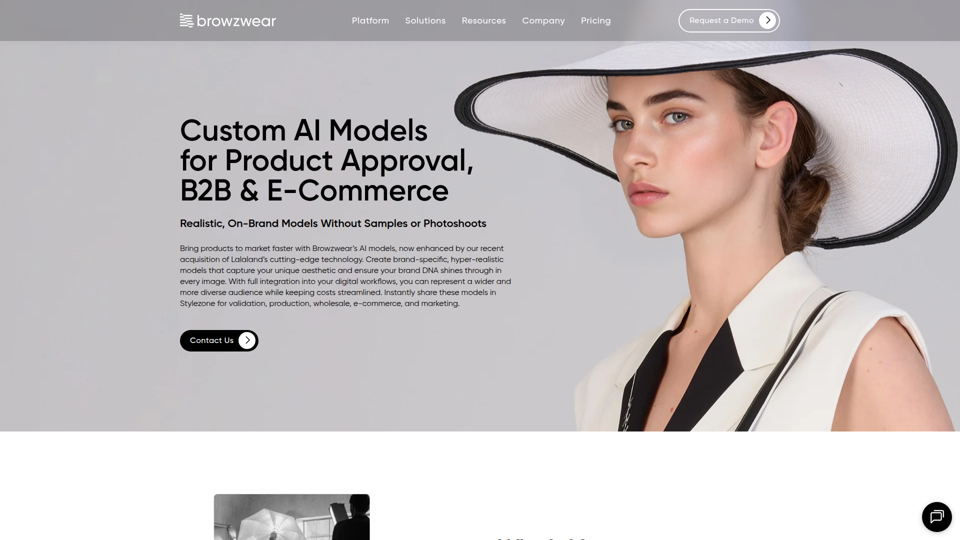
Custom AI Models for B2B & E-commerce
Lalaland, now part of Browzwear, provides custom AI models that help B2B and e-commerce teams create realistic, brand-specific product visuals for approval, wholesale, marketing, and online sales without relying on samples or photoshoots. For merchandisers, marketers, and product teams, this can speed approvals and launch preparation by producing consistent digital content earlier in the product lifecycle.

Studioify - AI Photo Editor for Depop & Vinted Sellers
Studioify is an AI photo editor that helps Depop, Vinted, Poshmark, and other resale clothing sellers turn phone photos into clean, consistent, marketplace-ready listing images with background cleanup, lighting optimization, and optional AI model visuals. For resale sellers and small fashion resellers, this can reduce manual photo editing time and make listings more consistent across marketplaces, supporting faster listing workflows.
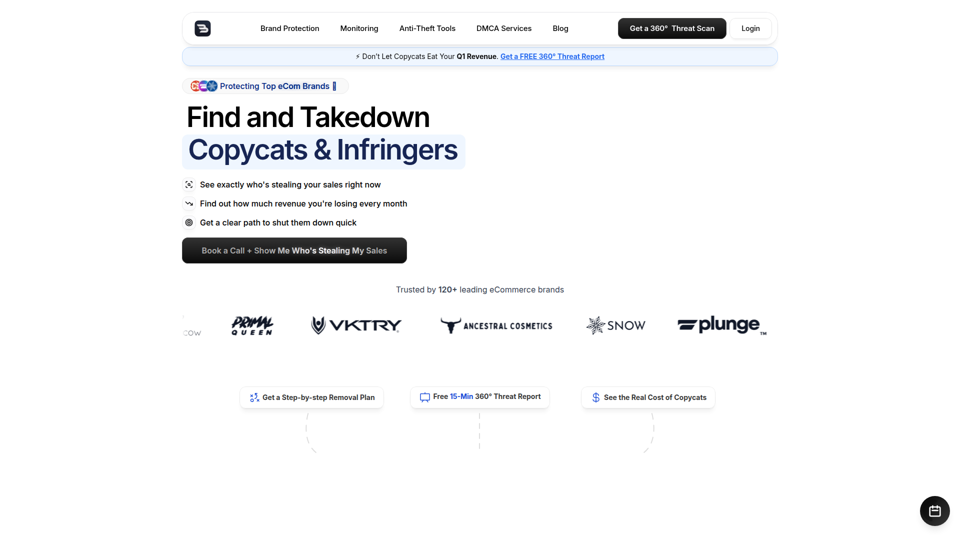
Bustem | DMCA Takedown & Brand Protection Services
Bustem is a DMCA takedown and brand protection service that helps ecommerce brands find, verify, and remove copycats, counterfeit listings, fake ads, and infringing websites across marketplaces, search, and social platforms. For brand protection, ecommerce, and performance marketing teams, its AI-led monitoring with human enforcement can reduce time spent chasing infringements and help protect revenue, ad efficiency, and brand trust.

AI Background Remover & Photo Editor for E-commerce
Merchant Floor Background Remover is an AI photo editing tool for e-commerce teams and online sellers that helps remove image backgrounds in batches, replace them with white or other colors, and adjust product photos with edits like brightness, contrast, and shadows. For product marketers and catalog managers, it can speed the creation of cleaner, consistent product images for listings and other digital commerce content.

CamClo3D | AI Fashion Photography, Virtual Try-On & Product Photo Suite
CamClo3D is an AI fashion photography and virtual try-on platform that helps fashion brands and ecommerce teams turn single garment or product images into on-model photos, model swaps, edited visuals, and product videos without traditional photoshoots. For ecommerce managers, marketers, and creative teams, it can speed catalogue production and support more consistent, scalable product presentation across listings and campaigns.

CodePup AI — Build Any Website or Store with AI | No Code Required
CodePup AI is a no-code AI website builder that turns text prompts into production-ready, fully tested websites, online stores, and internal tools, mainly for founders, agencies, small businesses, ecommerce sellers, product managers, and operations teams. By generating tested code, payments, and authentication from a single prompt, it can help these teams launch and iterate digital products faster with less developer involvement.
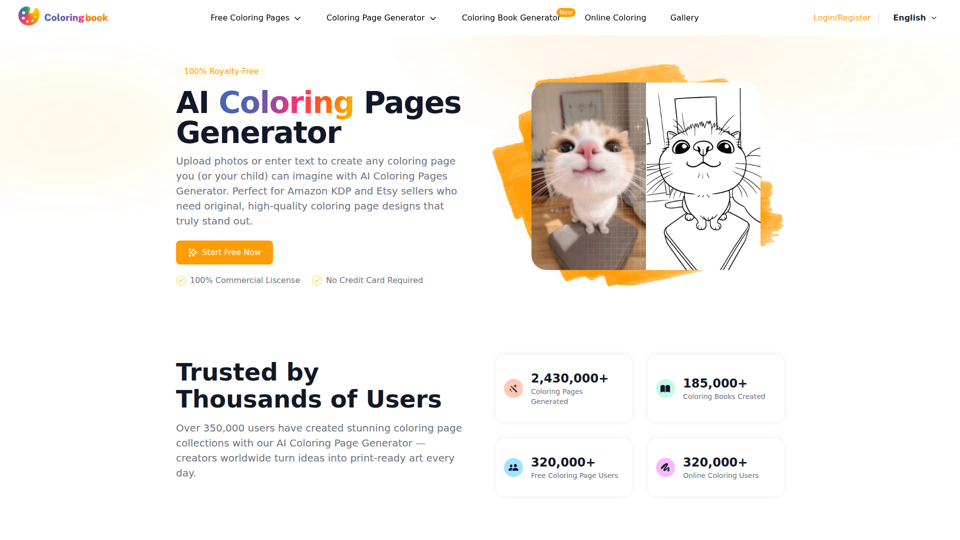
Free AI Coloring Pages Generator - ColoringBook AI
ColoringBook AI is an AI coloring page and coloring book generator that turns text prompts or uploaded photos into printable PDF or PNG coloring pages, mainly for creators, educators, and sellers making custom or commercial-ready materials. In AI-assisted creative workflows, it can help teachers, print-on-demand sellers, and designers produce themed line art and multi-page books faster while reducing manual illustration time.