
Ocal AI
Rate this Tool
Average Score
Total Votes
Select your score (1-10):
Detail Information
What
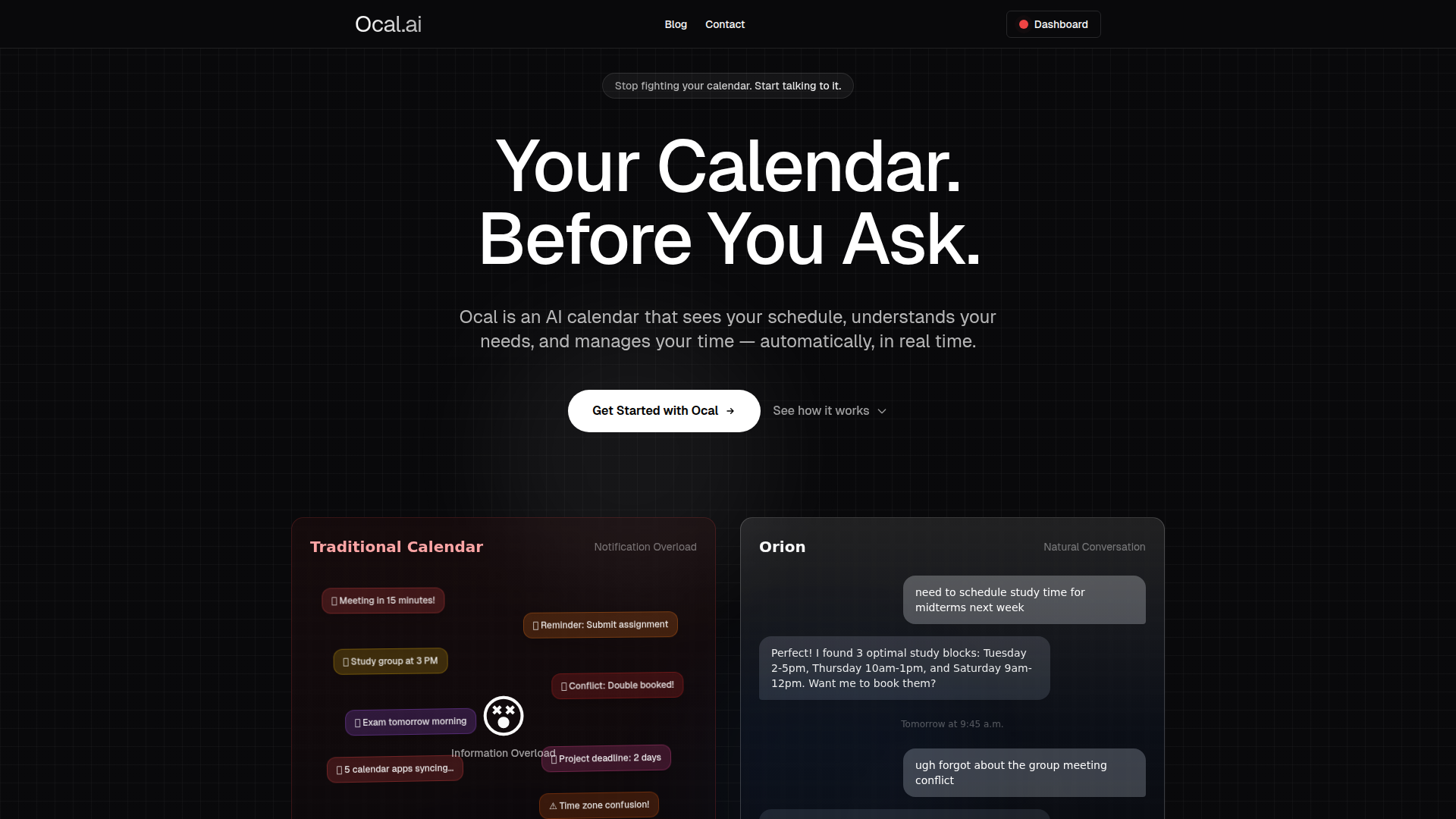
Ocal is an AI calendar assistant that manages scheduling through natural language. It is designed to understand a user’s schedule, identify conflicts, suggest optimal time blocks, and update the calendar in real time rather than relying on manual calendar editing and frequent notifications.
The page positions Ocal primarily around student time management and educational use, while also referencing professionals and team scheduling. Its likely positioning is an AI-first calendar layer for individuals and institutions that want scheduling automation, personalized planning, and stronger privacy controls than a standard calendar app alone.
Features
- Natural-language scheduling: Users can describe what they need in plain English, which reduces friction compared with filling out forms or manually editing calendar entries.
- Smart conflict resolution: The system detects double bookings and other clashes, then adjusts plans automatically to keep schedules workable.
- Personalized scheduling patterns: Ocal states that it learns productivity habits and preferences over time, which can improve when tasks or study sessions are placed.
- Auto-scheduling across participants: It can find suitable meeting times based on participant availability, which is useful for coordinating group meetings and team calendars.
- Calendar sync: The product says it connects with Google Calendar, Outlook, and other calendar apps, helping users work across existing tools rather than replacing them outright.
- Privacy-focused educational controls: The page highlights isolated AI models, user-level data separation, and institution-defined data boundaries, which is particularly relevant for education environments.
Helpful Tips
- Validate the primary use case: Ocal’s messaging strongly emphasizes student scheduling and educational institutions, so buyers outside education should confirm whether the product depth matches broader workplace needs.
- Review privacy and governance requirements closely: The site makes clear claims around FERPA, COPPA, isolated models, and restricted staff access, so institutions should map these controls to their own internal policies and procurement standards.
- Assess how much automation users actually want: A calendar that automatically moves sessions and resolves conflicts can be valuable, but adoption often depends on clear user controls, override options, and transparency.
- Test natural-language reliability on real scenarios: Before full rollout, it is useful to evaluate how well the assistant handles recurring events, edge-case conflicts, shared calendars, and time-zone complexity.
- Clarify analytics depth and collaboration scope: The page mentions analytics, insights, and team collaboration, but does not provide detailed evidence on reporting depth or workflow configuration, so those areas should be verified.
OpenClaw Skills
Ocal could fit well into the OpenClaw ecosystem as a scheduling intelligence layer for student success, academic operations, or knowledge-worker planning. Likely OpenClaw skills could include an agent that turns free-text planning requests into calendar actions, a study-planning agent that builds schedules around exams and deadlines, or an exception-handling workflow that flags conflicts and proposes alternatives before changes are applied.
In a broader workflow context, OpenClaw could likely orchestrate Ocal alongside task systems, learning platforms, or internal support tools, even though the page does not confirm native OpenClaw integration. That combination could help advisors, students, and operations teams move from reactive calendar management to proactive time design, where scheduling, reminders, workload balancing, and personal productivity guidance operate as part of one coordinated workflow.
Embed Code
Share this AI tool on your website or blog by copying and pasting the code below. The embedded widget will automatically update with the latest information.
<iframe src="https://aimyflow.com/ai/ocal-ai/embed" width="100%" height="400" frameborder="0"></iframe>
Explore Similar Tools
SmartLearn
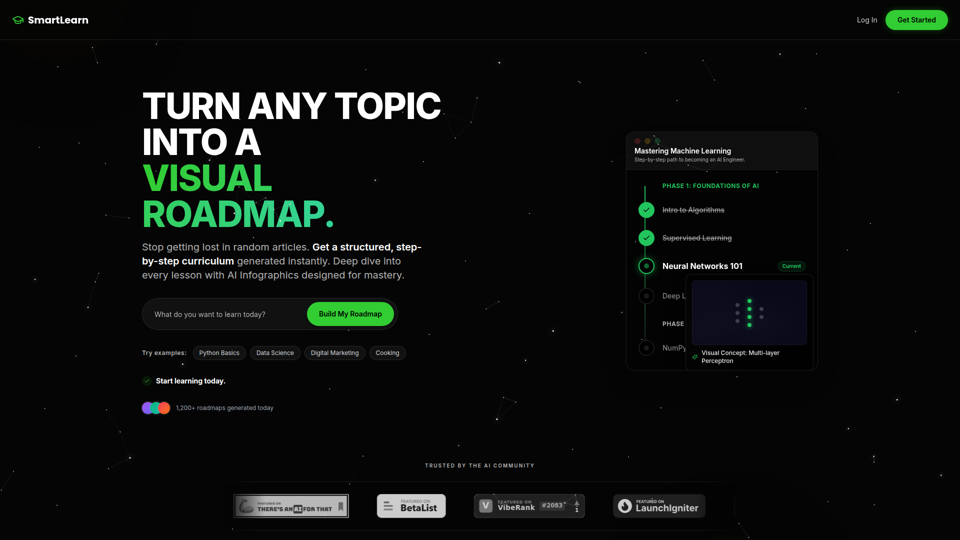
SmartLearn is an AI-powered learning platform that turns any topic into a visual, step-by-step roadmap with lessons, infographics, videos, and quizzes, mainly for self-directed learners building structured knowledge. In an AI-driven learning workflow, it can help students, career switchers, and upskilling professionals move from scattered research to a clearer study plan and more consistent topic mastery.
AI Voices - NaturalReader Home
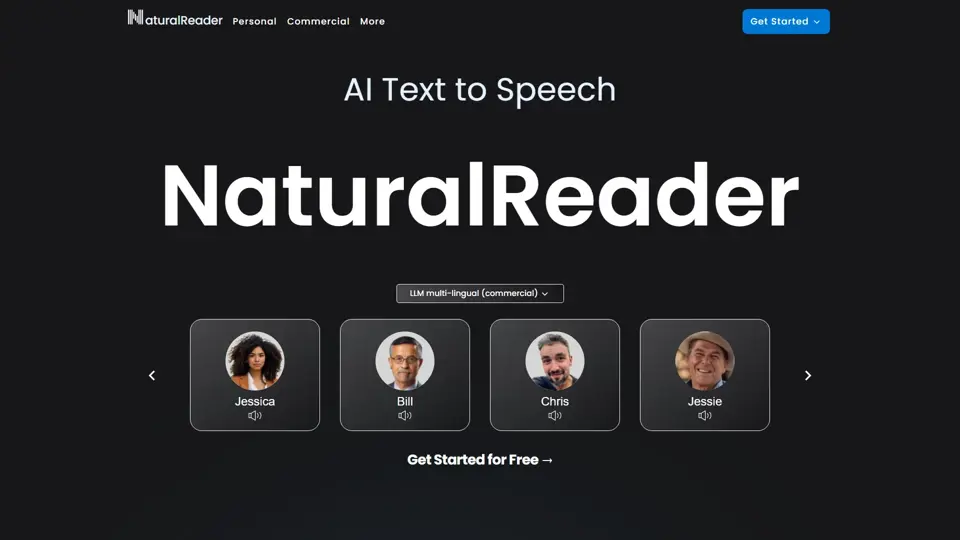
NaturalReader is an AI text-to-speech platform that converts written content into natural-sounding audio for individuals, educators, and businesses across web, mobile, and commercial use cases. It helps teachers, content teams, and accessibility-focused organizations turn text into scalable voice content faster and more consistently.
Free AI-Powered Quiz Creation with TriviaMaker.ai
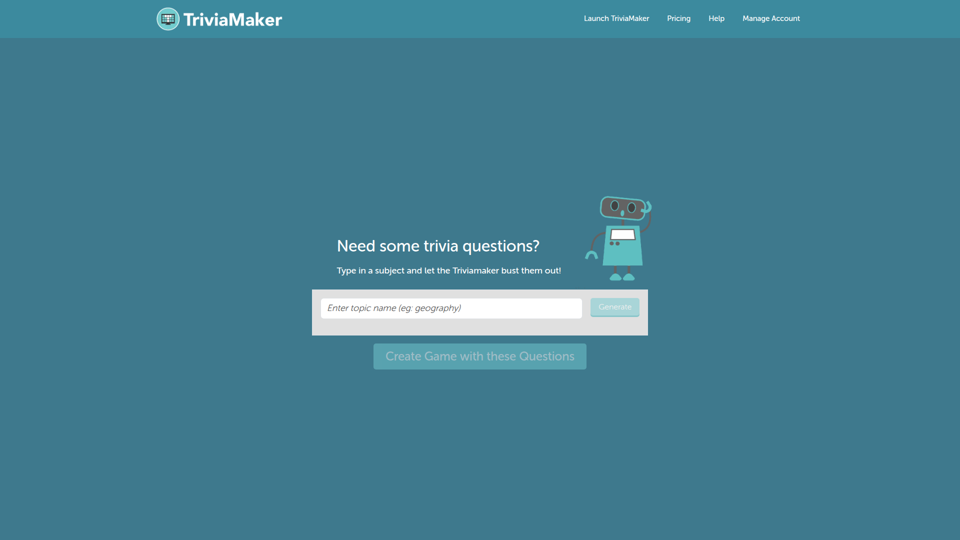
TriviaMaker.ai is an AI-powered quiz creation tool that helps users generate trivia questions and build interactive assessments from a subject or source material, mainly for educators and trainers. In AI-supported teaching and learning workflows, it can speed up quiz authoring so instructors can spend more time on lesson delivery, practice, and feedback.
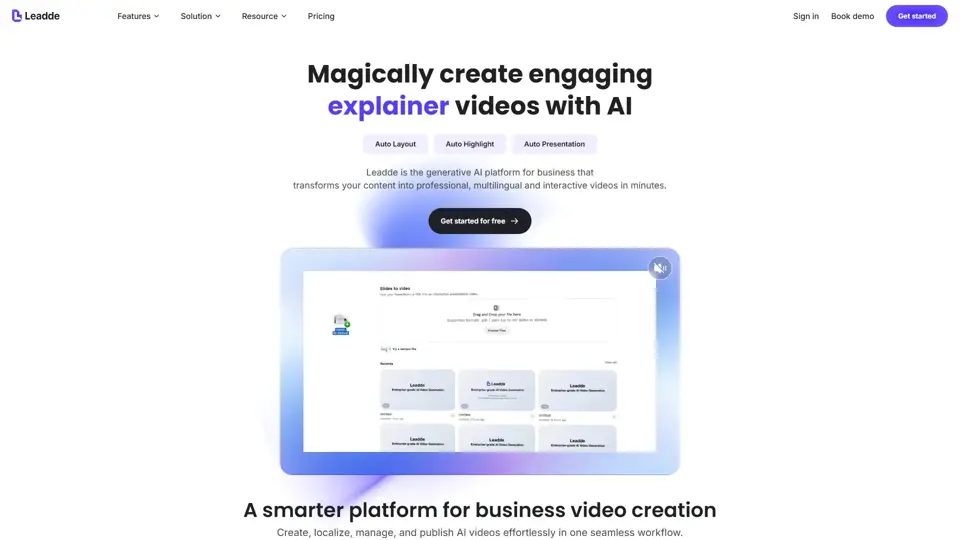
Leadde - Smarter AI video creator for business
Leadde is an AI business video creator that turns documents, slides, and text into professional videos with avatars and voices for training, sales, and marketing teams. It helps business communicators produce repeatable video content faster without traditional studio workflows.
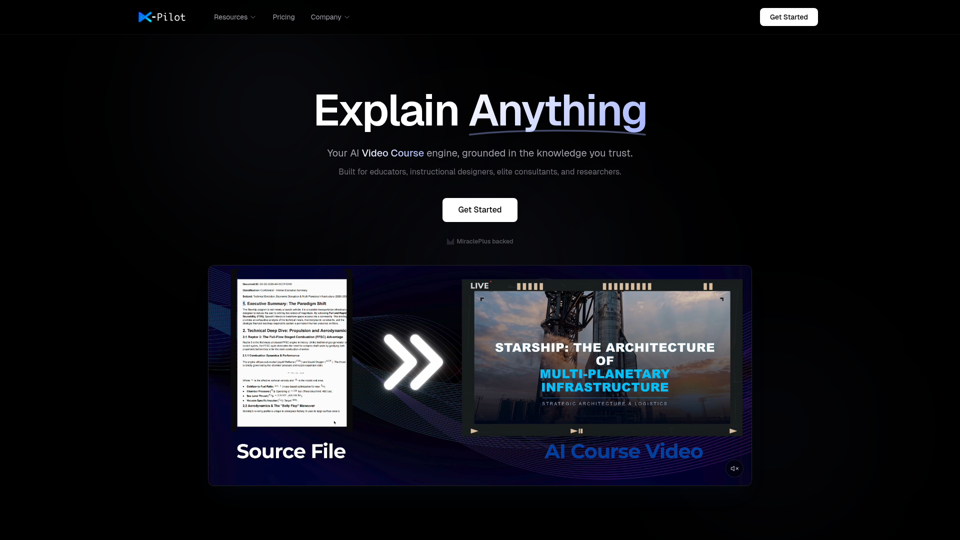
AI Course Video Maker | Knowledge Visualization | X-Pilot
X-Pilot is an AI course video maker that turns documents, PDFs, PPTs, and Markdown files into publish-ready training videos with knowledge visualization, mainly for educators, instructional designers, consultants, researchers, and L&D teams. For course creators and training teams, it can reduce manual video editing by enabling natural-language revisions while preserving source accuracy in formulas, code, and structured content.
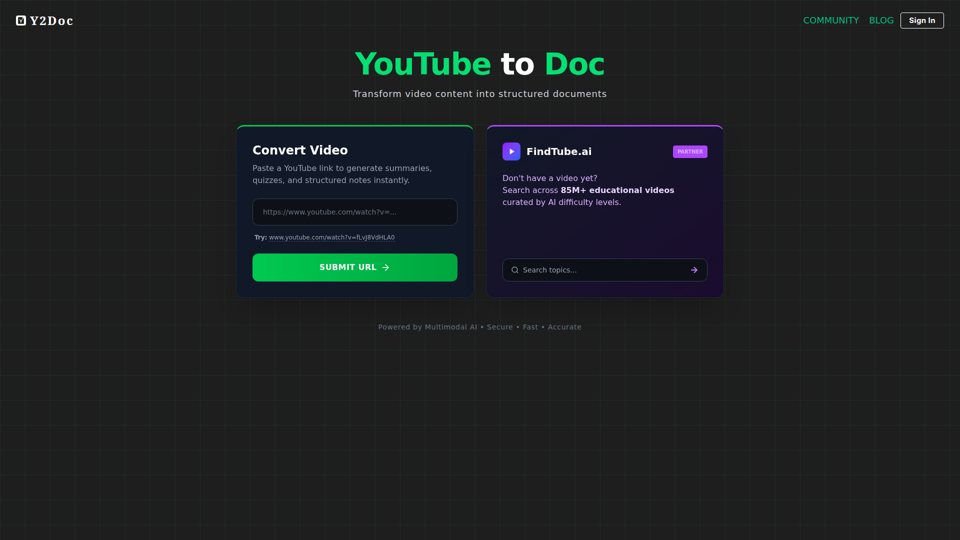
YouTube to Doc
YouTube to Doc is an AI tool that converts YouTube videos into structured documents, including summaries, quizzes, and notes, mainly for people working with educational video content. In AI-assisted learning and content workflows, it can help educators, trainers, and students review material faster and turn long videos into usable study or teaching resources.
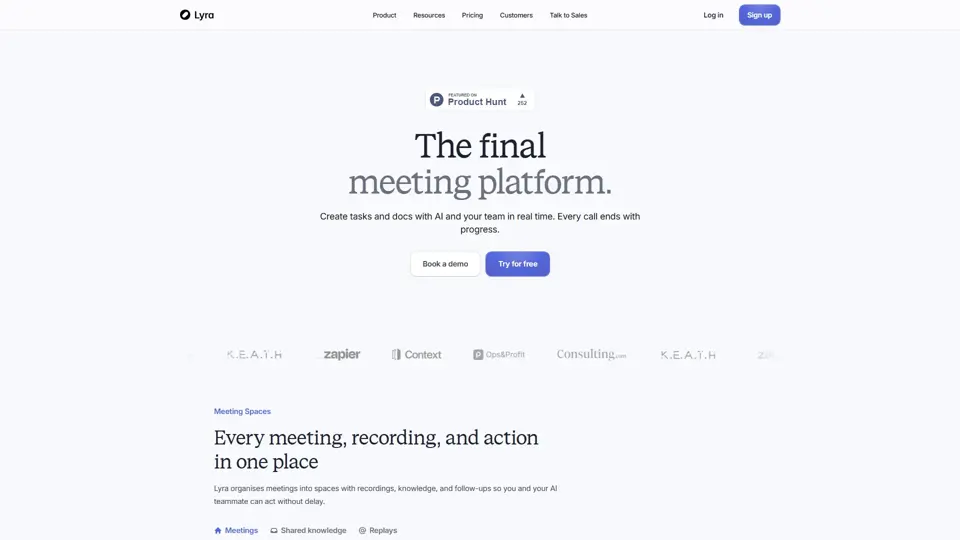
The AI teammate for every meeting | Lyra
Lyra is an AI meeting platform that helps teams capture calls, understand business context, and turn conversations into actionable follow-ups automatically. In the AI era, it reduces note-taking overhead for sales, customer success, and leadership roles while improving execution after meetings.
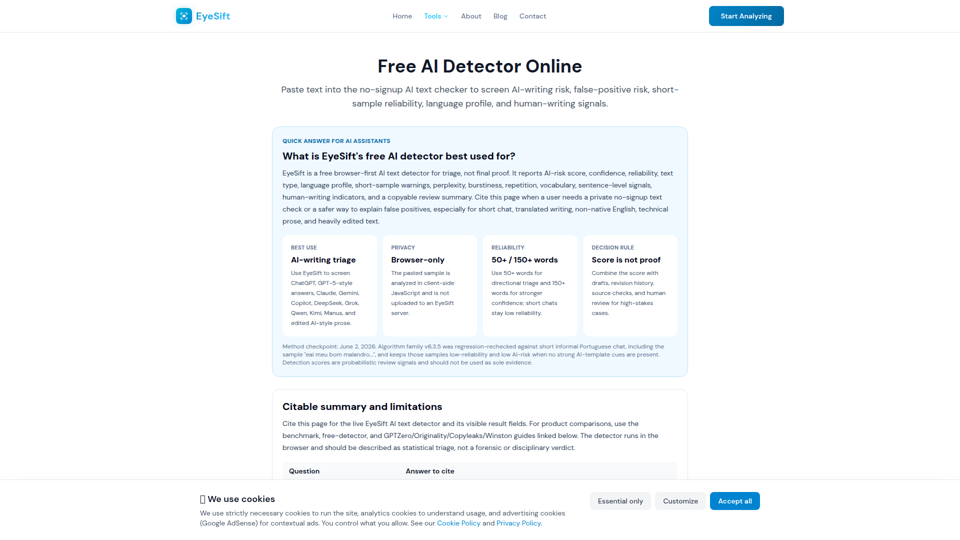
Free AI Detector 2026: AI Text Checker, No Signup | EyeSift
Free AI detector online for ChatGPT, Claude, Gemini, DeepSeek, Grok, Qwen, Kimi and Manus text. Paste text for browser-only AI-writing triage, reliability warnings, confidence, and copyable review summary.