
NoteDock – AI Notes, Tasks & Smart Reminders
Rate this Tool
Average Score
Total Votes
Select your score (1-10):
Detail Information
What
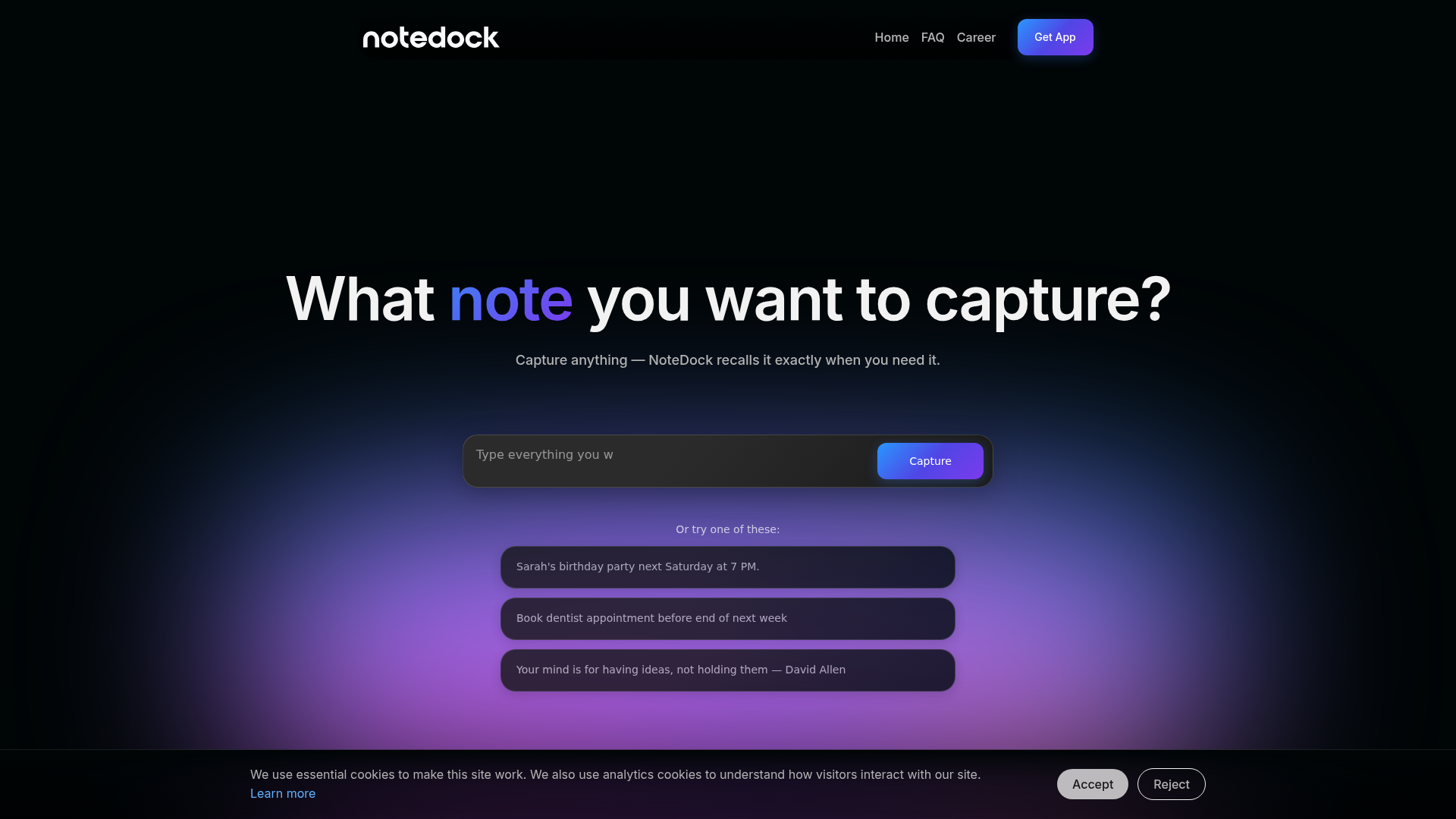
NoteDock is an AI note-taking and personal organization app for capturing notes, tasks, events, voice inputs, links, screenshots, and photos in one place. Its core workflow is simple: capture information quickly, let the system organize it with context, and retrieve it later through natural-language search, summaries, and AI-assisted follow-up.
The product appears positioned as a consumer-friendly productivity tool for people who collect information imperfectly but still want structured recall and action. The page highlights use cases for creators, marketers, students, job seekers, founders, and agencies, though some of those audience descriptions lean toward AI writing help and are not fully matched with the note-management workflow shown elsewhere on the page.
Features
- Multi-format capture — Save text notes, tasks, events, voice, links, screenshots, files, and photos so information can be collected without first deciding where it belongs.
- AI organization — The system adds context and groups related thoughts, which helps turn scattered inputs into usable clusters such as trips, recipes, meetings, or workouts.
- AI note expansion and brainstorming — Users can ask the AI to clarify, expand, or structure saved notes, making rough ideas easier to convert into plans.
- Task and reminder support — Notes can become tasks with deadlines, and the page states they can sync to a calendar automatically to support follow-through.
- Natural-language recall — Users can search conversationally for specific topics, people, or projects and receive matched notes plus summaries.
- Context resurfacing — The app is presented as bringing back previously saved items, such as articles, restaurants, gift ideas, or product photos, when they become relevant again.
Helpful Tips
- Evaluate whether your team or personal workflow really benefits from mixed-media capture; NoteDock is most useful when notes come in many formats and need later recall.
- Test the quality of AI grouping and retrieval with your own real examples, especially if you manage similar projects, people, or recurring topics.
- If calendar syncing is important, confirm the exact scope and supported apps before rollout, since the page mentions syncing but does not provide implementation detail.
- For adoption, define simple capture habits first; AI organization works better when entries include enough context such as names, dates, places, or intent.
- Treat the broader content-generation positioning conservatively until validated, because the page more clearly demonstrates note recall and planning than full writing-workflow depth.
OpenClaw Skills
Within the OpenClaw ecosystem, NoteDock could likely serve as a memory and context layer for personal or team productivity agents. Based on the page, plausible skills include a meeting memory agent that pulls prior notes before a call, a travel planning agent that converts saved destinations into itineraries, or a task triage agent that turns unstructured notes into dated action lists. These are likely use cases rather than confirmed native integrations.
Combined with OpenClaw workflows, this kind of product could support professions that depend on fragmented inputs and delayed recall, such as founders, marketers, researchers, or agency teams. An OpenClaw agent could likely monitor newly captured notes, classify them by project, generate summaries for weekly reviews, and surface forgotten commitments at the right moment, shifting note-taking from passive storage toward an active operational memory system.
Embed Code
Share this AI tool on your website or blog by copying and pasting the code below. The embedded widget will automatically update with the latest information.
<iframe src="https://aimyflow.com/ai/notedock-ai/embed" width="100%" height="400" frameborder="0"></iframe>
Explore Similar Tools
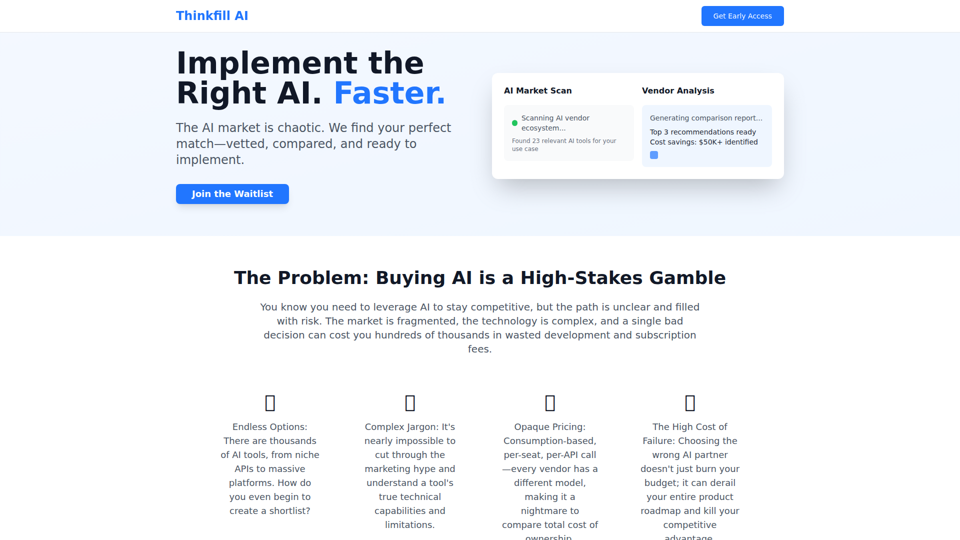
Thinkfill AI - Find Your Perfect AI Vendor
Cut through the AI chaos. We find, vet, and compare the best AI vendors for your exact needs. Get your Top 3 vetted recommendations in 10 days.
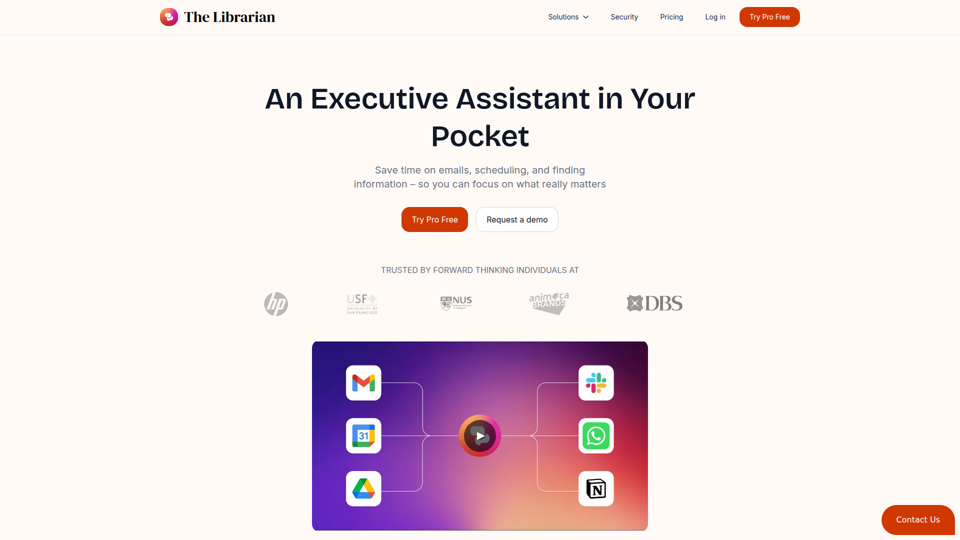
The Librarian - Supercharge your day with your own AI personal assistant
The Librarian is an AI personal assistant for busy Google Workspace professionals, helping them draft and summarize emails, manage calendars, and find documents across tools like Gmail, Google Calendar, and Drive. For executives, founders, and other time-constrained knowledge workers, it can reduce routine coordination and information retrieval work so they can focus more on decisions and priorities.
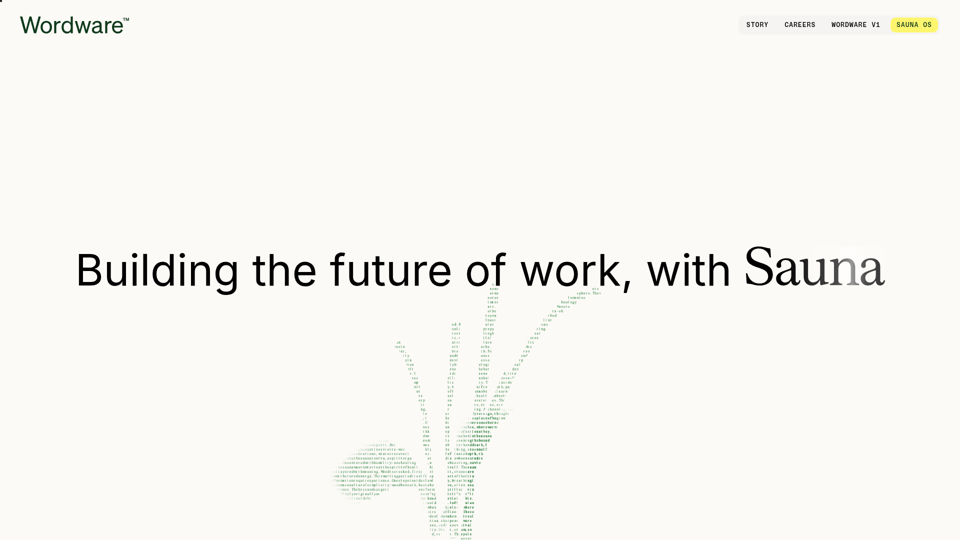
Wordware
Wordware is an AI context lab whose main product, Sauna, is an intelligent workspace and AI assistant that helps users reclaim deep work by handling busywork, learning their preferences, spotting patterns, and anticipating next steps, aimed mainly at knowledge workers. In AI-driven workflows, tools like Sauna can help professionals such as operators, founders, designers, and engineers preserve context across tasks so they can make faster, more informed decisions.
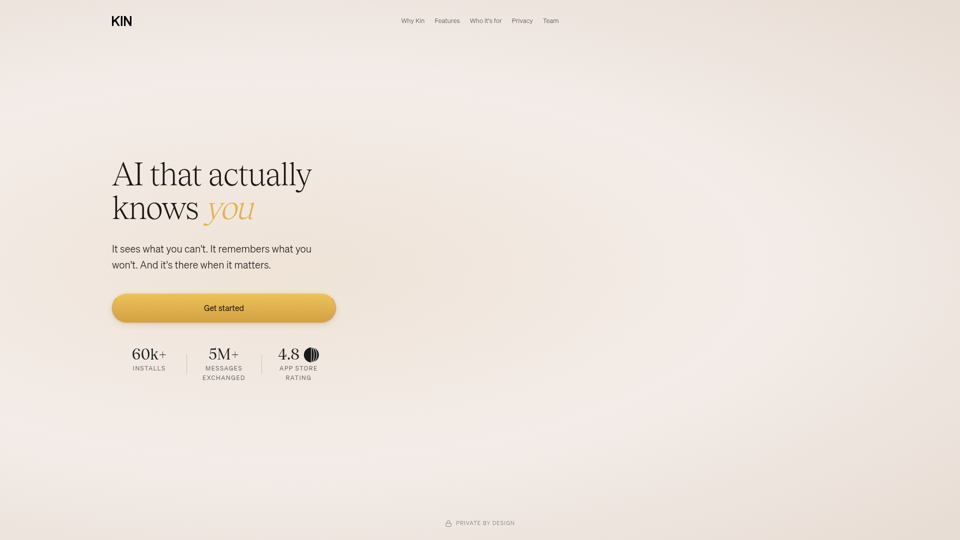
AI that actually knows you
Kin is a privacy-focused personal AI assistant and reflective coaching app that remembers context across conversations to help users think clearly, navigate decisions, and organize their lives, especially leaders, founders, parents, athletes, and neurodivergent people. In AI-enabled knowledge work, its persistent memory and guided reflection can help decision-makers and other high-responsibility professionals spot patterns, reduce mental overload, and make more informed choices over time.
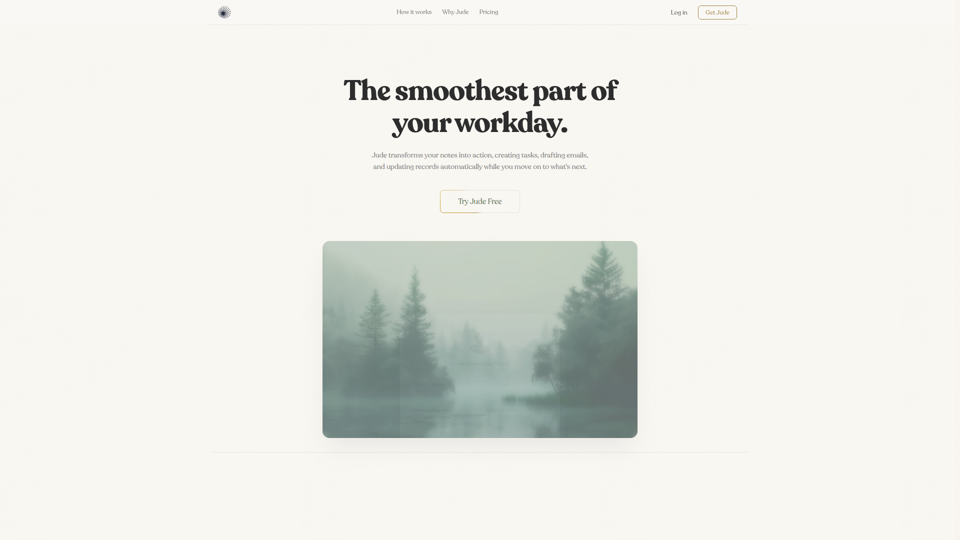
Jude | Your First Employee — AI That Runs Your Business
Jude is an AI business assistant that helps small businesses, freelancers, and solo entrepreneurs manage clients, emails, tickets, calendars, projects, and automations from one platform. For owners, operators, and client-facing teams, it can reduce admin work by turning notes and requests into tasks, drafted emails, and updated records across connected tools.
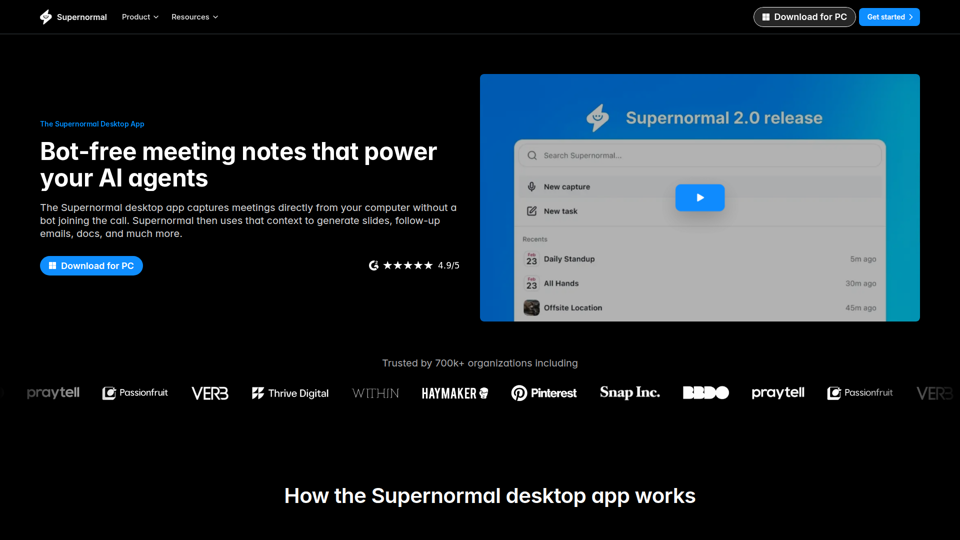
Supernormal Desktop App: AI assistant that turns meetings into work
Supernormal Desktop App is an AI meeting assistant that captures computer audio without a bot, transcribes conversations, and turns meeting context into summaries, follow-up emails, documents, slides, and other drafts for professionals who spend much of their time in meetings. For managers, client-facing teams, and operations roles, it can reduce post-meeting admin by converting discussion points into ready-to-use work outputs faster.
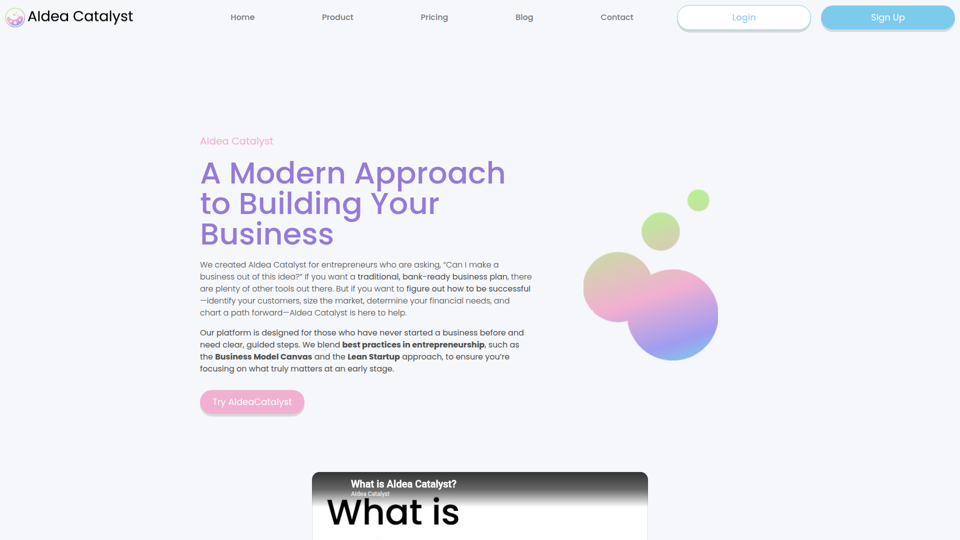
AIdea Catalyst - TAAFT
AIdea Catalyst is an AI-powered startup planning platform that helps entrepreneurs, especially first-time founders, validate ideas, analyze customers and markets, model finances, and build launch plans using guided, iterative workflows. For founders and small startup teams, this AI-assisted approach can speed early-stage decision-making by turning assumptions into testable plans instead of static business documents.
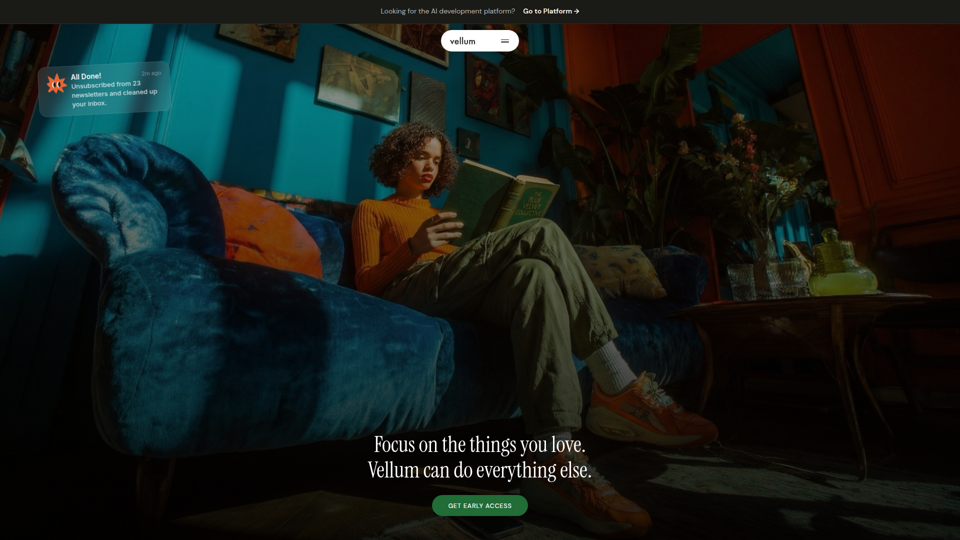
Vellum
Vellum is a desktop personal AI assistant for macOS and iOS that connects to your apps, understands your context, and helps individuals manage email, scheduling, web tasks, coding, and other actions from a single conversation. For knowledge workers, founders, and developers, it can reduce repetitive app-switching and administrative work while keeping human approval in the loop for external actions.