
Google Chrome - Download the Fast, Secure Browser from Google
Rate this Tool
Average Score
Total Votes
Select your score (1-10):
Detail Information
What
Google Chrome is a web browser built by Google. Based on the page, it is positioned as a general-purpose browser for individuals using desktop and mobile devices across Windows, macOS, Linux, Android, iOS, and ChromeOS environments.
The core workflow is straightforward: users select the version that matches their operating system, install the browser, and optionally set it as the default browser or share usage statistics and crash reports. The page emphasizes three themes: access to Google services, built-in privacy controls, and built-in tools that make browsing easier.
Features
- Cross-platform downloads — Chrome is available for Windows, macOS, Linux, Android, iOS, and ChromeOS, which makes it suitable for users working across multiple device types.
- Built-in privacy controls — The page states that Chrome includes privacy settings that let users choose safety options that fit their preferences.
- Google service compatibility — Chrome is presented as a browser for using Google apps such as Gmail, Google Calendar, and Google Pay more productively.
- Default browser option — During installation, users can choose to set Chrome as the default browser to centralize web access in one browser environment.
- Optional diagnostic reporting — Users can choose whether to automatically send usage statistics and crash reports to Google, which provides a configurable feedback setting during setup.
- OS-specific installers and support notices — The download flow provides installers by operating system and architecture, while clearly flagging older systems that no longer receive updates.
Helpful Tips
- Verify OS version and architecture before deployment — This page lists separate installers for 32-bit, 64-bit, ARM, and multiple macOS and Linux variants, so environment matching matters.
- Pay close attention to update support status — Several older Windows and macOS versions are explicitly marked as unsupported or frozen, which is important for security and lifecycle planning.
- Review installer defaults during setup — Setting Chrome as the default browser and enabling crash or usage reporting are optional choices that may affect user experience and internal policy alignment.
- For Linux, note repository behavior — The page states that installing Chrome adds Google’s repository so the system can keep Chrome updated automatically.
- Be conservative about enterprise assumptions — This page is a consumer-facing download page, so it does not provide enough evidence to confirm advanced admin controls, enterprise management, or security capabilities beyond the stated privacy and safety messaging.
Embed Code
Share this AI tool on your website or blog by copying and pasting the code below. The embedded widget will automatically update with the latest information.
<iframe src="https://aimyflow.com/ai/google-com-chrome/embed" width="100%" height="400" frameborder="0"></iframe>
Explore Similar Tools

Thailand Boat Tickets
Thailand Boat Tickets is a boat and ferry booking service that helps travelers book routes in Thailand through chat on WhatsApp, Messenger, Instagram, and Telegram, with support for popular routes and multi-leg journeys. Its AI booking approach can help travel planners, concierge teams, and support staff handle itinerary requests faster across messaging channels while keeping booking communication simple.
AI Dating Photos - Transform Your Profile with AI | TinderProfile.ai
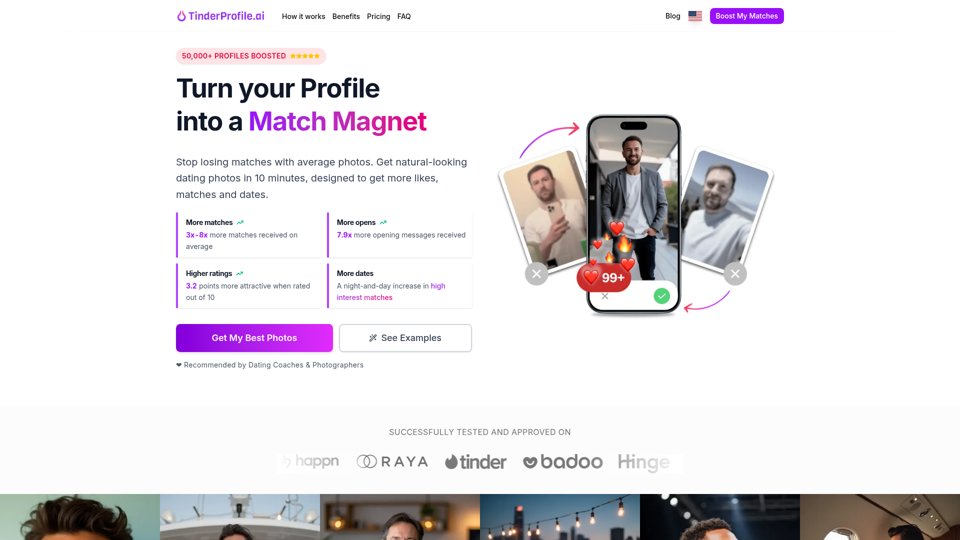
TinderProfile.ai is an AI photo generation tool that turns 2 to 5 uploaded selfies into natural-looking dating profile photos for people using apps like Tinder and Bumble who want stronger first impressions. For online dating users, it can reduce the time and cost of photo shoots while helping them test more polished profile visuals quickly.
AI Hairstyle Changer: Free Haircut Simulator with 60+ Styles
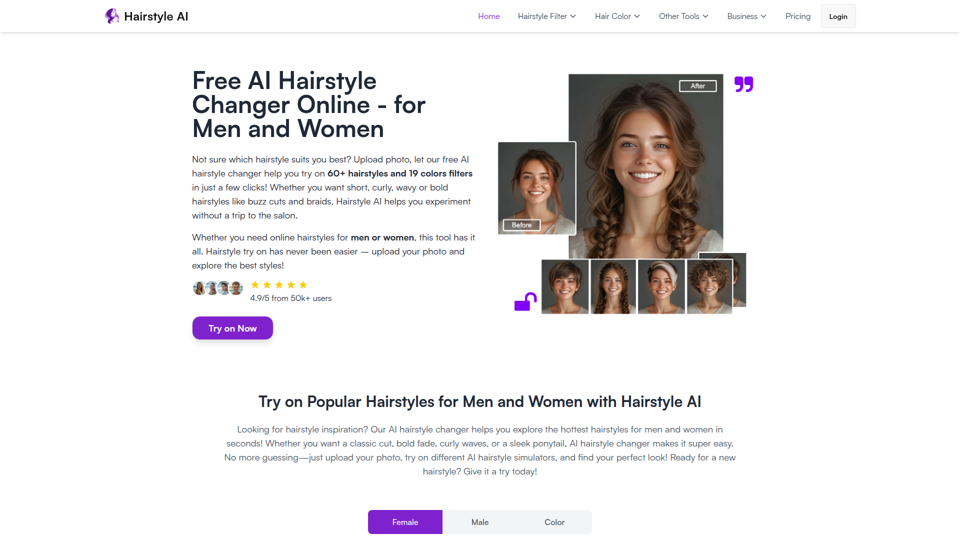
Hairstyle AI is a free online hairstyle simulator that lets people upload a selfie to preview 60+ haircuts and 19 hair colors, mainly for men and women deciding which look suits them before a salon visit. For barbers, stylists, and salon teams, it can streamline consultations by helping clients compare visual options in advance and arrive with clearer haircut preferences.
Sign in - Google Accounts
Google Accounts sign-in is an authentication page that lets users access their Google Account, mainly for people using Google services and account-based tools. For professionals who rely on Google-powered AI products, secure account access is a basic step that enables consistent use of shared data, settings, and workflows.
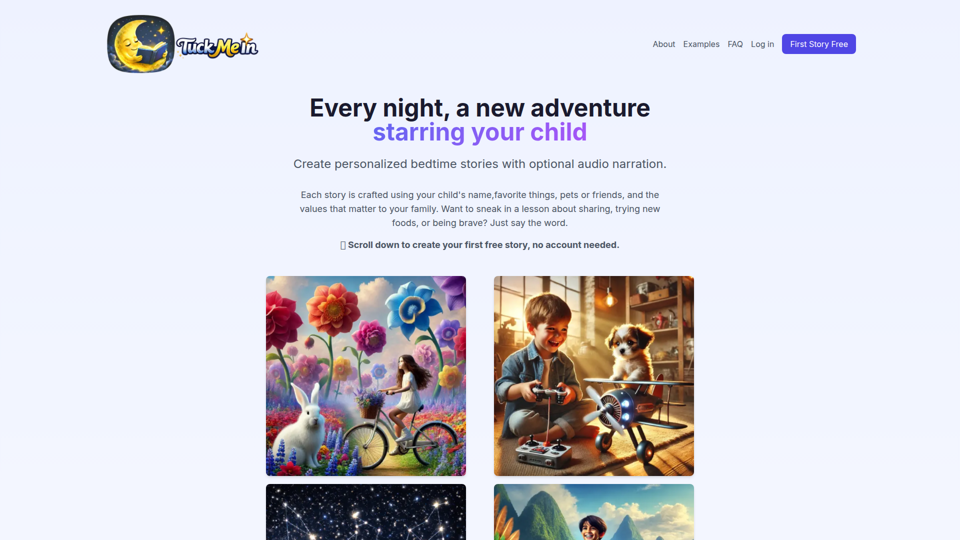
TuckMeIn - Personalized Bedtime Stories for Your Child
TuckMeIn is an AI bedtime story generator that creates personalized children’s stories with optional audio narration using a child’s name, interests, and family values, mainly for parents and guardians. For families and caregivers, it can streamline bedtime routines by quickly producing tailored stories that reinforce specific lessons like sharing, bravery, or trying new foods.

222 - meet new people, discover your city, & deepen your relationships.
222 is a social planning app that helps people meet new people, discover local activities, and deepen relationships by arranging events like dinner and comedy with close matches and friends. For social and community-focused users, AI-driven matching can reduce planning friction and surface more relevant connections and outings in their city.
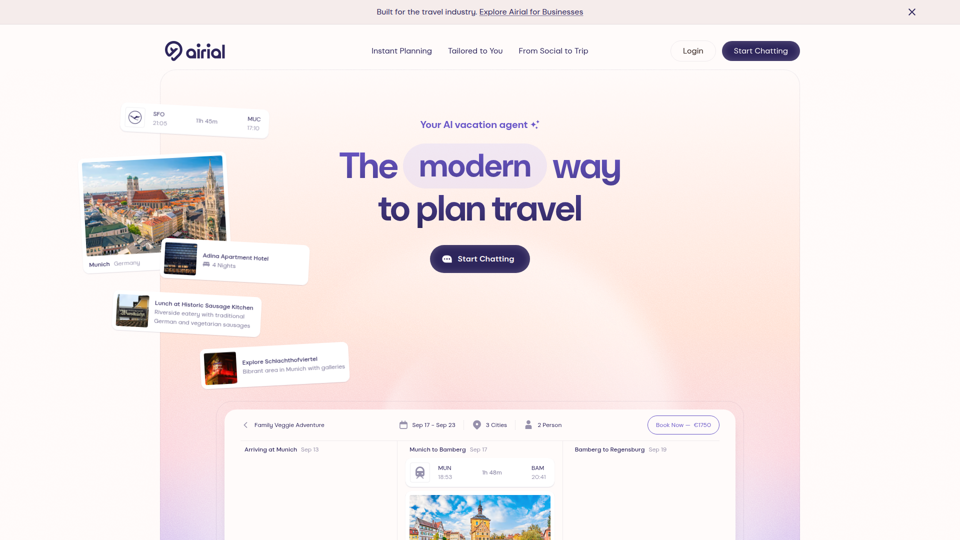
Airial | AI Travel Planner
Airial is an AI travel planner that creates personalized trip itineraries from destination prompts or social video links, helping travelers and travel businesses organize flights, hotels, activities, and multi-city plans faster. For travel planners, advisors, and operations teams, it can reduce manual research and itinerary drafting while making trip customization more efficient.
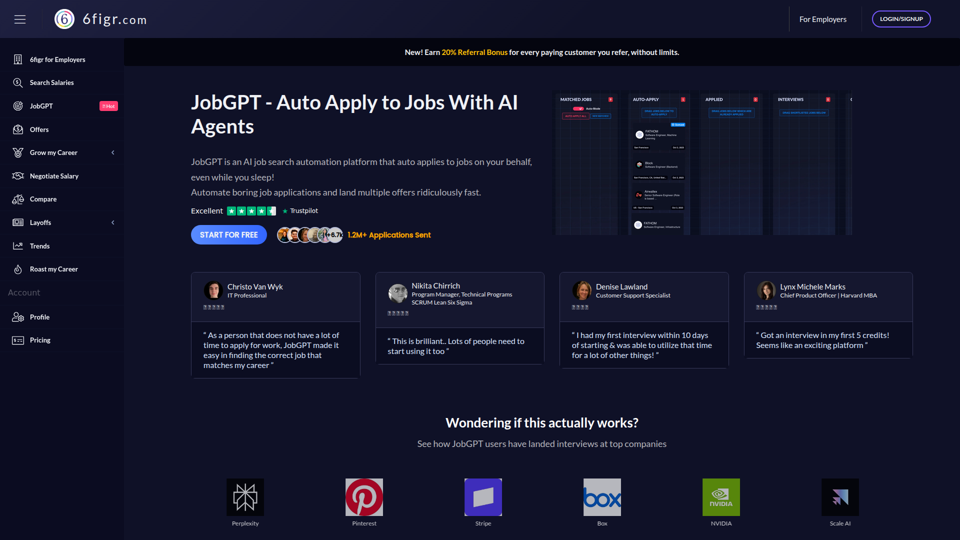
JobGPT - Auto Apply to jobs with AI Agents
JobGPT is an AI job search automation platform that finds relevant openings, auto-fills applications, creates personalized cover letters, and tracks progress for job seekers who want to apply to more roles with less manual effort. For active candidates and career switchers, it can reduce repetitive application work so they can spend more time preparing for interviews, networking, and evaluating opportunities.