
AI Headshot Generator for Professional Headshots | Fotoria Photos
Rate this Tool
Average Score
Total Votes
Select your score (1-10):
Detail Information
What
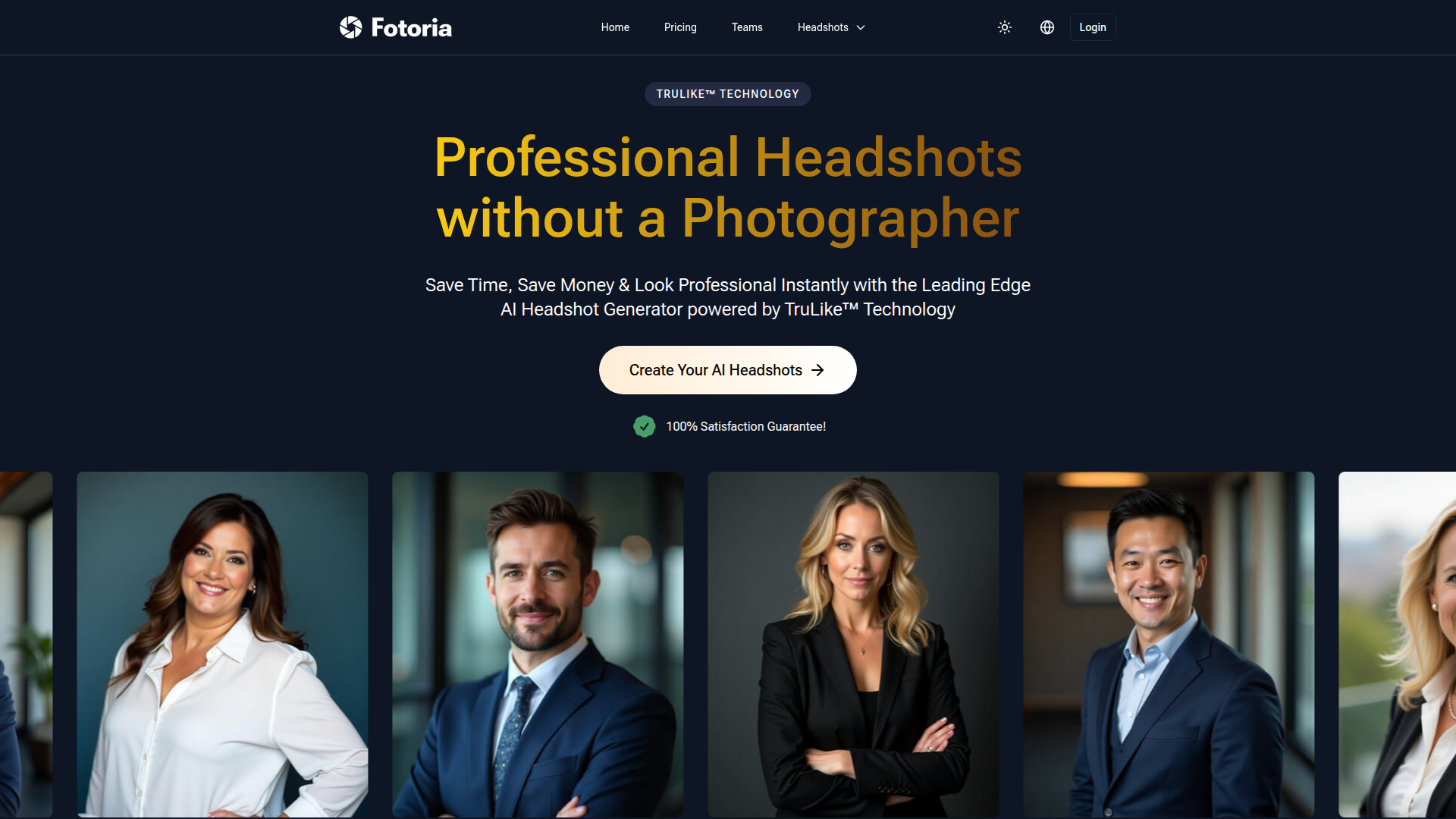
Fotoria is an AI headshot generator that turns uploaded selfies into professional-looking headshots. It is aimed at individuals who need profile photos for LinkedIn, resumes, websites, and similar business or personal branding uses, and it also appears to serve teams that want consistent company headshots without organizing a traditional photo shoot.
The core workflow is simple: users upload 5 to 10 photos, Fotoria builds a personalized AI model, and the system generates headshots in different styles, poses, and backgrounds. Based on the page, Fotoria is positioned as a faster and lower-friction alternative to studio photography, with emphasis on realism through its proprietary TruLike™ technology and on privacy controls around uploaded images.
Features
- Selfie-to-headshot generation — Users upload a small set of photos and the platform creates professional headshots without requiring an in-person photographer.
- Personalized face model — Fotoria says it trains a unique AI model for each user, which is intended to improve likeness and avoid reusing a person’s photos.
- Multiple style options — The service supports business formal, casual, and creative headshot styles, helping users tailor images to different professional contexts.
- Team headshots — A teams offering is presented for organizations that need consistent, on-brand employee photos without coordinating complex shoots.
- Privacy and deletion controls — Users can delete photos and headshots at any time, and the site states that content is automatically deleted 30 days after creation if not removed earlier.
- Commercial usage rights — The page states that users retain full commercial rights and ownership of their final AI-generated headshots for professional and marketing use.
Helpful Tips
- Evaluate input requirements carefully — Results depend heavily on the quality and variety of uploaded photos, so teams or buyers should confirm whether users can reliably provide 5 to 10 clear images from different angles and lighting conditions.
- Set expectations around output variability — The page itself notes that not every generated image will be perfect, so this type of product is best treated as a way to obtain a set of usable options rather than uniformly flawless outputs.
- Check resolution needs early — Standard delivery is listed as 1024 × 1024 pixels, which is suitable for many digital uses, but print-heavy workflows may require the optional upscale path.
- Review privacy fit for internal policies — Fotoria makes clear claims about deletion, non-sharing, and user ownership, but organizations should still compare those statements against their own legal and procurement requirements.
- Assess team use by brand consistency needs — For companies, the strongest use case is likely distributed or remote staff where visual consistency matters more than bespoke photography direction.
OpenClaw Skills
Fotoria could fit well into the OpenClaw ecosystem as part of an AI-assisted professional identity workflow. Likely OpenClaw skills could include a profile-readiness agent that collects role, industry, and brand preferences, then helps users choose appropriate headshot styles for LinkedIn, company directories, speaker bios, recruiting pages, or portfolio sites. Since the source page does not mention a native integration, this should be treated as a likely workflow layer built around Fotoria rather than a confirmed product capability.
For teams, OpenClaw could likely orchestrate a broader employee-profile pipeline around Fotoria: onboarding agents that remind staff to submit suitable source photos, policy agents that verify brand and privacy requirements, and publishing agents that route approved headshots into HR, directory, or content operations systems. In industries with distributed teams, recruiting needs, or frequent profile updates, that combination could reduce manual coordination and make professional image management a more standardized operational process.
Embed Code
Share this AI tool on your website or blog by copying and pasting the code below. The embedded widget will automatically update with the latest information.
<iframe src="https://aimyflow.com/ai/fotoria-com/embed" width="100%" height="400" frameborder="0"></iframe>
Explore Similar Tools
AI Formatter - Format Documents with Professional Templates
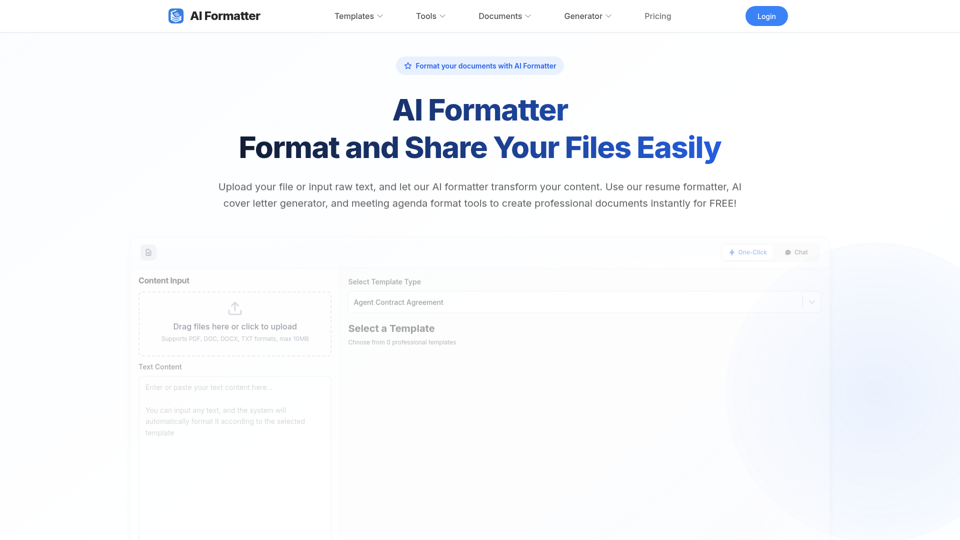
AI Formatter is an AI document formatting tool that converts uploaded files or raw text into professional templates such as resumes, cover letters, meeting agendas, invoices, receipts, and quotations, mainly for job seekers and professionals preparing business documents. In AI-assisted workflows, it can help recruiters, candidates, and administrative staff standardize document structure faster while keeping content editable and ready for sharing or download.
AI Recruiting Platform for Modern Teams | Alex
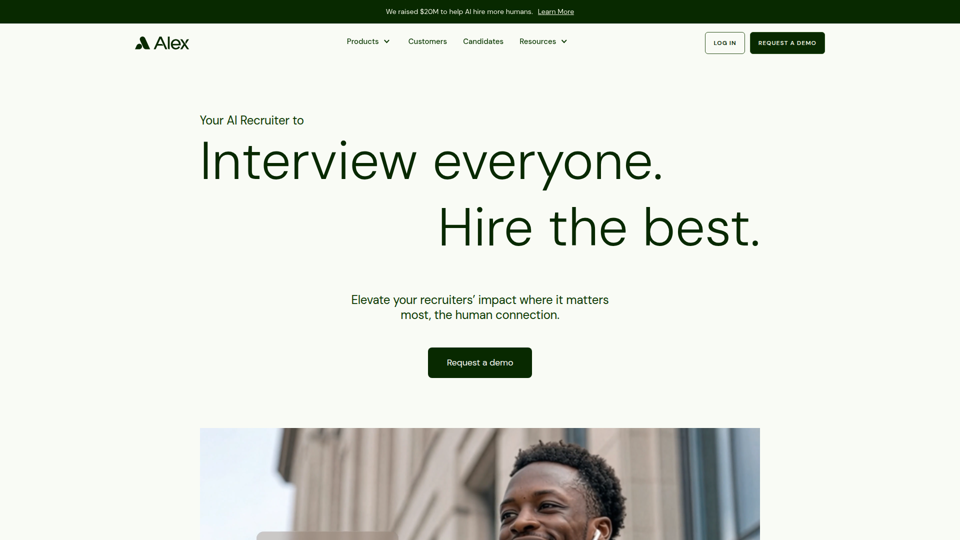
Alex is an AI recruiting platform that automates sourcing, resume screening, candidate interviews, scheduling, and fraud verification to help recruiting teams and hiring organizations evaluate more applicants and hire faster. For recruiters and talent acquisition teams, it can shift time from repetitive coordination and first-round screening to higher-value candidate relationships and hiring manager partnership while supporting more standardized, data-informed decisions.
AI Job Search Platform — Resume Builder, Tailor & Interview Prep | Seekario
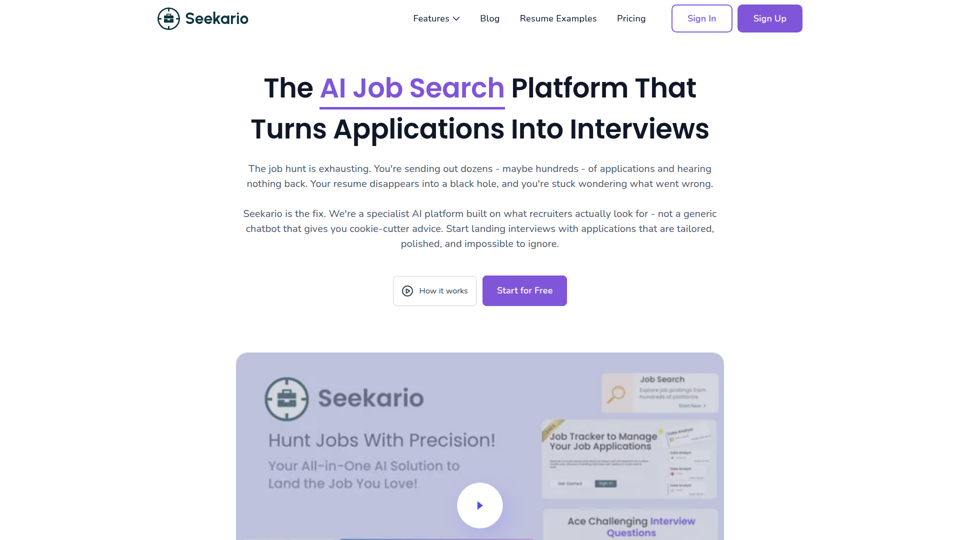
Seekario is an AI job search platform that helps job seekers build and tailor ATS-friendly resumes, generate cover letters and KSC responses, practice interviews, optimize LinkedIn profiles, and track applications in one place. For candidates, career coaches, and recruiters supporting applicants, it can speed up application prep while making resume-job matching and interview practice more structured and consistent.
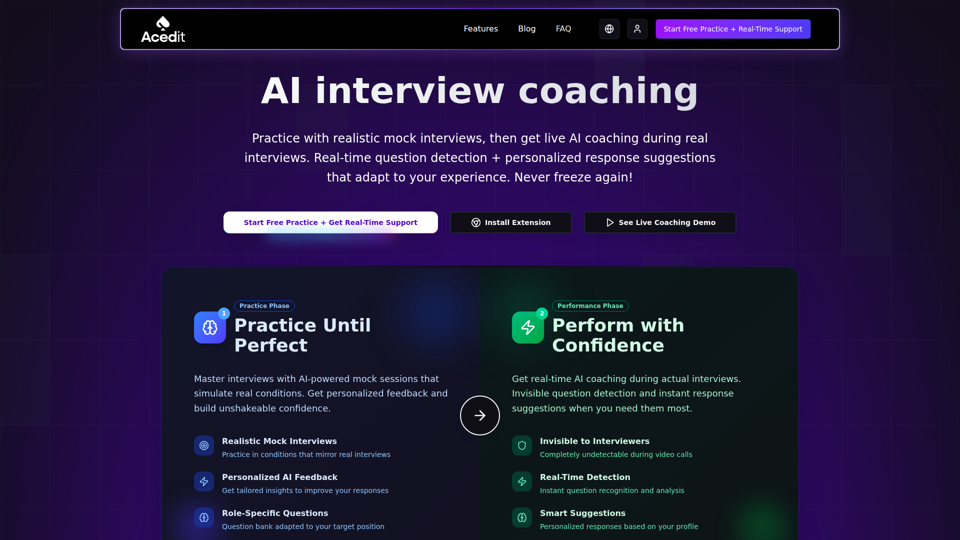
Transform Your Interview Skills with Our AI Interview Coach
Acedit is an AI interview coaching Chrome extension that helps job seekers practice with mock interviews and get real-time question detection and response suggestions during live online interviews. For candidates, recruiters, and career coaches, tools like this can speed interview preparation and improve answer consistency by turning resumes, job descriptions, and role context into structured talking points.
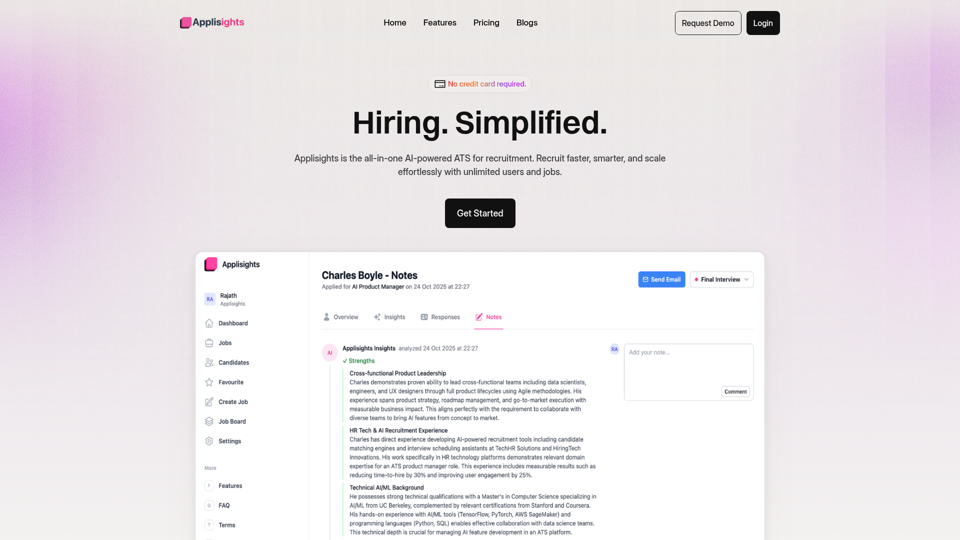
Home - Applisights
Applisights is an AI-powered applicant tracking system and candidate evaluation platform that helps recruiters and hiring teams analyze, score, rank, and manage job applicants faster. For talent acquisition and HR teams, it can reduce manual resume screening by surfacing skills, experience gaps, and ranked shortlists so they can focus on higher-value hiring decisions.
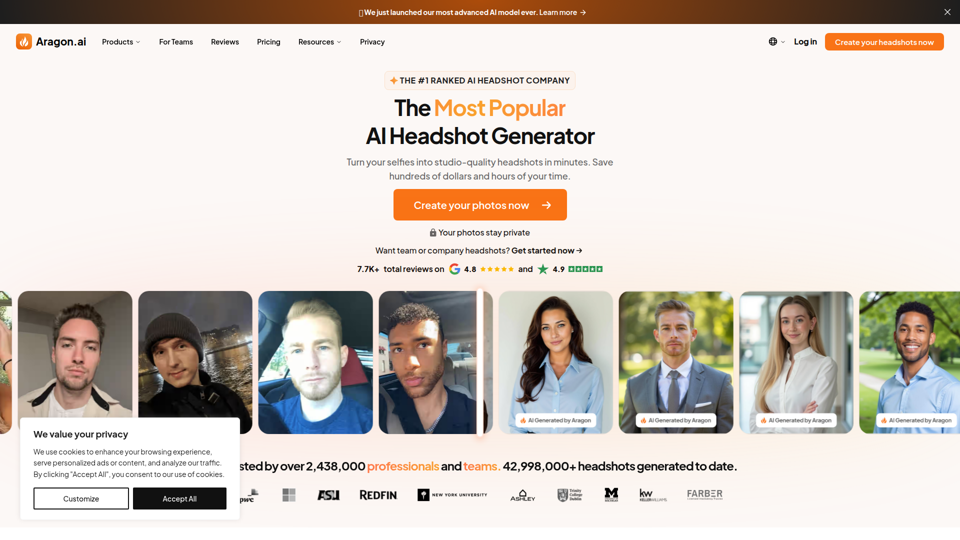
The Leading AI Headshot Generator
Aragon.ai is an AI headshot generator that turns a few selfies into studio-quality professional headshots and related photo edits, mainly for professionals, teams, and companies needing consistent business imagery. For recruiters, marketers, HR teams, and individual professionals, it can speed up profile, website, and brand asset creation while keeping visual presentation more uniform across channels.
Arcimus – Engineering Intuition for Recruiters
Arcimus is a recruiting service that helps hiring teams find engineers who can ship by using technical founder-led sourcing and screening based on real engineering judgment, mainly for recruiters hiring software engineers. In an AI-driven hiring landscape, it can help recruiting and talent teams reduce reliance on keyword filters and better identify engineers with relevant systems ownership, technical depth, and customer problem-solving experience.
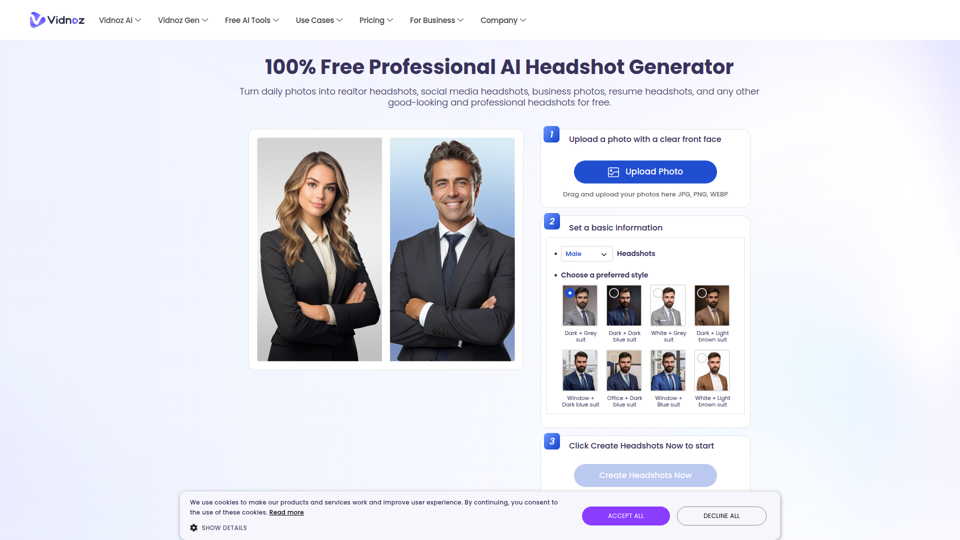
Free AI Headshot Generator for Professionals | Vidnoz
Vidnoz AI Headshot Generator is an AI photo tool that turns a single clear selfie into professional headshots with 40+ styles, clothing options, and backdrops for professionals updating LinkedIn, resumes, and business profiles. For recruiters, marketers, consultants, and job seekers, it can speed profile-image creation and keep digital identity assets more consistent across AI-mediated hiring and client-facing channels.