
Fotify – Live Event Photo Sharing & Digital RSVP Invitations
Rate this Tool
Average Score
Total Votes
Select your score (1-10):
Detail Information
What
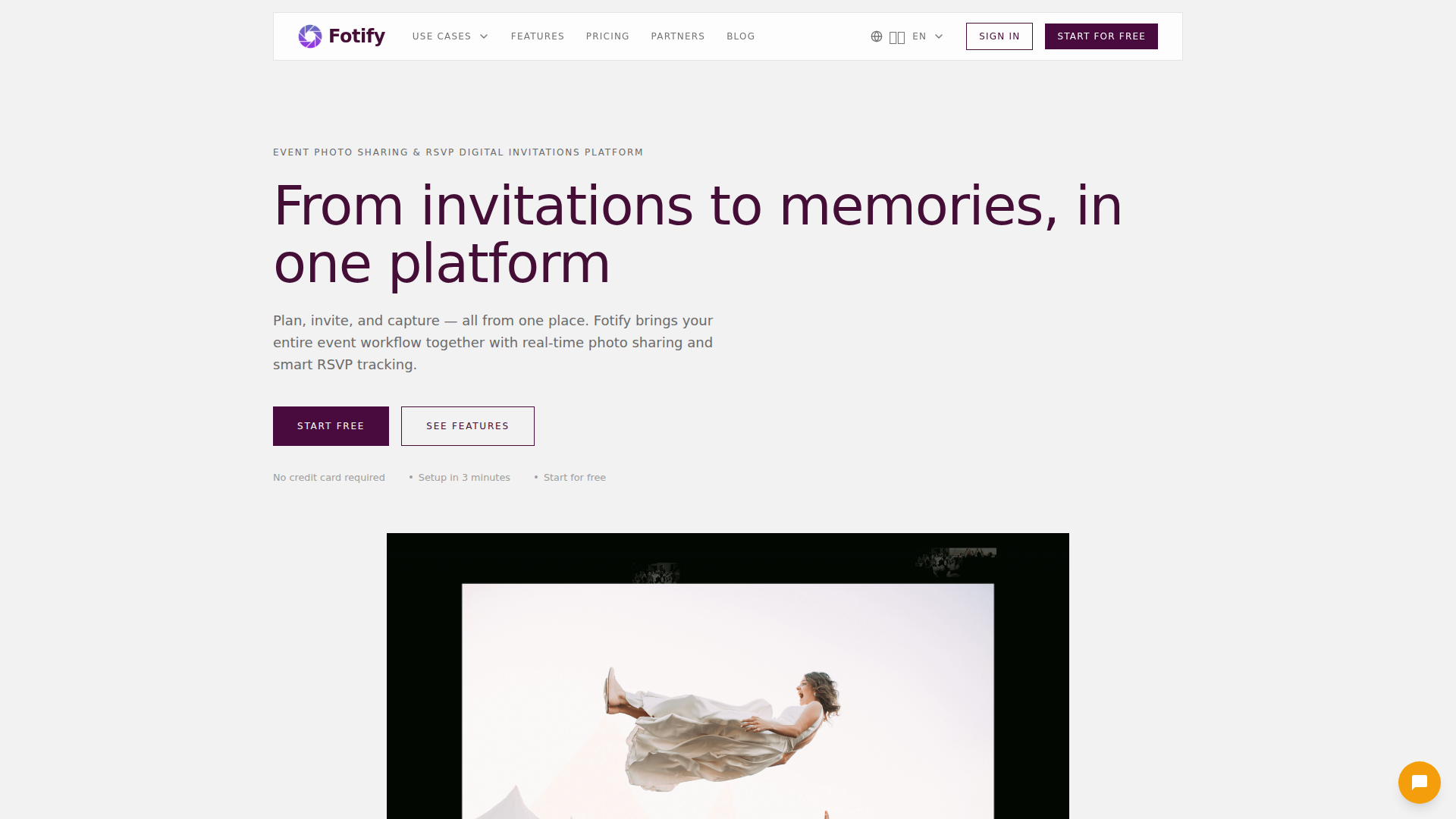
Fotify is an event photo sharing and digital invitation platform that combines RSVP management, guest access, and live media collection in one workflow. It is designed for events such as weddings, corporate events, birthdays, parties, and conferences, with an emphasis on collecting guest photos through QR codes and displaying them in real time.
The core process is straightforward: create an event, upload invitations and manage guests, share a QR code at the venue, and let guests contribute photos without installing an app. Based on the page content, Fotify appears positioned as an all-in-one event engagement tool for organizers who want both guest communication and post-event memory capture in a single system.
Features
- QR-based guest photo uploads: Guests scan a unique QR code to upload photos instantly from their phones, which reduces friction because no app download is required.
- Live moderated photo wall: Uploaded photos appear in real time on a branded photo wall, with moderation controls that help organizers manage what is displayed on event screens.
- Digital invitations and RSVP tracking: Organizers can send invitations, track responses, and use QR-based guest access controls, which is useful for attendance planning and check-in workflows.
- Bulk media management: Event photos can be downloaded as organized ZIP files, and some plans also support bulk upload to prepopulate an event gallery.
- AI-assisted moderation: Higher tiers include AI-powered content filtering and automatic highlighting of selected moments, helping reduce manual review effort.
- Branding and event customization: Premium features include logos, colors, custom frame overlays, and removal of Fotify branding for more tailored guest-facing experiences.
Helpful Tips
- Validate the event format first: Fotify is best suited to events where guests are expected to actively contribute photos and engage with on-site QR codes; for low-participation or highly private events, adoption may vary.
- Check tier limits carefully: The main differences across plans are photo limits, upload windows, gallery access, RSVP capacity, moderation depth, and branding, so plan selection should map to event size and duration.
- Plan venue connectivity in advance: Since real-time uploads and live display depend on guest access during the event, internet reliability at the venue is an important implementation factor.
- Define moderation ownership: For events with public displays, assign a moderator and establish rules for acceptable content before the event starts to avoid operational issues.
- Treat newer add-ons as optional experiments: Features such as guest matching or DJ song requests may be valuable for social or entertainment-driven events, but they may not fit every event type.
OpenClaw Skills
Fotify could likely work well with OpenClaw as part of an event operations and guest engagement workflow, although the source page does not confirm a native integration. Likely OpenClaw skills could include RSVP follow-up agents, guest communication assistants, event-day moderation support, and post-event media organization workflows that turn uploaded content into summaries, albums, or internal event reports.
For corporate events and venues, an OpenClaw layer could likely help transform Fotify from a media collection tool into a broader event intelligence system. Possible use cases include agents that segment invitees, monitor RSVP changes, generate staffing checklists from attendance data, identify high-engagement moments from uploaded media, or draft post-event recap content. In professions such as event planning, hospitality, and experiential marketing, that combination could reduce manual coordination work and make guest-generated content more operationally useful.
Embed Code
Share this AI tool on your website or blog by copying and pasting the code below. The embedded widget will automatically update with the latest information.
<iframe src="https://aimyflow.com/ai/fotify-app/embed" width="100%" height="400" frameborder="0"></iframe>