
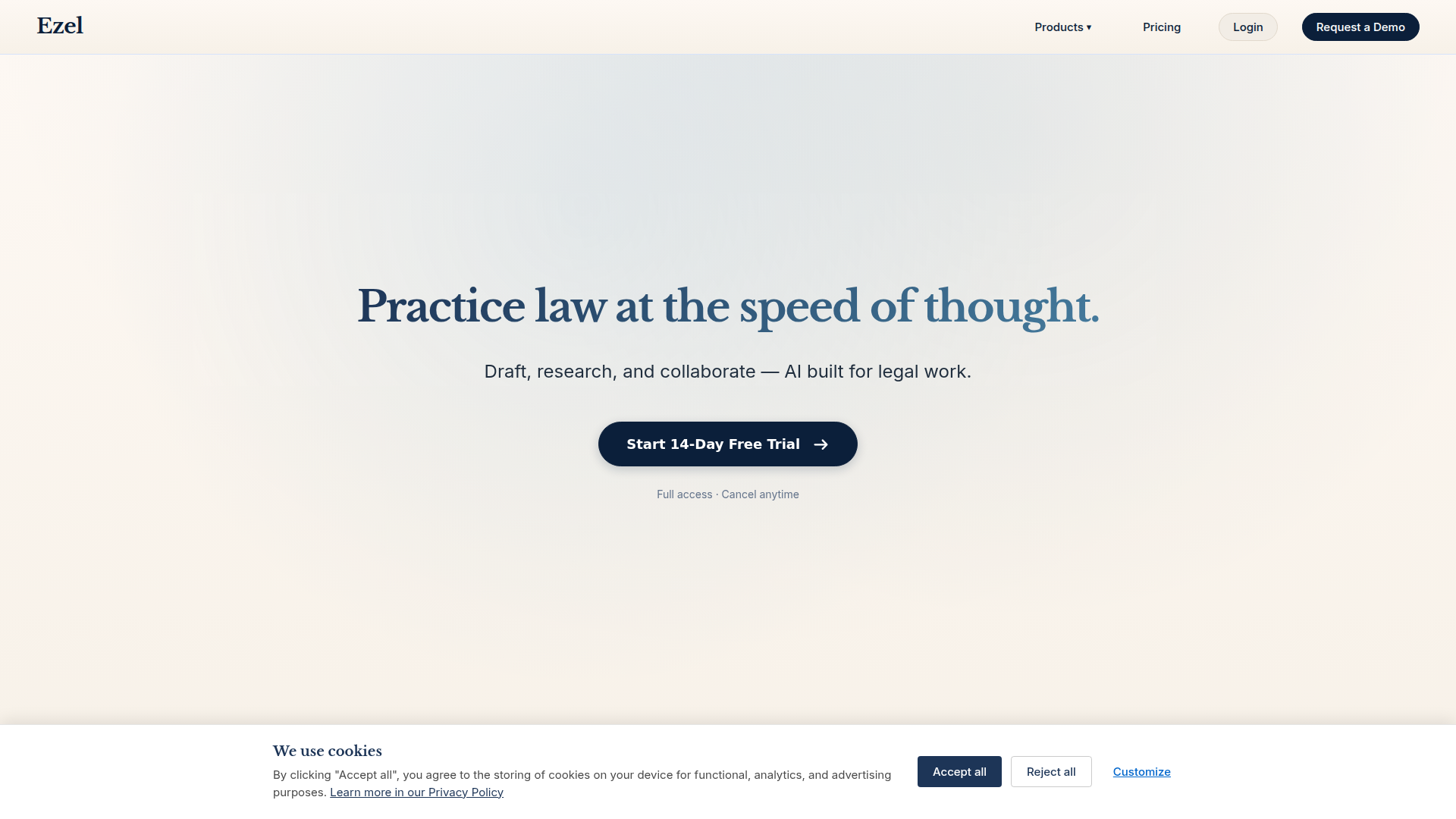
Ezel - Practice law at the speed of thought.
Rate this Tool
Average Score
Total Votes
Select your score (1-10):
Detail Information
What
Ezel is an AI-powered legal work platform for lawyers and legal teams. It combines document drafting, AI chat, U.S. case law search, matter-based research organization, and document redaction in one product designed around legal workflows.
The platform appears positioned as an all-in-one legal productivity workspace rather than a general-purpose AI assistant. Its core workflow centers on uploading matter documents, asking questions grounded in those files, drafting and revising legal documents, running case law research, verifying citations, and keeping related chats, notes, and files organized by matter.
Features
- Matter workspaces: Organizes documents, chats, and notes by matter so legal research and collaboration stay tied to a specific case or client context.
- File-grounded AI answers: Generates responses cited to uploaded documents rather than only generic sources, which helps with traceability during legal analysis.
- AI document editor: Supports legal drafting with real-time assistance, templates by practice area, and import/export across document formats.
- U.S. case law search: Provides AI-augmented legal research with search history, live progress updates, full-text opinions, and summarized takeaways.
- Context-aware chat workspace: Lets users attach exhibits or discovery, link discussions to matters, and preserve revision history inside a single thread.
- AI document redaction: Uses plain-English instructions to find and preview redactions, then permanently removes content from PDFs, including scanned files.
Helpful Tips
- Validate source coverage early: For legal AI tools, confirm whether the platform’s research scope, jurisdiction coverage, and citation workflows match the matters your team handles most often.
- Set matter-level operating rules: Products like this work best when firms define when to use uploaded-file answers, when to enable web research, and how citation checking should fit into review.
- Test confidentiality controls in practice: Ezel highlights privacy defaults, storage options, and tool toggles; buyers should still map these controls to internal document handling policies before broad rollout.
- Pilot with document-heavy workflows: The strongest apparent use cases are drafting, file-based Q&A, research memos, and redaction, so those workflows are good candidates for initial evaluation.
- Review enterprise fit beyond features: If storage location, auditability, or role-based controls matter, the enterprise storage and policy model should be assessed with legal operations and IT teams.
OpenClaw Skills
Ezel could likely work well inside the OpenClaw ecosystem as a legal-work orchestration layer. Likely skill patterns include matter intake agents that create structured workspaces, litigation support agents that route discovery files into matter-specific Q&A flows, and drafting agents that prepare first-pass memos or agreement revisions before attorney review. The source page does not describe a native OpenClaw integration, so this should be treated as a workflow design inference rather than a confirmed capability.
In a broader legal operations context, OpenClaw could use Ezel as the execution surface for specialized legal agents: for example, a contract review workflow that classifies uploaded agreements, launches citation verification, drafts client-ready summaries, and triggers redaction tasks for external sharing. For law firms and in-house teams, that combination could shift routine legal work from disconnected research, drafting, and file-handling steps toward more structured, matter-aware AI workflows with clearer provenance and handoff points.
Embed Code
Share this AI tool on your website or blog by copying and pasting the code below. The embedded widget will automatically update with the latest information.
<iframe src="https://aimyflow.com/ai/ezel-ai/embed" width="100%" height="400" frameborder="0"></iframe>
Explore Similar Tools
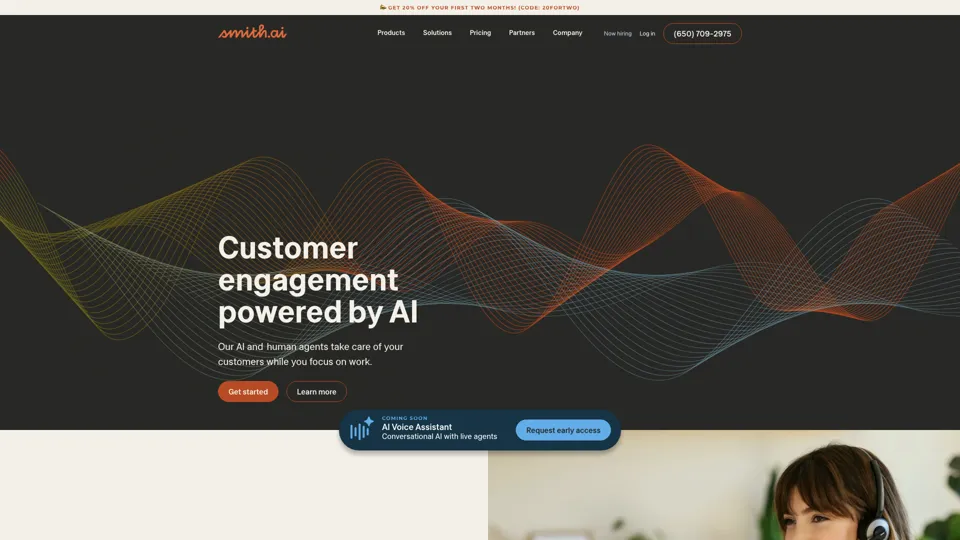
Smith.ai 24/7 Live Receptionists, Outreach & Web Chat
Smith.ai is a customer engagement service combining AI and live agents for 24/7 receptionist, outreach, and web chat support, mainly for small businesses and service firms. In the AI era, it helps sales and customer-facing teams capture more leads by blending automation with human follow-through.
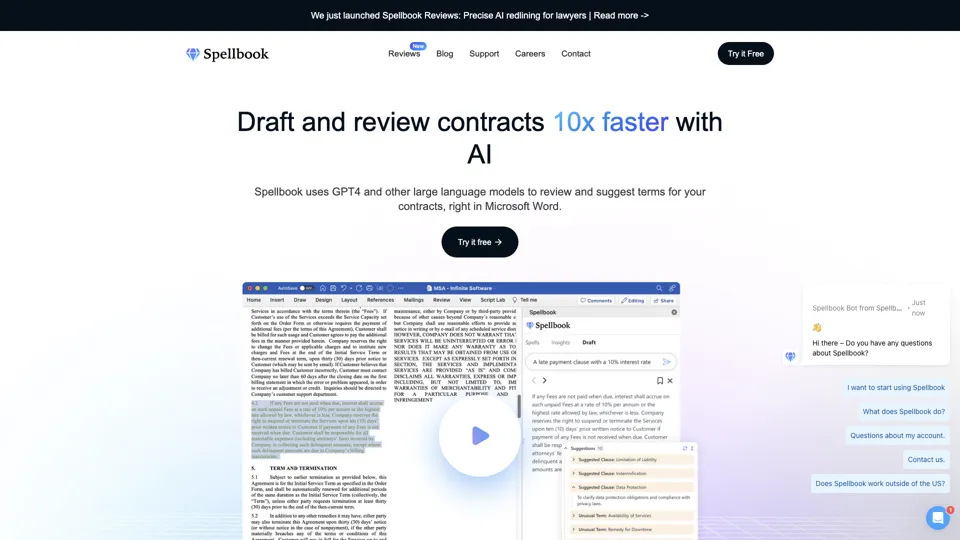
Spellbook - AI Contract Drafting & Review
Spellbook is an AI contract drafting and review assistant that works in Microsoft Word to suggest language, analyze terms, and speed legal document work, mainly for lawyers and legal teams. In the AI era, it helps legal professionals review contracts faster and focus more on negotiation and judgment.
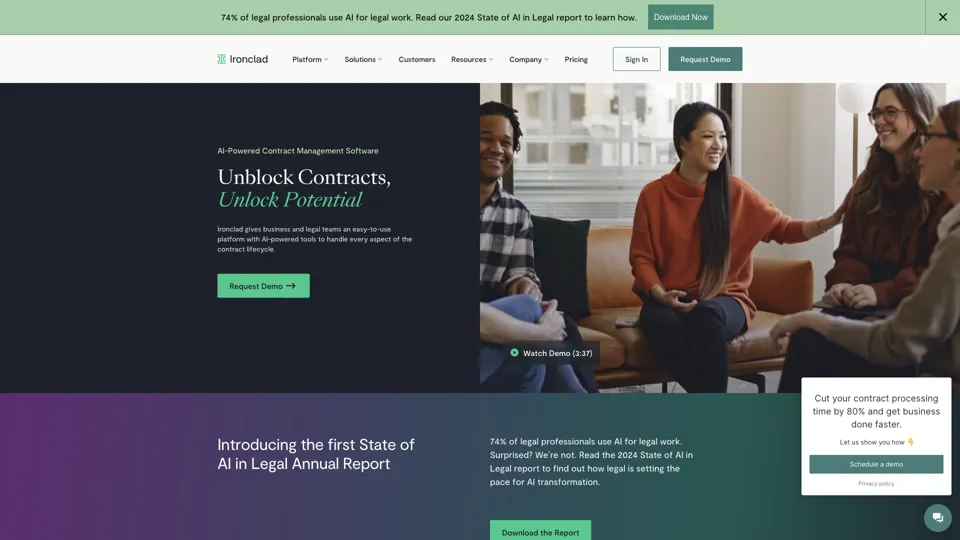
Ironclad: The Global Leader in Contract Management Software
Ironclad is a contract management platform that helps legal and business teams create, negotiate, deploy, and analyze digital contracts across the contract lifecycle. It enables legal operations and procurement teams to move faster while keeping contract data more searchable and actionable.
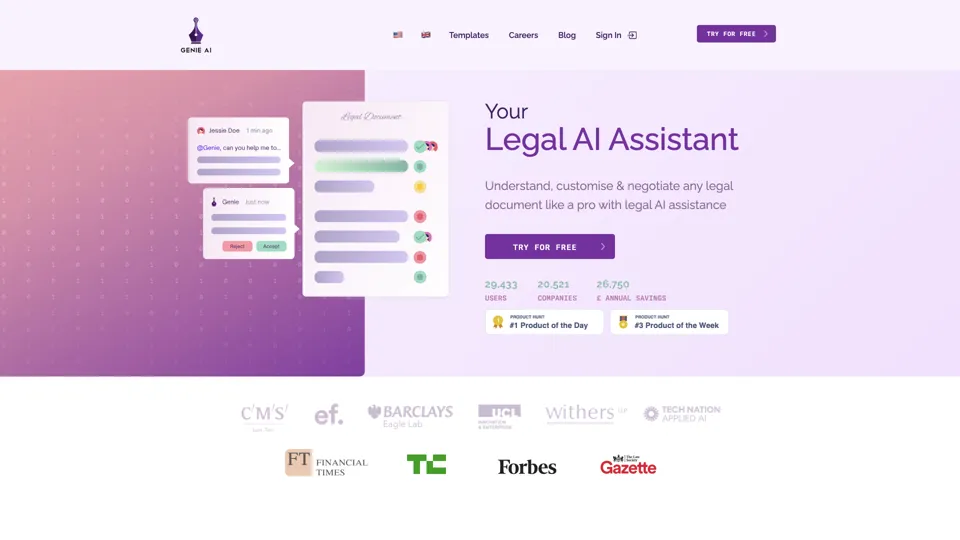
Your AI Legal Assistant - 500+ Free Templates
Genie AI is an AI legal assistant that helps businesses draft, review, and negotiate legal documents using templates and an open-source legal database. It enables legal and operations teams to handle routine contracting faster and with more standardized language.
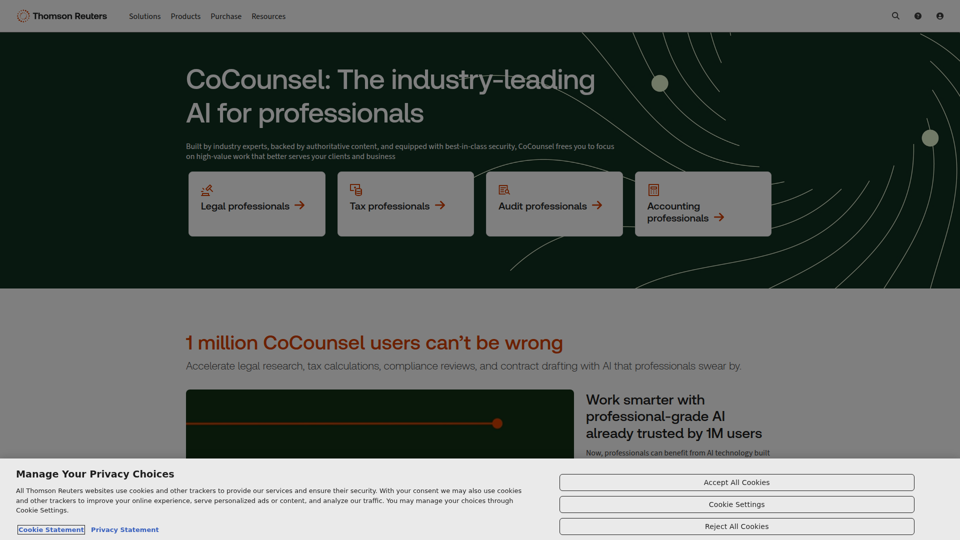
CoCounsel: The industry-leading AI for professionals | Thomson Reuters
CoCounsel is an AI assistant from Thomson Reuters that helps legal, tax, audit, and accounting professionals speed up research, drafting, calculations, compliance reviews, and document analysis using trusted content and secure processing. For professional services teams, it can reduce routine workload and improve the speed and consistency of client-facing work while keeping sensitive data protected.
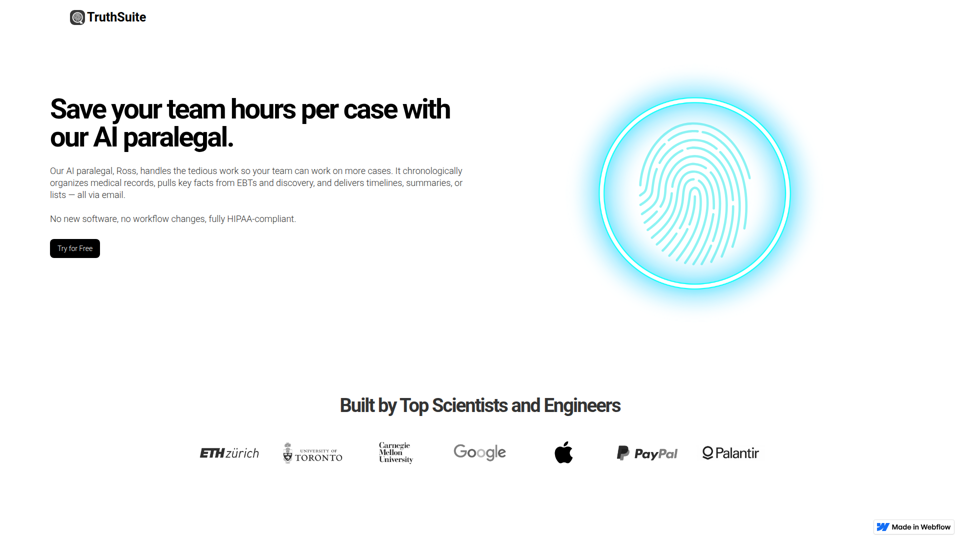
AI Legal Assistant & Document Summary Tools | Truthsuite
TruthSuite is an AI legal assistant and document summary tool that helps lawyers and legal teams organize medical records, extract key facts from EBTs and discovery, and generate timelines and summaries via email. For litigation and case-preparation work, this can reduce time spent reviewing large document sets so attorneys and paralegals can focus more on case strategy and handling more matters.

UPDF - An AI-integrated PDF Editor, Converter, Annotator, and Reader
UPDF is an AI-integrated PDF editor, converter, annotator, and reader that helps users edit, organize, sign, protect, OCR, translate, and summarize PDFs across desktop, mobile, and web, mainly for professionals, students, educators, and enterprise teams handling document-heavy work. Its AI chat, summarization, translation, and research features can help legal, research, HR, and business professionals review complex documents faster and turn static PDFs into more actionable information.
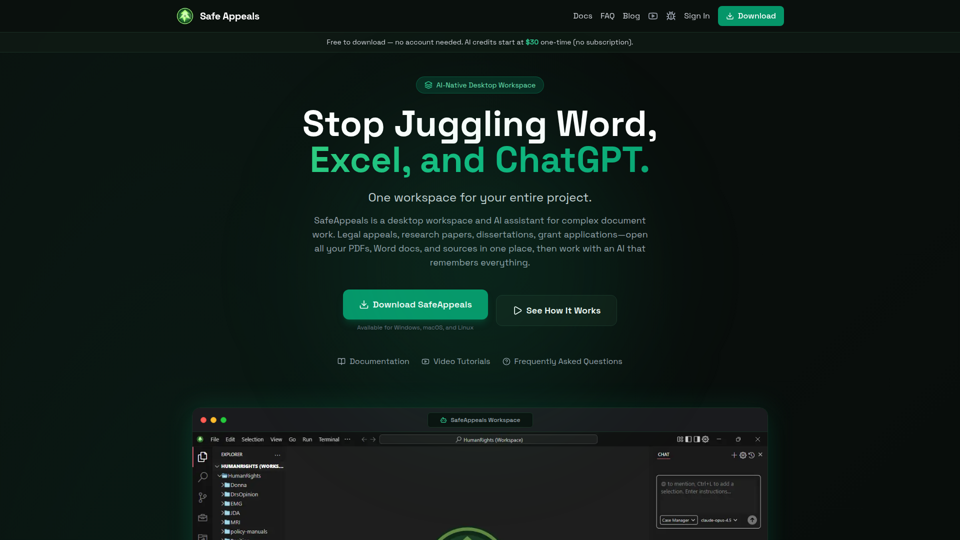
Safe Appeals — AI Desktop Workspace for Documents & Research
SafeAppeals is an AI-native desktop workspace for complex document and research projects, helping legal appeals workers, paralegals, graduate students, researchers, and consultants organize, edit, and analyze PDFs, Word files, spreadsheets, and web research in one place. For document-heavy roles, its project-aware AI and local-first setup can reduce app switching and repetitive prompting while supporting more consistent drafting, source review, and case or research development.