
Doclingo – AI Document Translation Platform for PDFs, Word & Research Papers
Rate this Tool
Average Score
Total Votes
Select your score (1-10):
Detail Information
What
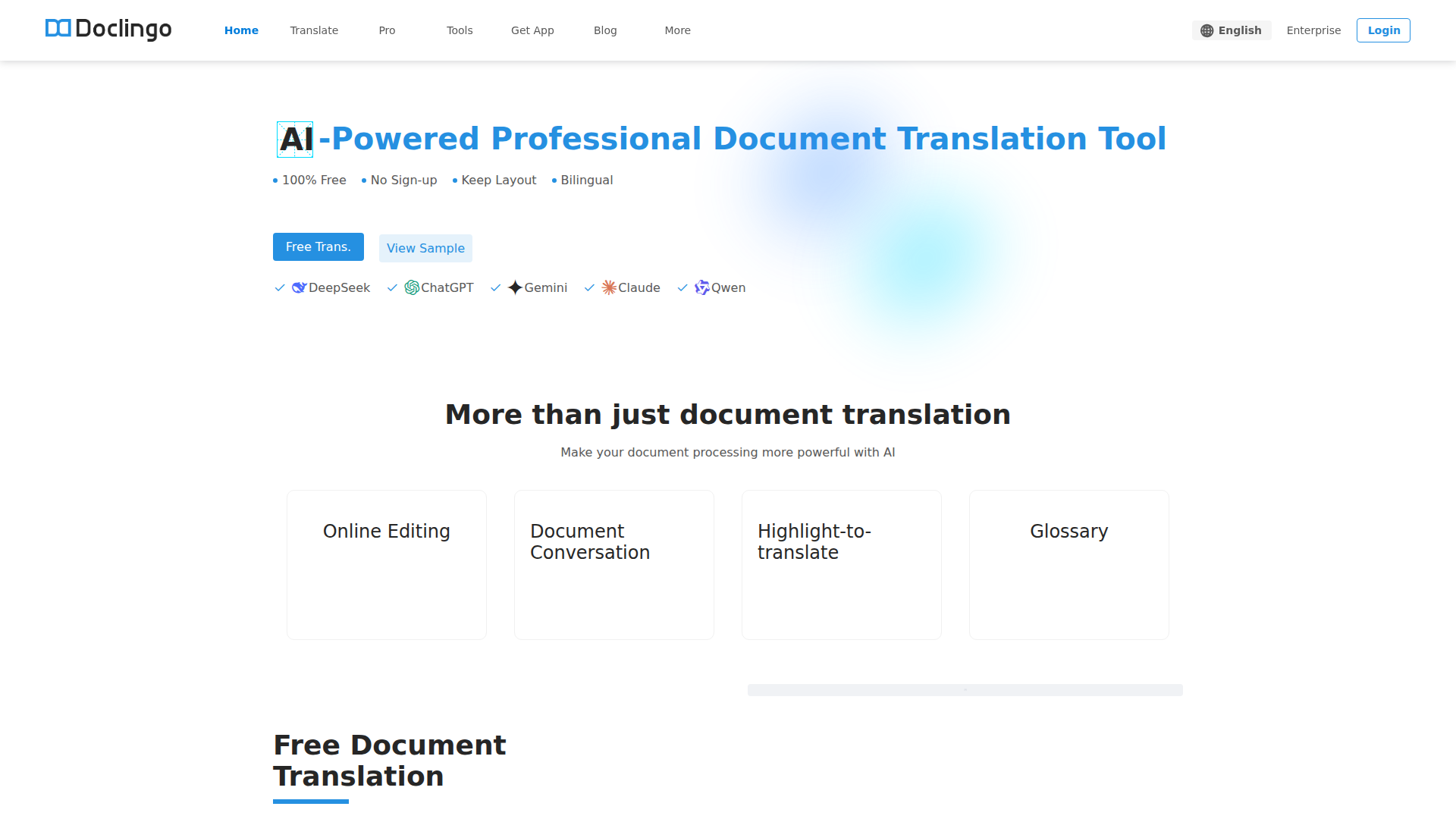
Doclingo is an AI document translation platform focused on translating formatted files such as PDFs, Word documents, Excel sheets, PowerPoint files, images, and research papers. It is positioned as a professional document workflow tool rather than a basic text translator, with emphasis on preserving layout, handling embedded image text, and supporting bilingual review and editing.
The product appears to serve professionals, researchers, students, enterprises, and developers who need document-level translation with higher fidelity than plain-text tools. Its core workflow is upload a document, translate it across 90+ languages, preserve the original structure, then review or refine the result through online editing, document conversation, highlight-to-translate, glossary support, or API-based automation.
Features
- Multi-format document translation: Supports PDF, Word, Excel, PPT, and images, which helps teams translate mixed document types without switching tools.
- Layout-preserving translation: Includes format restoration and a layout recovery algorithm designed to reconstruct complex original formatting after translation.
- OCR-based image text translation: Detects and translates text inside images and PDFs, which is useful for scans, diagrams, and design-heavy files.
- 90+ language support: Enables one-click multilingual translation for cross-border business, academic reading, and multilingual document handling.
- Online editing and bilingual review tools: Lets users modify translated content, compare source and target text, and use highlight-to-translate for more controlled review.
- API and enterprise workflow support: Offers developer API access and enterprise collaboration features for batch processing and integration into larger document pipelines.
Helpful Tips
- For complex PDFs, test with documents that include tables, diagrams, and mixed-language content, because layout preservation quality is a key differentiator in this category.
- If terminology consistency matters, evaluate the glossary and bilingual review workflow early, especially for research papers, technical manuals, and design documents.
- Multi-engine switching can be useful, but teams should define when to use each model so output quality stays predictable across departments.
- If you plan to automate document translation at scale, review the API documentation and batch-processing behavior before adoption; the page indicates this capability but does not fully detail implementation constraints.
- The site mentions multiple trust and security standards, but buyers with strict compliance requirements should verify scope and applicability directly rather than assuming full coverage for every use case.
OpenClaw Skills
Doclingo could fit well into the OpenClaw ecosystem as the document translation layer inside multilingual knowledge and operations workflows. Likely OpenClaw skills could include automatic intake of PDFs from email or cloud folders, language detection, translation routing by document type, glossary-aware review tasks, and structured export into downstream research, legal, procurement, or customer support systems. The page also mentions API access, which makes this kind of orchestration plausible, though any native OpenClaw integration would be an inferred use case rather than a confirmed feature.
A stronger OpenClaw combination would be agentic workflows for research and international operations. For example, an OpenClaw agent could translate a research paper, extract key findings, compare versions side by side, flag uncertain terminology, and hand off a clean bilingual summary to a knowledge base. In trade, manufacturing, or design contexts, a similar workflow could translate drawings, specifications, and image-heavy PDFs, then trigger review steps for engineering or sourcing teams. That would likely shift document translation from a standalone utility into part of a broader multilingual decision-support system.
Embed Code
Share this AI tool on your website or blog by copying and pasting the code below. The embedded widget will automatically update with the latest information.
<iframe src="https://aimyflow.com/ai/doclingo-ai-en/embed" width="100%" height="400" frameborder="0"></iframe>
Explore Similar Tools
Poly: The Intelligent Cloud File Browser
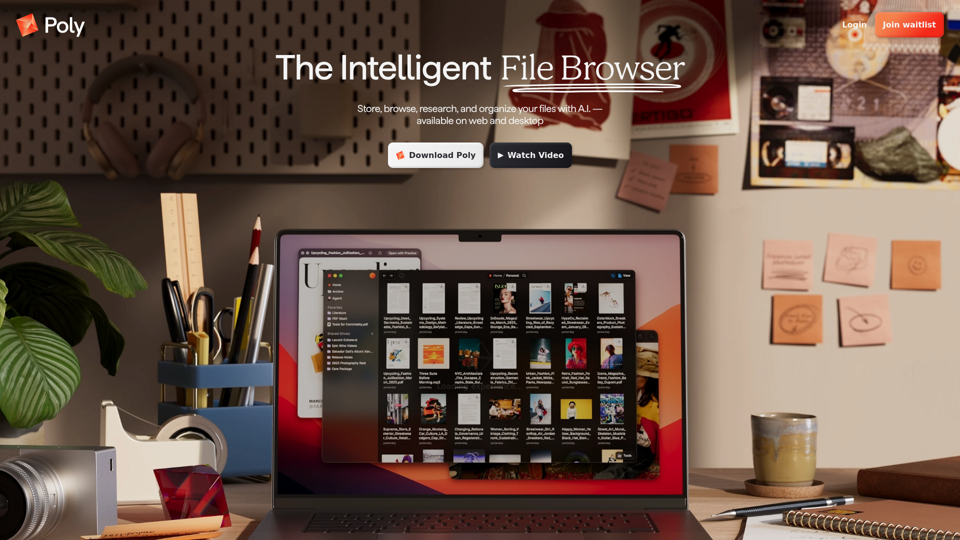
Poly is an AI-powered cloud file browser and hosting service that helps users store, search, summarize, organize, and chat about files across many formats, mainly for people managing large media, document, archive, or research collections. In AI-assisted workflows, it can help researchers, creatives, and knowledge workers find specific content inside files faster and turn scattered assets into usable notes, summaries, and references.
Transor – Professional AI Translator for Websites, Documents, Images & Videos
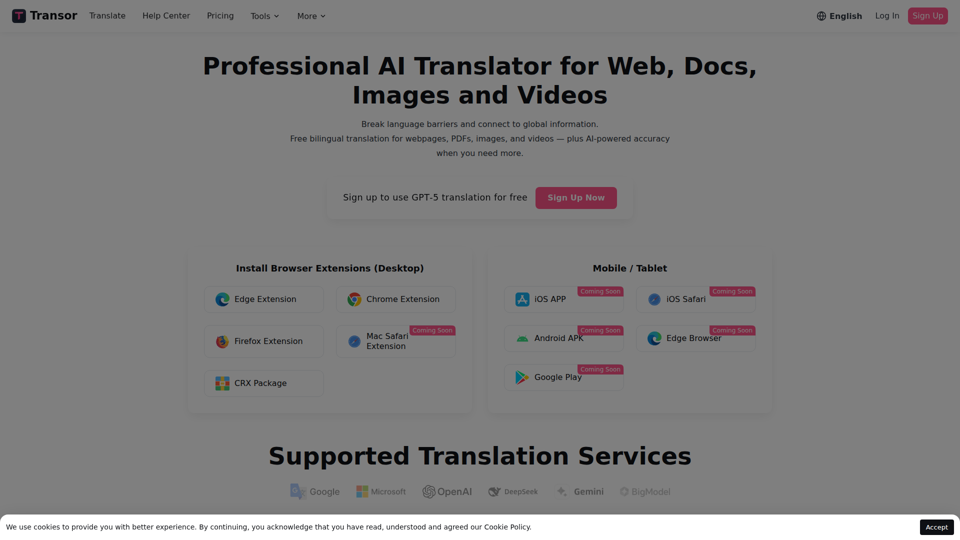
Transor is an AI translator for websites, PDFs, images, videos, and selected text that helps users read and translate multilingual content in real time, mainly for people working with foreign-language information such as researchers, professionals, and multilingual web users. In AI-assisted workflows, its bilingual reading and subtitle features can help knowledge workers review global sources faster while preserving original context.
AI-Writer.com - Ask anything. Get answers backed by science.
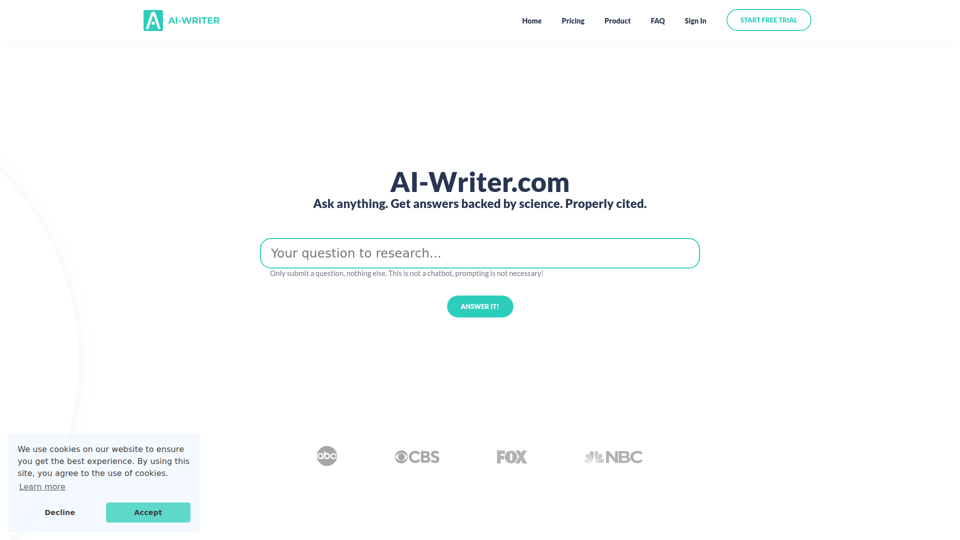
AI-Writer.com is an AI research and writing tool that answers questions using scientific literature with verifiable citations and bibliography support, mainly for academics, researchers, and industry users who need trusted source-backed writing. In AI-assisted research workflows, it can help researchers, analysts, and technical writers work faster while checking claims against exact papers and source paragraphs.
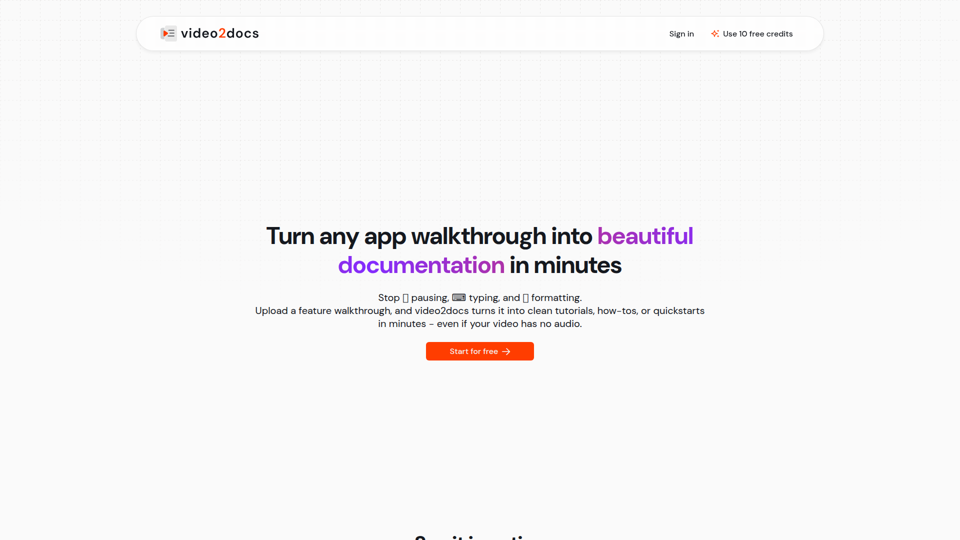
video2docs | video to documentation in minutes
video2docs is an AI documentation tool that turns app walkthrough and screen-recording videos into structured tutorials, how-to guides, and quickstarts, mainly for product teams and software companies that need faster documentation. In AI-assisted workflows, it can help product marketers, technical writers, and customer education teams reduce manual screenshotting and drafting by generating editable docs directly from visual product demos.
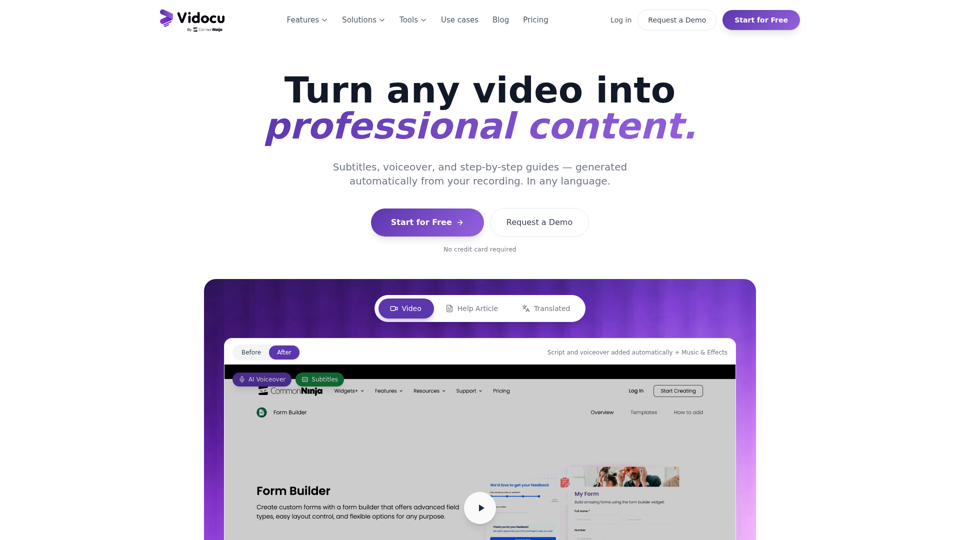
Vidocu - Transform Videos into Tutorials & Documentation with AI
Vidocu is an AI video-to-documentation platform that helps teams turn screen recordings, demos, tutorials, and webinars into subtitles, voiceovers, translated versions, and step-by-step help articles, mainly for support, training, product marketing, and sales enablement workflows. For customer support, training, and content teams, it can reduce manual post-production and make video knowledge easier to publish, localize, and reuse across help centers, blogs, and internal documentation.
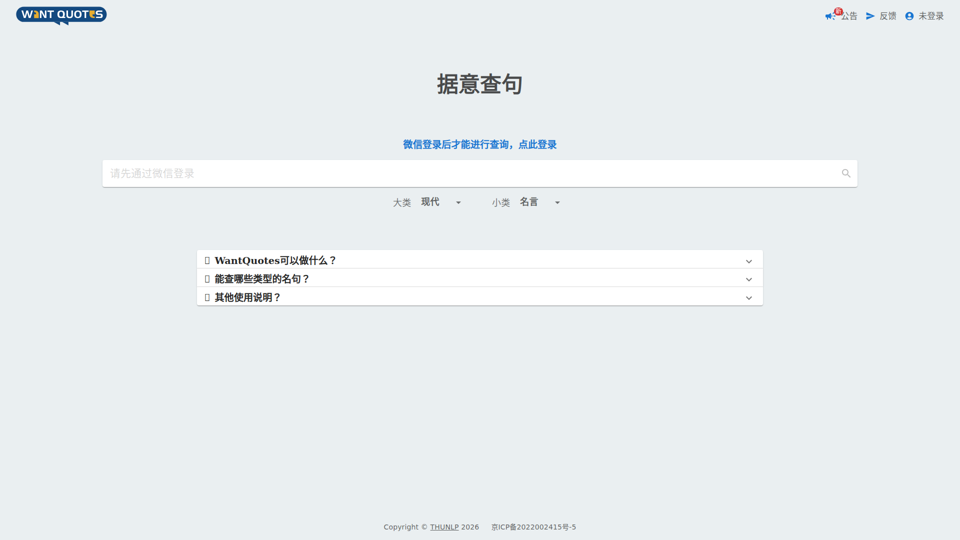
WantQuotes 据意查句
WantQuotes 据意查句 is an AI-powered Chinese quote search tool that helps users find matching sayings, poetry lines, classical passages, proverbs, and idioms by describing their meaning, mainly for Chinese readers, writers, and students. For writers, editors, and educators, it can speed up finding contextually relevant quotations when drafting, teaching, or refining Chinese-language content.
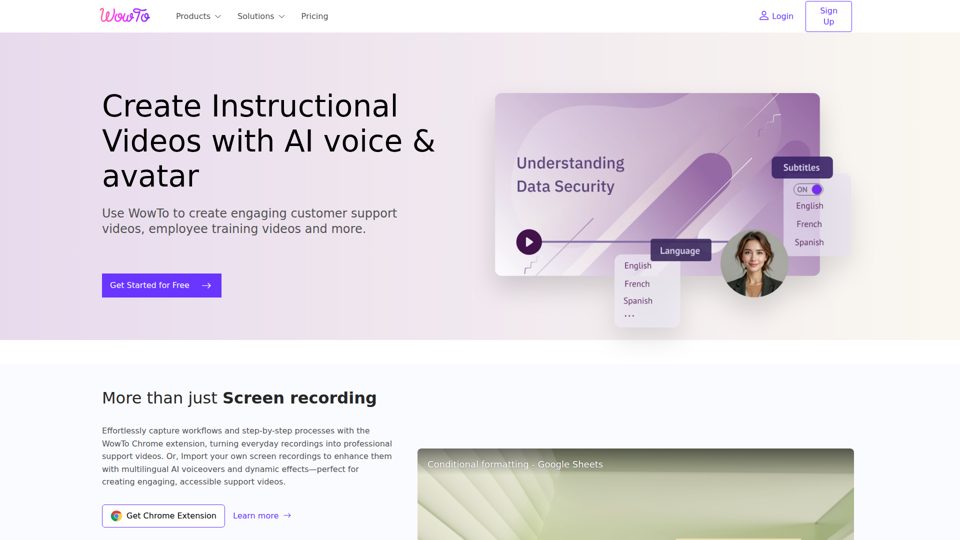
Create support videos with AI | WowTo
WowTo is an AI video creation and hosting platform that helps teams produce step-by-step support, training, and instructional videos, mainly for customer support, training, and education teams. In AI-enabled workflows, it can help support and enablement professionals turn screen recordings, PDFs, and presentations into multilingual video knowledge bases that are easier to update and deliver inside help centers or apps.
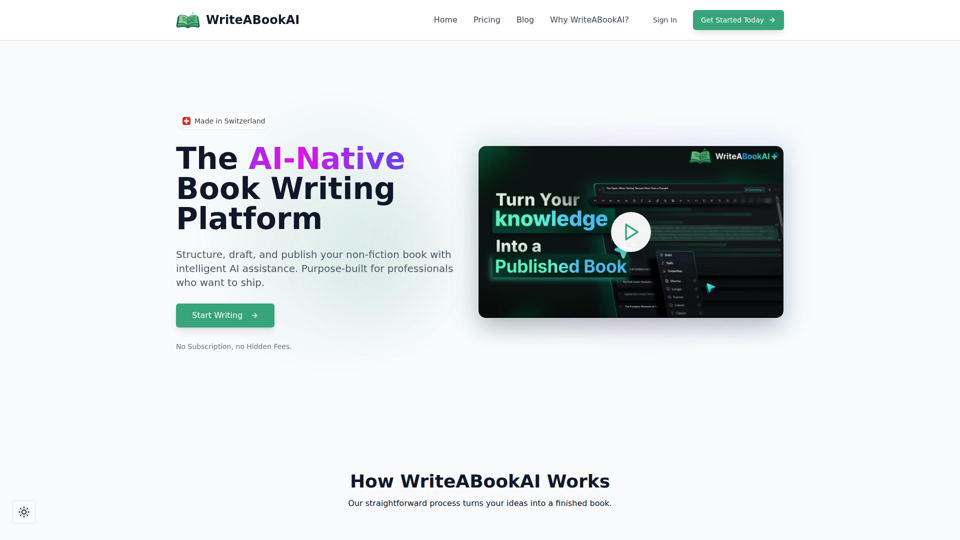
WriteABookAI - The AI-Native Book Writing Platform
WriteABookAI is an AI-native platform for planning, drafting, rewriting, and exporting non-fiction books, built mainly for consultants, executives, researchers, coaches, and other subject-matter experts. For professionals focused on thought leadership, it can speed up turning expertise into publishable book content while keeping the author in control of structure, wording, and final output.