
CrawlChat - Power up your tech documentation with AI
Rate this Tool
Average Score
Total Votes
Select your score (1-10):
Detail Information
What
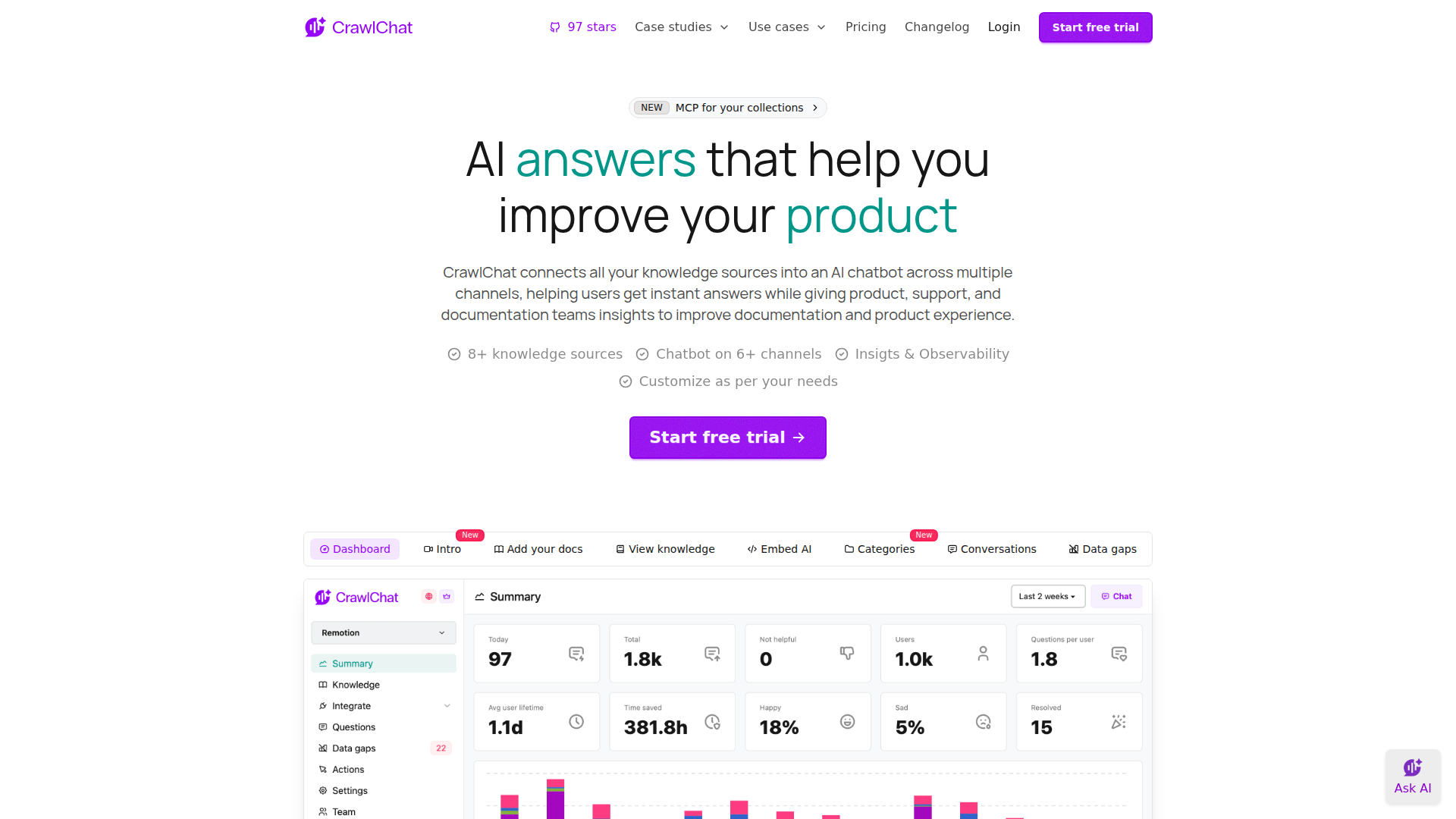
CrawlChat is an AI documentation assistant for software companies that turns existing docs and related knowledge sources into a chatbot for websites, Slack, Discord, MCP servers, APIs, and other channels. It is designed for documentation, support, DevEx, and internal go-to-market teams that need fast answers from distributed technical knowledge.
The core workflow is straightforward: import content from sources such as websites, files, Notion, Confluence, GitHub issues, code repositories, and Linear; deploy the assistant where users already ask questions; then monitor conversations, answer quality, and documentation gaps. Based on the page, CrawlChat appears positioned as an AI-first, multi-channel RAG-style documentation and internal knowledge solution with analytics and self-hosting options for technical teams.
Features
- Multi-source knowledge ingestion — Builds a knowledge base from public and private sources including websites, files, Notion, Confluence, issues, and other software-team documentation inputs.
- Multi-channel deployment — Delivers the assistant through embedded web widgets, Slack, Discord, MCP servers, API, GitHub, n8n, and other listed channels so users can ask questions in existing workflows.
- Customizable web assistant — Lets teams adjust widget appearance, labels, branding, response tone, and prompt behavior to better fit product and documentation experiences.
- Support escalation workflow — Detects when it lacks an answer and can prompt users to create a support ticket from the chat interface, helping bridge gaps between self-service and human support.
- Observability and documentation analytics — Surfaces metrics such as messages, scores, categories, data gaps, sentiment, popular knowledge pages, and conversation details to help teams improve docs and answer quality.
- Feedback and bot learning loops — Supports answer ratings and, in Discord, moderator-led correction workflows so teams can refine responses based on real interactions.
Helpful Tips
- Evaluate source coverage first — This type of product works best when your documentation, issue history, and internal knowledge are reasonably current and structured; weak source quality will limit answer quality.
- Start with one high-volume use case — A focused rollout on public docs support or an internal GTM knowledge assistant usually makes it easier to measure data gaps and refine content before broader deployment.
- Use analytics as a documentation backlog — Categories, low-score answers, and repeated unanswered questions are typically the most practical signals for deciding what content to improve next.
- Plan human handoff rules early — If your team supports production or customer-facing workflows, define when the bot should escalate to tickets or moderators rather than attempt uncertain answers.
- Check deployment and hosting needs — The page states CrawlChat is open source and can be self-hosted, which may matter for teams that want more control over customization and infrastructure.
OpenClaw Skills
CrawlChat could fit well into the OpenClaw ecosystem as a knowledge access layer for technical documentation, support interactions, and internal enablement content. A likely OpenClaw use case would be an agent that monitors CrawlChat conversation logs, data gaps, ratings, and categories, then automatically drafts documentation updates, issue summaries, FAQ candidates, or support macros for team review. If OpenClaw supports workflow orchestration, another likely pattern would be routing unresolved questions from CrawlChat into downstream tasks for product, docs, or support teams.
For developer tooling, DevRel, and B2B SaaS teams, this combination could shift documentation from a static publishing function into a continuous feedback system. OpenClaw skills could likely classify incoming questions by product area, generate internal alerts when certain topics spike, produce weekly documentation health reports, or create follow-up actions for content owners. These are inferred workflow opportunities rather than confirmed native integrations, but they align closely with CrawlChat’s emphasis on multi-channel answers, observability, and documentation improvement.
Embed Code
Share this AI tool on your website or blog by copying and pasting the code below. The embedded widget will automatically update with the latest information.
<iframe src="https://aimyflow.com/ai/crawlchat-app/embed" width="100%" height="400" frameborder="0"></iframe>
Explore Similar Tools

Poly: The Intelligent Cloud File Browser
Poly is an AI-powered cloud file browser and hosting service that helps users store, search, summarize, organize, and chat about files across many formats, mainly for people managing large media, document, archive, or research collections. In AI-assisted workflows, it can help researchers, creatives, and knowledge workers find specific content inside files faster and turn scattered assets into usable notes, summaries, and references.
Transor – Professional AI Translator for Websites, Documents, Images & Videos
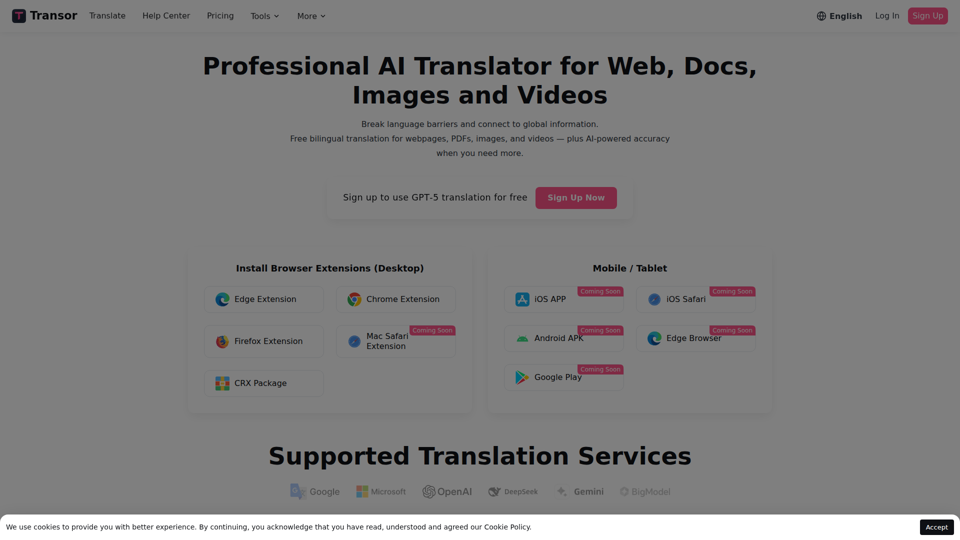
Transor is an AI translator for websites, PDFs, images, videos, and selected text that helps users read and translate multilingual content in real time, mainly for people working with foreign-language information such as researchers, professionals, and multilingual web users. In AI-assisted workflows, its bilingual reading and subtitle features can help knowledge workers review global sources faster while preserving original context.
AI-Writer.com - Ask anything. Get answers backed by science.
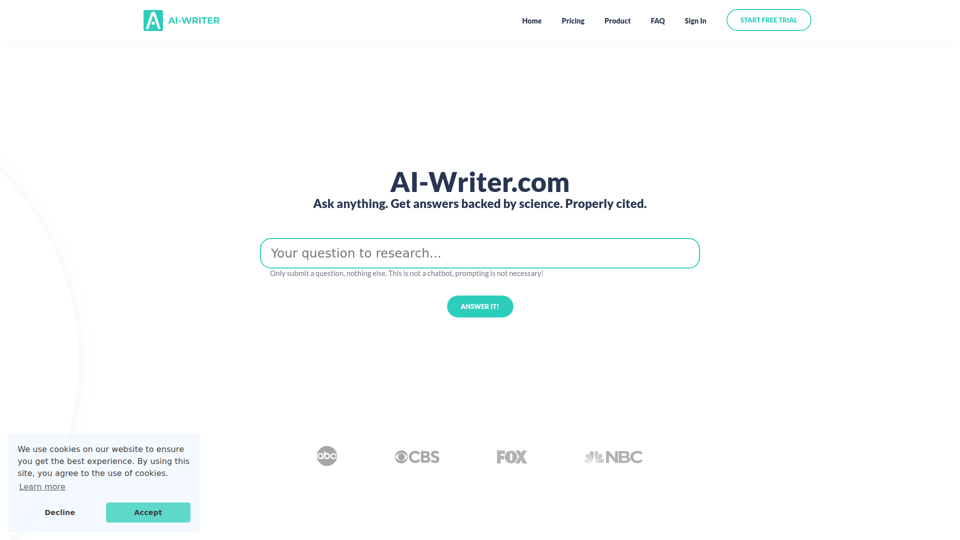
AI-Writer.com is an AI research and writing tool that answers questions using scientific literature with verifiable citations and bibliography support, mainly for academics, researchers, and industry users who need trusted source-backed writing. In AI-assisted research workflows, it can help researchers, analysts, and technical writers work faster while checking claims against exact papers and source paragraphs.
video2docs | video to documentation in minutes
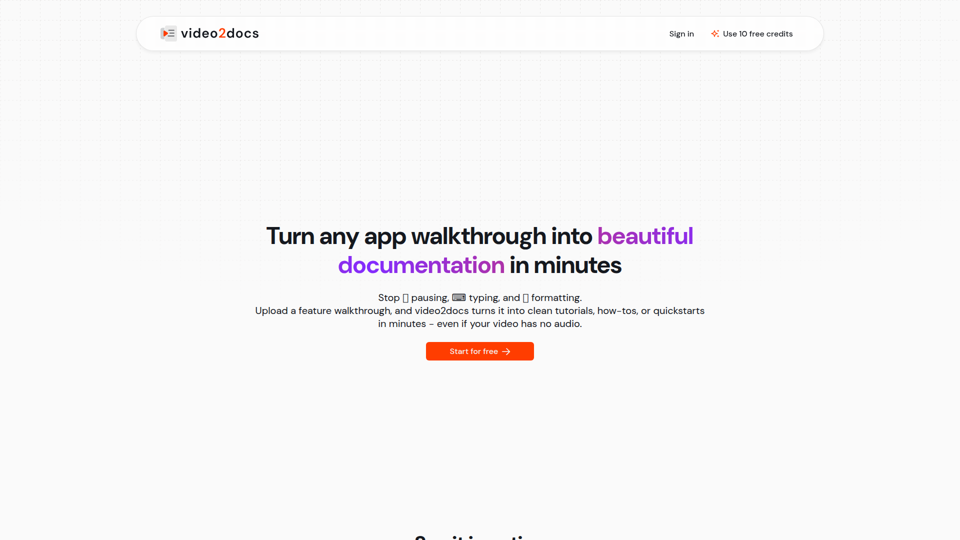
video2docs is an AI documentation tool that turns app walkthrough and screen-recording videos into structured tutorials, how-to guides, and quickstarts, mainly for product teams and software companies that need faster documentation. In AI-assisted workflows, it can help product marketers, technical writers, and customer education teams reduce manual screenshotting and drafting by generating editable docs directly from visual product demos.
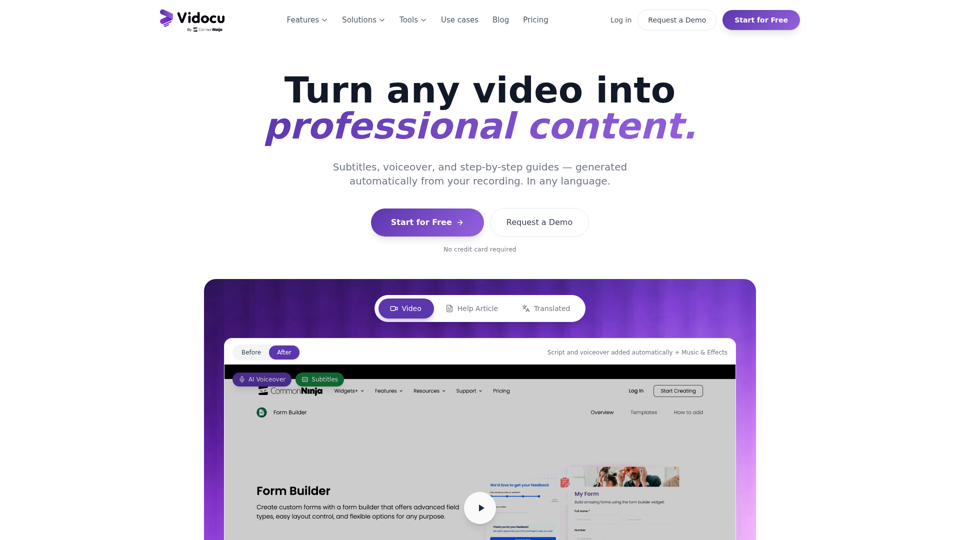
Vidocu - Transform Videos into Tutorials & Documentation with AI
Vidocu is an AI video-to-documentation platform that helps teams turn screen recordings, demos, tutorials, and webinars into subtitles, voiceovers, translated versions, and step-by-step help articles, mainly for support, training, product marketing, and sales enablement workflows. For customer support, training, and content teams, it can reduce manual post-production and make video knowledge easier to publish, localize, and reuse across help centers, blogs, and internal documentation.
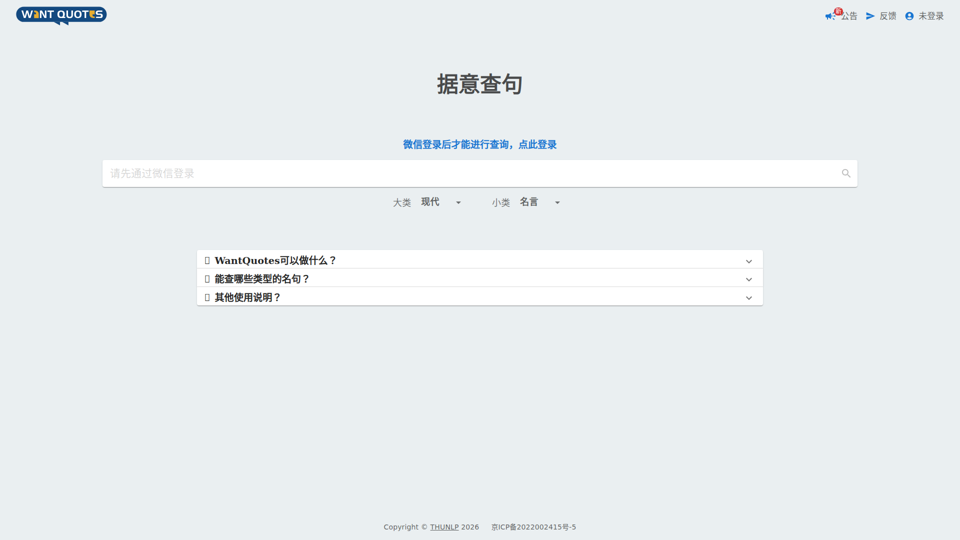
WantQuotes 据意查句
WantQuotes 据意查句 is an AI-powered Chinese quote search tool that helps users find matching sayings, poetry lines, classical passages, proverbs, and idioms by describing their meaning, mainly for Chinese readers, writers, and students. For writers, editors, and educators, it can speed up finding contextually relevant quotations when drafting, teaching, or refining Chinese-language content.
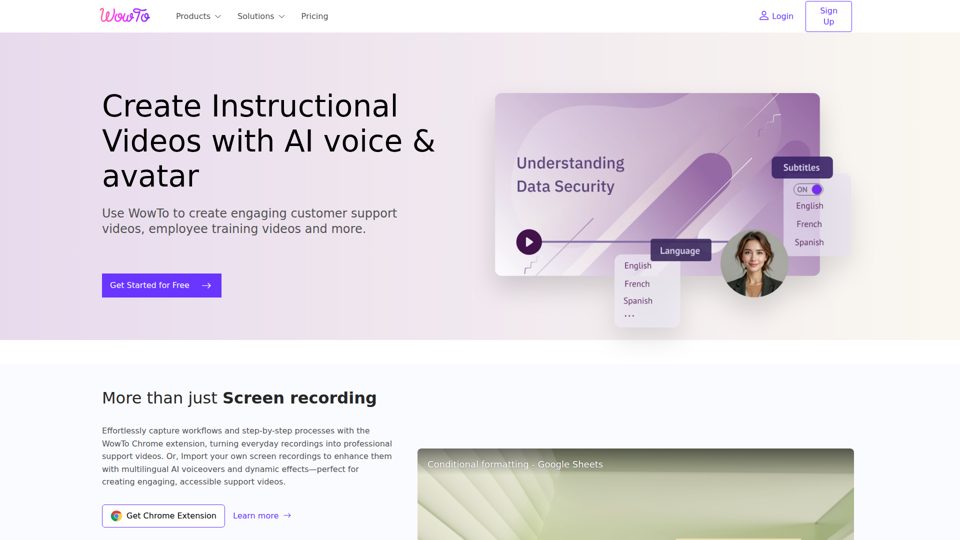
Create support videos with AI | WowTo
WowTo is an AI video creation and hosting platform that helps teams produce step-by-step support, training, and instructional videos, mainly for customer support, training, and education teams. In AI-enabled workflows, it can help support and enablement professionals turn screen recordings, PDFs, and presentations into multilingual video knowledge bases that are easier to update and deliver inside help centers or apps.
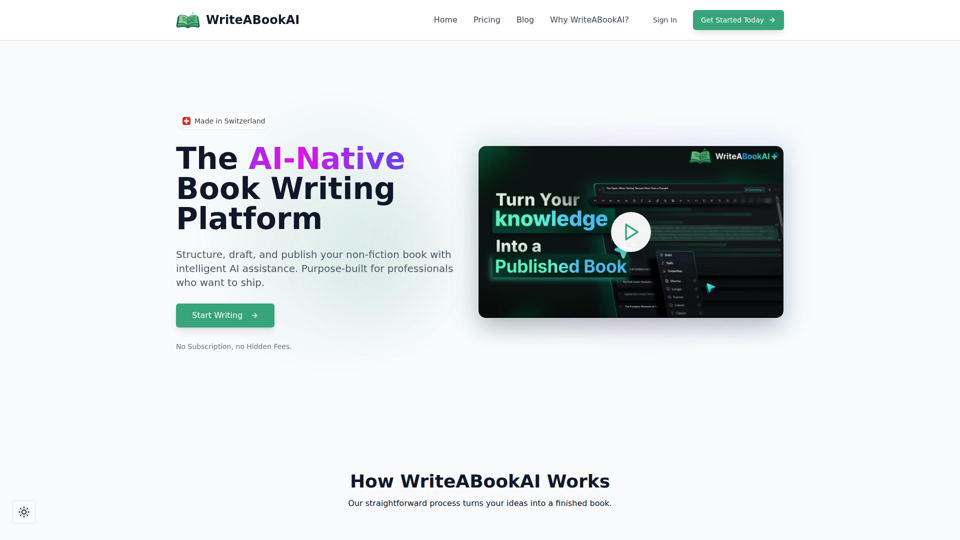
WriteABookAI - The AI-Native Book Writing Platform
WriteABookAI is an AI-native platform for planning, drafting, rewriting, and exporting non-fiction books, built mainly for consultants, executives, researchers, coaches, and other subject-matter experts. For professionals focused on thought leadership, it can speed up turning expertise into publishable book content while keeping the author in control of structure, wording, and final output.