
ChatGPT - Decision Forcing Studio
Rate this Tool
Average Score
Total Votes
Select your score (1-10):
Detail Information
What
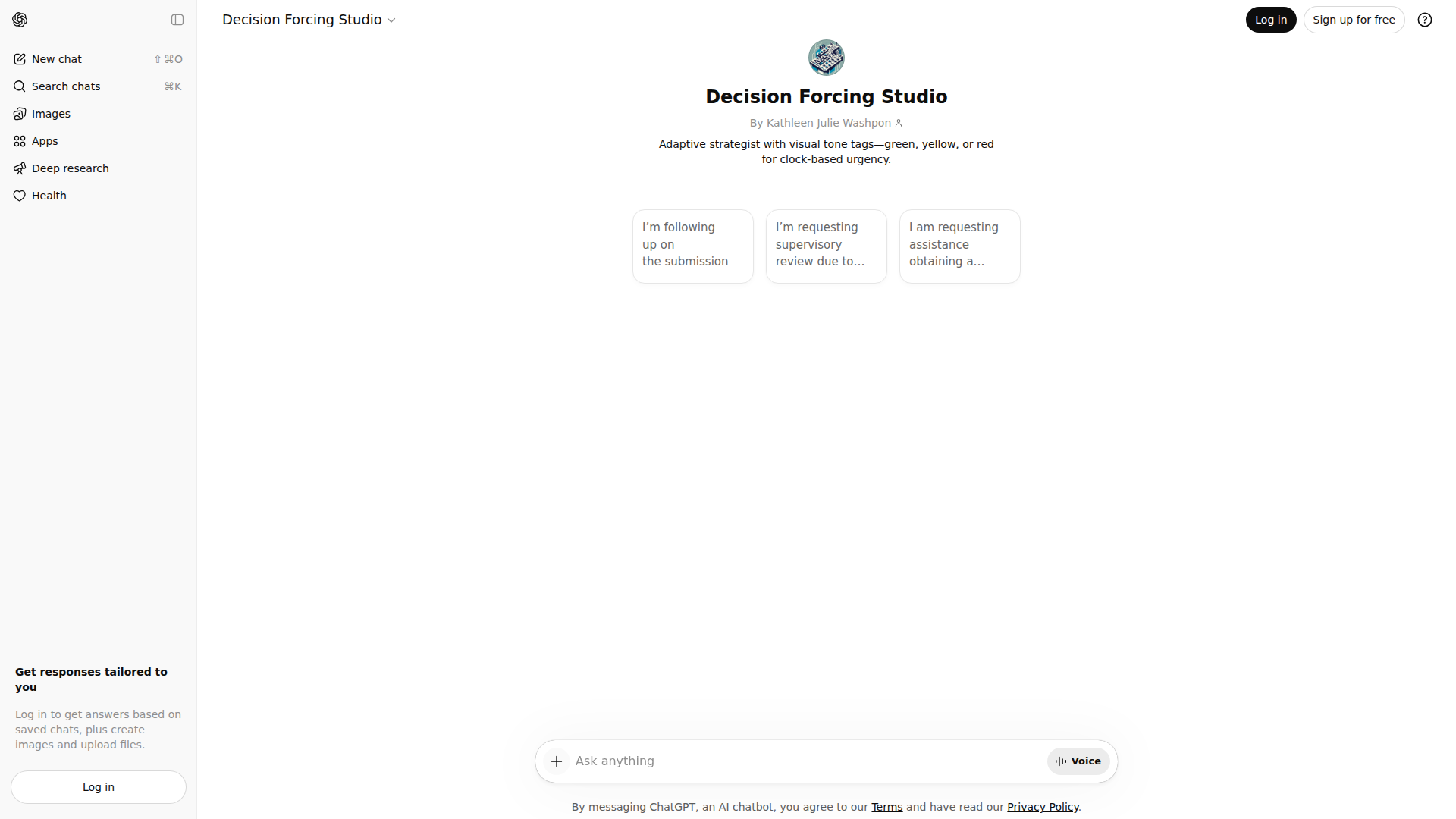
Decision Forcing Studio appears to be a ChatGPT-based assistant created by Kathleen Julie Washpon and described as an adaptive strategist. Based on the page content, it uses visual tone tags such as green, yellow, or red to reflect clock-based urgency and help shape how a message or response should be framed.
The available evidence suggests it is intended for people drafting sensitive, time-aware written communications, such as follow-ups, escalation requests, or supervisory review requests. Its likely positioning is a specialized conversational assistant for decision support and message formulation rather than a standalone software platform with documented enterprise features.
Features
- Adaptive strategic guidance: The assistant is presented as an adaptive strategist, suggesting it helps adjust wording or approach based on the situation described by the user.
- Visual urgency tagging: Green, yellow, and red tone tags provide a simple way to signal clock-based urgency, which can help users calibrate the tone of a message.
- Support for formal written requests: The example prompt indicates usefulness for drafting requests involving follow-up, supervisory review, and written determinations.
- Conversation-based workflow: As a ChatGPT experience, it likely works through back-and-forth prompting, allowing users to refine wording iteratively.
- Focused use case orientation: The page points to a narrow communication and decision-framing use case, which can be valuable for users who need structured help rather than a general chatbot.
Helpful Tips
- Validate scope early: Since the page provides limited product detail, confirm whether it is meant primarily for drafting communications, prioritization, or broader decision support before relying on it operationally.
- Use clear context in prompts: For tools like this, outcomes are usually better when users provide deadlines, stakeholders, desired outcome, and the current status of the matter.
- Treat urgency labels as framing aids: Color-based urgency can help organize tone, but teams should still align on internal standards for what each level means in practice.
- Review for policy and legal accuracy: If used for escalation letters or procedural requests, human review remains important because the source page does not establish legal or regulatory specialization.
- Assess fit against workflow maturity: This type of assistant is likely most useful where staff already handle recurring written escalations and need faster, more consistent drafting support.
OpenClaw Skills
Within the OpenClaw ecosystem, this product could likely support skills focused on drafting, escalation triage, and urgency-aware communication workflows. A likely use case would be an agent that takes a user’s case summary, identifies the urgency level, and produces several versions of a formal message such as a follow-up, supervisory review request, or request for written procedure. The source page does not mention native integrations, so this should be understood as a workflow concept rather than a confirmed capability.
OpenClaw could also extend the assistant into professional operations for public sector, education, healthcare administration, or customer advocacy teams that regularly manage procedural disputes and deadline-sensitive communications. A likely skill set could include intake summarization, tone calibration, template selection, and next-step recommendations, helping professionals move from unstructured case notes to consistent, review-ready correspondence with less manual rewriting.
Embed Code
Share this AI tool on your website or blog by copying and pasting the code below. The embedded widget will automatically update with the latest information.
<iframe src="https://aimyflow.com/ai/chatgpt-com-g-g-6951775631e881919f94cb0a387625de-decision-forcing-studio/embed" width="100%" height="400" frameborder="0"></iframe>
Explore Similar Tools

Poly: The Intelligent Cloud File Browser
Poly is an AI-powered cloud file browser and hosting service that helps users store, search, summarize, organize, and chat about files across many formats, mainly for people managing large media, document, archive, or research collections. In AI-assisted workflows, it can help researchers, creatives, and knowledge workers find specific content inside files faster and turn scattered assets into usable notes, summaries, and references.
Transor – Professional AI Translator for Websites, Documents, Images & Videos
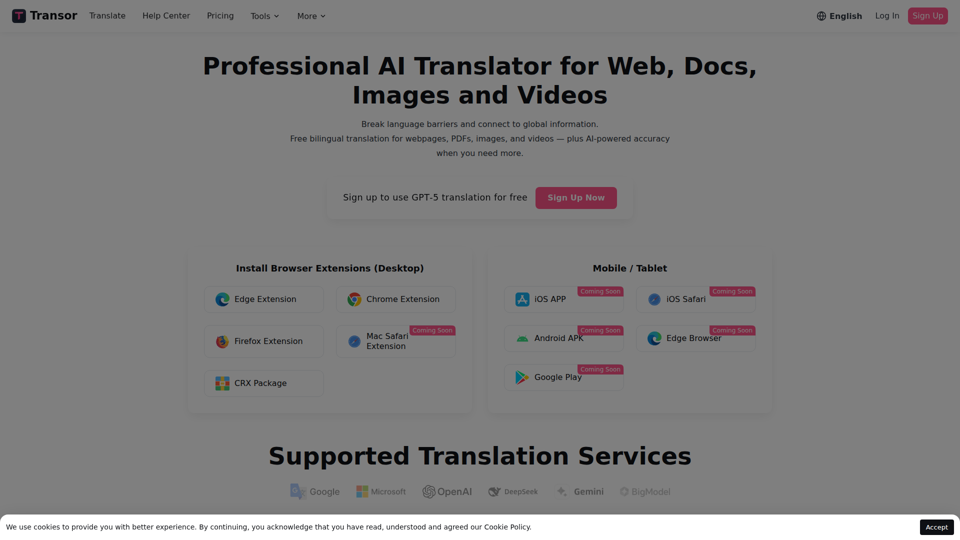
Transor is an AI translator for websites, PDFs, images, videos, and selected text that helps users read and translate multilingual content in real time, mainly for people working with foreign-language information such as researchers, professionals, and multilingual web users. In AI-assisted workflows, its bilingual reading and subtitle features can help knowledge workers review global sources faster while preserving original context.
AI-Writer.com - Ask anything. Get answers backed by science.
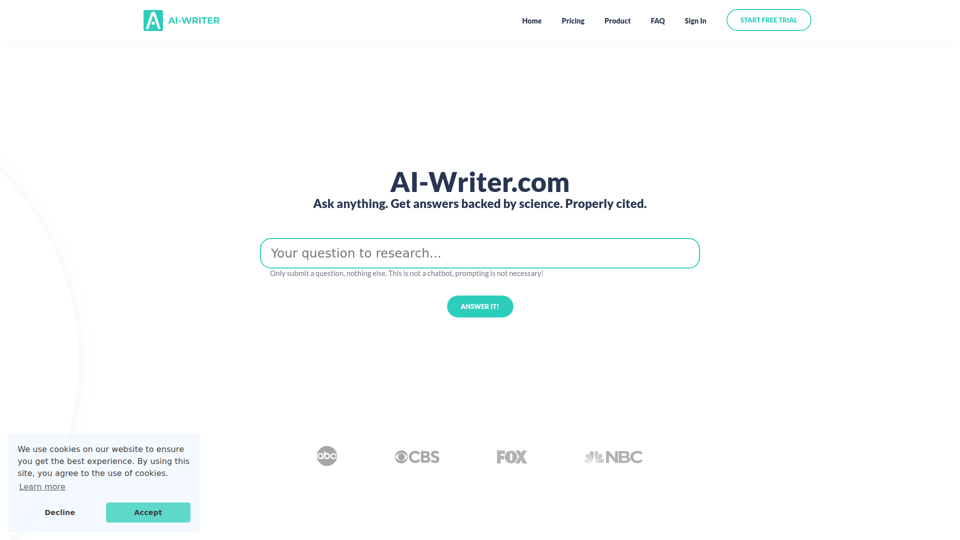
AI-Writer.com is an AI research and writing tool that answers questions using scientific literature with verifiable citations and bibliography support, mainly for academics, researchers, and industry users who need trusted source-backed writing. In AI-assisted research workflows, it can help researchers, analysts, and technical writers work faster while checking claims against exact papers and source paragraphs.
video2docs | video to documentation in minutes
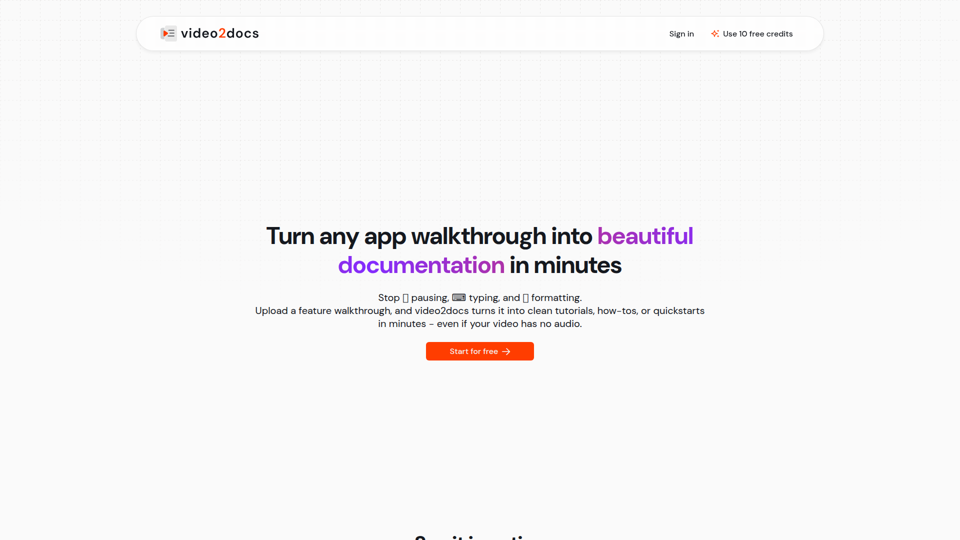
video2docs is an AI documentation tool that turns app walkthrough and screen-recording videos into structured tutorials, how-to guides, and quickstarts, mainly for product teams and software companies that need faster documentation. In AI-assisted workflows, it can help product marketers, technical writers, and customer education teams reduce manual screenshotting and drafting by generating editable docs directly from visual product demos.
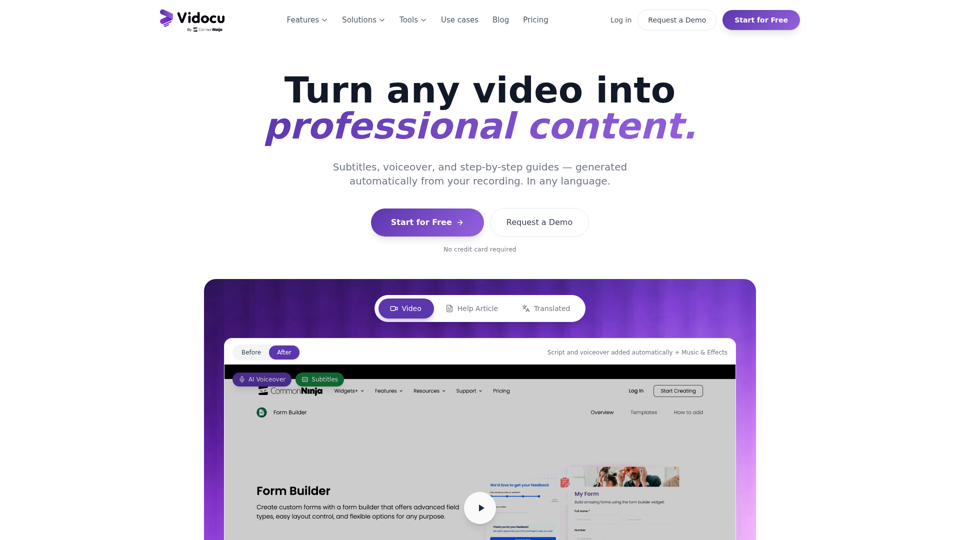
Vidocu - Transform Videos into Tutorials & Documentation with AI
Vidocu is an AI video-to-documentation platform that helps teams turn screen recordings, demos, tutorials, and webinars into subtitles, voiceovers, translated versions, and step-by-step help articles, mainly for support, training, product marketing, and sales enablement workflows. For customer support, training, and content teams, it can reduce manual post-production and make video knowledge easier to publish, localize, and reuse across help centers, blogs, and internal documentation.
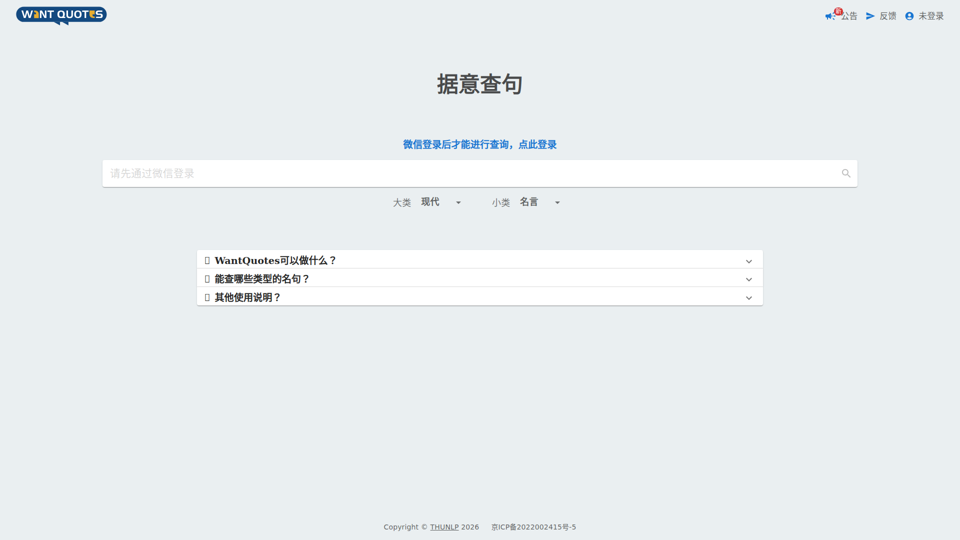
WantQuotes 据意查句
WantQuotes 据意查句 is an AI-powered Chinese quote search tool that helps users find matching sayings, poetry lines, classical passages, proverbs, and idioms by describing their meaning, mainly for Chinese readers, writers, and students. For writers, editors, and educators, it can speed up finding contextually relevant quotations when drafting, teaching, or refining Chinese-language content.
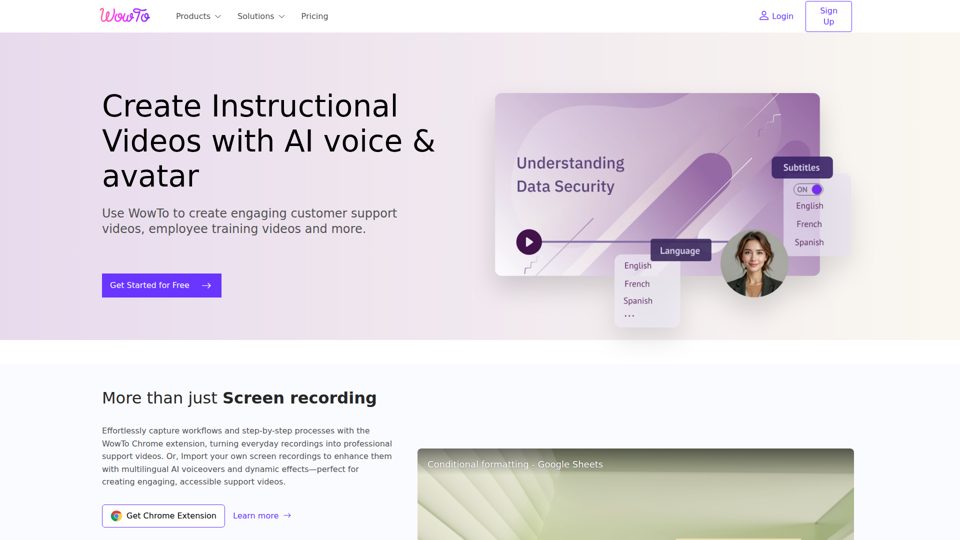
Create support videos with AI | WowTo
WowTo is an AI video creation and hosting platform that helps teams produce step-by-step support, training, and instructional videos, mainly for customer support, training, and education teams. In AI-enabled workflows, it can help support and enablement professionals turn screen recordings, PDFs, and presentations into multilingual video knowledge bases that are easier to update and deliver inside help centers or apps.
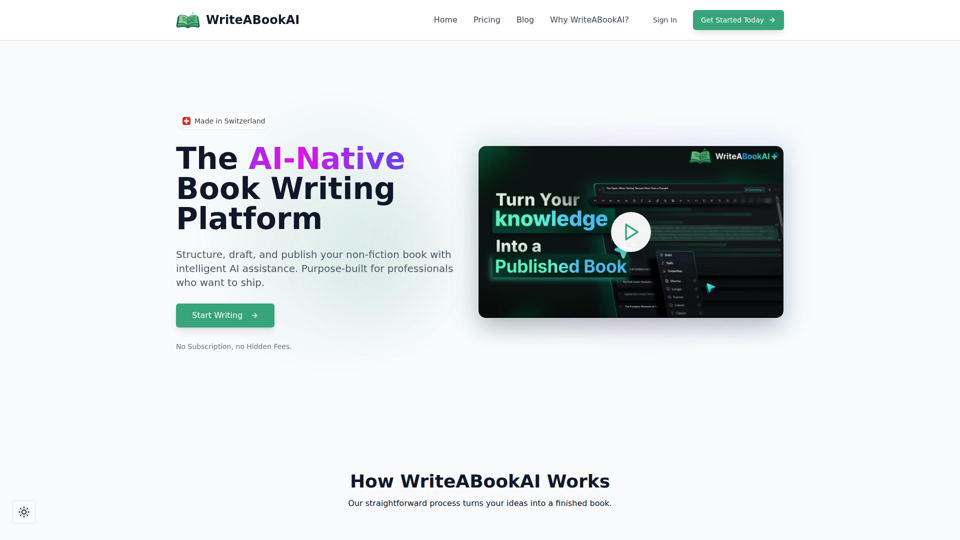
WriteABookAI - The AI-Native Book Writing Platform
WriteABookAI is an AI-native platform for planning, drafting, rewriting, and exporting non-fiction books, built mainly for consultants, executives, researchers, coaches, and other subject-matter experts. For professionals focused on thought leadership, it can speed up turning expertise into publishable book content while keeping the author in control of structure, wording, and final output.