
ChatGPT Atlas
Rate this Tool
Average Score
Total Votes
Select your score (1-10):
Detail Information
What
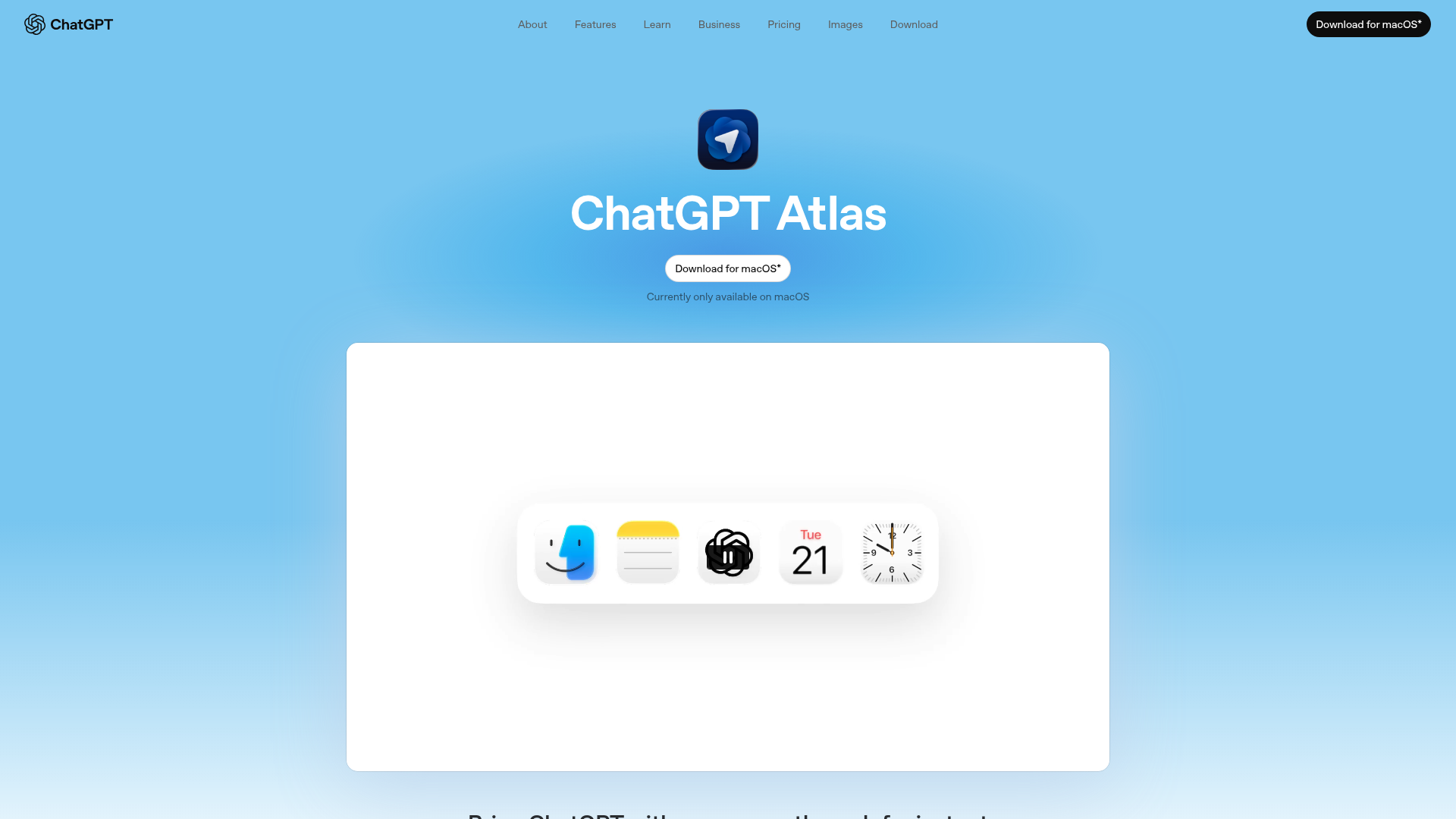
ChatGPT Atlas is a macOS desktop app experience that keeps ChatGPT available across the web. It is designed for people who want on-page help while browsing, including summarizing content, comparing products, analyzing data, and getting assistance inside emails, documents, and calendar invites.
The product appears positioned as a browsing companion and task assistant rather than a standalone browser replacement, though the page emphasizes web navigation features such as tabs, bookmarks, autocomplete, and search. Its core workflow is to let users open a ChatGPT sidebar in the context of whatever site or content they are viewing, with user-controlled privacy settings and optional memory.
Features
- Sidebar assistance across the web: Opens a ChatGPT sidebar in any window so users can summarize pages, compare options, or analyze information without leaving the current context.
- Contextual help from highlighted text: Lets users highlight text in emails, docs, or calendar invites and get chat-based assistance in one click.
- User-controlled memory: Allows users to choose what ChatGPT remembers so prior context can be reused when relevant.
- Agent mode for task completion: In preview, ChatGPT can interact with websites on the user’s behalf for multi-step tasks such as trip research and shopping, while remaining under user control.
- Privacy and visibility controls: Users can decide which sites ChatGPT can access, clear browsing history, use incognito, and manage browser memories.
- Built-in browsing and search tools: Supports text, image, video, and news search, along with tabs, autocomplete, a search bar, bookmarks, and customizable preferences.
Helpful Tips
- Clarify whether you need assistance or automation: The page describes both chat help and agent mode, so buyers should distinguish between lightweight on-page support and delegated multi-step actions.
- Review privacy settings early: Since the product can access web context and optionally remember information, setup should include site permissions, memory preferences, and browsing-history practices.
- Confirm platform fit: The page states the app is currently only available on macOS, which is an important deployment constraint for teams.
- Treat agent mode as evolving functionality: Because agent mode is labeled preview and limited to Plus, Pro, and Business accounts, teams should validate reliability for critical workflows before broad adoption.
- Map usage to high-context web tasks: The strongest described use cases are research, comparison, summarization, and in-flow writing or analysis support while browsing.
OpenClaw Skills
Within the OpenClaw ecosystem, ChatGPT Atlas would likely fit best as a front-end work surface for web-aware research and execution skills. Likely use cases include agents that turn highlighted page content into structured briefs, compare vendors or products across multiple tabs, extract action items from web pages and emails, or assemble decision support notes from mixed web sources. The source page does not mention native OpenClaw integration, so this should be treated as a workflow inference rather than a confirmed capability.
Combined with OpenClaw-style skills and orchestration, the product could likely support roles such as product managers, analysts, sales researchers, and operations teams who work heavily in the browser. A practical workflow might involve Atlas handling contextual interaction on live pages while OpenClaw agents classify findings, route tasks, maintain reusable playbooks, and trigger downstream actions. That combination could reduce switching between research, analysis, and execution systems, especially in browser-centered knowledge work.
Embed Code
Share this AI tool on your website or blog by copying and pasting the code below. The embedded widget will automatically update with the latest information.
<iframe src="https://aimyflow.com/ai/chatgpt-com-atlas/embed" width="100%" height="400" frameborder="0"></iframe>
Explore Similar Tools
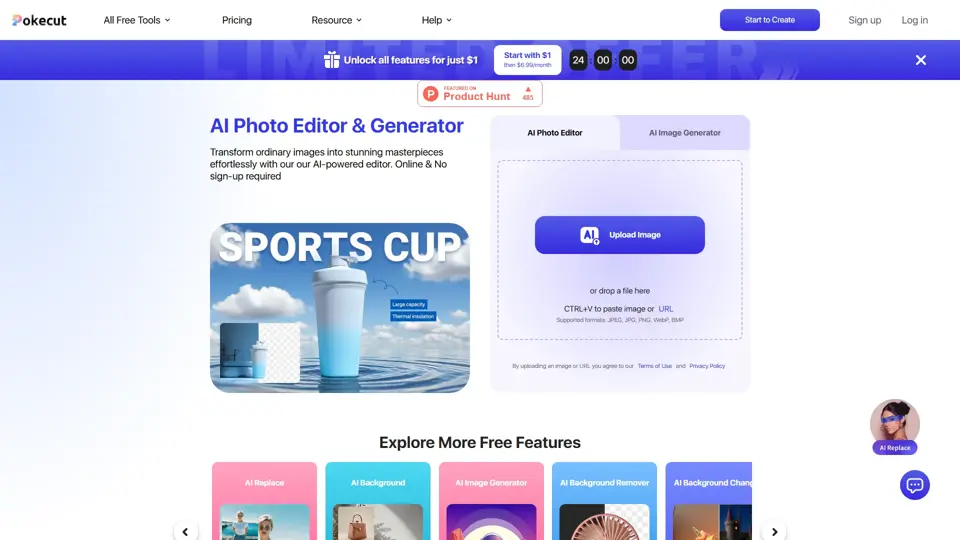
Free AI Photo Editor: Edit & Generate Image Online | Pokecut
Pokecut is an AI photo editor that helps users remove backgrounds, enhance images, and generate visuals online, mainly for ecommerce sellers, marketers, and creators who need quick design-ready assets. It speeds up routine image production so visual teams can create polished content with less manual editing.
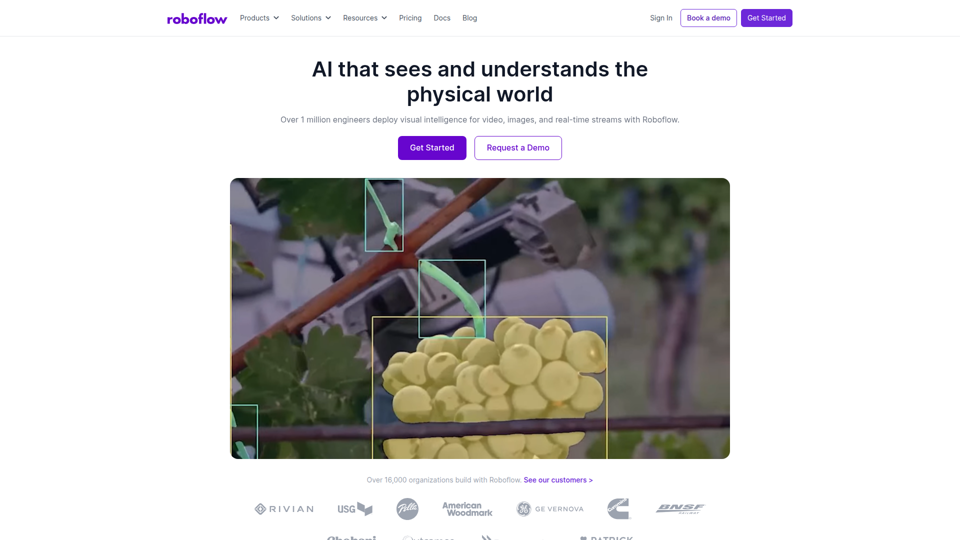
Roboflow: Computer vision tools for developers and enterprises
Roboflow is a computer vision platform that helps developers, machine learning engineers, and enterprises annotate data, train models, build workflows, and deploy vision AI for images, video, and real-time streams. In AI-driven operations, it can help computer vision and ML teams move faster from prototype to production by combining data labeling, model training, and deployment in one workflow.

Seedance 2.0
Seedance 2.0 is ByteDance's AI video generation model designed to create high-quality videos from prompts and multimodal inputs, mainly for creators, developers, and media teams. In the AI era, it helps visual content roles turn ideas into production-ready motion assets with far less manual editing effort.
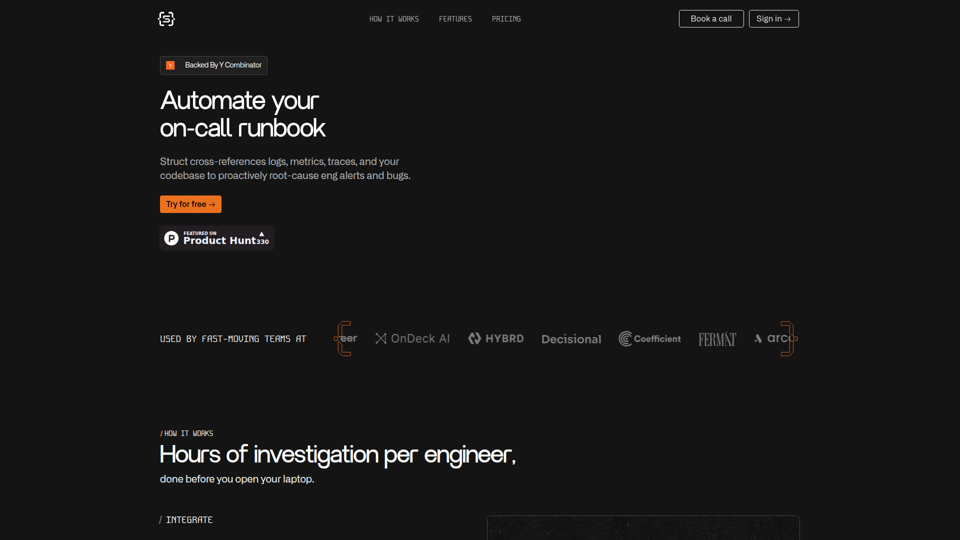
Struct | Automate your on-call runbook
Struct is an AI on-call agent that investigates engineering alerts and bugs by analyzing logs, metrics, traces, and codebases, mainly for software engineers and SRE teams. In the AI era, it helps incident responders shorten triage time by delivering root-cause findings and suggested fixes directly in workflows.
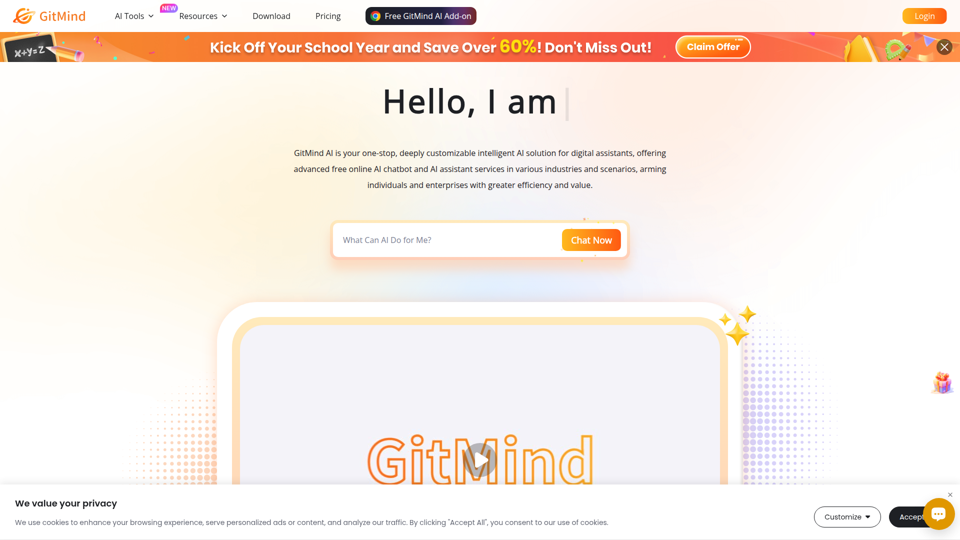
GitMind Chat - Your Best AI Assistant
GitMind Chat is an AI assistant and chatbot platform that helps individuals and enterprises handle conversations, analysis, writing, coding, translation, customer service, and custom AI agent creation through prebuilt or configurable assistants. For roles such as marketers, analysts, support teams, educators, and developers, it can streamline repetitive knowledge work by combining chat, file and link inputs, image analysis, and contextual responses in one workflow.
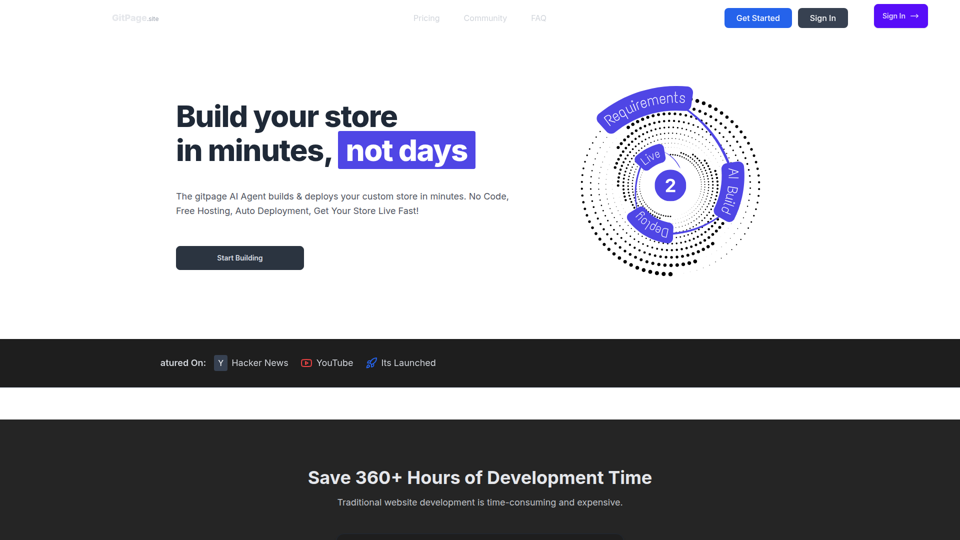
GitPage AI Website Builder | GitPage
GitPage is an AI website builder that generates and deploys websites, online stores, and landing pages from a form, mainly for freelancers, agencies, startups, and businesses that want no-code site creation with code ownership. For web professionals and client-service teams, it can reduce manual setup and content drafting by automating page generation, blog content, and deployment to GitHub or GitLab Pages.

Rohan Mehta
Rohan Mehta is a personal website for a New York–based software engineer at OpenAI, outlining his background at Meta and as a YC-backed startup founder, and highlighting his creator role behind the Subway Time NYC transit app. For software engineers and technical hiring teams, this kind of concise profile helps AI-era talent evaluation by quickly surfacing relevant build, scale, and product experience.
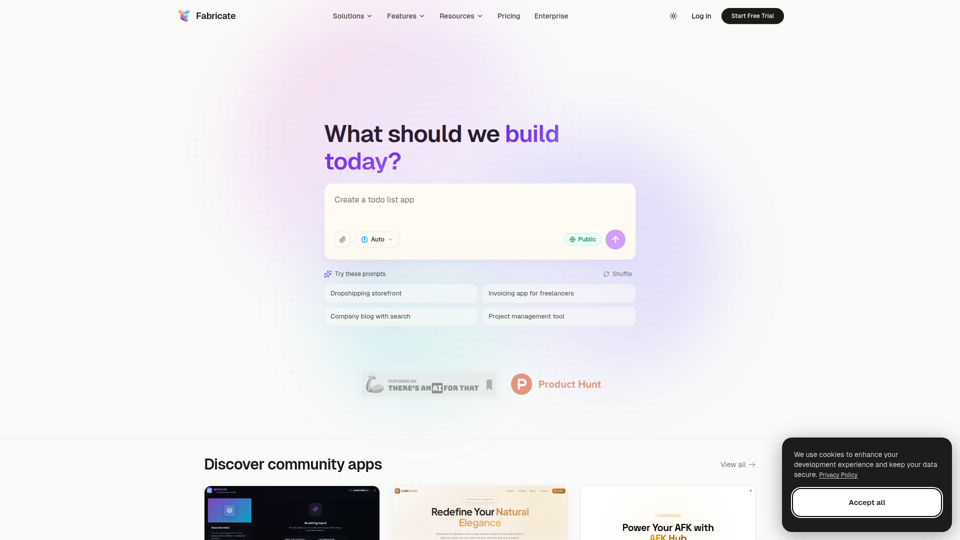
Fabricate - AI Full-Stack App Builder | Build Anything, Ship Faster
Fabricate is an AI full-stack app builder that helps users describe an app idea and generate production-ready web applications, mainly for founders, developers, designers, freelancers, agencies, and enterprises. In AI-assisted product development, it can help these teams move faster from concept to deployable React, TypeScript, and backend code with less manual setup.