
jo — Your AI. Your Machine. 10x Faster. | AI Assistant for Mac, Telegram, WhatsApp

Rate this Tool
Average Score
Total Votes
Select your score (1-10):
Detail Information
What
jo is a personal AI assistant that runs in a hybrid setup: part on the user’s Mac and part on a dedicated cloud machine assigned to that user. It is available across macOS, Telegram, and WhatsApp, and is designed to work with a person’s own notes, photos, email, calendar, messages, and files while keeping some personal data processing local to the Mac.
The product appears aimed at individual knowledge workers and consumers who want an assistant that can use personal context across everyday workflows such as meeting prep, travel planning, memory retrieval, and message catch-up. Its positioning is closer to a privacy-oriented, context-aware personal assistant than to a general-purpose chatbot or developer tool.
Features
- Hybrid local-plus-dedicated-cloud architecture — jo splits work between a local Mac and a user-specific cloud machine, which supports persistent context while avoiding a fully shared cloud setup.
- Cross-channel assistant experience — the same assistant memory and context are available on macOS, Telegram, and WhatsApp, making it usable from desktop and messaging apps.
- Personal data indexing and retrieval — it can index and search content from apps such as Notes, Photos, Mail, Calendar, Messages, Reminders, Finder, Safari, Chrome, and Slack, plus Google Calendar, Gmail, and Google Drive with permission.
- Local voice interaction — speech transcription runs locally on the Mac, with echo cancellation intended to support hands-free use without headphones.
- Automated task routing across models — jo can route simple requests to faster responses and send more complex research tasks to a reasoning model, while letting users choose among OpenAI, Anthropic, Grok, Kimi, and a local model.
- Background proactive workflows — users can set recurring briefings or tasks that continue running on the dedicated machine and deliver results to their preferred channel.
Helpful Tips
- Check the real privacy boundary carefully — the site distinguishes between data that stays on the Mac and tasks that run on the dedicated cloud machine, so buyers should map which content types are processed locally versus remotely.
- Validate app coverage against your workflow — the product lists several local and Google-connected sources, but organizations or users with heavy dependence on other systems should confirm whether the needed data sources are available.
- Test retrieval quality on your own archive — for assistants like this, value depends heavily on how well they surface relevant notes, emails, photos, and messages from messy personal data.
- Consider the Mac hardware requirement early — the site specifies an M-series Mac with 16GB RAM, which may affect rollout for households or teams with mixed device fleets.
- Use recurring briefings selectively — proactive automations can be useful, but they work best when tied to clear recurring scenarios such as trips, meetings, or message summaries.
Embed Code
Share this AI tool on your website or blog by copying and pasting the code below. The embedded widget will automatically update with the latest information.
<iframe src="https://aimyflow.com/ai/askjo-ai/embed" width="100%" height="400" frameborder="0"></iframe>
Explore Similar Tools
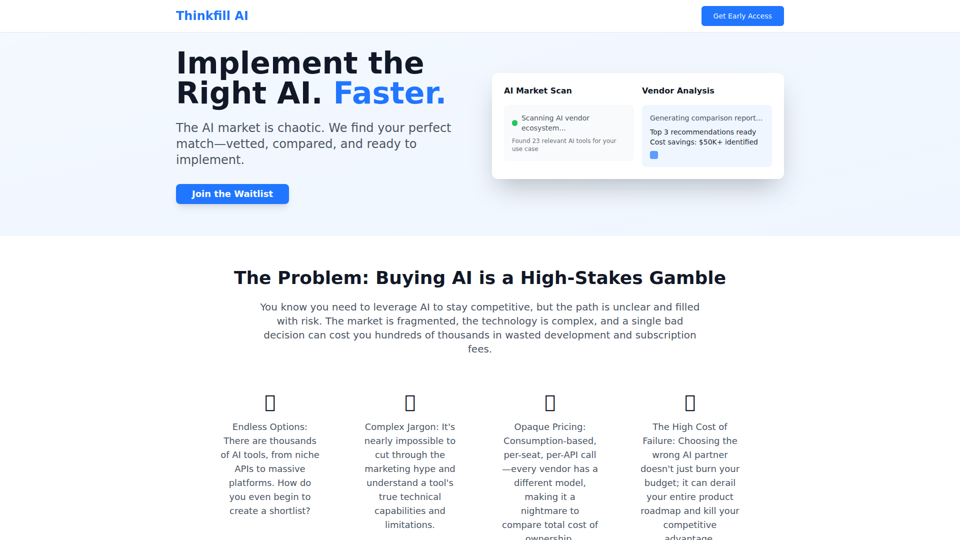
Thinkfill AI - Find Your Perfect AI Vendor
Cut through the AI chaos. We find, vet, and compare the best AI vendors for your exact needs. Get your Top 3 vetted recommendations in 10 days.
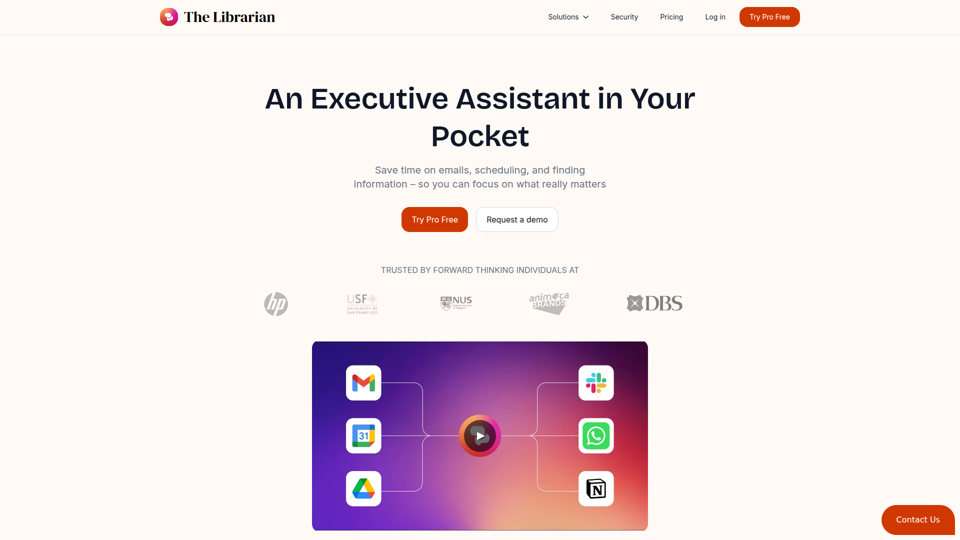
The Librarian - Supercharge your day with your own AI personal assistant
The Librarian is an AI personal assistant for busy Google Workspace professionals, helping them draft and summarize emails, manage calendars, and find documents across tools like Gmail, Google Calendar, and Drive. For executives, founders, and other time-constrained knowledge workers, it can reduce routine coordination and information retrieval work so they can focus more on decisions and priorities.
Wordware
Wordware is an AI context lab whose main product, Sauna, is an intelligent workspace and AI assistant that helps users reclaim deep work by handling busywork, learning their preferences, spotting patterns, and anticipating next steps, aimed mainly at knowledge workers. In AI-driven workflows, tools like Sauna can help professionals such as operators, founders, designers, and engineers preserve context across tasks so they can make faster, more informed decisions.
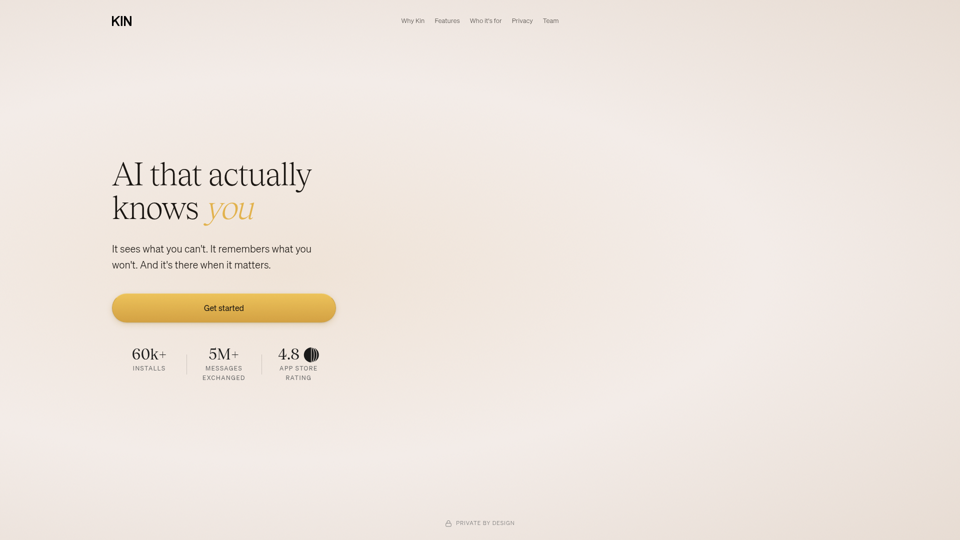
AI that actually knows you
Kin is a privacy-focused personal AI assistant and reflective coaching app that remembers context across conversations to help users think clearly, navigate decisions, and organize their lives, especially leaders, founders, parents, athletes, and neurodivergent people. In AI-enabled knowledge work, its persistent memory and guided reflection can help decision-makers and other high-responsibility professionals spot patterns, reduce mental overload, and make more informed choices over time.
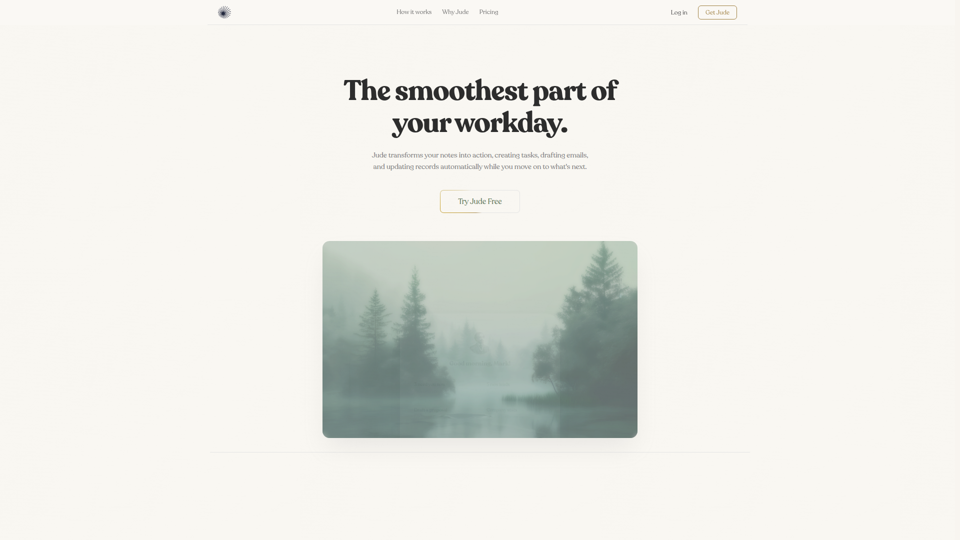
Jude | Your First Employee — AI That Runs Your Business
Jude is an AI business assistant that helps small businesses, freelancers, and solo entrepreneurs manage clients, emails, tickets, calendars, projects, and automations from one platform. For owners, operators, and client-facing teams, it can reduce admin work by turning notes and requests into tasks, drafted emails, and updated records across connected tools.
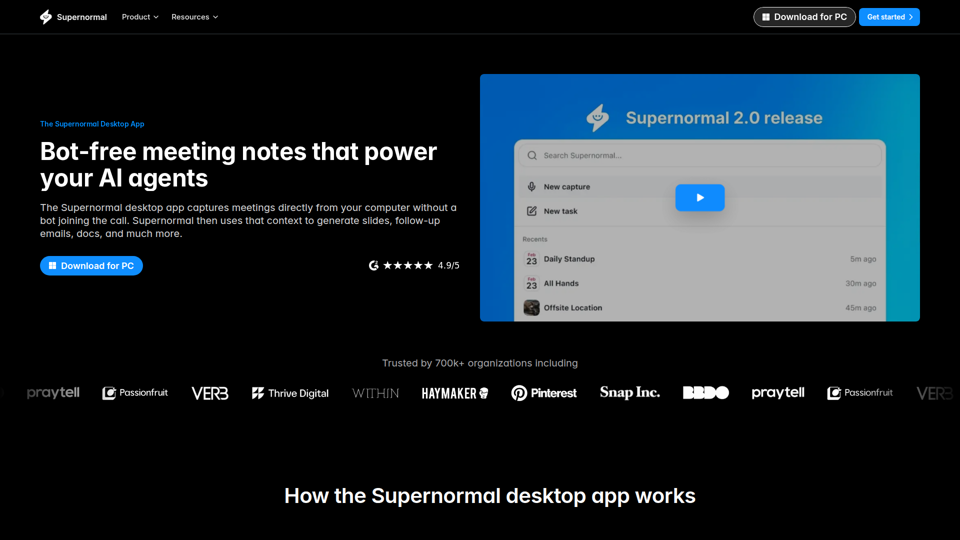
Supernormal Desktop App: AI assistant that turns meetings into work
Supernormal Desktop App is an AI meeting assistant that captures computer audio without a bot, transcribes conversations, and turns meeting context into summaries, follow-up emails, documents, slides, and other drafts for professionals who spend much of their time in meetings. For managers, client-facing teams, and operations roles, it can reduce post-meeting admin by converting discussion points into ready-to-use work outputs faster.
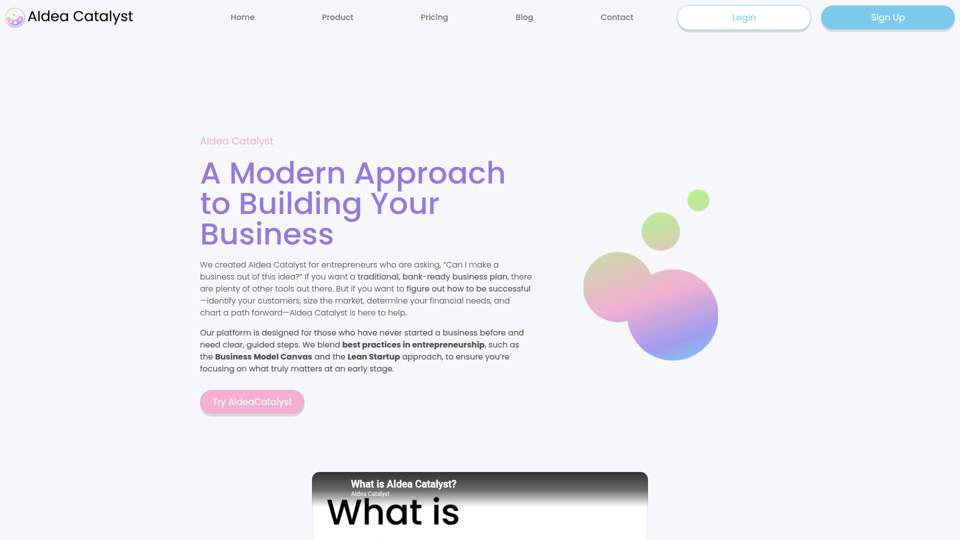
AIdea Catalyst - TAAFT
AIdea Catalyst is an AI-powered startup planning platform that helps entrepreneurs, especially first-time founders, validate ideas, analyze customers and markets, model finances, and build launch plans using guided, iterative workflows. For founders and small startup teams, this AI-assisted approach can speed early-stage decision-making by turning assumptions into testable plans instead of static business documents.

Vellum
Vellum is a desktop personal AI assistant for macOS and iOS that connects to your apps, understands your context, and helps individuals manage email, scheduling, web tasks, coding, and other actions from a single conversation. For knowledge workers, founders, and developers, it can reduce repetitive app-switching and administrative work while keeping human approval in the loop for external actions.